Customer Ratings & Reviews
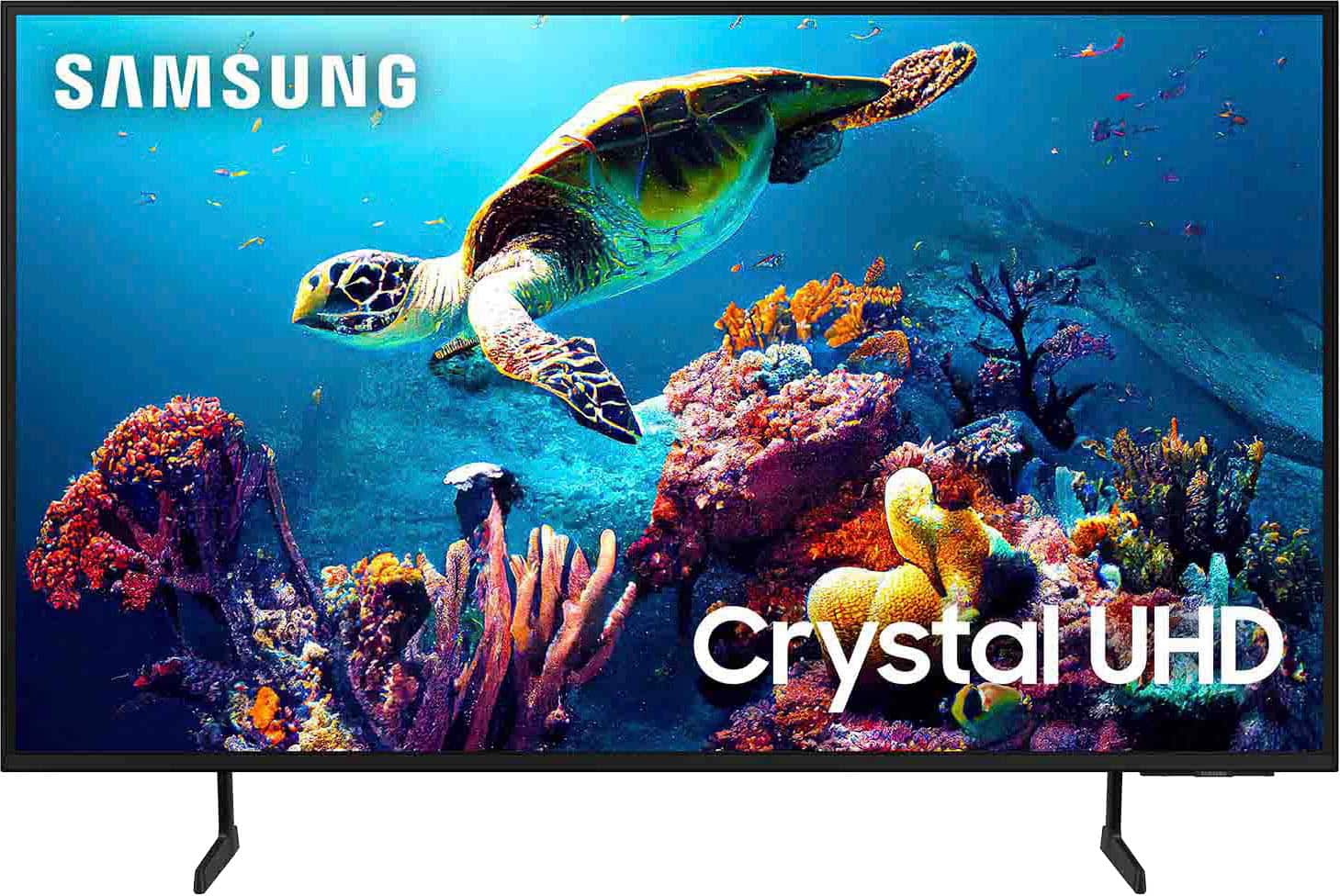

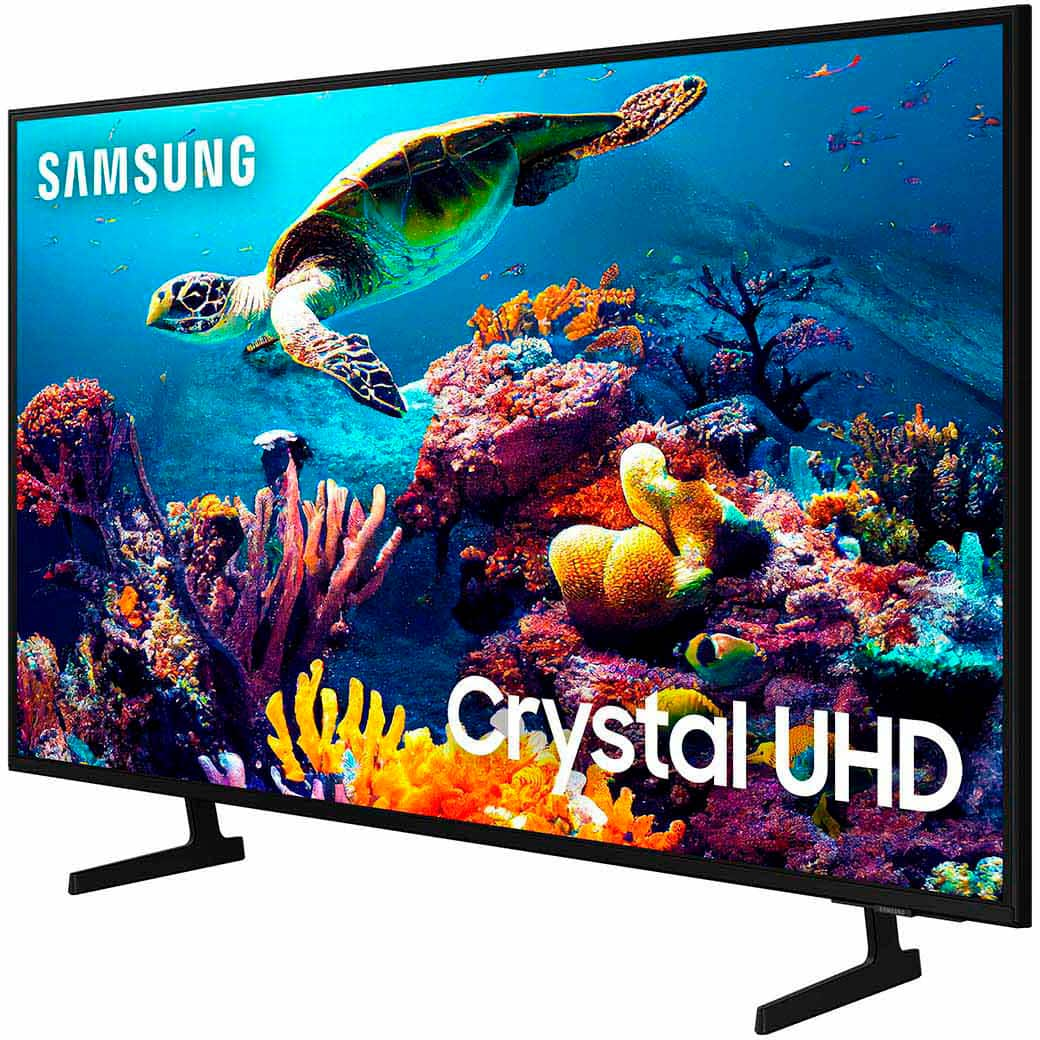
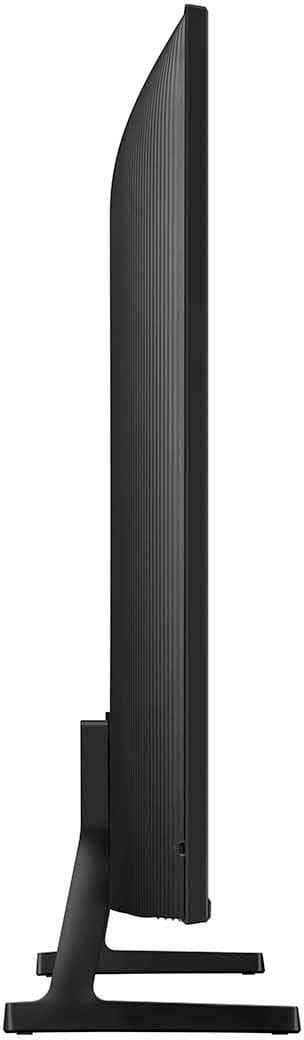

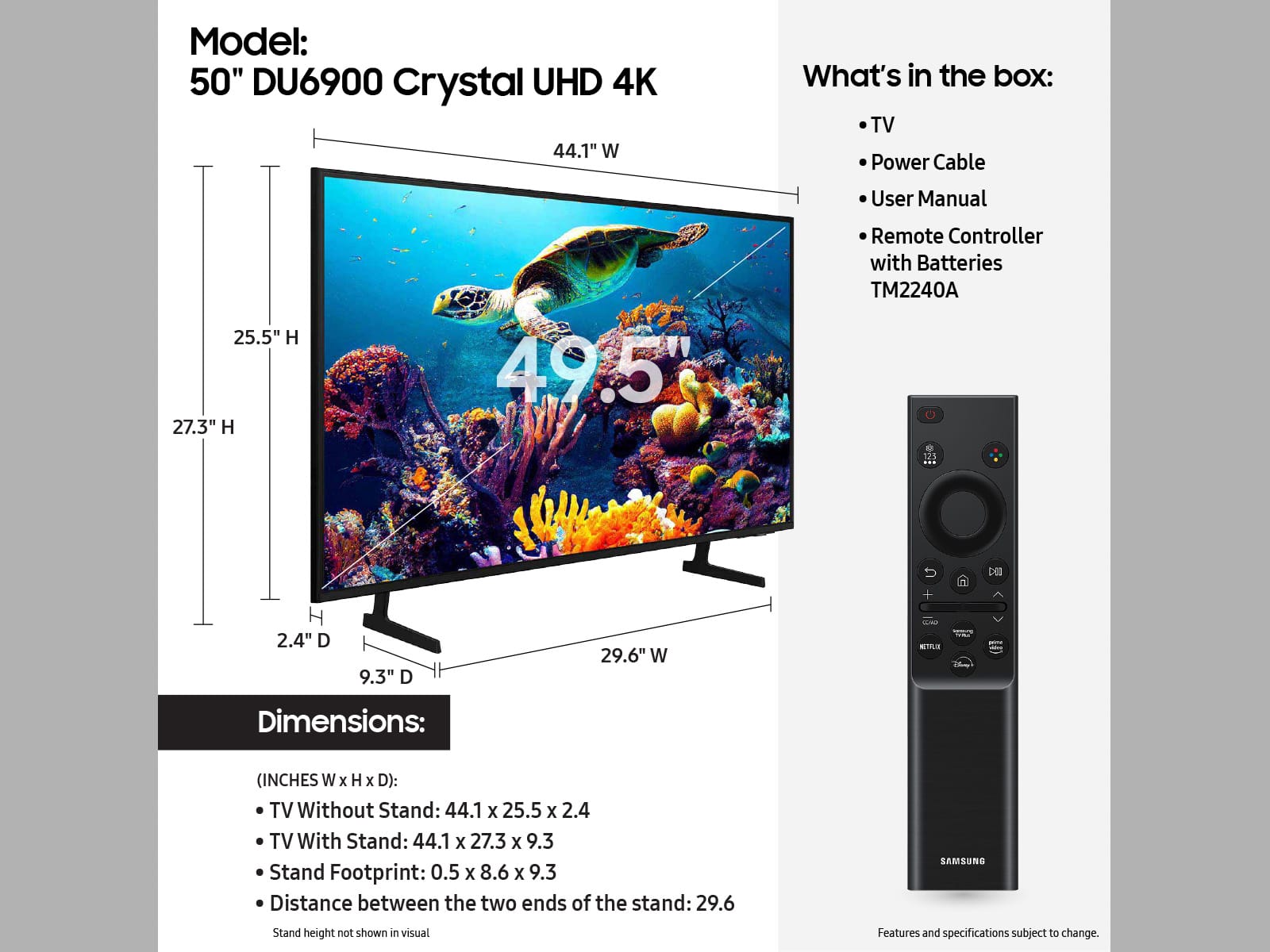







- Model:
- UN50DU6900FXZA
- SKU:
- 10187636
Rating by feature
- Picture Quality
Rating 4.8 out of 5 stars
- Sound Quality
Rating 4.6 out of 5 stars
- Brightness
Rating 4.8 out of 5 stars
Just what was needed!
||Posted . Owned for 3 weeks when reviewed.This reviewer received promo considerations or sweepstakes entry for writing a review.Just what i needed. Use this TV for a surveillance system. Shows video from a camera outside the secure area.
I would recommend this to a friendGood customer service
||Posted . Owned for 1 month when reviewed.This reviewer received promo considerations or sweepstakes entry for writing a review.Great tv. The person who installed was professional and respectful
I would recommend this to a friendTv smart
||Posted .This reviewer received promo considerations or sweepstakes entry for writing a review.Smoth and clearer pictures. Reasonable price for the tv.
I would recommend this to a friendGreat job
||Posted . Owned for 1 month when reviewed.This reviewer received promo considerations or sweepstakes entry for writing a review.I have purchased a sony tv lg dryer and the 50" samsung tv every thing went great deliver men where great Thank you
I would recommend this to a friendMike
||Posted . Owned for 3 months when reviewed.This reviewer received promo considerations or sweepstakes entry for writing a review.These two Samsung units were purchased for display purposes, and worked very nicely.
I would recommend this to a friendGood value for the money.
||Posted . Owned for 3 weeks when reviewed.This reviewer received promo considerations or sweepstakes entry for writing a review.For the price this is a good TV. The smart TV Interface is a bit clunky though. I was surprised that the look and feel was completely different from my other Samsung QLED TV'S.
I would recommend this to a friendSharing My Happiness
||Posted . Owned for 3 weeks when reviewed.This reviewer received promo considerations or sweepstakes entry for writing a review.Easy to order, free delivery and awesome TV! It doesn't get any better than that. Thank you!!!
I would recommend this to a friendMid size tv
||Posted . Owned for 1 week when reviewed.This reviewer received promo considerations or sweepstakes entry for writing a review.Samsung has really up the game with this mid level size tv packed with features at this price range
I would recommend this to a friendAwesome TV
||Posted . Owned for 1 month when reviewed.This reviewer received promo considerations or sweepstakes entry for writing a review.Great TV! This TV is perfect for any room. It’s the perfect size - not too big, not to little.
I would recommend this to a friendTV makes a popping noise
||Posted . Owned for 1 month when reviewed.This reviewer received promo considerations or sweepstakes entry for writing a review.This tv has decent picture and sound, but it has a problem staying connected to the internet. In addition, there’s a popping noise while it’s on that continues for quite some time after it’s been turned off. It’s in a guest room, so I didn’t notice the problem right away. I’m afraid there’s an electrical issue that needs to be addressed. Not sure what I expected from a really cheap tv, but a potential fire hazard wasn’t my first thought.
No, I would not recommend this to a friendBrand response from Samsung
Posted .CoryInAustin,
We appreciate your feedback on the Samsung DU6900 TV. I'm sorry to hear you are experiencing issues with your Wi-Fi disconnecting from the TV.
First, let's ensure you are running the latest Firmware. Go to Settings> Support> Software Update. To ensure you do not miss any Firmware Updates, I recommend enabling Auto Updates. Go to Settings> Support> Software Update> then select Auto Update.
Next, let's try running a cold boot on your TV. To do so, hold down the Power button on the Samsung TV remote until the TV turns off and then on again. This should take about 5 seconds.
If you are hearing a loud static noise, it could be caused by electrical feedback. I recommend the following:
1. Arranging the cables and making sure the TV has good ventilation will keep it quiet.
2. Check the cables. Make sure all cables are connected firmly to the proper, color-coded inputs on the TV and on the external devices.
3. Replace the audio connection cable.
Replace the audio connection cable, even if it is an HDMI or RF coaxial cable. Then test again to see if the issue still occurs.
4. Try connecting a different external device to the same input on the TV.
Connect a different device to the same input on the TV using the same connection cables.
For example, if a cable box is connected using the component connections, try connecting a DVD player to the same input with the same cables.
If there is no buzzing, crackling, or humming with the second external device connected, the original device (the cable box in this example) is the source of the noise.
I hope these tips help you enjoy your new product. You can contact us for further help at 1-800-SAMSUNG, 8 AM - 12 AM EST, seven days a week. Our LiveChat agents are also available by clicking on the ‘Support’ link on our website.
~ Samsung Pro
Great budget 4k TV
||Posted . Owned for 3 months when reviewed.This reviewer received promo considerations or sweepstakes entry for writing a review.Fits the living room perfectly, does exactly what we need a tv to do.
I would recommend this to a friendsamsung 50 in. tv
||Posted . Owned for 1 month when reviewed.This reviewer received promo considerations or sweepstakes entry for writing a review.My first purchase of that large a tv. Great viewing so far, well worth the price paid.
I would recommend this to a friendSamsung tv
||Posted . Owned for 1 month when reviewed.This reviewer received promo considerations or sweepstakes entry for writing a review.Customer service was quick and efficient, I love my Samsung Tv, would buy again next time a larger screen
I would recommend this to a friendSamsung
||Posted . Owned for 3 weeks when reviewed.This reviewer received promo considerations or sweepstakes entry for writing a review.Only thing I don’t like about this tv is the remote, it’s very tiny and doesn’t have any numbers on it like my other Samsung tv remotes
No, I would not recommend this to a friendBrand response from Samsung
Posted .Hi Stormie,
We appreciate your feedback on the Samsung DU6900 TV. Samsung remotes are designed to be convenient and useful, but we understand if you’d prefer to use a third-party remote, whether it’s a universal remote, a game controller, or something else! Whether you are replacing a lost remote or using an alternative remote to help reduce clutter, a third-party remote is a great option to use to control your Samsung TV.
You can learn how to use your Samsung Remote by going to Home> (left directional button) Settings> Support> Remote Control Guide.
If you ever have questions or need help, Samsung is here for you! Give us a call at 1-800-SAMSUNG, 8 AM - 12 AM EST, seven days a week. Our LiveChat agents are also available by clicking on the ‘Support’ link on our website.
~Samsung Advisor
Awesome Fast TV
||Posted . Owned for 1 month when reviewed.This reviewer received promo considerations or sweepstakes entry for writing a review.Has new Samsung software which is incredible. Wish the older slow Samsung products could be updated to new software.
I would recommend this to a friendGood TV
||Posted . Owned for 3 weeks when reviewed.This reviewer received promo considerations or sweepstakes entry for writing a review.Love this product!! I can actually play my game without having my console plugged in!!!
I would recommend this to a friendSamsung TV
||Posted . Owned for 4 months when reviewed.This reviewer received promo considerations or sweepstakes entry for writing a review.Good experience with Samsung 50-inch UHD 4K SMART TIZEN
I would recommend this to a friendGreat quality
||Posted . Owned for 3 months when reviewed.This reviewer received promo considerations or sweepstakes entry for writing a review.Great quality, I love it, the best purchase that I’ve ever made
I would recommend this to a friendGood Price, Size and Easy to use Smart functions
||Posted . Owned for 5 months when reviewed.This reviewer received promo considerations or sweepstakes entry for writing a review.great price, good size and smart hub is getting easier to use.
I would recommend this to a friendGreat Deal
||Posted . Owned for 1 month when reviewed.This reviewer received promo considerations or sweepstakes entry for writing a review.Works great and this was a great buy. I only buy TVs from Best Buy great customer service.
I would recommend this to a friend