Customer Ratings & Reviews
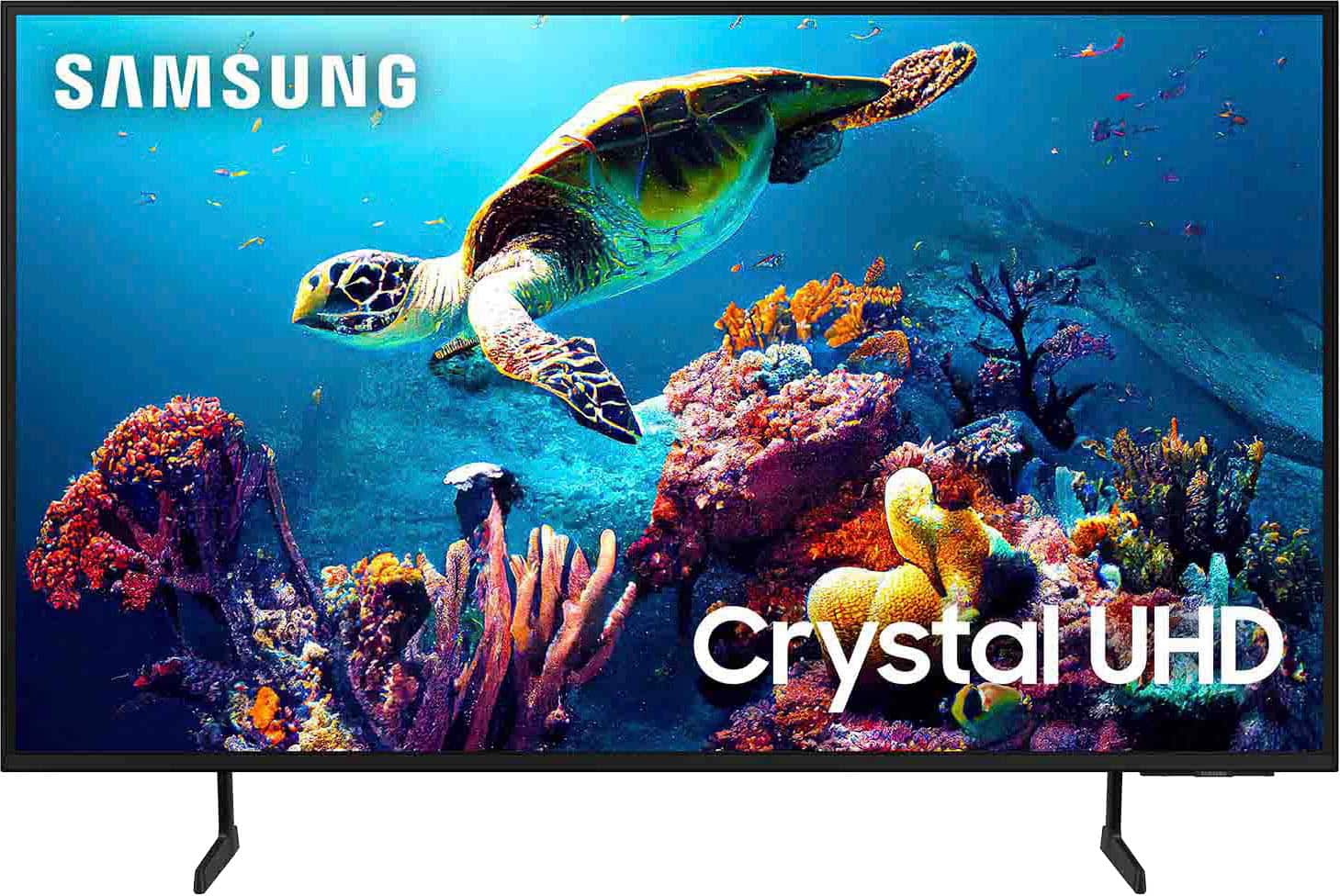

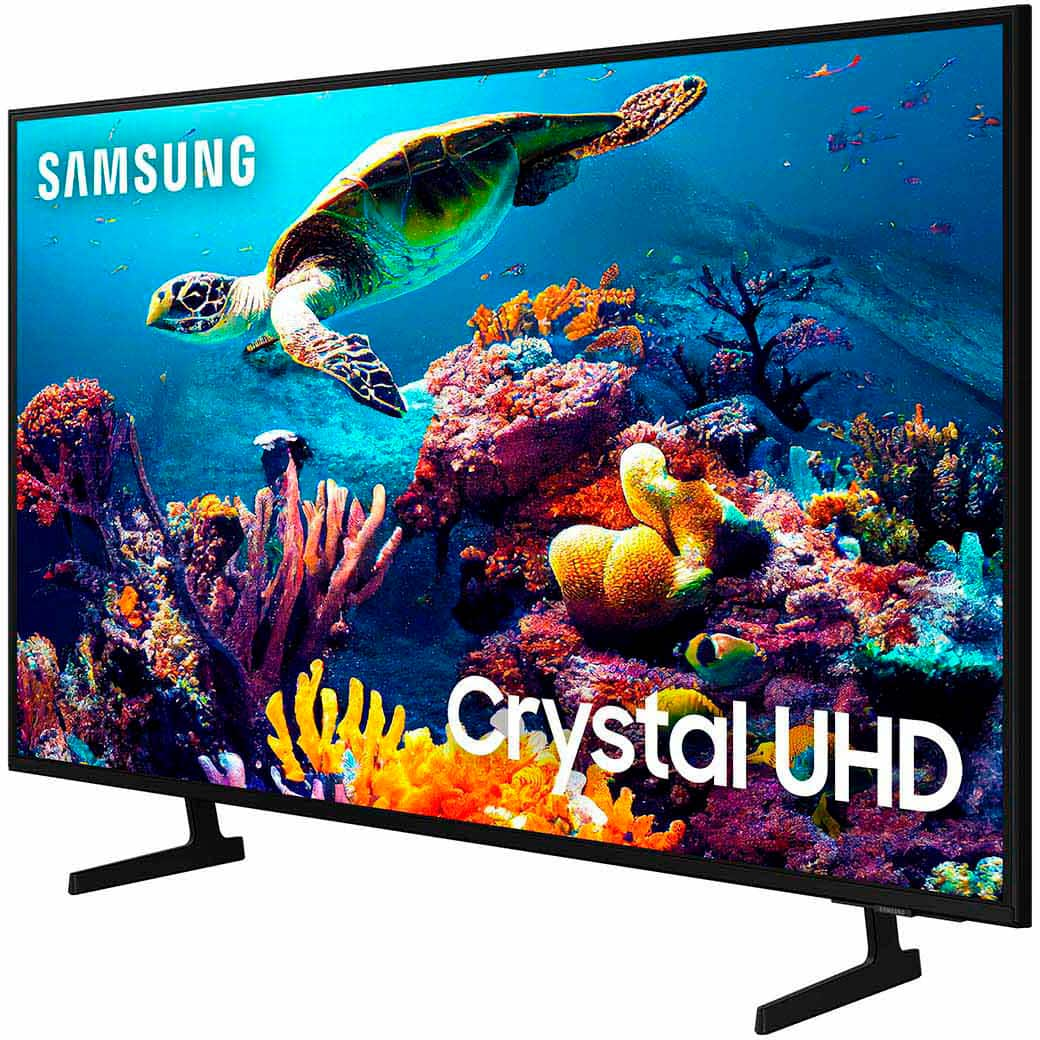
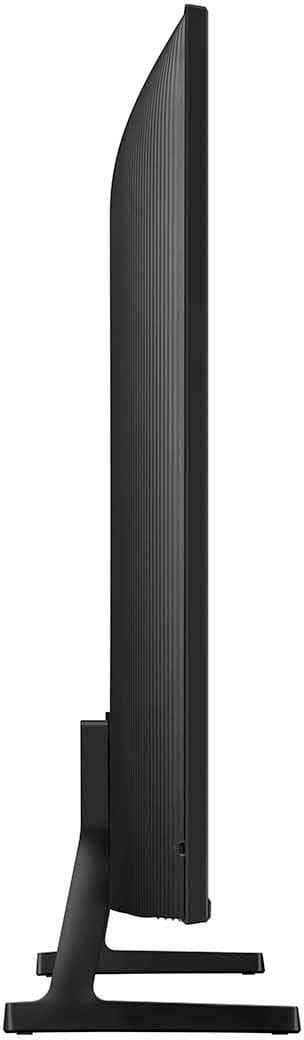

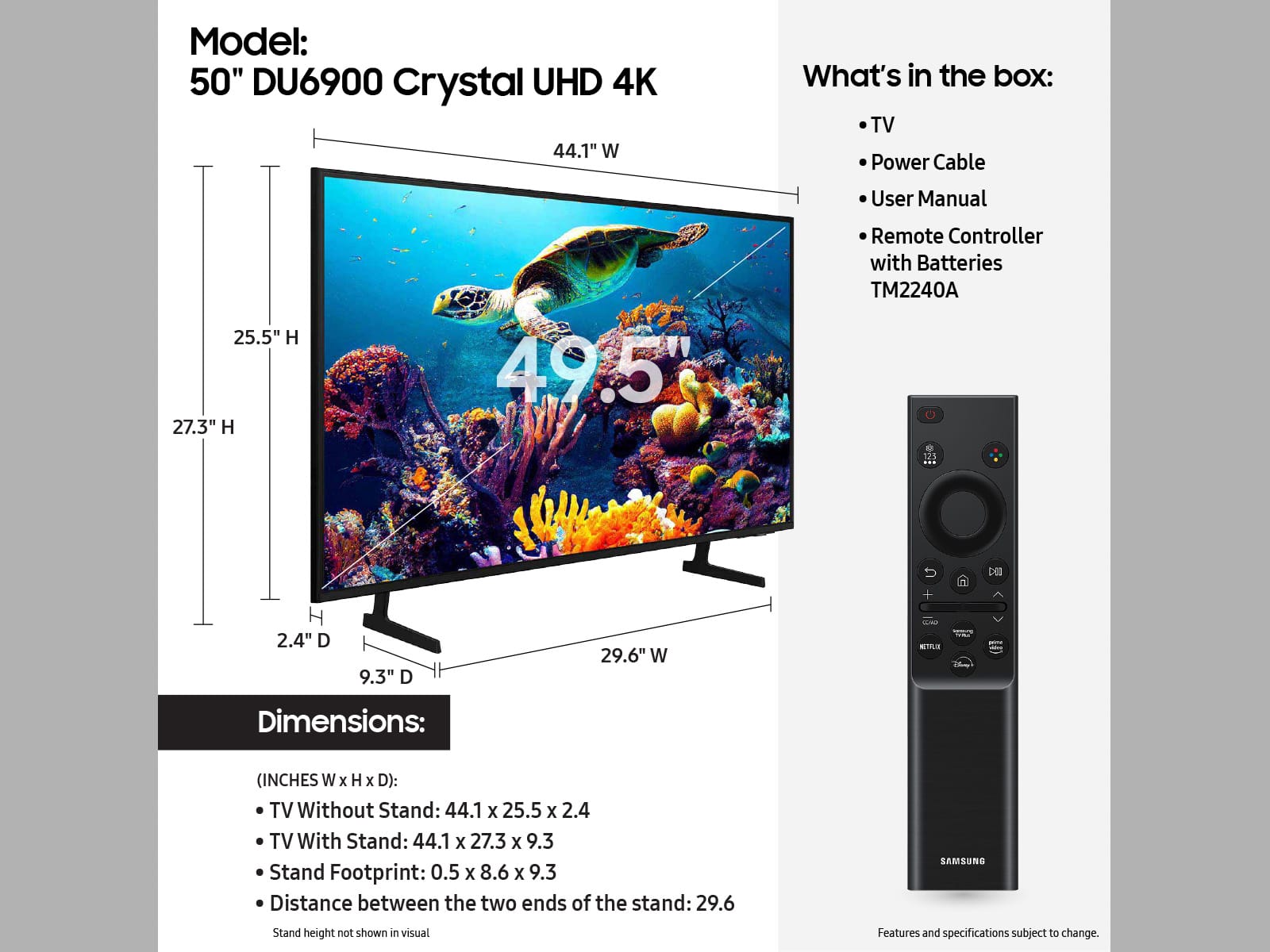







- Model:
- UN50DU6900FXZA
- SKU:
- 10187636
Rating by feature
- Picture Quality
Rating 4.8 out of 5 stars
- Sound Quality
Rating 4.6 out of 5 stars
- Brightness
Rating 4.8 out of 5 stars
Boo
||Posted . Owned for 1 month when reviewed.This reviewer received promo considerations or sweepstakes entry for writing a review.Not quality Tv is not so good, regreat buying this
No, I would not recommend this to a friendBrand response from Samsung
Posted .Hi GilbertoG,
It’s unfortunate to hear you’re not fully satisfied with your DU6900 TV. Please know the TV's picture and sound settings can be adjusted to your preference.
Go to Home > Settings > All Settings > Picture > Picture Mode and select the mode that best fits your usage:
1) Standard: Default mode suitable for general viewing environments.
2) Natural: Reduces eye strain for a comfortable viewing experience.
3) Movie: Most suitable for watching TV or movies in a dark room.
4) Dynamic: Makes the picture brighter and clearer in bright viewing environments.
5) Filmmaker Mode: You can watch the source content (e.g., movie) as it is. If the image is defined as Filmmaker Mode, it will automatically switch to Filmmaker Mode while watching.
You can also go to Settings > All Settings> Picture > Expert Settings > to manually fine-tune your image.
For sound adjustments, go to Settings> All Settings> Sound.
If you’d like more help with settings, we are always happy to help! Call us at 1-800-SAMSUNG, 8 AM - 12 AM EST, seven days a week. Or visit us on the Samsung website and click on the ‘Support’ link for:
1) LiveChat
2) Manuals, Software, & Warranty Info
~ Samsung Advisor
Love mine!
Posted .This reviewer received promo considerations or sweepstakes entry for writing a review.Great picture and features. Excellent price. Ease of set up. No downside to this purchase.
I would recommend this to a friendSuch a nice screen
Posted .This reviewer received promo considerations or sweepstakes entry for writing a review.Love this television so clear so crisp so many choices as far streaming
I would recommend this to a friendAmazing tv
Posted .This reviewer received promo considerations or sweepstakes entry for writing a review.This is my second samsung!! I love this tv…set up was easy and picture quality is fantastix. It was affordable and the fearurs are perfect. Connects to wifi and cable bery easily.
I would recommend this to a friendI found my BESY BUY- I’m 100% satisfied!
Posted .This reviewer received promo considerations or sweepstakes entry for writing a review.Unbelievable BEST BUY!! Samsung TV’s are exceptionally high quality and this one was less than $300! Picture quality is crisp and crystal clear. Sound is great, too. I am tickled pink with this one! Be on the lookout for this one- get your BEST BUY. I promise you will be 100% satisfied.
I would recommend this to a friendSamsung 50
Posted .This reviewer received promo considerations or sweepstakes entry for writing a review.Excellent TV, we use it in another room and watch super quality movies ourselves.
I would recommend this to a friendGreat budget friendly tv
Posted .This reviewer received promo considerations or sweepstakes entry for writing a review.I recommend this tv as a guest room type equipment. Its big enough, has great colors and also the smer functions are well worth it. Plus this is budget freidnly.
I would recommend this to a friendSurprised But Not Surprised
Posted .This reviewer received promo considerations or sweepstakes entry for writing a review.I bought this tv for 2 reasons 4k from 1080p loved it and it was a samsung this being my first tv from them and my first modern tv buy since 2015 i had a feeling it was gonna go out the whole time i had it from December to February worked been watching 4k Netflix for the first time remote didnt respond half the time guess the cheap processor and components couldnt keep up then all of a sudden screen went blank with only the backlight showing unresponsive and plugged it back up with the backlight directly showing wouldnt turn off samsung is refunding me via ecoupon to buy another cheap model im not getting a smaller screen or cheap model scared to trust even higher ends because of all the new rapid tech leaving many flaws for a quick buck i have never had a tv fail on me i have two from when i was a kid 2011 and 2012 fine as can be 720p just wont cut it and even my 1080p tvs from 2015 tailgated till 2022 when i sold them and only 2 months with reviews from multiple budget models displaying failed units rather get a crt or old best quality 1080p at this point or just make best buy come every 2 months maybe that will knock since into them dont sell junk and wasting money beyond the profit margin of such a unreliable scam part of the market
No, I would not recommend this to a friendBrand response from Samsung
Posted .MatthewB,
Thank you for taking the time to provide feedback on your DU6900 TV. Please know that your feedback will be shared with our internal product teams. We take pride in our products and are sorry to hear that your experience was not up to our high standards.
Samsung is committed to providing the best possible product experience, quality, and value. We back this Samsung TV with a 1-year limited manufacturer's warranty, including authorized repair for manufacturer defect, if purchased brand-new directly from an authorized seller. You can see the full details of your warranty on Samsung's website. Go to Support (upper right corner) and select Warranty information. This will allow you to search for your product and view the full details of the included warranty.
Please know we are available and happy to assist you with further troubleshooting or to set up a warranty appointment. You can contact Samsung Customer Support at 1-800-SAMSUNG, 8 AM - 12 AM EST, seven days a week. Our LiveChat agents are also available by clicking on the ‘Support’ link on our website.
~Samsung Pro
Great TV
Posted .This reviewer received promo considerations or sweepstakes entry for writing a review.Samsung makes a great product. This TV has a beautiful picture and easy navigation. Color saturation is easy to adjust to perfection. Very happy with this TV.
I would recommend this to a friendSamsung tv
Posted .This reviewer received promo considerations or sweepstakes entry for writing a review.Great tv for the price! The picture is good, the sound is good and it is relatively thin.
I would recommend this to a friendTV Image
Posted .This reviewer received promo considerations or sweepstakes entry for writing a review.TV image is the quality of image we can see clearly and it seems fine as per the update checked.
I would recommend this to a friendTv
Posted .This reviewer received promo considerations or sweepstakes entry for writing a review.Tv is awesome has a beautiful picture I am really enjoying it
I would recommend this to a friendSamsung tv 50 inch
Posted .This reviewer received promo considerations or sweepstakes entry for writing a review.Good picture quality . Size is perfect for what I needed it for . Downside no audio output
I would recommend this to a friendGood Buy
Posted .This reviewer received promo considerations or sweepstakes entry for writing a review.It is an excellent TV for the price. More than I was expecting.
I would recommend this to a friendSuper user friendly
Posted .This reviewer received promo considerations or sweepstakes entry for writing a review.Was exactly what I wanted, super light el it mounted up easy.
I would recommend this to a friendSound quality terrible
Posted .This reviewer received promo considerations or sweepstakes entry for writing a review.The picture quality is great and the ease of setting up and downloading apps is also great. The sound however is terrible without some form of external device! My LG of similar size has great sound without external devices and any attempt to resolve the issue with Samsung has lead to a dead end! Has anyone else had a similar issue with this TV?!
No, I would not recommend this to a friendBrand response from Samsung
Posted .PeteSmith,
Thank you for sharing your thoughts regarding the DU6900 TV’s sound quality. We recommend adjusting the Sound Settings to improve your experience. You can change the Sound Mode by going to Settings > All Settings> Sound > Sound Mode.
You can also customize the sound with Expert Settings by going to Settings > All Settings> Sound > Expert Settings.
To assist you with possible sound settings adjustments for a better audio experience or choosing a Samsung Soundbar to complement your viewing enjoyment, please reach out to us at 1-800-SAMSUNG, 8 AM - 12 AM EST, seven days a week. Or visit us on the Samsung website and click on the ‘Support’ link for: 1) LiveChat 2) Manuals, Software, & Warranty Info
~ Samsung Pro
Super tv
Posted .This reviewer received promo considerations or sweepstakes entry for writing a review.Amazing tv from Samsung. The price is worth the qualitt
I would recommend this to a friendSamsung TV
Posted .This reviewer received promo considerations or sweepstakes entry for writing a review.Excellent Quality! Highly recommend! Couldn’t be more pleased!
I would recommend this to a friendSamsung TV
Posted .This reviewer received promo considerations or sweepstakes entry for writing a review.Easy to hook up and set up. Great picture and clear sound.
I would recommend this to a friendGreat Deal as always with Best Buy.
Posted .This reviewer received promo considerations or sweepstakes entry for writing a review.I purchased for my cousin. I went to visit her for a weekend and was watching her TV at the time in the guest room. The next morning the TV wasn’t working. I felt so guilty cause it was working just fine and all of a sudden it wasn’t. So felt it was my responsibility to replace it. She loves her new TV. Thank You Best Buy for coming through.
I would recommend this to a friend