Customer Ratings & Reviews

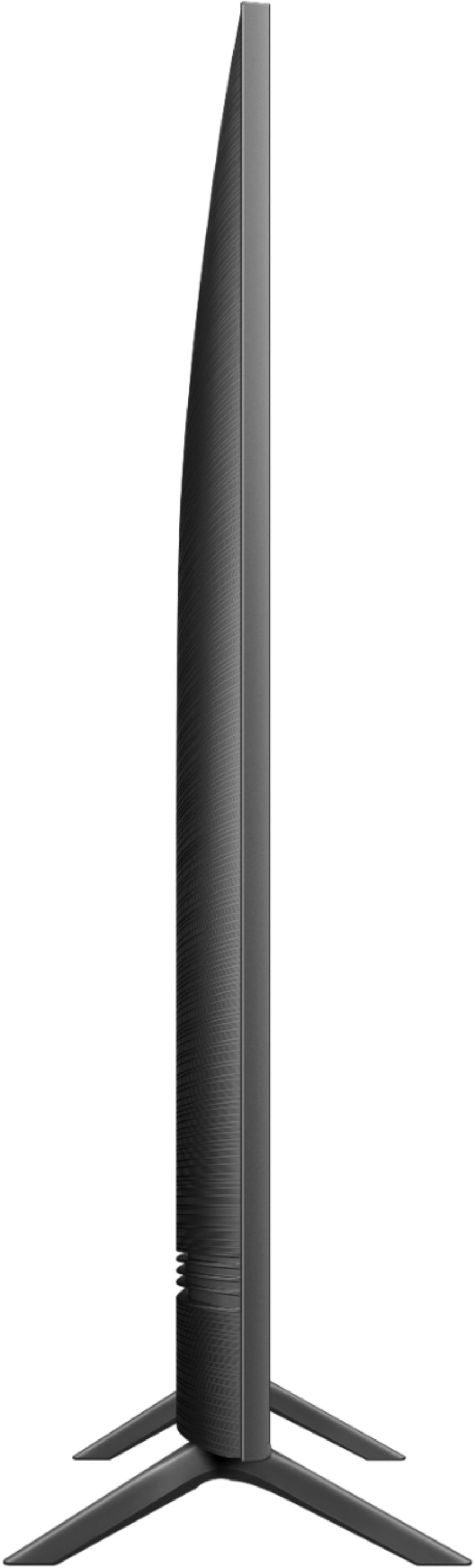
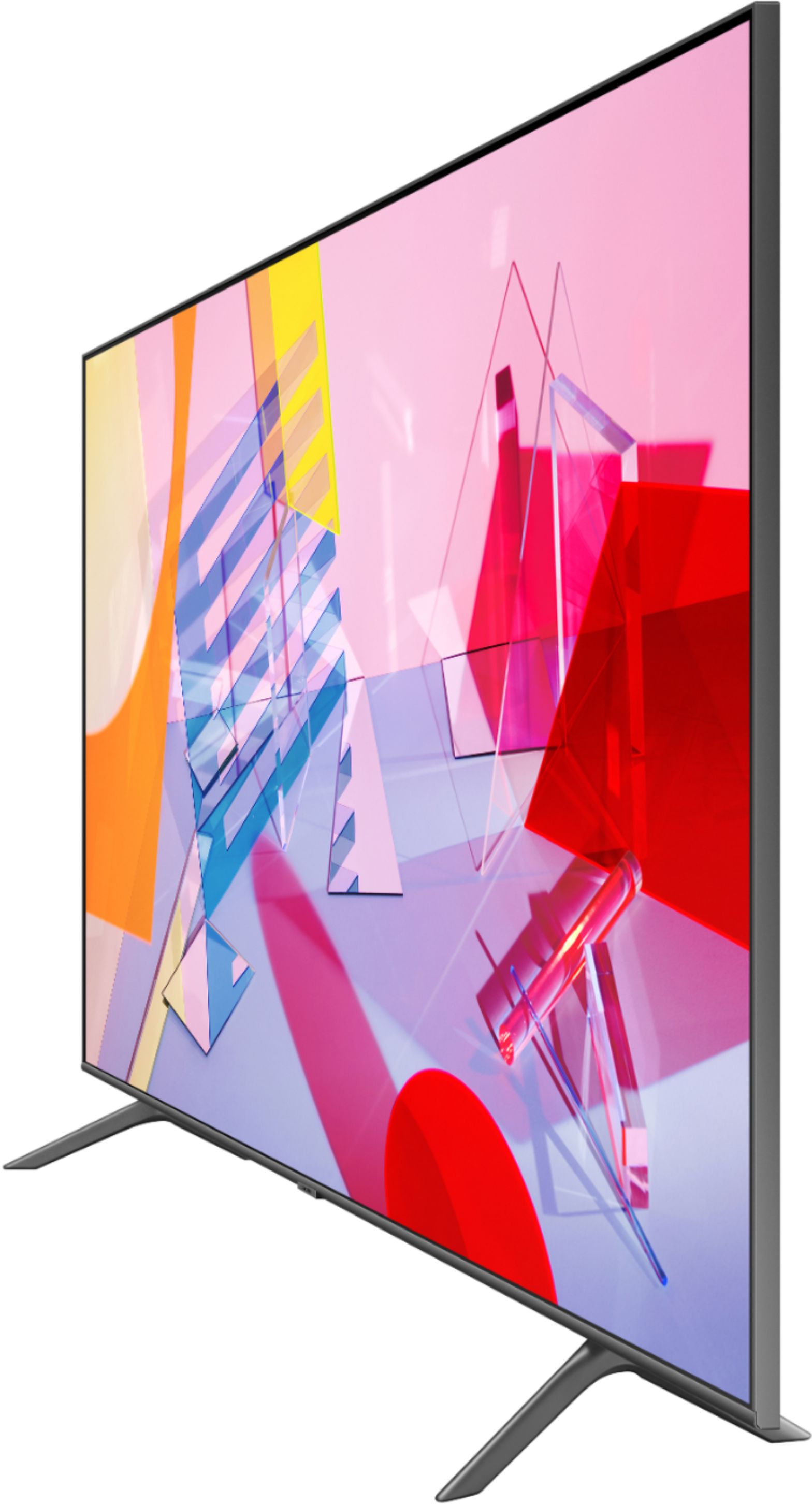


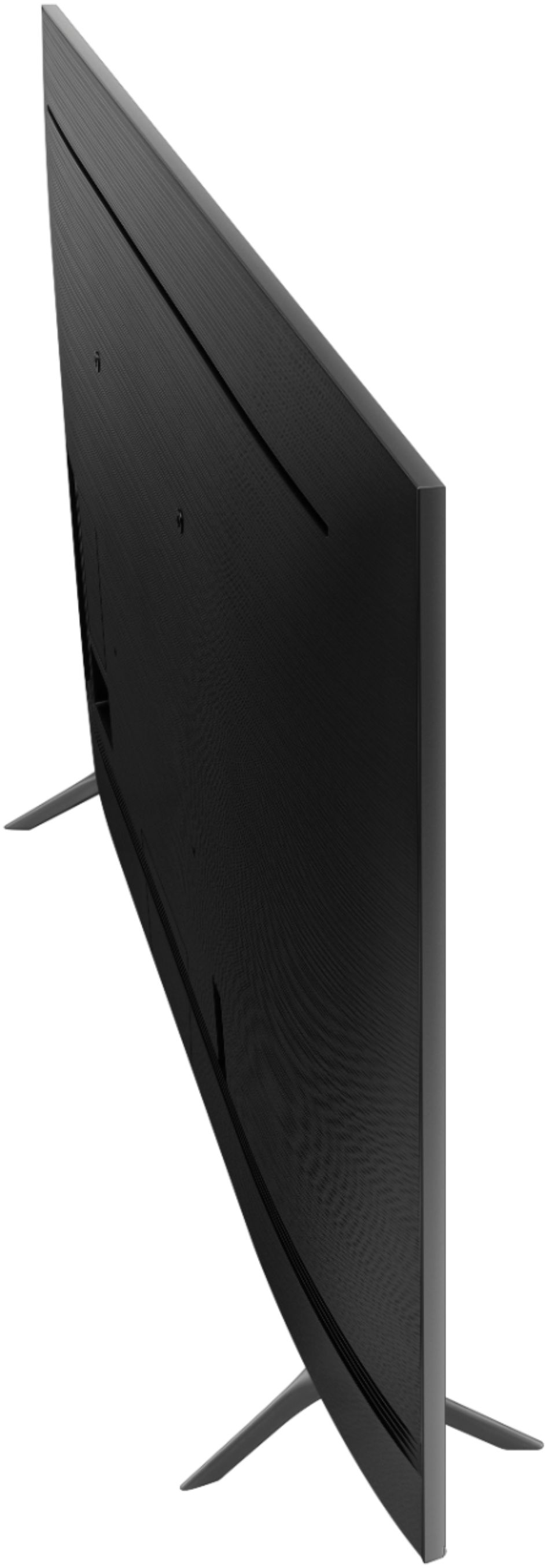
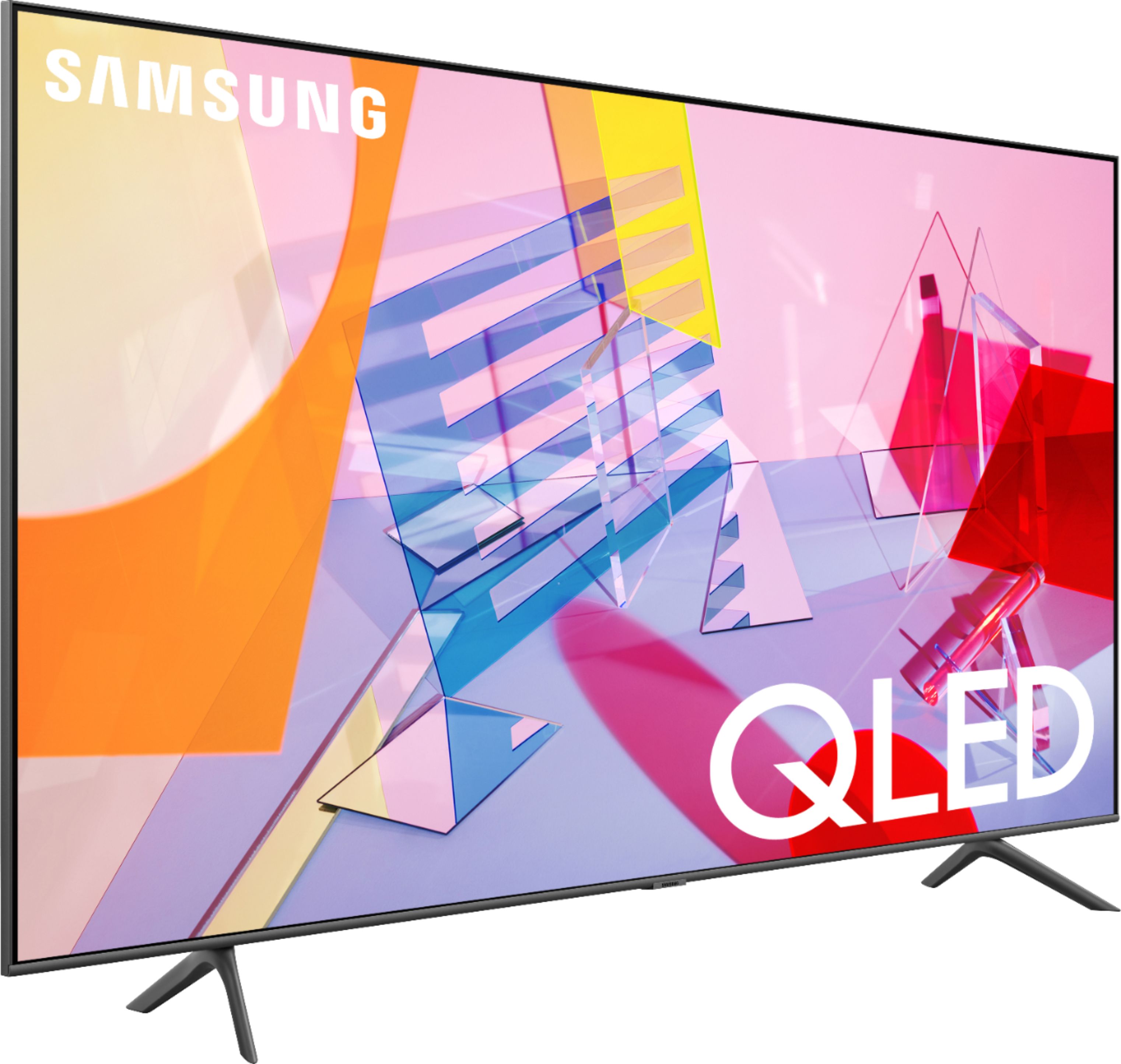
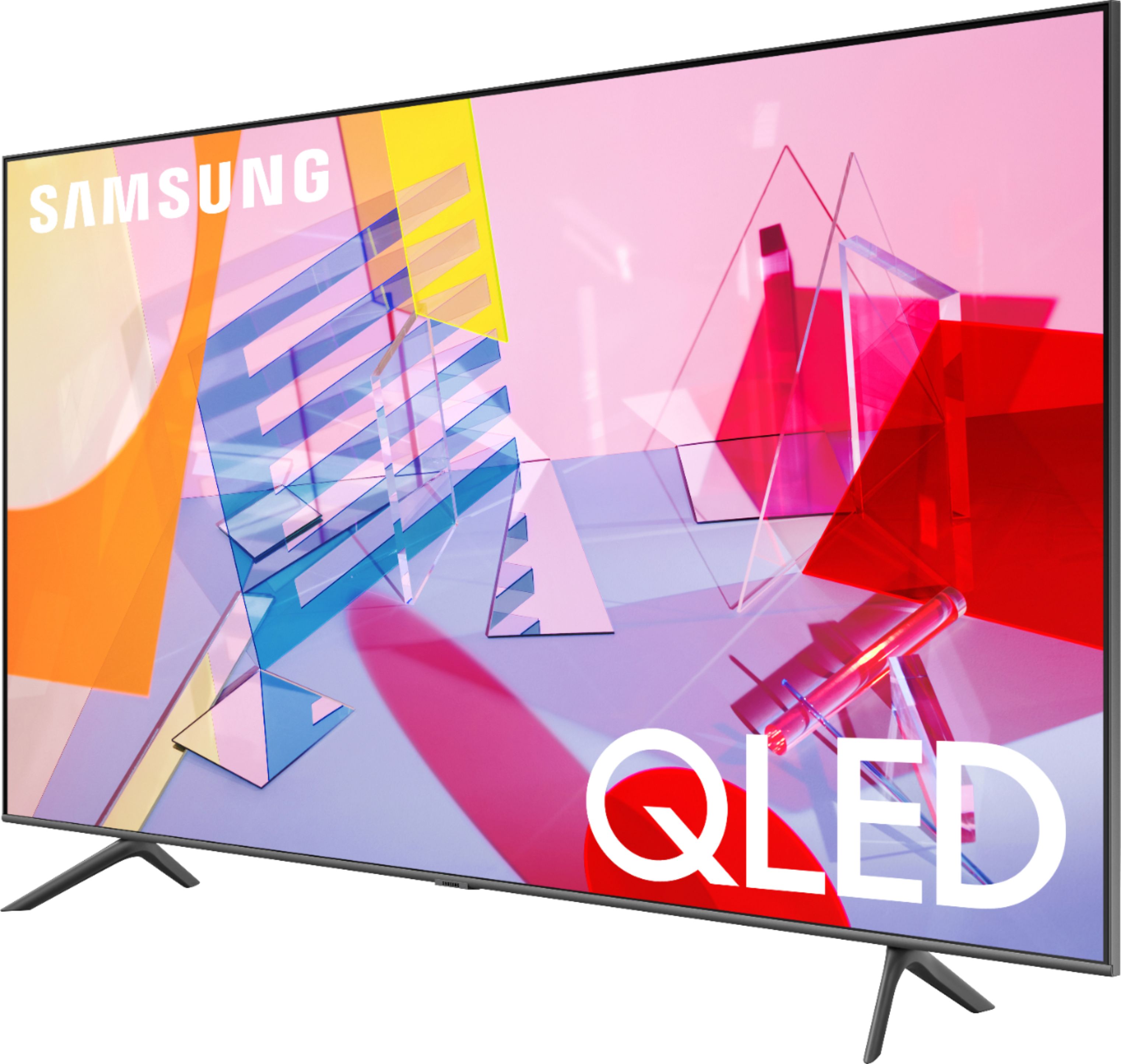







- Model:
- QN50Q60TAFXZA
- SKU:
- 6401758
Rating by feature
- Picture Quality
Rating 4.0 out of 5 stars
- Sound Quality
Rating 3.9 out of 5 stars
- Brightness
Rating 4.2 out of 5 stars
Customers are saying
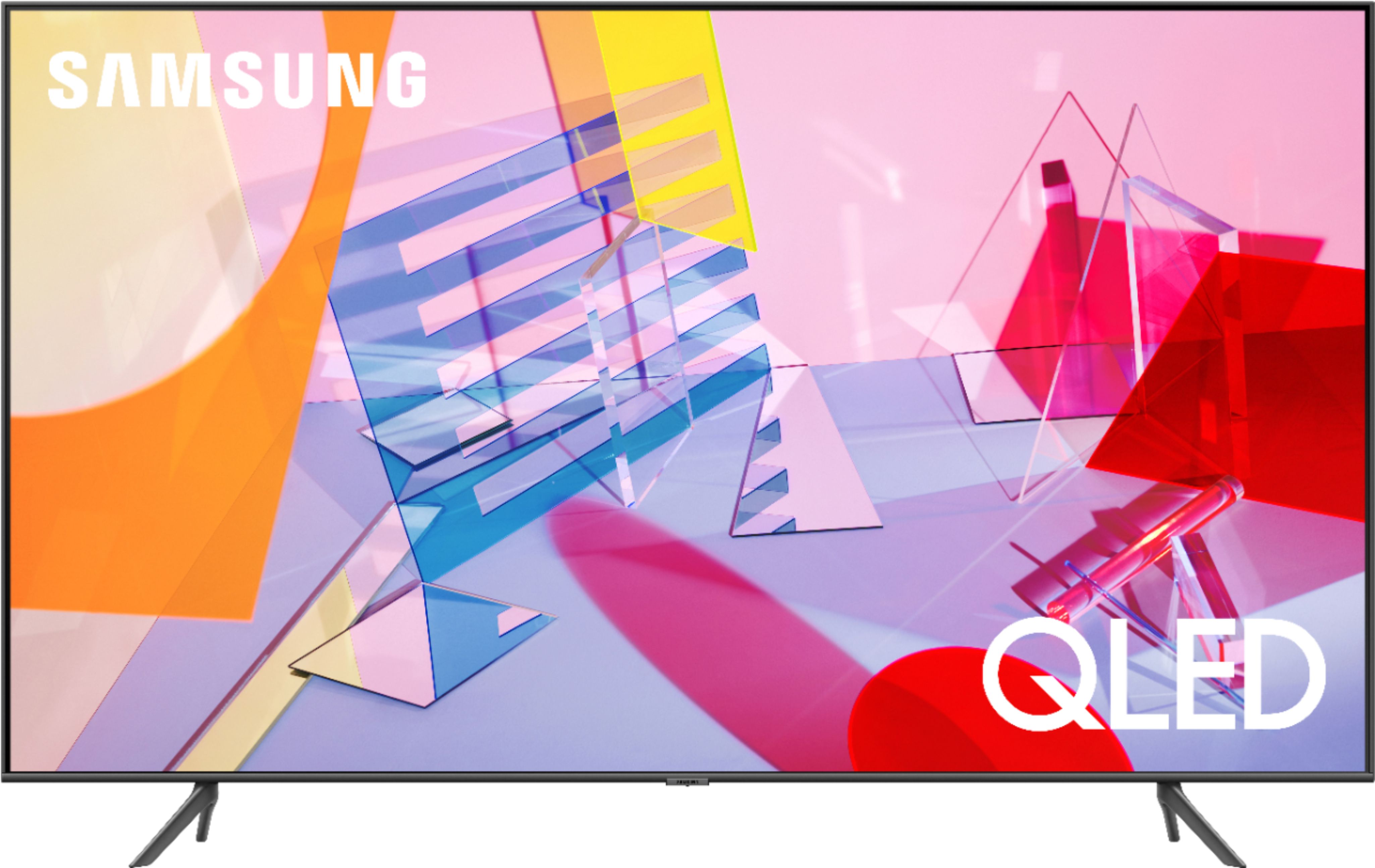
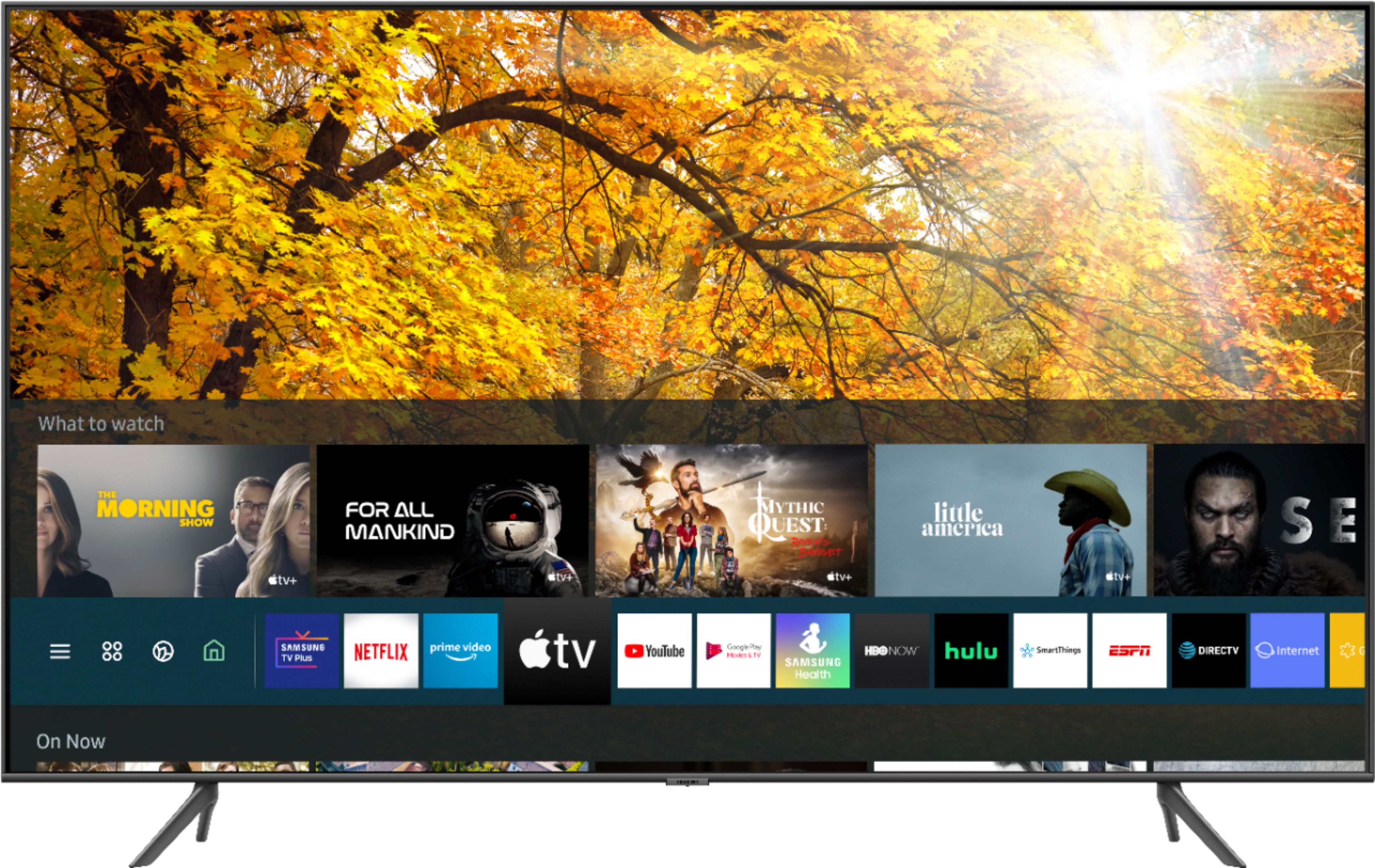
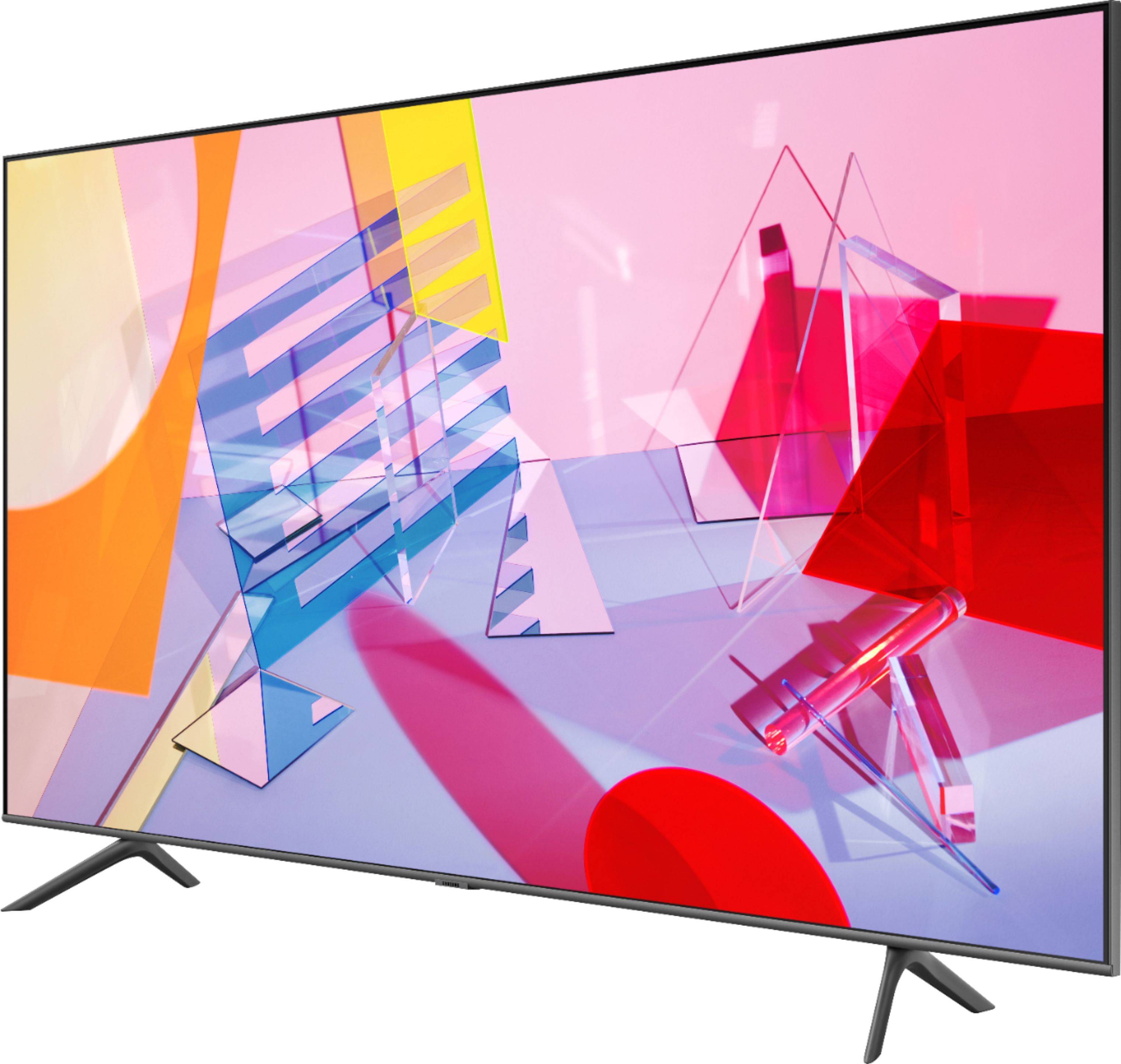
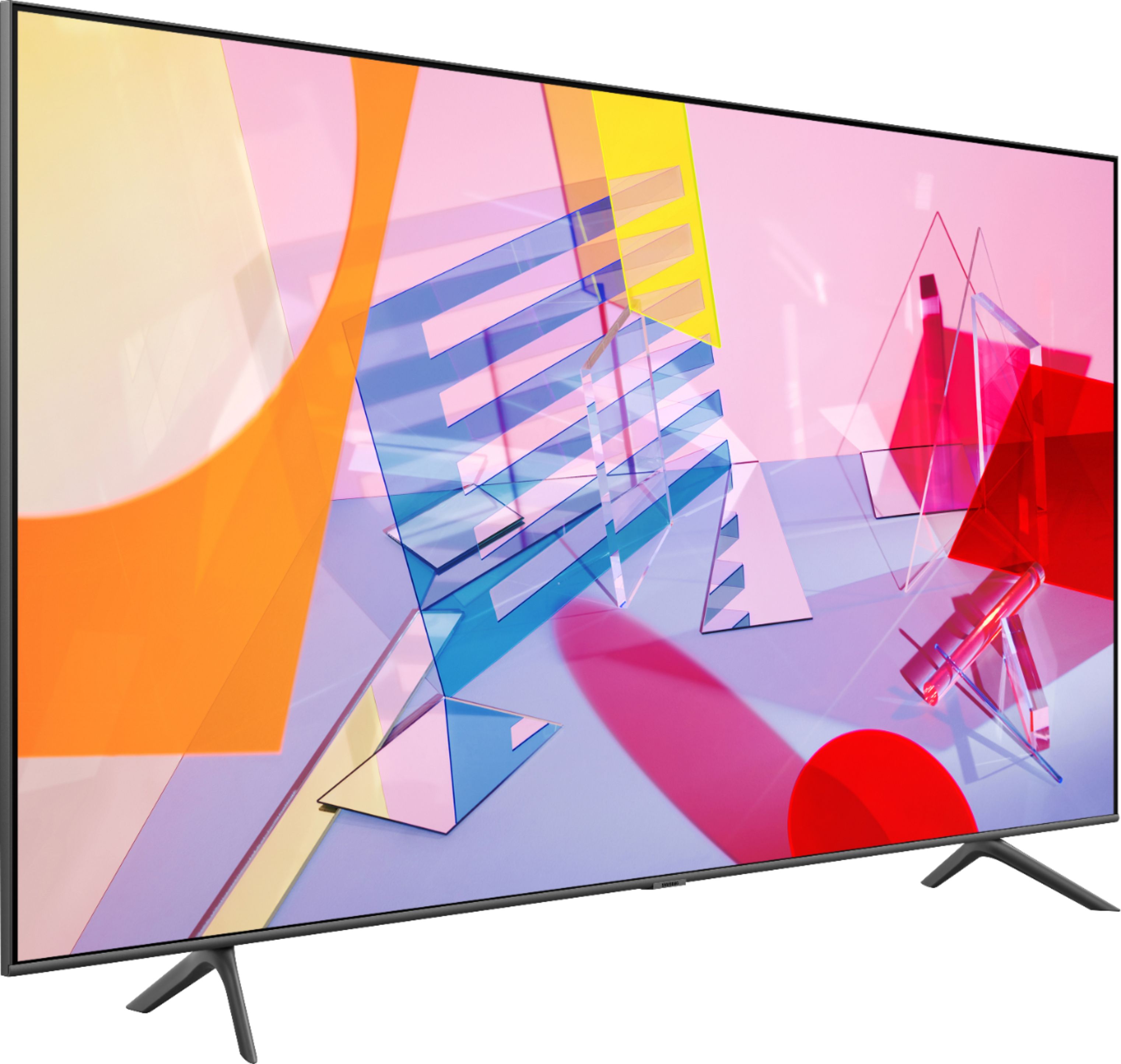
Customers frequently mention the 50" Class Q60T Series QLED 4K UHD Smart Tizen TV's great picture quality, easy setup, and reasonable price. However, there are concerns about its durability, with reports of the TV stopping working or developing screen defects within a few years of purchase.
This summary was generated by AI based on customer reviews.
- Pros mentioned:Color, Picture quality, Smart tv
Great choice.
||Posted . Owned for 1 month when reviewed.This reviewer received promo considerations or sweepstakes entry for writing a review.Love the color and clarity. The sound is pretty great for without a sound bar. Enjoying the many on board Smart TV functions. I also have satellite hooked up to it. I probably could’ve figured out the entire set up but it was great having my grandsons do that. The minimalist remote is cool with very few buttons. Definitely happy I purchased this TV.
I would recommend this to a friend - Pros mentioned:Picture qualityCons mentioned:Refresh rate
Average nothing special.
||Posted . Owned for 2 weeks when reviewed.This reviewer received promo considerations or sweepstakes entry for writing a review.The q60t is average. The pros are it’s got good color and great smart features. The Smart features stand out with the use of Bluetooth and the screen sharing with your cell phone. Great input response times which makes video games enjoyable with game mode enabled. The hdr is okay with dark scenes struggling to be bright enough to see even at full brightness. The cons are Screen tearing happens quite a lot with the lack of free sync tech and the 60hz panel. Fast moving objects and people on screen jitter which makes the viewing the TV annoying at times. So you have to go into your setting and sacrifice the beauty of the what your watching for functionality. Also makes last years Q60r a better choice but only at 55in because the 49in doesn’t support free sync tech. The TV is in no way a bad TV and for the price I was expecting better. It’s definitely an upgrade if you don’t own a smart TV with 4K. It seems people do have to shell out over a grand to get quality TV.
No, I would not recommend this to a friendBrand response from Samsung
Posted .Tony,
Thank you for purchasing and reviewing this Samsung 4K TV. Your user feedback is very important to us and will be shared with our TV product team.
Have you tried Auto Motion Plus? It is a feature designed to eliminate blur and judder on an LED TV, specifically in fast moving images.
You can change Auto Motion Plus settings by following these steps:
1) With the TV powered on, press the Home button on the Samsung remote to open the Home screen
2) Then select Settings > Picture > Expert Settings > Picture Clarity Settings
3) Then you will see the following three options:
a) Off: Picture Clarity Settings will always be off
b) Auto: Picture Clarity Settings will automatically activate and deactivate based on the type of program being watched
c) Custom: Allows custom adjustments and settings to be used
4) By selecting the Custom option, you can access these advanced settings:
a) Judder Reduction: Use the directional keys on the remote to adjust the Judder setting
b) LED Clear Motion: Select to turn on/Off/Auto
c) Noise Reduction: Select to turn Auto/Off
Should you need further assistance with features or other product usage, please reach out to Samsung Support and an agent will gladly assist you.
You can reach us via any of the below options:
1) Phone: 1-800-SAMSUNG, available 8AM - 12AM EST (Mon-Sun)
2) LiveChat: https://www.samsung.com/us/support/#contact_us_for_support
3) Facebook Messenger: https://www.facebook.com/samsungsupport
4) Twitter: https://twitter.com/SamsungSupport
If you have not already done so, we invite you to register your new Samsung product at: https://www.samsung.com/us/account/signin/?redirect=https%3A%2F%2Fwww.samsung.com%2Fus%2Fsupport%2Fregister%2F
Registering your product gives you access to easy warranty support, convenient opt-in to special promos and offers, faster troubleshooting and service, and quick notification of system updates.
Again, thank you for bringing the issue to our attention – we greatly value your feedback and utilize your concerns and opinions towards delivering best-in-class service and products.
-Samsung Ambassador
- Pros mentioned:Picture qualityCons mentioned:Remote control
All Good
||Posted . Owned for 1 month when reviewed.This reviewer received promo considerations or sweepstakes entry for writing a review.I use this tv as a computer monitor most of the time for “work from home” work, but I also use Netflix, AppleTV, Amazon Prime, and cable tv. No matter how I use it, the picture is great. This is my primary monitor for Skype calls and it does an outstanding job, whether looking at details in a shared desktop or just seeing who I’m talking to. One handy feature is having AppleTV built in. The only downside I can possible think of is using the small remote for the cable TV guide. It works but it’s awkward. It takes 3 button pushes just to get the guide up. Overall, I’m very happy with this tv and highly recommend it.
I would recommend this to a friend - Pros mentioned:Picture qualityCons mentioned:Remote control
Good quality for the price
||Posted . Owned for 1 month when reviewed.This reviewer received promo considerations or sweepstakes entry for writing a review.sound and picture quality are great. The only thing i'd change about it is the remote. I would prefer a remote that gives me the option to turn it on and just enter the channel i want. Set up was pretty easy. Since it is a samsung, our wall mount had to be modified to work with a samsung tv. All in all, a great buy!
I would recommend this to a friend - Pros mentioned:Picture quality
Samsung Television
||Posted . Owned for more than 2 years when reviewed.This reviewer received promo considerations or sweepstakes entry for writing a review.The screen on this tv is absolutely beautiful! The sound is very clear and it is very user friendly. My only problem that I have come across would be the response when selecting. I feel that it lags a little and it can be slow at times. But, overall, a very nice experience!
I would recommend this to a friend - Cons mentioned:Reliability
Ok for price I guess
Posted .This reviewer received promo considerations or sweepstakes entry for writing a review.Worked perfectly, the visuals are AMAZING. Great tv for gaming but 4 years in and it decides to just turn on and off nonstop, no explanation. If only it was made to last.
No, I would not recommend this to a friend - Pros mentioned:Picture qualityCons mentioned:Remote control
Great Picture, UI could improve.
||Posted . Owned for 1 month when reviewed.This reviewer received promo considerations or sweepstakes entry for writing a review.Great picture quality, compared in store to other brands and models. Purchased for the Smart functions, and those are good, with configuration being acceptable. Minimal Remote is a difficult concept for some users. Speakers suggest you get a sound bar.
I would recommend this to a friend - Pros mentioned:Picture qualityCons mentioned:Remote control
Good value, lousy interface
||Posted . Owned for 3 weeks when reviewed.This reviewer received promo considerations or sweepstakes entry for writing a review.I hopped aboard the QLED train and replaced a 2016-17 Samsung which served me very well. PROS: Reasonable price, well-built, and well packaged. Picture quality and processing speed are noticeably improved. Now the cons.... I stuck with Samsung for the clean, customizable home screen interface which enabled me to quickly move between apps and access favorite content. At some point, Samsung opted to slam about 20 extra stock apps on six extra rows on the home screen which cannot be moved around or removed from sight. You also cannot adjust the positioning of your installed apps. This makes absolutely no sense and creates a ton of clutter. Alexa helps navigate this somewhat, but why mess up a good thing in the first place? In addition, Samsung missed a big opportunity by not offering customizable quick-access buttons on the remote.
I would recommend this to a friend - Pros mentioned:Picture quality
For the price, this is a great TV.
||Posted .This reviewer received promo considerations or sweepstakes entry for writing a review.Overall I'm very happy with this purchase. The setup was simple and intuitive, navigating the settings was simple. Right out of the box the picture quality was good although, the color saturation was a bit harsh. After a few minutes exploring the display options I was able to adjust it to my liking. There are some issues with the motion on fast actions scenes but I can't say that its a big deal to me. For my installation I chose to mount it on a swivel base ( Sanus Model BSTV1-B1). The Samsung owners manual was very specific about the maximum length of the 8mm mounting screws so I went to the hardware store to purchase the right ones. Turned out that the screw length recommended wouldn't even reach the threaded inserts in the back of the TV. Fortunately the Sanus base came with an incredible variety of hardware and included the appropriate screws. Very glad I decided to buy this model.
I would recommend this to a friend Failed after 2 years
Posted .This reviewer received promo considerations or sweepstakes entry for writing a review.Purchased this TV on Black Friday in Nov 2021 and less than 2 years later, the TV this weekend no longer turns on. Flickers but is dead and doesn’t power fully on. Hard reset several times and no dice. CONS: - The software on the Samsung QLED 4K 50” has been very glitchy, often needing to restart the TV to play shows. - Lots of software update prompts and then just a spinning wheel of death where we need to hard reset (unplug for a few minutes) to restart. Very surprised by the hardware failure for a higher end TV. Unlikely to buy a Samsung again. Looking at LG, Sony, Hisense, and TCL TVs as alternatives. Interested in the new mini LED displays. PROS: - High quality viewing, however, in a new brightly lit room, difficult to watch in the daytime, images completely wash out - Works well with Sonos Atmos - Beautiful frame and hardware, worked well propped onto an easel Overall, not recommended.
No, I would not recommend this to a friend- Pros mentioned:Picture quality
Sansome 50" Smart TV
||Posted . Owned for 1.5 years when reviewed.This reviewer received promo considerations or sweepstakes entry for writing a review.Love it! Samsung TV's are the best ever. I have three in my home. One of them I bought in 2009 and it still works well and has an excellent picture. I bought this 50" one because the 43" wasn't big enough. Best Buy was great on the exchange process!
I would recommend this to a friend - Pros mentioned:Picture qualityCons mentioned:Remote control
Great TV, the One Remote, not so great.
||Posted . Owned for less than 1 week when reviewed.This reviewer received promo considerations or sweepstakes entry for writing a review.I like this TV. It has a great picture, good sound, and all the apps that I need to access. The One Remote has issues however. I program it for my Spectrum cablebox and sometimes it doesn't work at all, sometimes it works for a while and then when I turn off the TV it "forgets" and sometimes it "forgets" even without turning off the TV. This seems to be a common problem and I bought the set knowing that the one remote probably wasn't going to be as Universal as advertised. So I'm stuck with two remotes which is what I had before. For the uses that do work (e.g., access Netflix, Prime, etc.) the one Remote is elegant. Hopefully this will be fixed by an upgrade in the near future (or Samsung explains what I'm doing wrong!)
I would recommend this to a friend - Pros mentioned:Picture quality
Decent TV
||Posted . Owned for more than 2 years when reviewed.This reviewer received promo considerations or sweepstakes entry for writing a review.Good TV but has given us some issues with just turning off. Just did it again for the third time and hasn't come back on. Picture is good, sound could be better. But overall, a good TV.
No, I would not recommend this to a friend - Pros mentioned:Color, Ease of use, Picture quality
Great picture and value for the money!
||Posted . Owned for 2 weeks when reviewed.This reviewer received promo considerations or sweepstakes entry for writing a review.Extremely satisfied with overall quality of this TV. Picture is sharp, colors are crisp and it’s very easy to setup and use. Smart TV features are great and we’re enjoying our favorite shows and Netflix trends.
I would recommend this to a friend - Pros mentioned:Picture quality, PriceCons mentioned:Remote control
Great picture
||Posted . Owned for 2 weeks when reviewed.This reviewer received promo considerations or sweepstakes entry for writing a review.Love the display. Went with the 50" because of limited shelf space. Jury is still out on whether I like the remote or not. Not intuitive. Picture, price, cabinet size were most important.
I would recommend this to a friend - Pros mentioned:Picture qualityCons mentioned:Remote control
Nice TV. Too difficult to change settings.
||Posted . Owned for 1 month when reviewed.This reviewer received promo considerations or sweepstakes entry for writing a review.This TV is a few inches bigger than my old Westinghouse TV, but it weighs noticeably less, which is appreciated. It also has a much better picture than my old LED TV. The bad news: it is extremely cumbersome and confusing to change any of the TV settings. The remote has almost no buttons to help with this, and you have to burrow down several levels on-screen to change anything. For example, I have yet to figure out how to change the aspect ratio, but my old remote had a single button for this. I also cannot select the video input with the remote, but my old remote could do that easily. A more capable remote with many more buttons would help a lot.
I would recommend this to a friend - Pros mentioned:Color, Ease of use
Excellent TV
||Posted . Owned for 3 weeks when reviewed.This reviewer received promo considerations or sweepstakes entry for writing a review.Excellent TV with reasonable price. The new caption options allow making much bigger font sizes for reading. Light weight. Very easy to set up. Beautiful color. Highly recommended!
I would recommend this to a friend - Pros mentioned:Color, Picture quality
Upgrade time
||Posted . Owned for 3 weeks when reviewed.This reviewer received promo considerations or sweepstakes entry for writing a review.Upgraded a non-smart 1080p tv in our master bedroom. Love the color and smart features. Apple+ and Alexa! Easy set up and a great picture. Went on sale after I bought and BB matched price. Sweet.
I would recommend this to a friend - Pros mentioned:Picture quality
Get the OLED
||Posted . Owned for 1.5 years when reviewed.This reviewer received promo considerations or sweepstakes entry for writing a review.TVis prety standard. Not sure why I paid 700+ for an average TV. Color and picture seems great but a tv is a tv at the end of the day. Just get an OLED if you're paying over 500 for a tv these days.
No, I would not recommend this to a friend - Pros mentioned:Ease of use, Picture quality, Price
Happy with replacement
||Posted .This reviewer received promo considerations or sweepstakes entry for writing a review.Great picture and easy to operate. Good price. This TV replaced another Samsung that was ten years old. Never had a problem with it. Decided to stick with the brand.
I would recommend this to a friend