Customer Ratings & Reviews
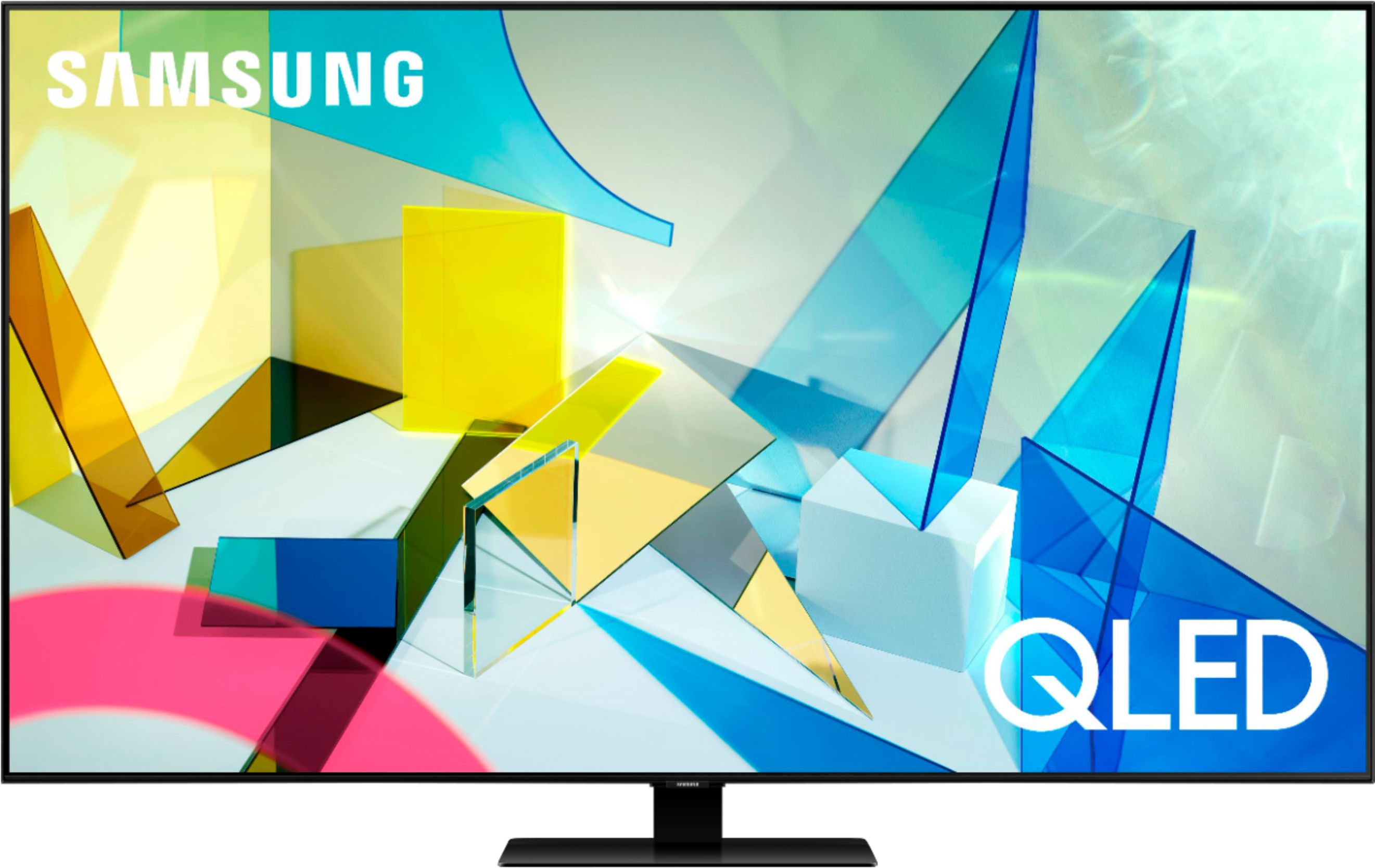
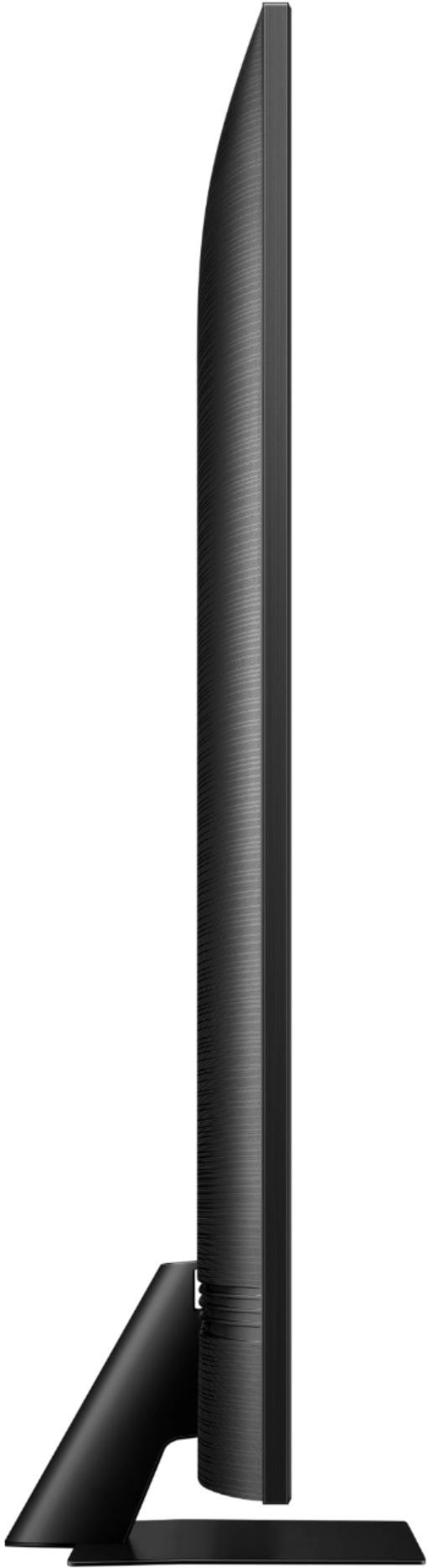



- Model:
- QN50Q80TAFXZA
- SKU:
- 6423493
Rating by feature
- Value
Rating 4.2 out of 5 stars
- Quality
Rating 4.6 out of 5 stars
- Ease of Use
Rating 4.5 out of 5 stars
Customers are saying
Customers commend the 50" Class Q80T Series LED 4K UHD Smart Tizen TV for its exceptional picture quality, especially for gaming. They appreciate the easy setup and improved remote control design. However, some customers have concerns about missing screws, the price of the TV, and the visibility of screen dots in dark scenes.
This summary was generated by AI based on customer reviews.
- Pros mentioned:Picture quality
Pretty good
||Posted . Owned for 1 month when reviewed.This reviewer received promo considerations or sweepstakes entry for writing a review.The qaulity is good price is ok. Setting up is not very straightforward.
I would recommend this to a friendBrand response from Samsung
Posted .Thank you for purchasing the 2020 Q80T TV and for your review. I am very sorry you experienced issues setting up your TV. If you need assistance with setup or have any questions regarding functions, operation, or settings please contact Samsung Customer Support.
1) Phone: 1-800-SAMSUNG (ask for TVs), available 8AM – 12AM EST 7 days a week
2) LiveChat: https://www.samsung.com/us/support/#contact_us_for_support
3) Facebook Messenger: https://www.facebook.com/samsungsupport
4) Twitter: https://twitter.com/SamsungSupport
5) The Samsung Members Community is also a great resource for getting help from Samsung moderators and customers: https://us.community.samsung.com
If you have not already done so, we invite you to register your new Samsung product at: https://www.samsung.com/us/account/signin/?redirect=https%3A%2F%2Fwww.samsung.com%2Fus%2Fsupport%2Fregister%2F
Registering your product gives you access to easy warranty support, convenient opt-in to special promos and offers, faster troubleshooting and service, and quick notification of system updates.
~ Samsung Solutions
My new TV purchase
||Posted . Owned for 3 weeks when reviewed.This reviewer received promo considerations or sweepstakes entry for writing a review.Love my 50” QLED Samsung TV. Crisp, sharp color. So happy with my purchase.
I would recommend this to a friendsamsung offer better quality 50 inch television
||Posted . Owned for 1 month when reviewed.This reviewer received promo considerations or sweepstakes entry for writing a review.Great tv, but because its a 50 inch you wont get alot of the quality and spec of the larger size .
No, I would not recommend this to a friendSamsung 50 in. ClassQ80T
||Posted . Owned for 1 month when reviewed.This reviewer received promo considerations or sweepstakes entry for writing a review.The contrast is lighter than our other Samsung T V’s.
I would recommend this to a friendSamsung Q80
||Posted . Owned for 1 month when reviewed.This reviewer received promo considerations or sweepstakes entry for writing a review.Great TV everything I was looking for when I purchased it.
I would recommend this to a friendServices
||Posted . Owned for 1 month when reviewed.This reviewer received promo considerations or sweepstakes entry for writing a review.Good product and price, prompt delivery and product in good condition.
I would recommend this to a friendSamsung TV
||Posted . Owned for 3 weeks when reviewed.This reviewer received promo considerations or sweepstakes entry for writing a review.So far so good just getting used to the new options and settings
I would recommend this to a friendconsumerreview
||Posted . Owned for 1 month when reviewed.This reviewer received promo considerations or sweepstakes entry for writing a review.good set,but,too bright, on a lot of shows,the brightness seemed too wash out the color and was not easy too adjust.also skin tone seemed too be way off,not adjust too fix it.
No, I would not recommend this to a friendBrand response from Samsung
Posted .satisfiedconsumer:
Thank you for purchasing the Q80T TV and for your review. I am sorry to hear that you are not happy with the brightness levels of your picture. If the colors on your TV are correct but just a little too or bright you can try different Picture Modes, or manually adjust the Brightness settings to your liking.
There are several preset picture modes and many custom settings that can optimize image quality for your viewing scenario.
Go to HOME > SETTINGS > PICTURE > PICTURE MODE and choose:
1) Dynamic: Makes the picture brighter and clearer in bright viewing environments.
2) Standard: This is the default mode suitable for general viewing environments.
3) Natural: Reduces eye strain for a comfortable viewing experience.
4) Movie: Suitable for watching TV or movies in a dark room.
5) Filmmaker: Watch the source content (e.g., movie) as it is.
You can further adjust your sharpness, brightness, contrast, color, tint, contrast, white balance, and more by going to Settings > Picture > Expert Settings
Please also give us the opportunity to assist you with image quality adjustments tailored to your preferred viewing experience. You can reach us via any of the following options:
1) Phone: 1-800-SAMSUNG (ask for TVs), available 8AM – 12AM EST 7 days a week
2) LiveChat: https://www.samsung.com/us/support/#contact_us_for_support
3) Facebook Messenger: https://www.facebook.com/samsungsupport
4) Twitter: https://twitter.com/SamsungSupport
5) The Samsung Members Community is also a great resource for getting help from Samsung moderators and customers: https://us.community.samsung.com
If you have not already done so, we invite you to register your new Samsung product at: https://www.samsung.com/us/account/signin/?redirect=https%3A%2F%2Fwww.samsung.com%2Fus%2Fsupport%2Fregister%2F
Registering your product gives you access to easy warranty support, convenient opt-in to special promos and offers, faster troubleshooting and service, and quick notification of system updates.
~ Samsung Solutions
- Cons mentioned:Refresh rate
Not 120hz
||Posted . Owned for 3 weeks when reviewed.This reviewer received promo considerations or sweepstakes entry for writing a review.Doesn't have 120hz for gaming, you need to buy the 55" model or above.
No, I would not recommend this to a friendBrand response from Samsung
Posted .Jacob3660:
Thank you for your review of the Q80T TV. When you use Auto Game Mode, your screen will automatically optimize your screen giving you a smoother gaming experience without motion blur and judder.
Have you tried Freesync? This innovative feature is unique only to our QLED TVs that allows the TVs to synchronize its refresh rate with compatible graphics cards or consoles and remove tearing in graphics-demanding games.
To activate it, simply go into game mode from the accelerator bar and select ‘Game Mode Settings’ then select FreeSync and toggle it ON. The Freesync option then gives users two modes – Basic and Ultimate, depending on the type of game you are playing.
If you find Game Motion Plus causes unwanted artifacts, blurs when playing some FPS, try toggling this setting to Off.
To do that, highlight Game Mode from the accelerator bar and press the up direction on the One Remote. Then, select Game Mode Settings. From here, you will see Game Motion Plus and be able to toggle it off or adjust Blur/Judder.
I hope these tips help you enjoy better game playing on your TV.
1) Phone: 1-800-SAMSUNG (ask for TVs), available 8AM – 12AM EST 7 days a week
2) LiveChat: https://www.samsung.com/us/support/#contact_us_for_support
3) Facebook Messenger: https://www.facebook.com/samsungsupport
4) Twitter: https://twitter.com/SamsungSupport
5) The Samsung Members Community is also a great resource for getting help from Samsung moderators and customers: https://us.community.samsung.com
If you have not already done so, we invite you to register your new Samsung product at: https://www.samsung.com/us/account/signin/?redirect=https%3A%2F%2Fwww.samsung.com%2Fus%2Fsupport%2Fregister%2F
Registering your product gives you access to easy warranty support, convenient opt-in to special promos and offers, faster troubleshooting and service, and quick notification of system updates.
~ Samsung Solutions
- Cons mentioned:Price
Expensive for no reason
||Posted . Owned for 3 weeks when reviewed.This reviewer received promo considerations or sweepstakes entry for writing a review.It a good tv but too expensive I will not buy this
No, I would not recommend this to a friendBrand response from Samsung
Posted .Jsimab:
Thank you for your review of the Samsung Q80T TV. The Q80T Series is engineered to display 100% color volume, and to fully express HDR effects. Powered by our proprietary Quantum Processor, this TV optimizes the picture according to the scene as well as to your room environment, such as the lighting condition.
If you should ever have concerns or questions regarding setup, function, features, or settings, please know that Samsung Customer Support is here to help.
1) Phone: 1-800-SAMSUNG (ask for TVs), available 8AM – 12AM EST 7 days a week
2) LiveChat: https://www.samsung.com/us/support/#contact_us_for_support
3) Facebook Messenger: https://www.facebook.com/samsungsupport
4) Twitter: https://twitter.com/SamsungSupport
5) The Samsung Members Community is also a great resource for getting help from Samsung moderators and customers: https://us.community.samsung.com
If you have not already done so, we invite you to register your new Samsung product at: https://www.samsung.com/us/account/signin/?redirect=https%3A%2F%2Fwww.samsung.com%2Fus%2Fsupport%2Fregister%2F
Registering your product gives you access to easy warranty support, convenient opt-in to special promos and offers, faster troubleshooting and service, and quick notification of system updates.
~ Samsung Solutions
Tv suck
||Posted . Owned for less than 1 week when reviewed.This reviewer received promo considerations or sweepstakes entry for writing a review.Horrible horrible Horrible.... I hate it def do not buy especially for gaming
No, I would not recommend this to a friendBrand response from Samsung
Posted .Enve:
Thank you for purchasing Samsung Q80T TV. I am sorry to hear that you are not completely happy with your new TV. Have you tried Freesync? This innovative feature is unique only to our QLED TVs that allows the TVs to synchronize its refresh rate with compatible graphics cards or consoles and remove tearing in graphics-demanding games.
To activate it, simply go into game mode from the accelerator bar and select ‘Game Mode Settings’ then select FreeSync and toggle it ON. The Freesync option then gives users two modes – Basic and Ultimate, depending on the type of game you are playing.
For further assistance, please contact Samsung TV Support at:
1) Phone: 1-800-SAMSUNG (ask for TVs), available 8AM – 12AM EST 7 days a week
2) LiveChat: https://www.samsung.com/us/support/#contact_us_for_support
3) Facebook Messenger: https://www.facebook.com/samsungsupport
4) Twitter: https://twitter.com/SamsungSupport
5) The Samsung Members Community is also a great resource for getting help from Samsung moderators and customers: https://us.community.samsung.com
If you have not already done so, we invite you to register your new Samsung product at: https://www.samsung.com/us/account/signin/?redirect=https%3A%2F%2Fwww.samsung.com%2Fus%2Fsupport%2Fregister%2F
Registering your product gives you access to easy warranty support, convenient opt-in to special promos and offers, faster troubleshooting and service, and quick notification of system updates.
~ Samsung Solutions
Quality Control Problems
||Posted .This reviewer received promo considerations or sweepstakes entry for writing a review.Our first TV arrived in a previously opened box. The glass screen was intact, but we saw two pictures, a split screen, and white areas when we turned the TV on. Our replacement TV also arrived in a previously opened box. It worked, but was a wrong cheaper model. We spent lots of time, several times, with Customer Service and a supervisor who were very helpful. We could not get a second replacement TV because Best Buy only provides one replacement. We received a full refund. We then ordered the same TV from Amazon: it was double boxed, had never been opened, arrived on time, and worked.
No, I would not recommend this to a friendBrand response from Samsung
Posted .MemphisMary:
I am very sorry to see that you had an unfortunate experience with the purchase of your TV. You may also want to consider providing feedback directly to the Best Buy store where you made your purchase.
Should you ever need assistance or have questions about using your new TV, please know we are here to help. You can reach Samsung Support at:
1) Phone: 1-800-SAMSUNG (ask for TVs), available 8AM – 12AM EST 7 days a week
2) LiveChat: https://www.samsung.com/us/support/#contact_us_for_support
3) Facebook Messenger: https://www.facebook.com/samsungsupport
4) Twitter: https://twitter.com/SamsungSupport
5) The Samsung Members Community is also a great resource for getting help from Samsung moderators and customers: https://us.community.samsung.com
If you have not already done so, we invite you to register your new Samsung product at: https://www.samsung.com/us/account/signin/?redirect=https%3A%2F%2Fwww.samsung.com%2Fus%2Fsupport%2Fregister%2F
Registering your product gives you access to easy warranty support, convenient opt-in to special promos and offers, faster troubleshooting and service, and quick notification of system updates.
~ Samsung Solutions
The best laid plans
||Posted .This reviewer received promo considerations or sweepstakes entry for writing a review.The television was delivered, set up, Geek Squad member started to program the channels, and a beautiful colorful pattern came across the entire screen. Ended up not being so beautiful - that meant that the screen was broken inside. TV had to be put back in the box, our old tv. set aback up, and tech going to check to see if a new one is available to be brought back the following week. Oh well, hope the next tv works out better.
No, I would not recommend this to a friendWish I Knew
||Posted .This reviewer received promo considerations or sweepstakes entry for writing a review.Product came all scratched up and the corners of the tv were cracked. It was delivered 2 weeks after original date and the box it came in looked like it was through hell. Taped up all over the place. And it had missing pieces. What a joke. I'm so disappointed. Then, I go back into the store and there are no more tvs available even to order. Will be going somewhere else unfortunately.
No, I would not recommend this to a friend- Cons mentioned:Price
Not impressed
||Posted . Owned for 1 month when reviewed.This reviewer received promo considerations or sweepstakes entry for writing a review.Unimpressed and Frankly quite disappointed. Over priced tv from my experience.
No, I would not recommend this to a friendBrand response from Samsung
Posted .Consumer:
Thank you for sharing your thoughts on the Samsung Q80T TV. I am sorry to hear that you are not completely happy with your new TV. Your feedback is important to us and will be shared with our teams.
Samsung Customer Support is available to answer any questions you may have or provide assistance with setup, features, settings, or usage.
1) Phone: 1-800-SAMSUNG (ask for TVs), available 8AM – 12AM EST 7 days a week
2) LiveChat: https://www.samsung.com/us/support/#contact_us_for_support
3) Facebook Messenger: https://www.facebook.com/samsungsupport
4) Twitter: https://twitter.com/SamsungSupport
5) The Samsung Members Community is also a great resource for getting help from Samsung moderators and customers: https://us.community.samsung.com
If you have not already done so, we invite you to register your new Samsung product at: https://www.samsung.com/us/account/signin/?redirect=https%3A%2F%2Fwww.samsung.com%2Fus%2Fsupport%2Fregister%2F
Registering your product gives you access to easy warranty support, convenient opt-in to special promos and offers, faster troubleshooting and service, and quick notification of system updates.
~ Samsung Solutions
Damage
||Posted . Owned for less than 1 week when reviewed.This reviewer received promo considerations or sweepstakes entry for writing a review.The first one screen was damaged so we took it back and when for the Q70.
No, I would not recommend this to a friend- Pros mentioned:Picture quality
Awesome TV
Posted .This reviewer received promo considerations or sweepstakes entry for writing a review.This TV has amazing picture quality especially for gaming
I would recommend this to a friend great picture---awful wi-fi
Posted .This reviewer received promo considerations or sweepstakes entry for writing a review.I normally don't write reviews at all, but I feel compelled to for this TV. We always seem to by Samsung, which has never let us down. We were streaming netflix etc using our Amazon fire box on our older Samsung. When we bought this new Samsung we thought for sure that the wi-fi strength would be sufficient for all streaming. NOPE!!!!!! It's the worse TV in the whole house and I'm researching different streaming boxes I can add so we can watch shows or live Hulu without buffering or pixilation trouble. SO the lesson is if buying any Samsung products be sure to buy a Roku or Amazon Fire box...
No, I would not recommend this to a friend