Customer Ratings & Reviews
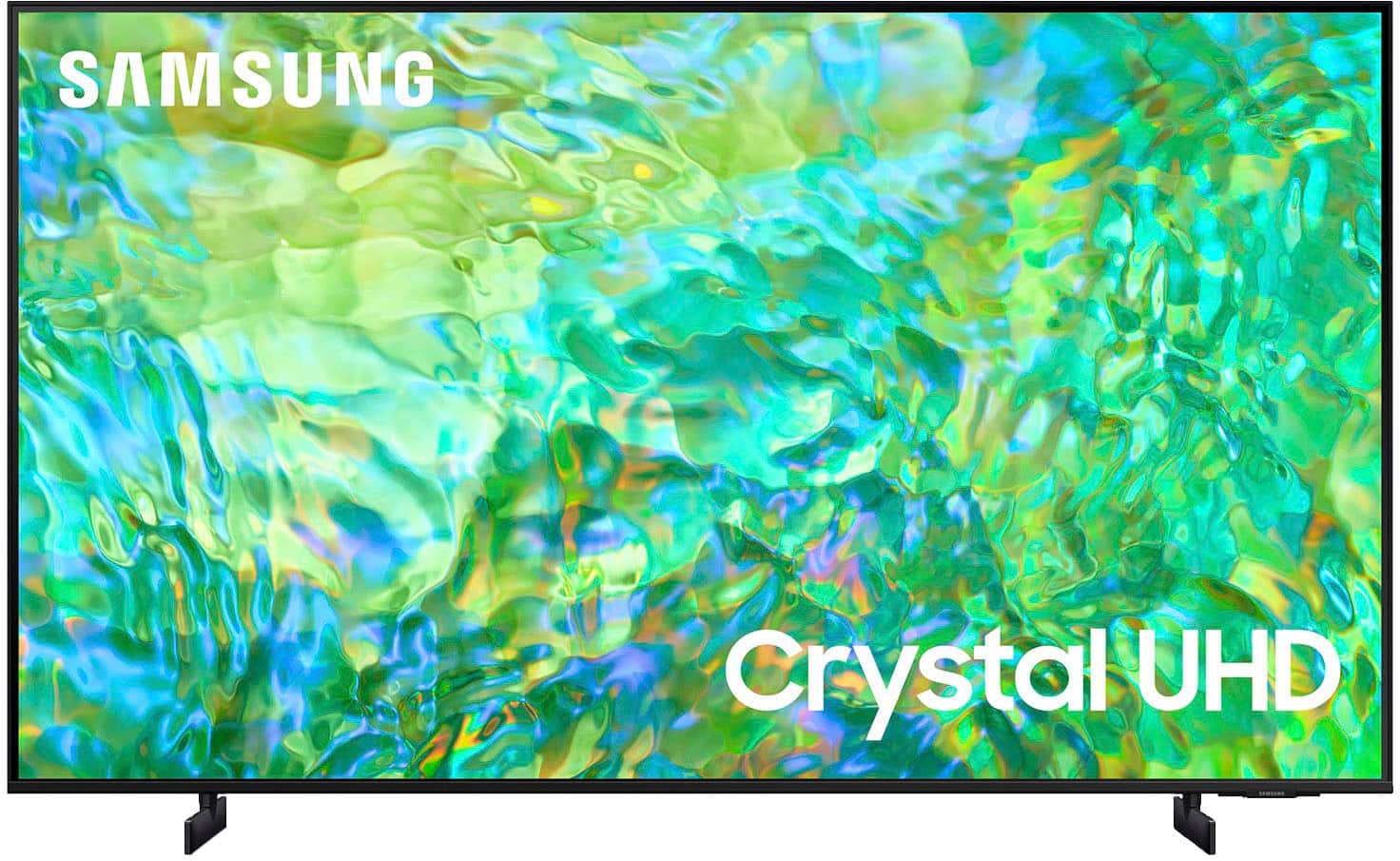
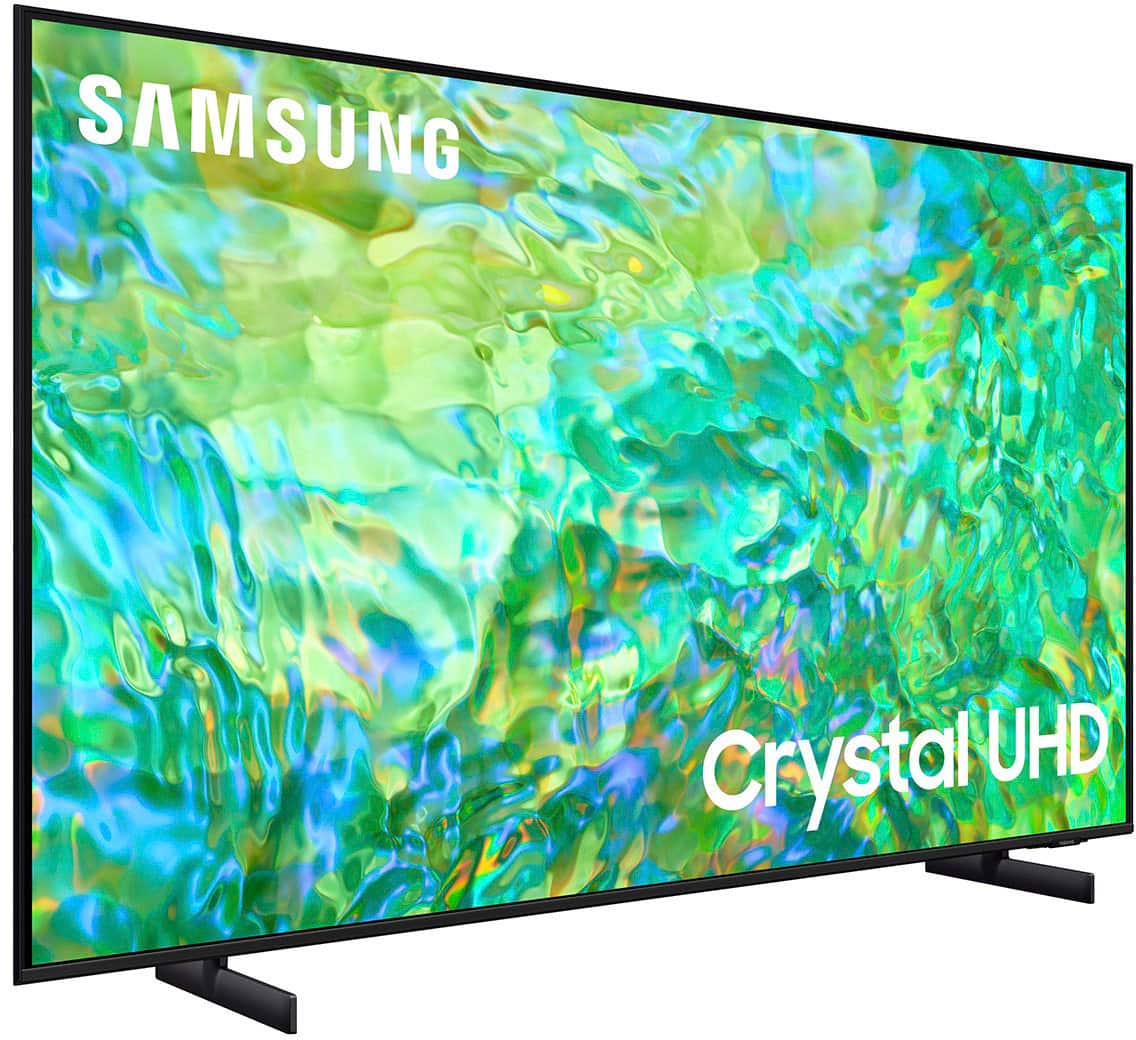



- Model:
- UN55CU8000FXZA
- SKU:
- 6537378
Rating by feature
- Picture Quality
Rating 4.7 out of 5 stars
- Sound Quality
Rating 4.5 out of 5 stars
- Brightness
Rating 4.6 out of 5 stars
Customers are saying
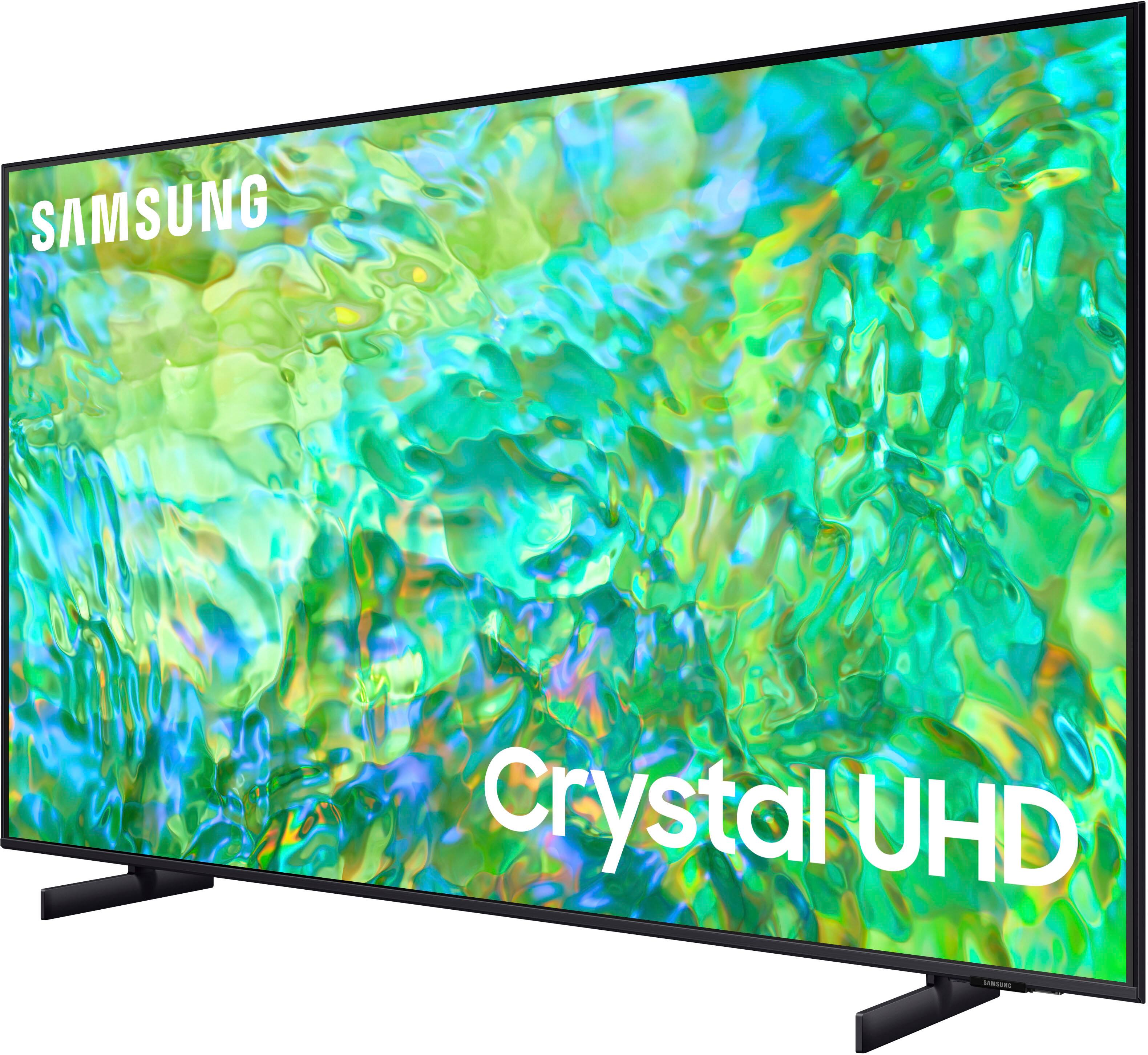
Customers highly value the excellent picture quality, ease of use, and vibrant colors of the 55" Class CU8000 Crystal UHD 4K Smart Tizen TV (2023). Many also appreciate the user-friendly remote control and consider the TV to be a good value for its price. While some users noted minor issues with volume control and software responsiveness, the positive feedback on picture quality and ease of use overwhelmingly outweighs these concerns. The convenient setup process was also frequently praised.
This summary was generated by AI based on customer reviews.
Seamless experience
||Posted . Owned for 3 weeks when reviewed.This reviewer received promo considerations or sweepstakes entry for writing a review.Ordered TV at 10 A.M. Picked it up at 10:45 and was watching it by noon.
I would recommend this to a friendMr.
||Posted . Owned for 3 weeks when reviewed.This reviewer received promo considerations or sweepstakes entry for writing a review.Its fantastic! Will gladly tell other people about it.
I would recommend this to a friendSamsung
||Posted . Owned for 1 month when reviewed.This reviewer received promo considerations or sweepstakes entry for writing a review.My thoughts where base on the sale person opinion I have not had the chance to unbox the tv
I would recommend this to a friendExcellent
||Posted . Owned for 3 weeks when reviewed.This reviewer received promo considerations or sweepstakes entry for writing a review.Excellentxxxxxxxxxxxxxxx. Xxxxxxxxxxxxxxx ccxxx
I would recommend this to a friendBedroom TV to Mount on Wall
||Posted . Owned for 2 weeks when reviewed.This reviewer received promo considerations or sweepstakes entry for writing a review.Love our new TV! Got this for the bedroom and it is a game-changer.
I would recommend this to a friendGreat value
||Posted . Owned for 3 weeks when reviewed.This reviewer received promo considerations or sweepstakes entry for writing a review.Amazing tv great value. Would recommend it to everyone
I would recommend this to a friendTv
||Posted . Owned for 3 weeks when reviewed.This reviewer received promo considerations or sweepstakes entry for writing a review.Great tv for the price easy to install, lighter than expected
I would recommend this to a friendTV is fine "BUT"
||Posted . Owned for 3 weeks when reviewed.This reviewer received promo considerations or sweepstakes entry for writing a review.I do not care for the remote and the users "piece" of paper directions has a lot to be desired!
I would recommend this to a friendTV
||Posted . Owned for 1 month when reviewed.This reviewer received promo considerations or sweepstakes entry for writing a review.Very satisfied with my purchase that I got from best buy
I would recommend this to a friendSamsung
||Posted . Owned for 3 weeks when reviewed.This reviewer received promo considerations or sweepstakes entry for writing a review.Since my husband watches this TV he seems to like it alot.
I would recommend this to a friendNew is not better
||Posted . Owned for 1 month when reviewed.This reviewer received promo considerations or sweepstakes entry for writing a review.Disappointed with brightness and sound quality.Have to put volume on75 for normal show.
No, I would not recommend this to a friendBrand response from Samsung
Posted .Hi SusanNFllorida,
Thank you for your feedback on the sound and picture quality of the CU8000 TV. I have a few recommendations that may improve your overall experience.
First, to ensure performance is fully optimized, please make sure your TV is running the latest firmware. To do so, go to Settings> Support> Software Update. You can easily update from there if necessary.
Next, there are several picture and sound settings that you can adjust to best fit what you are watching. Go to Home > Settings > All Settings > Picture > Picture Mode and select the mode that best fits your usage:
1) Standard: Default mode suitable for general viewing environments.
2) Natural: Reduces eye strain for a comfortable viewing experience.
3) Movie: Most suitable for watching TV or movies in a dark room.
4) Dynamic: Makes the picture brighter and clearer in bright viewing environments.
5) Filmmaker Mode: You can watch the source content (e.g., movie) as it is. If the image is defined as Filmmaker Mode, it will automatically switch to Filmmaker Mode while watching.
You can also go to Settings > All Settings> Picture > Expert Settings > to manually fine-tune your image.
For sound adjustments, go to Settings> All Settings> Sound.
If you’d like more help with settings, please know we’re here to help! Call us at 1-800-SAMSUNG, 8 AM - 12 AM EST, seven days a week. Or visit us on the Samsung website and click on the ‘Support’ link for:
1) LiveChat
2) Manuals, Software, & Warranty Info
~ Samsung Advisor
JohnM
||Posted . Owned for 1 month when reviewed.This reviewer received promo considerations or sweepstakes entry for writing a review.Very nice TV. Just thought we would have a better picture.
I would recommend this to a friendGreat tv
||Posted . Owned for 3 weeks when reviewed.This reviewer received promo considerations or sweepstakes entry for writing a review.Was pleased with service .answered all my questions.
I would recommend this to a friendTV
||Posted . Owned for 2 weeks when reviewed.This reviewer received promo considerations or sweepstakes entry for writing a review.Not easy to set up. Remote is to small and hard to read what little is on remote no-good directions for TV or remote. Liked remotes that took AA batteries and color coded some of the buttons and some remotes buttons would glow in the dark. TV failed after 1 week of use. Called the geek for replacement talked to a person in central America hard to understand his English. This is a job that should be done in United States. Best buy delivered a new TV 3 days after other Failed. 8-hour window when they would deliver Then it was 4 hrs. then said they would call never did. Not convenient. If anything happens to TV this time take it back for refund.
No, I would not recommend this to a friendBrand response from Samsung
Posted .Hi Richard,
Thank you for sharing your experience with us regarding the CU8000 TV. I'm sorry you had issues with exchanging it for a new unit.
Please know you can learn how to use your Samsung Remote by going to Home> (left directional button) Settings> Support> Remote Control Guide.
To download the manual and quick start guide, please follow this link: https://www.samsung.com/us/support/downloads/?model=N0060600&modelCode=UN55CU8000FXZA
If there’s anything we can ever help with, please call us at 1-800-SAMSUNG, 8 AM - 12 AM EST, seven days a week. Or visit us on the Samsung website and click on the ‘Support’ link for:
1) LiveChat
2) Manuals, Software, & Warranty Info
~ Samsung Advisor
Good
||Posted . Owned for 3 weeks when reviewed.This reviewer received promo considerations or sweepstakes entry for writing a review.This good tv i am like is nice mmmmmmmmmkkkdididik
I would recommend this to a friendTv
||Posted . Owned for 1 month when reviewed.This reviewer received promo considerations or sweepstakes entry for writing a review.Great tv, works perfectly find! Love it! Family loves it!
I would recommend this to a friendControl
||Posted . Owned for 3 weeks when reviewed.This reviewer received promo considerations or sweepstakes entry for writing a review.I dont like the control and the price was way to much
I would recommend this to a friendgood for price
||Posted . Owned for 3 weeks when reviewed.This reviewer received promo considerations or sweepstakes entry for writing a review.So far it is working good for the price. You get what you pay for.
I would recommend this to a friend- Pros mentioned:Picture quality
Worst Remote
||Posted . Owned for less than 1 week when reviewed.This reviewer received promo considerations or sweepstakes entry for writing a review.Do not buy this TV. The picture quality was good, but the remote was the worst I've ever seen. I had to return the TV because Alexa would not work. Samsung support team was not helpful.
No, I would not recommend this to a friendBrand response from Samsung
Posted .Hi Rick,
It’s unfortunate to hear of the issues that have caused you to return your CU8000 TV. Your experience is very important to us and will be shared with our product team.
Should you ever decide to give Samsung TVs another try and have questions or need help with settings, setup, or features, please know we’re here to help. Call us at 1-800-SAMSUNG, 8 AM – 12 AM EST, seven days a week. LiveChat with an agent, as well as manuals, software, and warranty info, can be found at the ‘Support’ link on our Samsung website.
We hope to regain you as a customer in the future.
~Samsung Advisor
Boggy
||Posted . Owned for 3 weeks when reviewed.This reviewer received promo considerations or sweepstakes entry for writing a review.The remote is garbage I’m tired of buying TVs and have a remote that useless
No, I would not recommend this to a friendBrand response from Samsung
Posted .Hi Floggle,
We appreciate your review of the CU8000 TV remote; your feedback will be shared with our internal teams.
Please know you can quickly access your CU8000 TV's Settings by pressing the Settings/Number/Color button (below the power button) on your remote, as this functions as a Quick Settings key.
If there’s anything we can ever help with, please call us at 1-800-SAMSUNG, 8 AM - 12 AM EST, seven days a week. Or visit us on the Samsung website and click on the ‘Support’ link for:
1) LiveChat
2) Manuals, Software, & Warranty Info
~ Samsung Advisor