Customer Ratings & Reviews
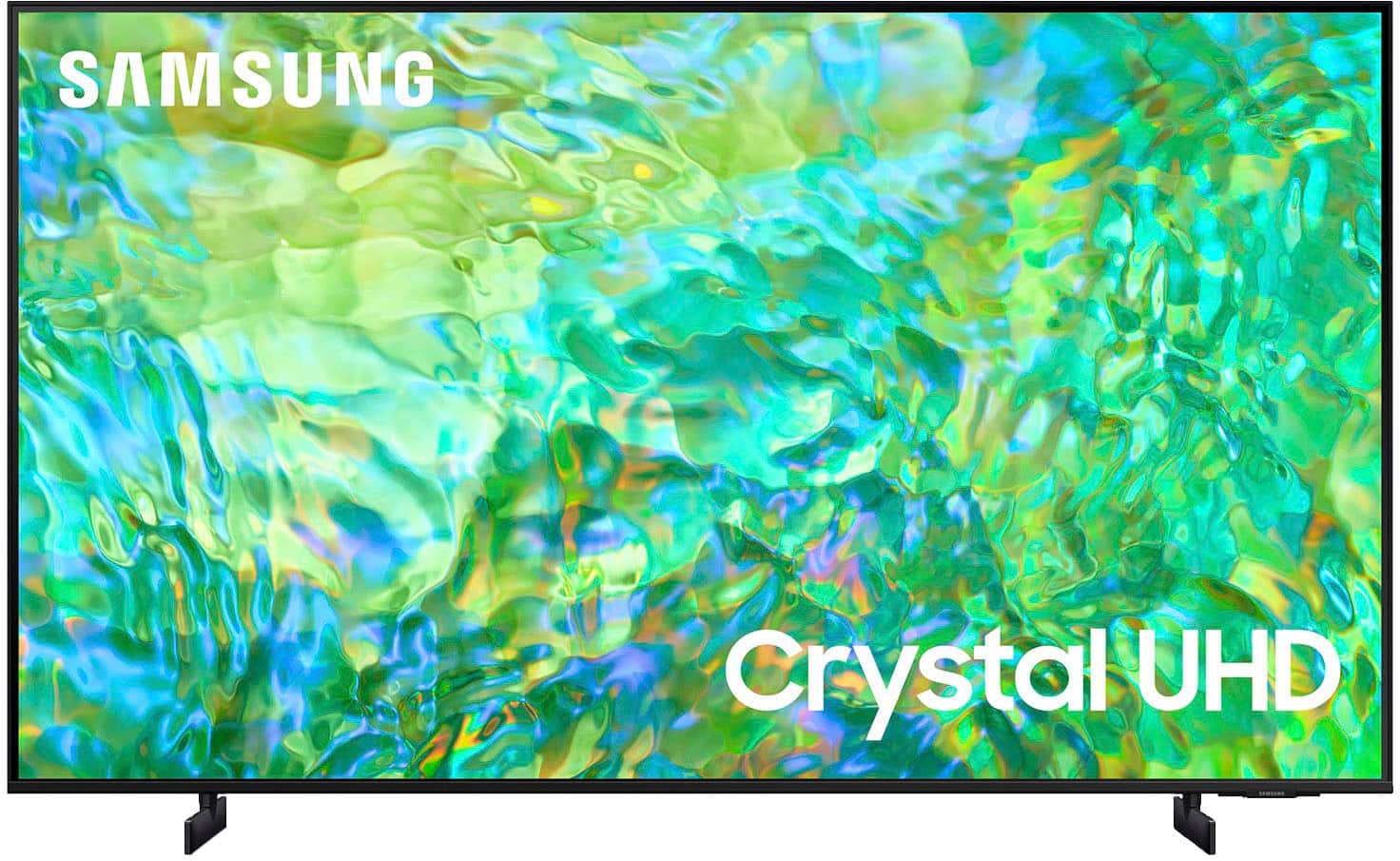
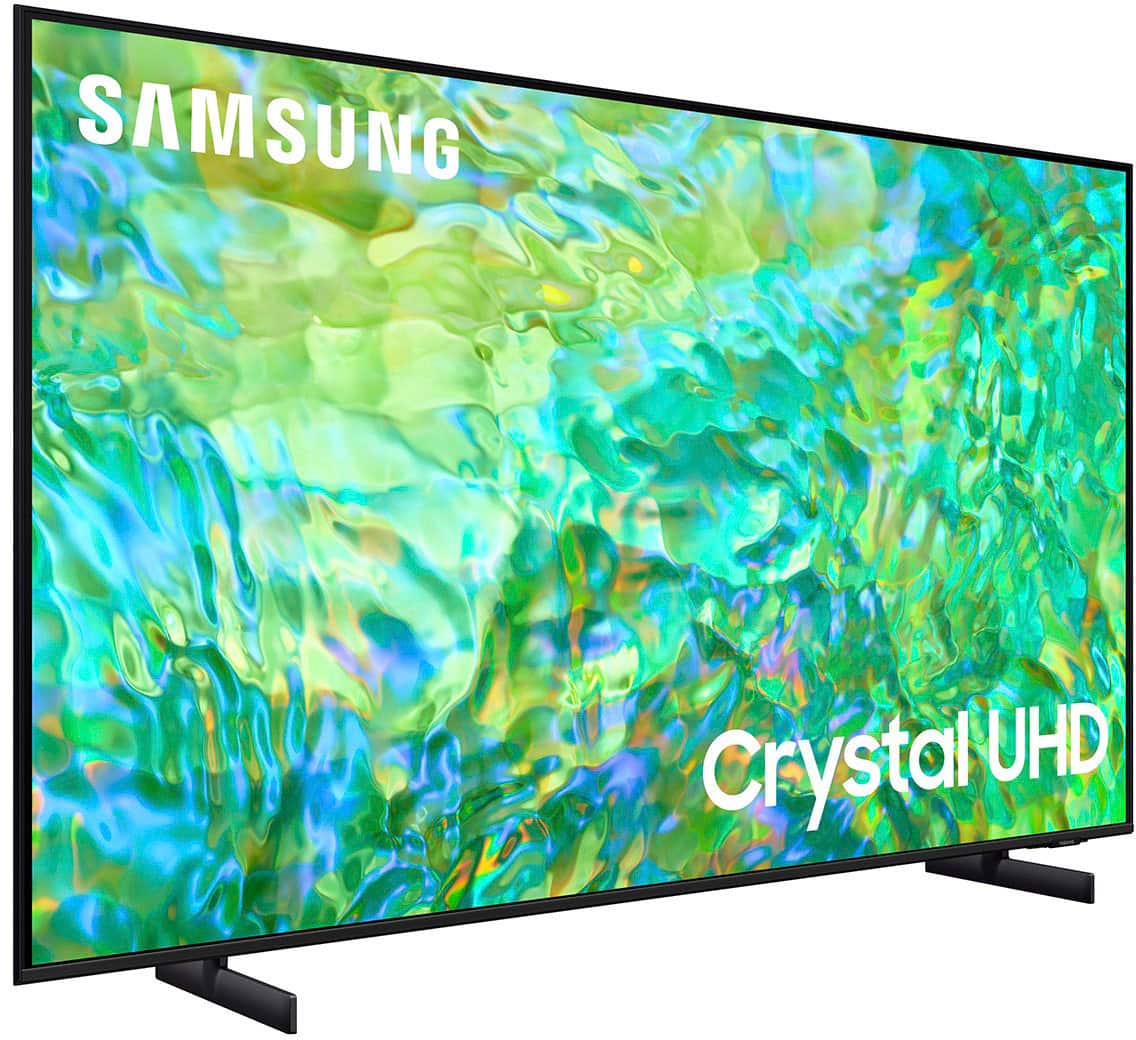
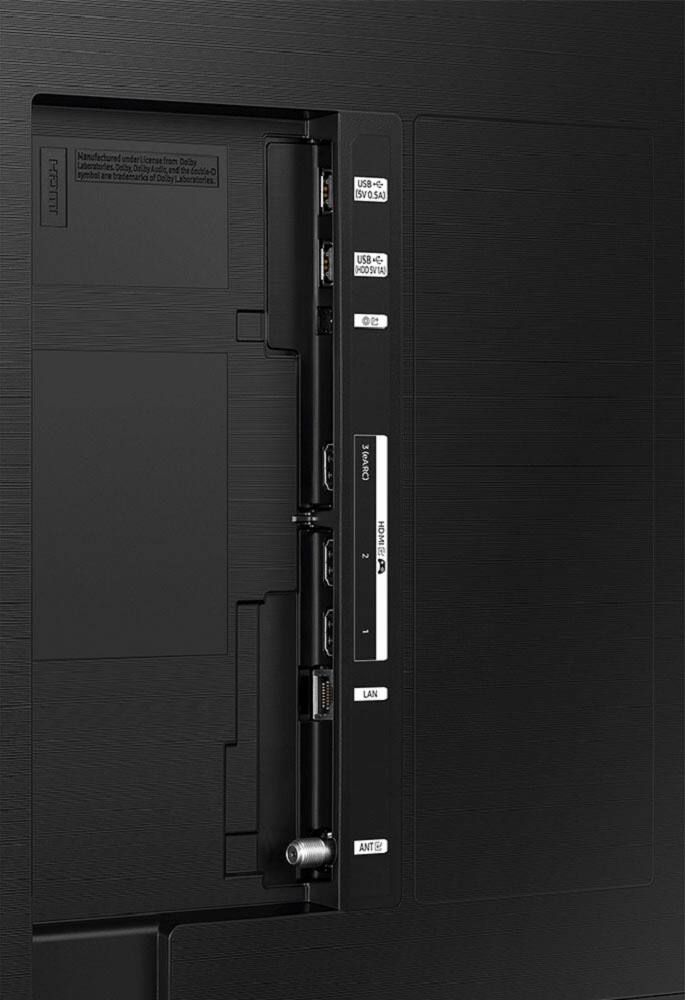



- Model:
- UN55CU8000FXZA
- SKU:
- 6537378
Rating by feature
- Picture Quality
Rating 4.7 out of 5 stars
- Sound Quality
Rating 4.5 out of 5 stars
- Brightness
Rating 4.6 out of 5 stars
Customers are saying
Customers highly value the excellent picture quality, ease of use, and vibrant colors of the 55" Class CU8000 Crystal UHD 4K Smart Tizen TV (2023). Many also appreciate the user-friendly remote control and consider the TV to be a good value for its price. While some users noted minor issues with volume control and software responsiveness, the positive feedback on picture quality and ease of use overwhelmingly outweighs these concerns. The convenient setup process was also frequently praised.
This summary was generated by AI based on customer reviews.
Purchase
Posted .This reviewer received promo considerations or sweepstakes entry for writing a review.Excellent customer support. All the employees was very supportive in my experience and purchase.
I would recommend this to a friendBest Buy TV Installers
Posted .This reviewer received promo considerations or sweepstakes entry for writing a review.Jordan and Anthony were the two technicians that installed out new TV. They were professional and did a great job.
I would recommend this to a friendGreat Tv
Posted .This reviewer received promo considerations or sweepstakes entry for writing a review.Works great after a few hours of Figuring out New Style Remote Good Price Fast Delivery
I would recommend this to a friendGreat Samsung 55” TV
Posted .This reviewer received promo considerations or sweepstakes entry for writing a review.Really love the tv and all of it’s features! The Samsung TV is a great choice!
I would recommend this to a friend55 in tv
Posted .This reviewer received promo considerations or sweepstakes entry for writing a review.Volume is too old. I am older and had to purchase sound barvto be able to hear clearly
I would recommend this to a friendBest experience.
Posted .This reviewer received promo considerations or sweepstakes entry for writing a review.Glad to have a TV that works. Sales person and manager were the best.
I would recommend this to a friendPleased
Posted .This reviewer received promo considerations or sweepstakes entry for writing a review.Very pleased with the quality of my purchase. Best Buy has always been a good choice for me!
I would recommend this to a friendSamsung 55"
Posted .This reviewer received promo considerations or sweepstakes entry for writing a review.had to replace our 50", came across this 55" and love it
I would recommend this to a friendNew Samsung
Posted .This reviewer received promo considerations or sweepstakes entry for writing a review.Replacement for another Samsung It has been doing great
I would recommend this to a friendSo Far So Good
Posted .This reviewer received promo considerations or sweepstakes entry for writing a review.TV seems good so far. Only had it two weeks. Adjusting the brightness.
I would recommend this to a friendWorst picture and sound TV I ever had in my life.
Posted .This reviewer received promo considerations or sweepstakes entry for writing a review.Just received this yesterday as a replacement for my Samsung TU8000 that crapped out at the 3 year mark. This TV (CU8000) is inferior in almost every way. 1.) picture quality is HORRIBLE unless you are getting from a 4K source (such as streaming or direct from a 4K Blu Ray player. I use antenna, as always, and ALL previous 1080p and 4K TVs gave a good picture. (My favorite is one that is not mad anymore.. my 15 year old Sharp Aquos Quattron 1080p is awesome). Also, people's faces often have an orange glow to them, which sucks as well even after adjusting the settings manually to try to eliminate it. ; 2.) Sound quality sucks on this TV. No other way to describe it. The remote control has a built in rechargeable battery, rather than replaceable "AAA" batteries, so when the battery craps out, I suppose you have to purchase a new Samsung remote control. That being said, the TV will probably crap out before the rechargeable battery in the remote control. Worst TV I ever had in my entire life. I will probably return it and get a smaller sized 1080p generic named TV. The TV is supposed to upscale to near 4K, and my local TV antenna stations broadcast in 720p or 1080i and look AWEFUL. Previous TVs had no problems with it and had a good picture. Not this one. Avoid.
No, I would not recommend this to a friendBrand response from Samsung
Posted .Hi RichNEPA,
Thank you for taking the time to provide feedback on your CU8000 TV. Please know that your feedback will be shared with our internal product teams. We take pride in our products and are sorry to hear that your experience was not up to our high standards.
I have a few recommendations that may improve your experience.
First, let's ensure you are running the latest Firmware. Go to Settings> Support> Software Update.
Next, run a diagnostic test. Go to Home > Settings > Support > Device Care > Self Diagnosis > Picture Test. If there are no issues (i.e., orange faces) during the Picture Test, this means your TV is working fine. To identify and fix the issue, first, try replacing the cable of the external device that is showing lines.
- If the issues still appear after replacing the cable, troubleshoot the external device.
- If the issues appear during the picture test, please give us a call so we can better support you.
Regarding overall picture quality, please know the TV will upscale any content sent to it as best as possible. The closer your content is to 4K, the better the image will look on the screen.
Here are some tips to help improve picture clarity:
1) HDMI cables are recommended for optimal HD viewing.
2) If you have an analog cable box or satellite box, upgrade to a digital cable box or satellite box.
3) Change the output resolution of your devices, such as digital broadcast receivers, IPTV, and set-top boxes, to UHD or HD.
4) You can further adjust your sharpness, brightness, contrast, color, and more by going to Settings > All Settings> Picture > Expert Settings
5) Choose a Picture Mode by going to Settings > All Settings> Picture > Picture Mode and choose from Dynamic, Standard, Natural, Movie, or Filmmaker Mode.
To adjust the sound on your TV, go to Settings > All Settings> Sound > Sound Mode or customize the sound with Expert Settings by going to Settings > All Settings> Sound > Expert Settings.
I hope these tips help you to better enjoy your Samsung TV. If you need more help, Samsung is here for you. Please call us at 1-800-SAMSUNG, 8 AM - 12 AM EST, seven days a week. Our LiveChat agents are also available by clicking on the ‘Support’ link on our website.
~ Samsung Advisor
Flickering TV
Posted .This reviewer received promo considerations or sweepstakes entry for writing a review.The TV gets blurry and keeps flickering. I had to turn the tv off and turn it back on.
No, I would not recommend this to a friendBrand response from Samsung
Posted .Hi AnnieS,
I am very sorry you are experiencing issues with a distorted picture. The issue may be due to not connecting correctly with an external device. Please check your connection with these steps:
1. Disconnect and reconnect the power cables and HDMI cables on the back of your TV, then unplug the power cord and plug it back into the wall outlet.
2. If the external device supports UHD video, use a dedicated HDMI cable (4K) for HDMI video playback.
3. If a component cable is used, make sure that the colored connectors are connected to the matching connectors on the external device and the TV.
4. If you are using a set-top box, check the cable connection. The cable you need to check depends on the type of set-top box.
5. Make sure that your access point is connected to the Internet. If not, disconnecting and reconnecting its power cable may be required.
6. If the problem persists, check the video output settings in the settings menu of the external device, and ensure that your TV supports the video output mode.
Should your issue persist, please contact Samsung Customer Support. You can call us at 1-800-SAMSUNG, 8 AM - 12 AM EST, seven days a week. Our LiveChat agents are also available by clicking on the ‘Support’ link on our website.
~ Samsung Advisor
Not Sure...
Posted .This reviewer received promo considerations or sweepstakes entry for writing a review.The jury is still out on this one. 2 stars for now, because I've had the TV less than a month and I already need a replacement. There are green and purple lines at the bottom of the screen. Hopefully, the next one is better!
No, I would not recommend this to a friendBrand response from Samsung
Posted .Hi HeatherS,
I'm very sorry to hear that your CU8000 TV needed to be replaced after only a month. I hope your issue is resolved quickly. If you need more help, Samsung is here for you. Please call us at 1-800-SAMSUNG, 8 AM - 12 AM EST, seven days a week. Our LiveChat agents are also available by clicking on the ‘Support’ link on our website.
~ Samsung Advisor
Returned
Posted .This reviewer received promo considerations or sweepstakes entry for writing a review.This TV looked great in the store, but when we set it up at home the picture quality seemed blurry and it was much darker than we had expected. It could have been a faulty unit, but we ended up going with a different model Samsung TV.
No, I would not recommend this to a friendBrand response from Samsung
Posted .Hi ConW,
I’m sorry to hear the picture quality of Samsung’s CU8000 TV did not meet your expectations. Your feedback is appreciated and will be shared with our internal teams.
Should you ever decide to give Samsung TVs another try and have questions or need help with settings, setup, or features, please know we’re here to help. Call us at 1-800-SAMSUNG, 8 AM – 12 AM EST, seven days a week. LiveChat with an agent, as well as manuals, software, and warranty info, can be found at the ‘Support’ link on our Samsung website.
We hope to regain you as a customer in the future.
~ Samsung Advisor
Broke twice.
Posted .This reviewer received promo considerations or sweepstakes entry for writing a review.Purchased on December 10th 2023. Delivery on 12th. Broke by the 14th. Picture went out. Replaced 2 days later. 2 days after that the second cu8000 also went out. Same problem.
No, I would not recommend this to a friendBrand response from Samsung
Posted .LorettaC,
We appreciate you sharing your experience with Samsung's CU8000F. We recommend you contact Best Buy Customer Support or your local Best Buy store directly for assistance in correcting this situation. We hope your issue is resolved in a timely manner.
Should you have questions or concerns regarding the usage or setup of your TV once your issue has been resolved, please contact Samsung Customer Support at 1-800-SAMSUNG, 8AM - 12AM EST, 7 days a week. Or visit us on the Samsung website and click on the ‘Support’ link for:
• LiveChat
• Manuals, Software, & Warranty Info
~ Samsung Specialist
Don’t buy!!
Posted .This reviewer received promo considerations or sweepstakes entry for writing a review.Stoped working 17 days after I bought it. Tv won’t turn on. 15 day rerun policy and they want to waste my time trying to fix it.
No, I would not recommend this to a friendBrand response from Samsung
Posted .Hi LauraK,
I'm very sorry to hear that your CU8000 TV stopped working after two weeks of use. We appreciate your patience in having to deal with service. If you need help setting up a warranty appointment or have any questions, please reach out to us at 1-800-SAMSUNG, 8 AM - 12 AM EST, seven days a week. Our LiveChat agents are also available by clicking on the ‘Support’ link on our website.
Thanks for being a part of the Samsung family!
~ Samsung Advisor