Customer Ratings & Reviews
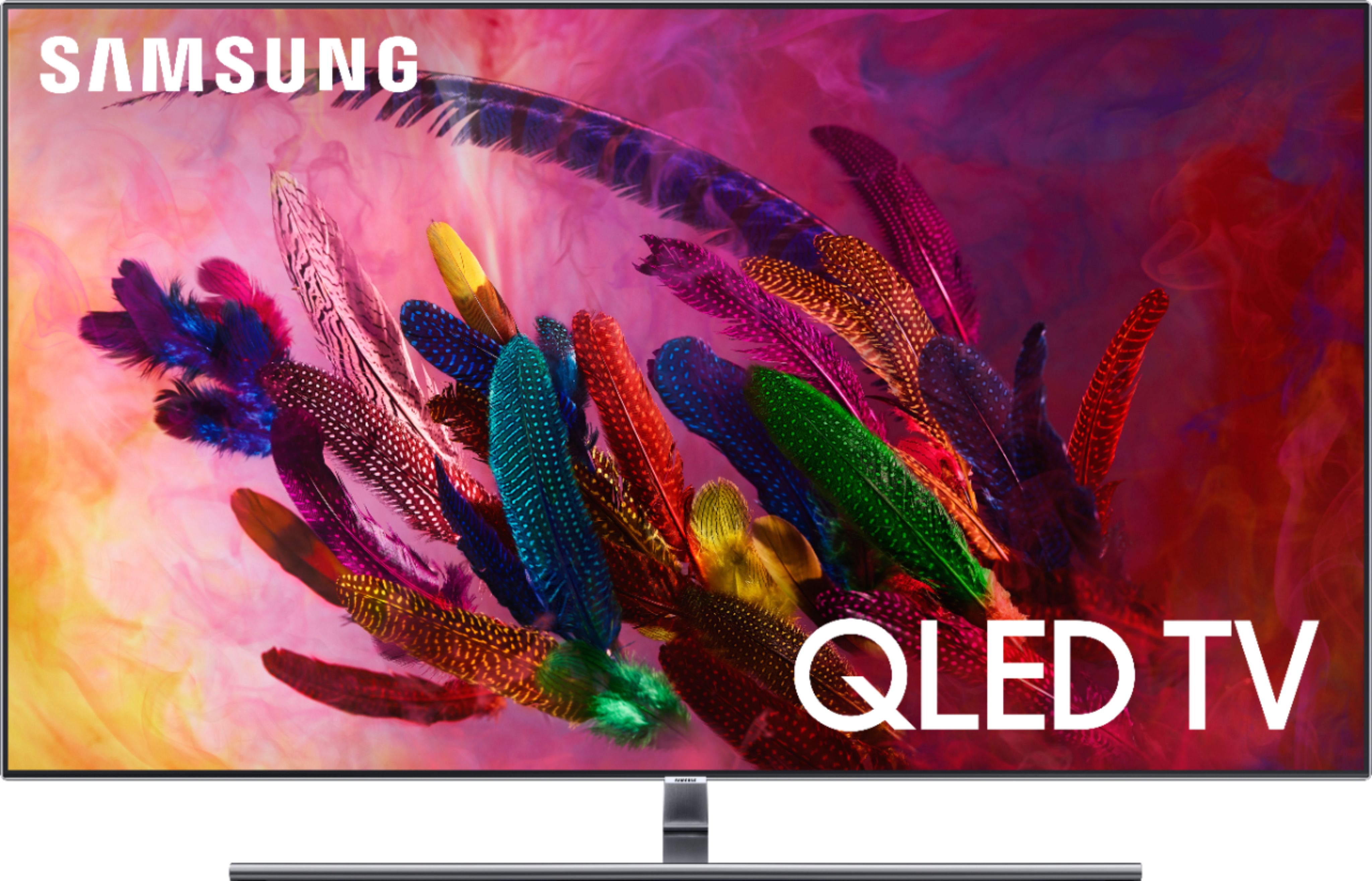
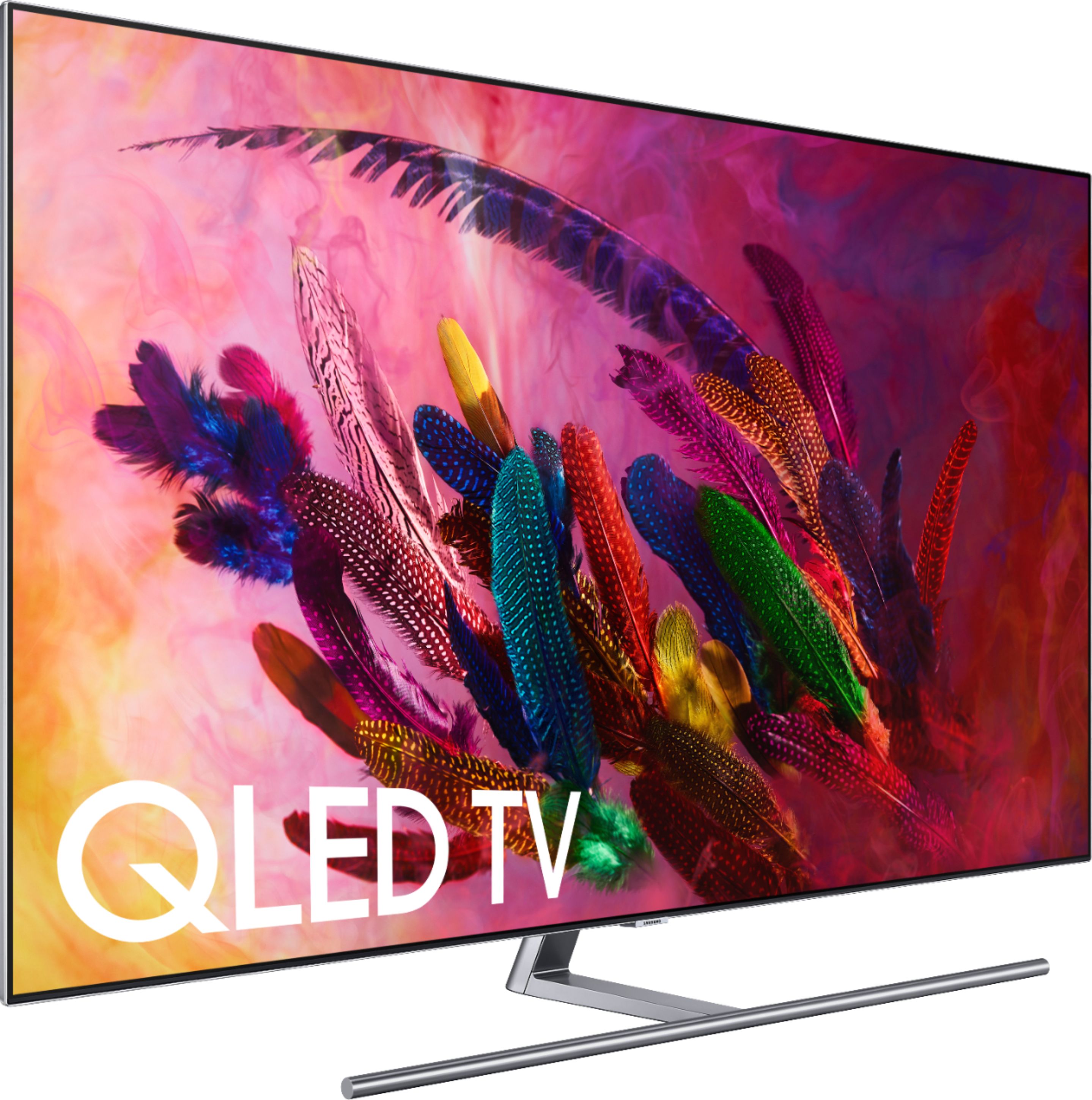
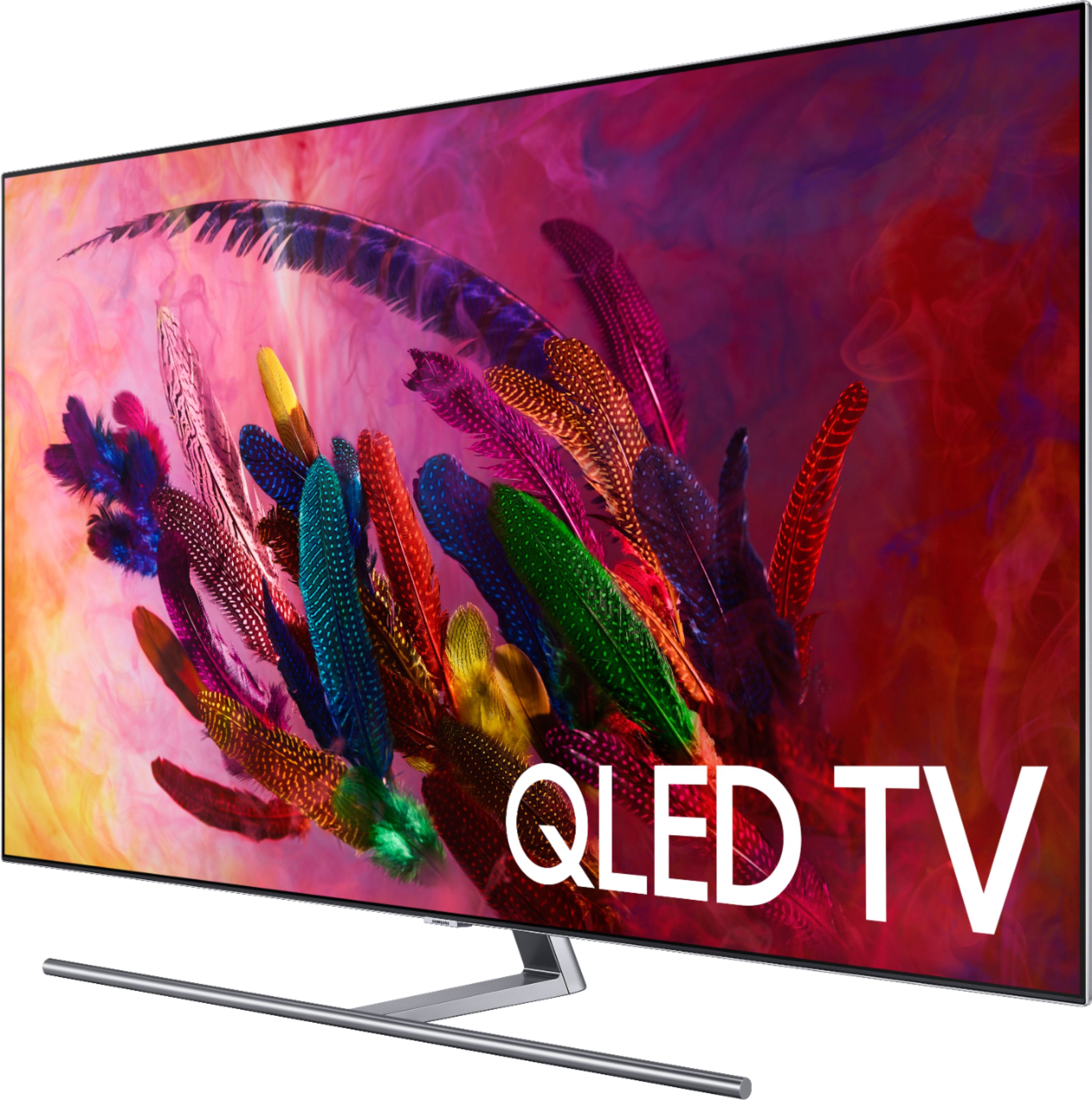
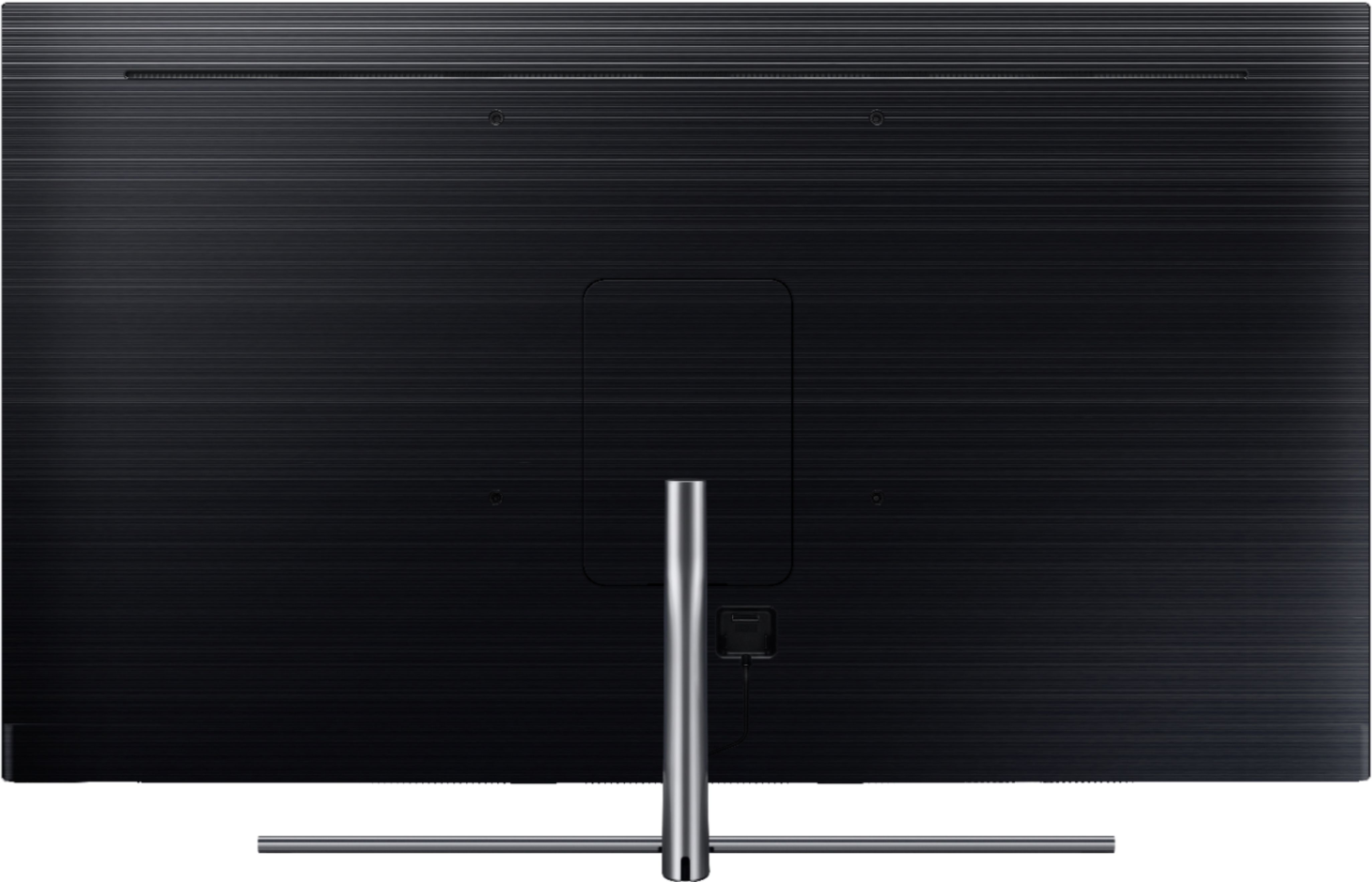
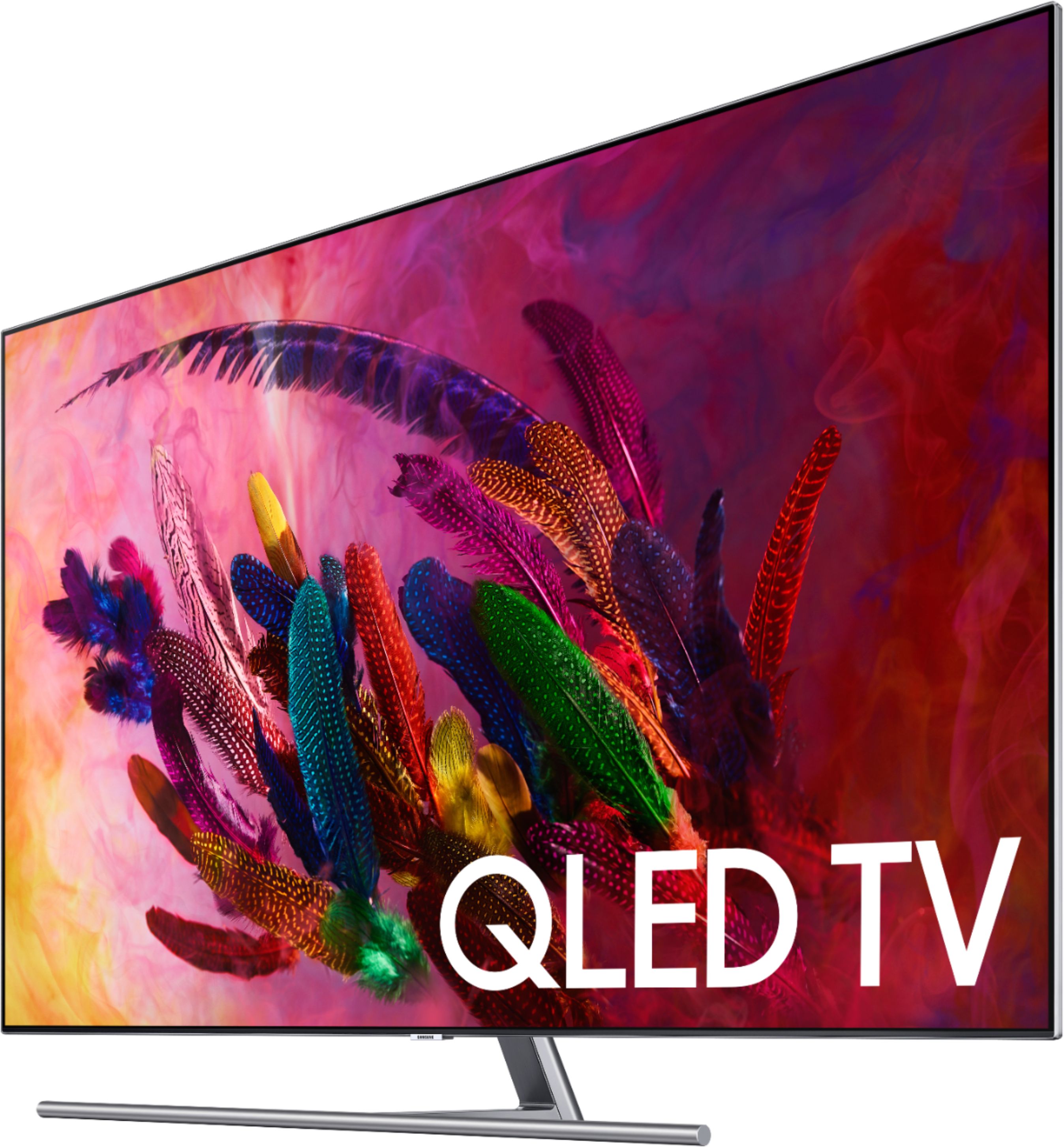
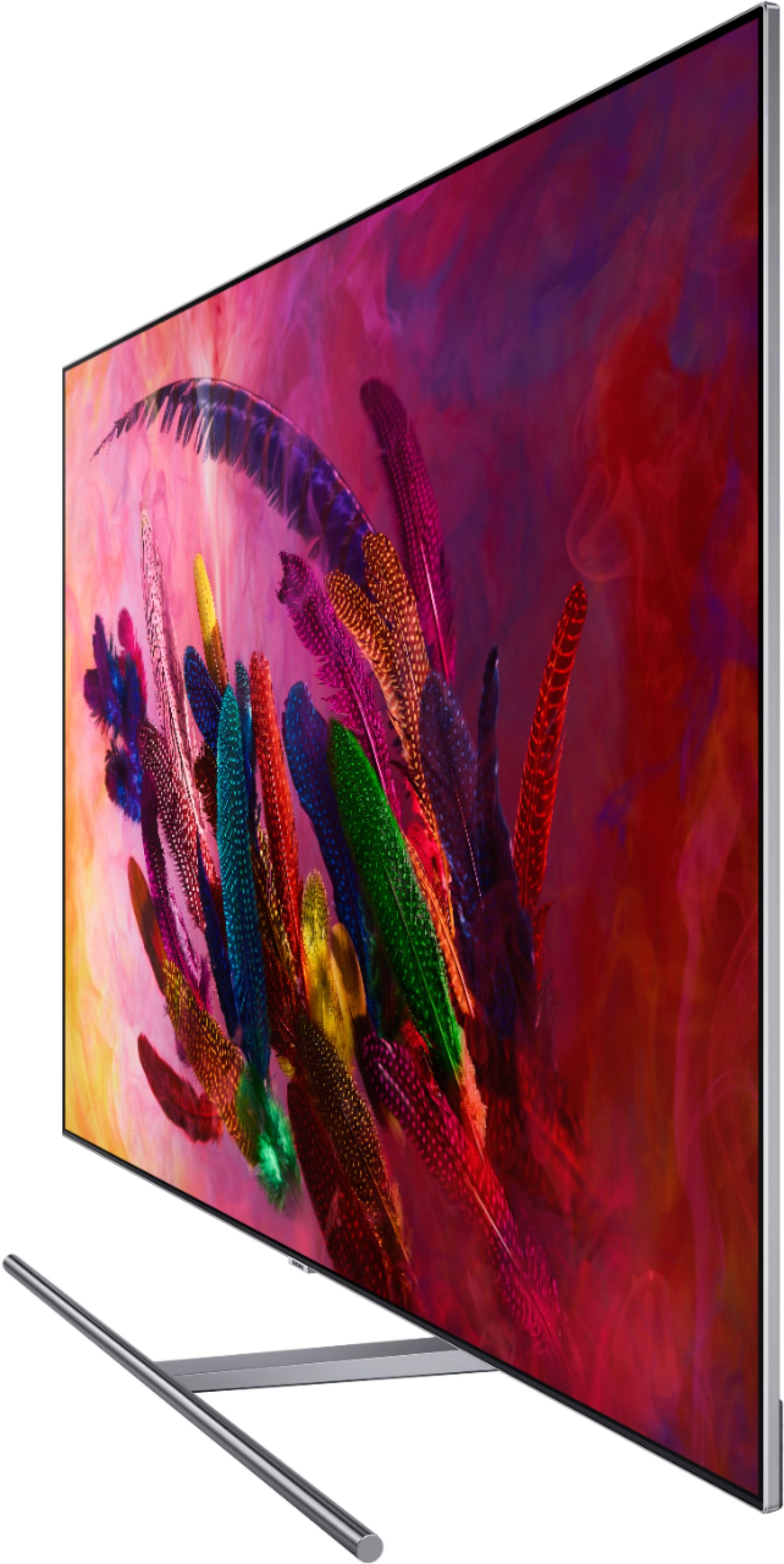
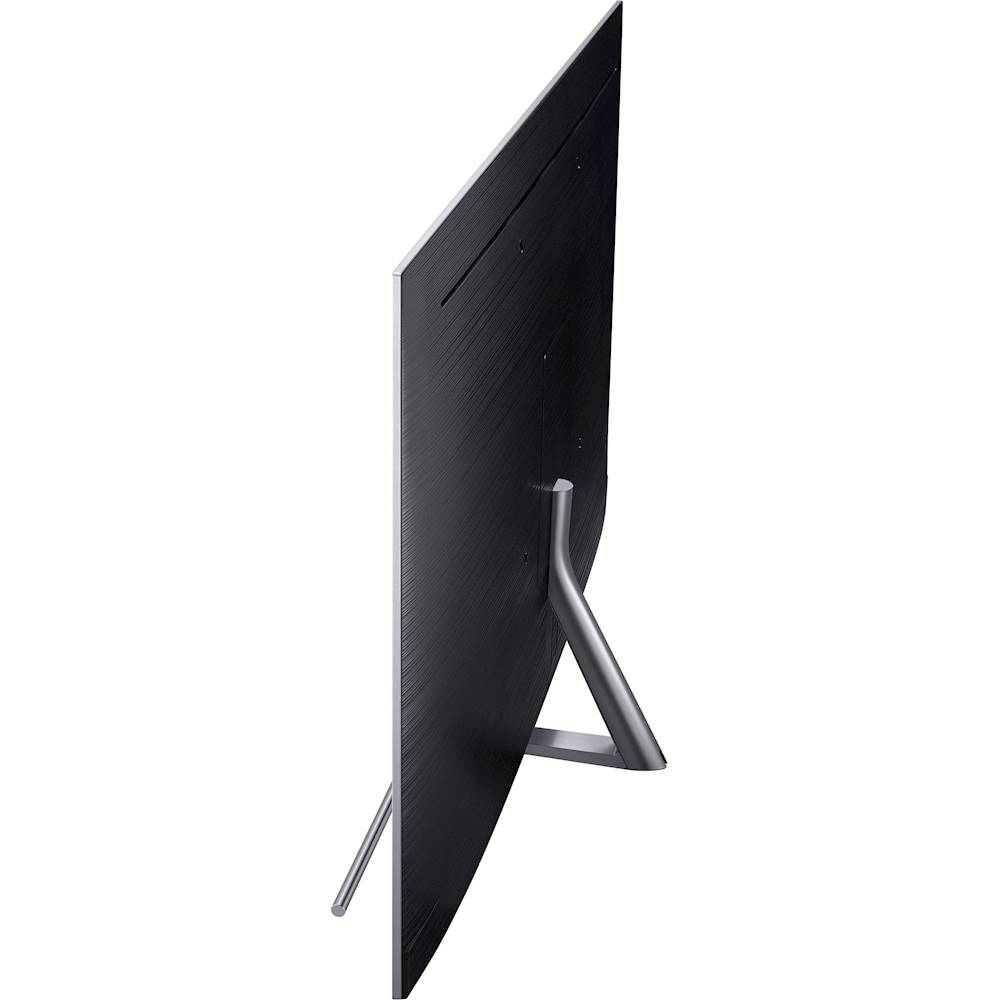
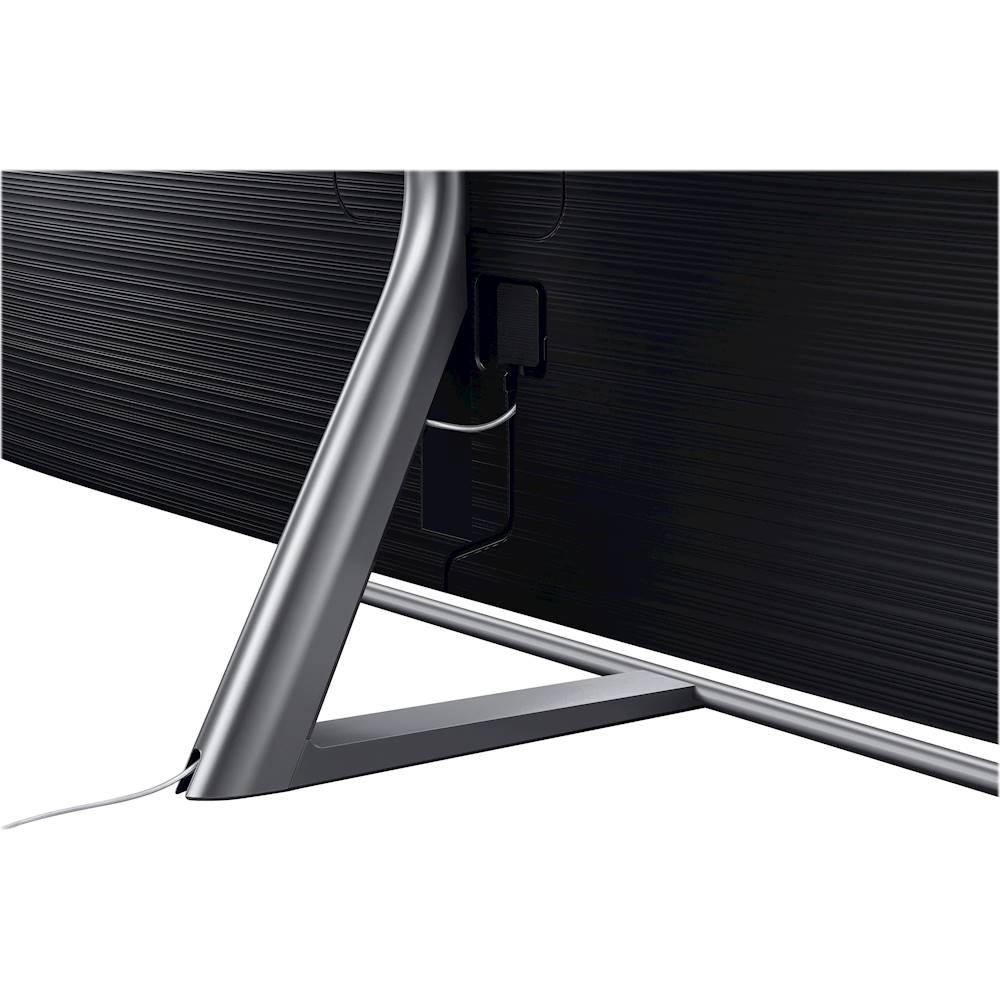


- Model:
- QN55Q7FNAFXZA
- SKU:
- 6202118
Rating by feature
- Value
Rating 4.3 out of 5 stars
- Quality
Rating 4.5 out of 5 stars
- Ease of Use
Rating 4.5 out of 5 stars
Customers are saying
Customers love the picture quality of the 55" Class - LED - Q7F Series - 2160p - Smart - 4K UHD TV with HDR, with many saying it is terrific. They also appreciate the easy setup, especially the one connect box. However, some customers have concerns about the remote control, particularly the voice control feature, and a few have mentioned issues with motion blur and source switching.
This summary was generated by AI based on customer reviews.
- Cons mentioned:Motion blur
Very disappointed
Posted .This reviewer received promo considerations or sweepstakes entry for writing a review.I just got this TV .. there is a lot of Jutter. Think they call it. There is also motion blur, very difficult to watch sports. There is also some sort of bleeding when the movie or show is not full screen.. the apps are horrible. I watch MLB.TV and I can not load it on this TV. I am returning this tv
No, I would not recommend this to a friendBrand response from MrSamsung
Posted .Hi Chris,
Have you tried adjusting Auto Motion Plus for judder reduction? It is a feature designed to eliminate blur and judder on an LED TV, specifically in fast moving images. It does so by taking a 30 fps signal and adds in additional frames to help smooth out any blur or judder between frames, called interpolation.
Here is the step-by-step guide to change Auto Motion Plus settings:
With the TV powered on, press the Home button on the Samsung remote to open the Home screen> Select Settings>.Select Picture > Select Expert Settings> Select Auto Motion Plus.
(Note: This option may not be visible initially. Continue scrolling through the Expert Settings Menu to locate Auto Motion Plus)
>Select Auto Motion Plus again, and you will see the following three options:
◦Off: Auto Motion Plus will always be off.
◦Auto: Auto Motion Plus will automatically activate and deactivate based on the type of program being watched.
◦Custom: Allows custom adjustments and settings to be used.
By selecting the Custom option, you can access these advanced settings:
- Blur Reduction: Use the directional keys on the remote to adjust the Blur setting.
- Judder Reduction: Use the directional keys on the remote to adjust the Judder setting.
- LED Clear Motion: Select to turn On/Off.
For further assistance on app uploading, please contact Samsung Customer Support toll-free at 1-800-SAMSUNG and a representative will gladly help you.
Or LiveChat with our product experts by copy -paste this link into your browser: http://www.samsung.com/us/support/contact
We are likewise reachable via Facebook Messenger at: http://m.me/samsungsupport
You can also find us on Twitter at: https://twitter.com/messages/compose?recipient_id=18768513
-Samsung Ambassador
- Pros mentioned:Picture quality
Picture perfect
Posted .This reviewer received promo considerations or sweepstakes entry for writing a review.Thin, light and perfect for wall mount. Picture perfect
I would recommend this to a friend - Pros mentioned:Color
Not Worth the Money
Posted .This reviewer received promo considerations or sweepstakes entry for writing a review.Brightness is the best in the market... everything else is compromised for that statistic... the "jittery" picture, from what appears to be a slow refresh rate, was the first noticeable displeasure. The wifi bandwidth consumption was acceptable but more than I cared for on a TV (even when not streaming), and the final mechanical issue that caused me to write the review... Just under 1 year from unboxing, there is a purple horizontal line... had my LG 7 years without an issue and moved it 3 times... Wont be getting Samsung again. From their phones burning, to their water appliances leaking, I should have known a cutting edge tv was too much to be reliable. get the sony x900e (best reviews around).
No, I would not recommend this to a friendBrand response from Samsung
Posted .Llama,
The Q7F series was launched in March 2018, and thus could not be the TV you were reviewing.
I am sorry for the inconvenience and issues you had with your previous generation Samsung TV.
Samsung stands behind the quality and performance of every product we manufacture, and sincerely apologize for the unfortunate experience.
We invite you to personally experience the enjoyment that our 2018 TV models have offered to many of our customers. Please check out our 2018 TV models at:
https://www.samsung.com/us/televisions-home-theater/tvs/
If you need assistance with product selection or want to know more details of the great features, please reach out to us via one of the following options:
1) Phone: 1-800-SAMSUNG
2) LiveChat or Email: https://www.samsung.com/us/support/#contact_us_for_support
3) Facebook Messenger: http://m.me/samsungsupport
4) Twitter: https://twitter.com/messages/compose?recipient_id=18768513
We look forward to hearing from you.
- Samsung Ambassador
AMAZING!!!!
Posted .This reviewer received promo considerations or sweepstakes entry for writing a review.Everything is amazing on this tv!!!!! super worth the $$$$$. No regrets whatsoever!!!! Well done Samsung!
I would recommend this to a friendGreat tv very clear
Posted .This reviewer received promo considerations or sweepstakes entry for writing a review.Tv is really nice has alot of features it has Bixby voice and can connect to Samsung smart phones
I would recommend this to a friend- Pros mentioned:Picture quality
Great TV until it died
Posted .This reviewer received promo considerations or sweepstakes entry for writing a review.This was a great TV for 14 months and then it just died. Samsung wanted $600-800 to fix it. Will be buying a new TV unfortunately and it will NOT be a Samsung.
No, I would not recommend this to a friend IP Power On Failure with SmartThings for iOS
Posted .This reviewer received promo considerations or sweepstakes entry for writing a review.IP Power On Failure with SmartThings App for iOS Because this model listed IP power on control in the manufacturer specs, I purchased two of these Q7FN models. To my disappointment the SmartThings app for iOS X still does not power on either television. I first called the SmartThings department about this issue in June 2018 and was told that "the engineering team is aware of the issue and is working to resolve it." To follow up months later, I called again in September 2018 and was again told "the engineering team is aware of the issue and is working to resolve it." I am disappointed that I purchased two Samsung Q7FN televisions with specs and features, published by the manufacturer, yet not functional.
No, I would not recommend this to a friendReturning immediately
Posted .This reviewer received promo considerations or sweepstakes entry for writing a review.Purchased this TV during a sale. TV did not work out of the box, power cycled for hours. Samsung support said the TV itself needs to be repaired even though the TV shows the cord is faulty before turning off again and again. I contacted Best Buy and was told my only option is to return or exchange. The closest store to exchange is a 45 minute drive. I will be returning the TV and it hasn't been plugged in for 24 hours.
No, I would not recommend this to a friend