Customer Ratings & Reviews
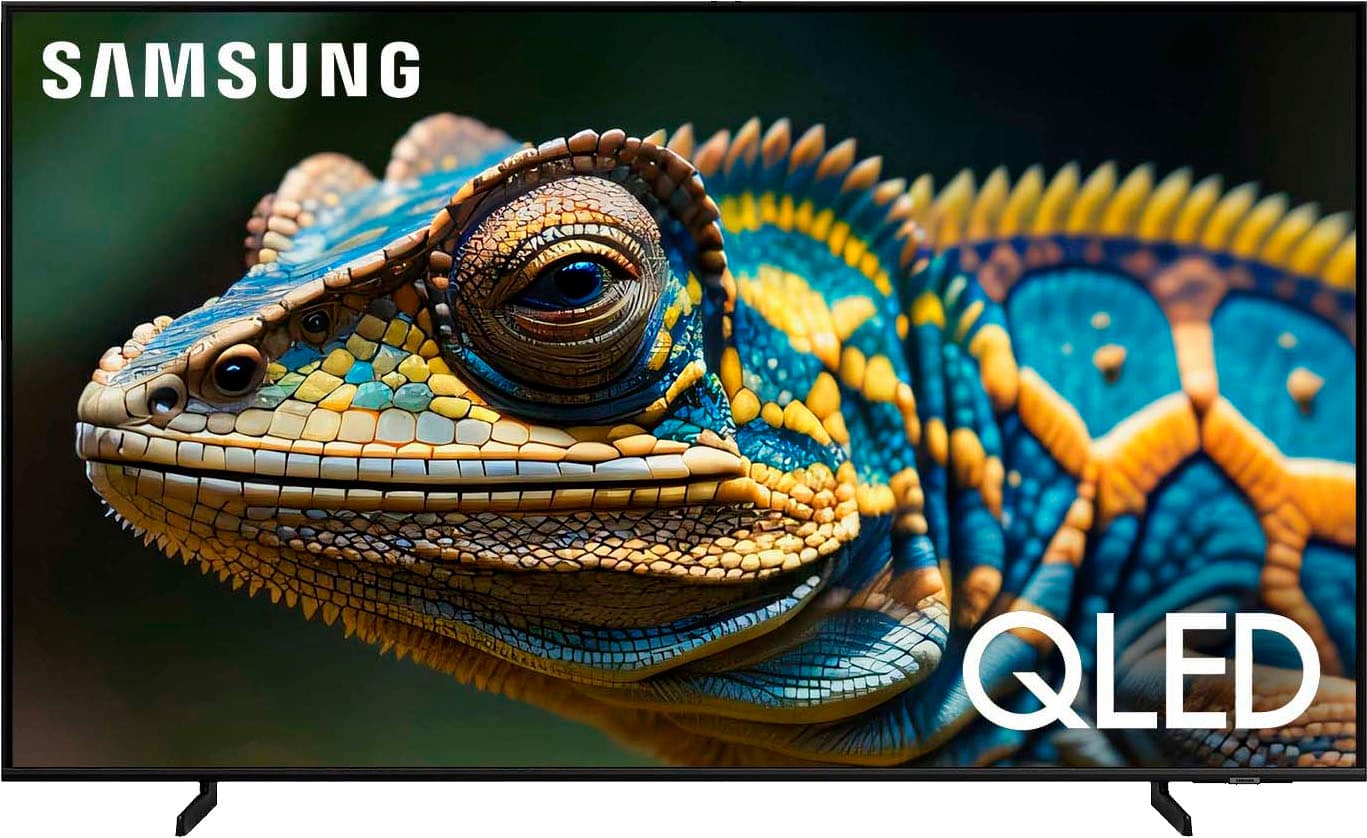
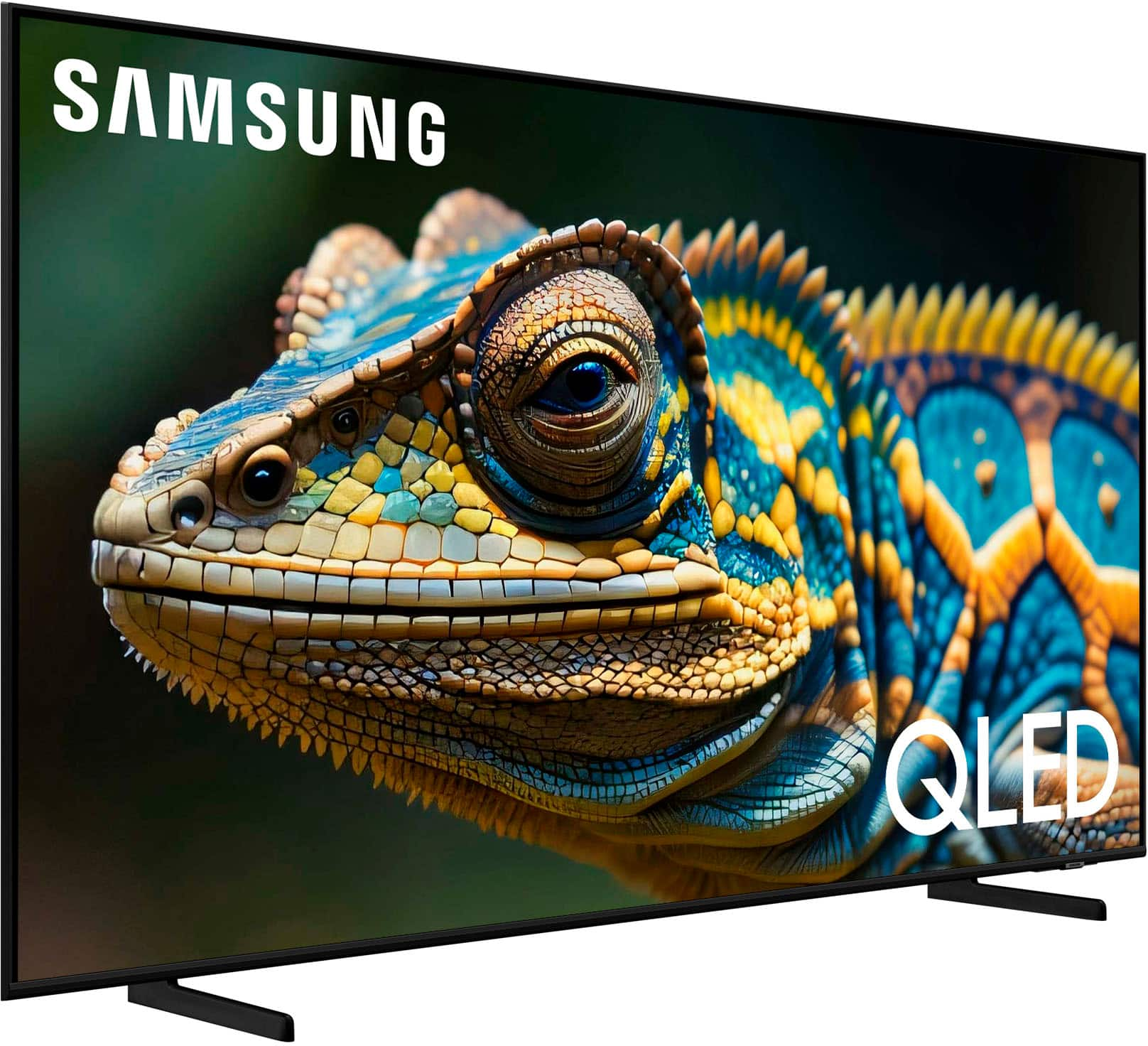
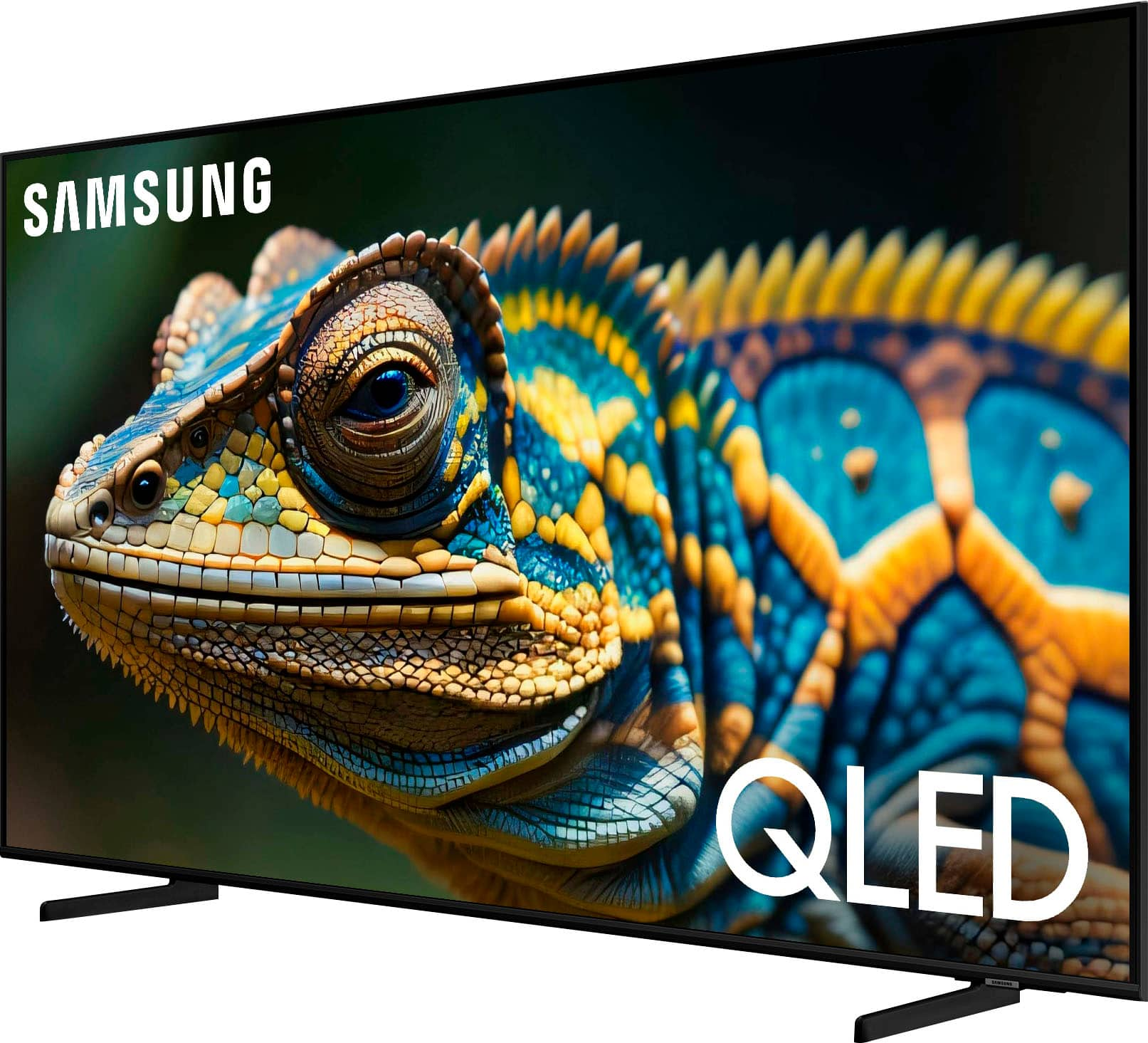
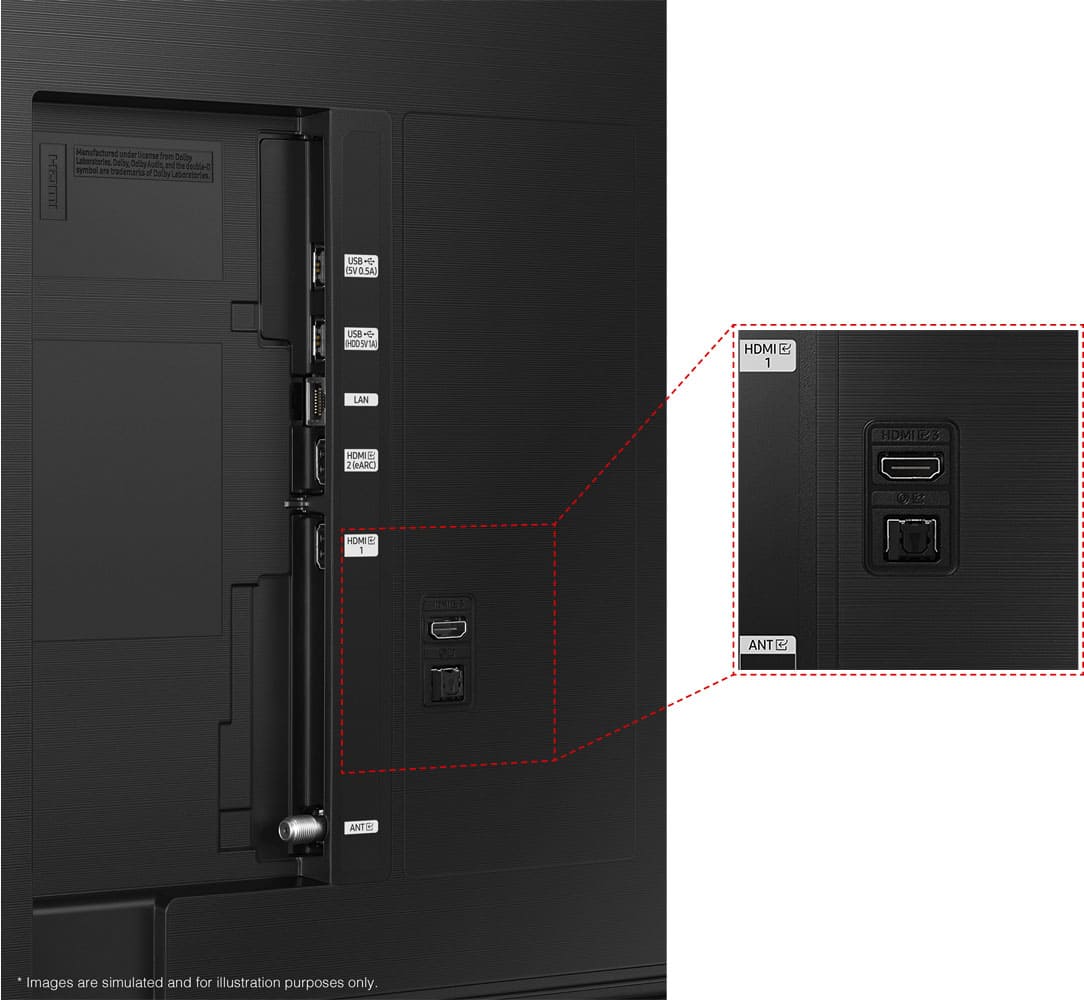
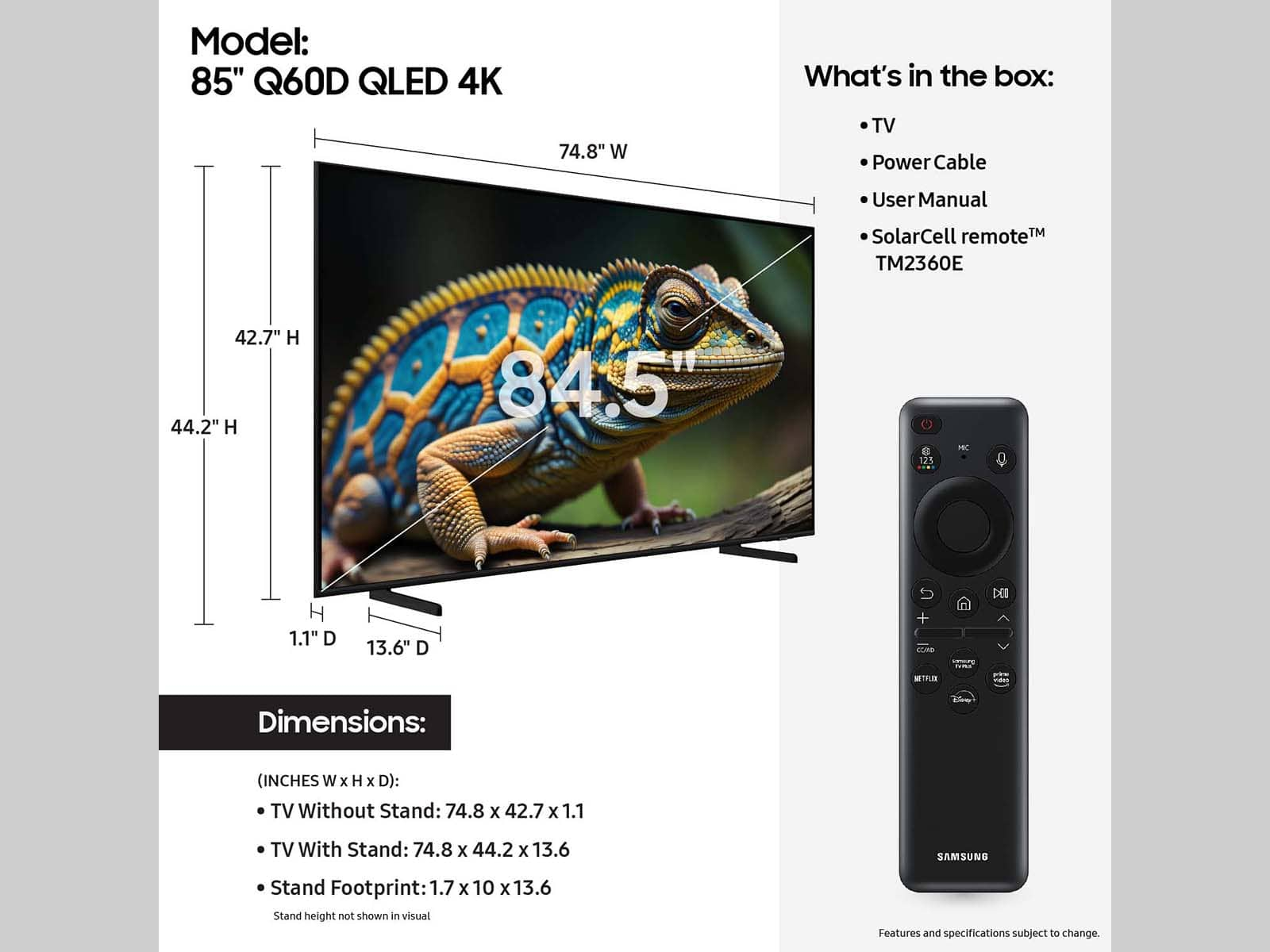






- Model:
- QN55Q60DAFXZA
- SKU:
- 11915415
Rating by feature
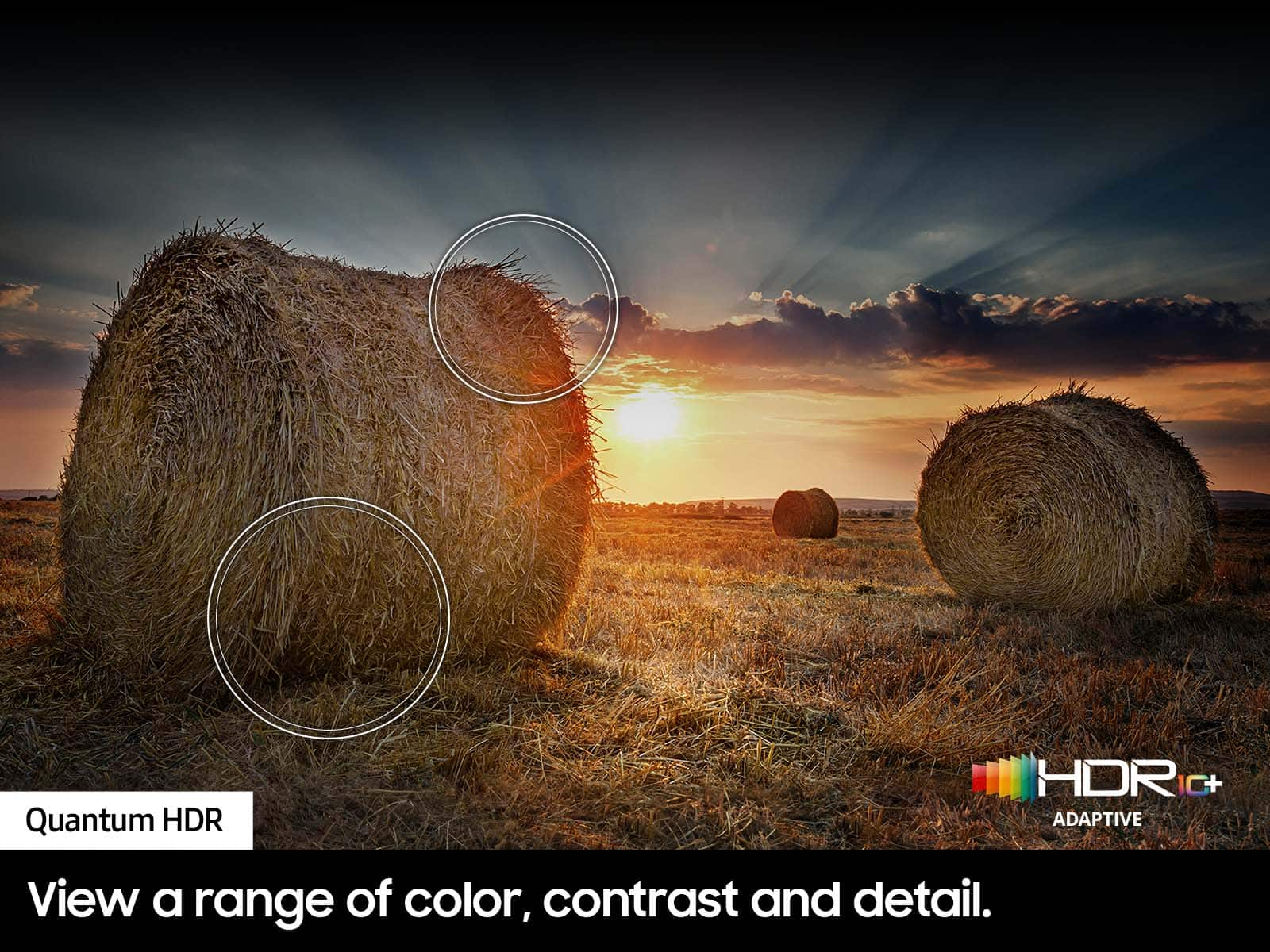
- Picture Quality
Rating 4.8 out of 5 stars
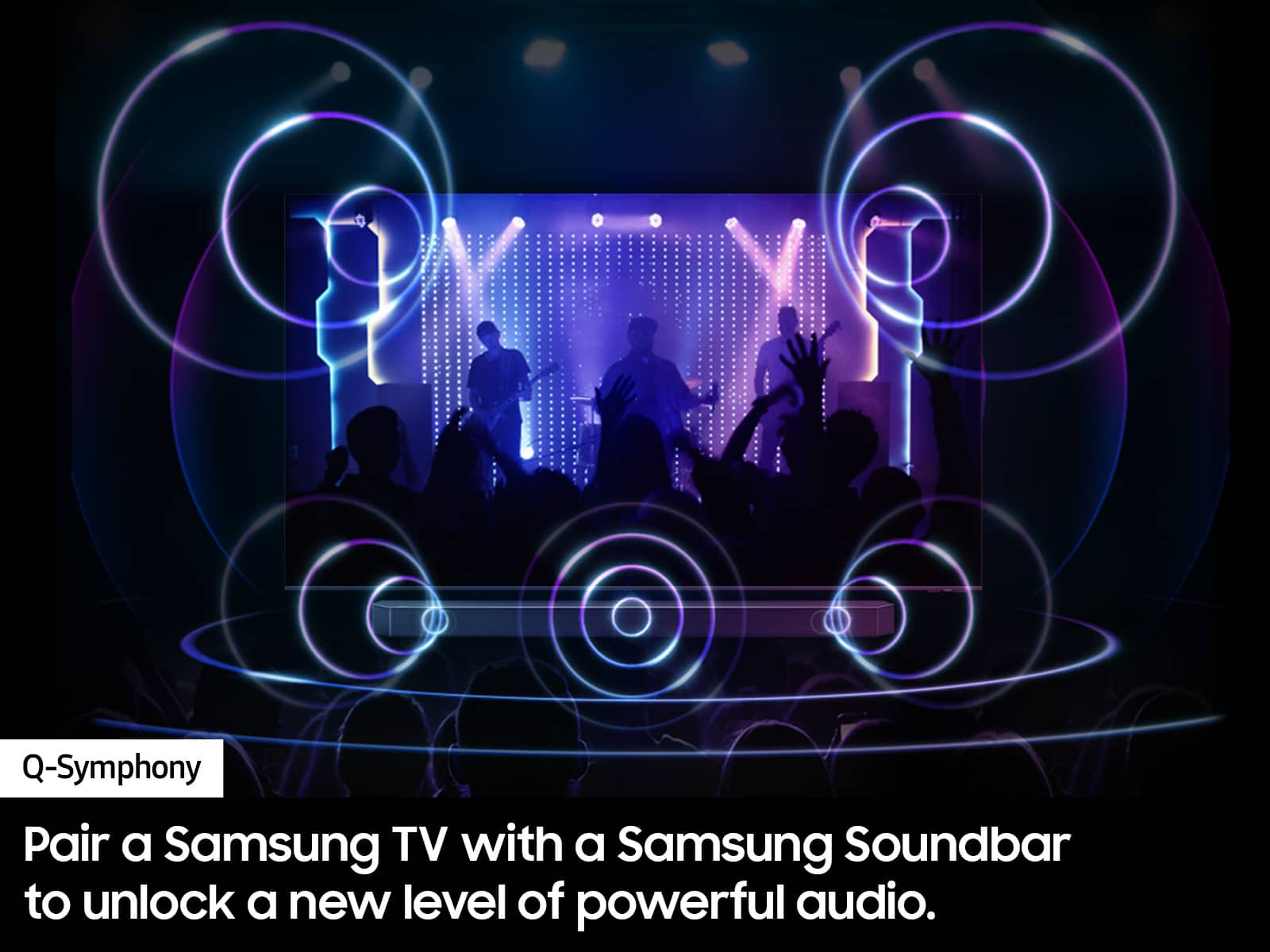
- Sound Quality
Rating 4.5 out of 5 stars
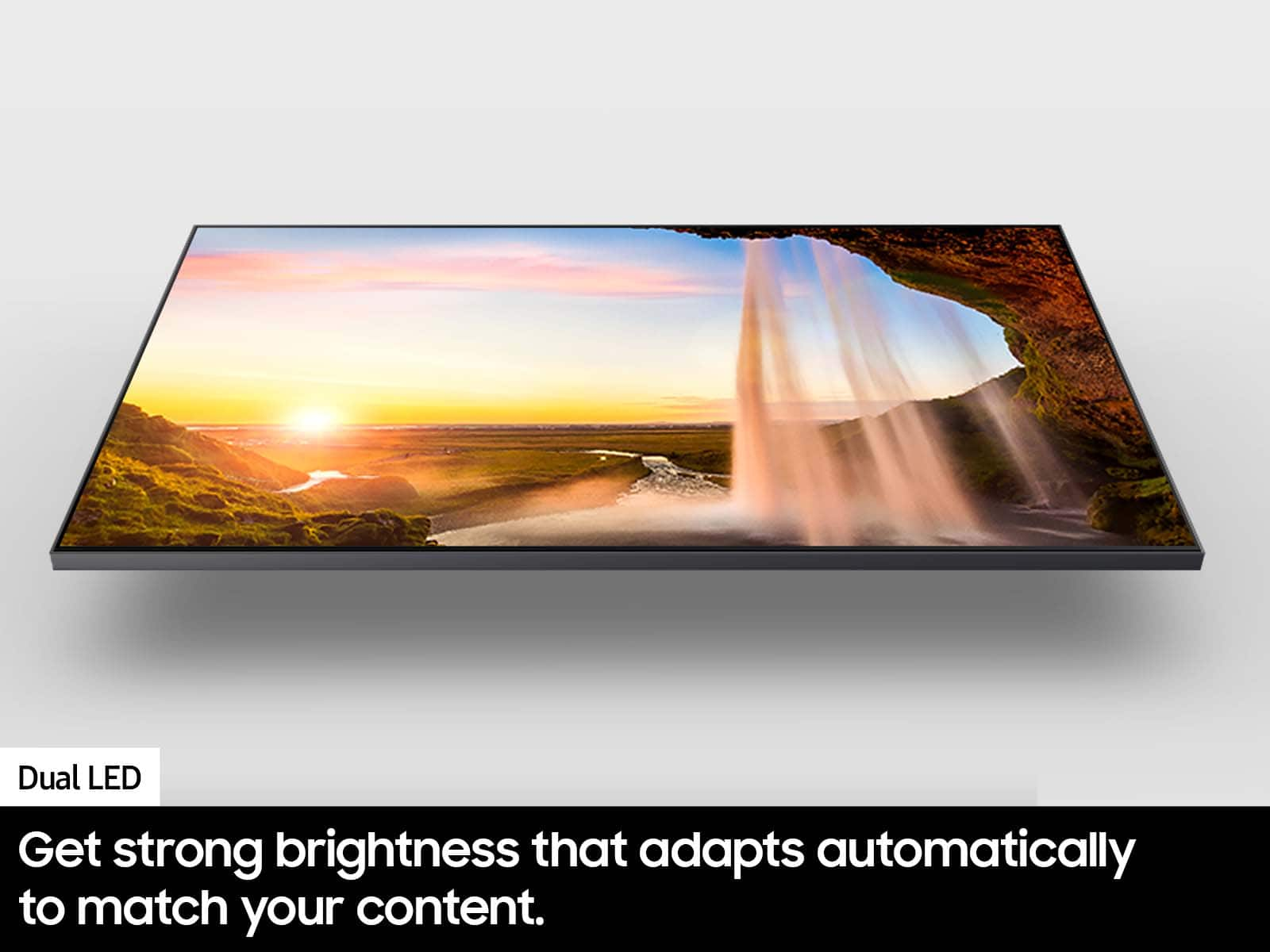
- Brightness
Rating 4.8 out of 5 stars
Happy viewers.
||Posted . Owned for 1 month when reviewed.This reviewer received promo considerations or sweepstakes entry for writing a review.Salesman was great when we asked questions, etc. Pleased with our purchase.
I would recommend this to a friendMy Samsung
||Posted . Owned for 3 weeks when reviewed.This reviewer received promo considerations or sweepstakes entry for writing a review.Outstanding Performance! Extremely Pleased with this Purchase
I would recommend this to a friendA good experience
||Posted . Owned for 3 weeks when reviewed.This reviewer received promo considerations or sweepstakes entry for writing a review.A very nice smart young man sold me the TV , patient and onformative
I would recommend this to a friendTV
||Posted . Owned for 3 weeks when reviewed.This reviewer received promo considerations or sweepstakes entry for writing a review.Excellent product and easy installation with Geek Squad technician.
I would recommend this to a friendGreat deal!
||Posted . Owned for 3 weeks when reviewed.This reviewer received promo considerations or sweepstakes entry for writing a review.The service was professional and the tv was the right price.
I would recommend this to a friendTV
||Posted . Owned for 3 weeks when reviewed.This reviewer received promo considerations or sweepstakes entry for writing a review.It’s awesome! I can binge watch my favorite Netflix shows all night long.
I would recommend this to a friendMr.
||Posted . Owned for 1 month when reviewed.This reviewer received promo considerations or sweepstakes entry for writing a review.I should have used the Geek squad for unpacking & set up. My Bad!
I would recommend this to a friendNot worth the hype.
||Posted . Owned for 2 weeks when reviewed.This reviewer received promo considerations or sweepstakes entry for writing a review.It’s…fine? I was very hopeful after fawning over this TV for months. But I have to admit - the picture quality is no better than my 20-year old Sony Bravia LCD. The color spectrum can be blinding at times, especially with white backgrounds. Even when adjusting the picture dynamics.
No, I would not recommend this to a friendBrand response from Samsung
Posted .NormanM,
Thank you for sharing your thoughts on the picture quality of your Q60D TV. To ensure you’ve got the latest image quality updates, please confirm that your TV is up to date with the latest firmware version. You can check by going to: Home > Menu > Settings > Support > Software Update.
If the picture you’re seeing is still not to your liking after updating firmware, there are several picture settings you may want to try adjusting.
Go to Home > left direction button > Settings > All Settings > Picture > Picture Mode
...and select the mode that best fits your usage:
1. Standard: Is the default mode suitable for general viewing environments
2. Dynamic: Makes the picture brighter and clearer in bright viewing environments
3. Eco: Provided to save energy
4. Movie: Suitable for watching TV or movies in a dark room
5. Filmmaker Mode: Provides source content just as the creators intended. If the image is defined as Filmmaker Mode, it’ll automatically switch to Filmmaker Mode while watching.
You can also fine-tune your picture with expert settings such as brightness, contrast, sharpness and more (All Settings > Picture > Expert Settings).
For further assistance with settings adjustments, please contact Samsung Customer Support at 1-800-SAMSUNG, 8AM - 12AM EST, 7 days a week. Or visit us on the Samsung website and click on the ‘Support’ link for:
• LiveChat
• Manuals, Software, & Warranty Info
~ Samsung Specialist
Review
||Posted . Owned for 3 weeks when reviewed.This reviewer received promo considerations or sweepstakes entry for writing a review.Needs a sound bar. Easy to hang but it took 3 of us.
I would recommend this to a friendMrs
||Posted . Owned for 3 weeks when reviewed.This reviewer received promo considerations or sweepstakes entry for writing a review.Satisfied overall. But OLED will never compete with Plasma color.
I would recommend this to a friendSound issues
||Posted .This reviewer received promo considerations or sweepstakes entry for writing a review.We bought this TV in December and it’s been nothing but problems. I had to have the mother board replaced twice. Later they replaced the entire TV. We had bad issues with sound, it would turn sound off on its own, it would make a crackling sound off and on all day long. I even had several recordings to show the technicians. The third time I called for service, it took at least 1 hour to make the appointment only to have them not show up. I’m glad we bought the extended warranty. It still doesn’t work well. I’d give it a zero if I could.
No, I would not recommend this to a friendWaste of money
||Posted . Owned for 4 months when reviewed.This reviewer received promo considerations or sweepstakes entry for writing a review.Samsung TVs have really gone downhill; overtime the operating system will slow down to a crawl; this is called planned obsolescence and should be called out. My 2013 55” Samsung has no issues, looks great and responds to the remote just fine. SHAME!
No, I would not recommend this to a friendBrand response from Samsung
Posted .SHAME,
We appreciate your feedback on the response time, and for optimal performance, we ask that you please ensure you've got the latest firmware version installed on your Q60D TV. You can check this by going to: Home > Menu > Settings > Support > Software Update.
You may also want to further optimize performance with the self-diagnostic tool, which checks memory, frees up unused cached memory, and closes background apps. Go to: Home > Menu > Settings > Support > Device Care > Start Device Care
I hope these tips help you enjoy your new product.
You can always contact us for further help at 1-800-SAMSUNG, 8AM - 12AM EST, 7 days a week. Our LiveChat agents are also available by clicking on the ‘Support’ link on our website.
~ Samsung Specialist
Bad Experience
||Posted . Owned for 1 month when reviewed.This reviewer received promo considerations or sweepstakes entry for writing a review.I went to Best Buy saying I wanted a TV with a height less than 27-3/4” to be mounted above the mantle of our fireplace for which I showed a photograph. I also said I want Geek Squad mounting of the TV into that brick area space. Between the salesperson and the Geek Squad they said we could install a 55” TV. While setting aside a day to be home for the installation the Geek Squad crew who we paid for and arrived to do the installation said there wasn’t enough room to mount the TV in and the one they brought needed to be returned and I’d have to go 25 minutes back to the Best Buy store in Eagan and pick a smaller TV for that space. Between the sales person with Geek Squad involvement they should know that a mounted TV install requires a couple of inches of wiggle room on the top and bottom. Frustrating, disappointing, with a lot of wasted time.
No, I would not recommend this to a friendBrand response from Samsung
Posted .RickV,
Please know you are leaving a review and 1-star rating for the 55" Q60D TV, but we are sorry to hear of your Best Buy experience, nonetheless. You may want to consider providing feedback directly to the Best Buy store where you made your purchase.
Should you have questions on the Q60D TV itself, Samsung is here for you. You can reach us at 1-800-SAMSUNG, 8AM - 12AM EST, 7 days a week. Our LiveChat agents are also available by clicking on the ‘Support’ link on our website.
~ Samsung Specialist
new tv
||Posted . Owned for 1 month when reviewed.This reviewer received promo considerations or sweepstakes entry for writing a review.it is alright. maybe too big for my bedroom, but i like it
I would recommend this to a friendBrand response from Samsung
Posted .DominicS,
Thanks for taking a moment to review Samsung’s Q60D TV. If you’re experiencing specific issues which caused you to give this a 3-star rating, please know Samsung Customer Support is here to help. You can reach us at 1-800-SAMSUNG, 8AM - 12AM EST, 7 days a week. Our LiveChat agents are also available by clicking on the ‘Support’ link on our website.
~ Samsung Specialist
We got a lemon
||Posted . Owned for 1 month when reviewed.This reviewer received promo considerations or sweepstakes entry for writing a review.The screen keeps going black. Right out of the box it was that way. We were out of town shortly after it was delivered and realized after that we only had a "2 week" window for return. So we're stuck with a lemon now and I guess I have to complain to Samsung directly. Nothing is ever easy!
No, I would not recommend this to a friendBrand response from Samsung
Posted .DianaR,
It’s unfortunate to hear of your experience with Samsung’s Q60D TV. Samsung is committed to providing the best possible product experience, quality, and value. We back this Samsung TV with a 1-year limited manufacturer's warranty, including authorized repair for manufacturer defect, if purchased brand-new directly from an authorized seller. You can see the full details of your warranty here: https://www.samsung.com/us/support/service/warranty/QN55Q60DAFXZA/
Please give us the opportunity to assist you by contacting Samsung Customer Support at 1-800-SAMSUNG, 8AM - 12AM EST, 7 days a week. Our LiveChat agents are also available by clicking on the ‘Support’ link on our website.
~ Samsung Specialist
Samsung tv
||Posted . Owned for 2 weeks when reviewed.This reviewer received promo considerations or sweepstakes entry for writing a review.Giving my honest review. Its not that good . The pixels are not hd enough . Frequent glitches and lag during the run time
No, I would not recommend this to a friendBrand response from Samsung
Posted .LotusEater,
We appreciate your feedback on the response time, and for optimal performance, we ask that you please ensure you've got the latest firmware version installed on your Q60D TV. You can check this by going to: Home > Menu > Settings > Support > Software Update.
You may also want to further optimize performance with the self-diagnostic tool, which checks memory, frees up unused cached memory, and closes background apps. Go to: Home > Menu > Settings > Support > Device Care > Start Device Care
I hope these tips help you enjoy your new product.
You can always contact us for further help at 1-800-SAMSUNG, 8AM - 12AM EST, 7 days a week. Our LiveChat agents are also available by clicking on the ‘Support’ link on our website.
~ Samsung Specialist
Don’t purchase this item
||Posted .This reviewer received promo considerations or sweepstakes entry for writing a review.I don’t recommend this, this item is work slow if there be any to return this I will return this item
No, I would not recommend this to a friendunable to install. needed to purchase other model
||Posted . Owned for 1 month when reviewed.This reviewer received promo considerations or sweepstakes entry for writing a review.Returned by Ty C. Geek Squad Home Theater Agent, Not compatible and replaced by Model QN55QN90CAFXZA
No, I would not recommend this to a friendBrand response from Samsung
Posted .AnthonyS,
Thank you for sharing your experience. You may also want to provide feedback directly to Best Buy.
If there’s anything we can ever help with, please call us at 1-800-SAMSUNG, 8AM - 12AM EST, 7 days a week. Or visit us on the Samsung website and click on the ‘Support’ link for:
• LiveChat
• Manuals, Software, & Warranty Info
~ Samsung Specialist
Terrible
||Posted . Owned for 4 months when reviewed.This reviewer received promo considerations or sweepstakes entry for writing a review.Im totally not satisfied. This is not what I expected
No, I would not recommend this to a friendBrand response from Samsung
Posted .IGotIT,
We're sorry to hear of this. So that we can understand the issues you're experiencing and provide you assistance specific to your usage scenario, please call Samsung Support at 1-800-SAMSUNG, 8AM - 12AM EST, 7 days a week. Our LiveChat agents are also available by clicking on the ‘Support’ link on our website.
~ Samsung Specialist
- Pros mentioned:Picture quality, Setup
Great picture and value.
Posted .This reviewer received promo considerations or sweepstakes entry for writing a review.Great picture and value! It replaced a twenty-year-old flat screen and I can't believe the difference! It was super easy to set up and I really enjoy being down to one remote for smart TV and sound.
I would recommend this to a friend