Customer Ratings & Reviews
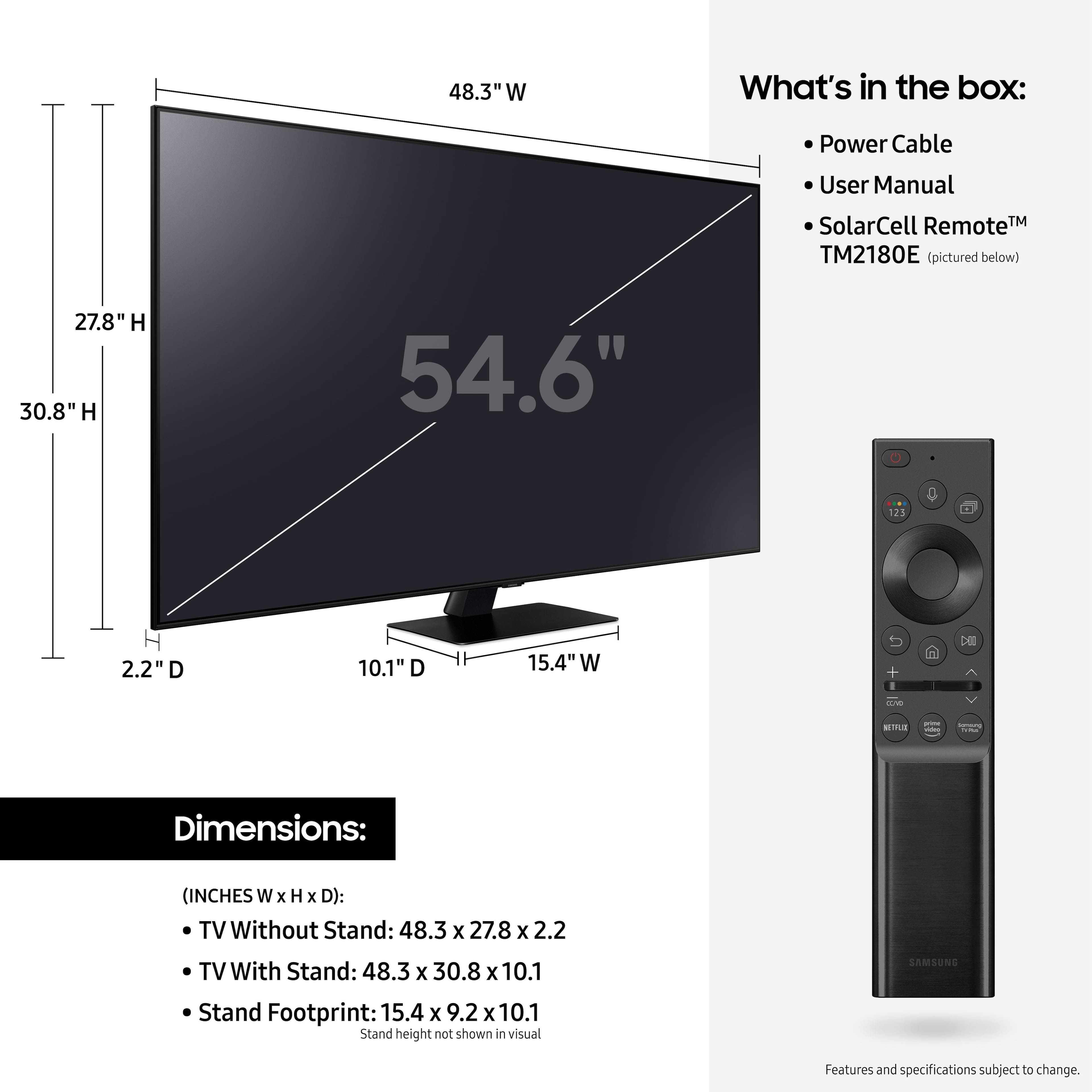
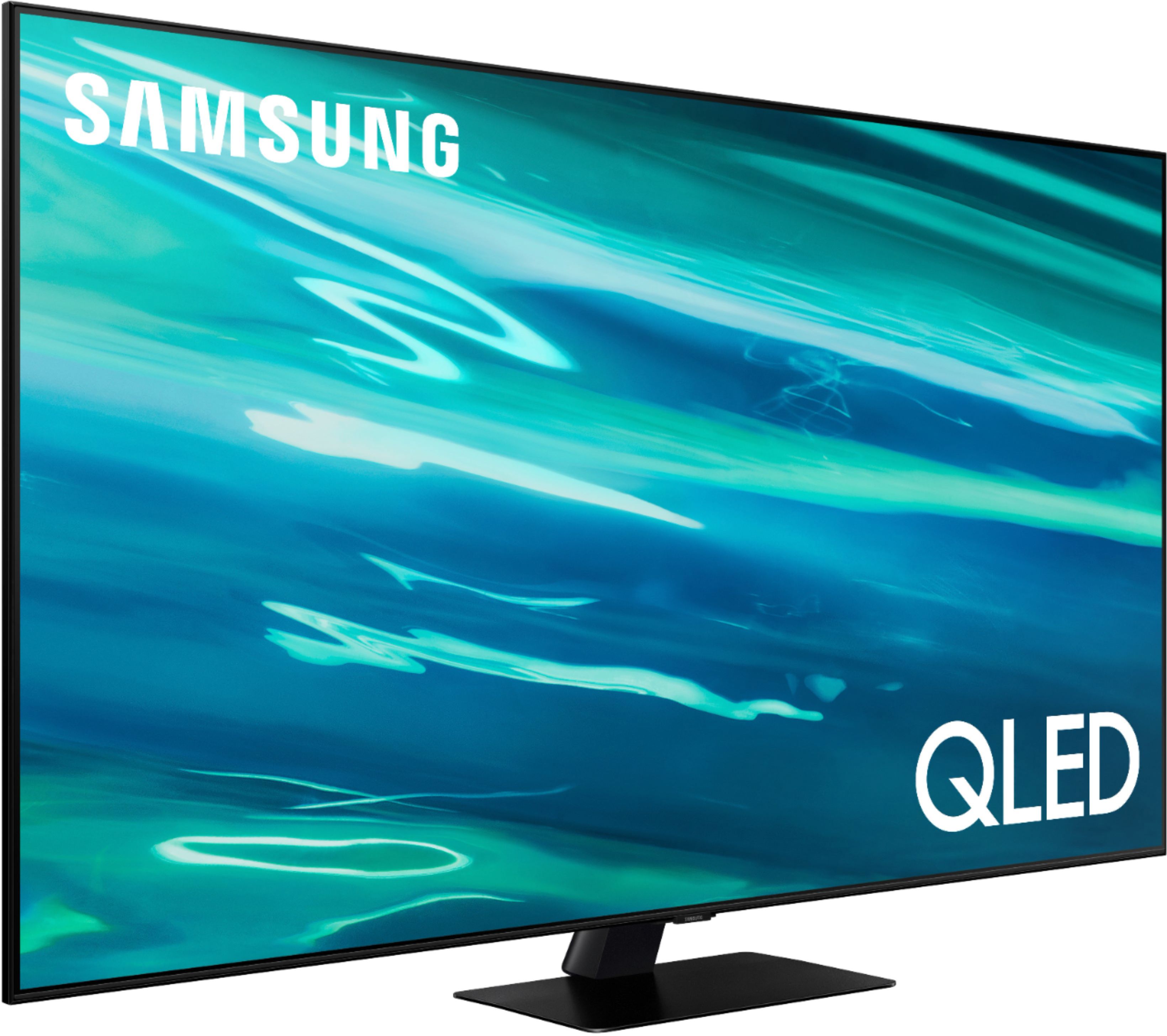
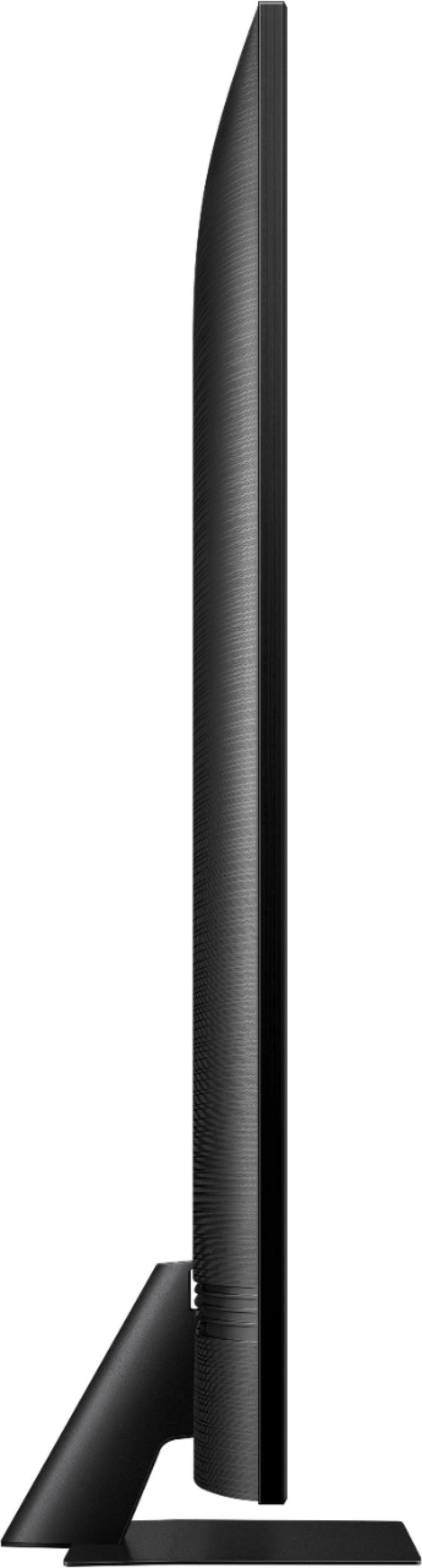
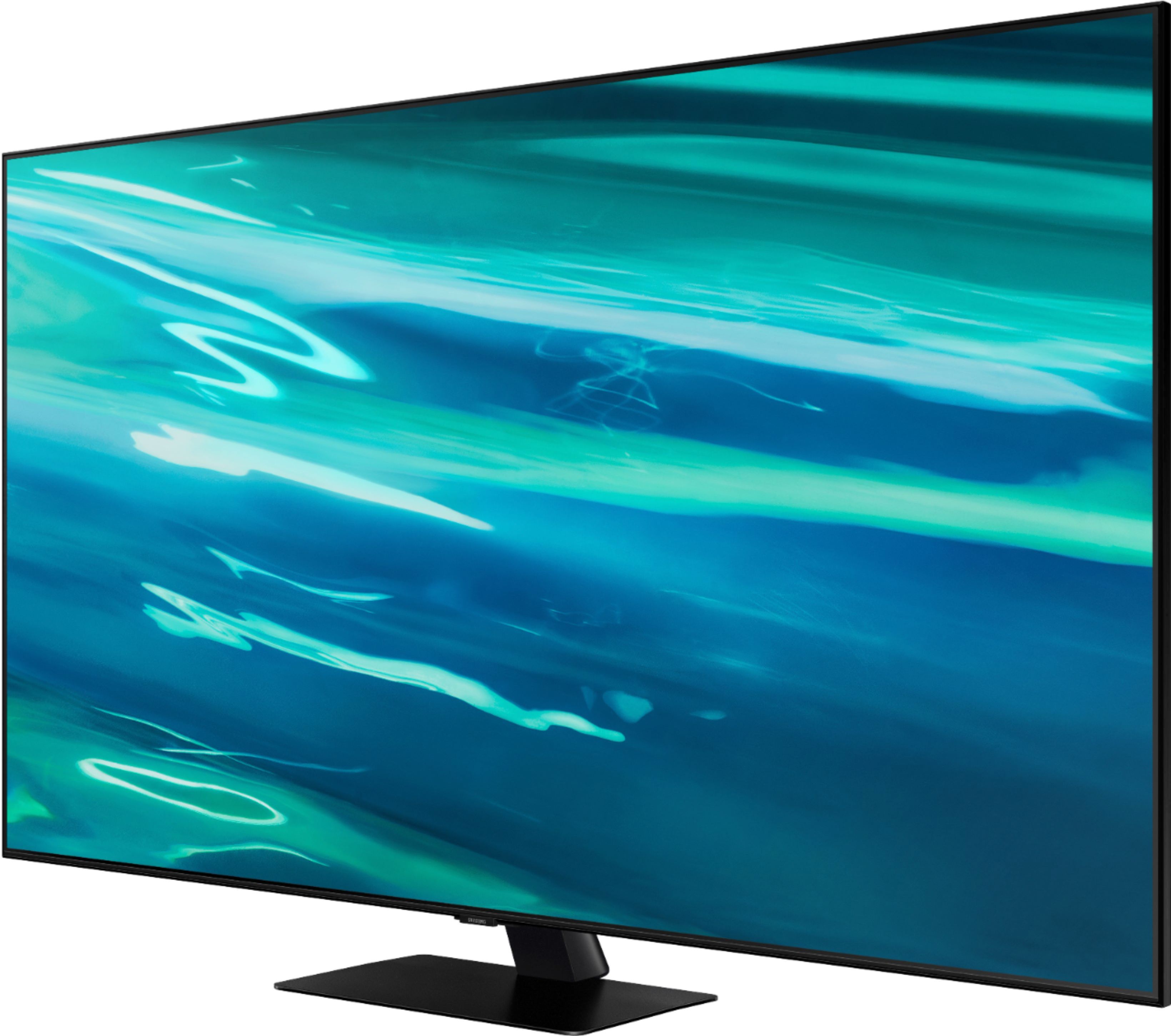
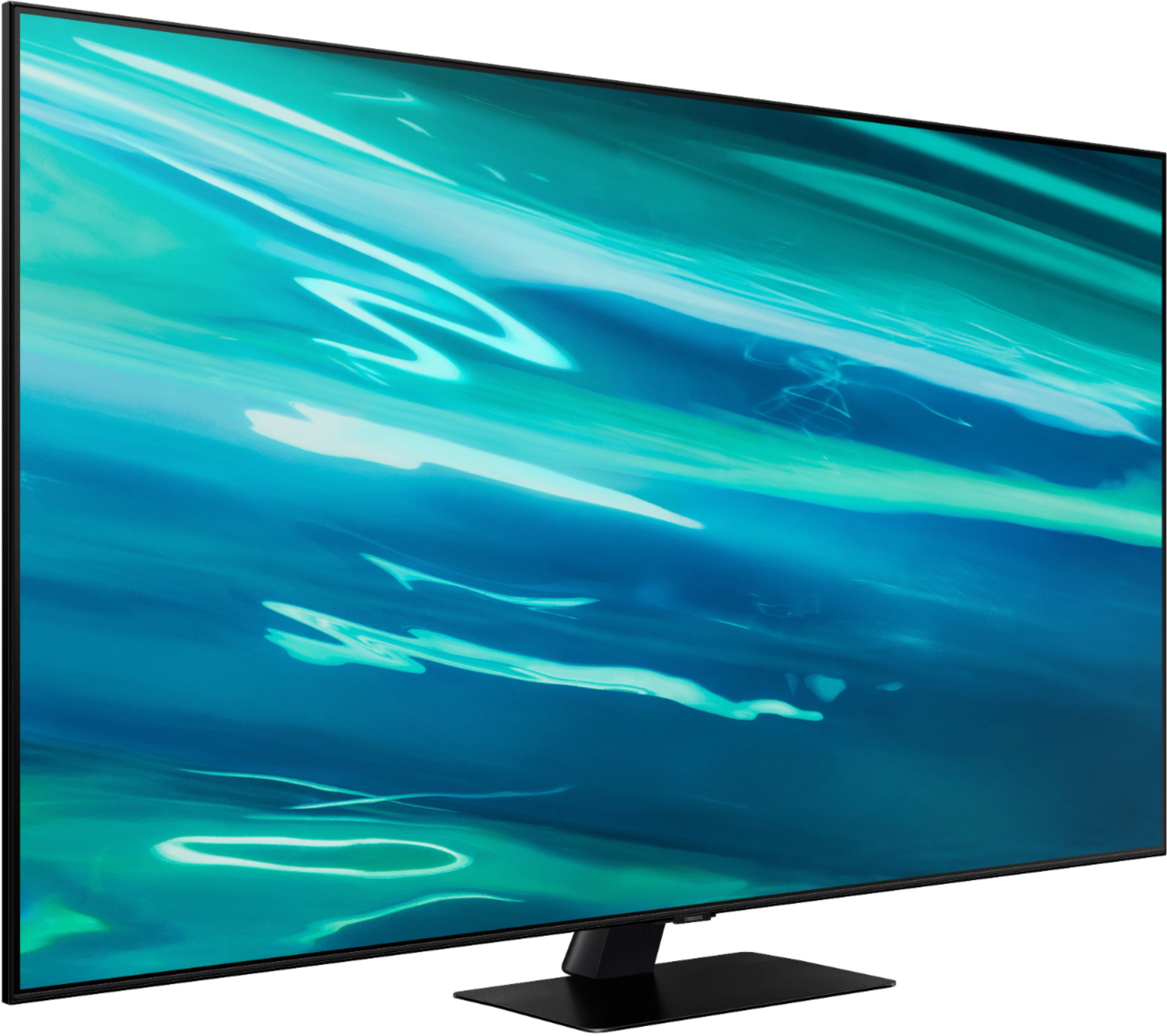

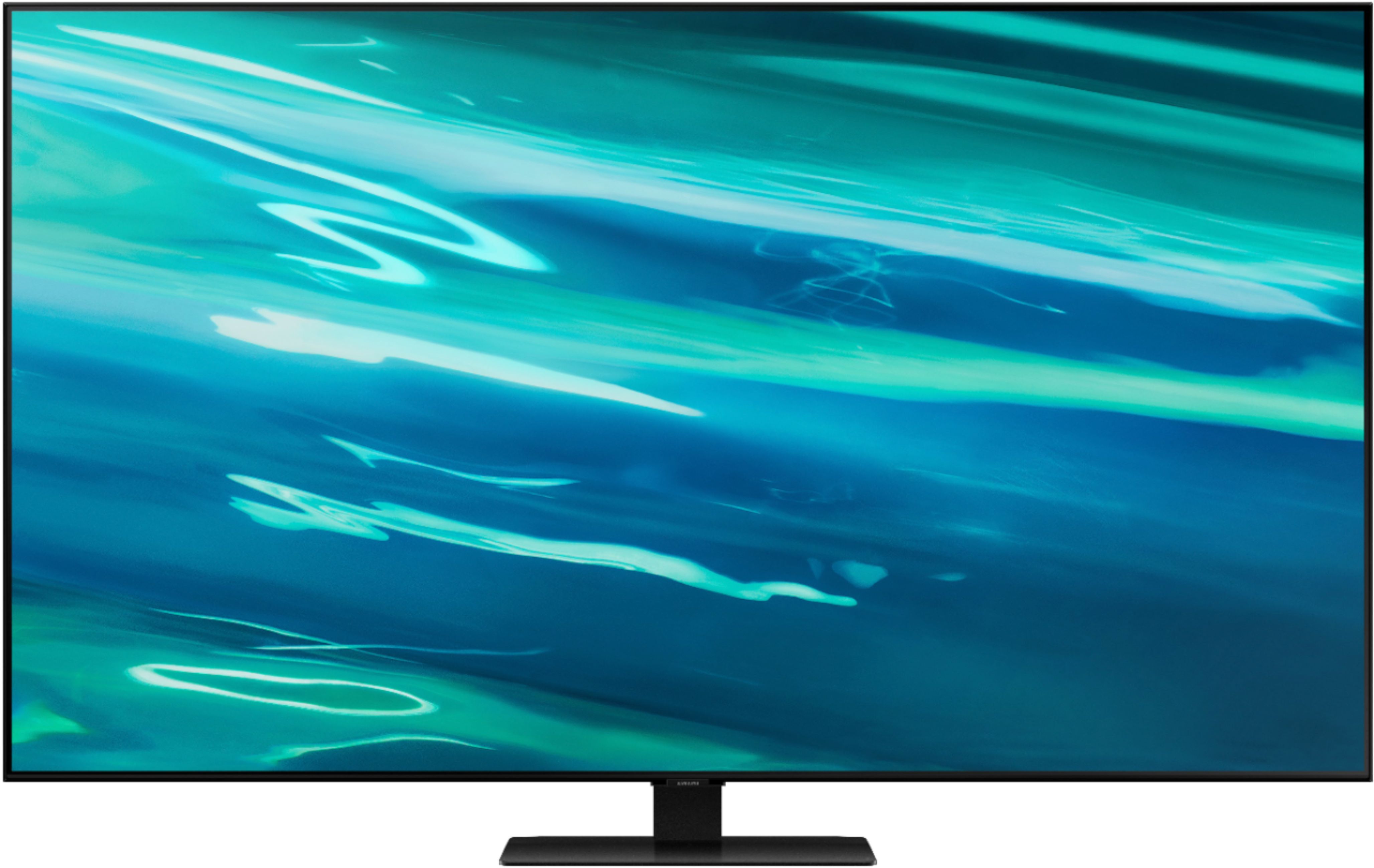






- Model:
- QN55Q80AAFXZA
- SKU:
- 6451481
Rating by feature
- Picture Quality
Rating 4.7 out of 5 stars
- Sound Quality
Rating 4.5 out of 5 stars
- Brightness
Rating 4.7 out of 5 stars
Customers are saying
Customers express satisfaction with the picture quality, describing it as great and worth the money. They also appreciate the easy setup process and find the gaming experience to be exceptional. However, some users have encountered issues with the remote control and a few have reported dead pixels and streaming problems.
This summary was generated by AI based on customer reviews.
- Pros mentioned:Picture quality
Samsung 55”
||Posted . Owned for 3 weeks when reviewed.This reviewer received promo considerations or sweepstakes entry for writing a review.We absolutely love our new Samsung 55” smart TV. A late Christmas gift to each other. Our Sales Associate was very knowledgeable on all of the other makes and models. The wall hung installation was done quickly and efficiently by Best Buy Techs!
I would recommend this to a friend - Pros mentioned:Picture qualityCons mentioned:Screen
sooo sad
||Posted . Owned for 1 week when reviewed.This reviewer received promo considerations or sweepstakes entry for writing a review.the picture is great.it looked way to good in the living room but then I noticed a little triangle on the screen. I just thought it was from the movie but its in the screen I will be taking this one back and waiting a little while before buying another one
I would recommend this to a friendBrand response from Samsung
Posted .alex:
Thank you for your review of the Samsung 55” Q80A TV and for sharing pictures of your screen. If you have not returned your TV, please check that you have removed the protective film covering the TV screen. It is possible that the triangle image you are reporting is imprinted on the protective film.
Please be aware that not all TVs come with a protective film. If there is a protective film on your screen, it will be indicated with a blue tab in the upper left corner. The tab will have an illustration showing how to remove the protective film. If you do not have a blue tab in the upper left corner, then that means there is no protective film on the screen, so please do not try to peel off anything. You will damage what is actually the screen.
If you tried removing the film and only removed the blue tab, then please affix a piece of adhesive tape to where the blue tab was and try removing the film again.
If you have checked that there is no protective film and are still seeing the triangle on the screen, please contact Samsung Customer Support at 1-800-SAMSUNG so we can further assist you - available 8AM -12AM EST, 7 days a week. Or text HELP to 62913.
You can also use LiveChat, Facebook, Twitter, or visit the Samsung website and click on the ‘Support’ link in the upper right corner of the homepage.
~Samsung Solutions
- Pros mentioned:Picture quality
Samsung QLED 4K Q80A
||Posted . Owned for 4 months when reviewed.This reviewer received promo considerations or sweepstakes entry for writing a review.Samsung QLED 4K Q80A Series has been the best Smart TV Purchase I have ever made. The Picture is just beautiful the colors are crisp and clean and the grays and blacks are excellent. I would highly recommend this smart tv.
I would recommend this to a friend Excellent choice
||Posted . Owned for 3 weeks when reviewed.This reviewer received promo considerations or sweepstakes entry for writing a review.After not purchasing a tv in 11 years, I was intimidated by the “no instructions, no printed manual, & very few buttons on the remote control”. Following steps on the tv screen are confusing if you have not been exposed to apps. I am tech savvy enough to fake my way through most of it & pulled up written info on internet. Love the tv & the “smart” & being able to control most all functions w/my direct tv remote. Speakers not great but sufficed til I added Samsung sound bar. Super pleased w/purchase.
I would recommend this to a friend- Pros mentioned:Picture qualityCons mentioned:Dead pixels
Extremely poor quality control
||Posted . Owned for 3 weeks when reviewed.This reviewer received promo considerations or sweepstakes entry for writing a review.First one of these had dead pixels out of the box. And not the triangle that a lot of reviews thought were dead pixels when it was actually printed on a film protecting the screen. No it just had fully dead pixels. I returned it and got a different one. Picture was solid, however there was a whole lot of light bloom/leaking from bright areas into dark areas, so the full array dimming is not good in this tv. Then, not even a month later, the tv died on me. Remote unpaired, power button completely unresponsive, just full black screen with backlight flickering. THANKFULLY it was still within the return period so I was able to return it. I was horribly disappointed and am just happy I was able to get my money back.
No, I would not recommend this to a friendBrand response from Samsung
Posted .Tjb88,
Thank you for your review of the Samsung Q80A TV and for sharing the issues that have caused you to return your unit. Your experience is very important to us and will be shared with our product team.
Should you ever decide to give Samsung TVs another try and have questions or need assistance with settings, setup, or features, please know we are always here to help. Call us at 1-800-SAMSUNG (ask for TVs), available 8AM -12AM EST M-F (9AM – 6PM EST Sat). Or text HELP to 62913.
For additional support resources, visit us on the Samsung website and click on the ‘Support’ link in the upper right corner of the homepage for:
1) More ‘Contact Us’ options – LiveChat, Facebook, Twitter, Samsung Community, Samsung Members app
2) Manuals, Software, & Warranty Info
We hope to regain you as a customer in the future.
~ Samsung Specialist
- Pros mentioned:Picture quality
I recommend Samsung QLED 50” TV
||Posted . Owned for 1 month when reviewed.This reviewer received promo considerations or sweepstakes entry for writing a review.My QLED Samsung TV is excellent. The picture is so very clear and I enjoy watching it. The delivery went well as the man who brought the TV was so patient, professional and knowledgeable.
I would recommend this to a friend - Pros mentioned:Picture quality
Best TV.
||Posted . Owned for 1 month when reviewed.This reviewer received promo considerations or sweepstakes entry for writing a review.Thats one of the best purchases i have made. With a 4k resolution, you get the best picture clarity. Best sound.
I would recommend this to a friend - Pros mentioned:Picture quality
Best investment
||Posted . Owned for 3 weeks when reviewed.This reviewer received promo considerations or sweepstakes entry for writing a review.The best TV I have ever owned! I feel like I’m actually part of whatever I’m watching!
I would recommend this to a friend - Pros mentioned:Picture quality
Excellent TV
||Posted . Owned for 3 weeks when reviewed.This reviewer received promo considerations or sweepstakes entry for writing a review.I have3 Samsung TV’s. So happy with all of them. I am glad that the Geek Squad technician talked me into a sound bar, the audio is excellent.
I would recommend this to a friend - Pros mentioned:Picture quality
Great so far..
||Posted . Owned for 2 weeks when reviewed.This reviewer received promo considerations or sweepstakes entry for writing a review.The television is performing well right now, it was an open box item. It was easy to set-up and no issues with the picture or reception.
I would recommend this to a friend - Pros mentioned:Picture quality
Great TV
||Posted . Owned for 1 month when reviewed.This reviewer received promo considerations or sweepstakes entry for writing a review.Easy set up. Beautiful picture. Definitely recommend.
I would recommend this to a friend - Pros mentioned:Picture quality
New Home and New Television
||Posted . Owned for 1 month when reviewed.This reviewer received promo considerations or sweepstakes entry for writing a review.The picture on the TV is so very sharp and clear. The size is perfect for my new home.
I would recommend this to a friend - Pros mentioned:Picture quality
Samsung TV-Great Purchase
||Posted . Owned for 1 month when reviewed.This reviewer received promo considerations or sweepstakes entry for writing a review.I love my new Samsung TV. Great picture!! Looks great hanging on my living room wall.
I would recommend this to a friend - Pros mentioned:Picture quality
Buy a Google TV, not Samsung.
||Posted . Owned for 4 months when reviewed.This reviewer received promo considerations or sweepstakes entry for writing a review.Nice picture and features, but no compatible with all Android phones, just Samsung phones. The Samsung interface is decent, but it's not as dynamic as Google's. Samsung claims that the TV works with Google Assistant/Home, but it's never connected. Even the Samsung repair tech said that it doesn't work right! Next TV will be a Google TV!
No, I would not recommend this to a friendBrand response from Samsung
Posted .Hi NeilInPhilly,
Thank you for purchasing the 2021 Samsung Q80A and for sharing your review. I’m sorry to hear that your out-of-box experience has initially fallen short of your expectations. Your feedback is important to us and will be shared with our internal product teams.
The 55" Q80A features screen mirror capabilities with both Android and Apple mobile devices, and supports Samsung's Multi View technology. The Multi View feature allows you to display two things at once on your TV. For example, you can view media from different sources, such as an app, Blu-ray player, or game console, on the main left screen, while also mirroring your phone to the smaller screen. Only 1 HDMI-connected device can be used at a time. For example, on the left screen: You can play Samsung TV Plus, TV apps, HDMI devices, Antenna or Cable, or USB devices. On the right screen: You can screen mirror, use AirPlay, cast from an app, or cast from an IoT camera.
Multi View is compatible with the following mobile devices:
- Android Smart Phones and Tablets with Screen Mirroring capabilites (Android 4.2 and higher)
- Airplay 2 compatible devices including iPhone, iPad, iPod touch, and Mac book.
The Q80A pairs quickly and seamlessly with Google Assistant through Google Home, allowing you the convenience of using voice commands for certain functionalities, such as power on/off, volume up/down, channel change, input source change, and playback control.
Please make sure you have followed all the steps to set up your Google Assistant on your TV:
1) Go to Settings > General > Voice > Voice Assistant
2) When prompted, select Google Assistant as your voice assistant
3) Press and hold the Mic button on the remote, and setup prompts will appear on your screen
4) Give Google permission to help you get things done with your voice
5) Select ALLOW to let Google and Samsung share information with each other
6) You will then need to continue setup on your smartphone. Make sure your phone and TV are on the same network
7) Open the Google Assistant app on your phone and say “Set up my Assistant device”. If you have an Android device, the Google Assistant app is pre-installed. For iOS, simply download it from the App Store.
8) Select your TV from the list of devices, and then tap Next.
9) Your TV should show a code that matches the one on your phone. Tap Yes on the phone to confirm.
10) Tap Allow to give your TV permission to access your phone.
To use Google Assistant, simply press the Mic button on the remote and then state your command. You can also control compatible devices that you have connected to Google Assistant, like SmartThings devices.
I hope this helps you enjoy your new QLED TV. For further assistance, please contact Samsung Customer Support. Call us at 1-800-SAMSUNG (ask for TVs), available 8AM - 12AM EST, 7 days a week.
For additional support resources, visit us on the Samsung website and click on the ‘Support’ link in the upper right corner of the homepage for:
1) Contact Us: For additional Chat & Text options, choose ‘TVs & Home Theater’ and select your model & topic.
2) Manuals & Software
3) Warranty Info
4) Register a Product: For access to easy warranty support, convenient opt-in to special promos and offers, faster troubleshooting and service, and quick notification of system updates.
~ Samsung Solutions
- Pros mentioned:Picture quality
Great picture
||Posted . Owned for 2 weeks when reviewed.This reviewer received promo considerations or sweepstakes entry for writing a review.Great TV, shows a beautiful picture. Love the size.
I would recommend this to a friend - Pros mentioned:Picture quality
Tv
||Posted . Owned for 3 weeks when reviewed.This reviewer received promo considerations or sweepstakes entry for writing a review.Very good. Pictures sounds and brings all excellent.
I would recommend this to a friend - Pros mentioned:Color
Love it
||Posted . Owned for 1 month when reviewed.This reviewer received promo considerations or sweepstakes entry for writing a review.very clear image and very nice bright colors. I love it!
I would recommend this to a friend - Pros mentioned:Picture quality
What happened to Samsung's quality?
||Posted .This reviewer received promo considerations or sweepstakes entry for writing a review.Just picked up the Q80A 55" a couple of hours ago very excited to finally have VRR support at 4k 120 hz with improved picture quality. Just to be extremely disappointed with not only a horrible defect in the display which is shown in pictures I uploaded. But also from the lack luster image quality of the display. Please keep in mind I always keep my displays in game mode. So image quality might vary based on this..... But the bloom around objects in dark lit areas is very noticeable and the difference in gray uniformity is also noticeable. Around the edge of the display you can see it get darker. When I've seen people comment about these issues I never knew what they where talking about because I never experienced them on my previous display which is a NU8000. My NU8000 literally has none of these issues and actually from what I can tell has better image quality and is only an edge-lit display. I don't know I hate to be so critical but it just seems like Samsung's quality is just not what it used to be....
No, I would not recommend this to a friendBrand response from Samsung
Posted .admaster99:
Thank you for purchasing the Samsung 55” Q80A QLED TV and for sharing details of your image when using Game Mode. You may want to try adjusting settings under Game Mode like Dynamic Black Equalizer and Game HDR to achieve the best performance.
Your TV has several Picture Modes to choose from allowing you to enjoy content in optimal conditions. Go to Home > Settings > Picture > Picture Mode. When watching regular programming, you may want to try a different mode such as Dynamic, Movie, or Filmmaker.
To optimize your picture quality, please be sure your firmware is up to date with version 1066.2 which includes picture quality updates. You can check this by going to: Settings > Support > Software Update.
You may want to enable Auto Update for convenience.
With regards to the defect you mentioned and shown in your pictures, please check that you have removed the protective film covering the TV screen. It is possible that the triangle image you are reporting is imprinted on the protective film.
Please be aware that not all TVs come with a protective film. If there is a protective film on your screen, it will be indicated with a blue tab in the upper left corner. The tab will have an illustration showing how to remove the protective film. If you do not have a blue tab in the upper left corner, then that means there is no protective film on the screen, so please do not try to peel off anything. You will damage what is actually the screen.
If you tried removing the film and only removed the blue tab, then please affix a piece of adhesive tape to where the blue tab was and try removing the film again.
If you have checked that there is no protective film and are still seeing the triangle on the screen, please contact Samsung Customer Support at 1-800-SAMSUNG so we can further assist you - available 8AM -12AM EST, 7 days a week. Or text HELP to 62913.
You can also use LiveChat, Facebook, Twitter, or visit the Samsung website and click on the ‘Support’ link in the upper right corner of the homepage.
~Samsung Solutions
Happy customer
||Posted . Owned for 3 weeks when reviewed.This reviewer received promo considerations or sweepstakes entry for writing a review.Love my Samsung 55” QLED TV. It was easy to set up and begin using it pretty much right out of the box. The clarity of the picture is amazing. I would recommend to others looking to buy a new TV.
I would recommend this to a friend- Pros mentioned:Picture quality
Nice picture...glare reduction terrible
||Posted .This reviewer received promo considerations or sweepstakes entry for writing a review.Nice picture, but I bought this TV because it was supposed to be good at reducing glare. I see improvement on glare from previous TVs I've owned. Disappointed.
No, I would not recommend this to a friendBrand response from Samsung
Posted .MickeyD,
Thank you for sharing your feedback regarding screen reflection. The light conditions of each room environment are different. For optimal glare control, we recommend positioning the TV to minimize incident light falling on the screen or consulting a professional installer.
Anti-reflection designed to minimize ambient light reflection is a feature in our QN85A series and higher.
If you need more help, we are here for you. Please call us at 1-800-SAMSUNG, 8AM - 12AM EST, 7 days a week.
LiveChat with an agent as well as manuals, software, and warranty info can be found at the ‘Support’ link on our Samsung website.
~ Samsung Specialist