Customer Ratings & Reviews
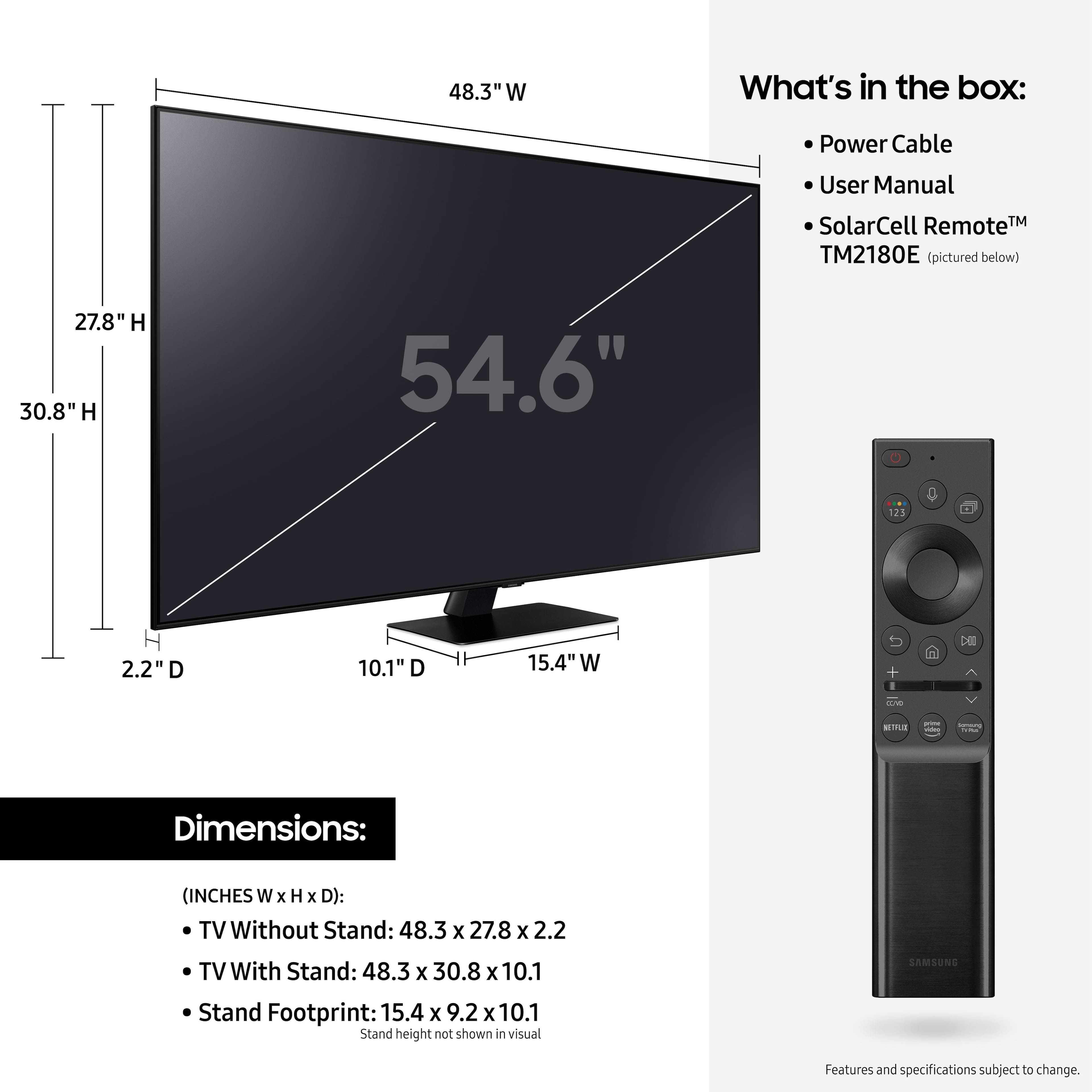
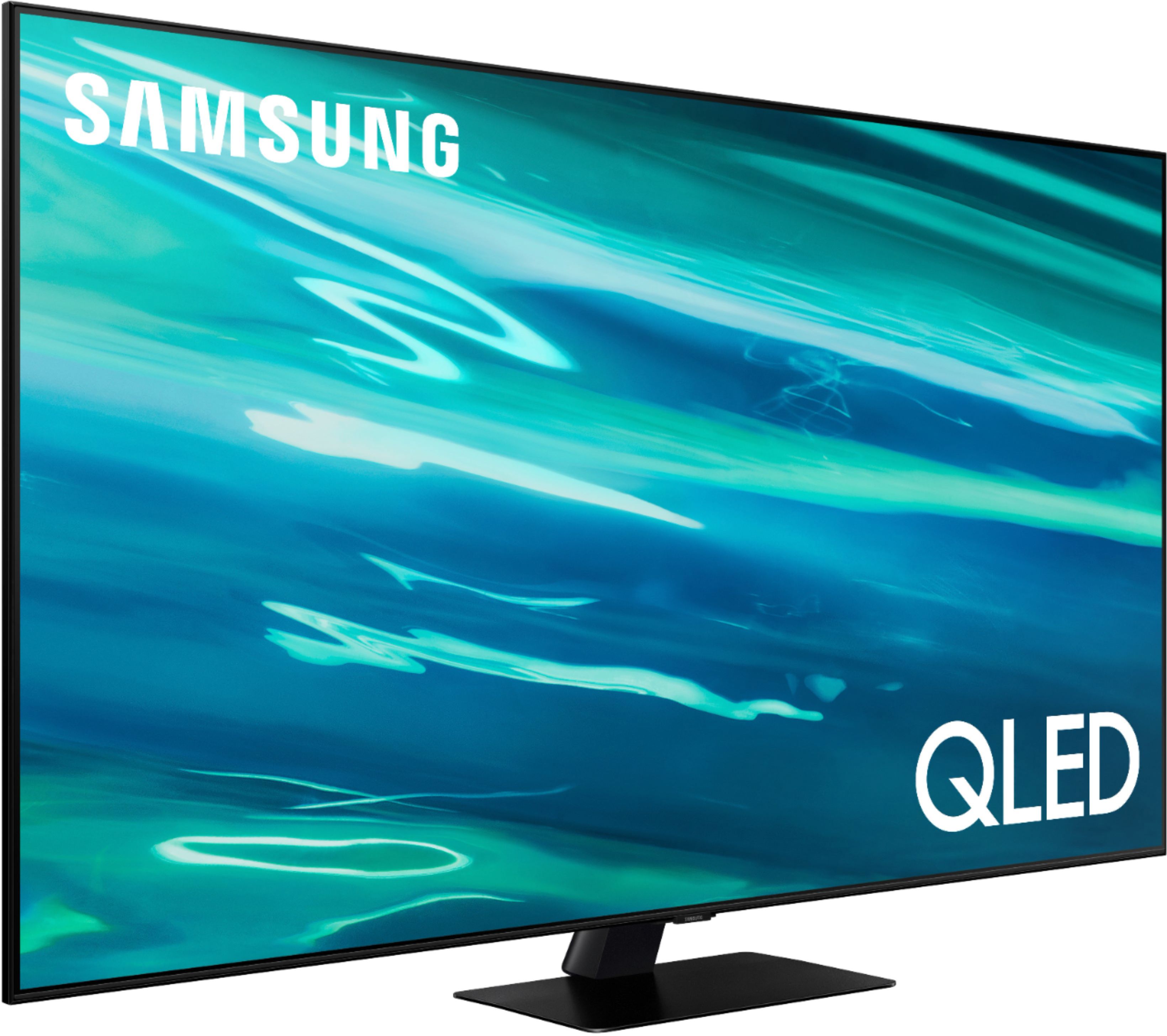
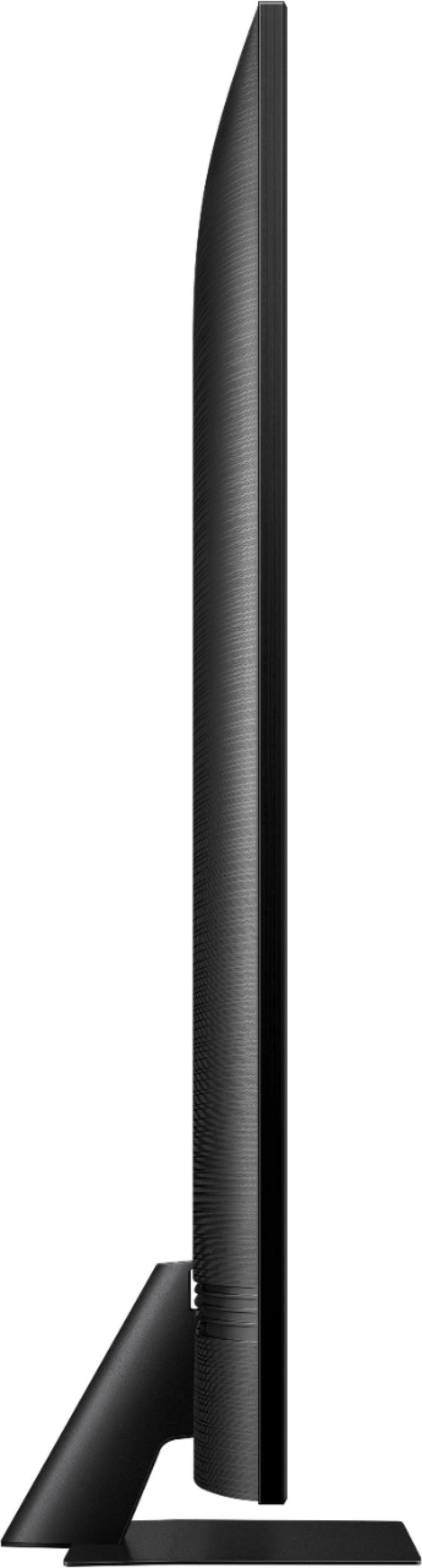
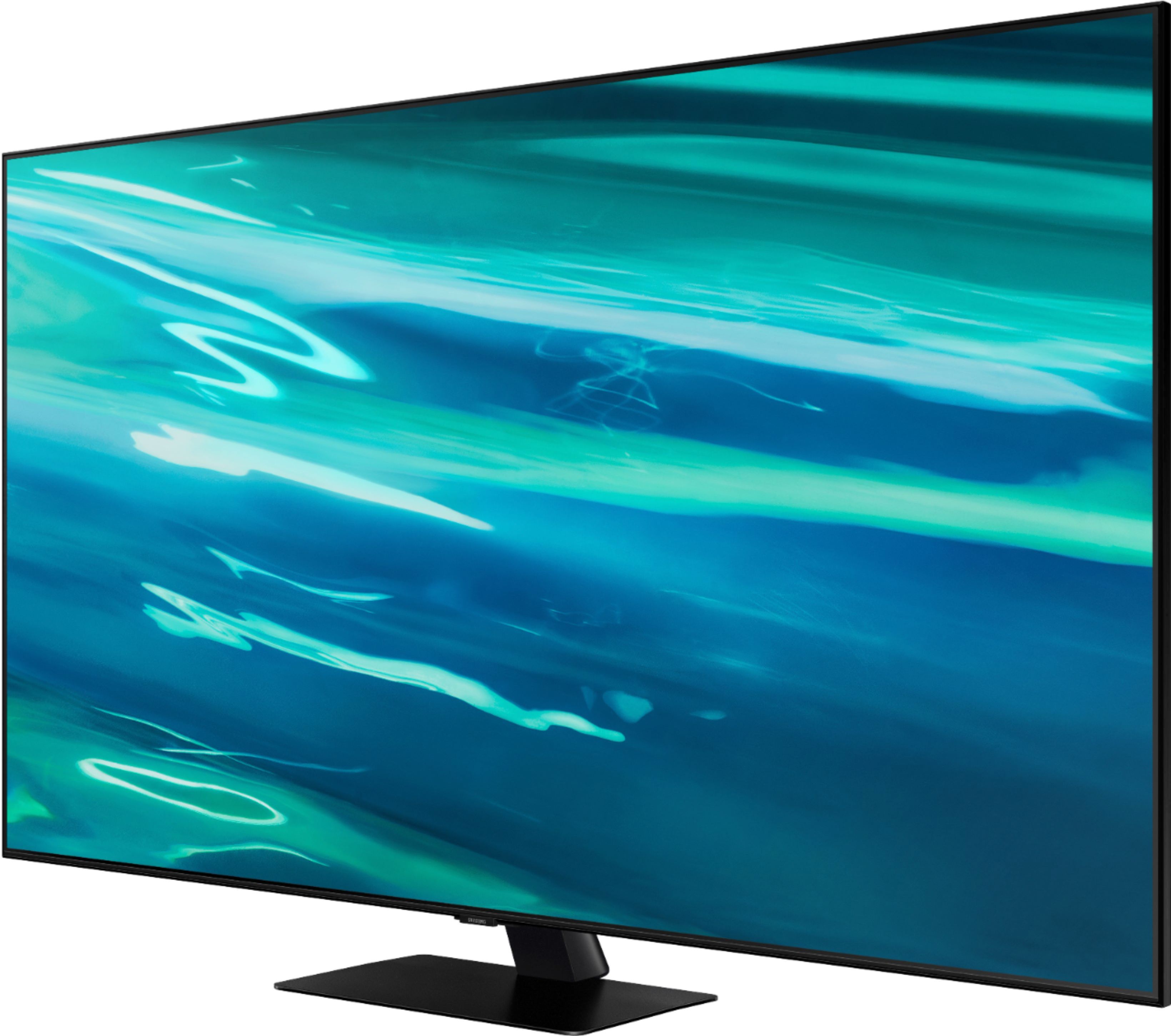
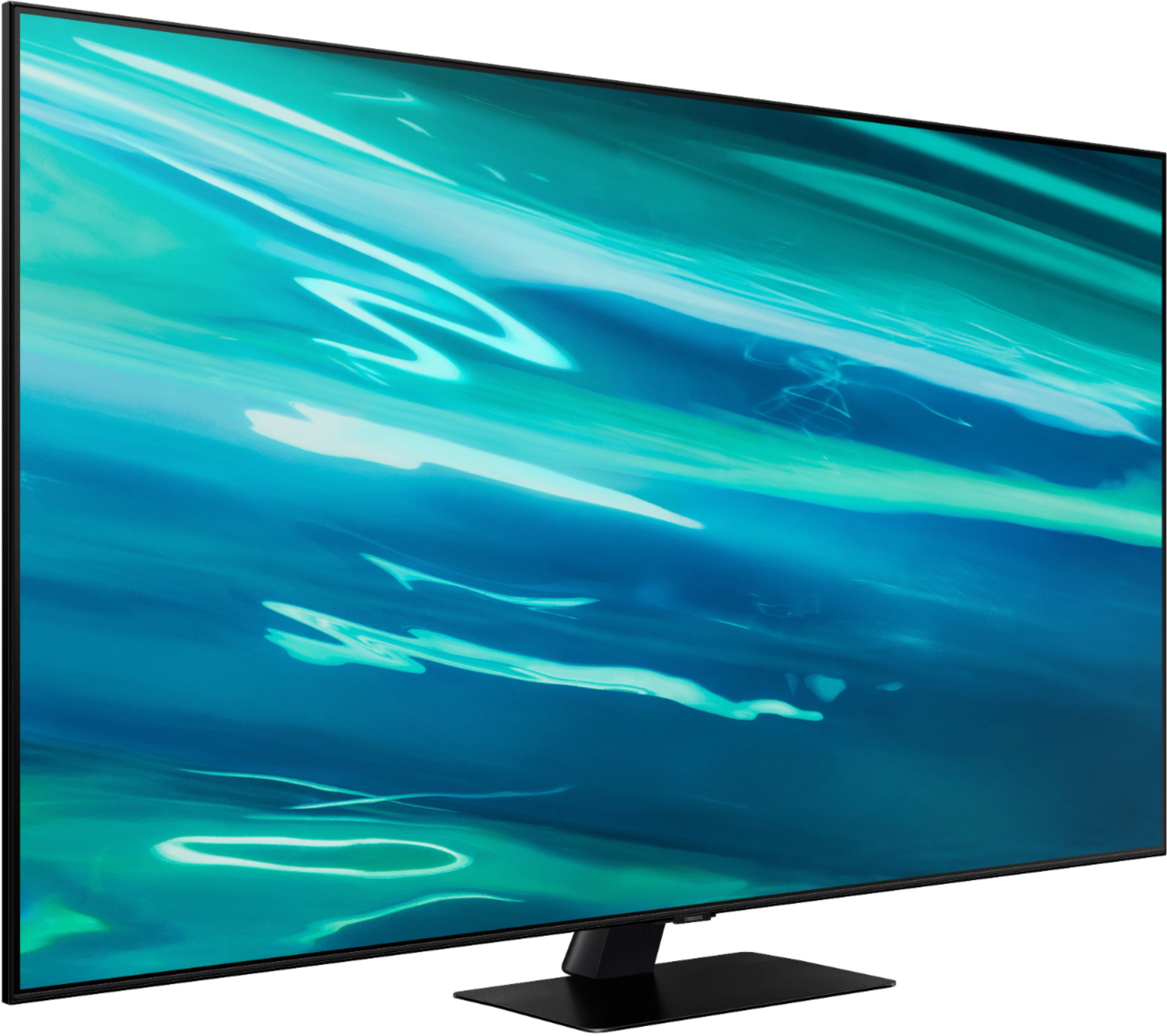
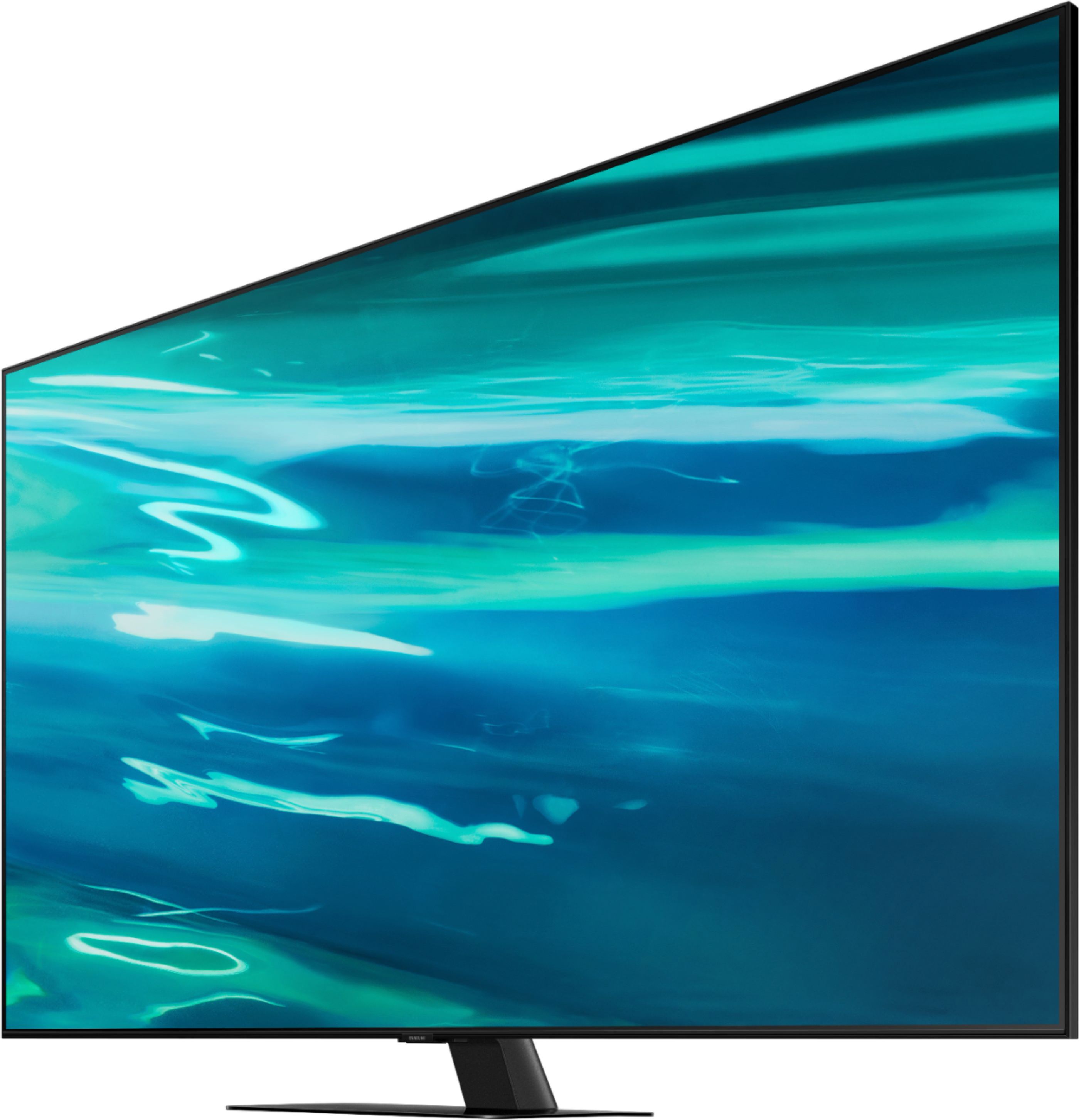
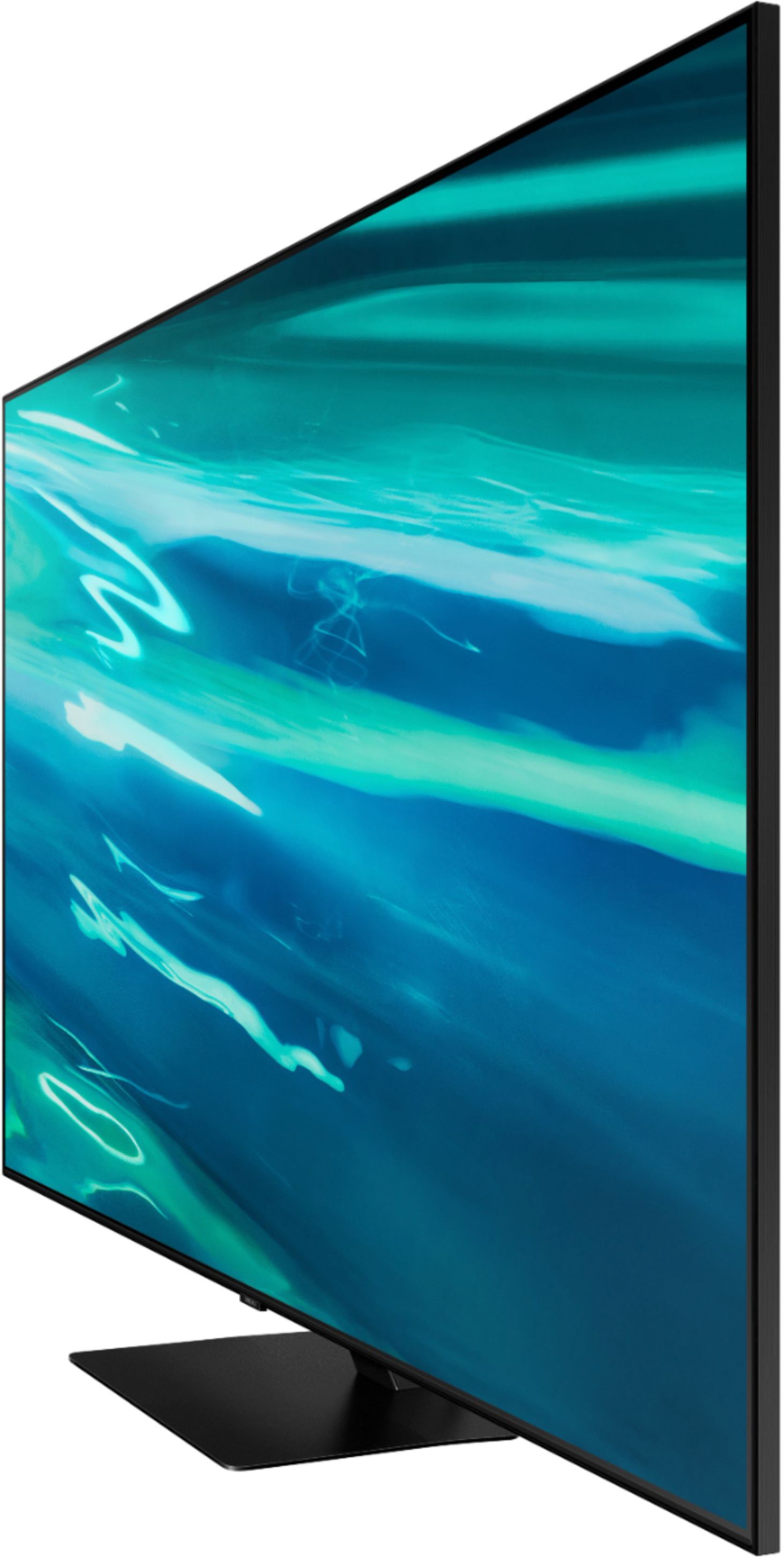

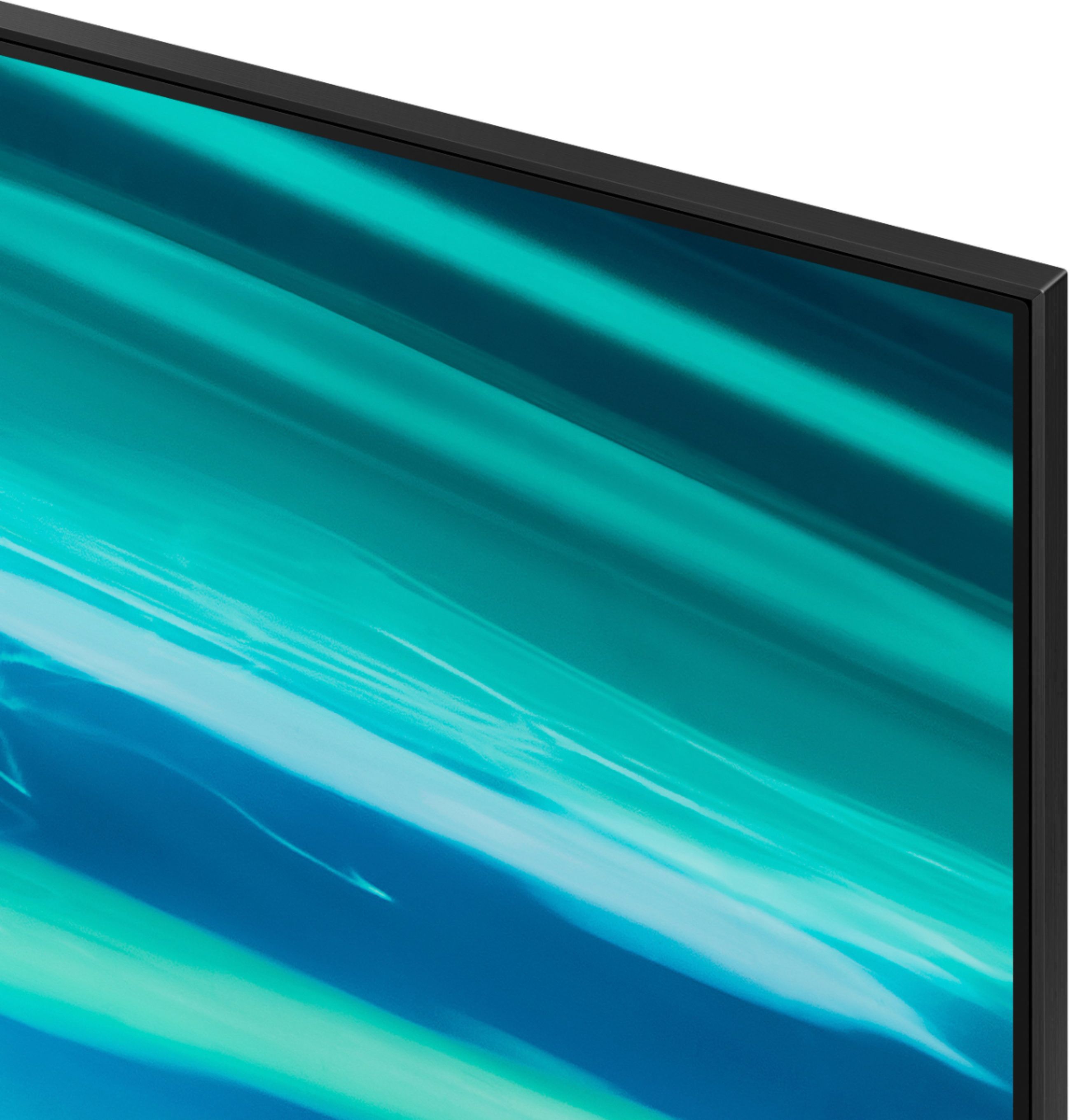
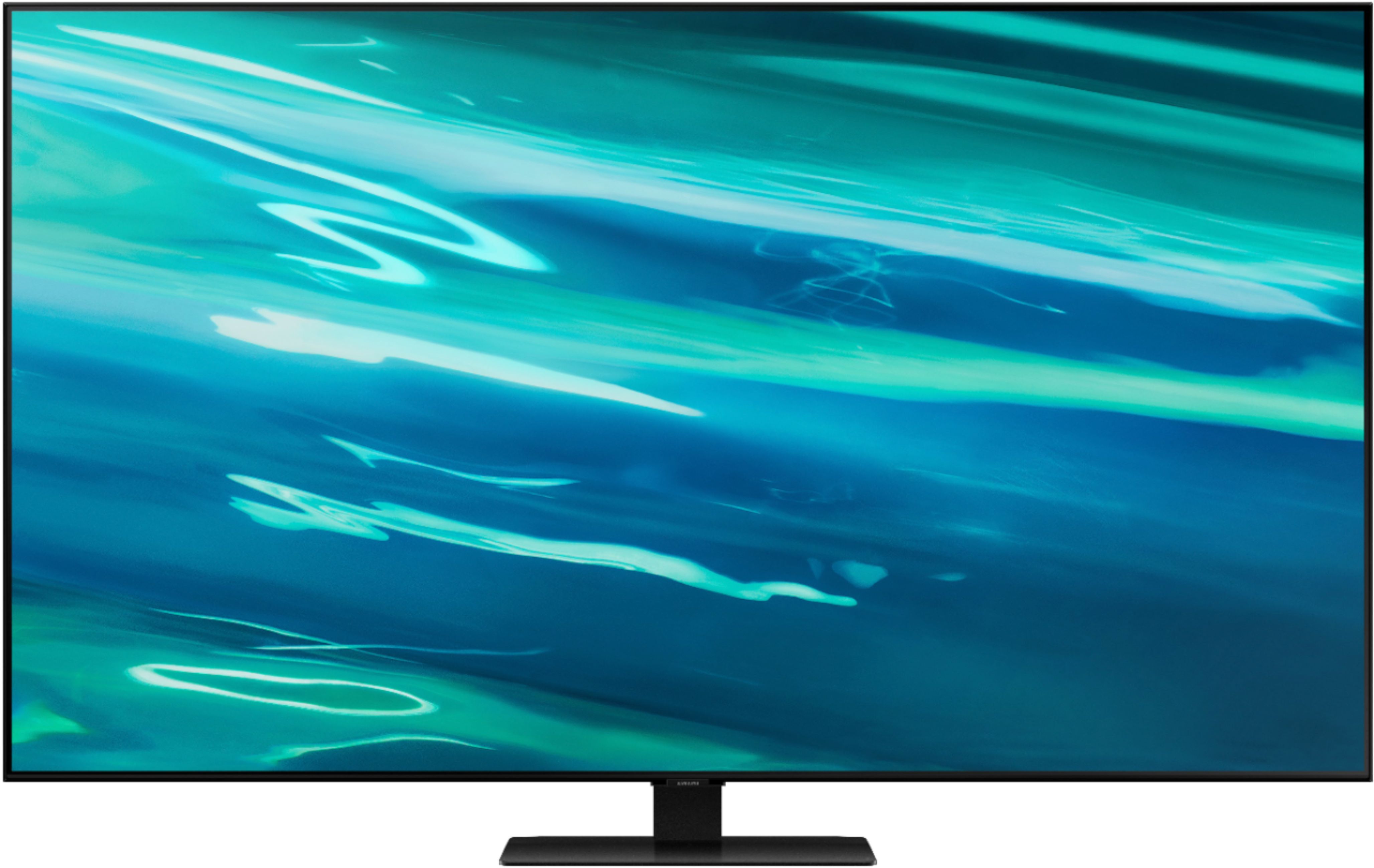






- Model:
- QN55Q80AAFXZA
- SKU:
- 6451481
Rating by feature
- Picture Quality
Rating 4.7 out of 5 stars
- Sound Quality
Rating 4.5 out of 5 stars
- Brightness
Rating 4.7 out of 5 stars
Customers are saying
Customers express satisfaction with the picture quality, describing it as great and worth the money. They also appreciate the easy setup process and find the gaming experience to be exceptional. However, some users have encountered issues with the remote control and a few have reported dead pixels and streaming problems.
This summary was generated by AI based on customer reviews.
- Pros mentioned:Ease of use, Picture quality
Great Alternative
||Posted . Owned for 1 month when reviewed.This reviewer received promo considerations or sweepstakes entry for writing a review.I have or have had several Samsung electronic devices including 3 smart phones. This 55" QLED television is a typical product of Samsung, of decent quality and picture in its particular price range. It was easy to set up and connect to my existing non Samsung sound system, top box and my smart phone. All built in functions work without issue and the picture is sharp within this $1200 price range. My only wish would e for the custom settings to be a bit more customizable. My previous television, a Sony 55" Bravado was more customizable albeit about $500 more. All and all, I would purchase this television again if shopping in the same price range and would recommend it as a great alternative to any televisions in the $1000 - $1200 55" category.
I would recommend this to a friend - Pros mentioned:Ease of use, Picture quality
Great Features, Easy to Set Up & Use
||Posted . Owned for 3 weeks when reviewed.This reviewer received promo considerations or sweepstakes entry for writing a review.Almost all independent reviews have this model's brother the Q90A as their top choice. There just isn't much difference between that model and this one in this screen size. The setup was a piece of cake, both hardware and configuring the set. We have an old VCR and DVD player with old RCA jacks we wanted to integrate. Two $10 RCA to HDMI converters solved the hardware setup and the smart TV setup software took care of the rest. We found the built-in sound system more than adequate for most broadcast and cable TV programs, but will probably add a soundbar with a subwoofer at some point. My wife isn't a techie. So in addition to the picture quality, she loves how easy it is to use. Want to use another component? Just turn it on and the TV switches over to that input. She picked up using the remote on Day 1.
I would recommend this to a friend - Pros mentioned:Picture quality, Remote control
Great picture
||Posted . Owned for 7 months when reviewed.This reviewer received promo considerations or sweepstakes entry for writing a review.Great picture, clear crisp viewing, easy menus to navigate, simple remote. TV menus and remote where a little frustrating at first because it was such a change from all of my other Samsung TVs.. but once I got used to it online it.. very simple and easy to use.. The only issue I have experienced is the YouTube app would not load due to a software update, And one time none of the apps would load. Shut TV off and unplugged, turned Tv back on and everything worked.. I might of experienced a power surge during rainy weather.. So far the best picture and clarity on a TV I have owned..
I would recommend this to a friend - Pros mentioned:Color
Great for gaming and in bright rooms
||Posted . Owned for 11 months when reviewed.This reviewer received promo considerations or sweepstakes entry for writing a review.I was hesitant on wether to get an Oled or Qled, but ultimately decided to go with Qled because of price and brightness. This tv works wonderfully in a bright room. The 120 FPS is also great for gaming on the ps5 and Xbox series x.
I would recommend this to a friend - Pros mentioned:Picture quality, Remote control
Best TV for the money available in 2021.
||Posted . Owned for less than 1 week when reviewed.This reviewer received promo considerations or sweepstakes entry for writing a review.Amazing picture quality. Easy to use remote. Super easy to setup and the picture quality is superb right from the box. You will not be disappointed. The smart tv functions are well integrated and easy to use.
I would recommend this to a friend - Pros mentioned:Picture qualityCons mentioned:Screen
I want to love this TV, but...
||Posted . Owned for 1 week when reviewed.This reviewer received promo considerations or sweepstakes entry for writing a review.This TV is my first new one in a little over 10 years. I was fully aware that there have been a lot of changes in that time and I did a ton of (well, maybe excessive) research. I had, and still have a lot of hope for this TV. There are some really strong positives, but there are a couple of drawbacks that are just perplexing. The positives most definitely include the screen and processing itself. I'm streaming from Netflix, HBO Max, YouTube from the built-in apps on the TV. I'm still dialing in the setting for each, but The Snyder Cut of the Justice League looked pretty good. However, other movies that had less of an autueur's touch seemed to be, well, more clear. And clear is what I really like. The Netflix stream is excellent, with 4K and Dolby Atmos coming through on my Samsung N850 soundbar. I don't have the money for the "Q-Symphony" soundbar combo (my current soundbar is just a little over a year old), but they work well together. I also have a 7 year old DVR from ChannelMaster and the level of detail that this TV brings out is phenomenal. While there's no operating it with CEC, the recordings and live TV really do pop. I just need to figure out which setting will bring a bright view to the shows without the soap opera effect. My PS4 really rocks on this TV! I've only been able to play COD: Modern Warfare lately (I'm a teacher and I've been super-busy), but the game mode just kicks up the graphics several notches. A lot of reviewers will be really picky about highly technical qualities, but I'm generally too busy shooting other characters to notice them. I'm highly impressed with the TV/PS4 combo. Lastly, the Samsung TV channels are pretty cool. There are seemingly well over 100 with a huge variety for everyone. However, I wish that Samsung would dump the OAN stream. That junk belongs nowhere. Now the things that really keep me from totally recommending this TV. First, when I'm watching streaming, sometimes the screen dims on it's own. I've checked to make sure that I've cut off the eco-mode and put the settings at a brightness I like, but it sometimes still happens. And this is with the Intelligent mode OFF. I'll keep playing with it and hope there's also a software fix. Second (and lastly), there's NO DTS pass-through. What that means to me is that I'll have to disconnect the PS4 (which acts as my Blu-ray player) and connect it directly to the soundbar (instead of the TV as I have it now) to watch discs that have only DTS encoding. For example, I wanted to see how great the Blu-ray of Iron Man would look on my new TV. Imagine my extreme disappointment when there was a beautiful picture, but NO sound. And this disc only comes with DTS. So, when I connect the PS4 to the soundbar, yes, I'll be able to hear and see my Blu-rays with DTS encoding. But I'll LOSE the TV as a hub. And will I lose the great 4K upscaling for movies or games? Will I lose Game Mode? I'm very, very disappointed that I'll eventually have to do this. DTS AND Dolby should both be supported. I've tried to reach Samsung support, but they haven't been helpful. I appreciate Samsung products because I think they are really generally very excellent. I want to love this TV, but I can't just yet.
I would recommend this to a friendBrand response from Samsung
Posted .Chuck:
Thank you for choosing the Q80A QLED TV and taking the time to share your thoughts and experience. I am happy to hear that you are finding the picture quality to be phenomenal. To suit your preference for “a bright view to the shows without the soap opera effect,” you may want to try Dynamic Picture Mode for the brightest picture & disabling Picture Clarity Settings.
- Settings > Picture > Picture Mode > Dynamic
- Settings > Picture > Expert Settings > Picture Clarity Settings > Off
To connect a device with DTS, please follow these steps:
1) Connect an HDMI cable from the HDMI OUT on your external device to the HDMI IN on the bottom of the Soundbar.
2) Connect a digital optical audio cable from the DTS port on the bottom of the Soundbar to the DTS port on your TV.
3) Press the Source button on the top panel or on the remote control, and then select HDMI 1 or HDMI 2.
4) Connected Source is displayed on the Soundbar display panel and sound plays.
If your TV is dimming sporadically, you may need to disable some of the energy efficiency features. There is more than one ECO setting.
1) Go to Settings > General > Eco Solution - and disable Ambient Light Detection, Power Saving Mode, & Motion Lighting
2) Go to Settings > Picture > Expert Settings - and disable Contrast Enhancer.
I hope these tips help, should you need further assistance, please contact Samsung Customer Support. You can reach us at 1-800-SAMSUNG (ask for TVs), available 8AM -12AM EST, 7 days a week. Or text HELP to 62913.
For additional support resources, visit us on the Samsung website and click on the ‘Support’ link in the upper right corner of the homepage for:
1) More ‘Contact Us’ options – LiveChat, Facebook, Twitter, Samsung Community, Samsung Members app
2) Manuals & Software
3) Warranty Info
4) Product Registration: For access to easy warranty support, convenient opt-in to special promos and offers, faster troubleshooting and service, and quick notification of system updates.
~ Samsung Solutions
- Pros mentioned:Picture quality

i love it
|Posted . Owned for 1 month when reviewed.This reviewer received promo considerations or sweepstakes entry for writing a review.i absolutely love my tv. i go to the movie theatres wishing i was watching the movie on my tv instead. this is definitely a must for someone who enjoys amazing picture quality with amazing contrasts.
I would recommend this to a friend - Pros mentioned:Ease of use, Picture quality
Modern & Easy
||Posted . Owned for 1 month when reviewed.This reviewer received promo considerations or sweepstakes entry for writing a review.I came in looking for a high quality product that was still affordable. I had no background knowledge of preferred brand and so on. But this flip of a coin purchase guided by the Best Buy staff, has checked off all the boxes of what I wanted in a new tv. It’s luxurious looking but easy to install / use. If a tech-dummy like myself is able to enjoy it, so can you! All the streaming apps are built in with easy compatibility to your phone… what more can you ask for?
I would recommend this to a friend - Pros mentioned:Picture quality
Great TV
||Posted . Owned for 1 year when reviewed.This reviewer received promo considerations or sweepstakes entry for writing a review.Actually was a phenomenal TV loved it got it on sale couldn't be happier. Looks great up on the wall. Little bit of a learning curve to use the remote control
I would recommend this to a friend - Pros mentioned:Picture qualityCons mentioned:Screen
Great TV for the price!
||Posted . Owned for 2 months when reviewed.This reviewer received promo considerations or sweepstakes entry for writing a review.Wow! Nicest TV I’ve eve meeting owned! Brilliant, almost too bright picture - have not messed with settings, but wife prefers a bit darker, as last TV we had screen darkened over the years, suppose we got used to it. Use my cable box for all “Smart” functions, have not set up TV, nor connected to WiFi. Only issue is I wish there was a “auto” switch to change HDMI inputs when I turn on Xbox. Another issue is screen auto-darkens during some credits with only white text on black screen - have not found a setting to stop this.
I would recommend this to a friend - Pros mentioned:Picture quality
Samsung does it right.
||Posted . Owned for 1.5 years when reviewed.This reviewer received promo considerations or sweepstakes entry for writing a review.Love this tv has an awesome picture and is packed full of features. Xbox games look great on it as well.
I would recommend this to a friend - Pros mentioned:Picture quality
Great looking
||Posted . Owned for 1.5 years when reviewed.This reviewer received promo considerations or sweepstakes entry for writing a review.this tv is truly perfect size for a small living room. the flushed techology is also amazing. it was very easy to install.
I would recommend this to a friend - Pros mentioned:Picture quality
Nice family room center piece
||Posted . Owned for 1.5 years when reviewed.This reviewer received promo considerations or sweepstakes entry for writing a review.The picture is nice, the smart features are adequate, and the sound is solid. The remote is tiny and difficult to use without looking down at it.
I would recommend this to a friend - Pros mentioned:Picture quality
One year later
||Posted . Owned for 1 year when reviewed.This reviewer received promo considerations or sweepstakes entry for writing a review.This tv has an incredible picture. Have been using for a year now and still can’t believe how nice it is. No problems with it and highly recommend!
I would recommend this to a friend - Pros mentioned:Ease of use, Picture quality, Remote control
Waterman
||Posted . Owned for 1 week when reviewed.This reviewer received promo considerations or sweepstakes entry for writing a review.Fabulous picture and easy to set up very user friendly great solar remote and easy to use once you get used to it love voice controls
I would recommend this to a friend - Pros mentioned:Picture quality
Great!
||Posted . Owned for 1 year when reviewed.This reviewer received promo considerations or sweepstakes entry for writing a review.My audiophile friend recommended this as part of my home theater system, and I love it. The whole system has been great!
I would recommend this to a friend - Pros mentioned:Color, Picture quality
Q80A QLED purchase
||Posted . Owned for 2 weeks when reviewed.This reviewer received promo considerations or sweepstakes entry for writing a review.The Tv is great for 120hz gaming and gaming picture quality is outstanding . However when it comes to movies and tv you can do better. QLED still uses a light bar at the bottom of the TV unlike OLED which can cause some light bleeding on widescreen programs at the bottom. The true blacks are also not great for How expensive the tv is. Picture quality, brightness and contrast are all great in movies and tv shows but the TV is lacking in a few areas.
No, I would not recommend this to a friendBrand response from Samsung
Posted .SmoothLarry1,
Thank you for purchasing the Samsung Q80A TV and for sharing details of your image quality. To optimize your picture quality, please be sure your firmware is up to date with version 1901.0 which includes picture quality updates. You can check this by going to: Settings > Support > Software Update.
You may want to enable Auto Update for convenience.
Should you need further assistance with image quality adjustments, please give us the opportunity to assist you. Call us at 1-800-SAMSUNG (ask for TVs), available 8AM - 12AM EST, 7 days a week.
For additional support resources, visit us on the Samsung website and click on the ‘Support’ link in the upper right corner of the homepage for:
1) Chat with Us/Product Help: To begin a chat or find solutions, choose ‘TVs & Home Theater’ and select your model & topic.
2) Manuals, Software, & Warranty Info
~ Samsung Specialist
- Pros mentioned:Refresh rateCons mentioned:Hdmi ports
Great for games, not as great for movies
||Posted . Owned for 3 weeks when reviewed.This reviewer received promo considerations or sweepstakes entry for writing a review.This tv is great for gaming hands down. I use it with my XBOX Series X and 4K 120hz is a game changer. Unfortunately, it only has one HDMI 2.1 port. This could be a problem if you have both next gen consoles. On a positive note, the eARC port is separate from the HDMI 2.1 port. As for movies, it is good, but not great. It is an IPS type panel, so the blacks are not great. It also has noticable blooming in dark scenes. HDR content is good as the TV can get nice and bright. Overall, I definitely recommend it for next gen consoles, but film buffs might want to consider an OLED or VA panel.
I would recommend this to a friendBrand response from Samsung
Posted .Chris,
Thank you for purchasing the Samsung Q80A TV and for sharing details of your image quality. To optimize your picture quality, please be sure your firmware is up to date with version 1560.5 which includes picture quality updates. You can check this by going to: Settings > Support > Software Update
If this firmware version is not yet available on your TV, you can download the update on a USB drive and manually update your TV:
1. On Samsung's website (upper right corner), go to: Support > Manuals & Software > Find your TV model.
2. Download the update and extract it to the root of a USB thumb drive. (Do not put it in any folders on the thumb drive.)
3. Connect the USB thumb drive to a USB port on your TV.
4. Navigate to Settings > Support > Software Update, select Update Now, and then select Yes.
5. Follow the on-screen instructions to install the updated software.
If the picture you are seeing after updating your TV is not to your liking, there are several picture settings you may want to try adjusting.
You can select the Picture Mode that provides the best viewing experience. Go to Home > Settings > Picture > Picture Mode
1) Standard: Is the default mode suitable for general viewing environments.
2) Natural: Reduces eye strain for a comfortable viewing experience.
3) Movie: Is suitable for watching TV or movies in a dark room.
4) Dynamic: Makes the picture brighter and clearer in bright viewing environments.
5) Filmmaker Mode: You can watch the source content (e.g., movie) as it is. If the image is defined as Filmmaker Mode, it will automatically switch to Filmmaker Mode while watching.
You may also want to try adjusting additional picture settings. You can go to: Settings > Picture > Expert Settings and configure the TV settings to your taste with functions such as Brightness, Contrast, Sharpness, Color, Tint (G/R), Picture Clarity Settings, Local Dimming, Contrast Enhancer, and many more.
Should you ever have questions or need help, please call us at 1-800-SAMSUNG (ask for TVs), available 8AM -12AM EST M-F (9AM – 6PM EST Sat). Or text HELP to 62913.
For additional support resources, visit us on the Samsung website and click on the ‘Support’ link in the upper right corner of the homepage for:
1) More ‘Contact Us’ options – LiveChat, Facebook, Twitter, Samsung Community, Samsung Members app
2) Manuals & Software
3) Warranty Info
4) Product Registration: For access to easy warranty support, convenient opt-in to special promos and offers, faster troubleshooting and service, and quick notification of system updates.
~ Samsung Specialist
- Pros mentioned:Picture quality
Good purchase
||Posted . Owned for more than 2 years when reviewed.This reviewer received promo considerations or sweepstakes entry for writing a review.We've had this TV for a while now and love it. Great picture and the sound is great! I would recommend.
I would recommend this to a friend - Pros mentioned:Picture quality
Tv
||Posted . Owned for 1.5 years when reviewed.This reviewer received promo considerations or sweepstakes entry for writing a review.Best Tv I have ever had, sounds amazing, picture is 10 out of 10 an it’s faster then any tv i’ve owned
I would recommend this to a friend