Customer Ratings & Reviews
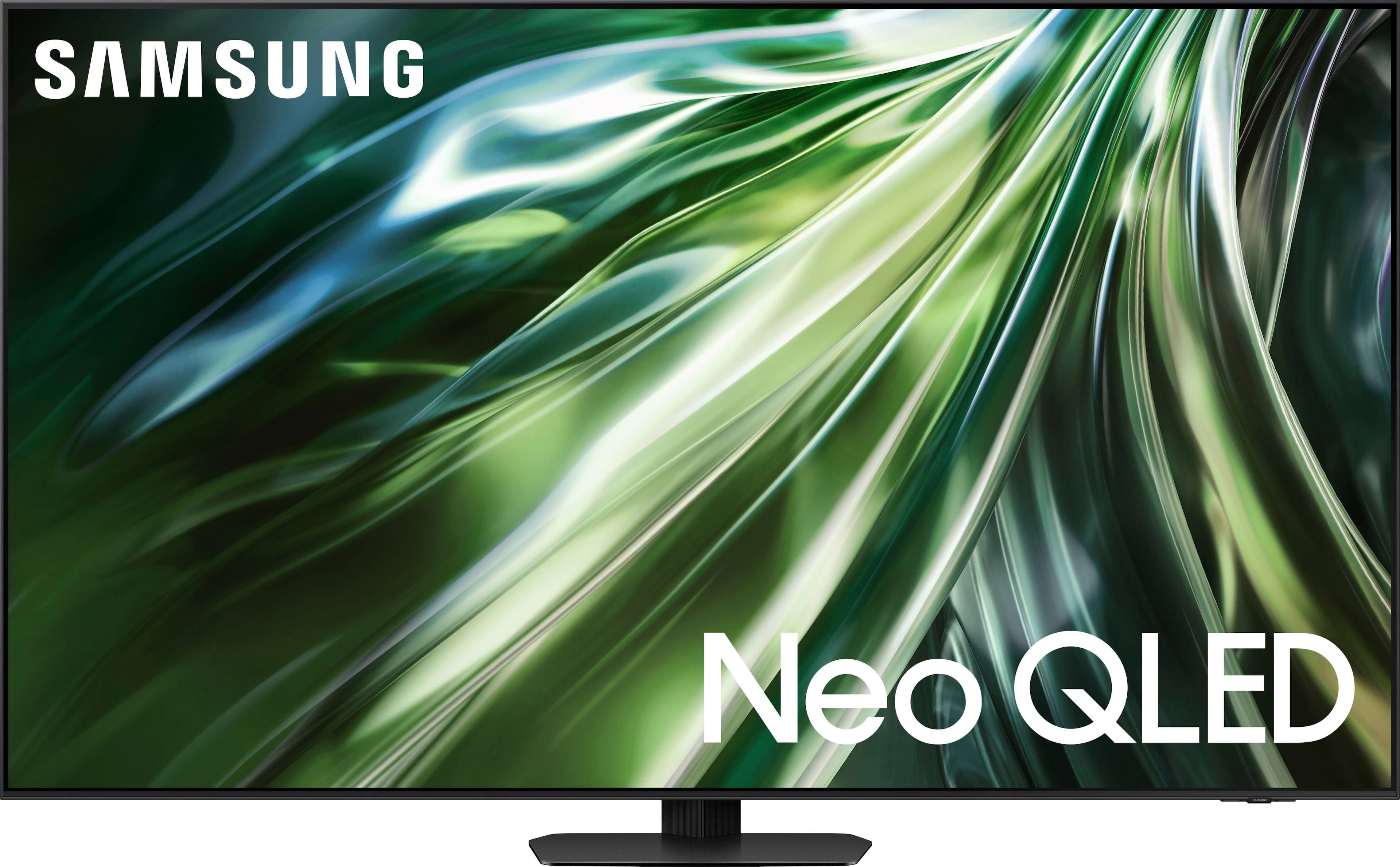

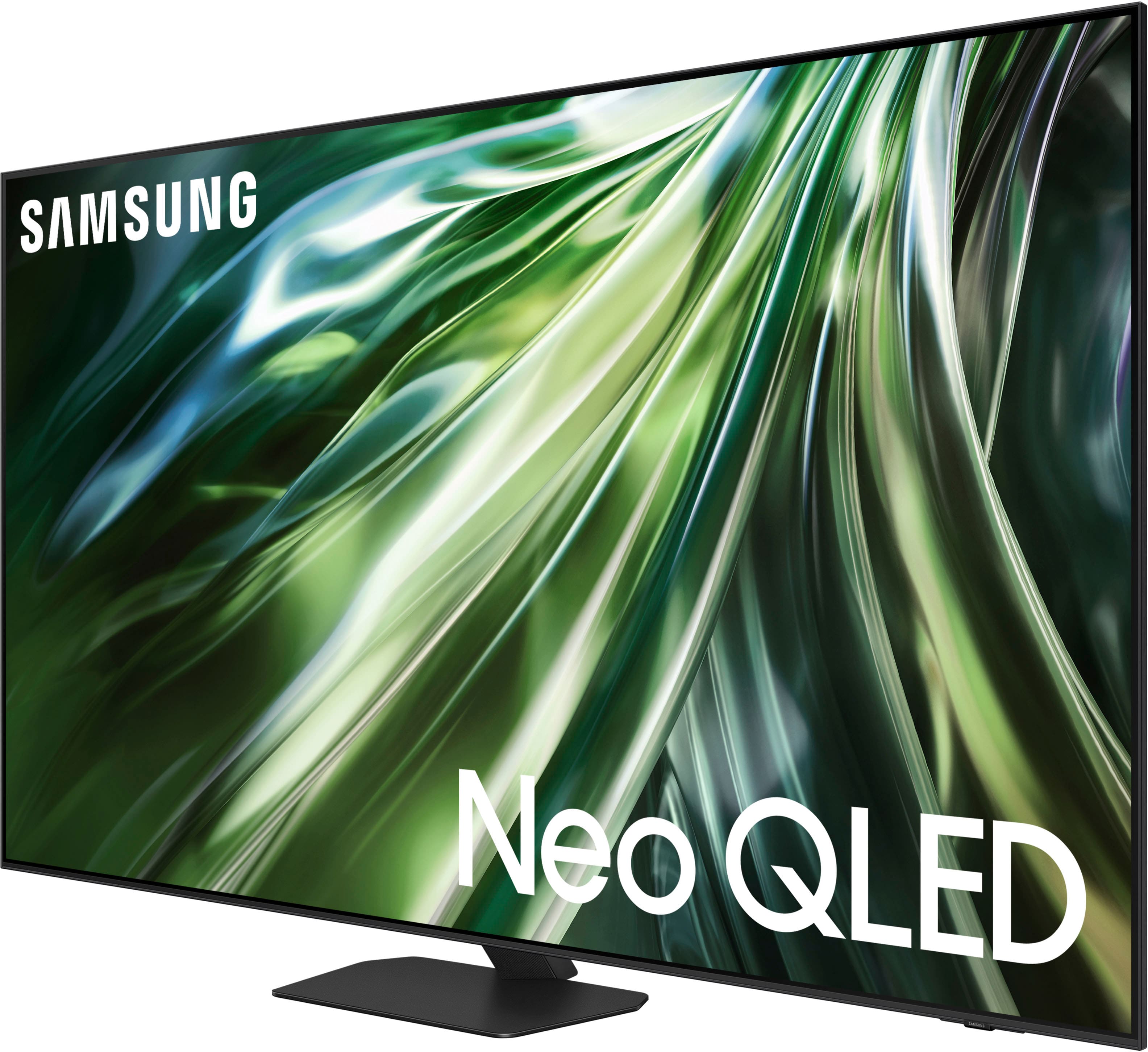
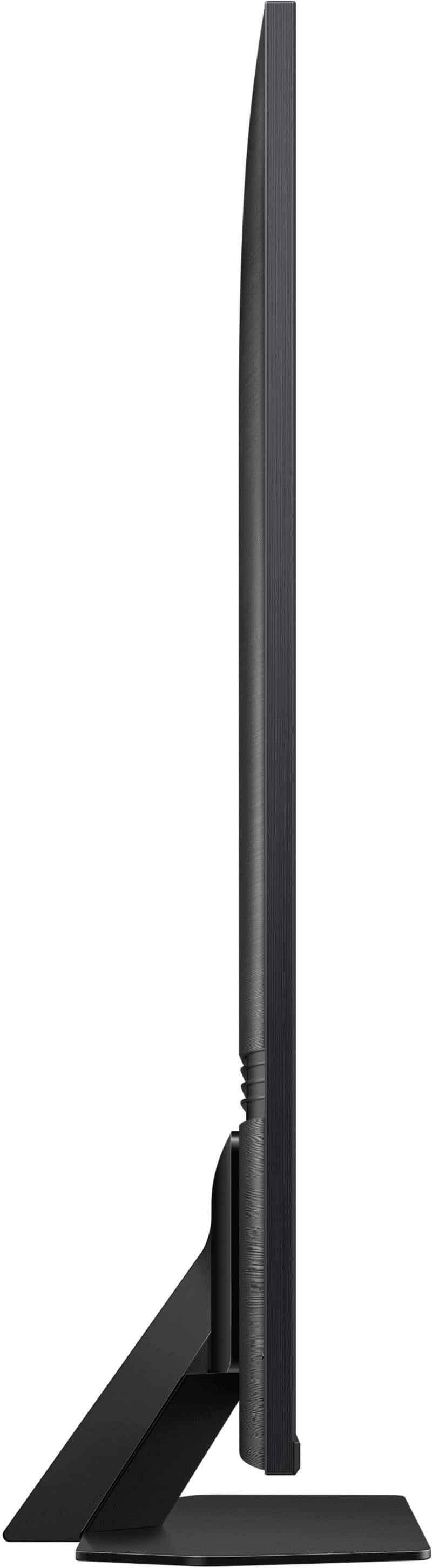
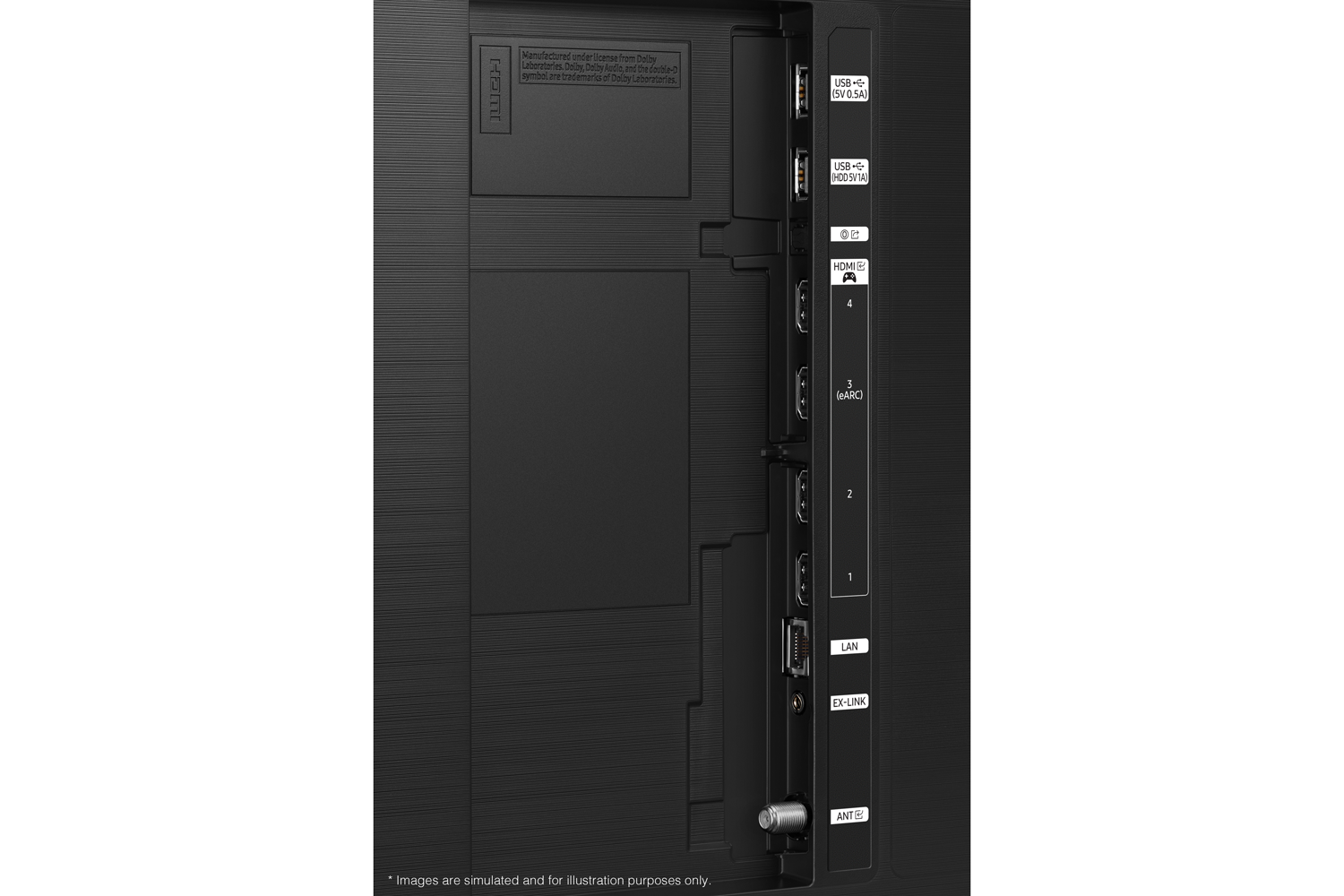
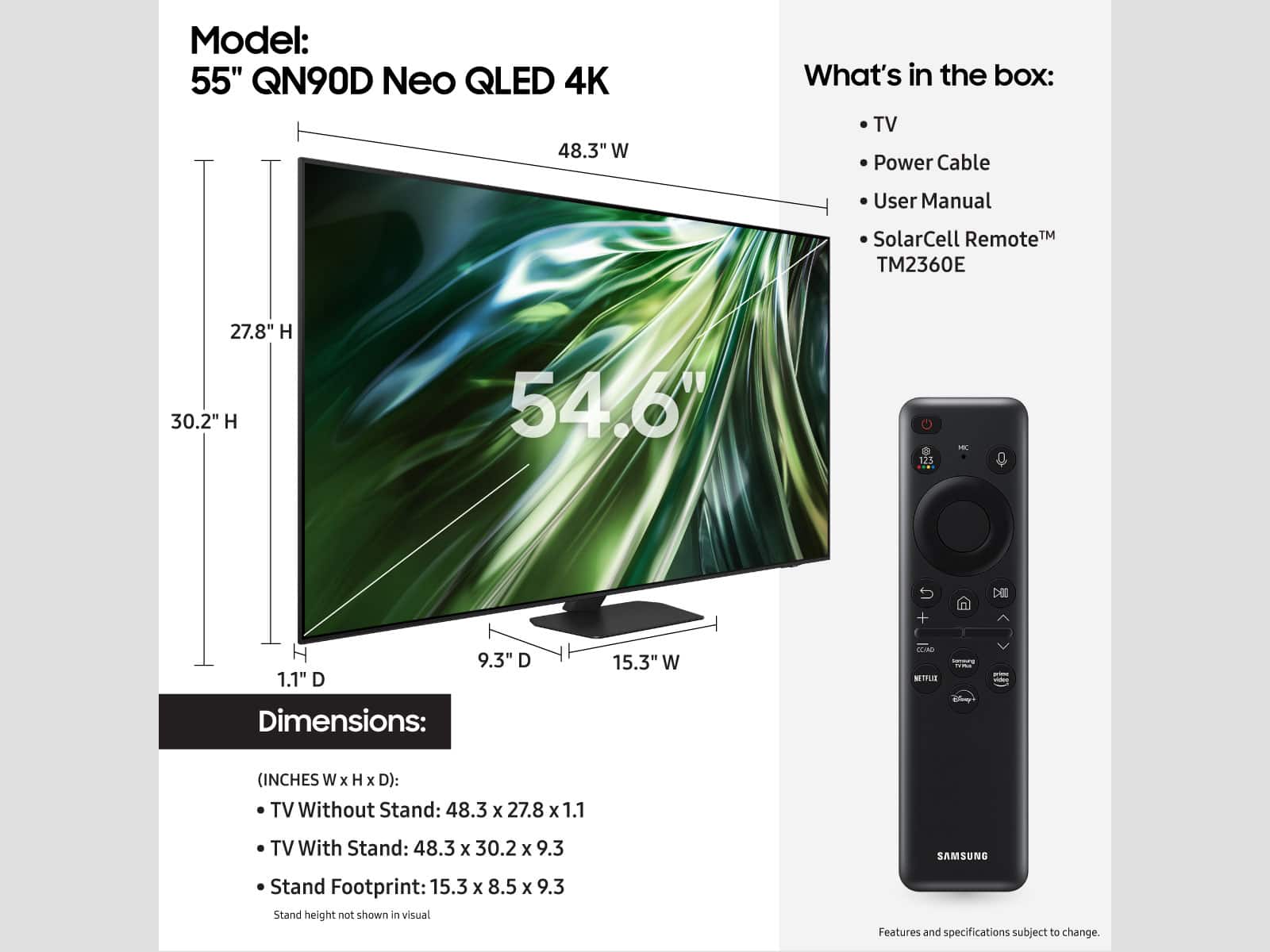
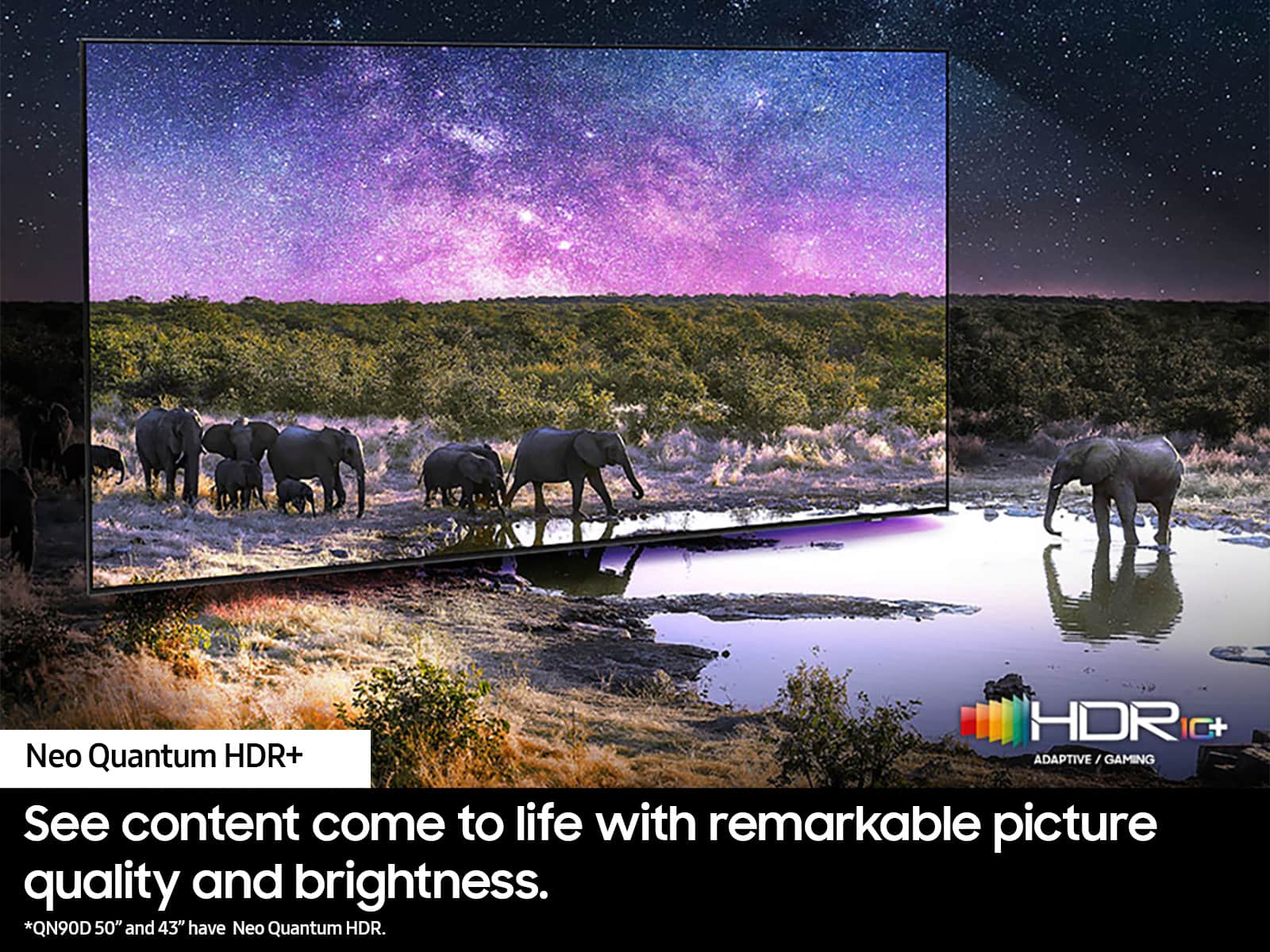


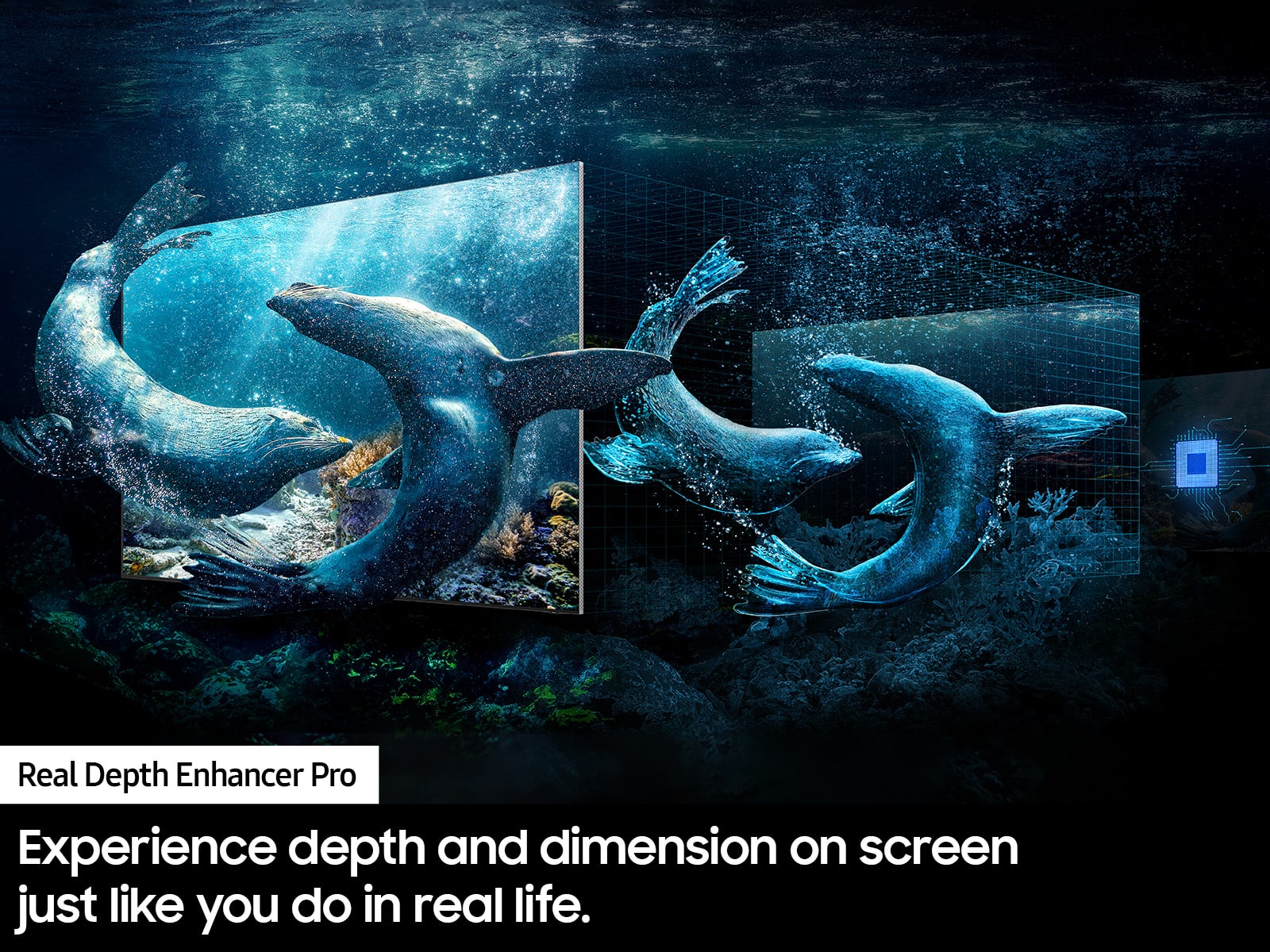
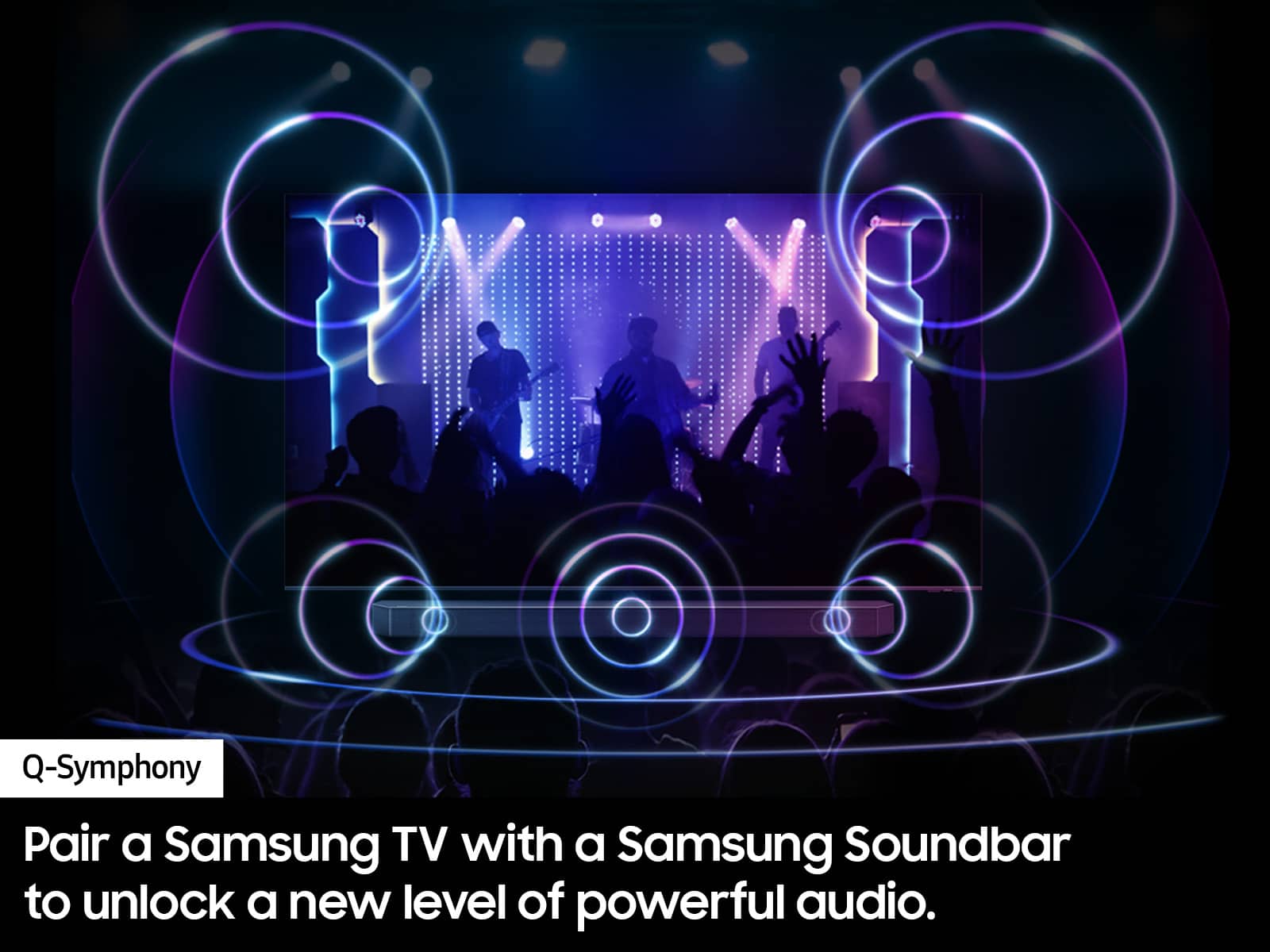








- Model:
- QN55QN90DAFXZA
- SKU:
- 11487695
Rating by feature
- Picture Quality
Rating 4.8 out of 5 stars
- Sound Quality
Rating 4.5 out of 5 stars
- Brightness
Rating 4.8 out of 5 stars
Excellent TV
||Posted . Owned for 1 month when reviewed.This reviewer received promo considerations or sweepstakes entry for writing a review.TV looks fantastic. Excellent TV, I am pretty happy with it.
I would recommend this to a friendSamsung TV
||Posted . Owned for 1 month when reviewed.This reviewer received promo considerations or sweepstakes entry for writing a review.Picture perfect, out performs the Sony I found faults with.
I would recommend this to a friendGreg 55 inch Samsung QLED w/mini led
||Posted .This reviewer received promo considerations or sweepstakes entry for writing a review.Ordering online with 24 month 0% interest went well... pickup was easy all worked well after setup... thanks...
I would recommend this to a friendSamsung TV
||Posted . Owned for 1 month when reviewed.This reviewer received promo considerations or sweepstakes entry for writing a review.Great tv and excellent installation by Geek Squad. They were very helpful in setting up the TV controls and inputs. Would use them again!
I would recommend this to a friendWhats not to love
||Posted . Owned for 1 month when reviewed.This reviewer received promo considerations or sweepstakes entry for writing a review.Its better than an OLED TV it does not get burn in. Had one bought this TV and its great.
I would recommend this to a friendNone
||Posted . Owned for 1 month when reviewed.This reviewer received promo considerations or sweepstakes entry for writing a review.Love my new TV. The salesperson at the Ames Best Buy was terrific. Very helpful and didn't have me buy more than I needed.
I would recommend this to a friendSamsung TV
||Posted . Owned for 3 weeks when reviewed.This reviewer received promo considerations or sweepstakes entry for writing a review.So far so good. Open box was missing my screws. I was told I would have to buy them or return the TV. I chose to use some I had but y’all need to check your open box items more carefully.
I would recommend this to a friendGreat service
||Posted . Owned for 1 month when reviewed.This reviewer received promo considerations or sweepstakes entry for writing a review.Friendly great service, quick response, knowledgeable and clean up after themselves. Polite and efficient and accommodating personnel.
I would recommend this to a friendXx
||Posted . Owned for 3 weeks when reviewed.This reviewer received promo considerations or sweepstakes entry for writing a review.We purchased the newest Samsung 2025 55 inch tv. We knew the price but it rang up less than we knew it should. We questioned that but were reassured it was correct. Ok we accepted that as sometimes the price changes. We completed the transaction and set up a delivery date. We then received the paper receipt. From there we compared the display model to our receipt and once again thought this is wrong. We then went back to the associate who then got the manager and sure enough the TV was not what we ordered. Now we had to cancel the transaction as a return repurchase the correct one add a separate transaction to bill us the $700 more and wait about 10 days to confirm the $700 would be part of the 24 month no interest. Had we not questioned this a different tv would have been delivered. Because of this bad experience nothing was suggested as a small token of appreciation.
I would recommend this to a friendBrand response from Samsung
Posted .Hi Aaaaaa,
I'm very sorry to hear about your experience. Please know you are leaving a review for the QN90D TV, not the service provided by Best Buy.
We hope your issue is resolved in a timely manner. Should you have questions regarding Samsung TVs, please contact Samsung Support at 1-800-SAMSUNG, 8 AM – 12 AM EST, 7 days a week. Our LiveChat agents are also available by clicking on the ‘Support’ link on our website.
~Samsung Advisor
Nice TV
||Posted . Owned for 1 month when reviewed.This reviewer received promo considerations or sweepstakes entry for writing a review.I really like this tv, although I wish it came with a manual. The only negative for me is the volume control on the remote.
I would recommend this to a friendSamsung 55” QN90D
||Posted . Owned for 1 month when reviewed.This reviewer received promo considerations or sweepstakes entry for writing a review.Excellent product. Will continue to purchase Samsung products. Best Buy in-store customer service was excellent.
I would recommend this to a friendBest Buy customer Care
||Posted . Owned for 2 weeks when reviewed.This reviewer received promo considerations or sweepstakes entry for writing a review.Love our new Samsung TV. Had the best customer care. Thank you
I would recommend this to a friendNice
||Posted . Owned for 1 month when reviewed.This reviewer received promo considerations or sweepstakes entry for writing a review.nice tv... love the screen that does not have reflections. can sit anywhere in the room.
I would recommend this to a friendTv
||Posted . Owned for 1 month when reviewed.This reviewer received promo considerations or sweepstakes entry for writing a review.Omg I love it so much I bought 2 of them it’s awesome
I would recommend this to a friendB
||Posted .This reviewer received promo considerations or sweepstakes entry for writing a review.Great TV. Fits what I was looking for. Great Price
I would recommend this to a friendDo not buy this TV.
||Posted .This reviewer received promo considerations or sweepstakes entry for writing a review.I purchased this tv 1 year + a few weeks ago, it has a great picture and we were very happy. 3 weeks ago it started glitching, turning on and off and a black blob appears, spreads across the screen and it turns off. all the troubleshooting steps did not help. I contacted Best Buy and they want to charge me hundreds of dollars for service and parts. Absolutely no credit for the fact that it is 3 weeks out of its 1 year warranty. This issue is all over the Samsung forums, time to try another brand. Do better Best Buy. You just lost a customer
No, I would not recommend this to a friendNot happy
||Posted . Owned for 2 weeks when reviewed.This reviewer received promo considerations or sweepstakes entry for writing a review.Resolution of the picture is awful, could be because of my cable box, but the available adjustments for color is limited, either too bright or not bright enough. intended to exchange, but the exchange wasn’t available and they stiffed be at the last minute and didn’t show up. Will contact cable provider to see if any new boxes with updated resolution is available. Still have one month left to choose another television.
No, I would not recommend this to a friend55 inch NEO
||Posted . Owned for 1 month when reviewed.This reviewer received promo considerations or sweepstakes entry for writing a review.Good picture. Set up crew did an excellent job....
I would recommend this to a friendVery disappointing
||Posted .This reviewer received promo considerations or sweepstakes entry for writing a review.I was really excited to get this tv and I’m quite disappointed. The motion handling is fairly poor and it is the worst blooming on an upper tier tv I’ve ever seen. I absolutely dislike this tv.
No, I would not recommend this to a friendqn90d series neo qled 4k smart tizen tv
||Posted . Owned for 3 weeks when reviewed.This reviewer received promo considerations or sweepstakes entry for writing a review.disappointed in the picture for the price i paid for the samsung tv.
No, I would not recommend this to a friendBrand response from Samsung
Posted .JameswM,
We appreciate your thoughts on the picture quality of Samsung’s QN90D TV. If the image you’re seeing isn’t to your liking, there are several picture settings you may want to adjust.
Go to Home > left direction button > Settings > All Settings > Picture > Picture Mode
...and select the mode that best fits your usage:
1. Standard: Is the default mode suitable for general viewing environments
2. Dynamic: Makes the picture brighter and clearer in bright viewing environments
3. Eco: Provided to save energy
4. Movie: Suitable for watching TV or movies in a dark room
5. Filmmaker Mode: Provides source content just as the creators intended. If the image is defined as Filmmaker Mode, it’ll automatically switch to Filmmaker Mode while watching.
You can also fine-tune your picture with expert settings such as brightness, contrast, sharpness and more (All Settings > Picture > Expert Settings).
For further assistance with settings adjustments, please contact Samsung Customer Support at 1-800-SAMSUNG, 8AM - 12AM EST, 7 days a week. Or visit us on the Samsung website and click on the ‘Support’ link for:
• LiveChat
• Manuals, Software, & Warranty Info
~ Samsung Specialist