Customer Ratings & Reviews

- Model:
- LS34A650UXNXGO
- SKU:
- 6451100
Rating by feature
- Ease of Use
Rating 4.3 out of 5 stars
- Value
Rating 3.9 out of 5 stars
- Quality
Rating 4.1 out of 5 stars
Customers are saying
Customers highly value the large screen size, USB-C connectivity with charging capabilities, and the immersive curved display of the A650 Series monitor. Many appreciate the smooth refresh rate and the adjustable stand, while some experienced issues with dead pixels upon arrival. The picture-in-picture feature is also a highlight for multitasking.
This summary was generated by AI based on customer reviews.
- Pros mentioned:Screen size

Large, bright and versatile
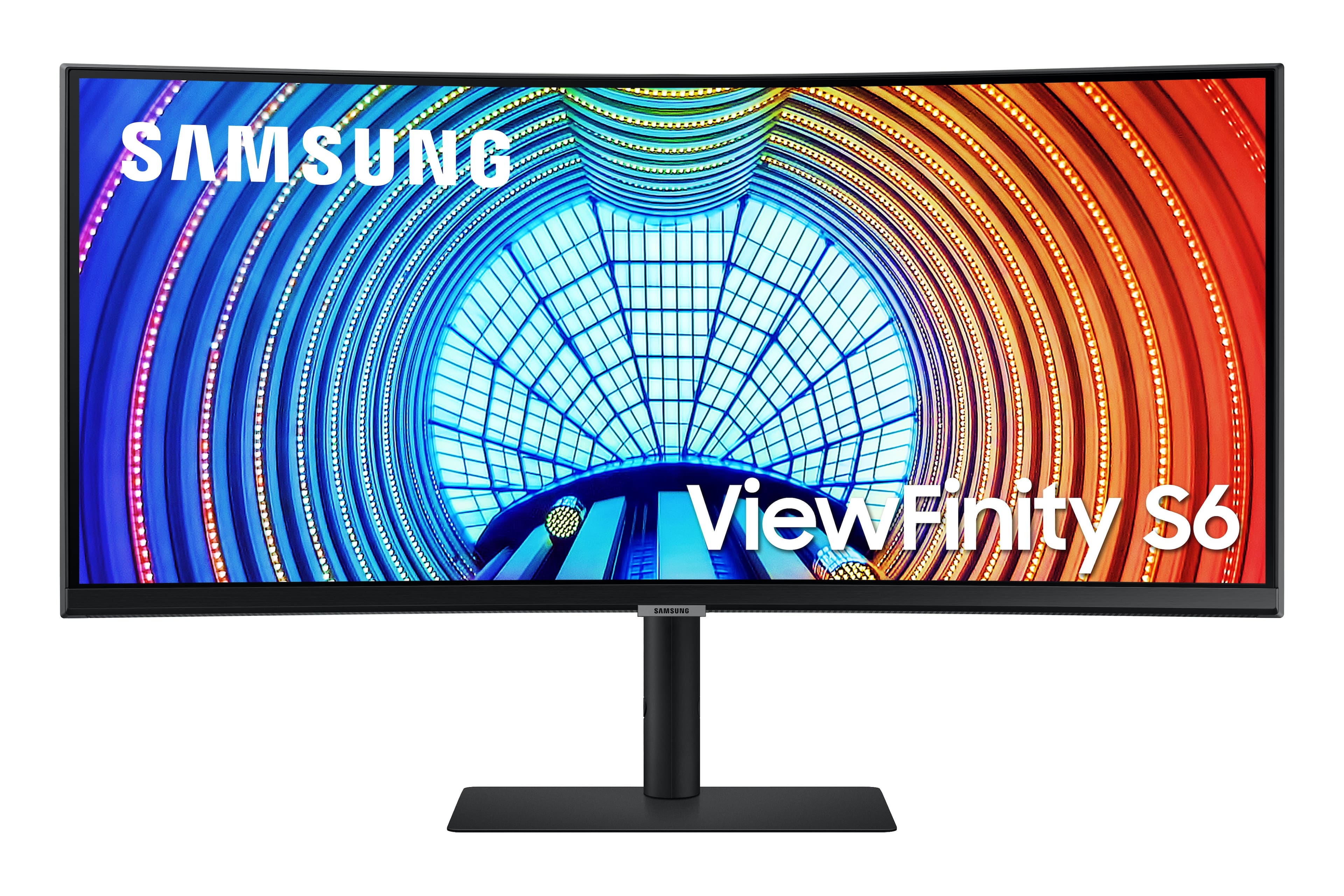
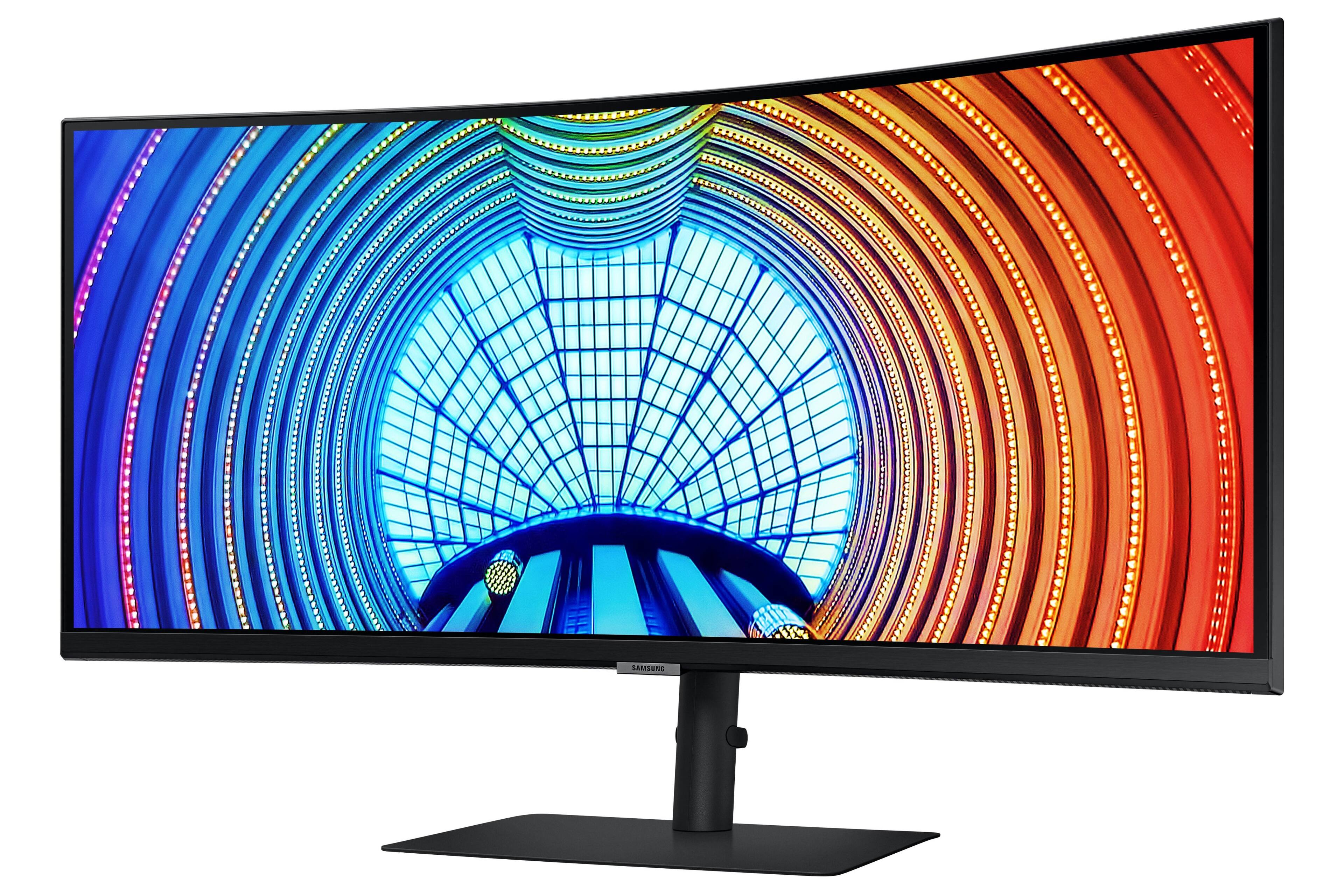
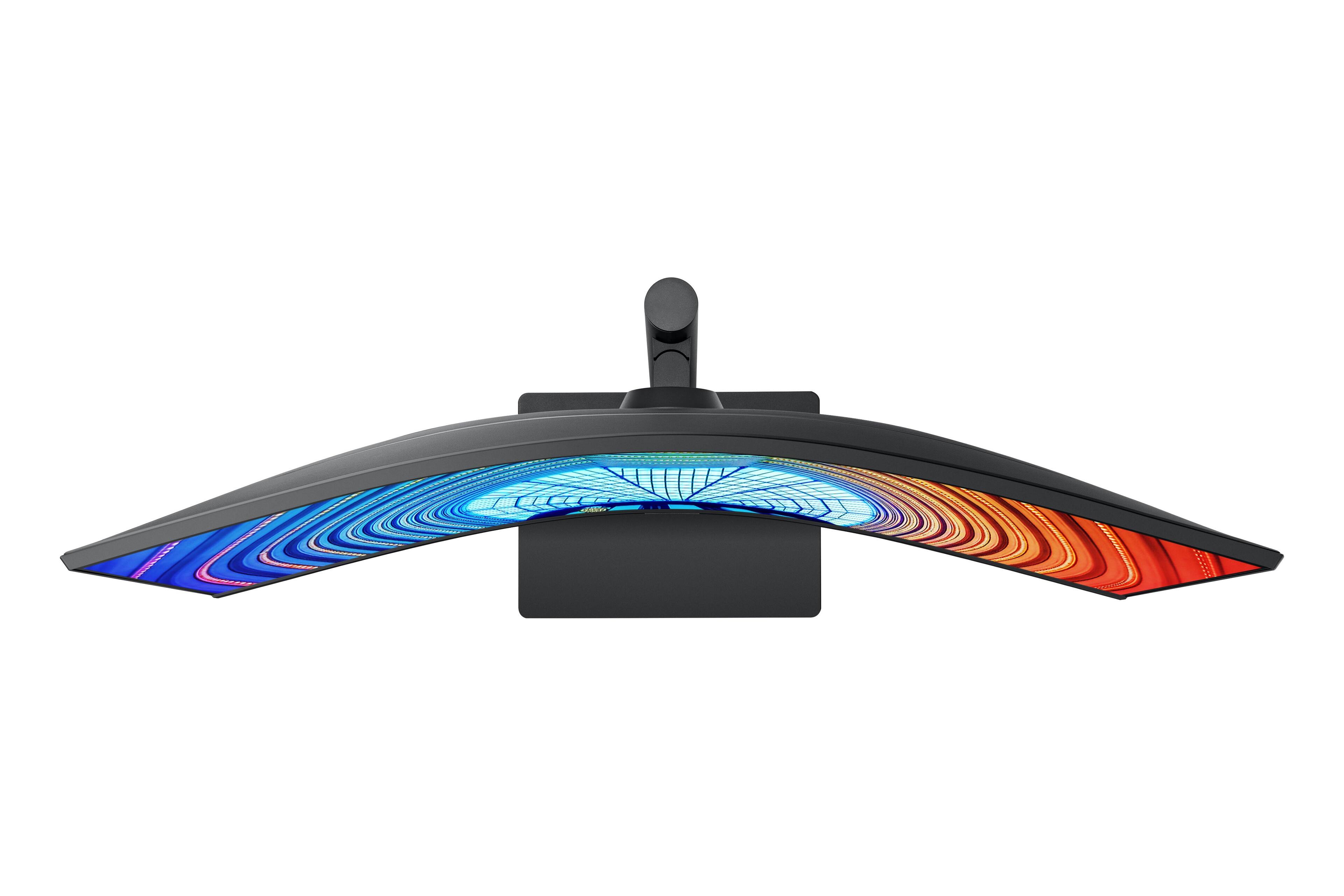
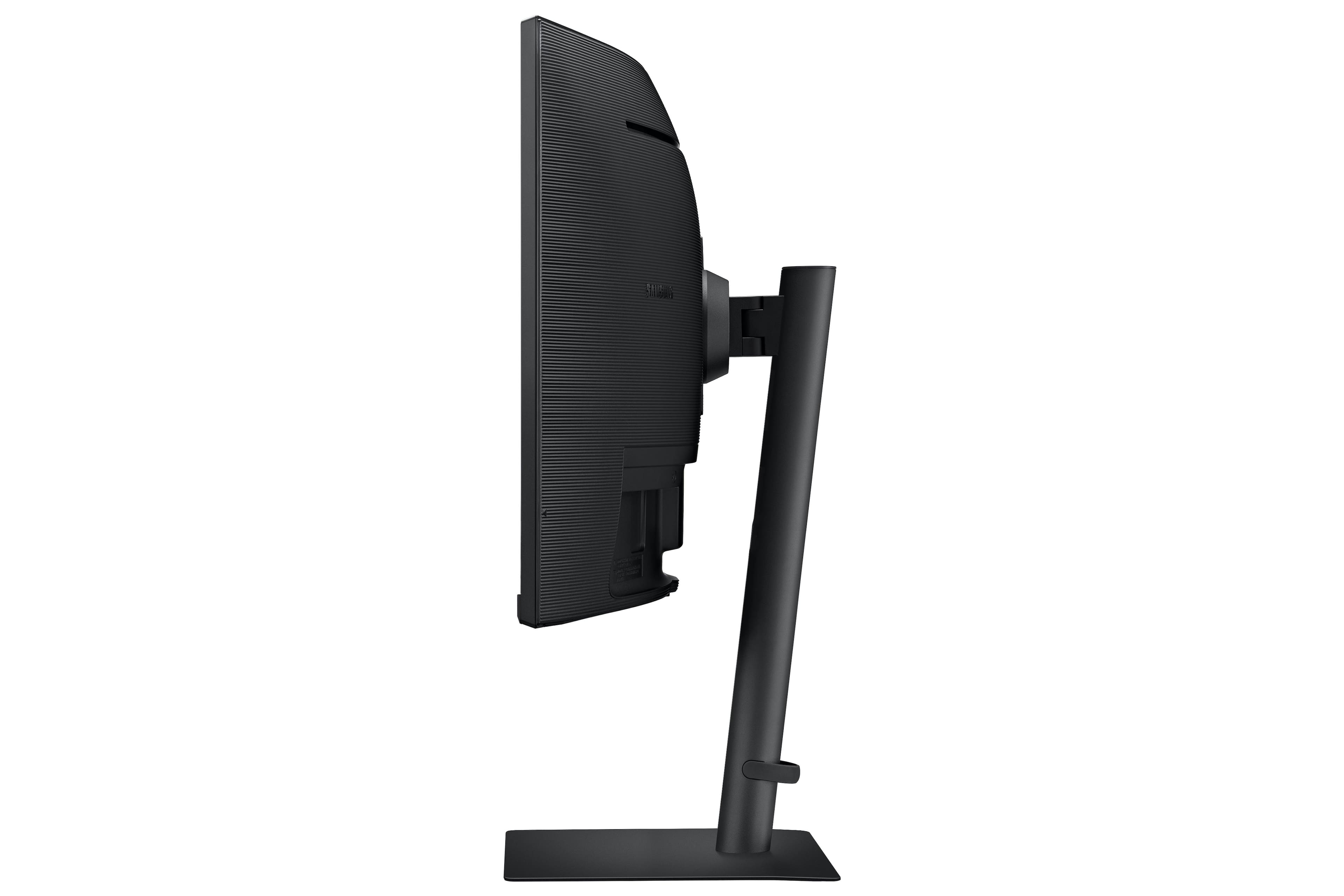
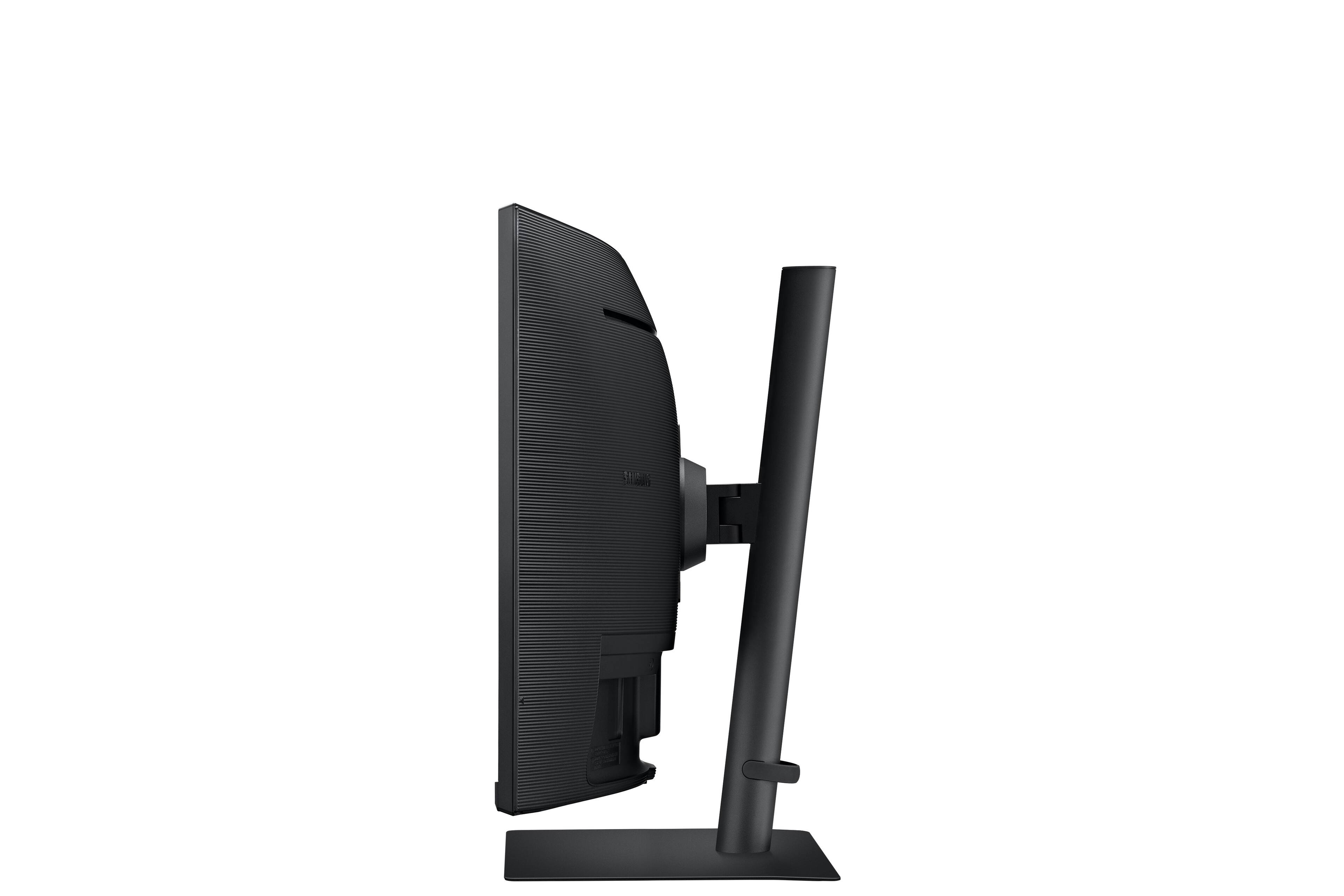
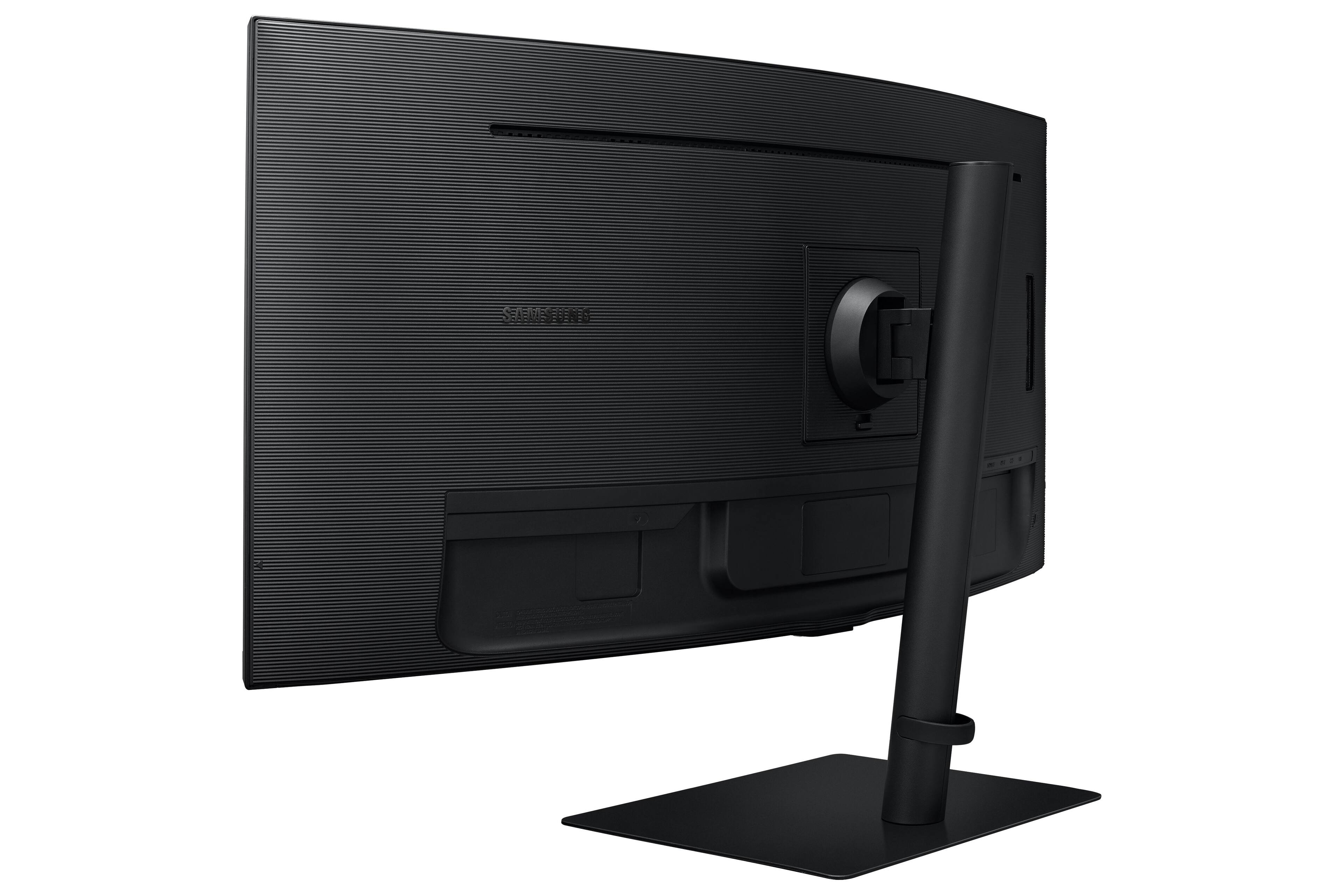
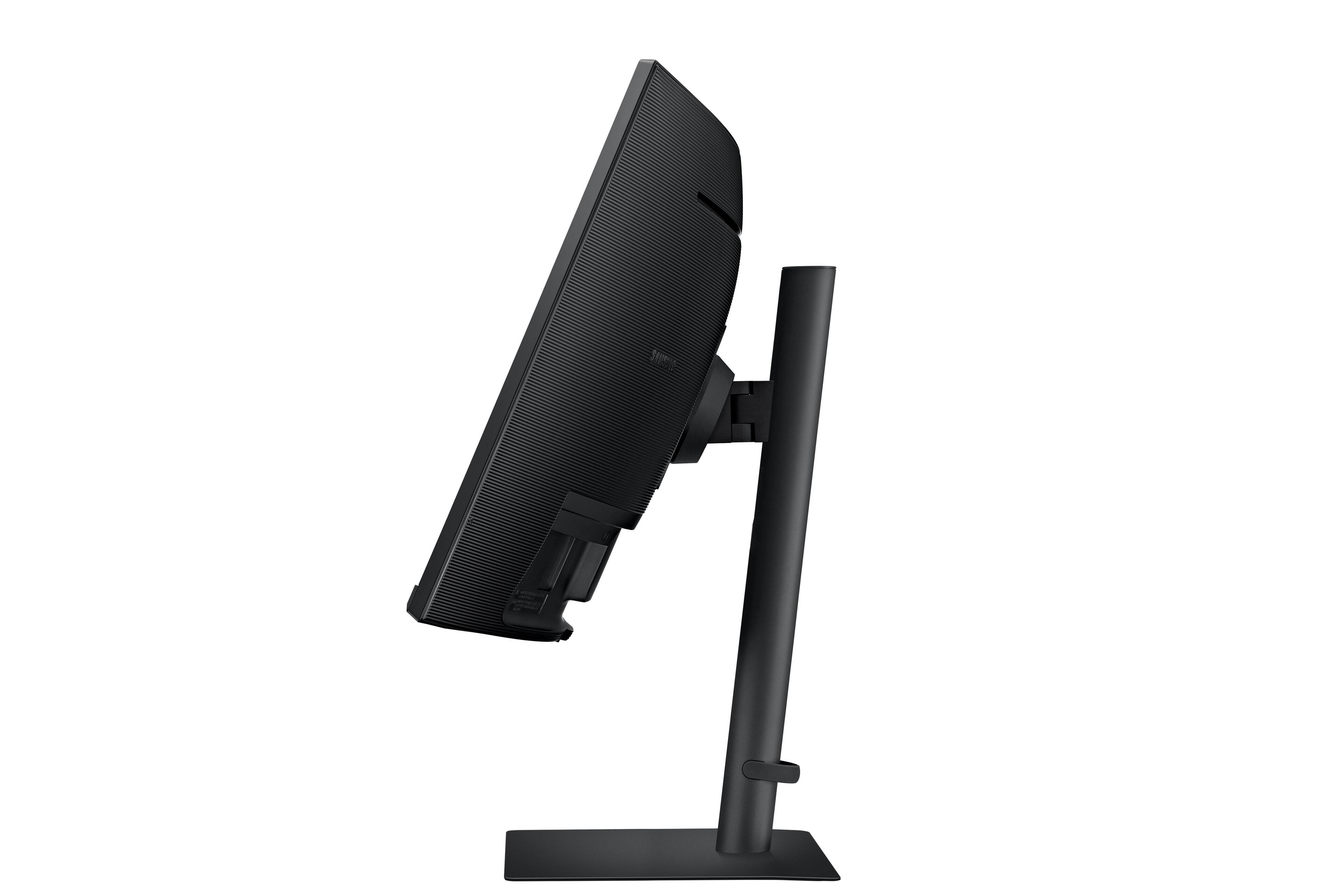
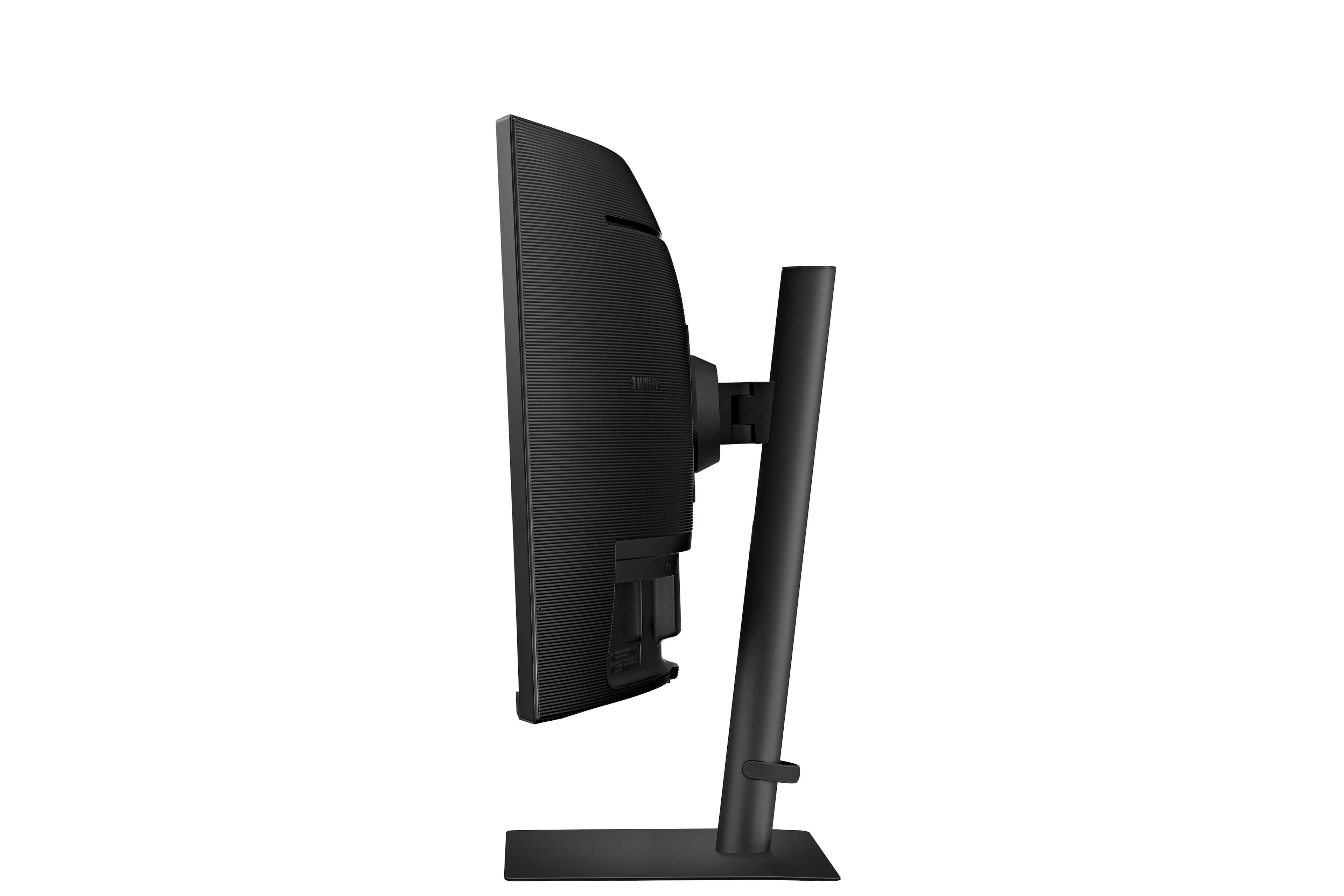
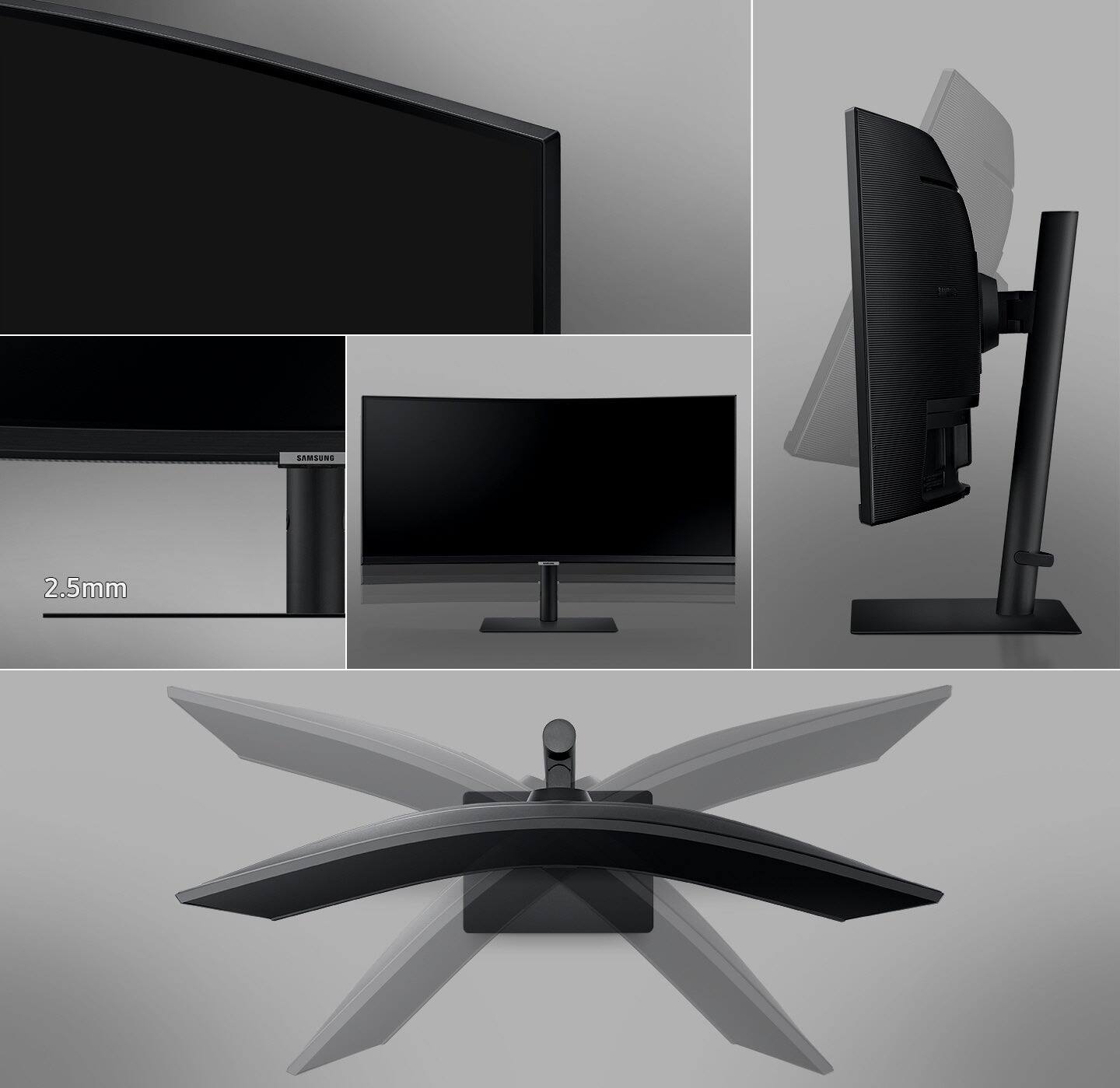
|Posted .This reviewer received promo considerations or sweepstakes entry for writing a review.This monitor is large, bright and versatile for both work and play. For work its great to have the size for a split screen with Windows 10 for side by side spreadsheets and programs to do my accounting. For play it then works wonderfully with my streaming device through the HDMI. The streaming device doesn't support 21:9 but the monitor stretches the picture well with no distortion. I watch a lot of sports and the monitor keeps up with the speed of the action as well. Like many monitors it doesn't have its own speakers but I have some premium computer speakers that it connects to and has more than adequate sound. An underrated feature for me is the base and post. Its a solid metal base that supports the large monitor and prevents it from tipping. The base connects to a post that has a bracket that goes side to side, up and down the post and then it tilts to various angles up and down. With this stand you will be able to position the monitor and angle it to any position needed for optimum viewing. If you are in the market for a large curved monitor, this Samsung does not disappoint.
I would recommend this to a friend Checks every feature box imaginable
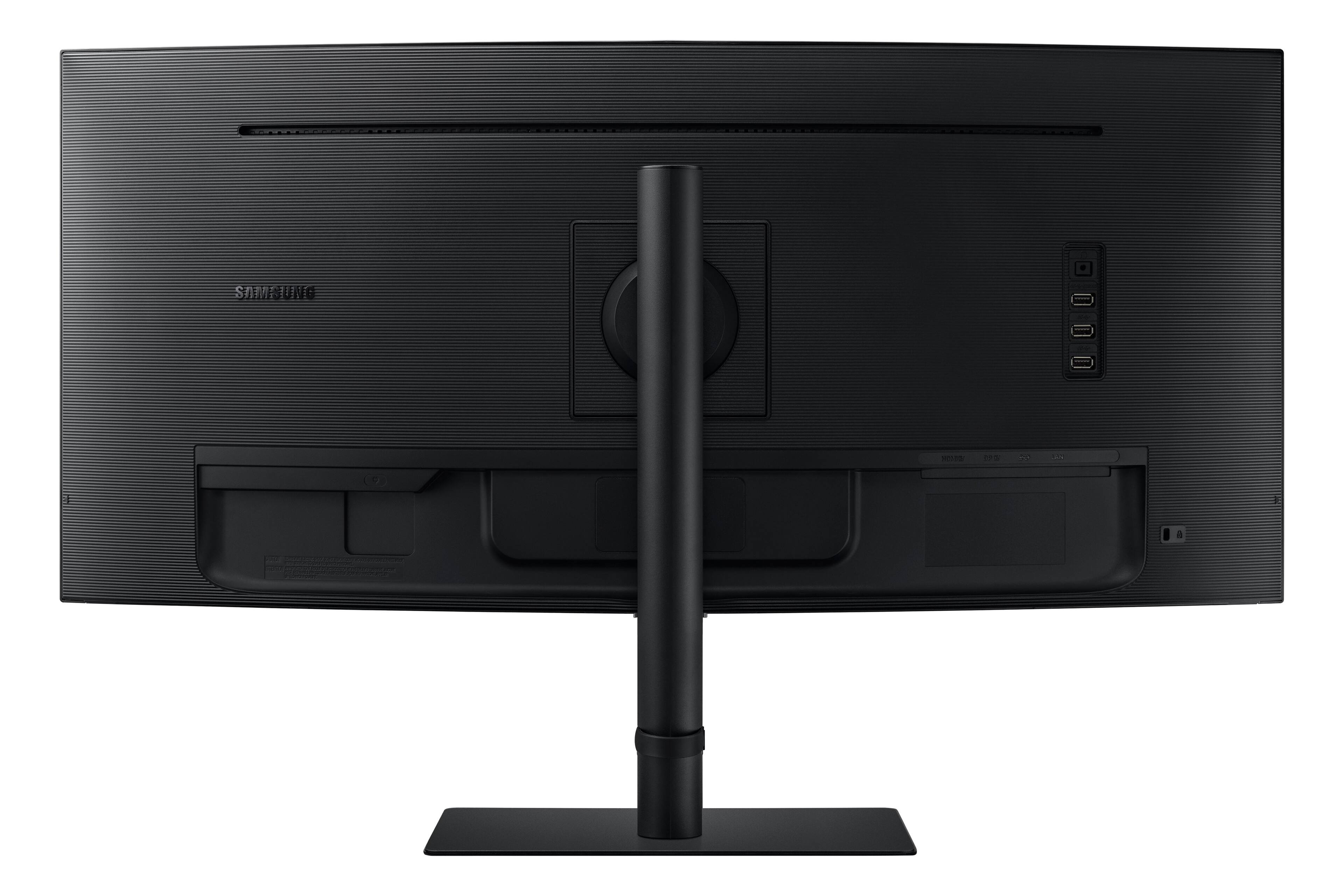
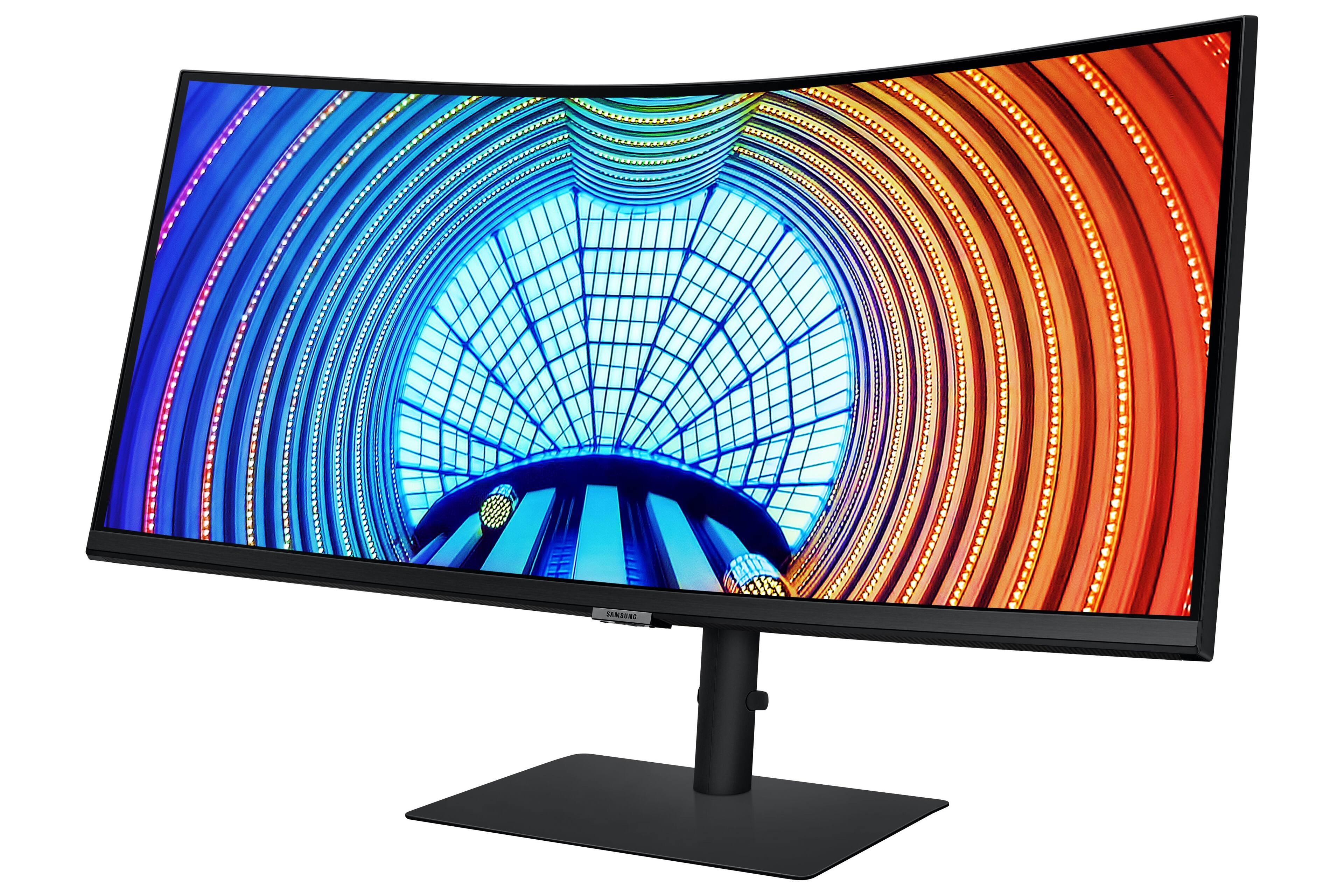
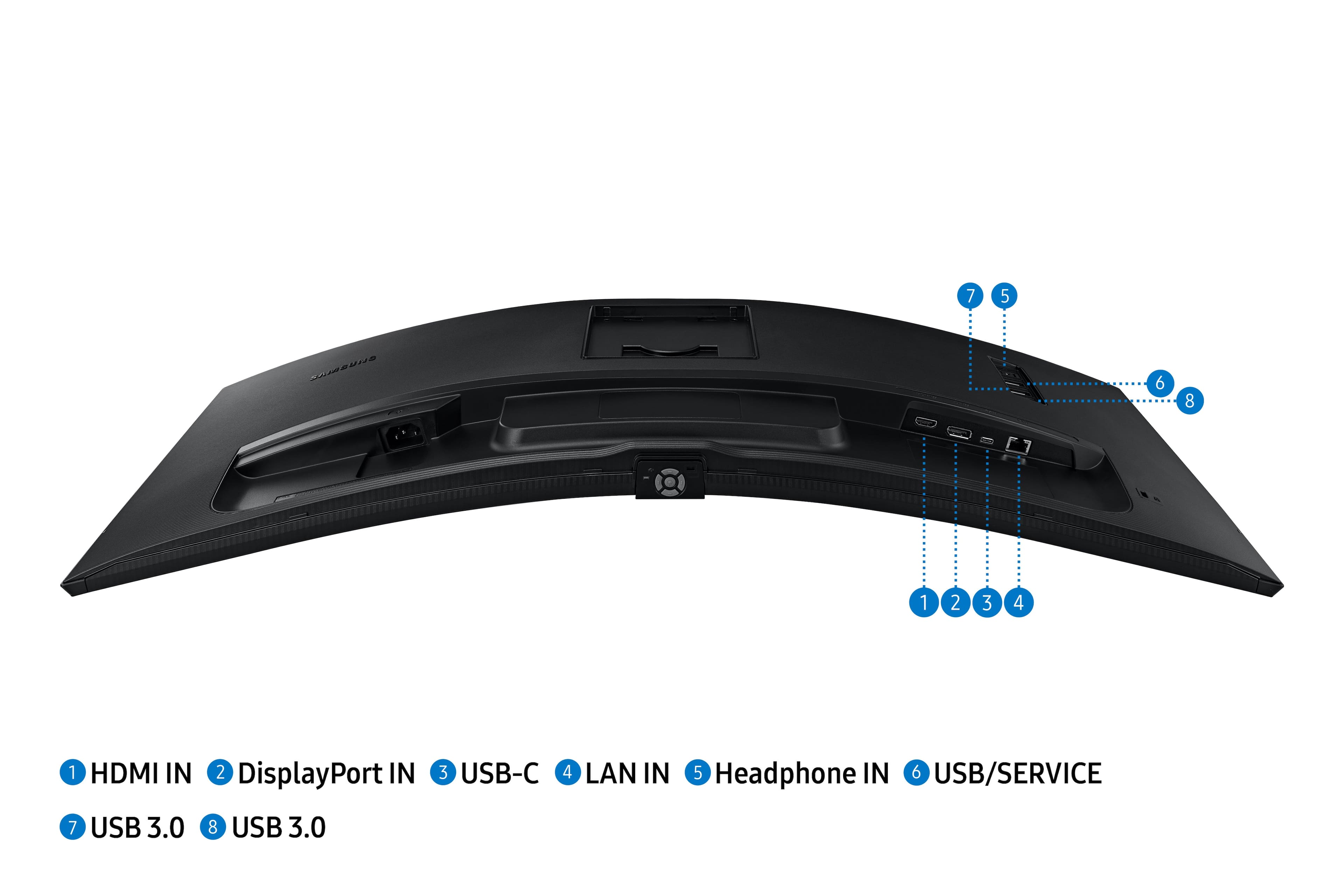
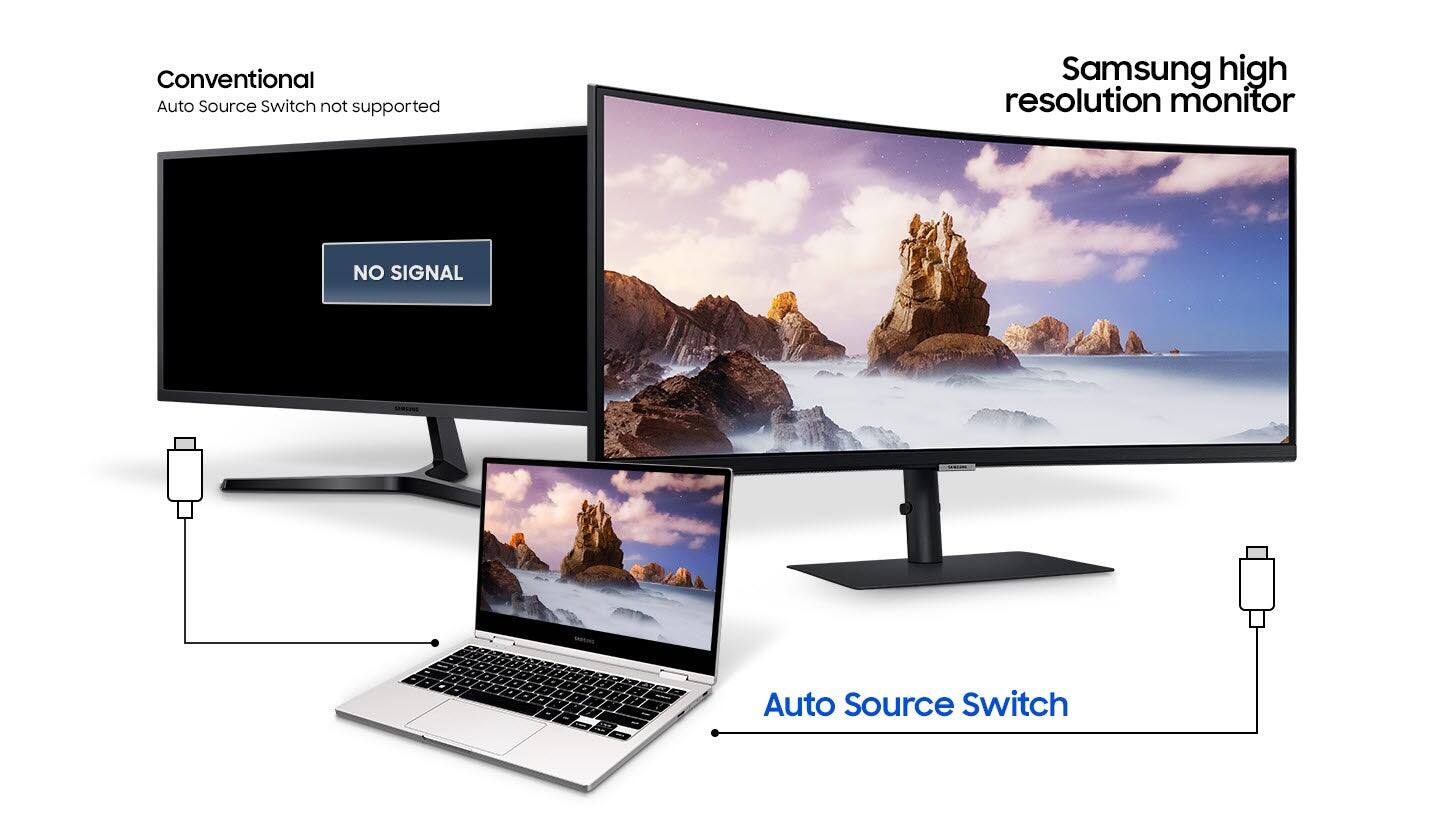
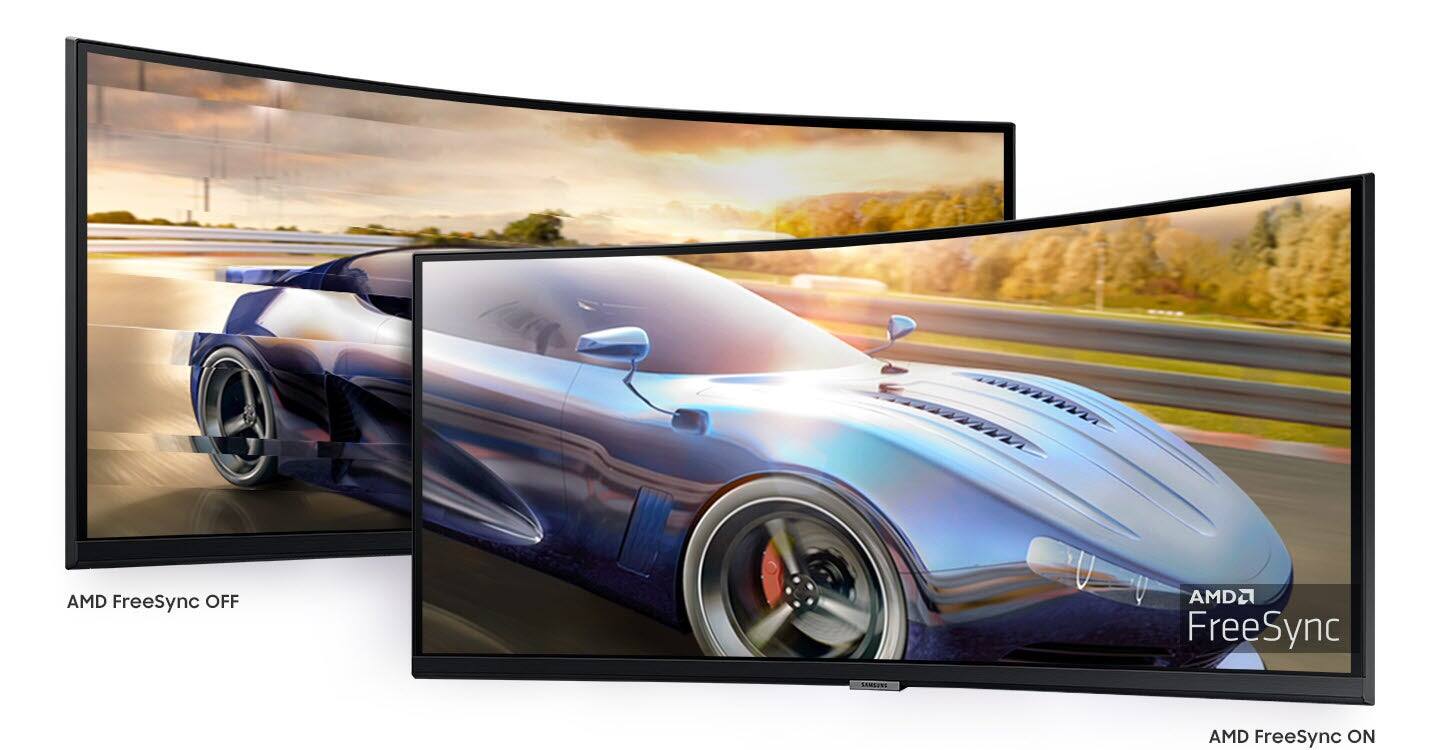
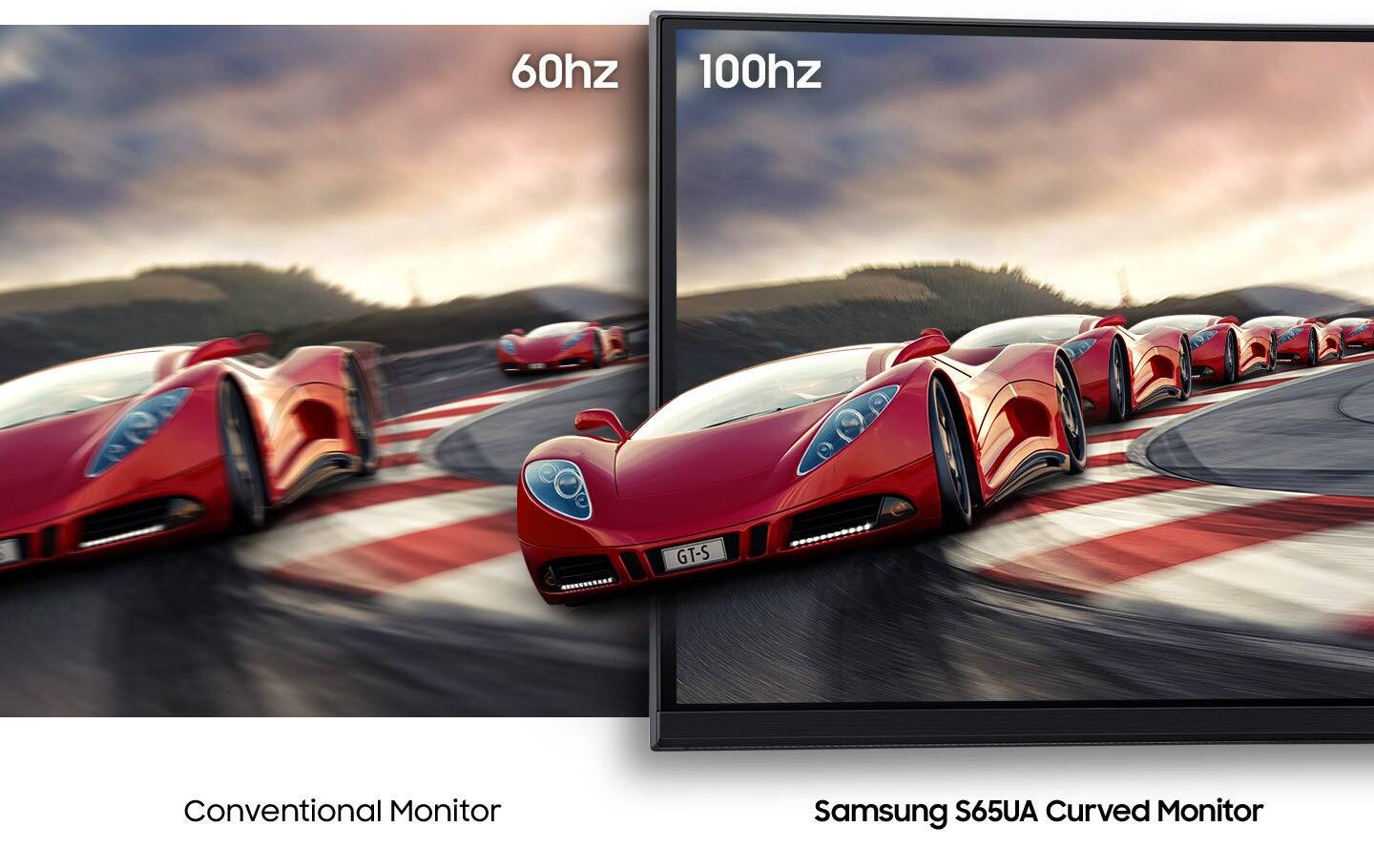
|Posted .This reviewer received promo considerations or sweepstakes entry for writing a review.I had a wishlist when looking for a new monitor, and this one checks off literally every box for me. Not only that, but it does so with style and performance that I am extremely happy with. I use it with both my M1 Mac mini, as well as a Dell XPS 13 laptop. For the Mac, I hook it up via HDMI and I get full HDR, 1440P @ 100Hz just as advertised and it looks gorgeous. MacOS is definitely designed for higher resolutions and compared to the 1080P monitor I had before it is night and day. The colors are crisp, and all the text is really easy to read. Everything looks fantastic. As far as the Dell XPS laptop goes that’s where things get particularly awesome. I hook it up via USB-C and get the full package of HDR, 100Hz, ultrawide 1440P goodness, alongside reverse charging for the laptop. I also have the monitor hooked up to a couple USB connections, 3.5mm speakers, and gigabit ethernet all of which the laptop takes full advantage of with just one cable. Once again everything is crisp and looks phenomenal. Being able to dock this laptop to the monitor with a single cable that gives me ethernet, video, USB hub, and charging is incredible and exactly what I was hoping for. I am not a PC gamer and both of my devices are not designed for gaming. That said, it is Freesync compatible and at 100Hz I would be surprised if it does not do very well with gaming on an AMD GPU. The 1000R curve is very noticeable compared to other curved screens I have had in the past, but I enjoy it. I sit about 2 feet away from the screen and there is an immersion level I cannot get with a flat screen at this distance. I am able to get it adjusted to the perfect angle and height thanks to the stand that has tilt, height, and twist adjustments on it all of which are smooth and easy. It automatically powers on and off with input or the lack thereof, which adds additional convenience and is expected on a modern monitor. Mine has no issues with any dead pixels or backlighting everything is flawless. It came in a very well packaged box that included an HDMI cable, USB-C cable, and the power cable as well as the stand and some setup instructions. This is a fantastic monitor that I am extremely impressed with. I love the sheer number of features it has and the ease of use and compatibility with my multiple devices makes it exactly what I needed.
I would recommend this to a friendBrilliant monitor for a variety of uses
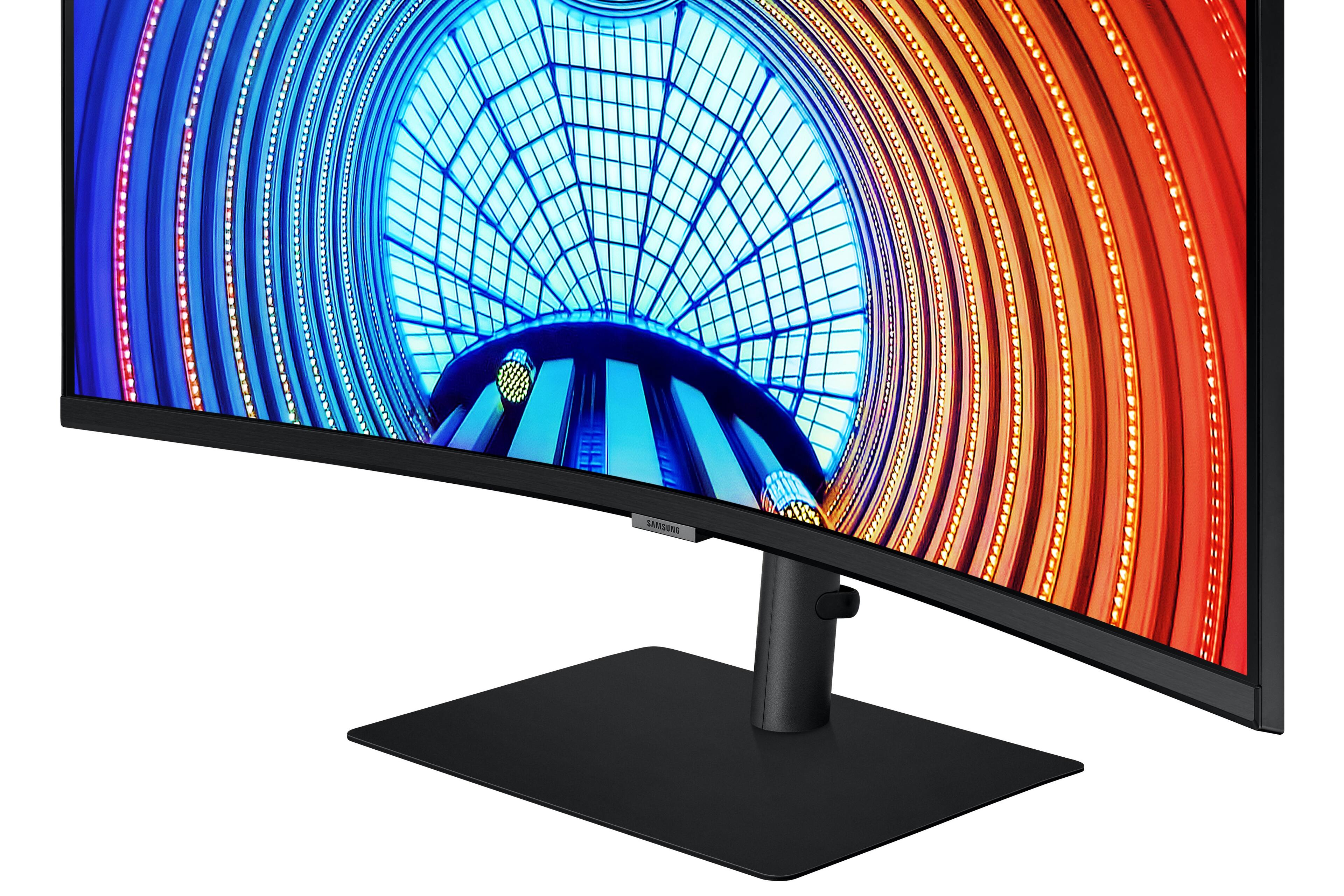
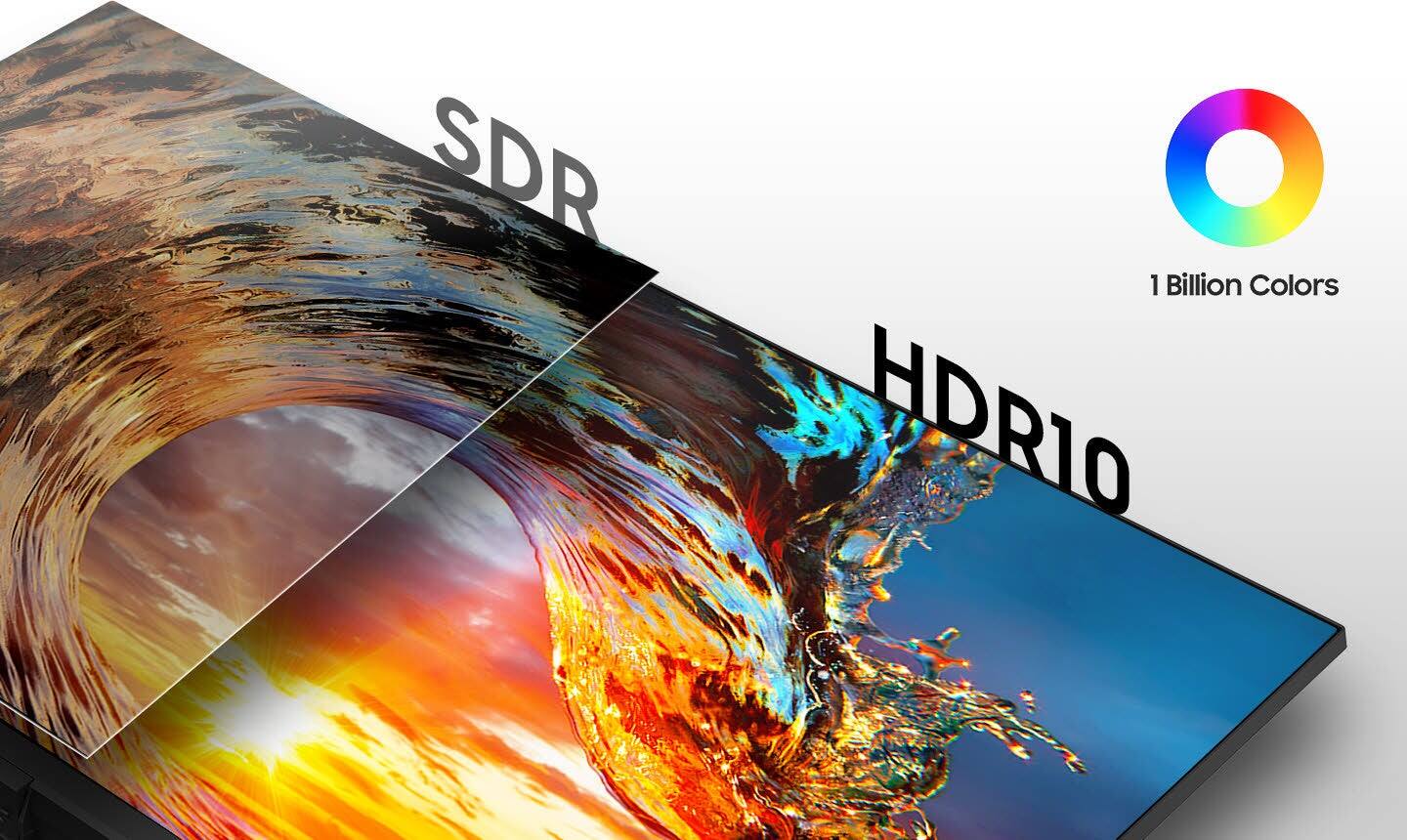
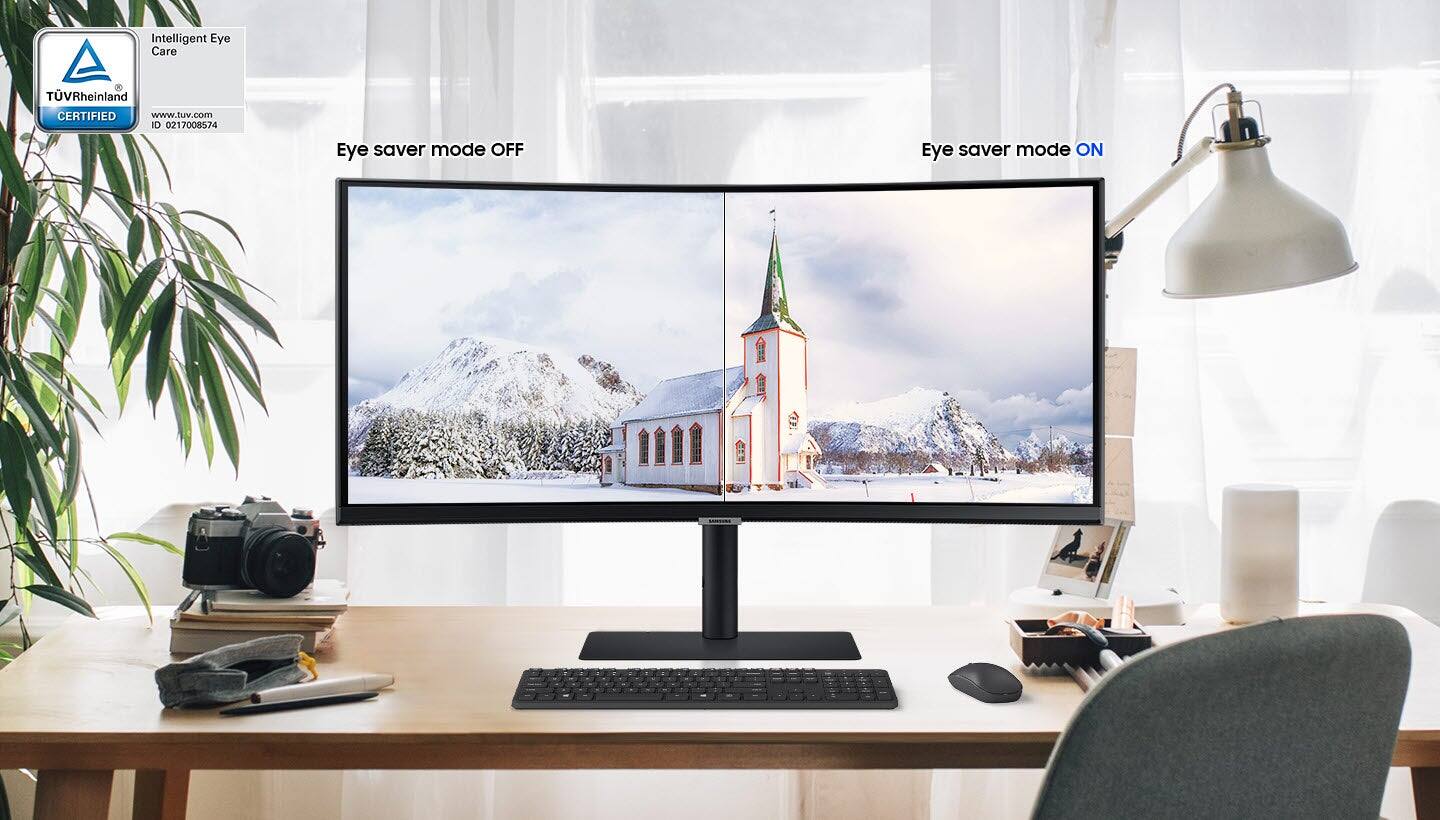
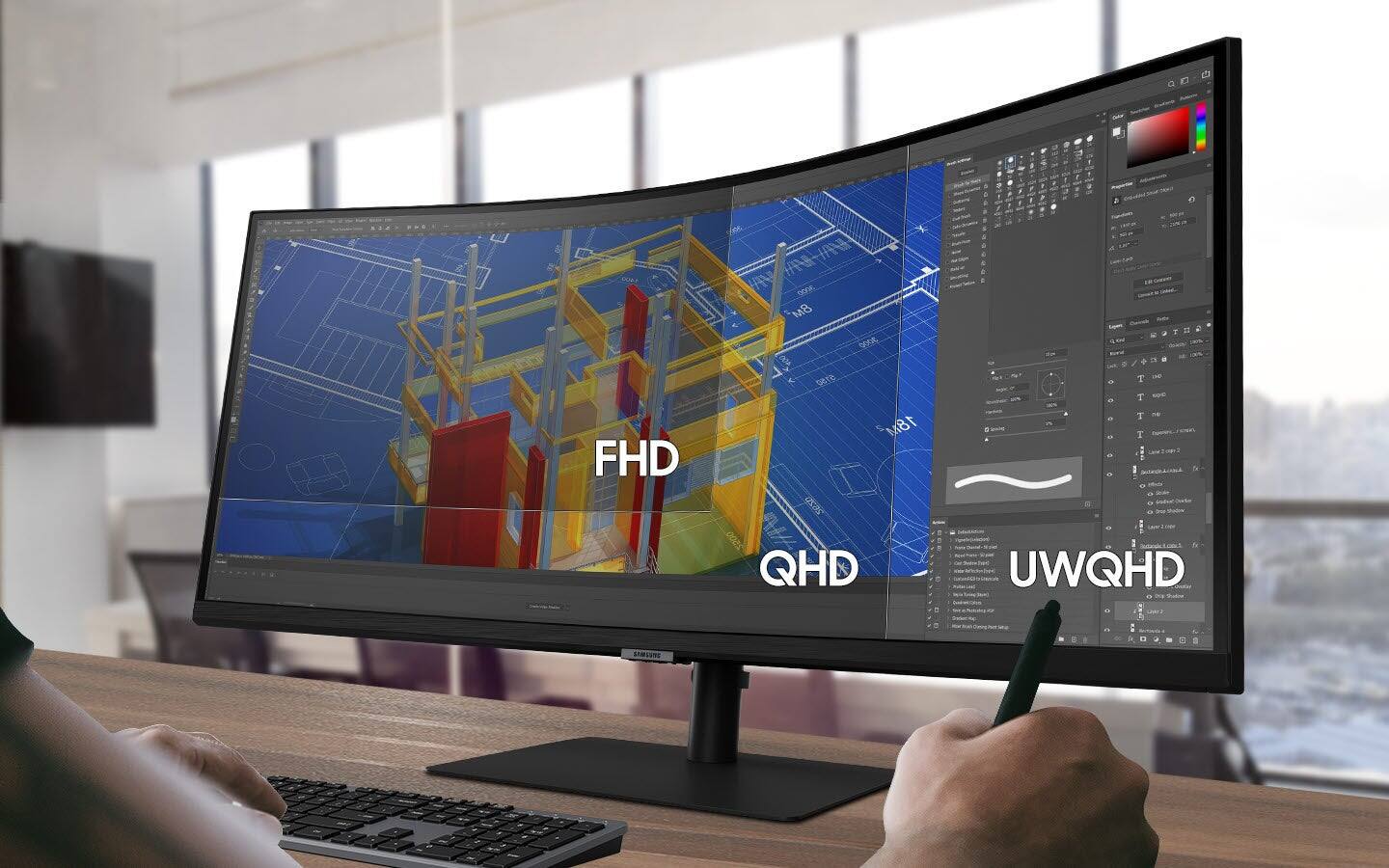
|Posted .This reviewer received promo considerations or sweepstakes entry for writing a review.This Samsung A650-series is a brilliant, multi-purpose monitor. I have always been skeptical of curved displays, and I am not sold on them for home theater for uses (I am very particular about reflections), but in combination with the ultra wide format, this has been a true pleasure to use. As I said, I'm still a little skeptical of the true value of the curve, but what I can definitely say is that once you use an ultra wide, 21:9 monitor, you may have difficulty going back to anything else. I absolutely love it. The combination of the vast screen size, high resolution, refresh rate, and the wide format is revelatory. It's essentially a single monitor purchase that can, for many people, replace a dual monitor setup. (I really want to try two of these together now, to create an immersive half circle of monitor screens!) Samsung has packed this monitor with features that really make it amazingly versatile. The ultra wide format and screen size require a lot of pixels to keep the image sharp, and I think the 3440x1440 WQHD resolution does well for that purpose while a "4K" ultra wide would just be immensely challenging for graphics cards to do anything 3D. It's not a 144Hz gaming panel, but it does have a 100Mhz refresh rate for smooth motion, and it supports AMD's FreeSync technology for gaming. The panel is of a VA type, which typically have great contrast ratios. Samsung lists the panel as having a typical 4000:1 static contrast ratio, which while I can’t measure directly, seems quite believable and is in line with the panel type. VA panels in turn suffer from poorer viewing angles, and here I do think the curve actually helps a bit for the ultra-wide format, as it keeps more of the screen more perpendicular to the eye. HDR is supported, though at the rated 300 nit typical brightness, it’s not going to knock your socks off with bright highlights in HDR content. (It is plenty bright enough for use in well-lit environments though.) Samsung lists over a billion colors, so my assumption is that this is either a 10-bit panel, or an 8-bit panel with dithering. I haven’t noticed any banding. The screen also features eye saving, anti-fatigue/blue light mode, which is nice to have in a productivity monitor for long hours of continuous usage. Connectivity options are plentiful. HDMI 2.0 and DisplayPort are both present, along with a USB-C that can handle multiple duties: power hub (up to 90W, I charge my Chromebook off of it), display signal (I connected my Samsung S20+ this way and launched DeX), as well as data transfer. The ethernet port included can be used in conjunction with this. There is a triple Type-A USB 3.0 port on the rear, along with a 3.5mm headphone jack. In turn, the monitor supports picture in picture, so you can use the sources either for a PIP mode with one main image and a (moveable) smaller one, or you can split the screen into two 11:9 images. For example, I set two different inputs from two different PCs, and found that making the Windows resolution to 1280x1024 in each resulted in showing two different desktops with very minimal black bars around the screen. I was also able to use DeX this way as well. If you’re using a single computer, it’s easy to make a virtual dual monitor by using Windows key+left/right arrow, which will auto-resize the windows into half screens. I’ve used this to have Google Docs open in one window, and Gmail open in the other, and it’s easy to switch between the two that way. For gaming, I play a lot of strategy games, and if the game supports the ultra wide resolution, it's just amazing on this monitor. The remastered Age of Empires II, which included ultra high resolution textures and support for 21:9 monitors, is jaw-dropping. If you'd told me, years ago when I first played it on a 1024x768 CRT monitor, that it'd one day look like this, I'd never have believed it. Again, once you’ve seen it, it’s hard to go back. Physically, it’s a big monitor, so it will dominate your desk most likely, but it does look good doing it. The pedestal stand is highly adjustable and sturdy. Samsung kept most of the bezels thin to give that “floating screen” effect, but the lower bezel is larger and features an understated, gray-metallic Samsung logo. Underneath that logo, on the bottom of the lower bezel, are the menu controls. This is perhaps the only critical thing I can say about it, as it took a bit of getting used to in order to make adjustments. Out of the box, I found the monitor a little dimmer than I like, so I had to crank up the brightness settings (there was thankfully plenty of brightness headroom). Included in the box are a USB-C cable and an HDMI 2.0 cable, which are nice additions. The bottom line is that I figured this monitor would be good, but I didn’t realize how *great* it’d be. It isn’t cheap by any means, but Samsung has packed a ton of features into it to give it value, and the build quality is commensurate. It’s been a joy to use, and I highly, highly recommend it.
I would recommend this to a friendSuperb HDR10 Monitor in 21:9 Curved Widescreen
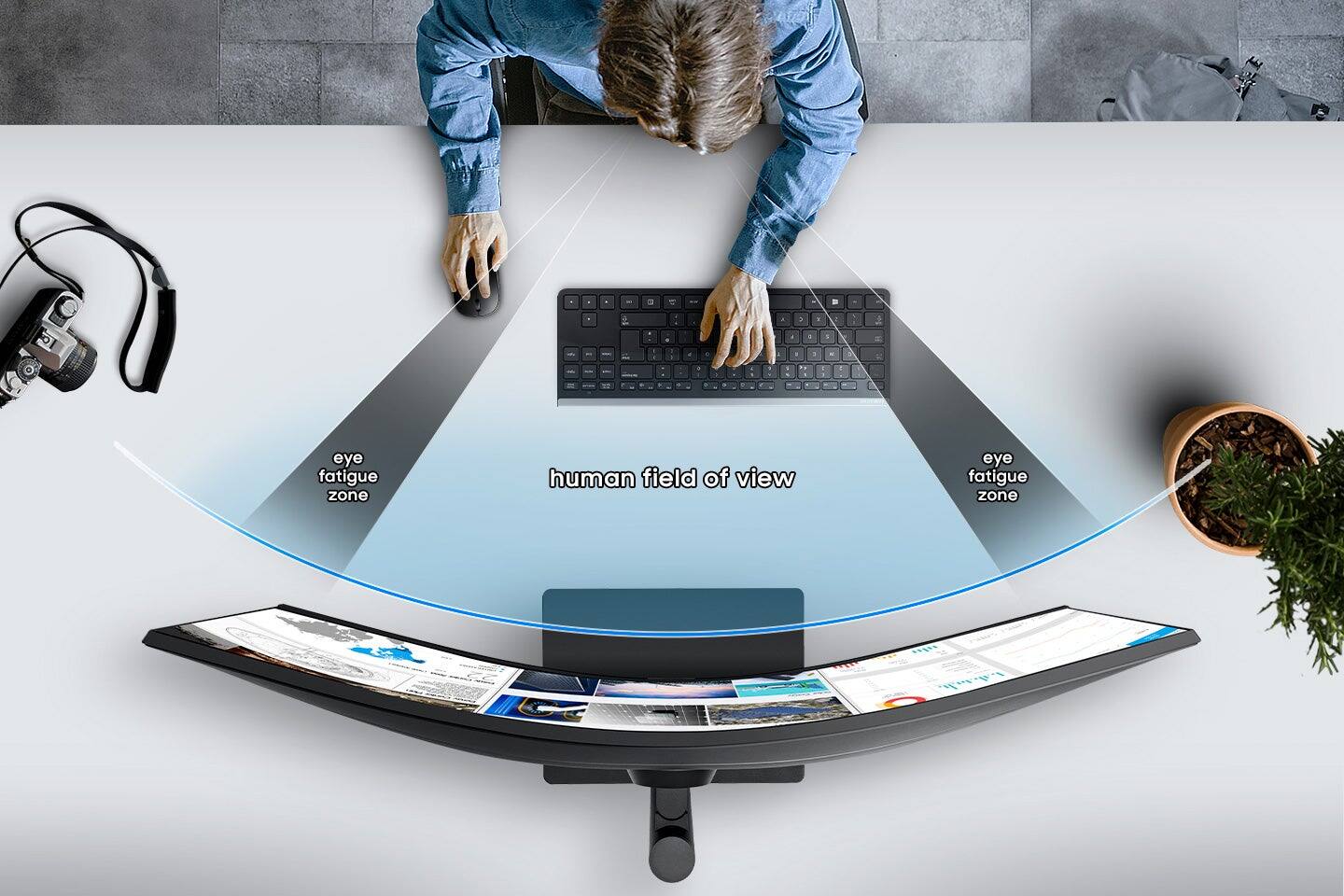
|Posted .This reviewer received promo considerations or sweepstakes entry for writing a review.This is my first curved widescreen monitor in 21:9 format. It is also my first HDR capable computer monitor. It is capable of AMD Freesync variable refresh rate mode OR HDR (High Dynamic Range) mode, but cannot do both at the same time. I tested it in Freesync mode with my AMD graphics card and it worked as expected, I have plenty of experience with AMD Freesync monitors, but will exclusively be using it in HDR mode with a Windows 10 gaming machine. Turning all the settings for HDR on in Windows 10 display settings causes SDR image content to appear duller and "washed out" looking by default. There is a slider on the "Windows HD Color Settings" page called "HDR/SDR Brightness Balance". I had to turn the slider to full to remove the washed out effect from the SDR image content. Other settings I had to manually change in Windows 10 display settings include 100 hertz for the refresh rate, but the native resolution of 3440 x 1440 was automatically set. I liked the curved monitor look and it really does seem easier on the eyes for long work or gaming sessions. As you would expect the wide format allows for 2 or 3 good size windows of data/programs to be setup side by side for productivity. The monitor stand does not allow you to put this monitor in vertical presention, due to the limited height of the monitor stand and the enormous width of the display. I played several games that natively supported HDR and the graphic visuals were richer and more vibrant as one would expect when compared with HDR turned off. If you are looking for a monitor to show off HDR10 capability, this one is working well for me in that context. I really would recommend this monitor for the curved screen, the varied available ways to connect to it, the ultrawidescreen format and the HDR support.
I would recommend this to a friendOutstanding monitor!
|Posted .This reviewer received promo considerations or sweepstakes entry for writing a review.I am replacing my 3 year old LG flat 34" ultrawide monitor with this one. It is to be sandwiched between two 27" flat screens and the centerpiece to one large curve of displays. The colors pop, the brightness will blow you away, and the curve - wow, just wow! I use my computer for both work and play, but when I am using it I like to immerse myself completely - the curve in the screen really helps add to the immersion, especially in games as no matter where your eyes are, you're seeing screen. It did take me a while to find the "sweet spot" such that the color and brightness matched that of my other two monitors. I can be a little OCD if one of the three doesn't look the same. The stand is rather sturdy and stable. Inputs are for DisplayPort, HDMI and USB-C . For those of you using USB-C, you now have a USB hub with 3 USB-A ports and Ethernet. My unit had no dead pixels, 100% picture perfect! Whether it's a single monitor for you, or an addition to a family of monitors, I'd put money down that says this would be the perfect monitor for anyone! Oh yes - if you're using it for AAA-tier games, be sure to drive it with a Geforce RTX 2070 or higher , due to the 3440x1440 resolution. To use a lesser video card will flounder miserably unless you're only using it for productivity purposes.
I would recommend this to a friend- Pros mentioned:Screen size
Great Monitor for Work and Play
|Posted .This reviewer received promo considerations or sweepstakes entry for writing a review.I work in graphic design and I am an avid gamer. I wasn't sure I would like a curved monitor but this one has made me a believer. It has a bright vibrant picture and the colors really pop. The aspect ratio also helps since I don't have to rely so much on a second monitor. I highly recommend this monitor and love mine.
I would recommend this to a friend AMAZING
|Posted .This reviewer received promo considerations or sweepstakes entry for writing a review.I am truly amazed by this product. Setup was super easy. Changing the screen resolution was the longest task and it took seconds. I love this monitor. The color and resolution are perfect for games. It feels like I'm immersed in the game. I generally get motion sickness, so virtual reality headsets are a little too much for me, but this monitor is perfect. Now don't misunderstand, this is just a monitor, not an VR product. But because of the clarity and shape, it feels very immersive. I love the design as well. All of the ports that are located on the back are easy to get to. The menu buttons are on the bottom which makes changing settings pretty easy. It's also not really heavy. It does have some weight because of the size, but it's pretty easy to move around. If you thinking about using a curved monitor, this one is a great investment. It seems to be built very well and offers several different angle and height options AND can be wall mounted if you really wanted it to be. I would highly recommend this monitor. Great job, Samsung!
I would recommend this to a friendGood monitor, but..
|Posted .This reviewer received promo considerations or sweepstakes entry for writing a review.First impression I had on looking at the size of the box was that the monitor is going to be huge and heavy. Surprisingly, when it was taken out of the box, I was very impressed as the monitor was very sleek and light weight. Installation was super easy and simple and didn’t need a user guide or a quick setup reference. I plugged it into my laptop to use it as an extended screen. Picture quality is just amazing and since it is curved, it didn’t feel like it was taking a lot of space on the table. Button controls on the bottom of the screen were not too difficult to work with, however I would have preferred them to be behind the monitor for easy access and readability of the button icons. Monitor has good number of USB ports and a hdmi port. Good for gaming.. Coming to negatives - 1. Not so happy with the tilt option. It can only be tilted a little bit, not too much. 2. No mounting option!! Can’t really believe that Samsung did not provide this option. According to me, these two are two biggest negatives of the monitor despite the quality of the screen and hence the rating.
No, I would not recommend this to a friendBrand response from Samsung
Posted .Honestreviewer151987,
Thank you for purchasing the Samsung - A650 Series 34" LED Monitor. I am sorry that you are not happy with the tilt, and the mounting options for this monitor
For complete product specs, please visit samsung.com: https://www.samsung.com/us/support/downloads/?model=N0054572
This monitor is wall mount compatible, please follow the directions in the manual in the link above.
If you still need assistance after reading the mounting instructions, please contact Samsung Customer Support and a representative will gladly help you:
1-800-SAMSUNG, available 8AM - 12AM EST (Mon-Fri) / 9AM - 11PM EST (Sat-Sun).
Samsung is committed to providing the best possible product experience, quality, and value, and we are always here to help with any of your questions or concerns.
Samsung Monitors
Not worth it
Posted .This reviewer received promo considerations or sweepstakes entry for writing a review.I was not impressed with the picture quality on this monitor. I returned this back the next day
No, I would not recommend this to a friend