Customer Ratings & Reviews
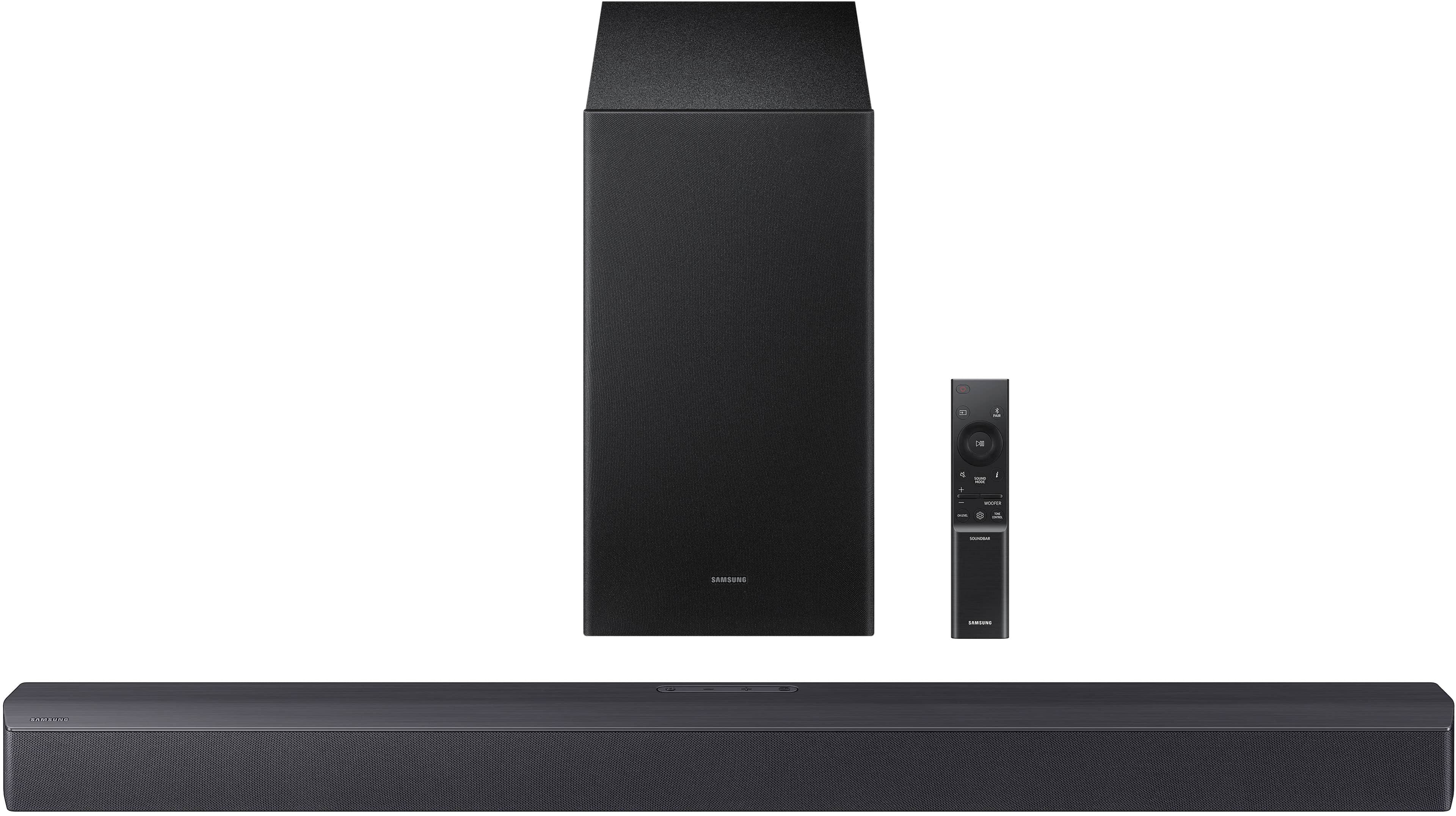
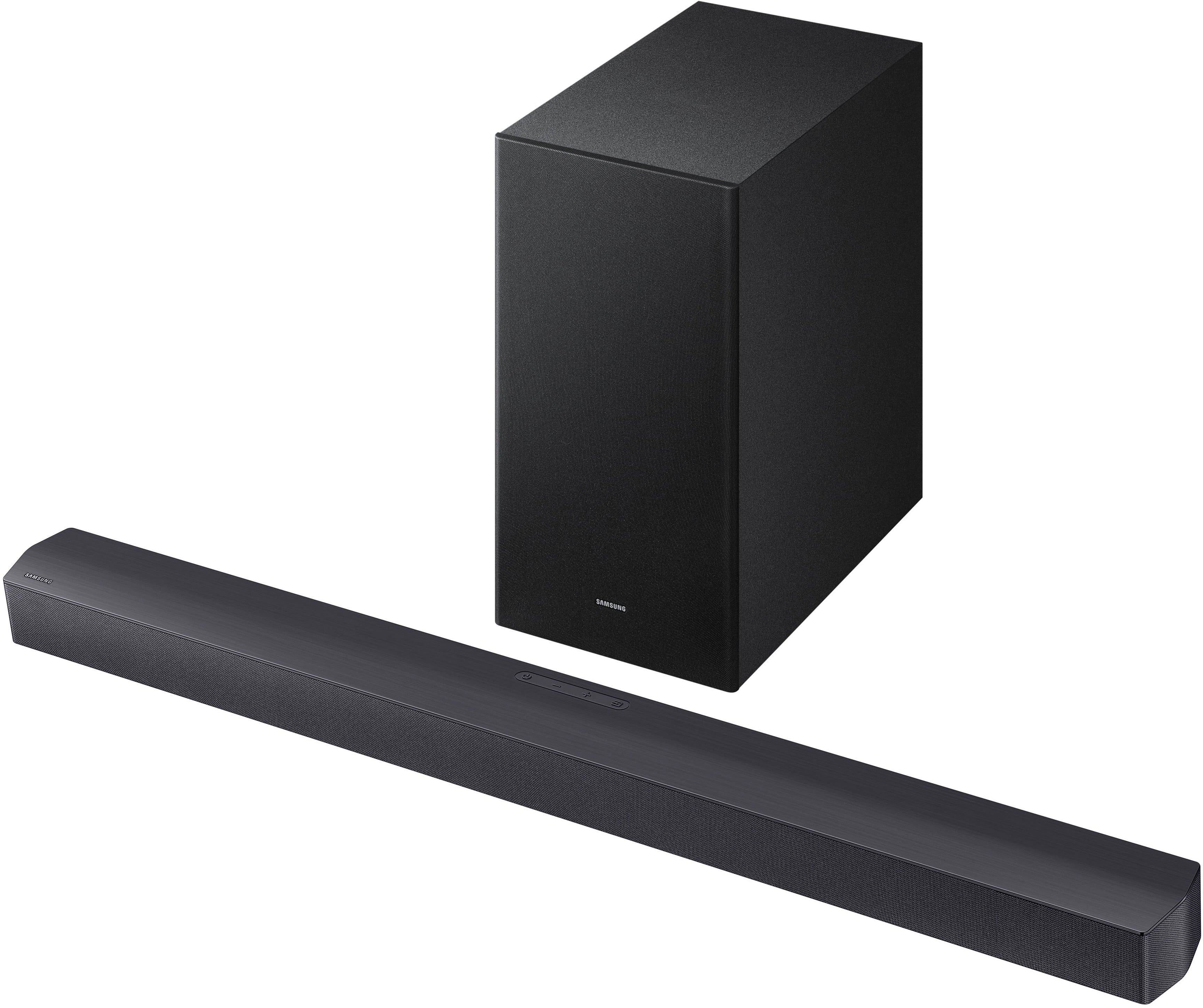
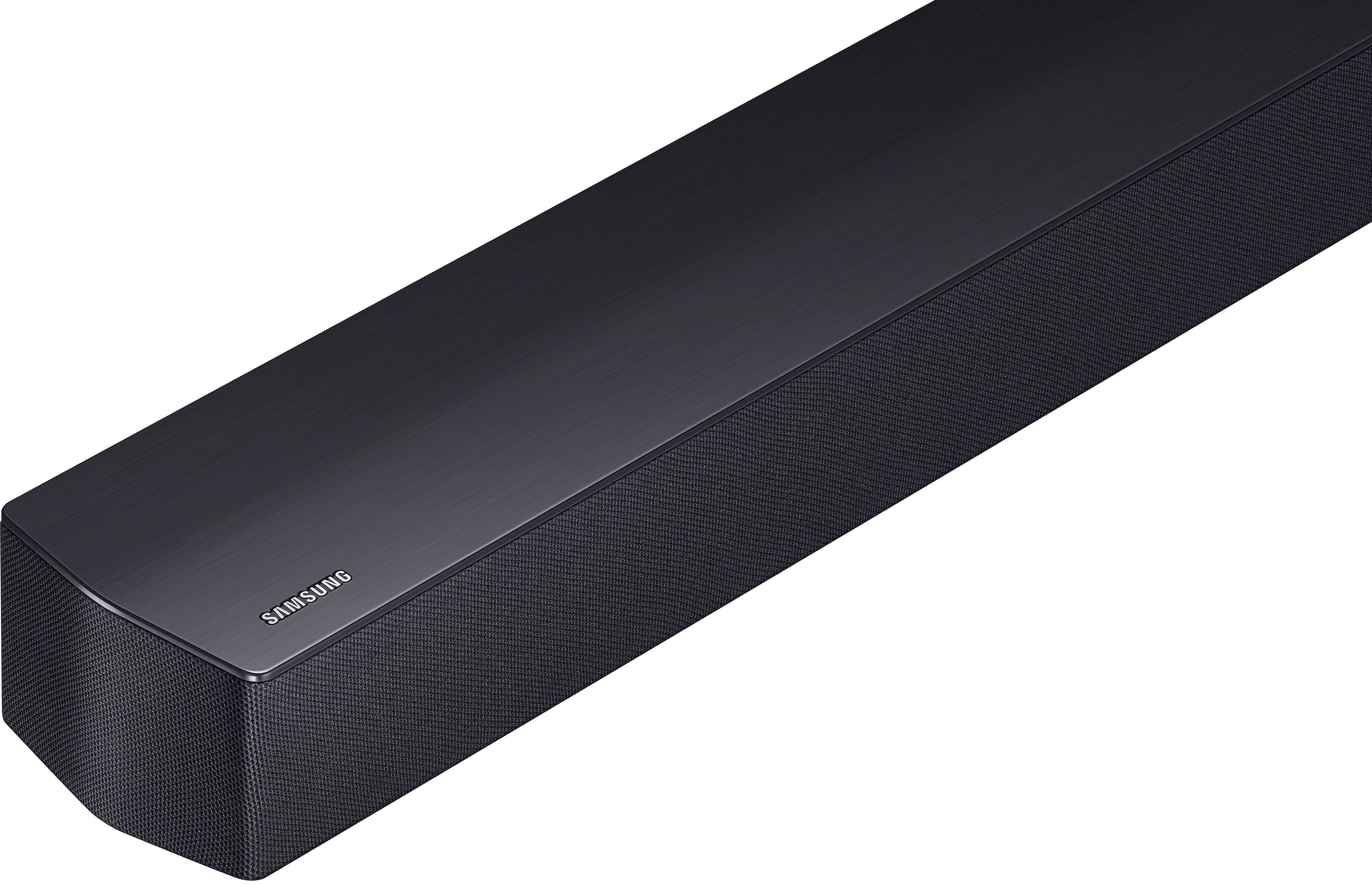
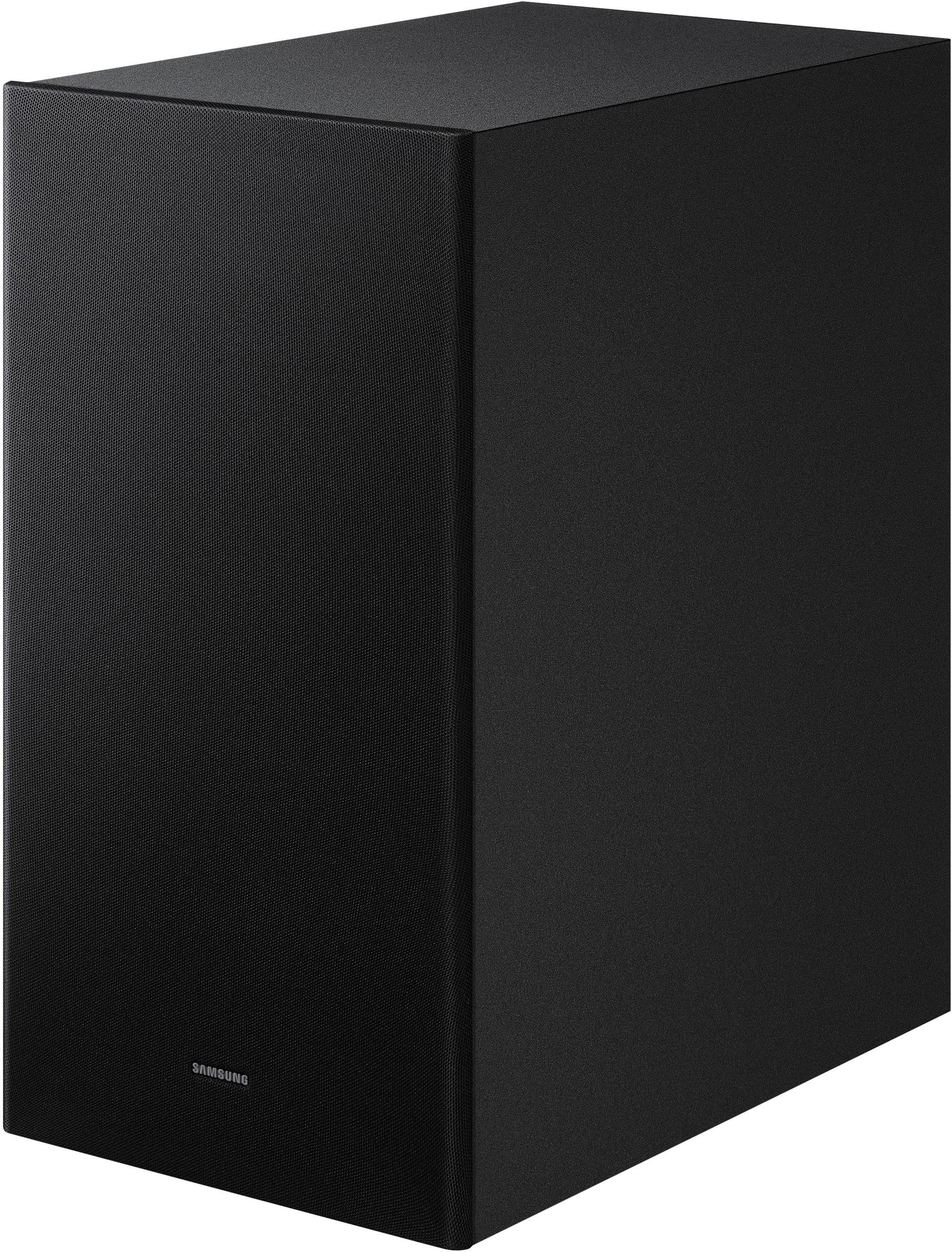
- Model:
- HW-B550F/ZA
- SKU:
- 11914113
Rating by feature
- Value
Rating 4.7 out of 5 stars
- Quality
Rating 4.7 out of 5 stars
- Ease of Use
Rating 4.7 out of 5 stars
Samsung sound bar HW-B550 w/Sub
||Posted . Owned for 3 weeks when reviewed.This reviewer received promo considerations or sweepstakes entry for writing a review.Samsung ,Good name brand product line . Lives up to its name / reputation . Good products , ease of use ,good price point .
I would recommend this to a friendSuper cool
||Posted . Owned for 2 months when reviewed.This reviewer received promo considerations or sweepstakes entry for writing a review.I love it! We enjoy every night with family. It worth!!
I would recommend this to a friendSound bar
||Posted . Owned for 1 month when reviewed.This reviewer received promo considerations or sweepstakes entry for writing a review.This has been a great addition to our entertainment center. Great value for the price!
I would recommend this to a friendAwesome product for the price
||Posted . Owned for 2 months when reviewed.This reviewer received promo considerations or sweepstakes entry for writing a review.Great quality for the price! Sound quality and connectivity with my tv is seamless
I would recommend this to a friendNice sound for the price
||Posted . Owned for 2 weeks when reviewed.This reviewer received promo considerations or sweepstakes entry for writing a review.Great sound for the price does an excellent job! Recommend it for a nice budget sound bar.
I would recommend this to a friendSamsung B-Series 2.1 Ch DTS Virtual: X Sound with
||Posted . Owned for 1 month when reviewed.This reviewer received promo considerations or sweepstakes entry for writing a review.This Sound Bar is working out just fine. I had to replace my old sound bar because only one speaker worked.
I would recommend this to a friendI approve!
||Posted .This reviewer received promo considerations or sweepstakes entry for writing a review.Best bang for your buck! Lowest model, but still great!
I would recommend this to a friendGreat value!
||Posted . Owned for 1 month when reviewed.This reviewer received promo considerations or sweepstakes entry for writing a review.Great Quality for the price! Easy to set up. Fits perfect in my living room
I would recommend this to a friendSamsung
||Posted . Owned for 3 weeks when reviewed.This reviewer received promo considerations or sweepstakes entry for writing a review.Great customer service by John G. Extremely helpful & honest. Love the tv
I would recommend this to a friendSamsung - B-Series HW-B550F 2.1Ch DTS Virtual:X So
||Posted . Owned for less than 1 week when reviewed.This reviewer received promo considerations or sweepstakes entry for writing a review.Works well, but echoes with the television speakers.
I would recommend this to a friendDecent at best
||Posted . Owned for 2 months when reviewed.This reviewer received promo considerations or sweepstakes entry for writing a review.Had to return since I was unfortunately already exposed to some of the higher tier sound bars from Samsung and this was no where near that level.
No, I would not recommend this to a friendBrand response from Samsung
Posted .Hello Michael,
Thank you for sharing your review of the Samsung HW-B550F and for sharing your experience with this soundbar, detailing the reasons you have decided to replace it with a different model. Thank you for being a loyal Samsung customer.
Your feedback regarding this model is important to us and will be shared with our internal teams.
Should you have questions or need assistance with settings, setup, or features, with your new Samsung soundbar, please know we are always here to help. . Just give us a call at 1-800-SAMSUNG (Ask for Soundbars), 8AM - 12AM EST, 7 days a week. Our Live Chat agents are also available by clicking on the ‘Support’ link on our website.
~ Samsung Solutions
Soundbar
||Posted . Owned for 3 weeks when reviewed.This reviewer received promo considerations or sweepstakes entry for writing a review.Accesories that came with the product did not get the Soundbar working. I had to buy a cable that could connect TV to the sounbar!
No, I would not recommend this to a friendBrand response from Samsung
Posted .Hi BaffourE,
Thank you for taking a few moments to review the Samsung HW-B550F Soundbar.
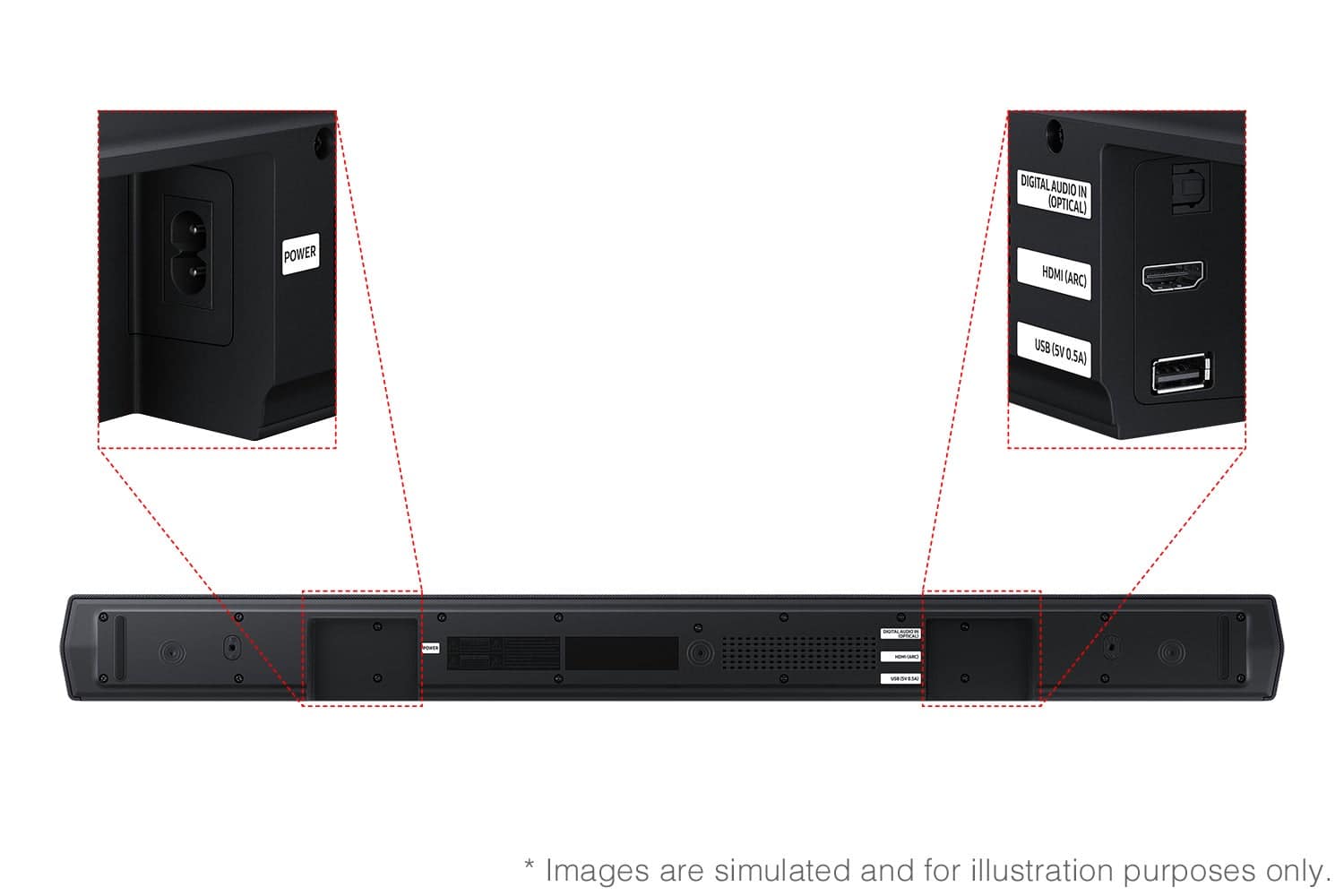
When powered on for the first time, the subwoofer should automatically connect to the soundbar wirelessly. If the auto-connection process fails, you can try manually connecting the sub to the soundbar.
Before performing the manual connection procedure, check whether the power cables for the Soundbar and subwoofer are connected properly and make sure that the Soundbar is turned off.
Press and hold ID SET on the rear of the subwoofer for at least 5 seconds. The red indicator on the rear of the subwoofer turns off and the blue indicator blinks. Press and hold the Up button on the remote control for at least 5 seconds. The ID SET message appears on the display of the Soundbar for a moment, and then it disappears. The Soundbar will automatically power on when ID SET is complete. The LINK LED indicator stops blinking and glows a solid blue when a connection is established between the Soundbar and the Wireless Subwoofer.
If you need more help, Samsung is here for you. Please call us at 1-800-SAMSUNG, 8AM - 12AM EST (Ask for Soundbars), 7 days a week. Our Live Chat agents are also available by clicking on the ‘Support’ link on our website.
~ Samsung Solutions
It’s okay…
||Posted . Owned for 3 months when reviewed.This reviewer received promo considerations or sweepstakes entry for writing a review.I mean it does the job but there is better ones with better bass
No, I would not recommend this to a friendBrand response from Samsung
Posted .Hello IsaF,
We appreciate you taking a few moments to review the Samsung HW-B550F Soundbar. We value your feedback and will share it with our teams.
By design, the purpose of the subwoofer is to reproduces low frequency sounds and not musical tones. It adds rich tones and deepens sound effects, like the rumbles of an explosion or the depth in bass guitars and drums.
There are three adjustments that can be made for bass and subwoofer:
1) Using the WOOFER button on the remote, you can adjust the volume of the subwoofer between -6 to +6 by toggling the button up or down. To set the subwoofer volume level to 0, press the button down
2) Adjust the bass control by pressing the SOUND CONTROL button (gear icon) on the remote control, then select BASS to increase the level. You can adjust the volume between -6 to +6 by using the Up/Down buttons.
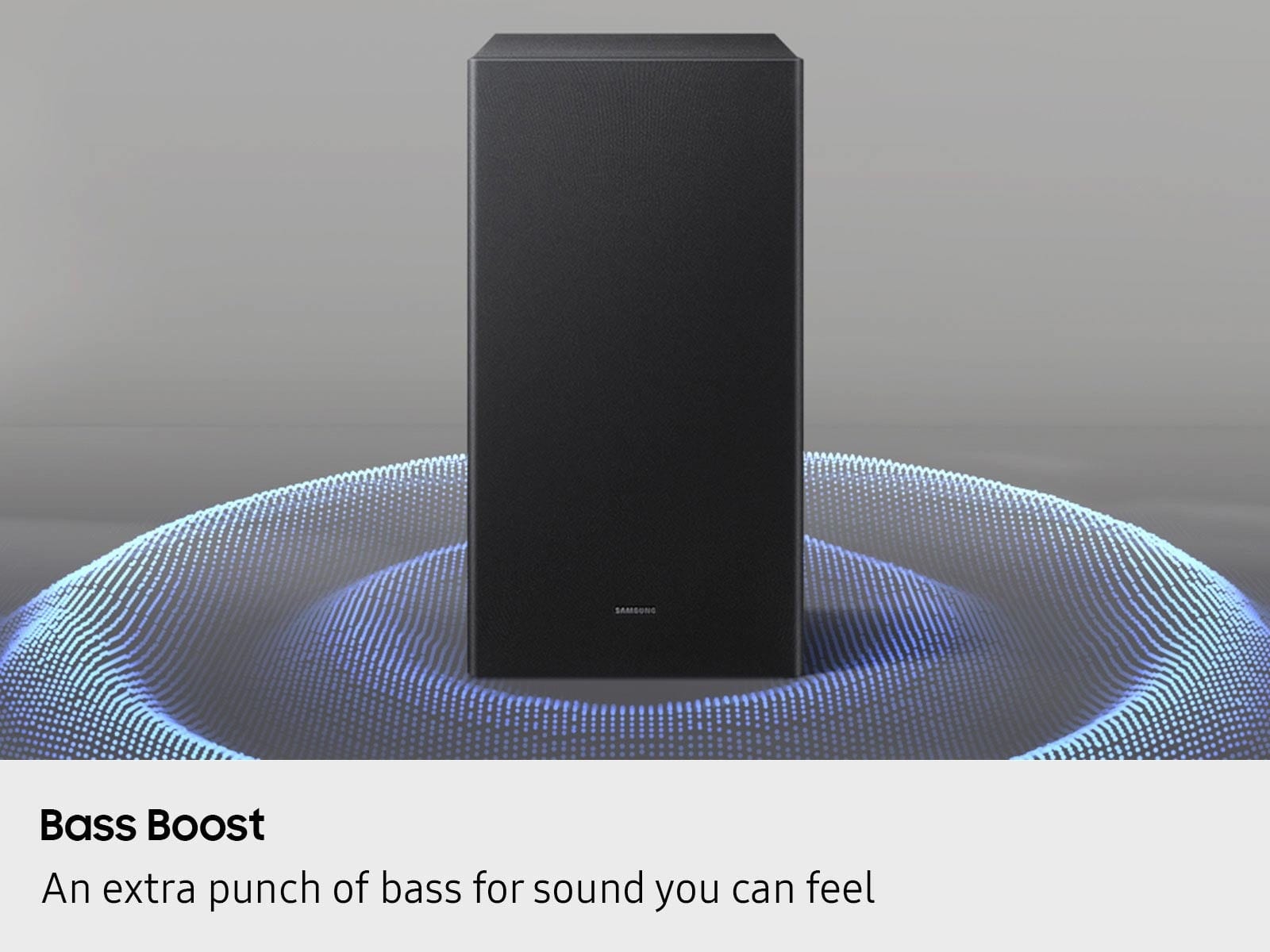
3) Press the SOUND MODE button on your remote, and then select BASS BOOST mode. This will provide you with a larger emphasis on bass sound.
For precise audio adjustments, you can use the 7-band frequency equalizer to optimize the sound for your room acoustics.
I hope these tips help you enjoy your new product.
You can always contact us for further help at 1-800-SAMSUNG (Ask for Soundbars), 8 AM – 12 AM EST, 7 days a week. Our Live Chat agents are also available by clicking on the ‘Support’ link on our website.
~ Samsung Solutions
Stopped working in less than a month.
||Posted .This reviewer received promo considerations or sweepstakes entry for writing a review.Stopped working after less than one month. Best Buy flatly refused to exchange this for he. Instead, they insisted I work with Samsung. I spend a lot of money at Best Buy……at least, I used to. Now I’m boycotting them. TERRIBLE customer service. From now on, I’ll shop directly with manufacturers. Why would I use Best Buy when they just leave me to fend for myself after selling me a defective product? No reason. 1-star for a defective product. 0-stars for Best Buy.
No, I would not recommend this to a friendBrand response from Samsung
Posted .Hello HibsMax,
Thank you for taking a few moments to review the HW-B550F Samsung Soundbar. Your experience is important to us, and this isn’t what we’d like to hear.
There are a few steps you can take to troubleshoot your Soundbar.
First, you will want to download the latest software for your Soundbar. You can download the firmware directly from Samsung’s website by clicking “Support” in the top right corner. Then go to “Manuals & Software” > “TVs & Home Audio” > “Home Audio” > “Sound Bars”. From there, you can select the HW-B550F under Standard Series.
Download the update and install it via USB thumb stick to your soundbar. If you need additional help, there are how-to instructions on this page. Please know that Samsung Customer Service is here to assist as well.
Please verify that you are running the latest firmware on your TV. You can check to see what software version your TV is using and if there is an available update through the settings on your TV. Go to: Menu > Settings > Support > Software Update.
First, try doing a soft reset, unplug the soundbar from the outlet for roughly 30 seconds and then plug it back in.
If this still does not correct your issue, then do a hard reset. With the Soundbar on, press the + & - Volume buttons on the body of the soundbar at the same time for at least 5 seconds. INIT OK” appears on the display and then the Soundbar is reset.
While the Soundbar is On, press both the Vol+ and Vol- buttons on the unit simultaneously until the display shows "INIT", then release. If this doesn’t work, then try using the remote control: While the Soundbar is ON, press and hold the SOUND CONTROL ("Gear") button on the Soundbar remote for 10 seconds. You will see "150HZ" on the display. Keep pressing until you see "INIT" on the display, then release.
Samsung is committed to providing the best possible product experience, quality, and value. We back this Samsung Soundbar with a 1-year limited manufacturer's warranty, including authorized repair for manufacturer defect, if purchased brand-new directly from an authorized seller.
Please give us the opportunity to assist you by contacting Samsung Customer Support. Just give us a call at 1-800-SAMSUNG (Ask for Soundbars), 8AM - 12AM EST, 7 days a week. Our Live Chat agents are also available by clicking on the ‘Support’ link on our website.
~ Samsung Solutions
Don't waste you money like I did
||Posted .This reviewer received promo considerations or sweepstakes entry for writing a review.If I could take it zero, I would. Absolute garbage. Doesn't work, sounds like crap. And they only give you a 12 day window to return it. Going in the garbage.
No, I would not recommend this to a friendBrand response from Samsung
Posted .Hello AmberU,
I’m sorry to hear that you’re dissatisfied with the performance HW-B550F Soundbar.
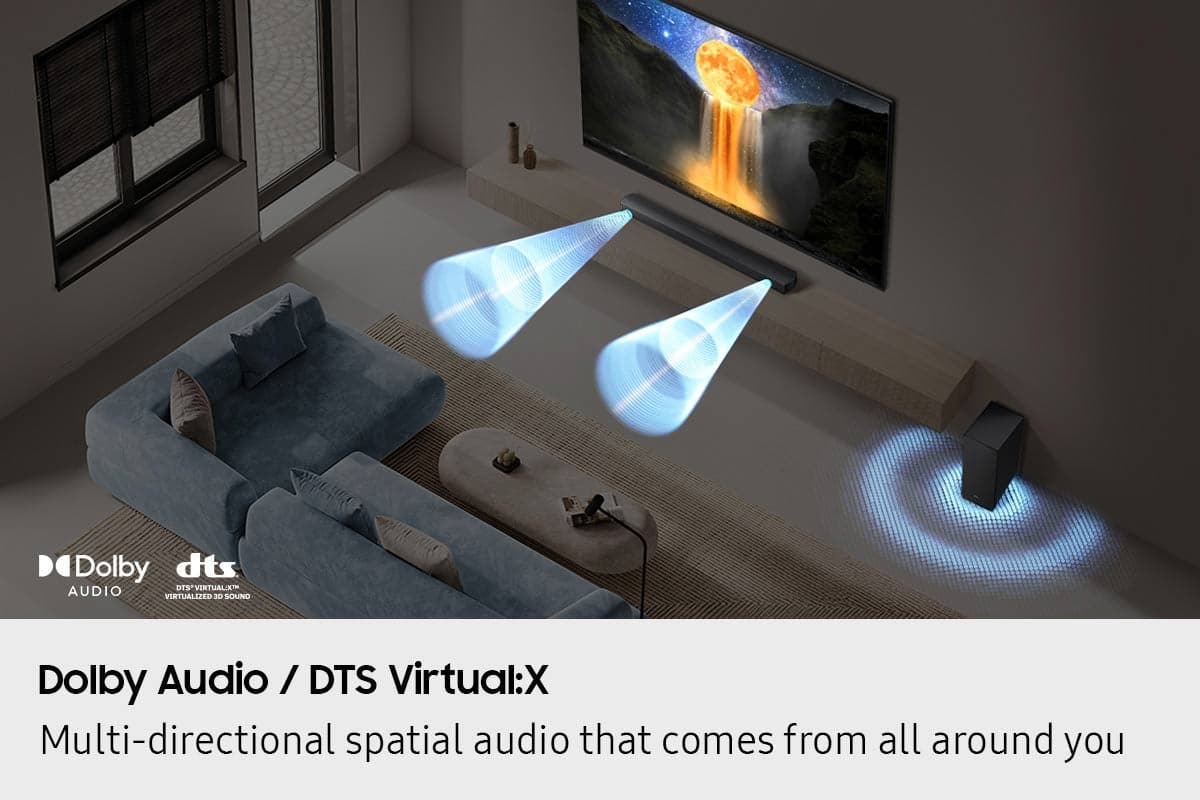
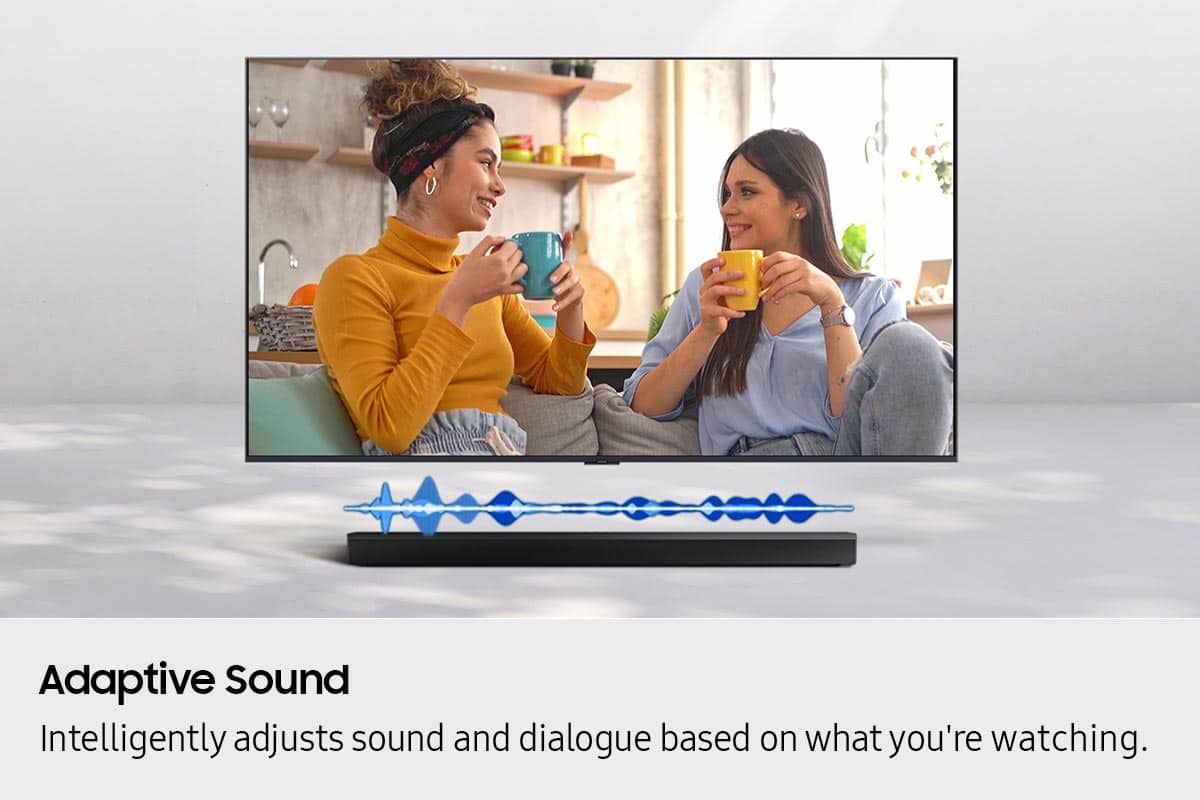
You can optimize your audio performance to your liking by pressing the SOUND MODE button on your soundbar remote, and then selecting the desired sound effect by choosing SURROUND SOUND, BASS BOOST, GAME, ADAPTIVE, DTS VIRTUAL:X, STANDARD.
By pressing the TONE CONTROL button, you can adjust the volume of the treble or bass sound. Press the button to select TREBLE or BASS and then adjust the volume between -6~+6 by using the Up/Down buttons.
Press and hold the SOUND CONTROL button for about 5 seconds to adjust the sound for each frequency band. 150Hz, 300Hz, 600Hz, 1.2kHz, 2.5kHz, 5kHz, and 10kHz are selectable using the Left/Right buttons and each can be adjusted to a setting between -6 to +6 using the Up/Down buttons. (Make sure the Sound mode is set to “STANDARD”.
Additionally, using the WOOFER button on the remote, you can adjust the subwoofer’s volume between -6 to +6 by toggling the button up or down. To set the subwoofer volume level to 0, press the button down.
With the optional SWA-9250S Wireless Rear Speaker Kit connected you can adjust the volume by using the provided Soundbar remote. Press CH LEVEL and select REAR LEVEL, then use the Up/Down buttons to adjust the volume within a -6 to +6 range.
If you need more help, Samsung is here for you. Please call us at 1-800-SAMSUNG, 8AM - 12AM EST (Ask for Soundbars), 7 days a week. Our Live Chat agents are also available by clicking on the ‘Support’ link on our website.
~ Samsung Solutions
Sound not as I excepted
||Posted .This reviewer received promo considerations or sweepstakes entry for writing a review.Expected more…the sound isn’t that great. It could be improved. I thought the older model soundbar I had since 2018 was a better quality than this one. I regret giving it away.
No, I would not recommend this to a friendBrand response from Samsung
Posted .Hello JL509,
We appreciate you taking a moment to review the HW-B550F Soundbar.
By pressing the TONE CONTROL button, you can adjust the volume of the treble or bass sound. Press the button to select TREBLE or BASS and then adjust the volume between -6~+6 by using the Up/Down buttons.
Press and hold the SOUND CONTROL button for about 5 seconds to adjust the sound for each frequency band. 150Hz, 300Hz, 600Hz, 1.2kHz, 2.5kHz, 5kHz, and 10kHz are selectable using the Left/Right buttons and each can be adjusted to a setting between -6 to +6 using the Up/Down buttons. (Make sure the Sound mode is set to “STANDARD”.
Additionally, using the WOOFER button on the remote, you can adjust the subwoofer’s volume between -6 to +6 by toggling the button up or down. To set the subwoofer volume level to 0, press the button down.
With the optional SWA-9250S Wireless Rear Speaker Kit connected you can adjust the volume by using the provided Soundbar remote. Press CH LEVEL and select REAR LEVEL, then use the Up/Down buttons to adjust the volume within a -6 to +6 range.
If you need more help, Samsung is here for you. Please call us at 1-800-SAMSUNG, 8AM - 12AM EST (Ask for Soundbars), 7 days a week. Our Live Chat agents are also available by clicking on the ‘Support’ link on our website.
~ Samsung Solutions
SPEAKERS
||Posted . Owned for 3 weeks when reviewed.This reviewer received promo considerations or sweepstakes entry for writing a review.DOES NOT WORK WELL - EVEN AFTER CHANGING THE SETTINGS
No, I would not recommend this to a friendBrand response from Samsung
Posted .Hi EPPY242,
Thank you for taking a few moments to review the HW-B550F Samsung Soundbar.
You can optimize your audio performance to your liking by pressing the SOUND MODE button on your soundbar remote, and then selecting the desired sound effect by choosing SURROUND SOUND, BASS BOOST, GAME, ADAPTIVE, DTS VIRTUAL:X, STANDARD.
By pressing the TONE CONTROL button, you can adjust the volume of the treble or bass sound. Press the button to select TREBLE or BASS and then adjust the volume between -6~+6 by using the Up/Down buttons.
Press and hold the SOUND CONTROL button for about 5 seconds to adjust the sound for each frequency band. 150Hz, 300Hz, 600Hz, 1.2kHz, 2.5kHz, 5kHz, and 10kHz are selectable using the Left/Right buttons and each can be adjusted to a setting between -6 to +6 using the Up/Down buttons. (Make sure the Sound mode is set to “STANDARD”.
Additionally, using the WOOFER button on the remote, you can adjust the subwoofer’s volume between -6 to +6 by toggling the button up or down. To set the subwoofer volume level to 0, press the button down.
With the optional SWA-9250S Wireless Rear Speaker Kit connected you can adjust the volume by using the provided Soundbar remote. Press CH LEVEL and select REAR LEVEL, then use the Up/Down buttons to adjust the volume within a -6 to +6 range.
If you need more help, Samsung is here for you. Please call us at 1-800-SAMSUNG, 8AM - 12AM EST (Ask for Soundbars), 7 days a week. Our Live Chat agents are also available by clicking on the ‘Support’ link on our website.
~ Samsung Solutions
Samsung sound bar.
||Posted . Owned for 1 month when reviewed.This reviewer received promo considerations or sweepstakes entry for writing a review.Might be OK for a very tiny room. Couldn't hear any difference from just TV.
No, I would not recommend this to a friendBrand response from Samsung
Posted .Hello BarryC,
Thank you for taking a moment to review the Samsung HW-B550F Soundbar. We value your feedback and will share it with our teams.
You can optimize your audio performance to your liking by pressing the SOUND MODE button on your soundbar remote, and then selecting the desired sound effect by choosing SURROUND SOUND, BASS BOOST, GAME, ADAPTIVE, DTS VIRTUAL:X, STANDARD.
By pressing the TONE CONTROL button, you can adjust the volume of the treble or bass sound. Press the button to select TREBLE or BASS and then adjust the volume between -6~+6 by using the Up/Down buttons.
Press and hold the SOUND CONTROL button for about 5 seconds to adjust the sound for each frequency band. 150Hz, 300Hz, 600Hz, 1.2kHz, 2.5kHz, 5kHz, and 10kHz are selectable using the Left/Right buttons and each can be adjusted to a setting between -6 to +6 using the Up/Down buttons. (Make sure the Sound mode is set to “STANDARD”.
Additionally, using the WOOFER button on the remote, you can adjust the subwoofer’s volume between -6 to +6 by toggling the button up or down. To set the subwoofer volume level to 0, press the button down.
With the optional SWA-9250S Wireless Rear Speaker Kit connected you can adjust the volume by using the provided Soundbar remote. Press CH LEVEL and select REAR LEVEL, then use the Up/Down buttons to adjust the volume within a -6 to +6 range.
If you need more help, Samsung is here for you. Please call us at 1-800-SAMSUNG, 8AM - 12AM EST (Ask for Soundbars), 7 days a week. Our Live Chat agents are also available by clicking on the ‘Support’ link on our website.
~ Samsung Solutions
Excellent
Posted .This reviewer received promo considerations or sweepstakes entry for writing a review.This system is superb. Great sound and very user friendly
I would recommend this to a friendGreat, affordable setup
Posted .This reviewer received promo considerations or sweepstakes entry for writing a review.This is my first time buying any kind of sound upgrade for a TV and I love it. Watched a Marvel movie with the kids first thing and noticed an immediate difference. It was extremely easy to set up.
I would recommend this to a friend