Customer Ratings & Reviews
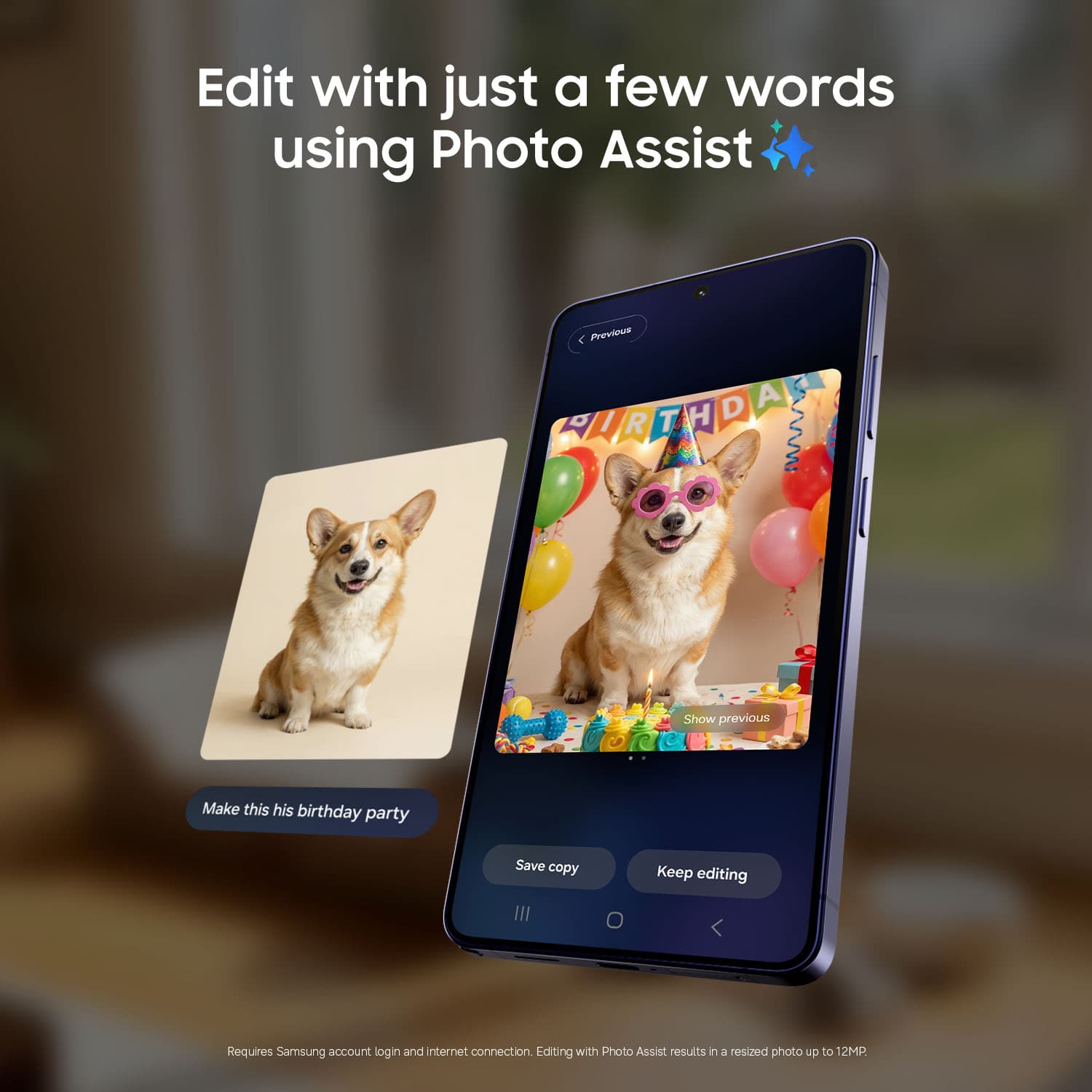


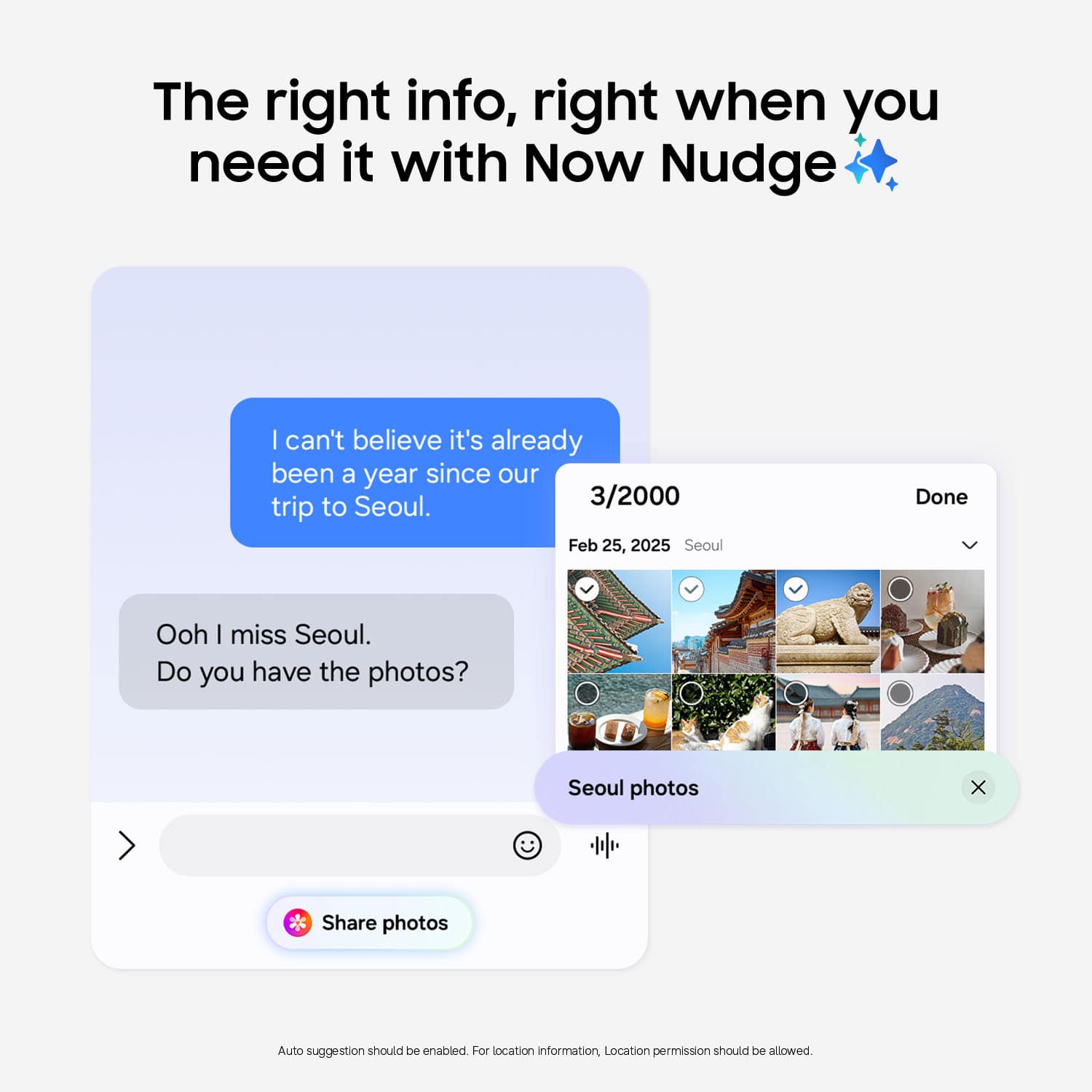
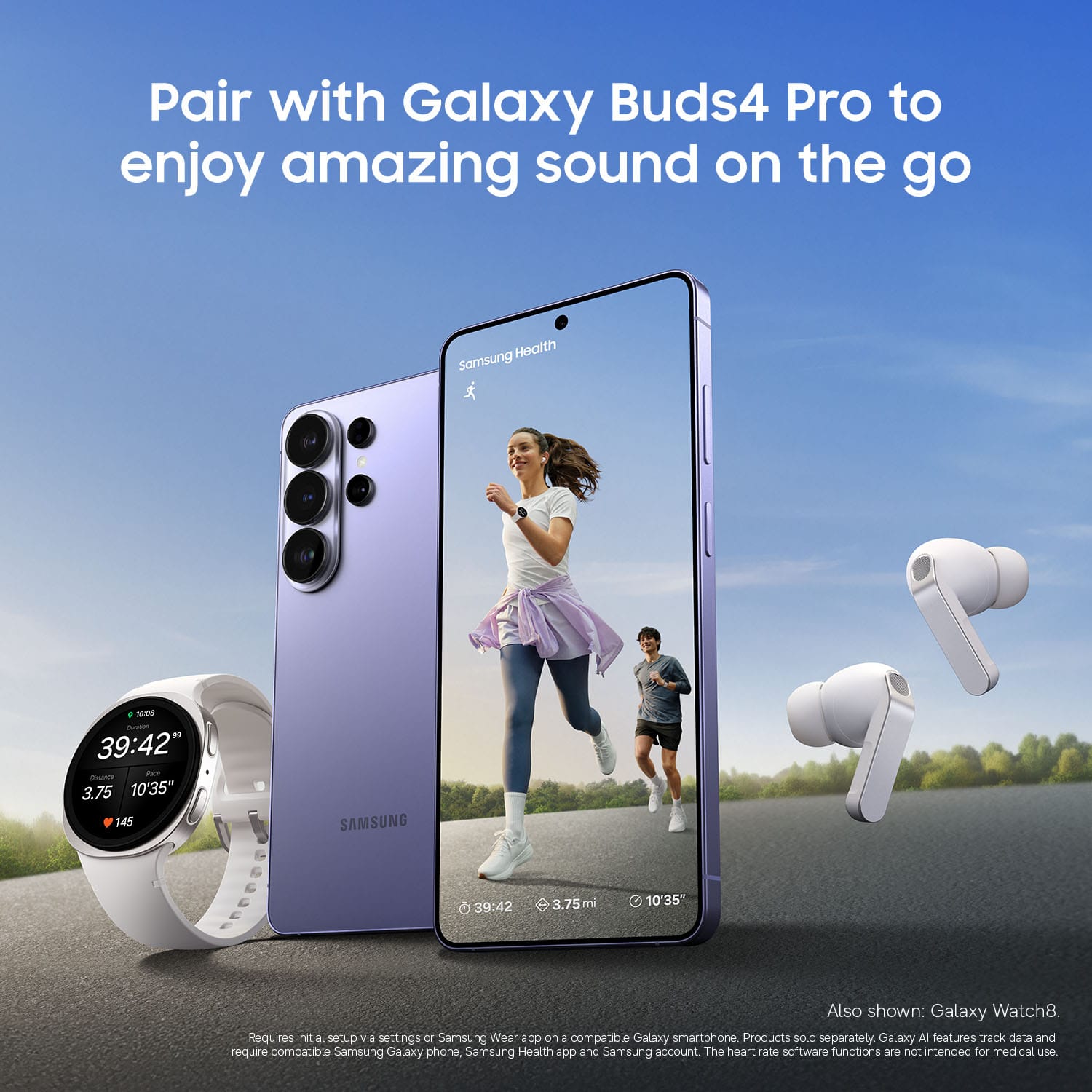
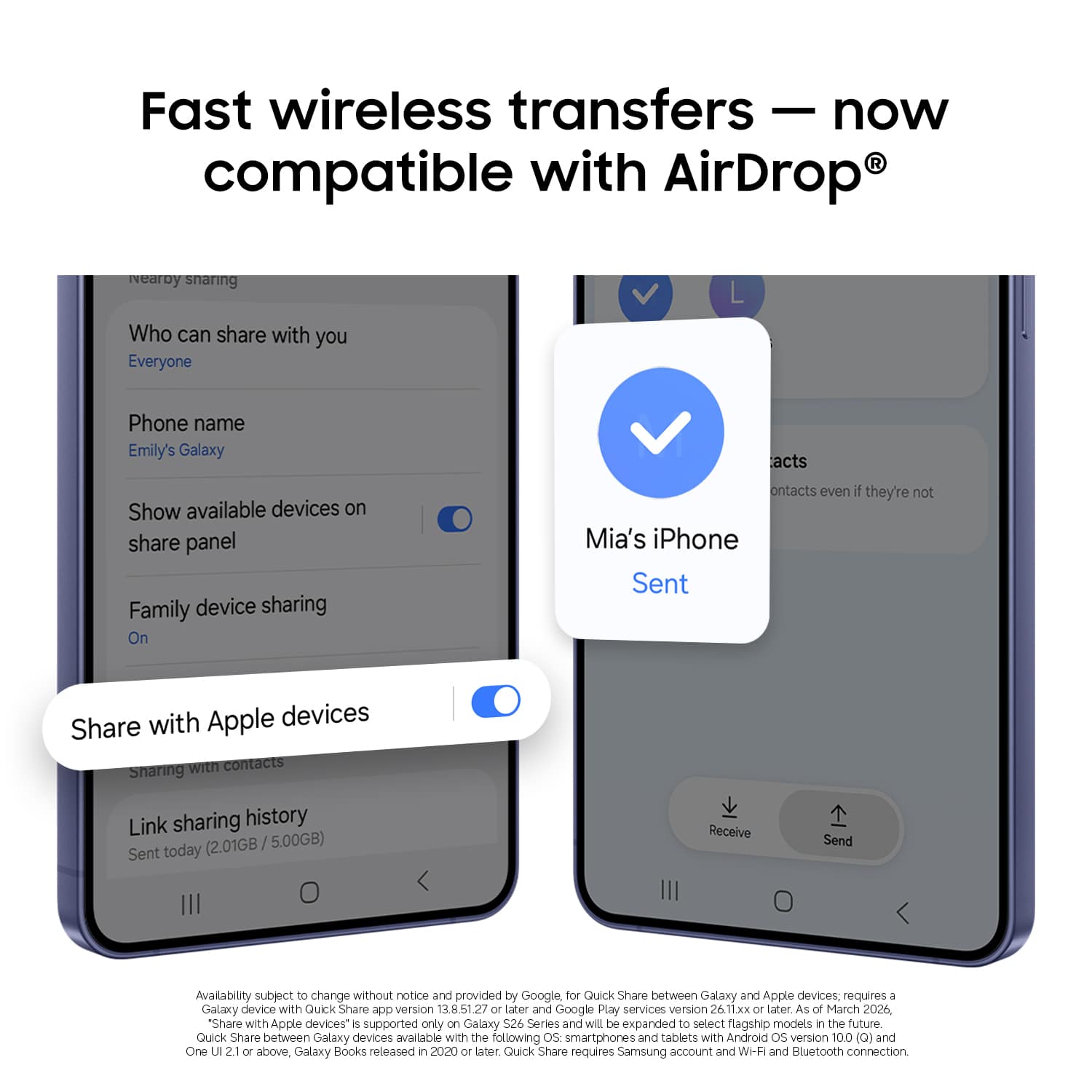
- Model:
- SM-S948UZKEXAA
- |
- SKU:
- 12354565
Customer reviews
Rating 4.8 out of 5 stars with 634 reviews
(634 customer reviews)Rating by feature
- Display Quality4.9
Rating 4.9 out of 5 stars
- Camera4.9
Rating 4.9 out of 5 stars
- Battery Life4.8
Rating 4.8 out of 5 stars
Customers are saying
Customers value the camera quality, with users describing it as amazing. Additionally, customers appreciate the advanced capacity and performance of the product.
This summary was generated by AI based on customer reviews.
- Pros mentioned:Camera quality
Rated 5 out of 5 stars
Father of all cell phones
||Posted . Owned for 3 weeks when reviewed.This reviewer received promo considerations or sweepstakes entry for writing a review.This phone is excellent! Its latest generation processor is lightning fast, and the cameras are top-notch. I'm very happy with my new purchase!
This review is from Samsung - Galaxy S26 Ultra 512GB (Unlocked) - Black
I would recommend this to a friend Rated 5 out of 5 stars
Great phone, great deal, smooth experience
||Posted . Owned for 1 month when reviewed.This reviewer received promo considerations or sweepstakes entry for writing a review.Very happy with my S26 Ultra 512GB purchase - it's a great phone and works perfectly. Got a cool spigen case on it. I got an excellent deal with $700 trade in value for my old device and a free promotional 512gb storage upgrade. Purchase the phone for $599. The Bestbuy staff were helpful, and delivery was on time. Overall, a smooth and satisfying experience.
This review is from Samsung - Galaxy S26 Ultra 512GB (Unlocked) - Cobalt Violet
I would recommend this to a friend- Pros mentioned:Privacy screen
Rated 5 out of 5 stars
Great Phone.
||Posted . Owned for 3 weeks when reviewed.This reviewer received promo considerations or sweepstakes entry for writing a review.Love the phone. The color is nice.loce the privacy screen. If you use the 60watt charger... man... it charges super fast.
This review is from Samsung - Galaxy S26 Ultra 512GB (Unlocked) - White
I would recommend this to a friend - Pros mentioned:Battery life, Camera quality
Rated 5 out of 5 stars
Samsung Galaxy S26 Ultra Honest 100-Character Revi
||Posted . Owned for 1 month when reviewed.This reviewer received promo considerations or sweepstakes entry for writing a review.Samsung Galaxy S26 Ultra Fast, premium, amazing camera, battery beast— the best Android phone.
This review is from Samsung - Galaxy S26 Ultra 512GB (Unlocked) - Cobalt Violet
I would recommend this to a friend - Pros mentioned:Camera quality
Rated 5 out of 5 stars
Best phone on the market
||Posted . Owned for 2 weeks when reviewed.This reviewer received promo considerations or sweepstakes entry for writing a review.Love this phone. I upgraded from the S23 Ultra, the camera was a big step up. Everything operates faster.
This review is from Samsung - Galaxy S26 Ultra 512GB (Unlocked) - Black
I would recommend this to a friend Rated 5 out of 5 stars
The best phone on the market! S26 Ultra
||Posted . Owned for 3 weeks when reviewed.This reviewer received promo considerations or sweepstakes entry for writing a review.I absolutely love it! I'm coming from the s23 ultra which was already a beast in itself. This phone is a great color when you see the white in person it's definitely different it's something you have to see in person versus seeing it online. And all the new features that Samsung came out with is definitely great and of course it's a little bit lighter but all in all definitely a 10/10! I would recommend honestly the last five models of Samsung to anyone!
This review is from Samsung - Galaxy S26 Ultra 512GB (Unlocked) - White
I would recommend this to a friend- Pros mentioned:Camera quality
Rated 5 out of 5 stars
Ultra S26
||Posted . Owned for 2 weeks when reviewed.This reviewer received promo considerations or sweepstakes entry for writing a review.It's cute camera, excellent, fast, very comfortable.
This review is from Samsung - Galaxy S26 Ultra 512GB (Unlocked) - Black
I would recommend this to a friend - Pros mentioned:Camera quality
Rated 4 out of 5 stars
Powerful, but not a real upgrade
||Posted . Owned for 3 weeks when reviewed.This reviewer received promo considerations or sweepstakes entry for writing a review.It's a great phone with excellent performance, camera, and display. But honestly, it feels almost identical to the S25 Ultra, so unless you're upgrading from an older model, it may not be worth it.
This review is from Samsung - Galaxy S26 Ultra 512GB (Unlocked) - Cobalt Violet
I would recommend this to a friend - Pros mentioned:Privacy screen
Rated 5 out of 5 stars
Great Phone
||Posted . Owned for 2 months when reviewed.This reviewer received promo considerations or sweepstakes entry for writing a review.I upgraded from a 5 year old galaxy A52, so I love this phone. If you have a more recent galaxy, this phone's probably not different enough to be worth the upgrade, unless you really value the privacy display, which is pretty cool.
This review is from Samsung - Galaxy S26 Ultra 512GB (Unlocked) - Black
I would recommend this to a friend - Pros mentioned:Camera quality, Privacy screen
Rated 5 out of 5 stars
Samsung 26
||Posted . Owned for 3 weeks when reviewed.This reviewer received promo considerations or sweepstakes entry for writing a review.I love my new samsung ..the camera , the privacy screen 10/10
This review is from Samsung - Galaxy S26 Ultra 512GB (Unlocked) - White
I would recommend this to a friend - Pros mentioned:Battery life, Camera quality
Rated 5 out of 5 stars
S26 ULTRA PRIVACY DISPLAY
||Posted . Owned for 1 week when reviewed.This reviewer received promo considerations or sweepstakes entry for writing a review.Best display , camera, battery , features , agentic AI , best deivce ever.
This review is from Samsung - Galaxy S26 Ultra 512GB (Unlocked) - Cobalt Violet
I would recommend this to a friend - Pros mentioned:Camera quality, Privacy screen
Rated 5 out of 5 stars
Great phone!
||Posted . Owned for 1 week when reviewed.This reviewer received promo considerations or sweepstakes entry for writing a review.The display is beautiful, and the privacy display tech is nuts.
This review is from Samsung - Galaxy S26 Ultra 512GB (Unlocked) - Black
I would recommend this to a friend Rated 5 out of 5 stars
Iphone to S26 ultra
||Posted . Owned for 3 weeks when reviewed.This reviewer received promo considerations or sweepstakes entry for writing a review.I will not lie, ive had iphone for 10 years And just grabbed this, ill be honest.. i am having a lot more fun with this phone than my iphone. Im not dissing it but i guess for me this is just more fun, more engaging and exciting to me so honestly i love my purchase Im going to have this for a very long time :)
This review is from Samsung - Galaxy S26 Ultra 512GB (Unlocked) - Sky Blue
I would recommend this to a friendRated 5 out of 5 stars
Best pre order deal ever from any platform
||Posted . Owned for 2 weeks when reviewed.This reviewer received promo considerations or sweepstakes entry for writing a review.I recently purchased the Samsung Galaxy S26 Ultra from Best Buy, and I honestly couldn’t be happier with my experience. First off, the pre-order deal was unbeatable. I compared with other retailers, and nothing came close to the value Best Buy offered. On top of that, I was able to trade in my Samsung Galaxy S25 Ultra, and they gave me an amazing value for it. What really impressed me is that even with the back of my phone broken, they still honored a phenomenal promotional trade-in offer. Not even Samsung had a best offer . The ordering process was smooth and straightforward, with clear pricing and flexible pickup/delivery options. My phone arrived at the right time, and in perfect condition. As for the Galaxy S26 Ultra itself, it’s absolutely incredible. The performance is lightning fast, the camera quality is next level, and the display is stunning. It definitely lives up to the hype. Overall, Best Buy made this whole purchase easy, stress-free, and totally worth it. I highly will try purchasing more on with you guys
This review is from Samsung - Galaxy S26 Ultra 512GB (Unlocked) - Cobalt Violet
I would recommend this to a friend- Pros mentioned:Camera quality
Rated 5 out of 5 stars
Excellent quality camera and great new ones work.
||Posted . Owned for 2 weeks when reviewed.This reviewer received promo considerations or sweepstakes entry for writing a review.I bought this cell phone with great enthusiasm and it met each of my expectations and exceeded them completely, I love the privacy of my cell phone and the camera is excellent and of very good quality the color is beautiful and the material is very resistant.
This review is from Samsung - Galaxy S26 Ultra 512GB (Unlocked) - Sky Blue
I would recommend this to a friend - Pros mentioned:Camera quality
Rated 4 out of 5 stars
Samsung's new superstar!
||Posted . Owned for 1 week when reviewed.This reviewer received promo considerations or sweepstakes entry for writing a review.Great product overall, i upgraded from the S24 Ultra so the rounded edges were a very nice touch (although i do miss the feel and heft of the titanium on the S24). The S26 does feel a lot lighter but, i does also feel like a single drop will cause significant damage so get a case ASAP. Camera quality i cleaner and sharper (better blacks and greys) than the S24 Ultra). Samsung.... bring back my Bluetooth S-Pen!!!
This review is from Samsung - Galaxy S26 Ultra 512GB (Unlocked) - Cobalt Violet
I would recommend this to a friend Rated 5 out of 5 stars
Powerful Device
||Posted . Owned for 1 month when reviewed.This reviewer received promo considerations or sweepstakes entry for writing a review.Its performance is smooth, reliable, and easily handles demanding tasks. The only area that could still be improved is the camera, but overall this phone is a top-tier flagship. Best smartphone device in the market until today. No doubt!
This review is from Samsung - Galaxy S26 Ultra 512GB (Unlocked) - Cobalt Violet
I would recommend this to a friend- Pros mentioned:Camera quality
Rated 5 out of 5 stars
I love it.....
||Posted . Owned for 3 weeks when reviewed.This reviewer received promo considerations or sweepstakes entry for writing a review.The S6 Ultra is a very elegant, easy-to-use cell phone. I waited months to be able to buy it. The photos are wonderful; its camera captures the moment—and specifically captures those precise moments worth remembering. I love my S6 Ultra. I recommend it to everyone.
This review is from Samsung - Galaxy S26 Ultra 512GB (Unlocked) - Black
I would recommend this to a friend - Pros mentioned:Camera quality
Rated 5 out of 5 stars
It exceeded my expectations: a very helpful techni
||Posted . Owned for 2 weeks when reviewed.This reviewer received promo considerations or sweepstakes entry for writing a review.Excellent purchase! The [Product Name] exceeded my expectations. The image/sound quality is incredible, and the setup process was super simple. I highly recommend it for its value for money.
This review is from Samsung - Galaxy S26 Ultra 512GB (Unlocked) - Black
I would recommend this to a friend Rated 5 out of 5 stars
Samsung S26 Ultra
||Posted . Owned for 3 weeks when reviewed.This reviewer received promo considerations or sweepstakes entry for writing a review.My new phone works great and is an improvement over the old Samsung S22 Ultra! Still learning the new features!
This review is from Samsung - Galaxy S26 Ultra 512GB (Unlocked) - Cobalt Violet
I would recommend this to a friend