Customer Ratings & Reviews
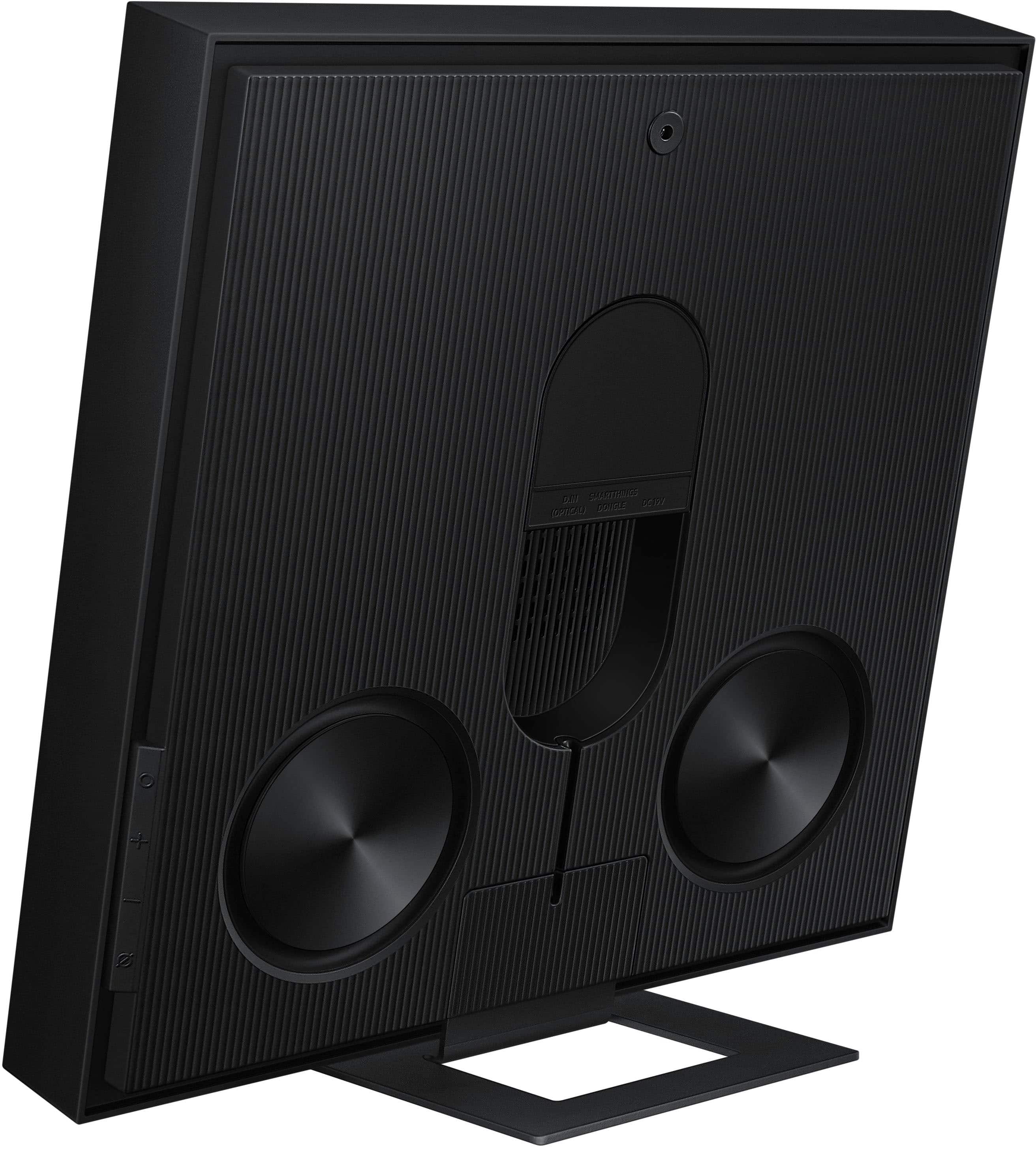
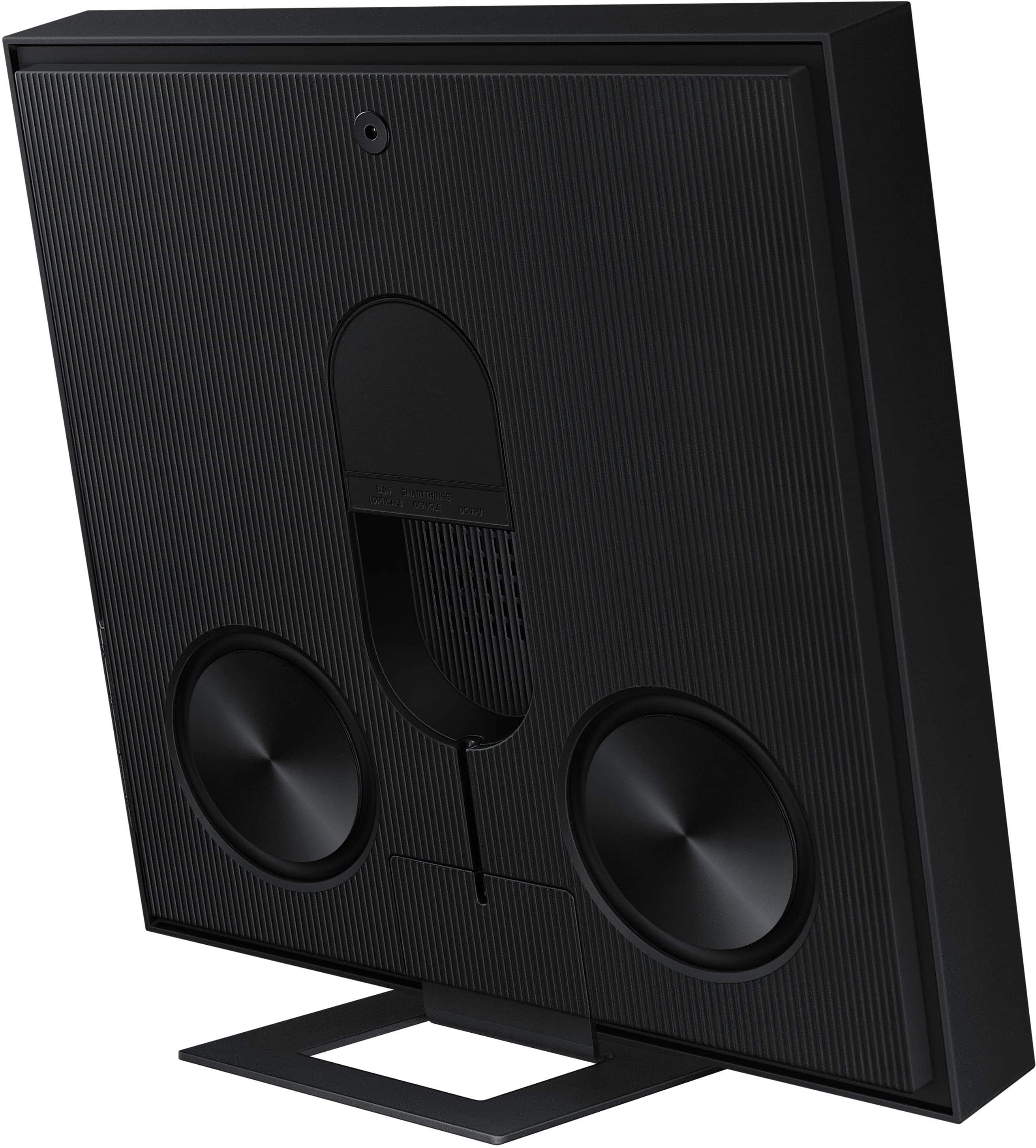
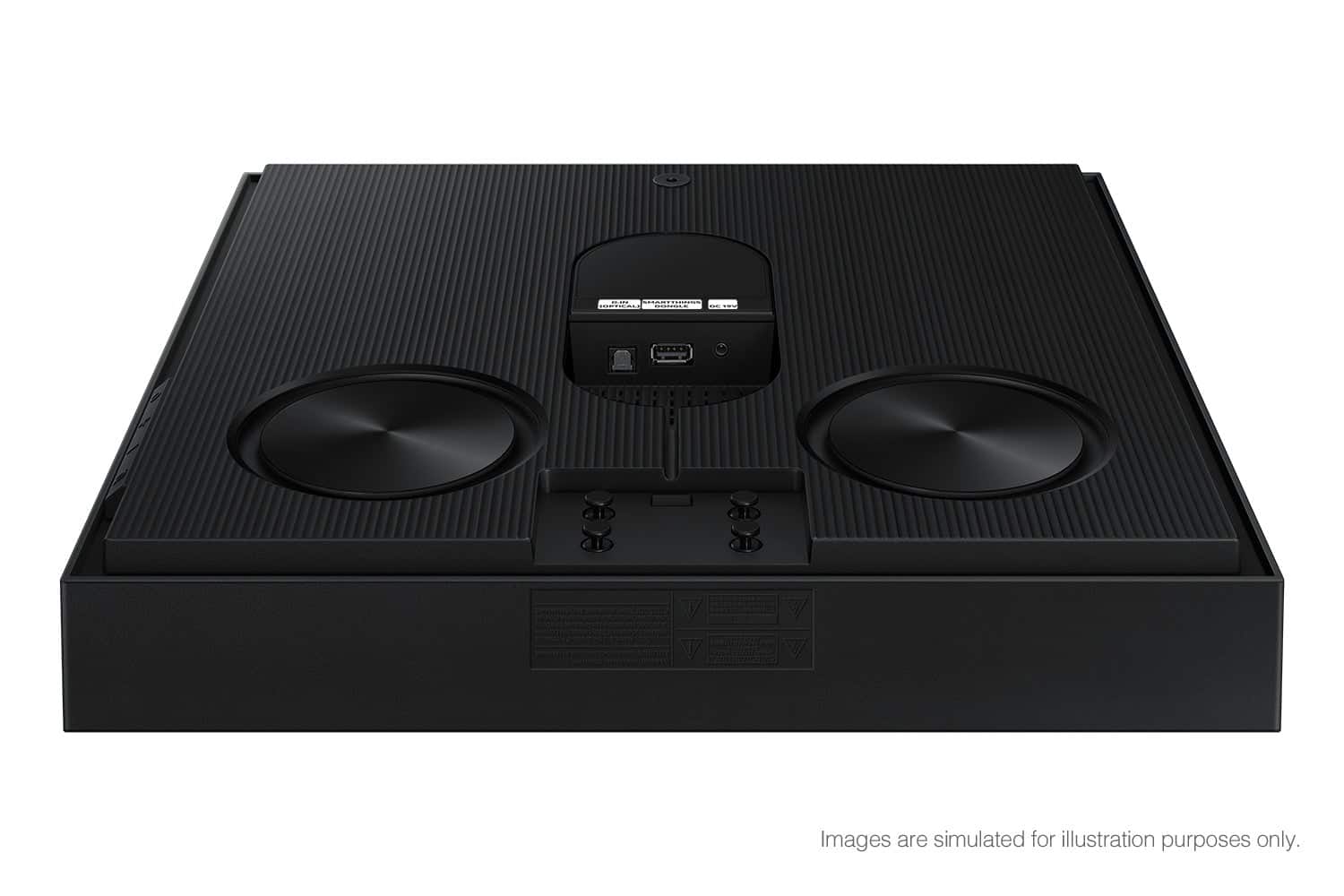
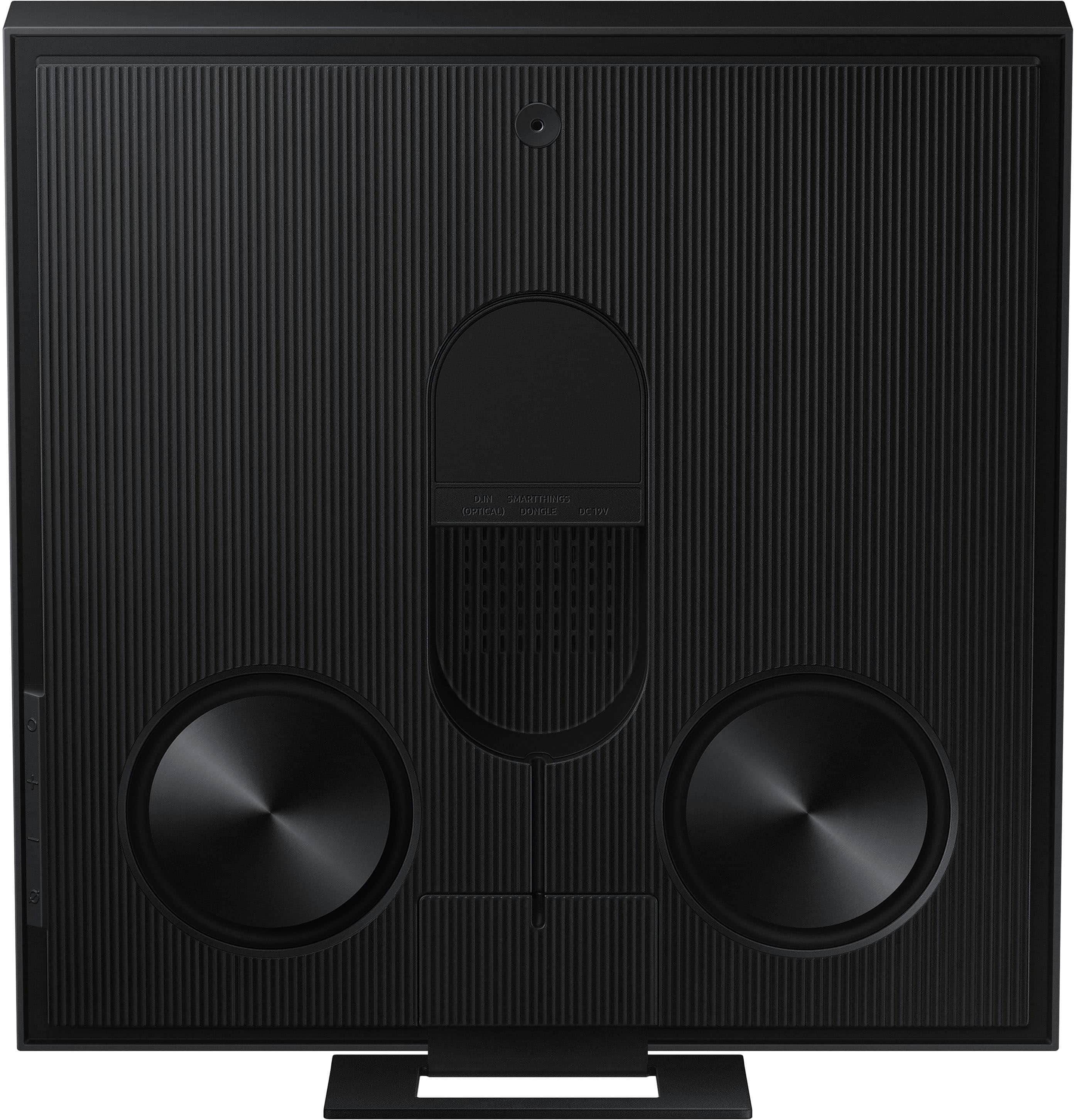









- Model:
- HW-LS60D/ZA
- SKU:
- 12166815
Rating by feature
- Value
Rating 4.3 out of 5 stars
- Quality
Rating 4.6 out of 5 stars
- Ease of Use
Rating 4.4 out of 5 stars
Nice but it could be better
||Posted .This reviewer received promo considerations or sweepstakes entry for writing a review.I wish I had more control of its volume when using with Samsung Symphony. Also, the sound clips at mid to higher volumes
I would recommend this to a friendGreat sound!
||Posted . Owned for 2 weeks when reviewed.This reviewer received promo considerations or sweepstakes entry for writing a review.Love it! Great quality sound! I highly recommend this product!
I would recommend this to a friend
Music Frame Rules!
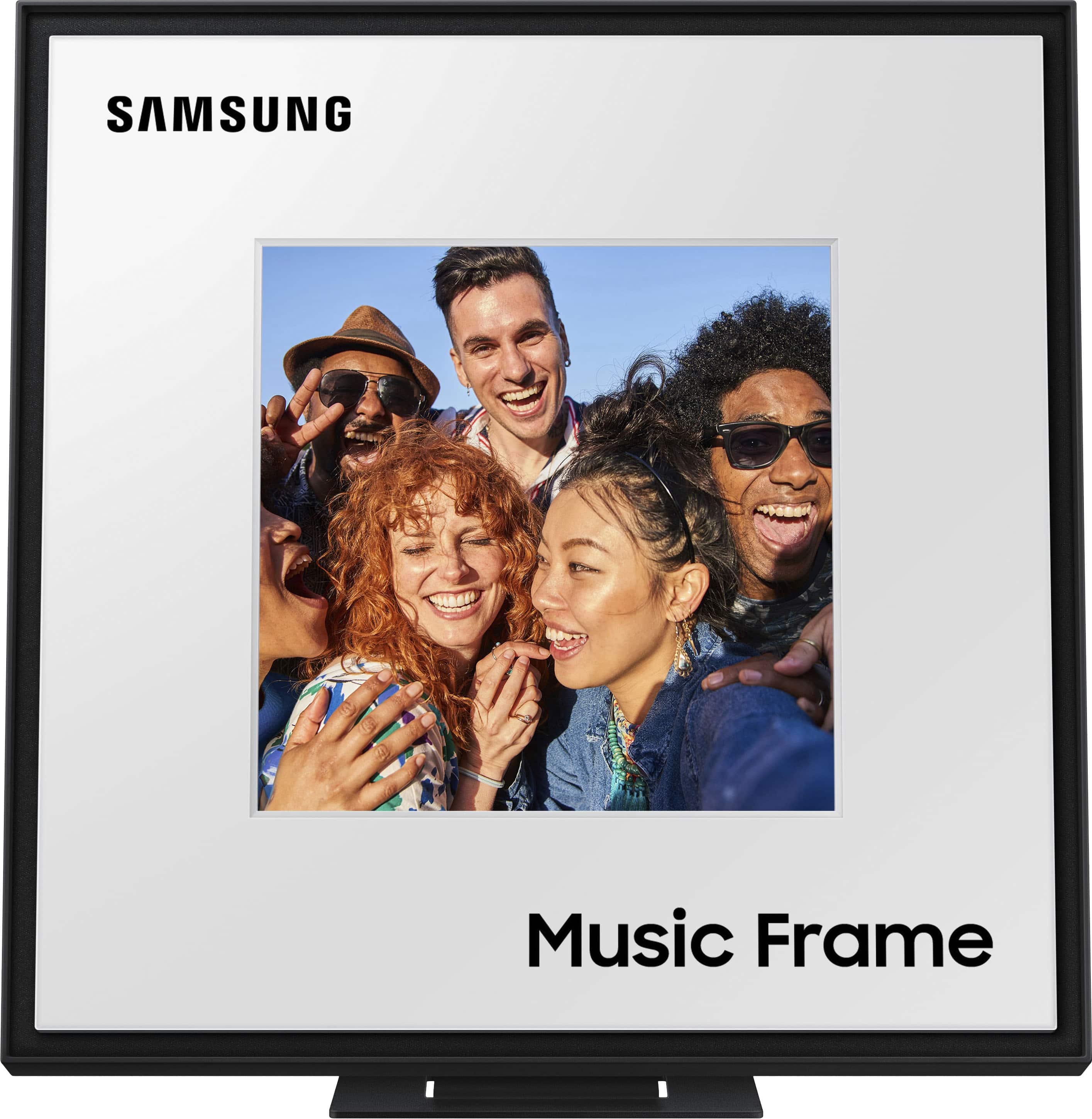
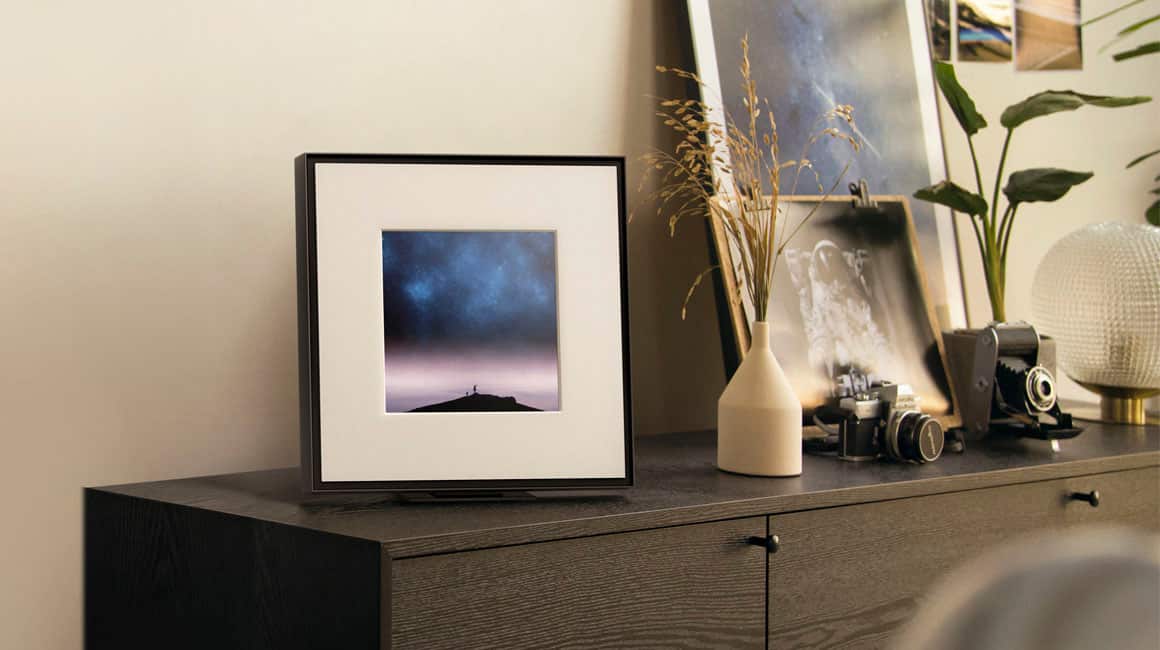
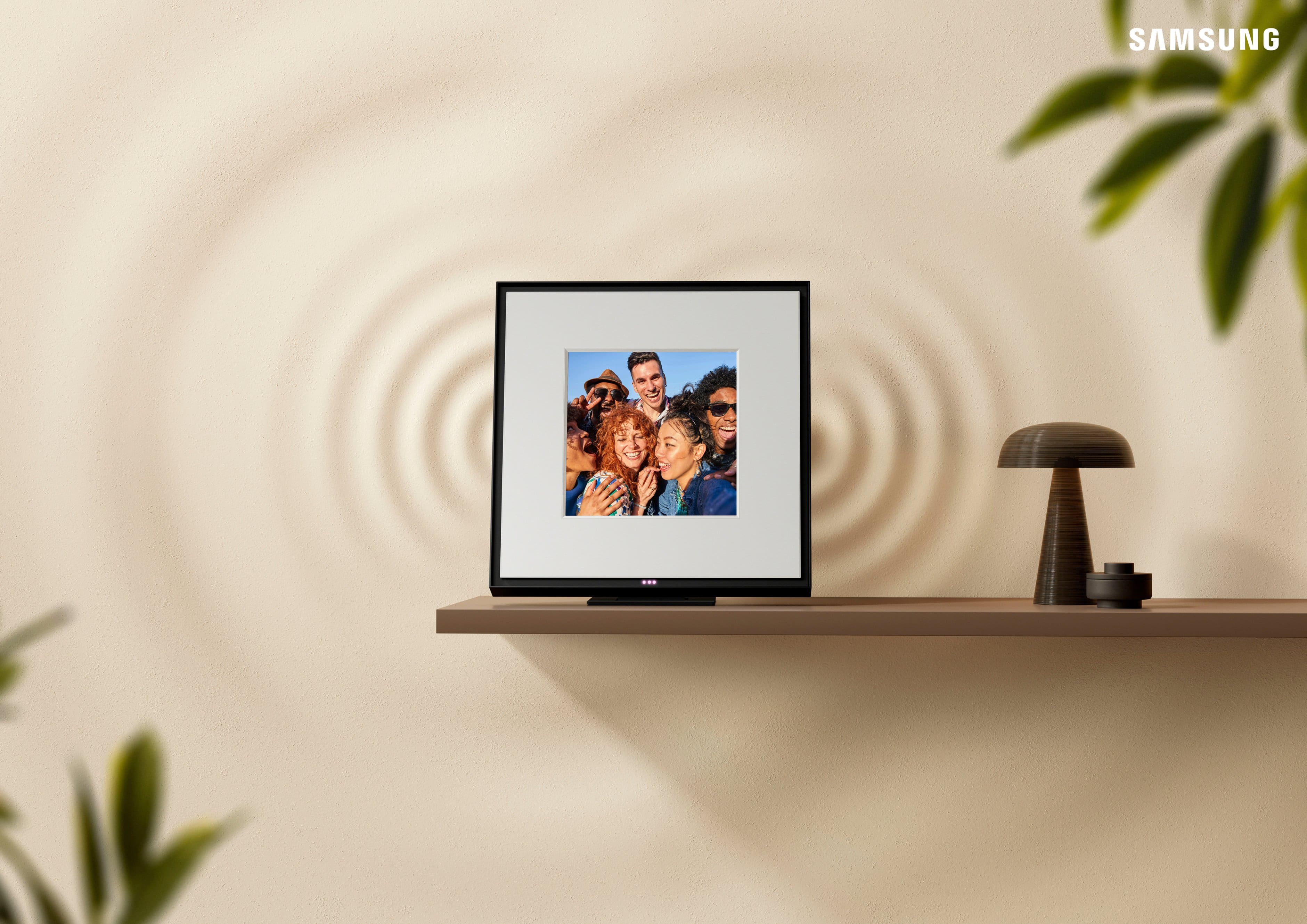
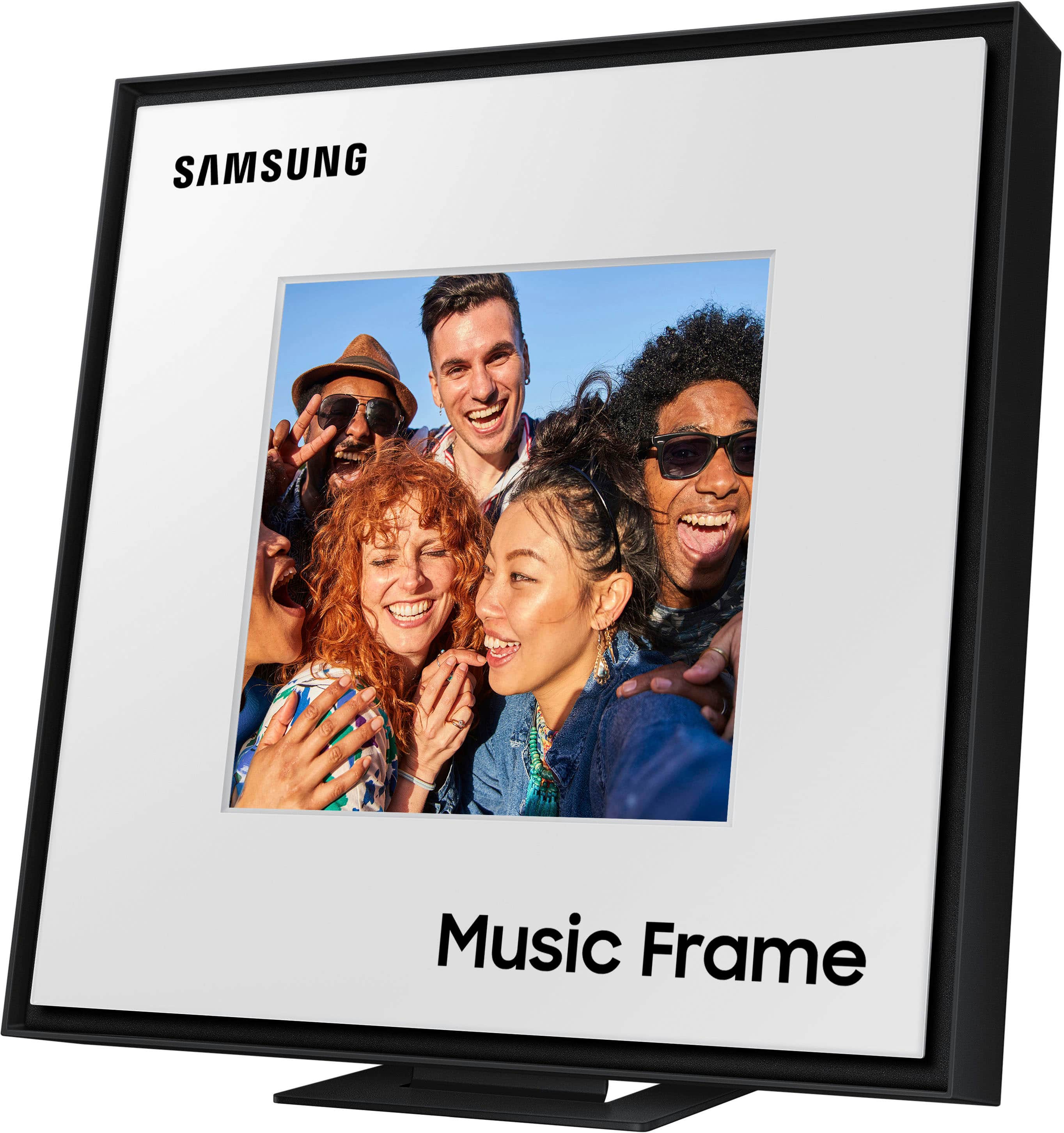
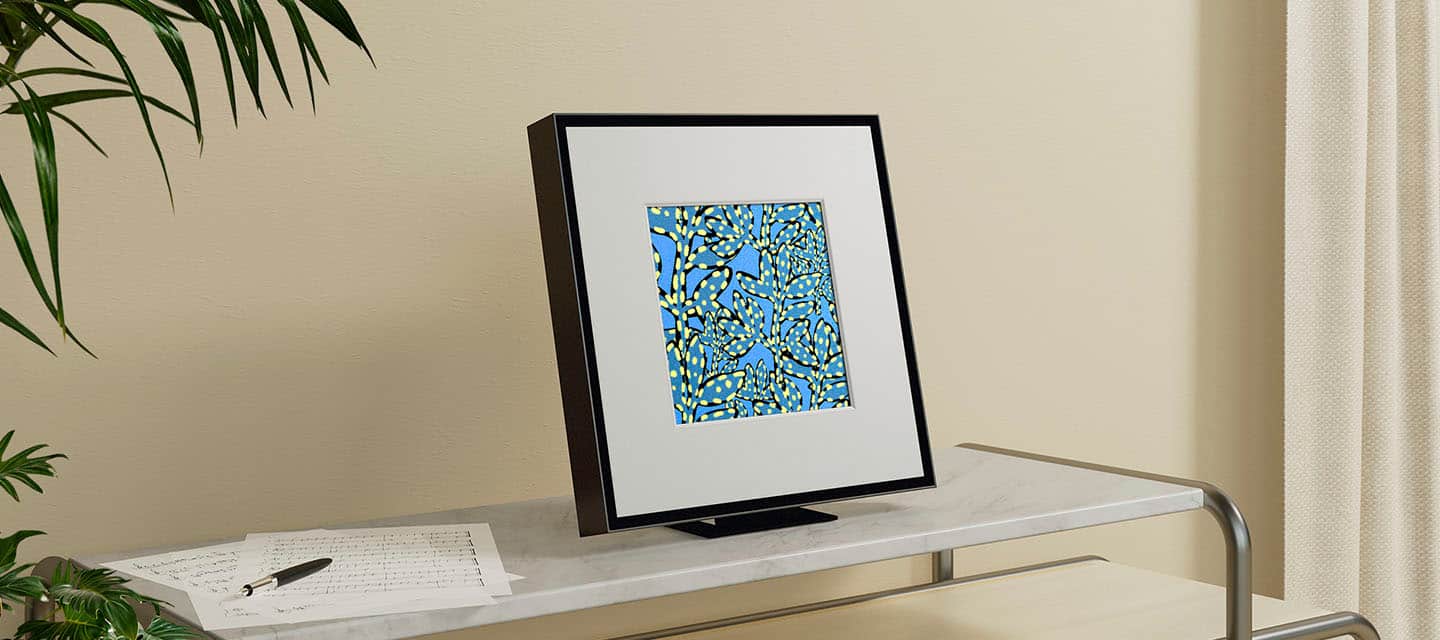
|Posted . Owned for 2 months when reviewed.This reviewer received promo considerations or sweepstakes entry for writing a review.The music frame sounds great! Clear Dolby Atmos audio! I love that it fits a physical picture and that it's not a digital display.
I would recommend this to a friend:)
||Posted . Owned for 1 week when reviewed.This reviewer received promo considerations or sweepstakes entry for writing a review.Great sound and quality, even better since it was a gift
I would recommend this to a friendGreat office picture frame
||Posted . Owned for 2 weeks when reviewed.This reviewer received promo considerations or sweepstakes entry for writing a review.Discrete quality sound. Would love for gen 2 to have a digital picture capability.
I would recommend this to a friendSpeaker frame
||Posted . Owned for 1 week when reviewed.This reviewer received promo considerations or sweepstakes entry for writing a review.Better than you expect for a speaker that looks like a picture frame! Feels great in quality! DOLBY ATOMS sound! Can’t beat that
I would recommend this to a friendFantastic Sound BUT it is not a digital picture
||Posted . Owned for 1 week when reviewed.This reviewer received promo considerations or sweepstakes entry for writing a review.Absolutely love this sound system. Only big mistake that Samsung did was not integrating a digital photo frame to go with it
I would recommend this to a friendPortrait Speaker
||Posted . Owned for 1 week when reviewed.This reviewer received promo considerations or sweepstakes entry for writing a review.Sounds great and very decorative. Awesome that it can wall mounted actual picture can utilized. Highly recommend
I would recommend this to a friendGREAT SOUND—LOOKS GREAT
||Posted . Owned for 1 week when reviewed.This reviewer received promo considerations or sweepstakes entry for writing a review.I was very pleased as to how easy it was to connect. The quality is sound was great and it looked great! No complaints.
I would recommend this to a friendambient speakers
||Posted .This reviewer received promo considerations or sweepstakes entry for writing a review.Neat little fun gadget for someone that enjoys music.
I would recommend this to a friendRecommended
||Posted .This reviewer received promo considerations or sweepstakes entry for writing a review.Always good products from Best Buy. I recommend this product and vendor!
I would recommend this to a friendSamsung music frame
||Posted .This reviewer received promo considerations or sweepstakes entry for writing a review.Sounds and looks great! Getting another one to put on both sides of tv.
I would recommend this to a friendGreat product!
||Posted .This reviewer received promo considerations or sweepstakes entry for writing a review.This is a great product! Can play music in my bedroom now!
I would recommend this to a friendSamsung picture frame
|Posted . Owned for 2 weeks when reviewed.This reviewer received promo considerations or sweepstakes entry for writing a review.Loved the sound quality and the look of the frame.
I would recommend this to a friendGood Product but not good with Q-Symphony
||Posted . Owned for 3 weeks when reviewed.This reviewer received promo considerations or sweepstakes entry for writing a review.As far as a speaker there is nothing wrong with the music frame. Purchased along with the Samsung 55" frame tv (QN55LS03) to get better sound than what the tv has. Works fine when selecting the music frame as the sound output alone but when using in conjunction with the tv speaker (Q-Symphony) the amount of volume from the music frame is barely noticeable. Spent quite a bit of time with Samsung support and was not able to resolve. They suggested that I try an optical cable (which needed to order). Only thing that did is provide another option to connect to just the music frame and not in conjunction with the tv speakers using Q-Symphony. Perhaps a future firmware update on the tv and/or music frame will resolve the low volume issue, Until then, it is just a really expensive picture frame.
No, I would not recommend this to a friendBrand response from Samsung
Posted .Hello HareBrain,
We appreciate you taking a moment to review the Samsung Music Frame. I’m sorry to hear that your experience did not match your expectations.
Please know that with the SmartThings App, you can easily control and adjust the sound settings for the Music Frame. You will be able to select your desired sound modes the Music Frame offers such as Adaptive Sound, Music, or Standard. You may also activate SpaceFit Sound, Active Voice Amplifier, Voice Enhancement, and Night Mode audio functions.
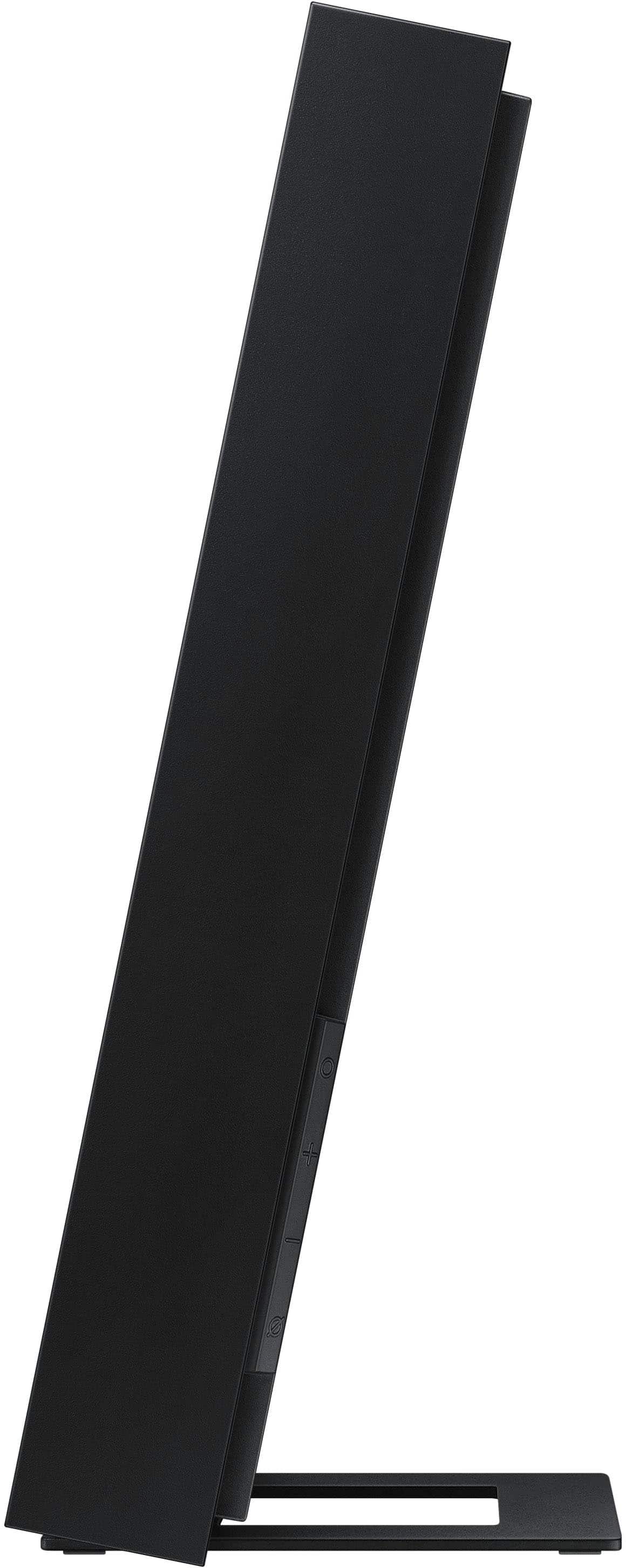
Or when you are using the multi-function button (Top O on the right side of MF) will change the different modes in the above order.
On your Samsung Frame TV go to all settings and select → Sound Output → Q--Symphony, from here you select how your Music Frames are positioned and play the optimized sound according to their position.
If you are still having difficulty with the Music Frame and Q-Symphony, just give us a call at 1-800-SAMSUNG (Ask for Soundbars), 8AM - 12AM EST, 7 days a week. Our Live Chat agents are also available by clicking on the ‘Support’ link on our website.
~ Samsung Solutions
Awesome The Frame Speaker
||Posted . Owned for 2 weeks when reviewed.This reviewer received promo considerations or sweepstakes entry for writing a review.The frame speaker sounds wonderful. The Geek Squad installed with our new Frame TV
I would recommend this to a friendI love it!
||Posted . Owned for 1 month when reviewed.This reviewer received promo considerations or sweepstakes entry for writing a review.I love the sound quality as well as the option for it to be art on my wall! Great buy!
I would recommend this to a friendLooks awesome
||Posted . Owned for 1 week when reviewed.This reviewer received promo considerations or sweepstakes entry for writing a review.It looks awesome, and sound is pretty good. Can't wait to connect it to my Samsung frame tv.
I would recommend this to a friendGreat addition within the Samsung family
||Posted . Owned for 2 weeks when reviewed.This reviewer received promo considerations or sweepstakes entry for writing a review.This is a great addition to my Samsung The Frame Tv. It connects flawlessly and it sounds incredibly
I would recommend this to a friendReview
||Posted . Owned for 1 week when reviewed.This reviewer received promo considerations or sweepstakes entry for writing a review.Cool speaker for the bedroom. A little large but definitely worth the cost to enhance viewing experience.
I would recommend this to a friend