Customer Ratings & Reviews


- Model:
- VR50T95735W/AA
- SKU:
- 6493656
Rating by feature
- Value
Rating 4.4 out of 5 stars
- Quality
Rating 4.4 out of 5 stars
- Ease of Use
Rating 4.7 out of 5 stars
Customers are saying
Customers are impressed with the Jet Bot AI+ Robot Vacuum's object recognition, mapping, and battery life, frequently praising its ability to navigate around obstacles and clean efficiently. However, some users noted that the vacuum's height can limit its access under furniture, and that carpet cleaning performance could be improved. The quiet operation and user-friendly app were also highlighted as positive aspects.
This summary was generated by AI based on customer reviews.
- Pros mentioned:Object recognition, Suction power

Handy robotic vacuum with something else.
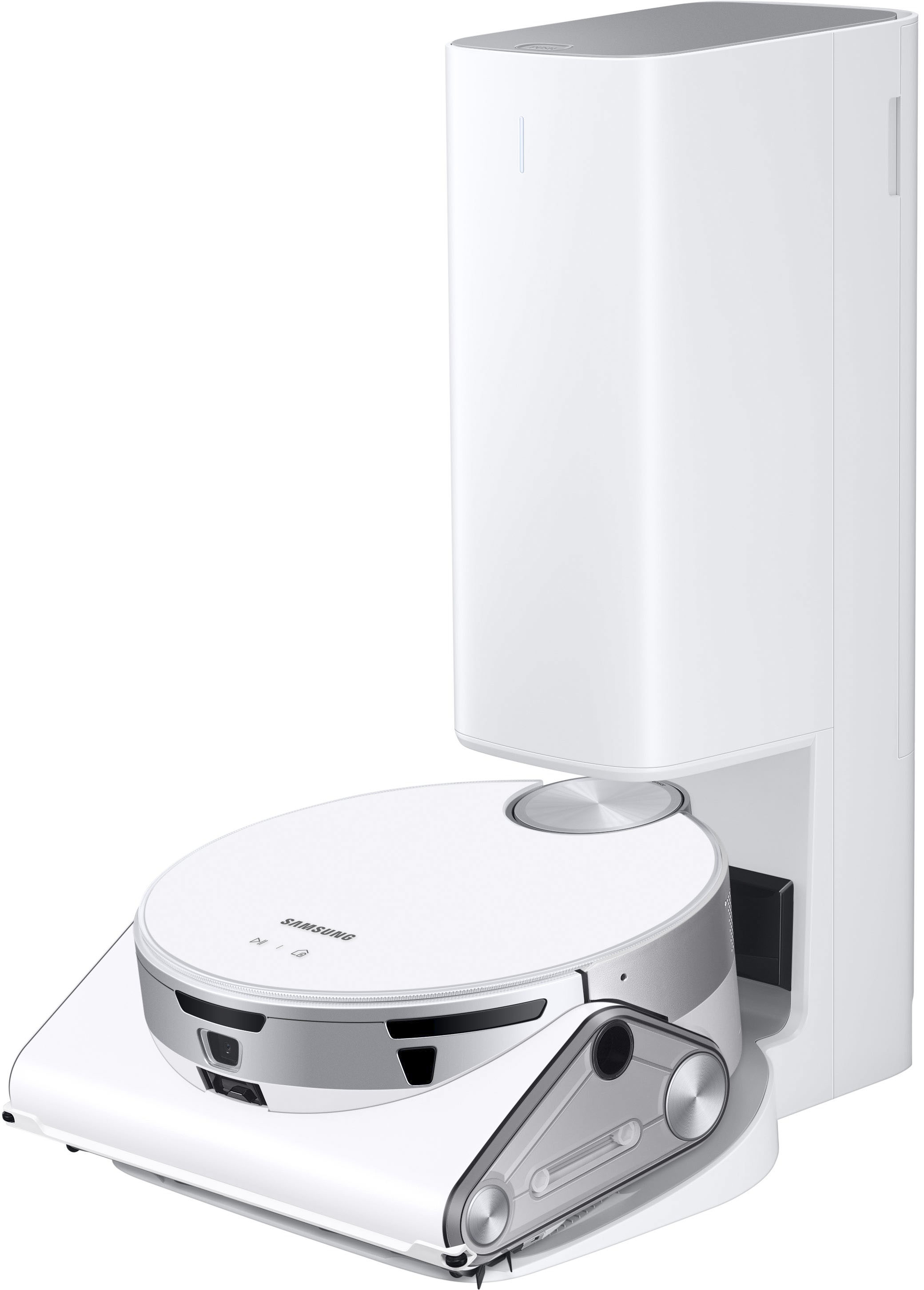
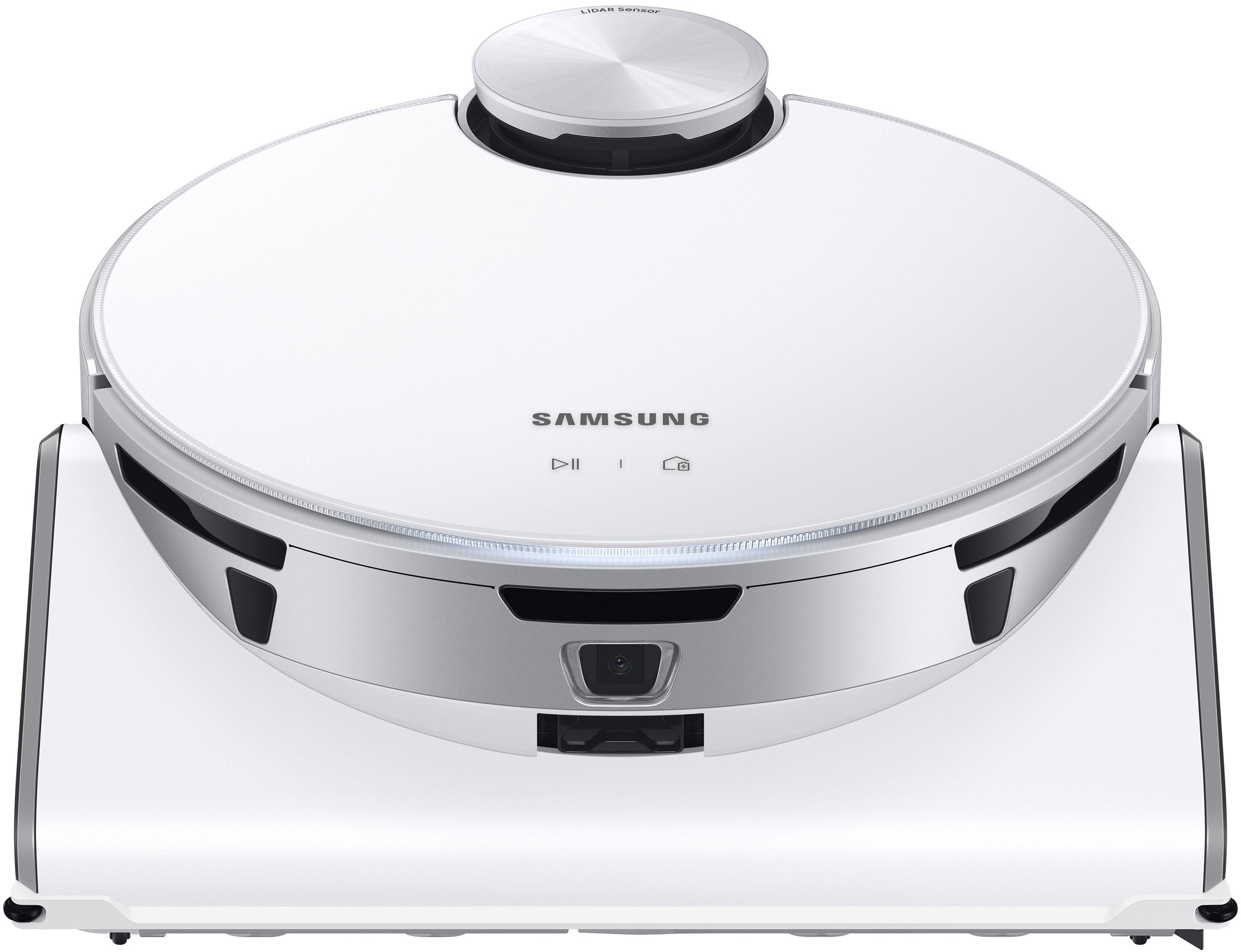
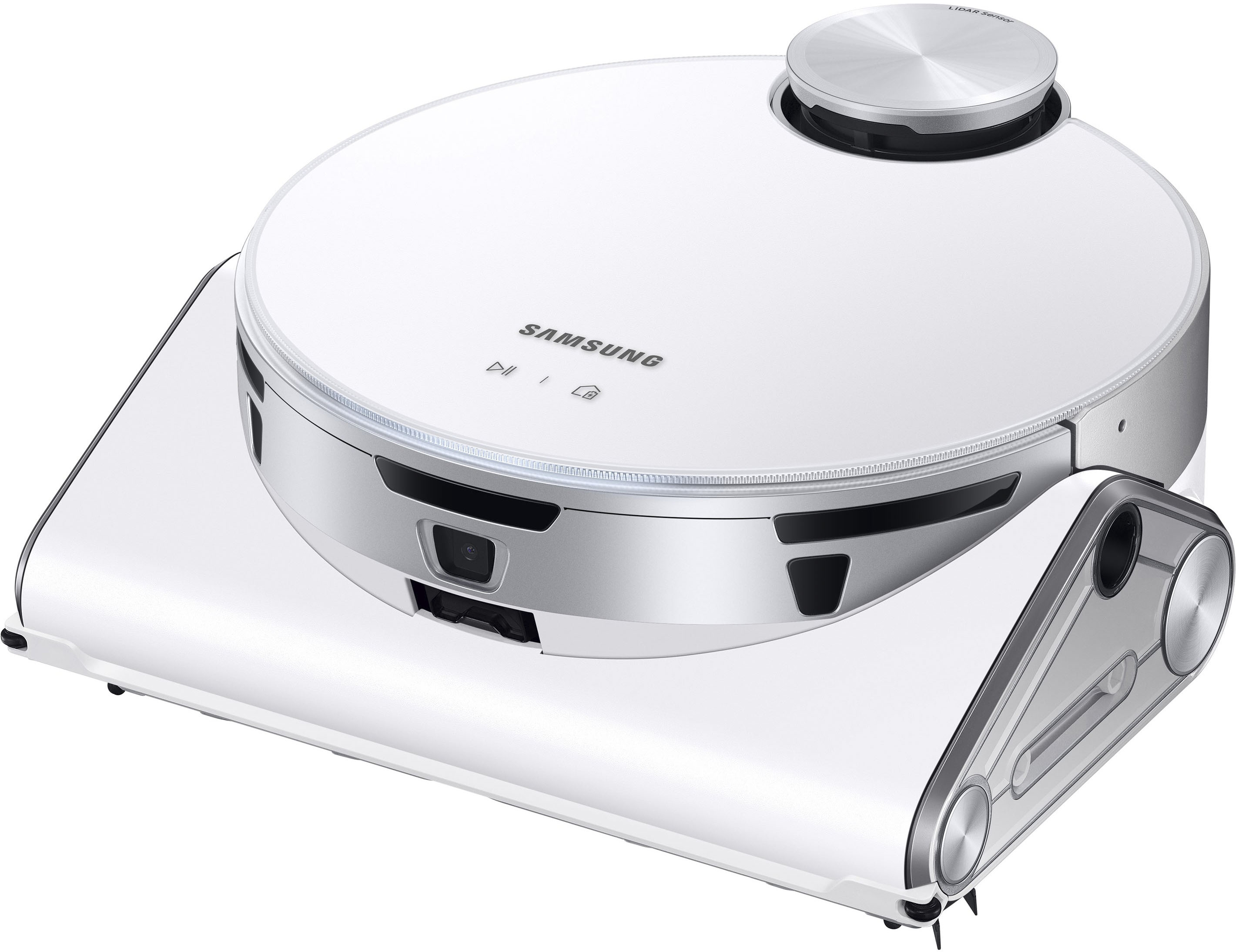
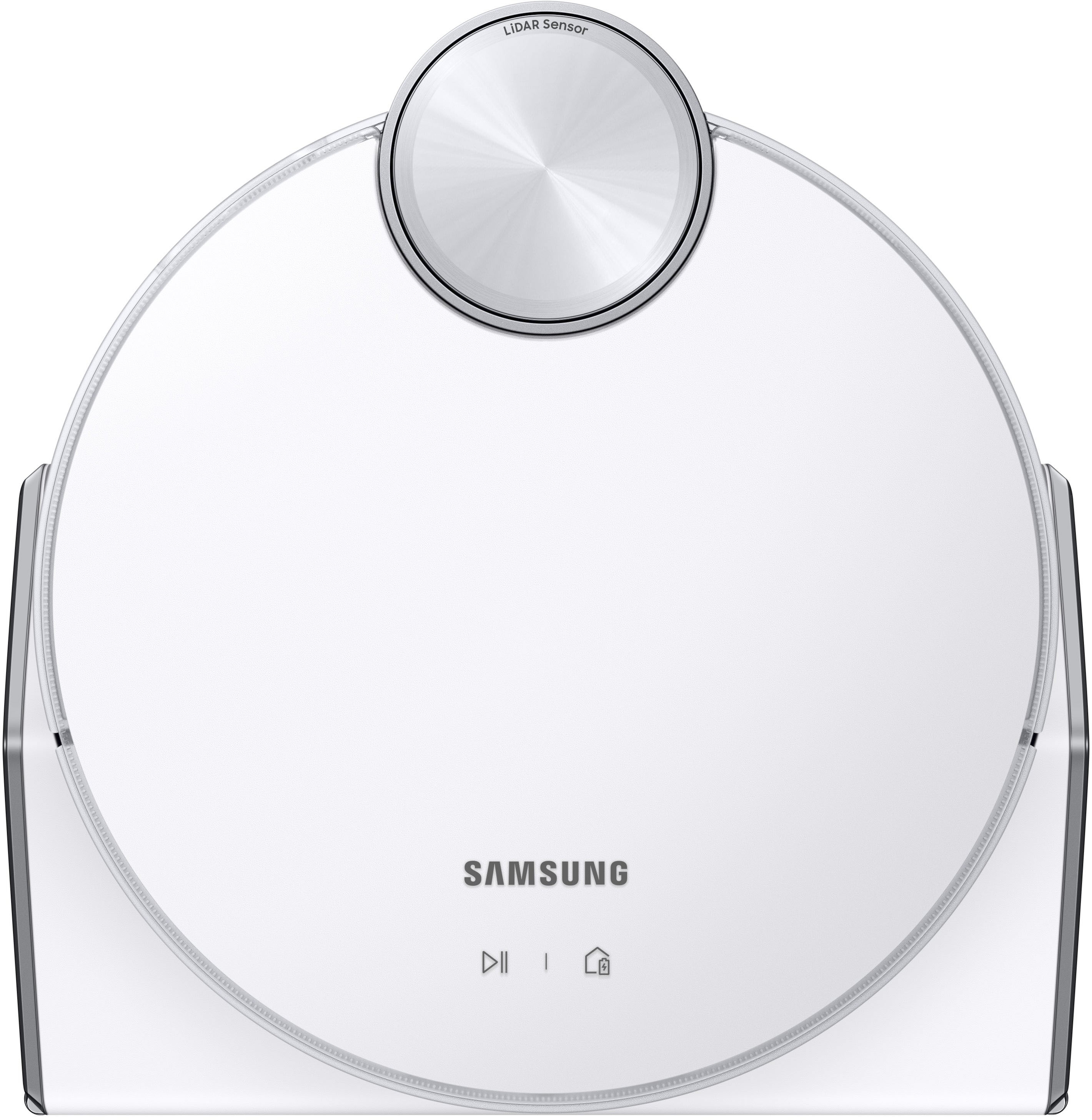
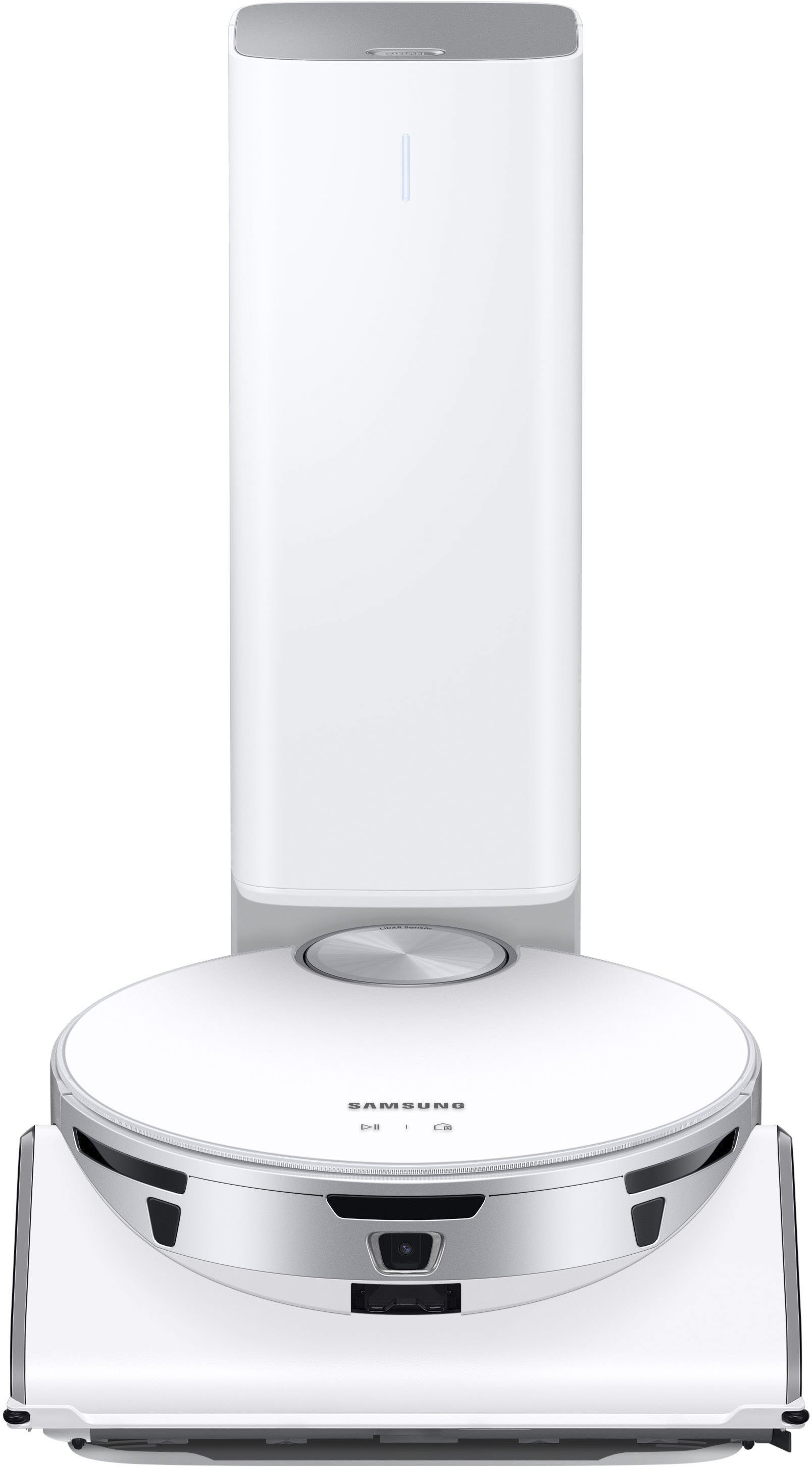
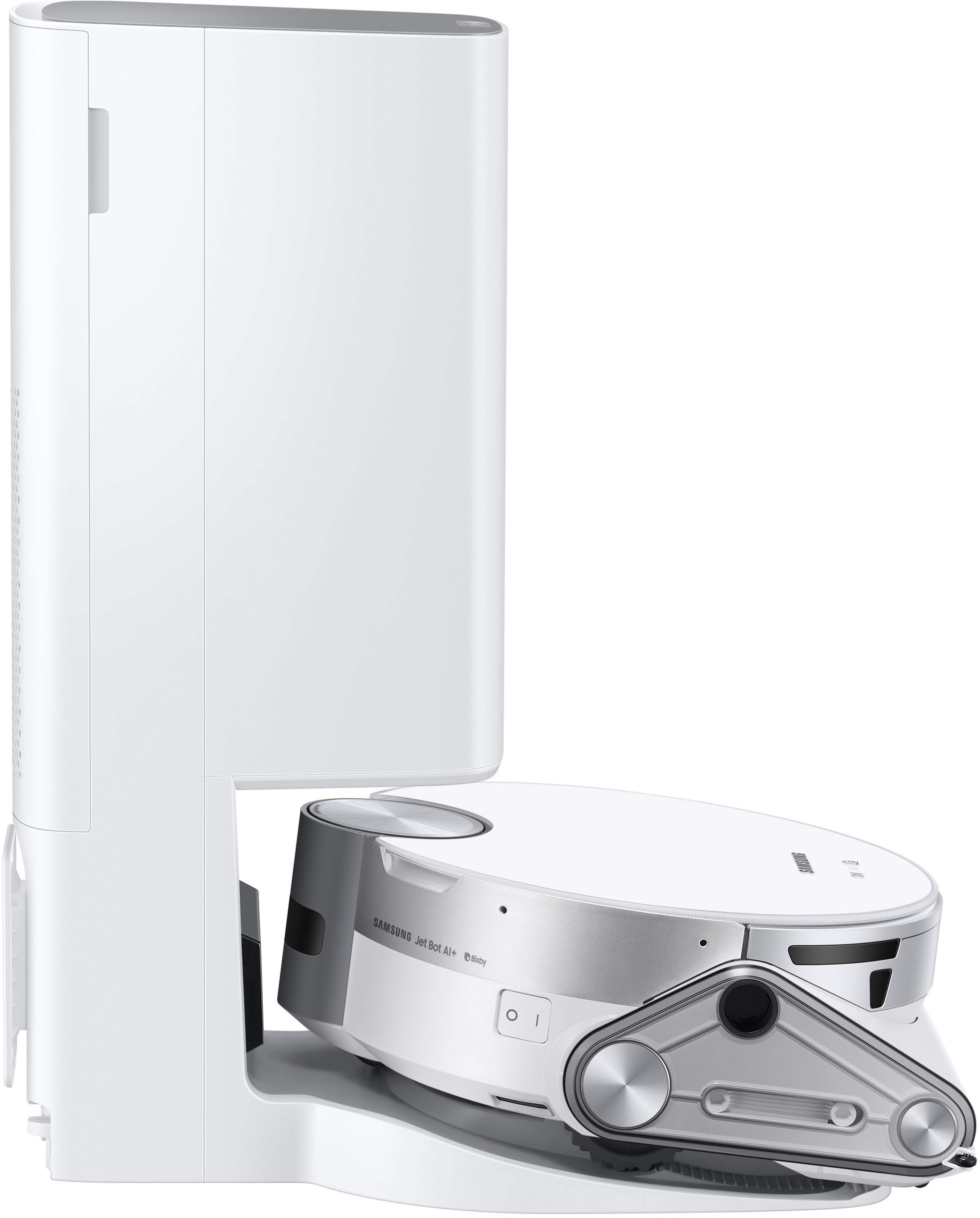
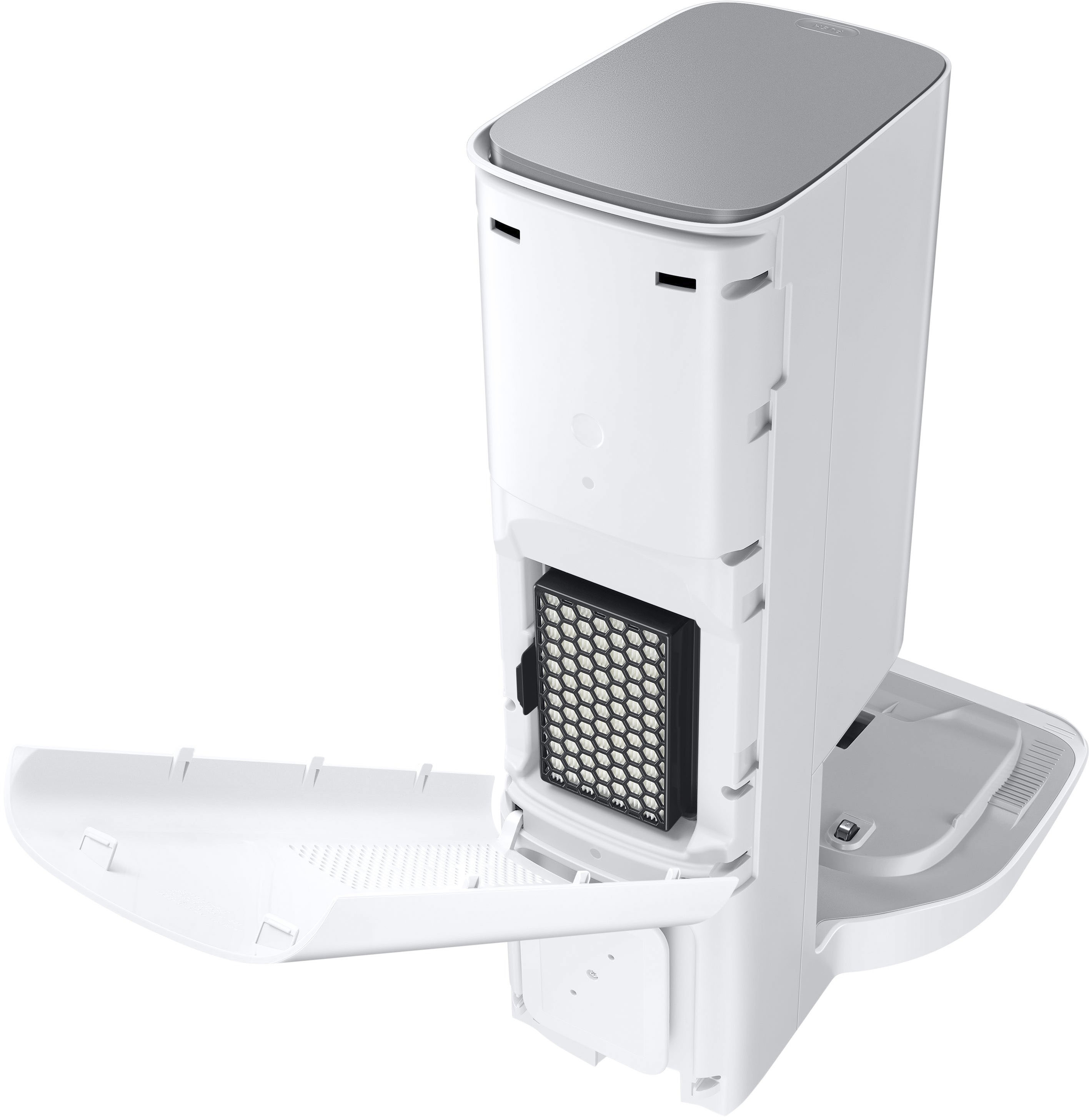
|Posted .This reviewer received promo considerations or sweepstakes entry for writing a review.Review of Samsung - Jet Bot AI+ Robot Vacuum with Object Recognition - White The Robot Vacuum with Object Recognition from Samsung at glance is impressive the package of latest technology put together for the daily home task to clean up the dust. In essence, for navigation use LiDAR sensor to map the area, the same type of sensor used for auto self driving in some brands, and also for Google Mapping. Then it works with object recognition to identify objects and AI to support the task of vacuuming itself. On the actual vacuuming and cleaning, it has 5 layers of filtration, quite acceptable level of suction power, and work on hard floor and carpet. Above description enhance the experience or optimize the house maintaining work by being able to control chewing where to clean, which area not to clean (no go function), real time tracking either remotely out of home, or at home, and scheduling, then for last able to see the report of area covered and duration in which shows date and time stamp. Then for maintenance aspect of the vacuum after the task is completed, it self empty and the dust bin is washable. And as additional feature, it comes with camera for two purpose: first be able to see as it is cleaning where is cleaning, second, as home security monitor, and additional good to have function is find pet if there is one. The video can be downloaded if recorded as side note. There are large number of functionality and hardware that can be described, but going in detail a bit focused on the vacuum on the task of the vacuuming and how it move by itself, four aspects I observed: 1. Used on second floor, without the border or not go zone marker band. As it vacuum nearly the stair, it reach almost to the edge and by itself move away from the very edge where the stair starts. Hence multiple time I was next to it just incase, but never had to touch the vacuum either from falling or stop. 2.Bumping agasint objects alike door or furniture: as it move and approach to the object, noticed in most of cases avoid at all and maneuver enough to be close for cleaning up but not to touch. Some case does bump a bit against but it doesn’t do with all the force of the speed and hitting against the object. Instead it does in quite controlled mode. This is remarkable in a sense that the hardware and its software does good amount of control. Other brand I’ve used, it does almost kind of hitting the furniture and door and can hear from other room. 3. Its sound while working is smooth, although there is some level of noise coming out form the hardware, it is kind of low and but a bit like electric car moving noise. 4. The power suction is more than acceptable level. Vacuuming on the carpet has captured good amount of dust noticeable within the filter. For navigation, it does the mapping and give option via the application to perform it while vacuuming or just map first the area. Then provide option to edit the map and rename/combine/divide room as needed. On how precise is the mapping in overall is close to the actual area, but room recognition is bit off but reasonable enough and need to perform edit. The No Go zone, although I haven’t set it up, and using it as is out of box, it has worked close to well managing which part not to go, like mentioned earlier the very edge starting part of the stair. And as additional cool thing included with video camera. This is really come handy used with in remote mode and need to check on either kids or things via Manual Control. With this is almost like using a drone on the floor version. And I find specially useful for parents with babies from 1 to 5 years old. Now, on parts that I feel it comes short for the price point and what it is with full of latest technology: 1. To use the application, user has to create user account/password. This make one more user id//password to use to all other home things for smart things via mobile device. 2. The video camera doesn’t have capability for sound/mic. As it intend for Home Security, it seems crucial need for the type of usage intended within home while I am away. 3. Filter bag dependency. After the usage, it can’t be emptied, and need to use until it is full and then replace with a new filter. Understandably, there might be some user that prefer to replace as it doesn’t have to do additional work of emptying the filter bag, but for what cost $1,300 wit latest technology didn’t address that aspect of dependency of purchasing frequently the filter bag looks bit shortcoming. 4. Being user that only have this vacuum from Samsung, still its application request for location tracking enablement. I am not sure what it is purpose, but for the purpose of using the vacuum alone, the requirement looks redundant. 5. Charging it from almost zero battery to full charge takes considerable hours. If I am not mistaken it would about 5 hours if I can recall as this writing. As per its specification, cleaning time is up to 90 minutes. But depending on mode of cleaning I observed it end up sometime in the loop between some area having to recharge and continue, and this is were the speed of charging feels to come short. In short, it is not perfect and again it is packed with one of latest technology in the market, and reasonable variety of options to control via application which works seamless with the hardware accordingly. Below summarized specifications: Features - Jet AI Object Recognition & 3D Sensor – Vacuum without picking up objects from your floors, as Jet Bot knows what to avoid. - Clean Station – A convenient and hygienic way to empty your dustbin while trapping 99.999%2 of fine dust. - LiDAR Sensor-Precision Mapping – Cleans your home more efficiently using detailed floor maps controlled via mobile device. - Comprehensive 5-Layer HEPA Filtration – Releases clean airwith an advanced 5-layer filtration system. Filters trap 99.99% of micro dust. - Jet Live Home Monitoring – Set to Patrol mode and monitor status of your home by streaming real-time video to your mobile phone. - Intelligent Power Control – Automatically detects surface types to select the ideal suction power. - No-Go Zone/Select & Go – Maximize efficiency and save time by choosing specific areas to clean using Select & Go. - Live Cleaning Report – Check Jet Bot’s status in real-time using the Samsung SmartThings App.3 Check where it has cleaned, instruct it to pause or stop, and view the cleaning history. - Washable Dust Bin – Keep your dustbin clean, and empty your robot vacuum cleaner with ease.4 - High-Efficiency Brush – Cleans carpets effectively. The high-efficiency brush has fine, anti-static fibers and self-cleaning extractors to avoid tangles. - Jet Cyclone – Enjoy powerful and consistent suction, pulling dust and debris fully into the dustbin and reducing potential clogs. - Cleaning Time – Up to 90 minutes. - Cleaning Speed – Moves at 11.8 inches per second (30 cm/sec). - Sound Level – 72 dBA. - 30W Suction – Powerful and reliable DC motor. - Recharge and Resume – Automatically returns to docking station to recharge, then resumes cleaning until the job is complete. - Cleaning Modes – Auto, Manual, Spot. - Suction Control Modes – Three Control Modes (Turbo, Normal,Quiet) operated by soft-touch buttons. - Li-ion Battery – Provides long battery life and consistent power. Dimensions & Weight (WxHxD) - Product Dimensions: 12" X 43 /4" X 125 /8 " - With Charging Station: 12" X 2011 /16" X 153 /4" - Vacuum Weight: 9.6 lbs - Clean Station Weight: 10.7 lbs
I would recommend this to a friend - Pros mentioned:Battery life, Mapping, Object recognitionCons mentioned:Height, Side brushes
Clean Your Home, and Monitor It Too
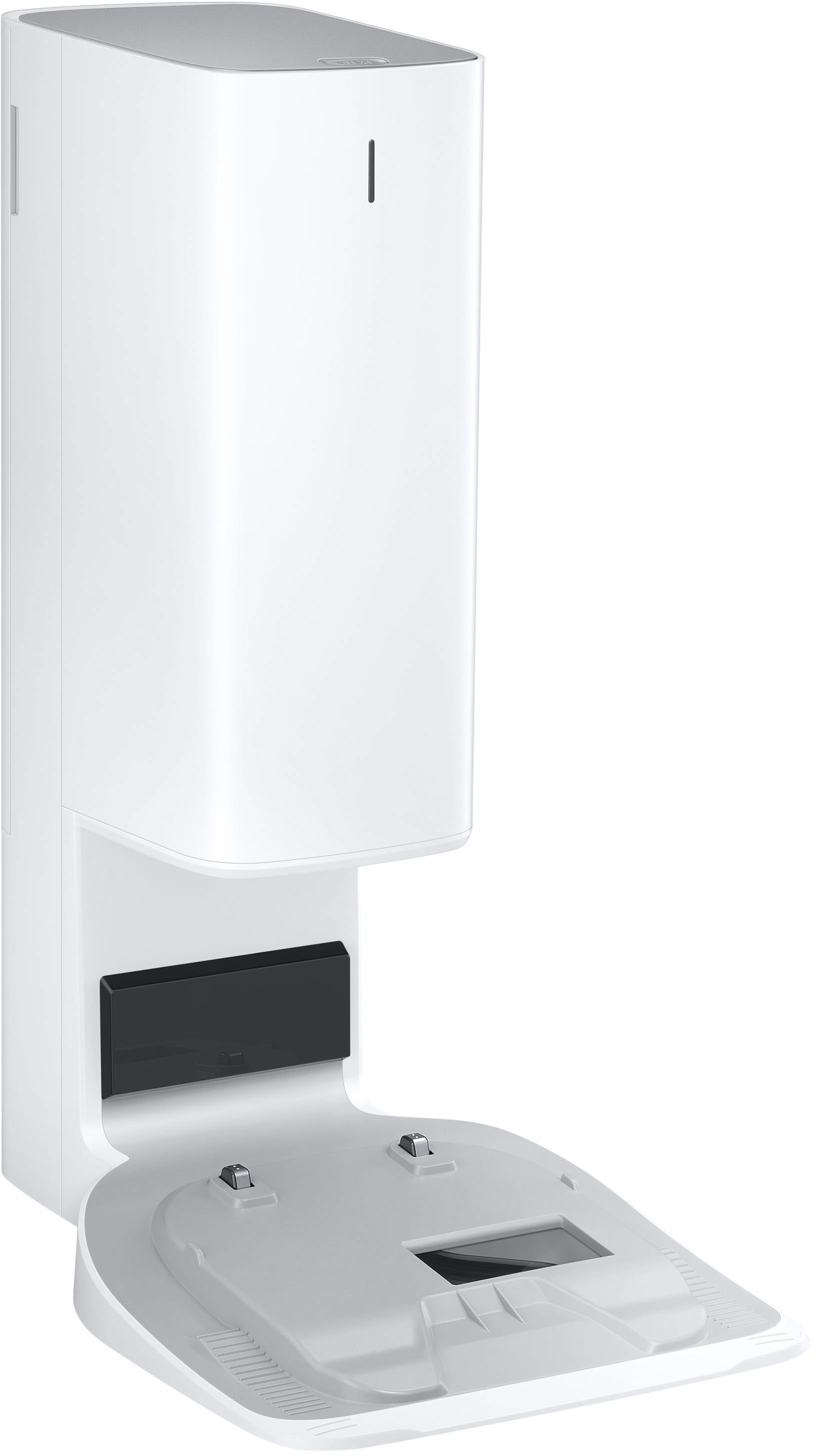
|Posted .This reviewer received promo considerations or sweepstakes entry for writing a review.----- SUMMARY ----- Verdict: In the crowded robot vacuum market, does the Samsung Jet Bot AI+ stand out? To me, it does. Its advanced features like mapping, object avoidance, home monitoring, and self-emptying all work very well, and there’s a high level of customization and control offered in the SmartThings app. Though other robot vacuums I’ve tried had similar features, they didn’t work as well as the Samsung Jet Bot AI+. This robot vacuum delivers on its promises. Pros: - Good object avoidance - Effective cleaning on a variety of surfaces (carpet, tile, wood) - Home monitoring capabilities like live video and motion detection - Clean Station automatically empties the dustbin - Easy maintenance with a washable dustbin - Accurate room mapping Cons: - Too tall to fit under some baseboards and furniture ----- DETAILS ----- Setup: In about 15 minutes, the Samsung Jet Bot AI+ is ready to go. Much of this time is just unboxing. It was neatly and safely packaged in the box. The Clean Station plugs into a wall outlet, and then you place the Jet Bot on it. The Jet Bot has a switch on the side to power it on. Although there is a partial charge already, Samsung recommends fully charging before first use. Once fully charged, you can use the start/stop/pause button that’s on the lid to begin a cleaning job or connect it to the SmartThings mobile app to enable additional features. App: There are quite a few features in the SmartThings app that make the Jet Bot customizable and versatile. I particularly like the map management, home monitoring, and the adjustable suction power and cleaning modes. After the Jet Bot has mapped your home (which it does very accurately), you can edit it in a variety of ways, such as naming or dividing rooms and setting no-go zones for the Jet Bot to avoid. Home monitoring in the app is a cool feature I’ll go into more detail on below. There are three different suction power settings and three cleaning modes to choose from. For suction, you can choose “Max” to constantly use the maximum power, “Smart” to use normal suction power unless carpet or a large amount of dust is detected (in which case it will switch to “Max”), or “Normal” which minimizes energy consumption. The three cleaning modes include cleaning the entire area first then finishing with the wall, cleaning the walls and edges before cleaning the entire area, or moving in a zigzag pattern to quickly clean the entire area. It’s nice to have this level of customization so that the Jet Bot can suit my specific needs. Other features include maintenance notifications, cleaning schedules, cleaning reports, and basic controls like starting, pausing, or stopping a cleaning job. Design: The Samsung Jet Bot AI+ has a unique, futuristic design. Many robot vacuums look the same, so I applaud Samsung for thinking outside the box. It’s easily the best-looking robot vacuum I’ve seen. The one thing that might be an issue in some cases is its size. When the LiDAR sensor pops up (after you send the Jet Bot on a cleaning job), it’s about 5.5 inches tall. That height makes it less versatile than lower-profile robot vacuums. This hasn’t been an issue with the furniture I have but it doesn’t fit under my kitchen baseboards (often leaving crumbs behind). If you want the Jet Bot to reach every part of your floor, I advise measuring your furniture and baseboard height to make sure there’s enough clearance. The lid is held in place by a magnet, and it’s easy to remove when you need to clean/replace the filters or dustbin. On the lid, there are two buttons, one that starts, stops, or pauses a job, and one that sends it home to the Clean Station. Like the Jet Bot, the Clean Station is also quite tall, but it’s narrow, and the white and grey design gives it a sleek look. The height of the Jet Bot and Cleaning Station hasn’t been too problematic for me, but if a compact design is of utmost importance to you, then you might consider other options. Cleaning Performance: With its methodical navigation and powerful suction, the Samsung Jet Bot AI+ cleans exceptionally well. My home has hardwood floors, tile, and carpet, and the Jet Bot sucks up almost all debris on any surface. As a cat owner, hair and litter are my biggest concern, and it handles those with ease. Upon close inspection, I occasionally notice some of the smaller litter particles in between the carpet fibers, but for surface-level cleaning, the Jet Bot is impressively effective and consistent. I like that it operates cautiously instead of obnoxiously ramming into objects and walls. Where I wish it was a little less cautious is the raised transitions between wood, tile, and carpet. It usually pauses for a bit to make sure it's okay to proceed. When it does decide to go, the big wheels make sure it never has any issues. When the Jet Bot empties its bin, be prepared. It sounds like a plane taking off in your home. Thankfully, it lasts for less than 30 seconds and always does a great job emptying the entire contents of the bin. I haven’t had to manually clear any clogs yet. The Jet Bot itself is reasonably loud while cleaning, so I don’t find it distracting. Home Monitoring: One of the really neat features of the Jet Bot AI+ is its ability to patrol your home. It’s fun to use the virtual joystick in the SmartThings app to manually drive the Jet Bot around and check on things (usually me seeing what my cat is up to). Using the map, you can automatically send it to a particular room as well. The live video feed is remarkably clear, so it truly is an effective home monitoring tool. If you’d like the Jet Bot to monitor while you’re away, you can schedule it to check up to five different spots as frequently as once an hour. If any motion is detected, you’ll get a notification. It might not be as effective as a security camera that’s constantly on, but I’m happy to have an extra layer of security, plus the fun of driving it around. Battery Life: At full power, the Jet Bot can last about an hour. If the battery runs out during a cleaning job, it will return to the Clean Station, recharge, and then resume. I generally have it clean all the rooms on the main floor of my home (roughly 1,000 sq. ft.), and it completes the job without needing to charge. One hour of battery life isn’t the best on the market, but it’s suitable for small or medium-sized coverage. Maintenance: Robot vacuums are supposed to be convenient, but the maintenance steps aren’t always that way. Thankfully, the Jet Bot has a fully washable dustbin for easy maintenance. Removing and emptying the dustbin is simple, then you can just rinse it with water and let it dry. The fine dust filter (separate from the dustbin) isn’t washable, but you just shake it over a trashcan to clean. Samsung recommends changing the fine dust filter at least once a year. Each sensor can be gently wiped with a soft cloth as needed. The most difficult part to clean is the brush because hair can get tangled, but that doesn’t happen too often or seem to significantly impact performance. The design has self-cleaning extractors that grind up hairs to avoid tangles around the brush. ----- WHAT’S IN THE BOX ----- 1 x Jet Bot AI+ Robot Vacuum 1 x Clean Station 2 x Dustbag 2 x Pre-motor filter 1 x Roll of boundary markers 1 x Power cord 1 x User Manual
I would recommend this to a friend Kurby the wonderful I bot
||Posted . Owned for 1 month when reviewed.This reviewer received promo considerations or sweepstakes entry for writing a review.we love this amazing creature his name is kurby.he likes to knock down crutches and brooms but picks up his mess lol he was worth the money i haven't sweep in weeks
I would recommend this to a friendBetter than expected
||Posted . Owned for 3 weeks when reviewed.This reviewer received promo considerations or sweepstakes entry for writing a review.Better than the first version of Samsung vacuum. It’s AI is on point and gets the job done with 5 stars !! It is very much worth every penny and will last for many many years !
I would recommend this to a friend- Pros mentioned:Battery life, MappingCons mentioned:Carpet cleaning, Side brushes
Jetbot for the Win-But Room for Improvement
|Posted .This reviewer received promo considerations or sweepstakes entry for writing a review.Overall The Samsung Jet Bot Ai+ is an advanced feature rich robo vacuum. With various sensors scattered across the front and rear and push sensors along the front and sides of the vac, it handles navigating your space with little trouble. It pairs with the SmartThings app for both commands and customization options as well as both Google Home and Amazon Alexa for voice operated control. On top of its navigated cleaning, it combines to offer a security sentry mode. Give it a schedule while at work, and should it see a person while it’s running on its schedule, it’ll immediately let you know. That said, it suffers with navigation and is easily confused. Sentry mode feels more of a marketing gimmick than a real feature, in particular, piloted sentry. It isn’t as thorough cleaning as other bots I’ve owned/tested. The lack of side brushes leaves some debris along the walls. Features The Jet Bot comes with an impressive suite of navigation tools. A first run reveals it’s impressive mapping features. Circling around a room reveals its depth of view and it’s accuracy in mapping capabilities. Forgot a box on the floor? The Jet Bot will accurately map around it, whether or not you’re on an initial flooring scan or during a cleaning routine. During a cleaning routine, the box will be a temporary fixture in the floor plan and will disappear on next run. Once you’ve got your floor plan mapped, you’ll unlock map customization options such as no-go zones, furniture designation, and room layouts. Modifying rooms allows you to group or divide areas of your home into logical spaces and groups. Prior to your initial scan, if there’s a space that you do not wish for the bot to enter and you do not wish to use a barricade or door to prevent its entry, you can lay a roll that comes with the bot to mark that space. The sentry feature can be activated during a cleaning cycle which allows you to view from the drivers seat as the vac does it’s thing. Alternately, you can remotely control it to another area and when disconnected the bot will resume its cleaning task. Performance Cleaning comes with several options. Max, smart and normal. Smart blends both and decides its own suction power. It allows choosing its cleaning methodology from area + walls, walls + area, or area clean. Once on a cleaning routine, you may assign it to the entire space, specific rooms, or spot clean. Navigating across multiple surfaces such as carpet, tile, and vinyl proved to be a simple task. As it cleans, it’ll mark any obstacles it encountered on its path. So far I’ve only seen it label “Toy” “Sock” and “Cord”. One of the odd instances of it’s labeling is naming the kitchen cabinets “Sock”. Only the corner of the kitchen however. Battery life seems to go well over 2 hours using the smart option. Once finished cleaning, t returns to the charging base and empties the trash bin automatically. Issues This one in particular isn’t an issue and more of a distaste. I’m personally not a fan of the Smarthings app. After being a user for 4+ years I’m ready to move off to another solution. The constant lag and ongoing problems with the platform have pushed me away, connecting to the bot introduces this lag. Directly related to the vacuum, the Jet Bot seems to easily confuse itself. In a perfect home, where nothing ever moves you may never see it. But if you have pets or frequently move things around your home, you’ll likely experience this. In my experience, the objects to have caused this range from balls (basketballs, yoga balls, soccer balls, etc) to indoor pets and people. With balls, even if stationary, the bot will bump into them causing them to roll. This same procedure has caused it to lose its way and end up in a no-go zone in a bizarre occurrence. In this particular instance, a room labeled no-go zone with a partially closed door. I can only assume that it sensed the door and tried to follow the edge as a wall. As a result began opening the door venturing in and before realizing ended up within the no-go zone. I only came to realize the issue after it began yelling “I’m stuck in a no-go zone”. Remote controlled sentry seems to lose power at the wheels. While vacuuming, the bot has no issues navigating from tile to tile or over carpet. But the second I begin controlling it, the bot gets stuck in just about every single tile separation or uneven surface. This mode seems literally useless in my home. The final issue stems from it’s inability to finish cleaning most of the time. I seem to have to dock it 9 out of 10 times as it seems to just go back over the same area. Looking back at the map in smartthings, it seems to have completely cleaned every area is can travel over. Conclusion Samsung's Jet Bot Ai+ has been a game changer in my home. Despite it’s flaws, it can clean what I need really well. I further suspect that all of these issues can eventually get resolved through updates.
I would recommend this to a friend - Pros mentioned:Battery life, Mapping, Noise level
More than a vacuum - great mapping and battery
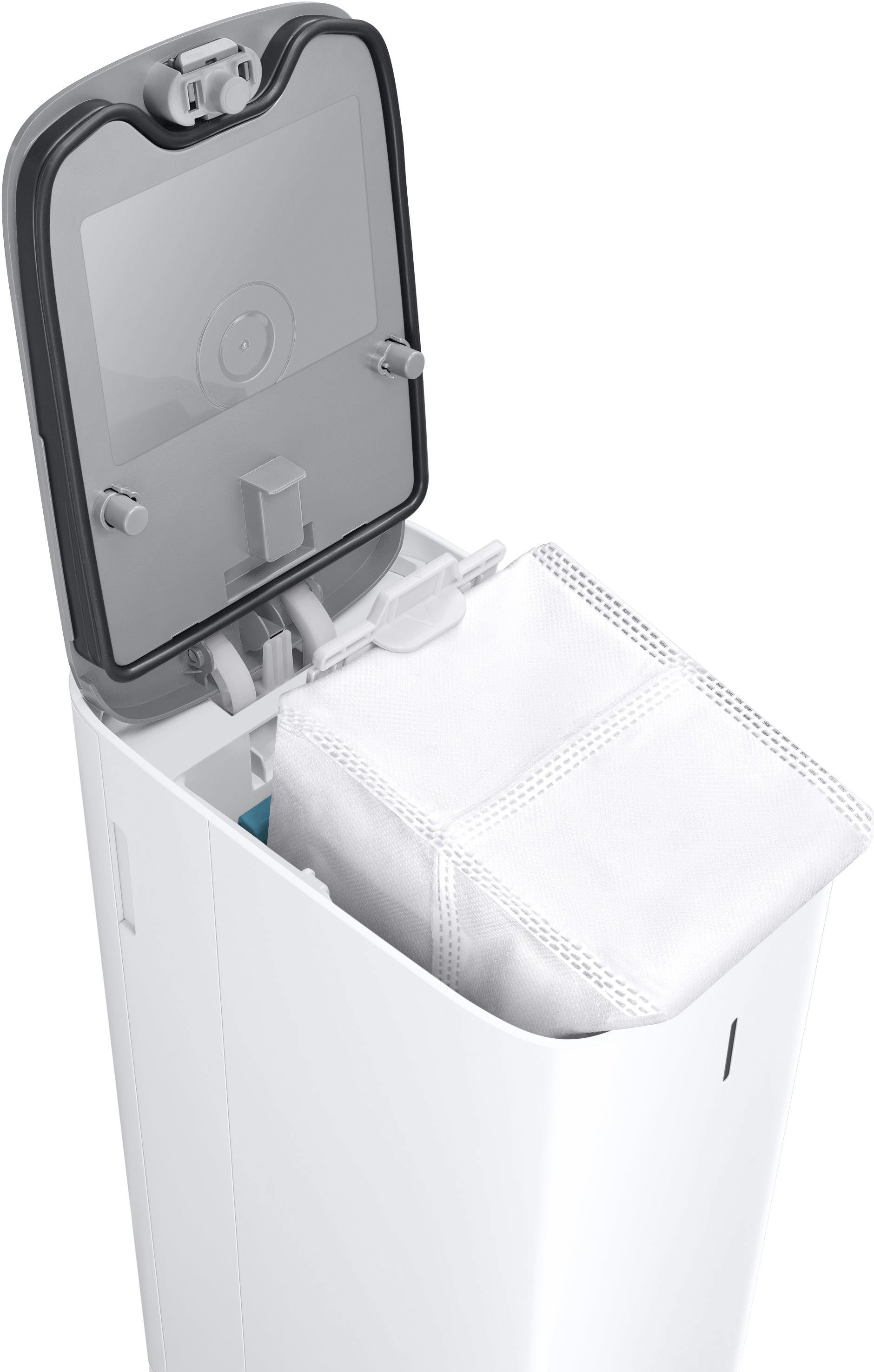
|Posted .This reviewer received promo considerations or sweepstakes entry for writing a review.The Samsung Jet Bot AI+ is more than your standard robot vacuum. The Smart Things app allows you to see in real time how the Jet Bot is actively mapping your house, where objects are detected, and even what objects it thinks it’s found. Beyond normal robot vacuum sensors, the Jet Bot AI+ has a normal camera as well that can be viewed remotely through the Smart Things app. It also integrates with other home automation if desired, with the ability to turn the sensor on the vacuum while docked into a security alarm sensory that will start recording video and provide and alert if motion is detected while on the charging station, while the security mode is active. The camera can be activated remotely, and the Robot can be “driven” around, if for instance you needed to check something out while you were away from your house. When turning on the camera for viewing, the Robot does announce loudly that a camera has been activated, so while I had some privacy concerns initially, those are fairly mitigated now. MAPPING As far as the mapping itself, the app shows you a complete view of your house that has been mapped, including where your robot is currently. This makes it easy if you want your robot to focus on or avoid a certain area. You can even select “table” and have it vacuum around the table, perhaps after the kids finished a slightly messy meal. I ran into one instance where the robot sucked up a balloon string, and I got an alert indicating there was a problem, in addition to the actual robot announcing loudly that it needed help. I ended up moving the robot to my kitchen counter to remove the string, and after I set it back down, it spun around in circles for half a minute saying it was “identifying its location”. From there, it continued vacuuming and successfully found it’s way back “home” to the charging station, which I found very impressive relative to my previous robot (which is admittedly quite old at this point). Overall, 10/10 for mapping. BATTERY I can’t tell you how impressed I was with the battery! I’ll include a screenshot in my review showing the mapping and remaining battery, but after operating for a full hour and a half, vacuuming and mapping my house, there was still 31% battery left, even with me remotely turning on the camera for part of that time, which I imagine increases battery consumption somewhat. The next cleaning completed in under an hour, so I have no concerns about it’s ability to clean my whole downstairs in a single charge. Overall, battery life 10/10. PERFORMANCE One of the most exciting features of the AI+ is the self-empty into the large base bin. My previous robot saw little use after a while because I got tired of emptying the small container. I felt like if I was going to have to dirty my hands, I may as well just use a full size vacuum. I know the empty station isn’t unique to this model, but it’s my favorite feature. The robot itself was a little louder than my previous robot, but using it downstairs while upstairs wasn’t a problem. Once, my baby was going to sleep in the room above being vacuumed and still managed to fall asleep without any problem, so while it’s loud enough for my wife to comment about it, it’s not so loud that it’s truly disruptive. As far as how much “stuff” it vacuums, that’s one place where I feel Samsung could do a better job in showing off in the app. Because it empties itself, I really have no idea how much stuff it picked up and emptied into the base station, and there’s no indicator as to how full the base station is. The base station uses a vacuum bag to collect everything that is deposited, which I was a little disappointed with and hadn’t realized initially. I kinda thought vacuum bags were a thing of the past and don’t like the idea of ongoing product costs. I would love to see a bag less option developed in the future that would also give me a better idea of how full the base station actually is. I’m assuming my robot will tell me when the base station is full, but i like to have a better sense of how much is being picked up in each use. Overall, I give Performance 9/10, simply because I can’t tell how much is actually being picked up. I had high expectations of the Samsung Jet Bot AI+, and have overall been very impressed with the robot overall, in most cases having my expectations exceeded. If you are in the market for a premium robot vacuum, this is definitely a top contender. If you already have a smart home with Smart Things integrated, it becomes a no-brainer.
I would recommend this to a friend - Pros mentioned:MappingCons mentioned:Height
Smartest Robot Vac I've Had
|Posted .This reviewer received promo considerations or sweepstakes entry for writing a review.This Samsung Jet Bot is now my 3rd robot vac, my last being one of the more recent offerings by one of the main players in the robot vacuum space. And after using this for a few weeks now, is easily the best and smartest robot vac I've had by far with some really awesome features. Setup is pretty straightforward and easy, especially with the Samsung Smart Things app. Just find a good spot for the base, plug it in, place the vac on it, get it connected to your home network through the app and then let it fully charge. Once charged it's time to let it map your house, and you won't believe how fast it does so! My last robot vac, again one of the higher end competitor models that was just released not even 10 months ago, so not exactly old, basically had to do a full run of the entire house to get the initial map. This Jet Bot though just rolled out, scanned around the room a little bit, moved over to another area, scanned around some, moved to another area, and finished mapping in literal minutes! What was really cool is watching the Smart Things app as it does so. You literally see a map of your house build in real-time as the Jet Bot takes a quick short trip around your house just looking around. Then it's time to clean, and again the Jet Bot shows how smart it is. Whatever algorithms it uses to determine the path it takes to clean is very well laid out and efficient. Even my previous, again still fairly new, robot vac would go over the same area multiple times and didn't always seem very efficient. Not the case at all with the Jet Bot. Add in the use of the app and you have really great control over what the Jet Bot does. You can send it to specific rooms or even spots within the rooms to clean, or tell it to clean the edges only, and set no-go zones. And speaking of edges, the squared shape on the cleaning end fixes one of my long-standing criticisms of the typical old round vac, and that allows it to really get the edges and into corners. Although I'll admit I don't know how I feel about the 'tank' like look of it and it is taller than the other vacs I've had so it needs a higher clearance to get under things. It has pretty good obstacle detection but what's really nice is you can set the sensitivity within the app. At its most sensitive setting, it was tagging small tufts of fur from my dogs as an obstacle, not good in my case since that's exactly why I need a robot vac. Just a quick change of the setting though in the app and problem solved. Once done cleaning it heads right back to the base where it empties itself out. Having 2 big dogs in the house this is an absolute must have. Without it there were times my old vac wouldn't even finish one full house cleaning without having to be emptied. Because of that we didn't run it as often as we should. Now with the Jet Bot we stay more on top of it since even if we're not home we don't have to worry about it not finishing the job. This takes me to one of the coolest features there is, the camera. But not just the camera, also the app and what you can do with it. The other day we were visiting family and telling them about this Jet Bot. Then we said, let's check in on our dogs. So we opened up the Smart Things app, told the Jet Bot to go to the spot they usually lay at when we're gone (by the back door to the garage lol) and turned the camera on, and voila! we had a perfect view of everything the Jet Bot was seeing and then it got to our dogs and we were all watching as one of them raised their head wondering what this vacuum (which our daughter named Annabelle) was doing. I really don't have much in the way of negatives regarding the Jet Bot. It is hands down the best robot vac I've ever had.
I would recommend this to a friend - Pros mentioned:Noise levelCons mentioned:Height
Disappointing
|Posted .This reviewer received promo considerations or sweepstakes entry for writing a review.I really, really wanted to like this robot vacuum. I have a Samsung phone and TVs and think they're the best, but this robot was disappointing in one important way: It doesn't clean the edges of the room. I made sure I had the settings correct which are to avoid large obstacles only and clean close to the edges (as opposed to staying 1cm away according to the manual, or 20mm according to the app). I focused on repeatedly testing a roughly 65 sq ft entryway area that gets a lot of people and pet traffic. The cat hair "tumbleweeds" build up fairly fast, and there is almost always a scattering of litter around the edges. Time and again I ran this robot and it left a significant amount of debris around the edges, though it did clean the center parts fine for the most part. After it finished and left debris, I'd run my older robot vacuum (with the spinning brush on the side) on the same area and everything would be clean. While there are other features of this robot that are really cool and I like, first it has to actually do the cleaning job. I'm sad to say it just isn't doing the job for me. However, if you overlook that, I do love that it runs a lot quieter than other robot vacuums I've used. I also like the soft roller brush that it uses and I think that potentially cleans better on the hard surfaces than the rubber or other kinds of rollers commonly used. I just wish they'd opted to keep a spinning brush on the side to clean right up against the walls. I also like the capability of watching the camera view while it cleans, or even taking control and driving around. It seems like such an obvious feature to have with any robot that uses a camera, but as far as I know the Samsung is the first. This feature alone might make me keep it plugged in so I can check the house remotely as that could be useful at times. I like that it uses voice announcements by default rather than cryptic tones. You can still configure it to use tones (or turn that off completely) if you want, but I like hearing what it was doing such as "avoiding an obstacle" rather than trying to guess what the tones meant. It also did a good, quick job of mapping out the rooms. You can then select specific rooms for a cleaning job. Other LiDAR robots can do their cleaning in the dark, but since this one uses a camera for obstacle avoidance I guess you still need to keep the lights on. And it was actually very good about avoiding obstacles--almost too good. I had to increase the obstacle size avoidance from small to medium objects before it would drive over a Ruggable rug to clean it (with a thin pad, these rugs are very thin and other robots have paid no attention to them). One other negative for this robot is that it's about twice the height of other robots. So even ignoring the edge cleaning issue there are places, like under quite a few pieces of furniture, where this robot can't go and other robot vacuums can. Given it's obstacle avoidance features, it might not attempt to go under even if it would fit. Other robots seem happy to zip right under the sofa and chairs, and I'm happy to have them pick up all the cat hair that accumulates there. In summary, there are a lot of things to like about this robot. Unfortunately, the main reason for having one is to clean and that was just slightly out of reach for this frosty little guy. For the price, I'd have to recommend going with another model or brand.
No, I would not recommend this to a friendBrand response from Samsung
Posted .Hi Scott C,
We apologize that your experience with the vacuum was less than ideal. We appreciate all observation that helps us understand how to improve our products and services. Thank you for taking the time to leave this review.
To use the Corner Clean function. Please ensure the vacuum is running on the "Smart" setting; here are some notes for consideration:
-When an obstacle made of reflective material is in front of the wall
-When the wall itself is made of a reflective material
-When the wall is a dark color
The Corner Clean function does not work. on page 42
https://downloadcenter.samsung.com/content/PM/202112/20211220170649750/EN/1_VR9500_EN_00846B-00_AA.pdf
The Jet Bot cannot pass over a carpet with fiber longer than 2 cm.
When the Jet Bot cleans a carpet with short fiber and bright color, it may recognize the carpet as a floor, and then the Intelligent Power Control function may not work.
Should you need more assistance, please feel free to get back to us via the following options:
1. Facebook Messenger: http://m.me/Samsungsupport
2. Twitter: https://twitter.com/messages/compose?recipient_id=18768513
3. Samsung Community: https://us.community.Samsung.com/t5/Samsung-Community/ct-p/us
Please provide them with this number (1144892964) when you message us to help our team pull up your information.
Have a great day.
^Charles
- Cons mentioned:Height, Side brushes
A tale of 2 units
|Posted .This reviewer received promo considerations or sweepstakes entry for writing a review.I wound-up testing 2 units as the 1st one was replaced by Samsung when it failed multiple times to complete a run due to varying issues. I contacted Samsung through Best Buy and they sent a replacement. So, the following review is for the 2nd unit. This unit is performing better and while there are software and navigation issues (seems to get better every run so maybe it is continually learning) it performs well overall and I do recommend. Unpacking was easy enough. Just plug in base and turn on vacuum and place in base to charge. While charging I installed Samsung Smart Things app and it walked me thru adding vacuum to app and connecting to wi-fi. The robot seems sturdily built but does not look like any other that I have used/seen. To me it looks a little like an army tank and is a bit taller than other units (didn’t fit under some of my cabinets) and has no side brushes for edge cleaning. I mapped the house, and it was 80% correct. Unfortunately, it had mapped several rooms together and app would not let me “split” them – repeatedly receiving error that room was too small, or it did accept the split but never actually applied it to the map. So, I ended up with an incorrect map that I could not correct. I was able to add a couple of no-go lines, which worked fine as did renaming the rooms. When setting up a cleaning all the rooms are pre-selected. To select/deselect a room you just tap. If you swipe up there are settings options where you can adjust cleaning mode, setup a schedule, edit map, review prior cleanings with run time, areas cleaned, etc. It is relatively quiet regardless of cleaning mode selected – it changes suction dynamically depending on surface it encounters/determines. Brushes and suction is supposed to create a cyclone effect to help insure clog free cleaning. While cleaning you can access the map and it shows you real-time where robot is, how it is moving, where it has cleaned and battery life remaining – which is nice. Having a built-in camera is a unique feature and allows you to sneak a peek as its cleaning. One of my grandsons is totally enthralled with these vacuums calling them “deebots”. He got a huge kick out of watching it run around the house while cleaning, but it does eat into the battery time. Having the ability to use as a motion sensor while on base, is a somewhat gimmicky option to me and one I cant see me using. Cleaning/navigation has some issues; Occasionally cleaning the same open area over and over – like it didn’t know where was. Occasionally getting stuck under dining and bar chair legs, sometimes moving the entire chair trying to get out. Somehow it managed to close the door of a bathroom getting trapped inside – never had that happen before on one run. Turning over small rugs and getting stuck or not cleaning that area. However, the latest run it didn’t have any of the above issues and completed cleaning with no drama after 1 re-charge. I wonder if it continually fine tunes the mapping getting better each run? Edge cleaning is okay, but I think suffers from not having side brushes. Due to its size, it didn’t get under all the cabinets or if it did it would hit the top of the drawers/doors and jog out, missing little areas while edge cleaning. In looking at the completed cleaning map it indicates where it encountered obstacles as well as “naming” them. It gives you the option to re-clean these areas after picking them up of course. It repeatedly indicated multiple obstacles not one of which were correct (all were furniture) except the funniest one indicating a pet mess in our master bathroom – as we have no pets, but we do have dark brown rugs there. So, there’s a bit of work to do here as well. Robot is easy to open and remove dust bin which is fully washable. Brushes are easily removed and cleaned as well. Filters are all washable and it came with an extra pre-motor filter as well as boundary markers. Base unit does a very nice job of emptying the vacuums dust bin leaving just a very fine dust. Base came preinstalled with dust bag (extra one was provided). You can choose to have voice messages and can control volume. 1-year limited warranty but when I registered the replacement unit on Samsung site 7/6 (received 7/1) it stated warranty would end on 1/31/2023. I could not find anywhere to adjust the date. I like the vacuum/base design/functionality and the real time mapping but warranty date expiration, not being able to update floor map dropped it down a star. I have been lucky enough to test several robot vacuums from several different manufacturers over the last few years and surprisingly most have had similar software/navigation issues initially – but over time most were resolved (including my Samsung powerbot R7065 from 2018). Hopefully this units’ navigation/map issues will be solved by upgrades too. At this price point I would have hoped for better initial quality/testing, but, overall, I think the positives outweigh the issues and I do recommend. BUT there is a LOT of competition out there.
I would recommend this to a friend - Pros mentioned:Object recognition
AI at its finest!
|Posted .This reviewer received promo considerations or sweepstakes entry for writing a review.I have had my fair share of using robot vacuums and Samsung finally has gotten it right. Samsung took out the guessing game for vacuums. This bot is smarter than your average robot vacuum. When I first received this product I was confused by the name “jet bot”. At first I thought bot was a vacuum and a mop do to the name but this is not true. This is only a vacuum and the name jet is more for its speed. Setup was easy and quick. The base is narrow but tall. You really don’t need to physically set much up. Remove all the plastic shipping material and protection from the base and bot. Then plug the base into an outlet, insert one of the two provided vacuum bags in the base, flip the machines power button on, and then set the bot on the charging base. After that everything for setup is complete through the Samsung smart things app. I would have to say it probably took about 30+ minutes for setting everything up through the app and then updates. It’s not bad as you have to wait for the bot to fully charge anyway. This bot is packed with the latest and greatest. It’s equipped with Intel and artificial intelligence. AI is here and wow does this bot present it in a true and reliable way. The bot is packed with sensors, cameras, and LiDar. The camera is located on the front of the vacuum and it actually will identify objects of avoidance and place them on the apps map. For example it identified my dogs bowls as cups/plates and the cables under my desk. It will remember these objects in the future to help with avoidance and getting caught in cables or hitting the dog bowls. It does this by moving a little slower when near the object to not bump into. The camera is also accessible through app and you can see what the vac sees. The best part is in the camera section of the app you can manual drive the bot around and view what the bot sees at the same time. You can do this anywhere in the world with your phone (you don’t have to be on the same wifi network as the bot). This is perfect for checking up things while away. One time I was at work and the bot identified that there was pet waste in the middle of my floor. I urgently used the bot to drive over and view it thinking the bot ran over and dragged dog droppings all over. Luckily it was just a dog bone. Once I saw that I just clicked the home button and the bot returned home. I even closed the app while it was going home because I knew it would get back on its own. The LiDAR sensor is what makes this bot a game changer. before the vacuum begins a round circle pops up from the top. It only slightly pops up. But what’s in their is the LiDAR sensor turning super fast which analyzes and creates a 3d image of your home for the device to understand where it’s at. In short, using this LiDAR the bot is able to make an accurate map of your home and precisely navigate/vacuum your home. This bot is so good at getting around everything. It almost never has gotten stuck. It goes in between chair legs, tight corners, behind the couch and never gets stuck. It only got stuck once and that was in the bathroom in a spot that is pretty tricky but it actually got itself out after awhile. So the bot knows what it is doing. Once the bot is done cleaning it will go back to the base quickly and not run into anything. It goes right on the base the first time and doesn’t need to keep retrying like other robotic vacs that I have had. Once docked the base sucks everything out of the vac and into its vacuum bag. My only dislike I have is that I wish I had a bigger battery and waste bin. I have it vacuuming almost 1,400 square feet and it will be near completion but needs to stop to recharge and empty the waste bin at the base. Even though it may have enough battery left it will wait till it’s fully charged before resuming. What’s nice though is that it will resume right where it left off. The app is packed with features. You can setup virtually boundaries with as many as you like. No more strips that you have to lay out to block the vac ( however it does come with one strip just in case). The virtual boundaries work amazing though and I have had no problems with them as they always stop the bot from going where I blocked it. The map is so good and the bot auto makes room due to the the LiDAR Scanner. However I did have to make my living room into one as the bot thought it was two different rooms. The app allows you to combine and split rooms as needed. You can also rename rooms from being number to names like kitchen, dining room, etc. scheduling is very easy to use and works well. Finally, the app allows you to do spot cleaning where you can drag a box to a specific location on the map (you can make the box smaller or larger as needed). You can also select or deselect rooms that you want cleaned which works with scheduling as well.
I would recommend this to a friend - Pros mentioned:Object recognition, Suction powerCons mentioned:Height
Too tall to get under most furniture. "AI" is OK.
|Posted .This reviewer received promo considerations or sweepstakes entry for writing a review.The biggest problem with this unit is that it is physically tall. A Roomba device is short enough to slay the dust bunnies under most couches and chairs. This unit is tall enough where it will not even TRY to go under a sofa. Another issue is the availability of spare parts. If you get a Roomba, every part that is subject to wear (wheels, motors, brush rollers, battery, etc.) is easily ordered and can be replaced in minutes by the owner. I went to the Samsung store site, and you can only get filters and bags. If the motors or battery wears out, you are likely intended to take this to some sort of service center. However, other than those two MAJOR drawbacks, the technology is rather impressive. The laser scanner works well, and the unit can quickly map out an area. Object recognition is a nice feature, and it avoided objects, doing a good job of identifying them. The object that it identified as "pet waste" was actually a dog toy, but from the color and shape, I can understand the confusion. So I am fairly confident that this will avoid actual pet "accidents." The suction power seems decent and it actually does a good job on carpet as well as bare floors. I did notice a bit of strangeness with the "AI." When I first tried it out, I told it to go back to its docking station, which was just on the other side of a sofa. Instead of the direct route, it wandered back through the kitchen, taking an alternate and much longer path. One time it insisted on going back to a desk on the opposite side of the house before going to the dock. However, these are minor issues, and can be easily fixed by firmware updates in the future.
No, I would not recommend this to a friendBrand response from Samsung
Posted .Hi Harrkev,
We are glad to know that you are using Samsung products. Thank you for sharing your experience with our robot vacuum not meeting your expectation.
To view the product specification, you may click the link below:
https://image-us.samsung.com/SamsungUS/home/home-appliances/vacuums/jet-bot/vr50t95735w-aa/12176_JetBot_AI_Robot_Vacuum_VR50T95735W_V5.pdf
To know more about the product, you may contact us with the following options:
1. Facebook Messenger: http://m.me/samsungsupport
2. Twitter: https://twitter.com/messages/compose?recipient_id=18768513
3. Samsung Community: https://us.community.samsung.com/t5/Samsung-Community/ct-p/us
4. Phone Customer Care: 1-800-726-7864 (1-800-SAMSUNG)
You may provide this reference number (1144917684) to help our team pull up your information.
Thank you for choosing Samsung. Have a great day.
-Trisha-
For the pet owners out there
|Posted .This reviewer received promo considerations or sweepstakes entry for writing a review.In a world full of robot vacuums what sets this particular one apart? Samsung seems to really take the time to look at what is lacking in the industry and sets upon a journey to improve and set a standard for what smart robot vacuums should be. After using this for one month, I can honestly say this checks a lot of boxes for those who want an easy to setup and manage robot vacuum. The setup in the SmartThings app was quick and easy. After leaving the vacuum to charge, I ran a quick mapping setup of my first floor. My area is about 50m² according to the app. What you can manage on the app is pretty simple and straightforward. Pick 3 modes (Entire area first then finish with walls, clean walls and edges first, then entire area, and move in a zigzag and clean quickly as it goes) I think the 1st mode is the one that captures the most debris since it pays more attention to corners and walls after dealing with the easier inside of the area. Pick 3 modes for suction power (Max, Smart, Normal) I think Smart is the way to go since it does an amazing job at detecting heavy soiled carpet or dust and bumps the suction power to maximum. In the app you can also control if you would like to have the vacuum keep running until the battery drains out. Managing Maps - This is a straightforward setup but scheduling is lacking one key thing. After mapping out your home you can label each area and have custom labels for furniture and appliances. This allows you to later have the vacuum clean around specific furniture if you would like. You can set up no go zones as well, in case you have a certain area it may have trouble getting to. When scheduling your vacuum times it is an easy setup but I cannot find a way to schedule specific rooms! This is a huge pain because with other vacuums I can schedule my whole house in the morning but by afternoon maybe I just want to have the kitchen cleaned up after lunch and I can’t do this simple thing with Samsung! I have to manually go into the app and check off the kitchen if I want that specific area cleaned. Actual vacuum performance and use is great! Love that it picks up my Labrador’s pet hair with ease on carpet and vinyl flooring. It is smart enough to stay away from cords and other miscellaneous items that my dog may leave on the floor. It takes a note of those items and sometimes it picks up an ac vent or baseboard trim as an obstacle but you can have it return to those specific places after you review if you want it to. The built in camera can live stream as it goes and it doubles down as a pet camera when you are out to see what your furry friend might be up to. The built-in auto empty dock is not an eyesore to have out. It does a great job at collecting all the debris from the vacuum itself. After a month of emptying, I think I am half way filled. Replacement seems to be easy enough.
I would recommend this to a friendAutomated Cleaning, B+
|Posted .This reviewer received promo considerations or sweepstakes entry for writing a review.I have had approximately 3 weeks to use this vacuum and i have purposely used it on different surfaces and in different locations. OUT OF THE BOX: The setup was very simple, i didn't have any issues recognizing the device and adding it to samsung SMARTTHINGS APP. The setup is pretty automated and once it is charged it is ready to start mapping and cleaning. I genuinely was impressed with the ability to start it up and use different modes of cleaning but i will get to that. CLEANING: The first cleaning sets up the mapping process which is done very quickly using the laser scanning system. You can see the map being setup as it scans, it almost looks like a echo-location, each time the laser does a pass a new portion of the map is setup. Once the mapping is done you can add furniture icons and no go zones to facilitate the cleaning process based on your layout and needs. I added the furniture to keep the vacuum from bumping into it but i found out you need to choose vacuum around furniture option for that, regular cleaning will not take the furniture icons into account. CLEANING RESULTS: It does a very nice job cleaning the debirs and almost giving the floor, hardwood floors a bit of a shine or buffing. I am replacing a Roomba and the cleaning is comparable buti do notice that the edge cleaning of the Samsung is slightly lacking because there is no corner brush that extends past the vacuum's edge to get into the corners and sweep dirt and small objects in the vacuum path for cleanup. But overall it does a very nice job cleaning. VACUUM BASE: The tower is a very welcome addition as it automatically docks, the laser module lowers and the bin is automatically cleaned out after each cleaning. It is one less process and makes this vacuum more hands off which is what i am looking for. The design and tread on the wheels allow this vacuum to go under all tables and furniture for a good thorough cleaning. The design is very cool looking for my fellow tech nerds. THE BAD: The only issue i have come across which i find annoying is i have multipole floors and the Roomba allowed for mapping and saving of each floor layout. The SAMSUNG does not allow for saving of multiple maps, meaning i have the main floor saved but to clean the other floors i need to remap the floor, which doesn't take long, but is a bit of a pain because it basically has to do one pass to map and then go back and vacuum. I hope there are future app or firmware upgrades which allow for multiple maps. Overall a very awesome device which makes cleaning fun and easy. B+
I would recommend this to a friend- Pros mentioned:Battery life, Noise level, Object recognition
Works better than expected!
||Posted . Owned for 2 weeks when reviewed.This reviewer received promo considerations or sweepstakes entry for writing a review.So far it works exactly like we had hoped! Cleans everything, battery doesn’t run out and the radar on it works very well! It’s far quieter than the last two robot vacuums we have tried.
I would recommend this to a friend - Pros mentioned:Noise level
The gentleman robot Stede Bonnet
||Posted . Owned for 3 weeks when reviewed.This reviewer received promo considerations or sweepstakes entry for writing a review.Bought the roomba i9 and this unit at the same time as the roombas I have had are super loud and run into my pets. The high end roomba was no different super noisy and pretty clumsy for high end tech. This Samsung unit so much better in terms of decibels while operating and sensing/navigation. We call it a gentleman robot as it is quite courteous. Now it is insanely loud while emptying into the base, but it warns you ha. They all are loud during that process from what I understand. It is a great value at the sale price of 900
I would recommend this to a friend - Pros mentioned:Object recognition
9.7/10 Great robot vacuum. Price match it b4 u buy
||Posted . Owned for 6 months when reviewed.This reviewer received promo considerations or sweepstakes entry for writing a review.The best robot vacuum around. Works great around your house and maps the layout for easy spot cleaning. It has some other very cool features like a camera that you can remote monitor/control etc. The only issue I have is with the app interface it can be confusing at times. But other than that this Samsung vac is a 9.7/10 Better than any shark, Roomba, or weird brand off of Amazon… Highly recommend that you check out the manufacturer’s website before purchasing as Best Buy will price match.
I would recommend this to a friend Great help around the house!
||Posted . Owned for 3 weeks when reviewed.This reviewer received promo considerations or sweepstakes entry for writing a review.This little robot has been an amazing addition to our home!! We have saved so much time having it clean up for us. Its thorough and seems smart enough to navigate even the busiest parts of our home. I wish I had gotten one sooner!!
I would recommend this to a friendSo far so good
||Posted . Owned for 3 weeks when reviewed.This reviewer received promo considerations or sweepstakes entry for writing a review.I’ve been debating for quite a while, whether or not to get a robot vacuum. Using it downstairs and a 3200 square-foot home. Majority of the flooring is tile or wood with only one room a shag carpet. I love their pattern. It leaves on the carpet when finish cleaning and maneuvers under the furniture and cleans those hard to reach spots. I like the fact that it does the main area and then goes back along the baseboards and cleans. Owned Less than a month Can control through app on phone. Has obstacle recognition.
I would recommend this to a friendSamsung jet bot Al robot vacuum
||Posted .This reviewer received promo considerations or sweepstakes entry for writing a review.I got this samsung jet bot Al robot vacuum works very well ty
I would recommend this to a friend10/10 thinking to buy another one for upstairs
||Posted . Owned for 3 weeks when reviewed.This reviewer received promo considerations or sweepstakes entry for writing a review.great item works amazingly. it performs just like you set it up for and goes just anywhere you want it to go!
I would recommend this to a friend