Customer Ratings & Reviews
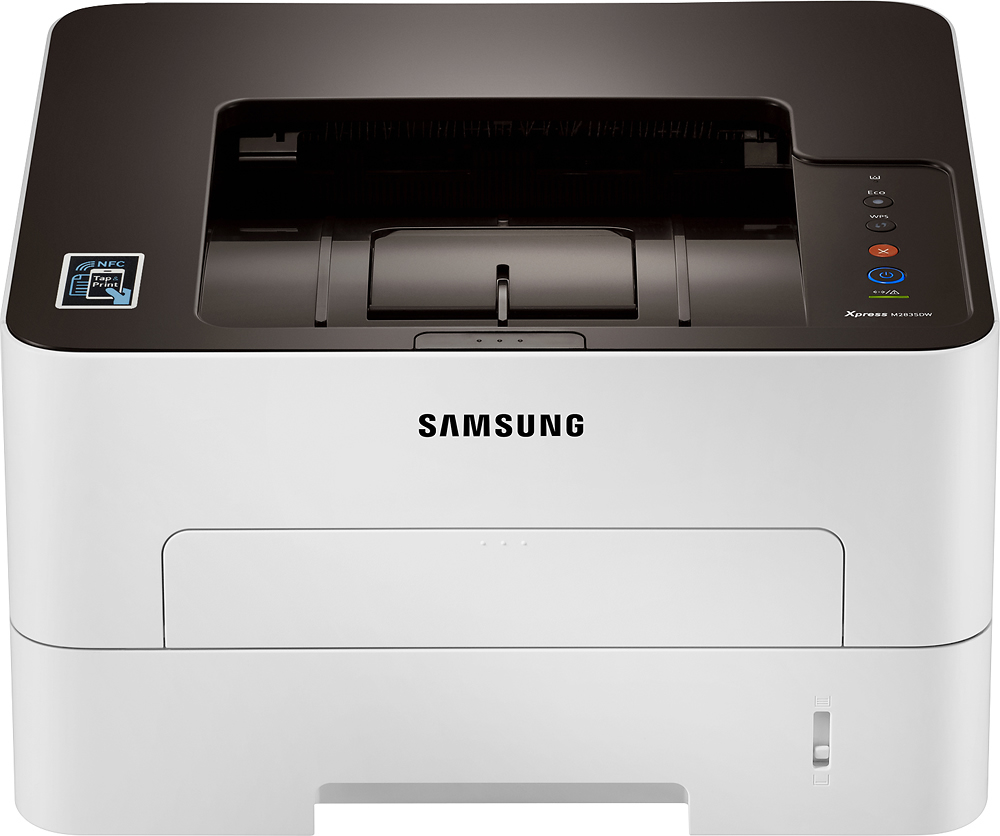
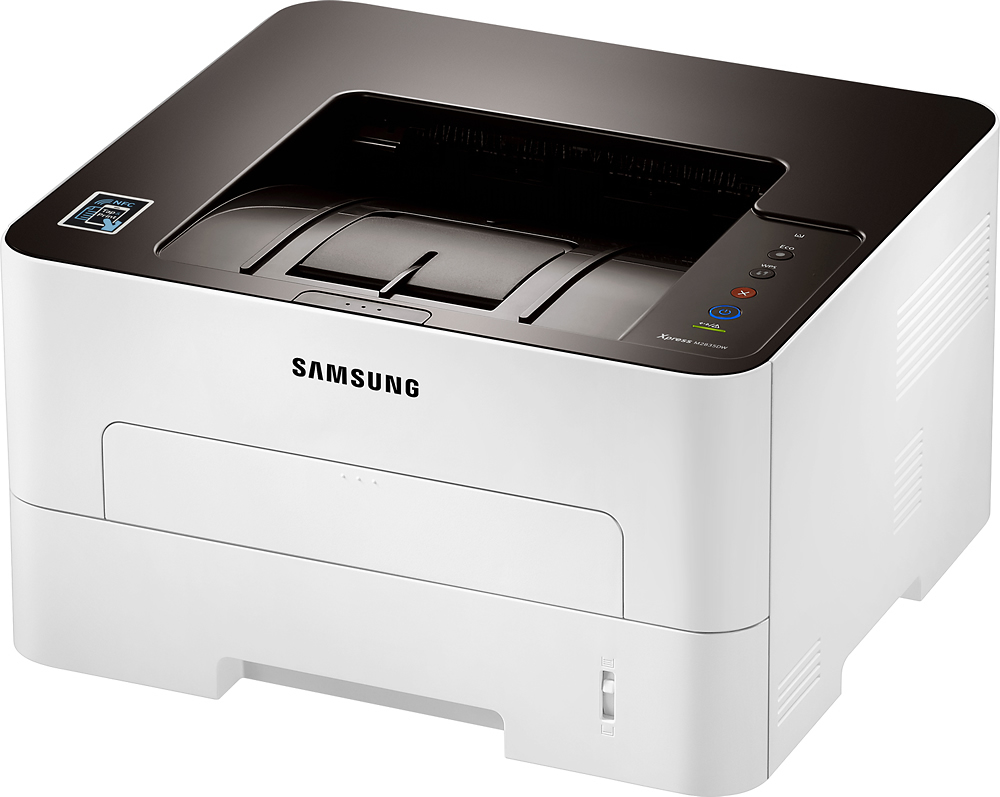
- Model:
- M2835DW
- |
- SKU:
- 8229084
Customer reviews
Rating 4.3 out of 5 stars with 101 reviews
(101 customer reviews)to a friend
Customers are saying
Customers recognize the Samsung Xpress M2835DW as having excellent print quality and being easy to set up and use. Its wireless capabilities and affordable price are also frequently praised. However, some users have experienced issues with paper jams. The printer is described as quiet by many users.
This summary was generated by AI based on customer reviews.
- Cons mentioned:Paper jam
Rated 1 out of 5 stars
Brand new but wouldn't print
Posted .This reviewer received promo considerations or sweepstakes entry for writing a review.I bought this printer because it was highly rated on Consumer Reports, and because the reviews on BestBuy.com were pretty good too. The Amazon reviews were horrible, usually mentioning how it would keep losing its wireless connection and because of constant paper jams. But because of Consumer Reports and BestBuy, I gave it a shot. Big mistake. I took it out of the box, installed the toner cartridge, loaded paper, and ran the CD. When I indicated I wanted a wireless setup, it told me it couldn't find the printer. So I contacted tech support. Samsung support is now handled by HP. They don't answer calls on Sunday, but they allowed for a chat. The person I worked with took control of my PC and managed to get the printer connected to my network, but nothing would print. He claimed there was a paper jam. There wasn't. He had me check to make sure there were no obstructions in the paper trail. There weren't. After being on the phone for about two hours, he told me to return it and get a new one. I brought it back to BestBuy, where a technician validated there was not a paper jam. He concluded it was simply broken. I decided to buy a Brother HL-L2370DW, which is working perfectly. To HP's credit, the same technician I worked with called me two days later to follow-up with me.
No, I would not recommend this to a friend