Customer Ratings & Reviews

- Model:
- S24A600UCN
- SKU:
- 6468704
to a friend
Significant Light Bleed / Clouding; Good Colors
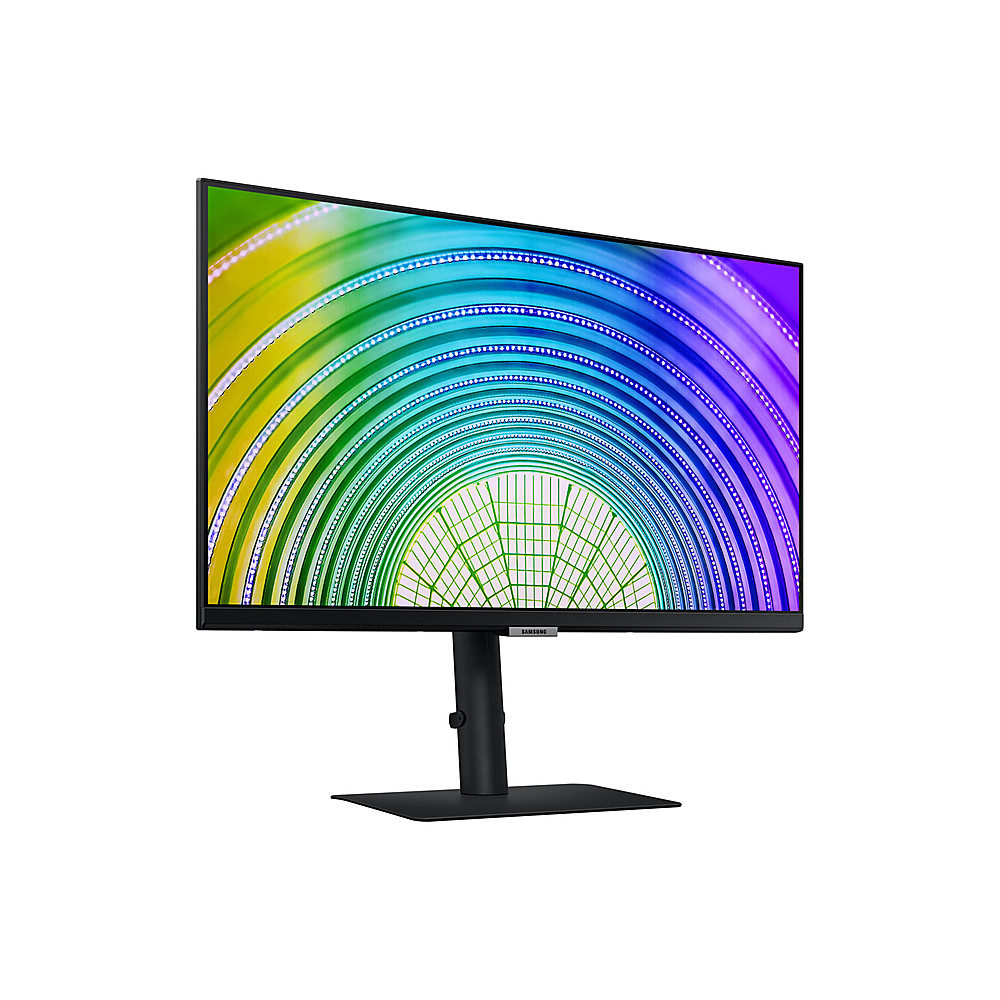
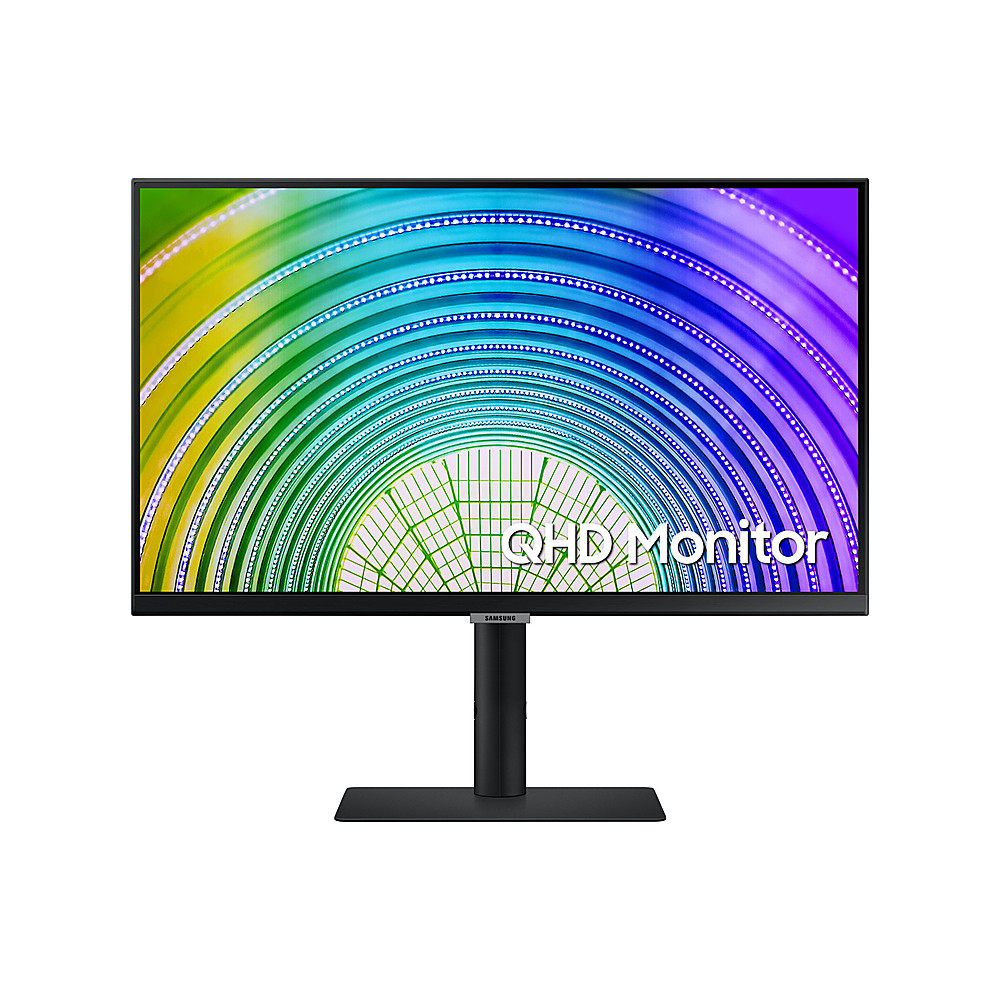
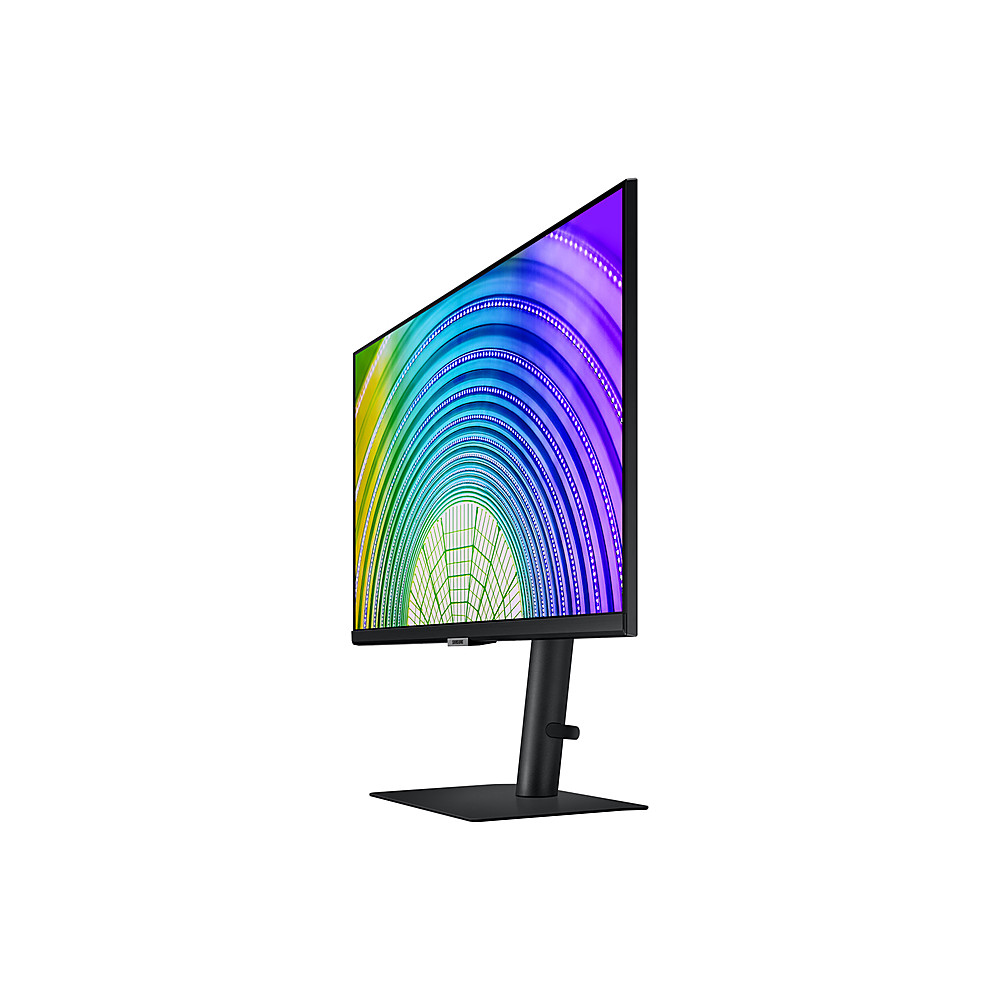
Posted .This reviewer received promo considerations or sweepstakes entry for writing a review.I had bought the non-USB-C version of the monitor from BB, and this specific USB-C version from another retailer. The displays are the exact same for both models, just one is USB-C and the other is not (and not worth the extra cost unless you really need USB-C). They all (5 of them I bought) have a major defect with them: Light Bleeding and Clouding. I understand the nature of IPS panels so I am not complaining about the IPS glow which is expected, and reasonable, but these specific monitors from Samsung somehow passed quality control with these very messed up panels. I bought 5 because I kept replacing them and each one seemed to get worse. Light blotches all over the panel are visible whether or not I am viewing light or dark content. See my review of this monitor with the non-USB-C variant here on BestBuy to get the full review. If significant light bleeding DOES NOT bother you, then you would be happy to know this monitor is nice (physically), it produces a beautiful image, great colors, good options for changing colors and brightness, and the base, a simple flat square, is the best I ever used because it didn't take up a lot of space and the flat base meant I could put stuff on it helping to save even more desk space. If someone told me Samsung contracted another company to make their panels for these monitors, I would believe them. I would not recommend these unless you're ok with non-uniformed panels with lots of bleeding and clouding that is noticeable with the naked eye.
No, I would not recommend this to a friendAuto source switch issue
||Posted . Owned for 1 month when reviewed.This reviewer received promo considerations or sweepstakes entry for writing a review.Beautiful color, but I returned it because the Auto Source Switch did not quite work. If you want to use the auto source switch to switch between the input, you have to unplugged the cord and plugged it back in. I was looking for a monitor similar to my BenQ that switches when it detects a signal from another computer. If you don't care about the switching, its a great monitor.
I would recommend this to a friendThere is NOT a WEBCAM OR INTEGRATED SPEAKERS!!!
||Posted . Owned for less than 1 week when reviewed.This reviewer received promo considerations or sweepstakes entry for writing a review.Description is WRONG. I tried to verify with a Best Buy agent in chat before I bought this because at least one other person brought this up. THERE IS NO WEBCAM AND NO SPEAKERS ON THIS. SUCH a waste of time. Otherwise the picture quality is perfect. Do better, BB.
No, I would not recommend this to a friendWorks with with M1 Macbooks
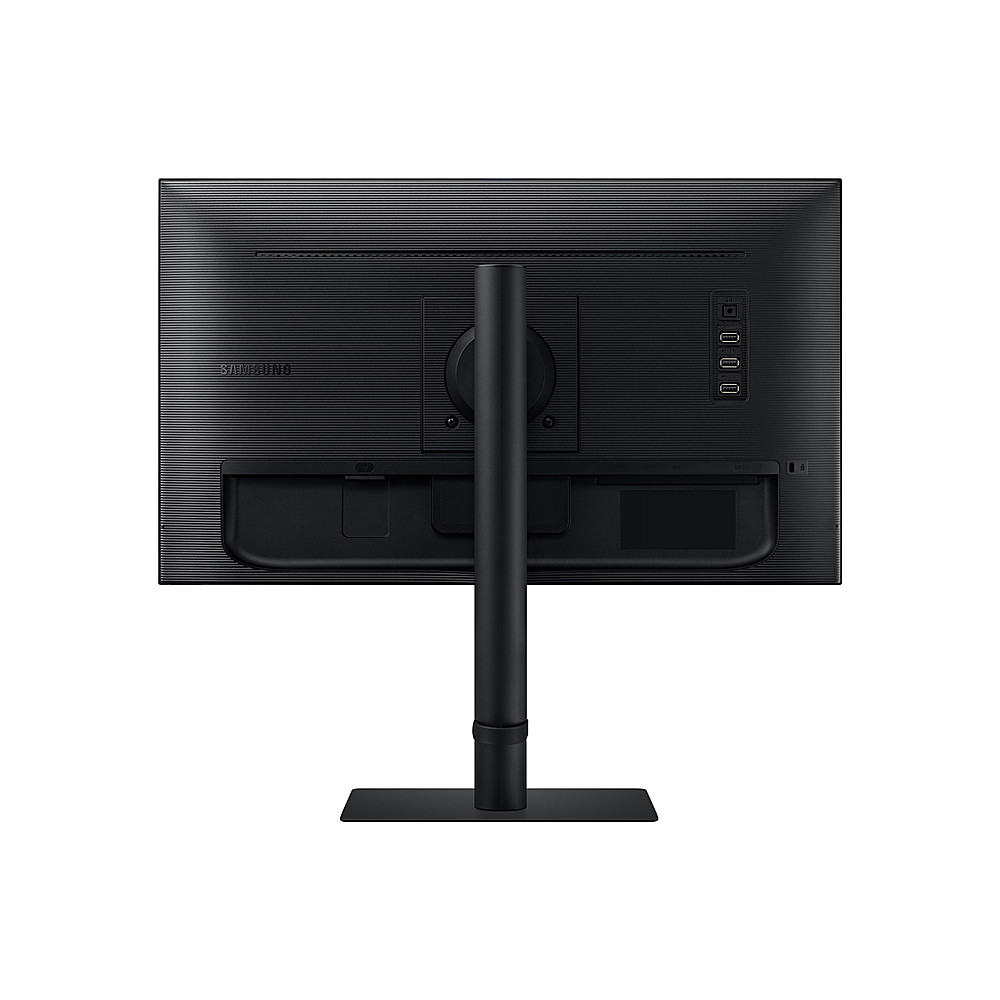
||Posted . Owned for 2 weeks when reviewed.This reviewer received promo considerations or sweepstakes entry for writing a review.We bought two of these to use with M1 Macbooks and they work great with both Air and Pro models. It takes about 5 minutes to setup and a Phillips screwdriver is required to attach the base to the display. Power, HDMI, and USB-C cables are all included in the box. The image and build quality is exactly what you would expect from a Samsung display. note: After plugging in the USB-C cable we had to manually change inputs using the buttons on the monitor. This should have auto detected.
I would recommend this to a friend
