Customer Ratings & Reviews







- Model:
- E310-ST-BK-US
- SKU:
- 12313979
Rating by feature
- Sound Quality
Rating 4.7 out of 5 stars
- Battery Life
Rating 4.8 out of 5 stars
- Connectivity
Rating 4.7 out of 5 stars
Shokz open ear buds
||Posted .This reviewer received promo considerations or sweepstakes entry for writing a review.Nice open box bluetooth ear buds. Good condition overall
I would recommend this to a friendEar buds
||Posted . Owned for 1 month when reviewed.This reviewer received promo considerations or sweepstakes entry for writing a review.Best buds that I’ve ever purchased to date , I recommend
I would recommend this to a friendGood not 200 dollar worthy.
||Posted . Owned for 1 week when reviewed.This reviewer received promo considerations or sweepstakes entry for writing a review.The earbuds felt good in my ears. However. This AI noise cancelations is horrible. On phone calls, the person on the other line hears the background clearer than me. Its teally unfortunate because these are some good earphones.
No, I would not recommend this to a friendThe best ear clips
||Posted .This reviewer received promo considerations or sweepstakes entry for writing a review.Love these ear clips. The sound is great, only issue is the battery life.
I would recommend this to a friendGood Headphones. Not the Open Run
||Posted . Owned for 2 weeks when reviewed.This reviewer received promo considerations or sweepstakes entry for writing a review.They were not for me. I love the OpenRun so I thought I would try these out. I like the OpenRun better.
I would recommend this to a friendHappy with gift
||Posted . Owned for 3 weeks when reviewed.This reviewer received promo considerations or sweepstakes entry for writing a review.Was purchased as a gift, and the recipient reports being pleased.
I would recommend this to a friendHeadphone
||Posted . Owned for 3 months when reviewed.This reviewer received promo considerations or sweepstakes entry for writing a review.I bought this for my husband.its not too loud. Highly recommended this item
I would recommend this to a friend
One of the best open environment headphones.
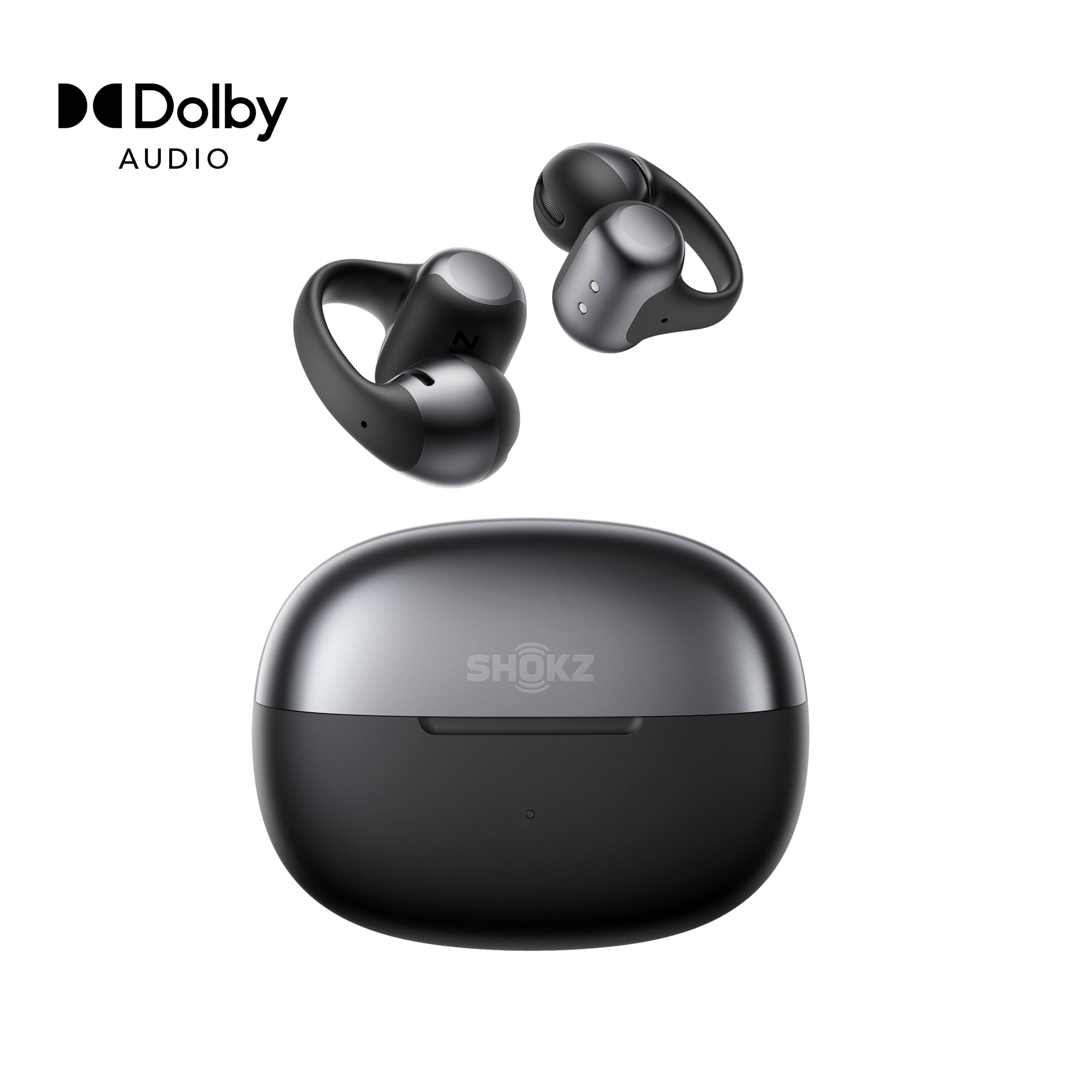
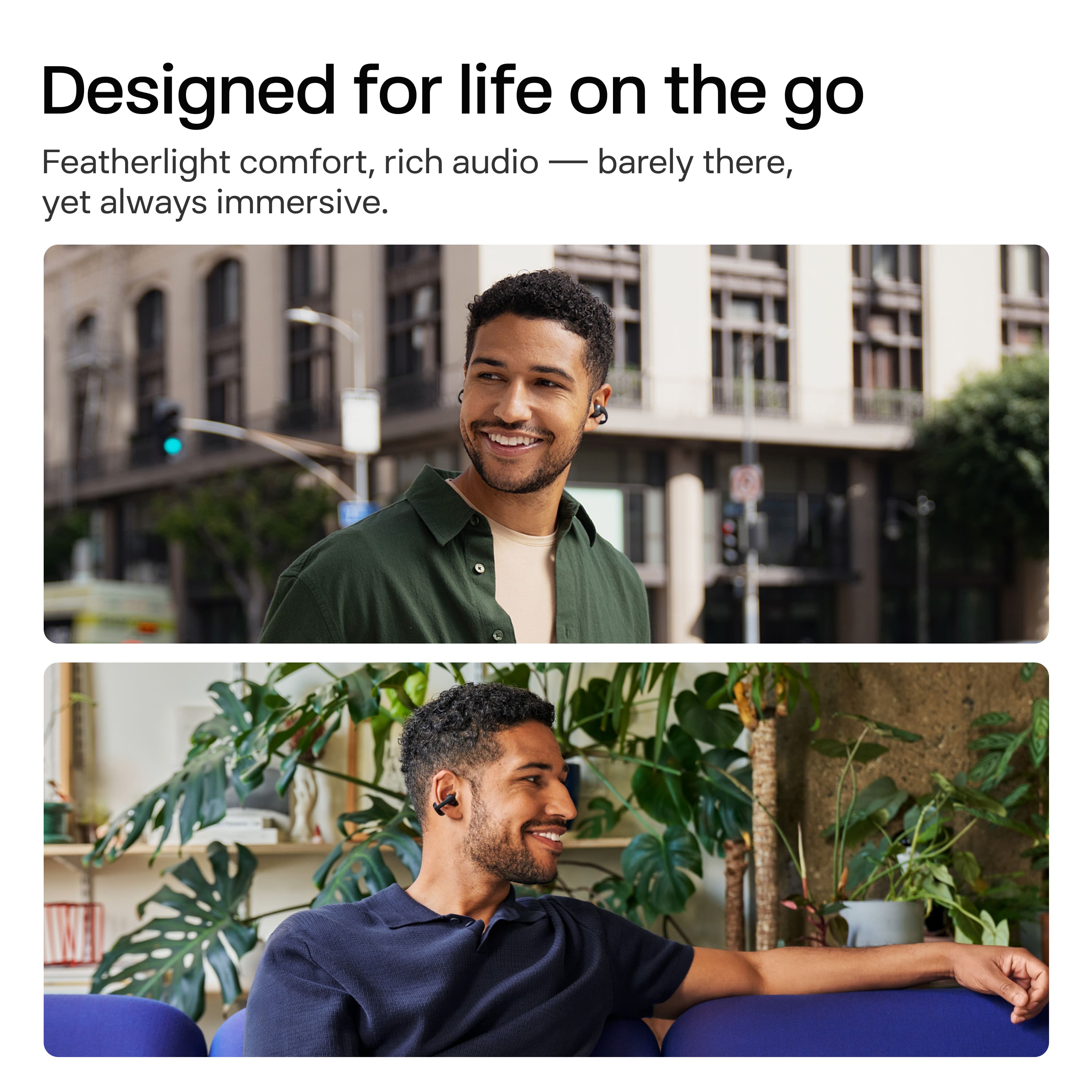
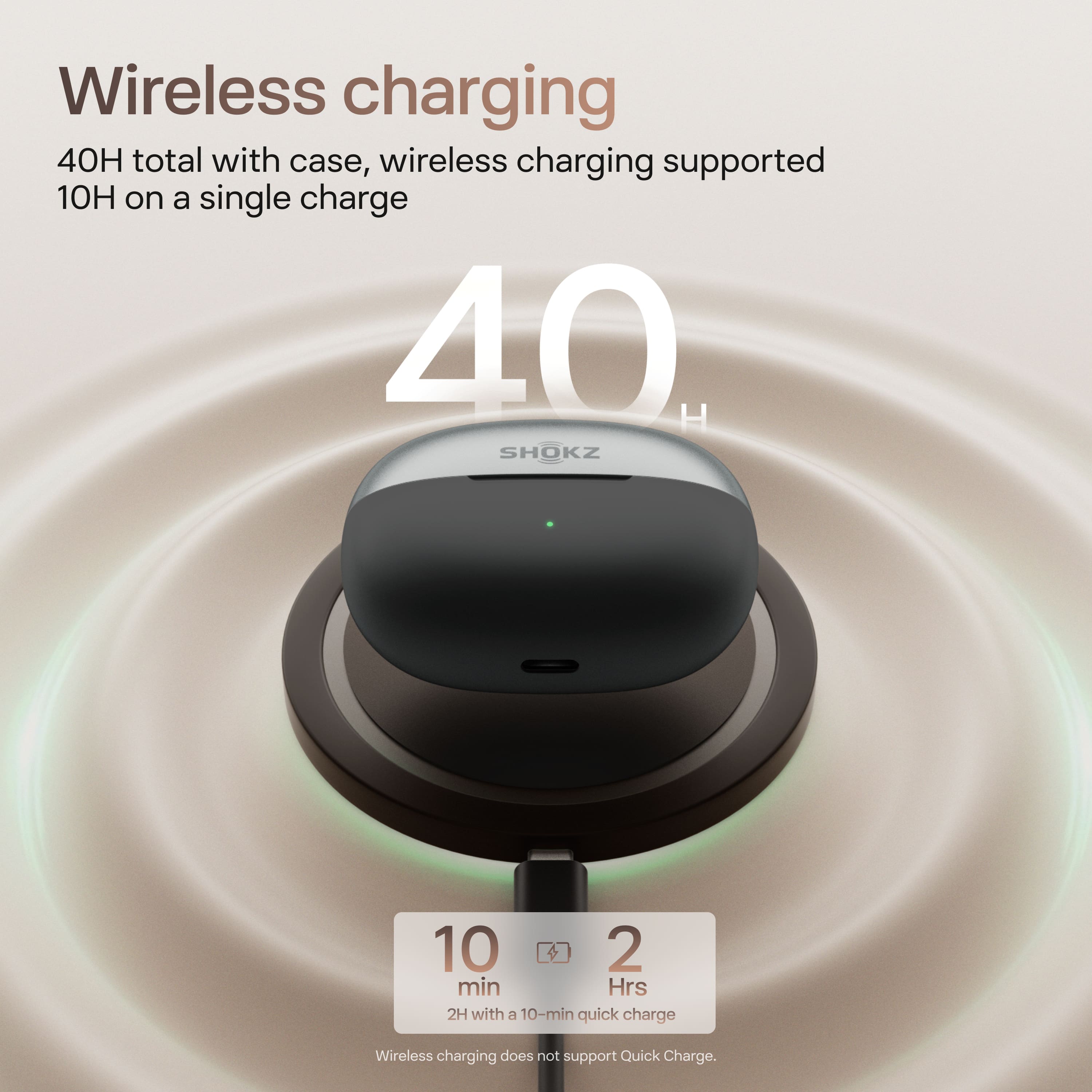
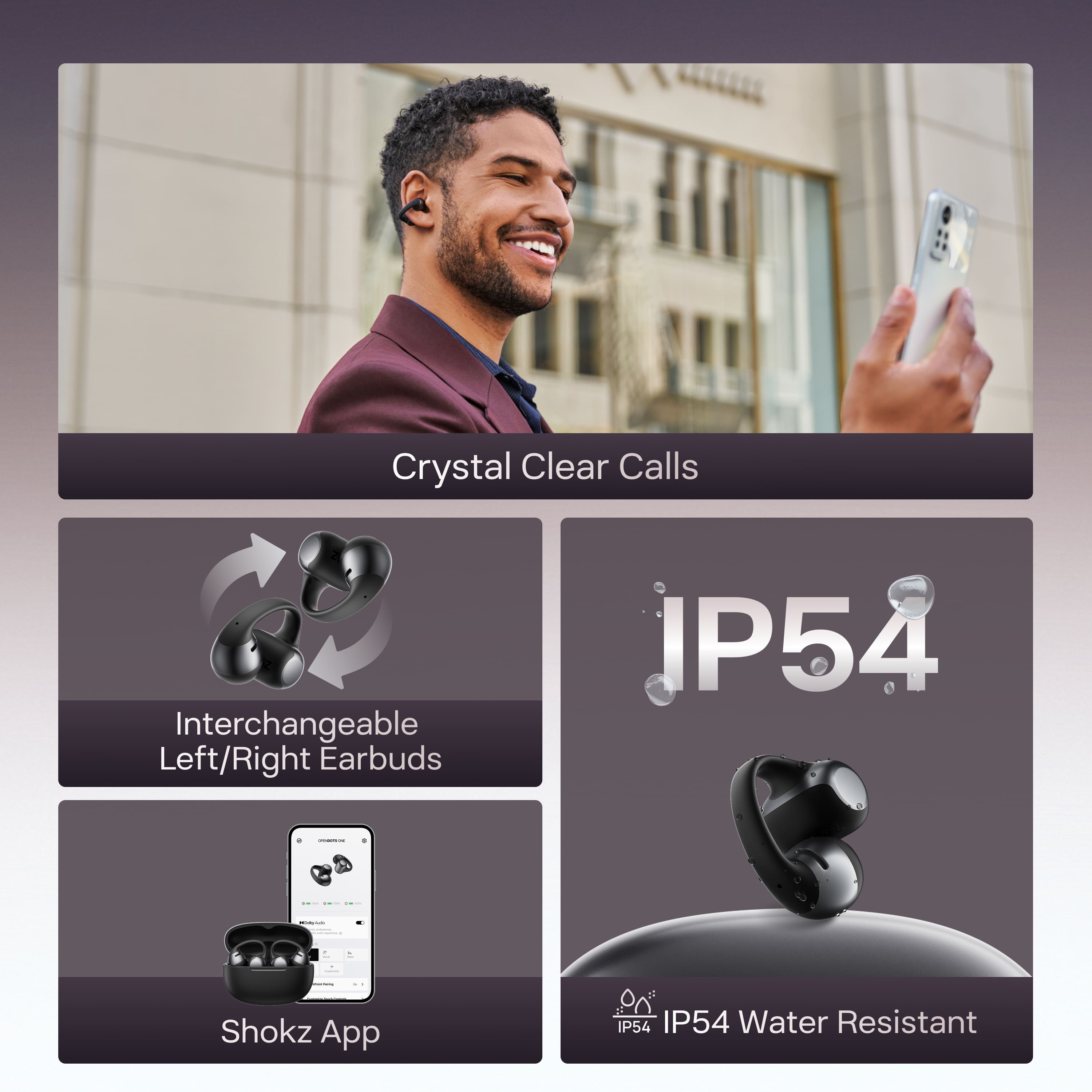
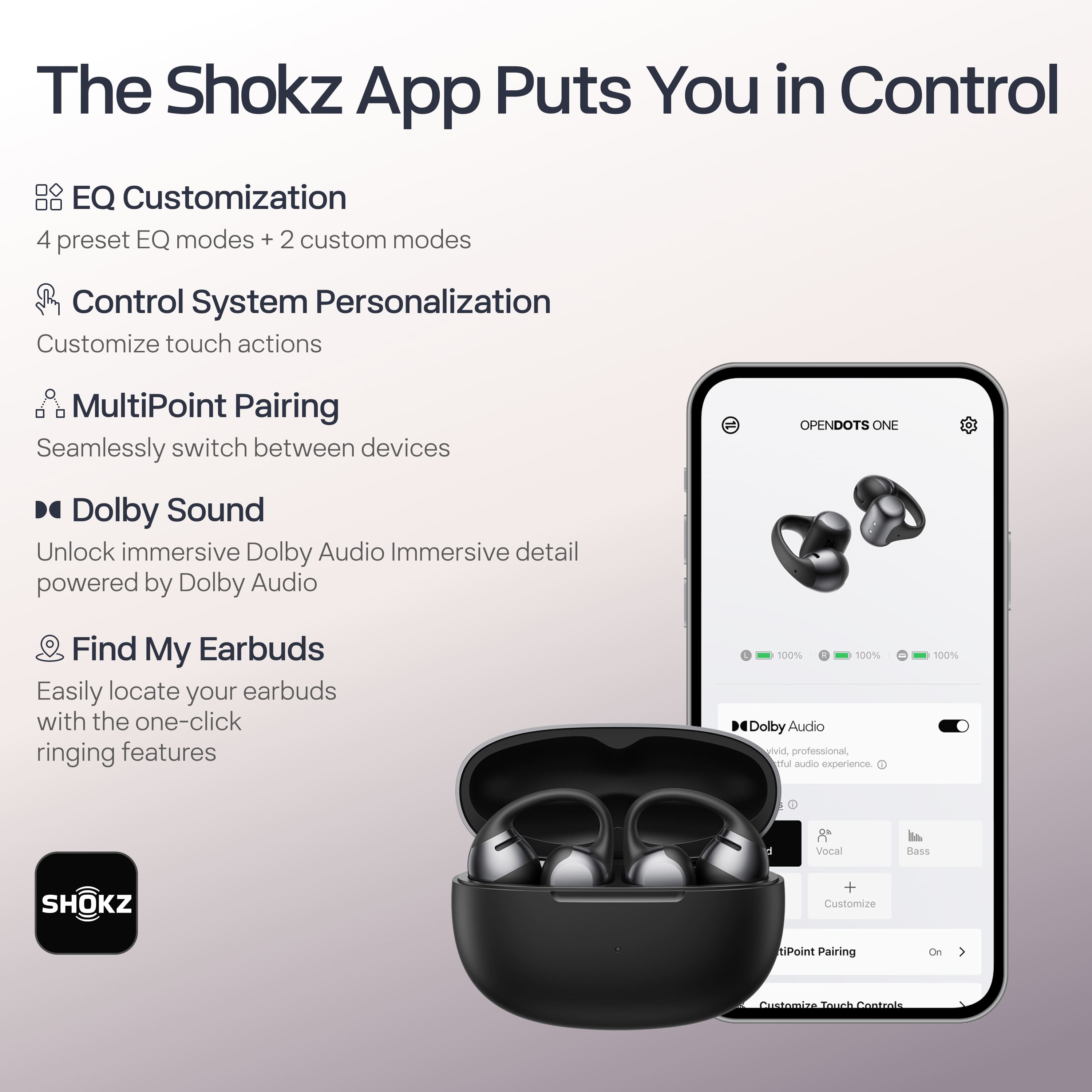
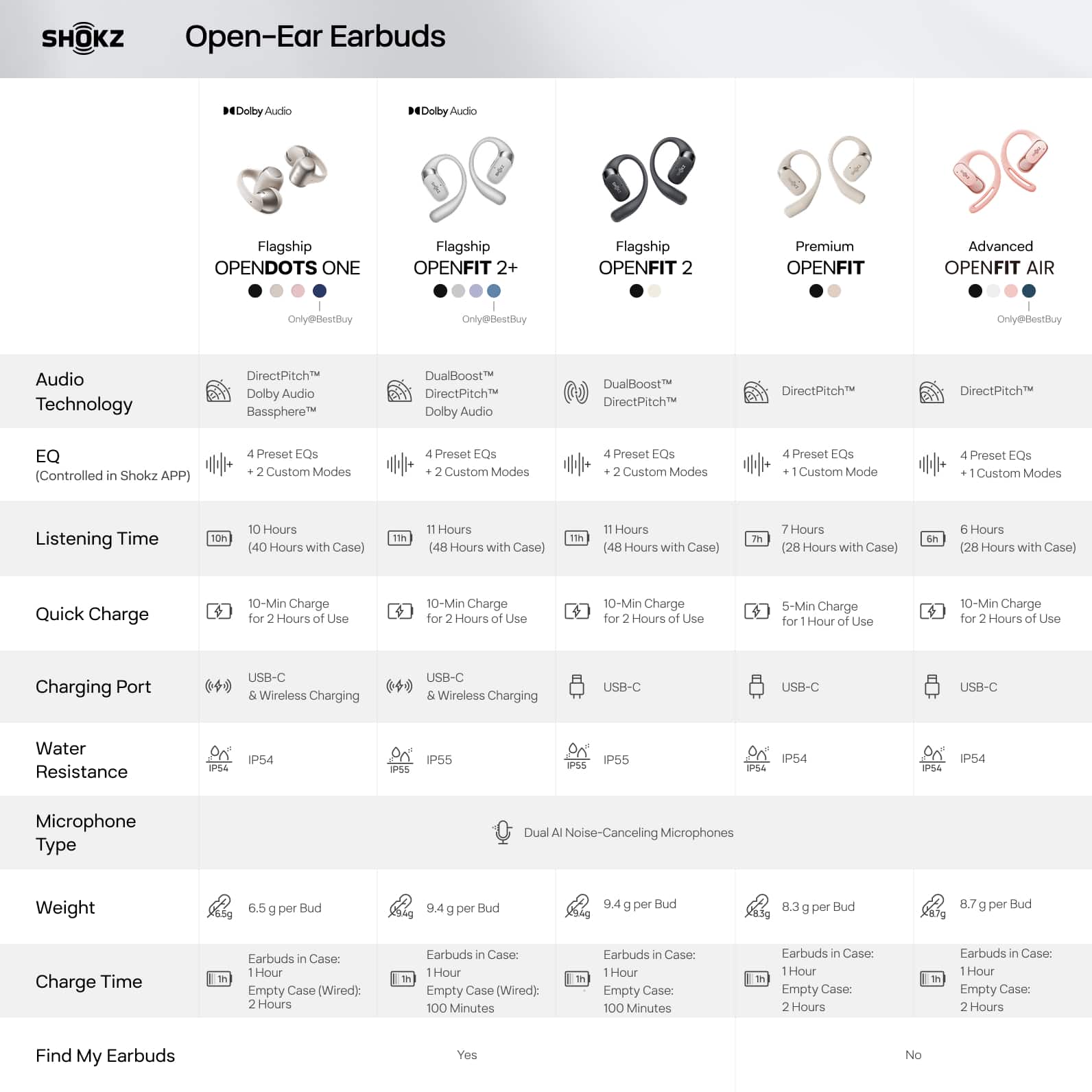
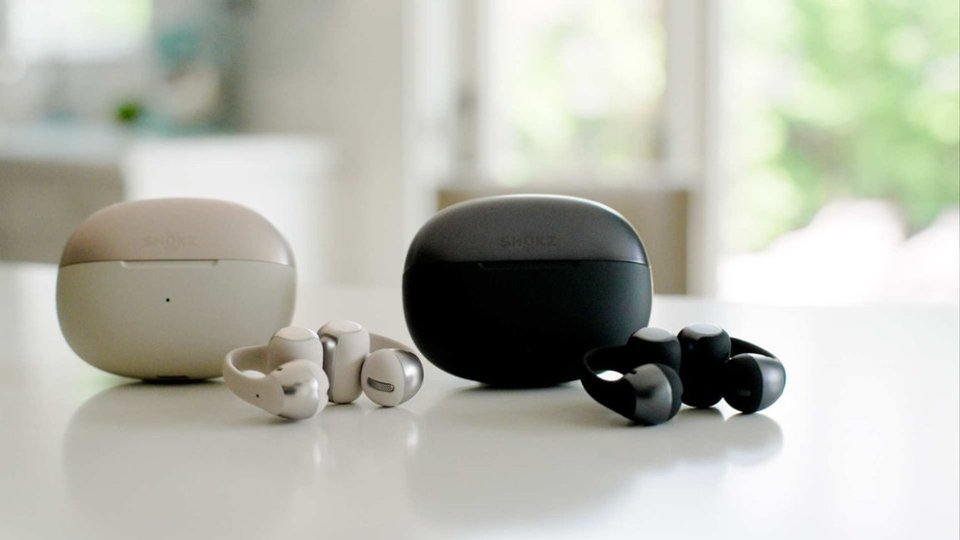
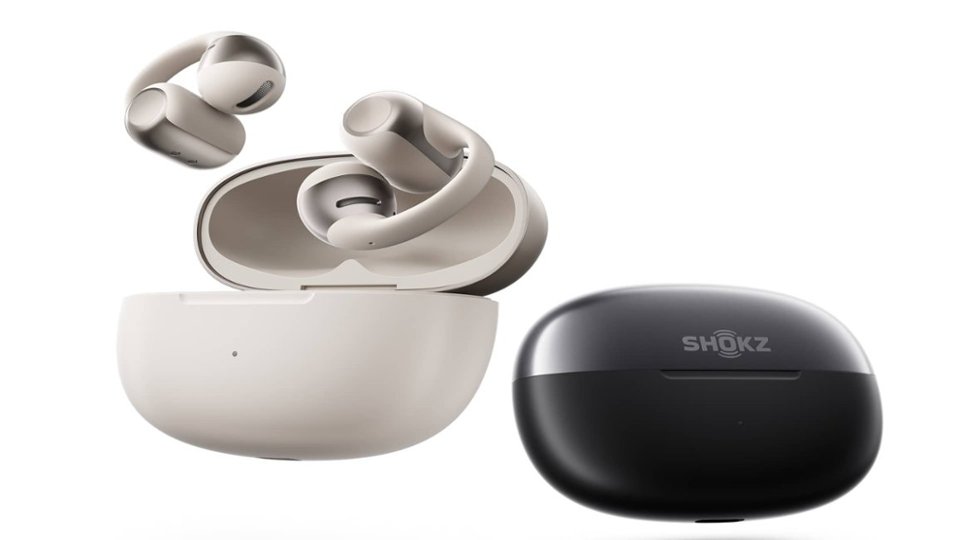
|Posted .This reviewer received promo considerations or sweepstakes entry for writing a review.I have several pairs of "open air" or "open environment" headphones, and these Shokz are one of the best ones. I have been using them every day for over a week. They have been perfect in almost every way. The best features of these headphones is that they can be used left or right. You can put them back in the case any way you want and they will automatically detect left and right. No more having to keep track. The case also features wireless charging, which I feel is a must have for any earbud style headphone. The battery life is very good on these as well. I wear them almost all day and charge them at night when I put them away. The case gives you about 3 full charges. The sound is excellent on the Shokz dots. I have had zero issues with any of my music sounding off or the tone being off. This can be the case with some open air headphones. I personally think that Shokz always puts sound first when it comes to their headphones. I love that I can still be alert to my surroundings while I am wearing these. I wear them all day and take calls on them as well. The sound quality on phone calls is also very good. The app is where you can get the most out of the headphones. You can adjust the touch controls, except for the play/pause feature. You can touch the headphones, or pinch the big end. I really feel that they are easy to use. You can also adjust the sound quality via the app and update the firmware. My only complaint is that they are not as comfortable as some of the other ring type headphones. They can sometimes move and cause some discomfort. I will then have to adjust them to a position that is correct and does not cause discomfort. Overall, I think these are very high quality headphones. I enjoy using them and they are easy to use. The sound quality and battery life is very good, and I do recommend them if you want open air headphones.
I would recommend this to a friendCool stuff
||Posted . Owned for 3 weeks when reviewed.This reviewer received promo considerations or sweepstakes entry for writing a review.Very cool, I still need to learn about to receive calls and how to answer
I would recommend this to a friendLove them
||Posted .This reviewer received promo considerations or sweepstakes entry for writing a review.Love them! Wear them to work and to jog! Perfect for all activities. Best headphones I’ve owned.
I would recommend this to a friendMs. Kathy
||Posted .This reviewer received promo considerations or sweepstakes entry for writing a review.These have been absolutely amazing for work. I would highly recommend.
I would recommend this to a friendDots!
||Posted . Owned for 3 weeks when reviewed.This reviewer received promo considerations or sweepstakes entry for writing a review.Great pair of headphones, use almost daily for working out & haven’t had an issue
I would recommend this to a friendNot for every ear..
||Posted .This reviewer received promo considerations or sweepstakes entry for writing a review.Good quality... very nice sound.. just not a snug fit...
No, I would not recommend this to a friendAmazing
||Posted .This reviewer received promo considerations or sweepstakes entry for writing a review.Nice equipment. I use it daily for everyday tasks such as work and school. Amazing product
I would recommend this to a friend
Great
|Posted . Owned for 2 weeks when reviewed.This reviewer received promo considerations or sweepstakes entry for writing a review.I have the open run pro 2's and while the sound quality is slightly better on those, the base is definitely better on these. A great addition to the shokz lineup
I would recommend this to a friendComfortable
||Posted .This reviewer received promo considerations or sweepstakes entry for writing a review.Its the best bone condensing headphones. Very comfy and stays ob
I would recommend this to a friendNeeds better touch controls
||Posted . Owned for 3 weeks when reviewed.This reviewer received promo considerations or sweepstakes entry for writing a review.I loved them, but the controls were not functional
I would recommend this to a friendCan feel the weight after awhile
||Posted . Owned for 1 month when reviewed.This reviewer received promo considerations or sweepstakes entry for writing a review.Great ear buds but after a while feel the weight of it and gets uncomfortable.
I would recommend this to a friendGood product
||Posted . Owned for 3 weeks when reviewed.This reviewer received promo considerations or sweepstakes entry for writing a review.Good sound, perfect fit,recommend this 110 percent
I would recommend this to a friendMid level sound quality
||Posted . Owned for 2 months when reviewed.This reviewer received promo considerations or sweepstakes entry for writing a review.The volume level and sound quality weren’t what I had hoped. The fit was secure and only bothered me after lengthy sessions. The bluetooth wasn’t reliable. There were times that they wouldn’t connect to my phone and other times that they wouldn’t disconnect prohibiting me from using my phone with a different product. I have 2 stars because i think the price demands a better product overall.
No, I would not recommend this to a friendBrand response from Shokz
Posted .Thank you for reaching out to us! We're sorry to hear this has been your experience. Here are a few steps you can try to resolve the issue:
Reset reset your OpenDots ONE:
1) Place both earbuds into the charging case.
2) Press and hold the function button on the charging case for 15 seconds. Once the orange light on the case flashes for 5 seconds and then turns off, indicating the reset is complete.
3) Once the indicator light flashes orange and green, the earbuds are ready to pair and use.
Please note that resetting the earbuds will erase the paired device list and restore all settings to their defaults.
There is also a phone setting that may resolve the low volume issue.
-On the iPhone, go to Settings > Sound & Haptics > Headphone Safety, make sure that the Reduce Loud Audio Feature is switched off as this will affect the volume of the headphone.
-On an Android, go to the Bluetooth Settings on the phone, find the headphone and make sure that the Absolute Volume feature is switched on for it
We also recommend ensuring that the latest firmware version has been updated via the Shokz app for the best experience with your OpenDots ONE.
If the issue persists after trying these steps, please let us know, and we can assist you further. Thank you!