Customer Ratings & Reviews

- Model:
- SDMU27M90
- SKU:
- 10562650
Rating by feature
- Display Quality
Rating 4.5 out of 5 stars
- Ease of Use
Rating 4.3 out of 5 stars
- Features
Rating 4.4 out of 5 stars

Multi platform monitor
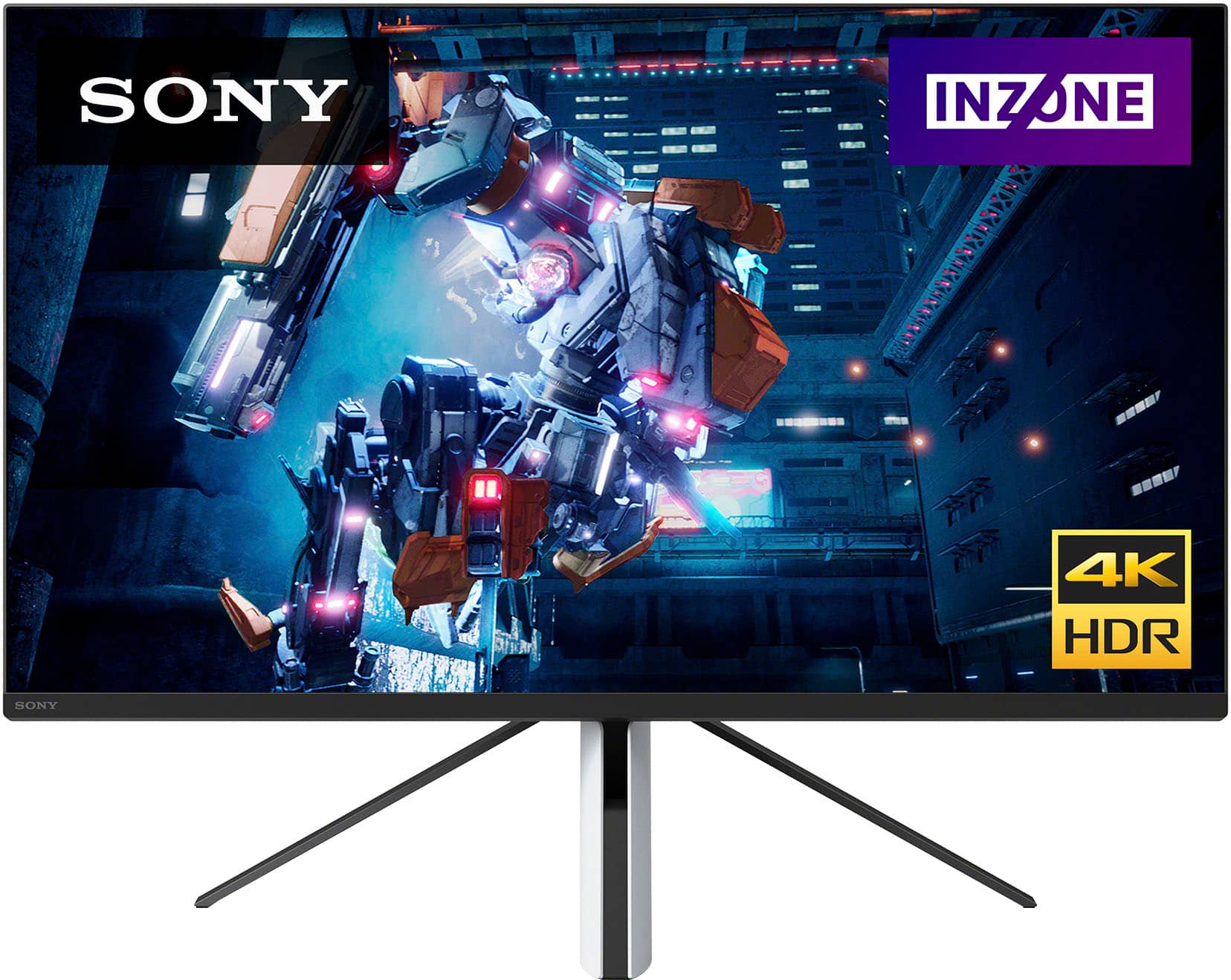
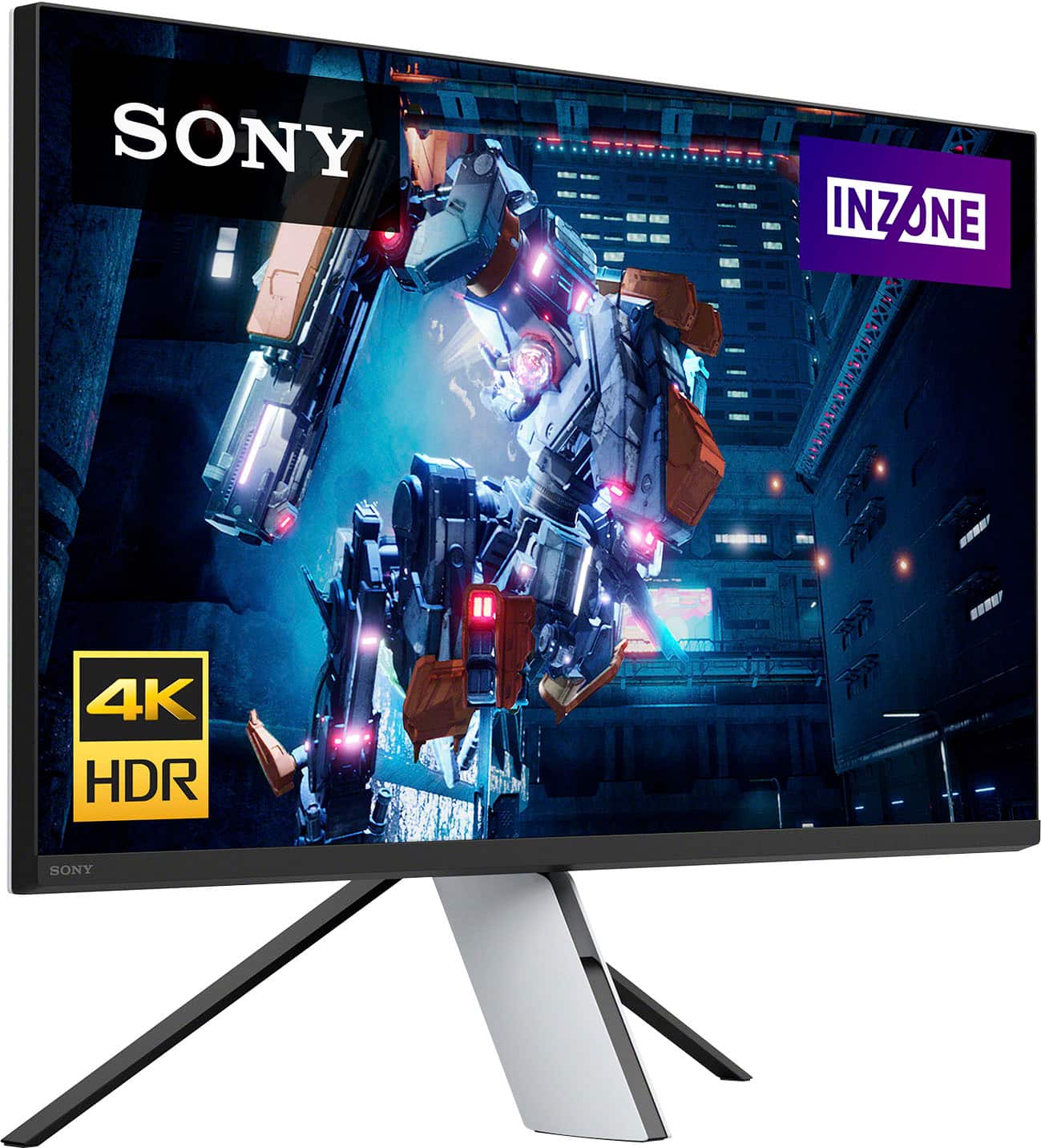
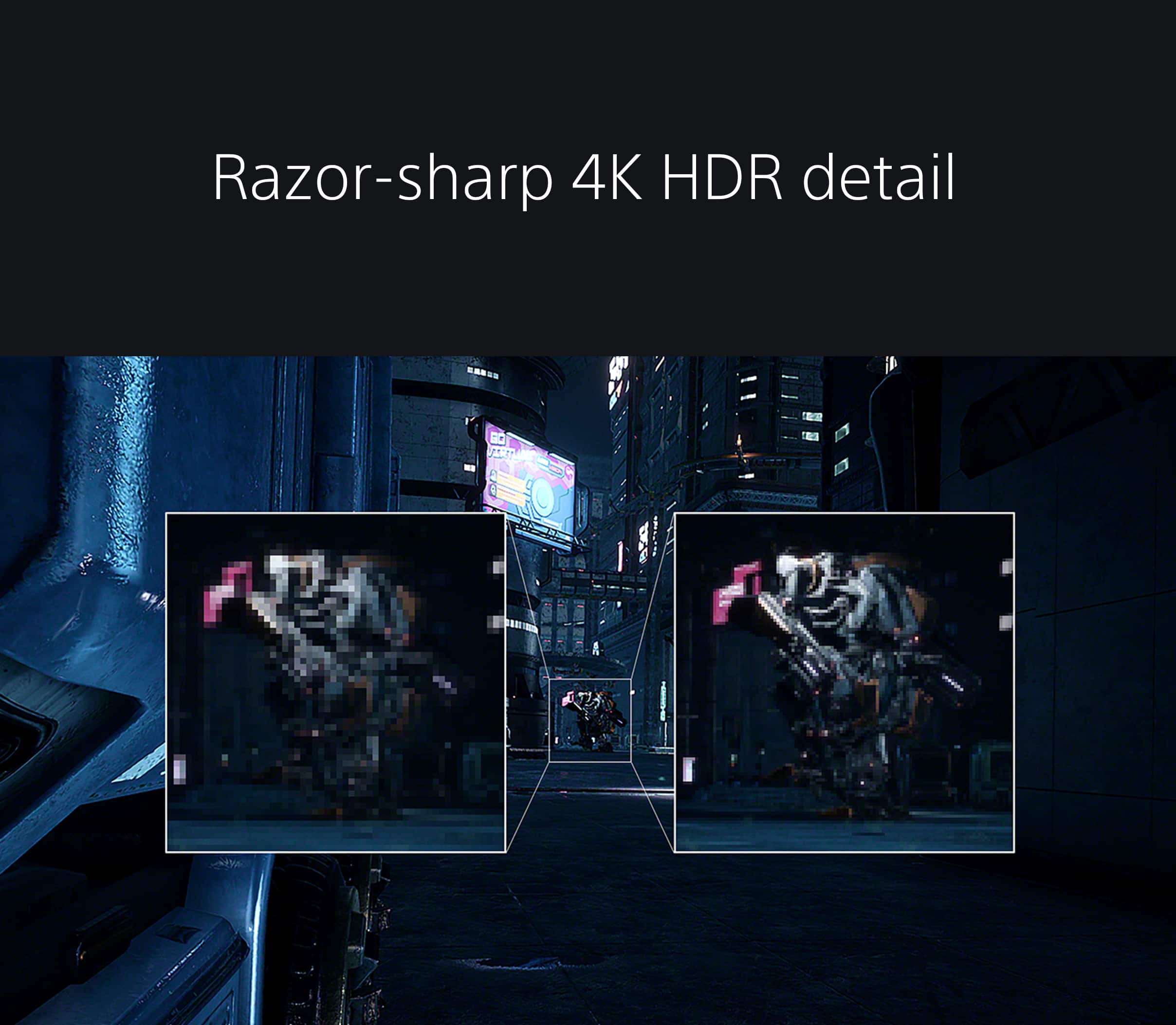
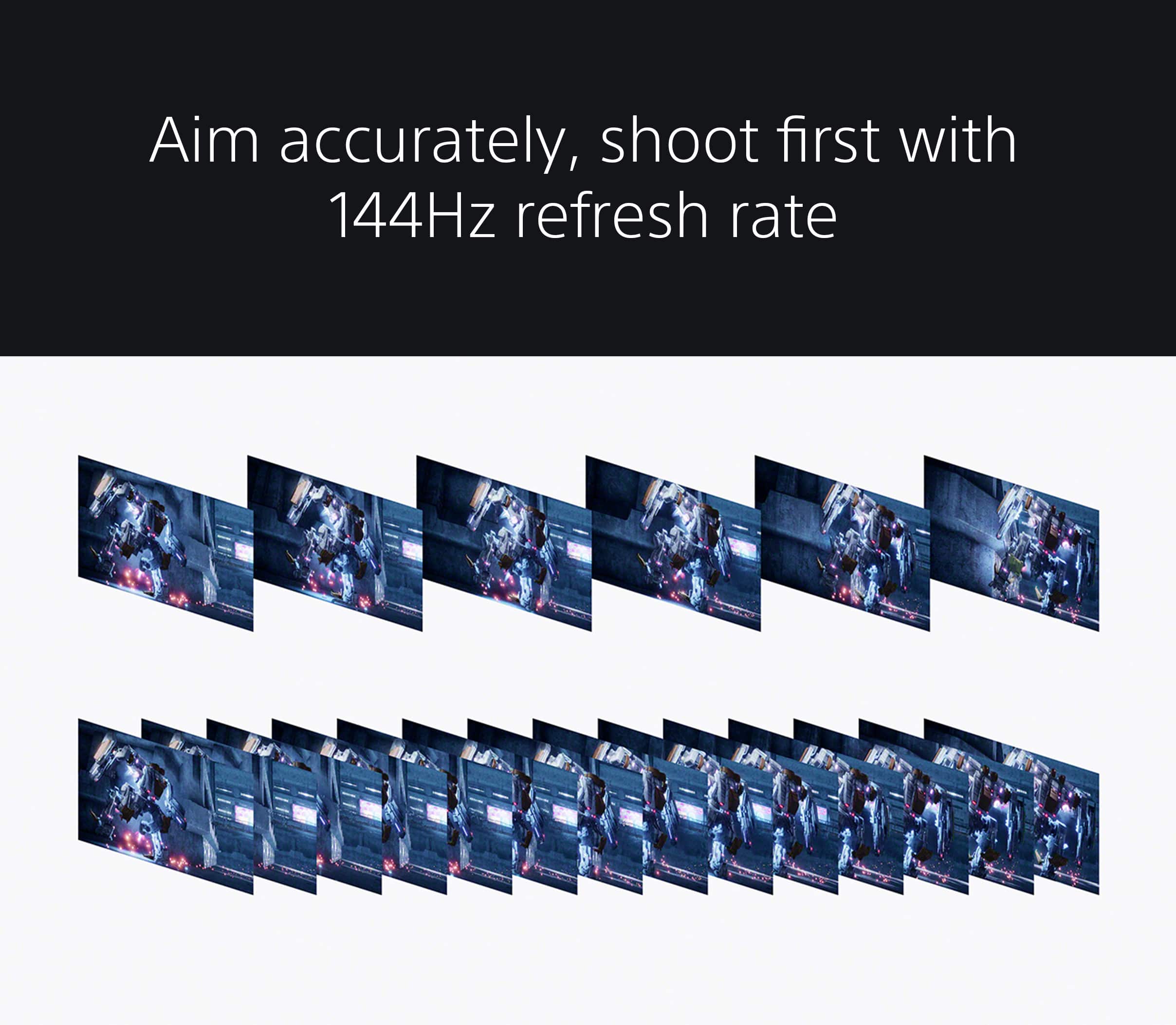
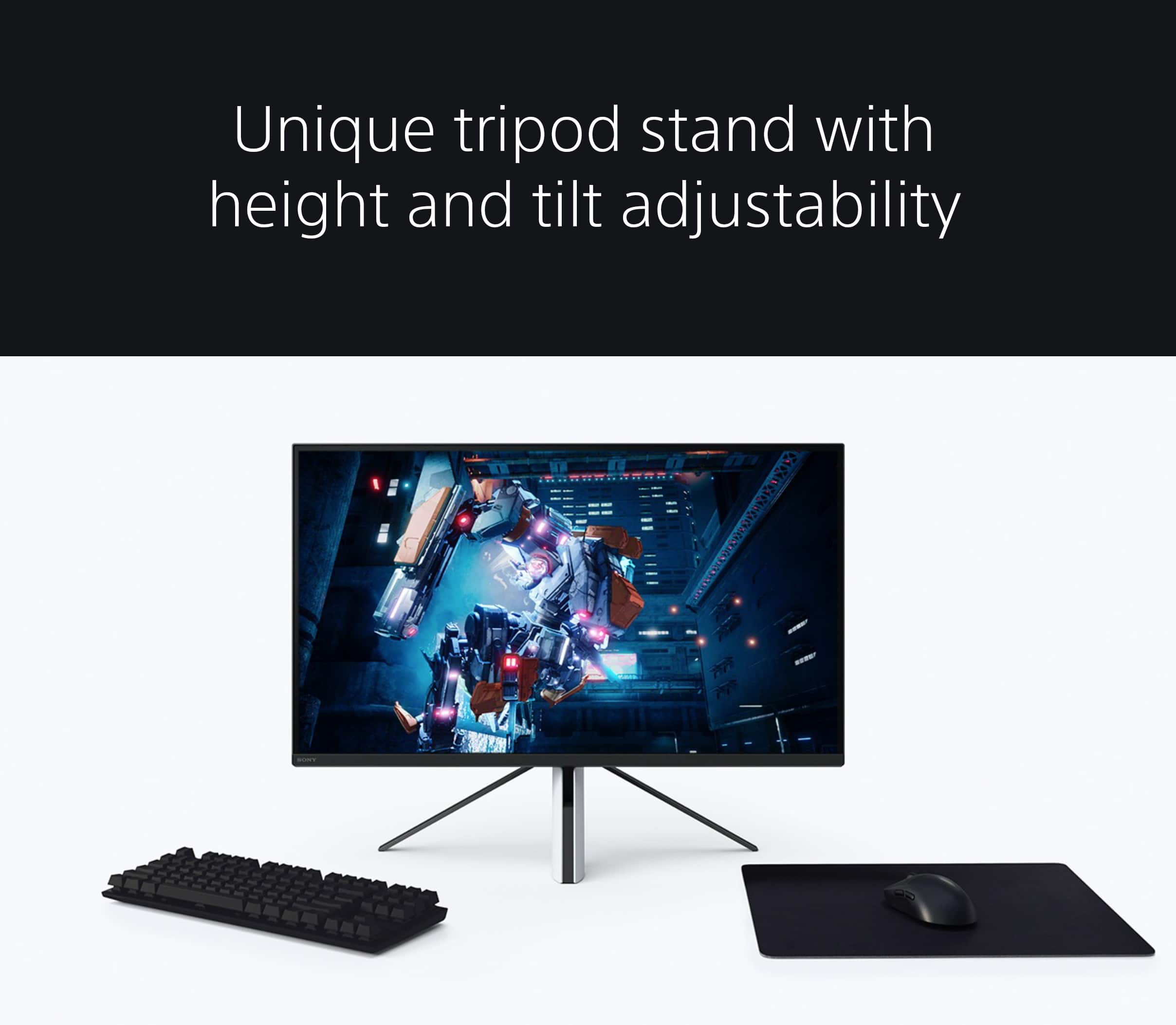
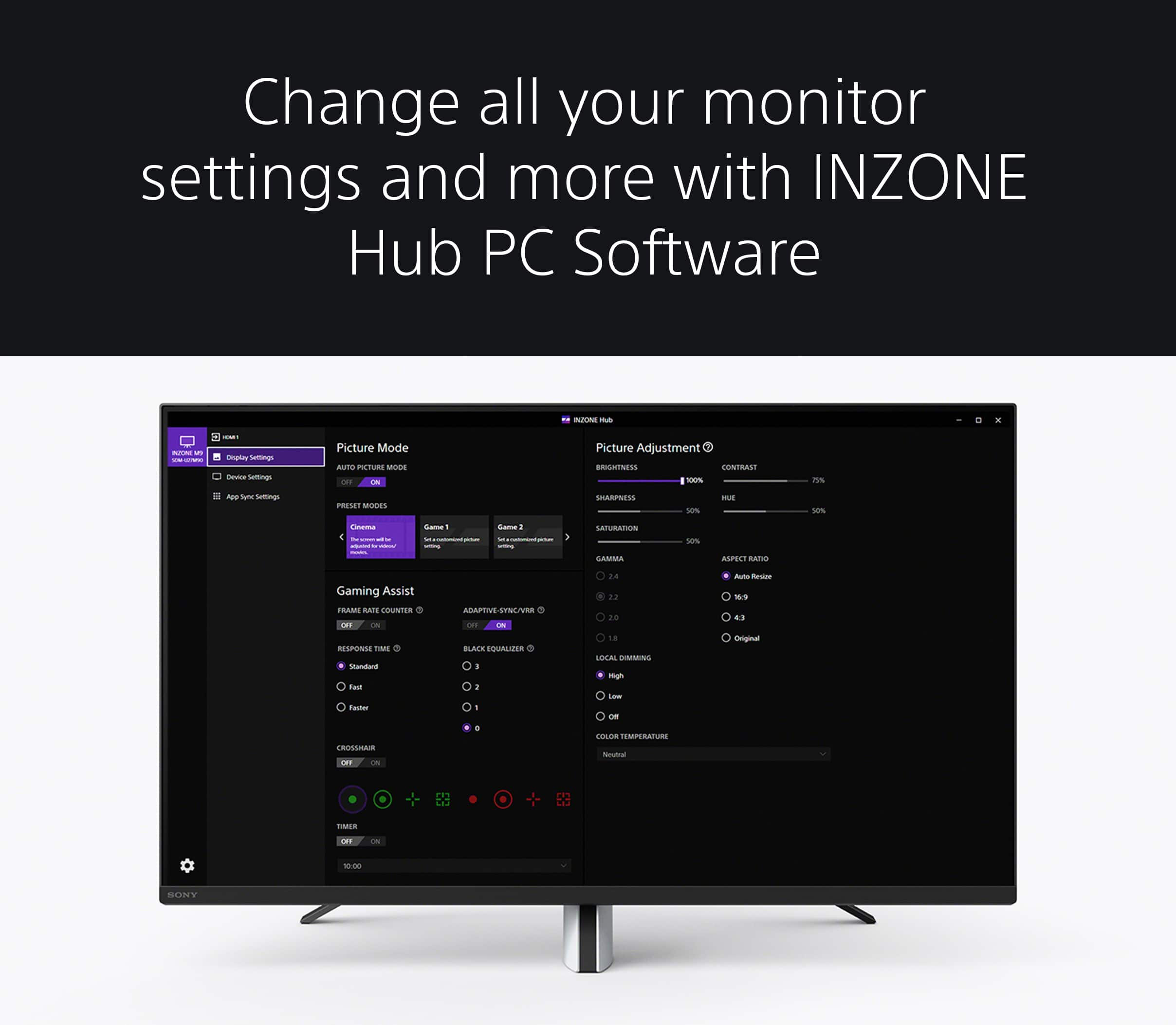
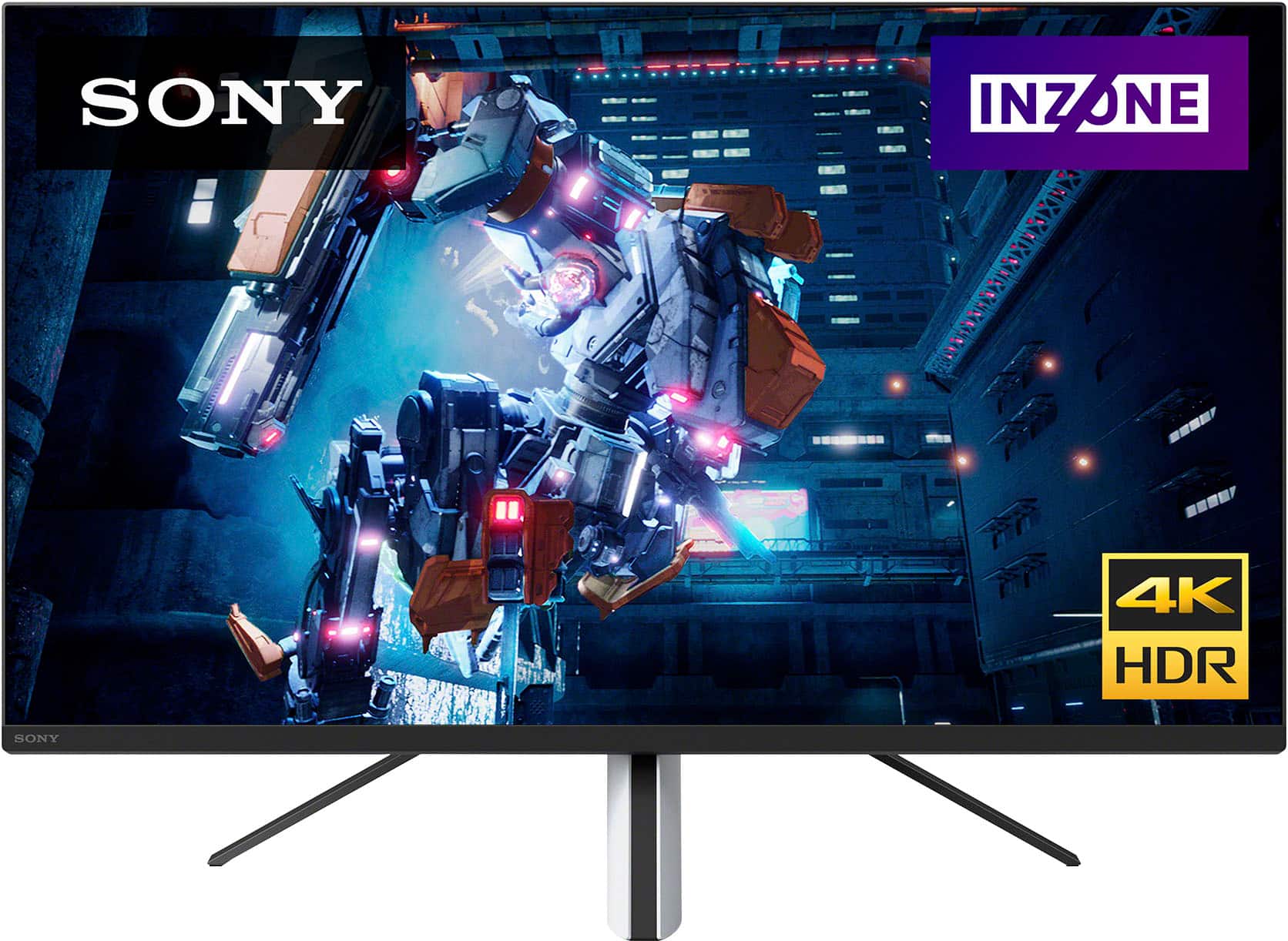
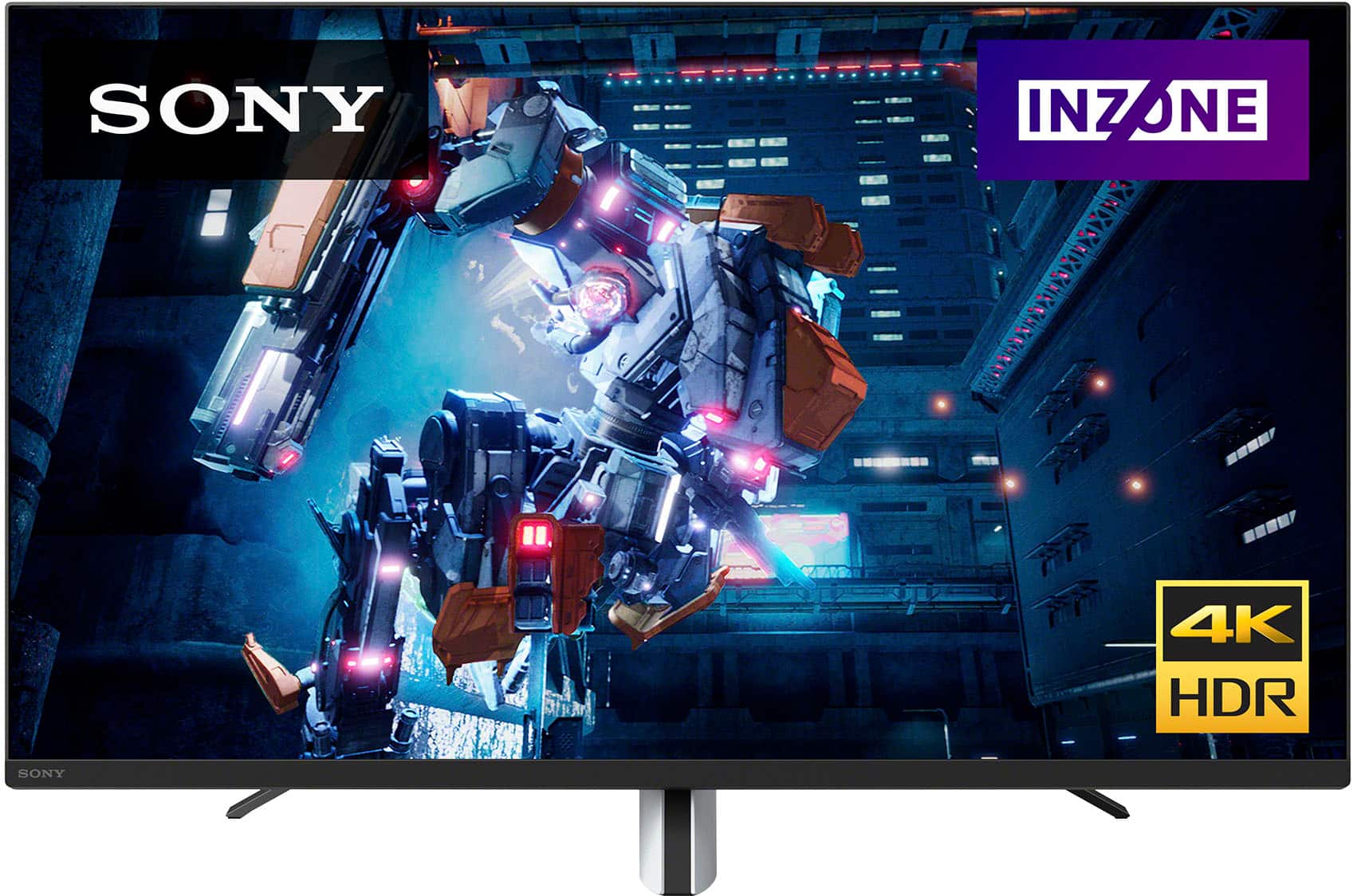
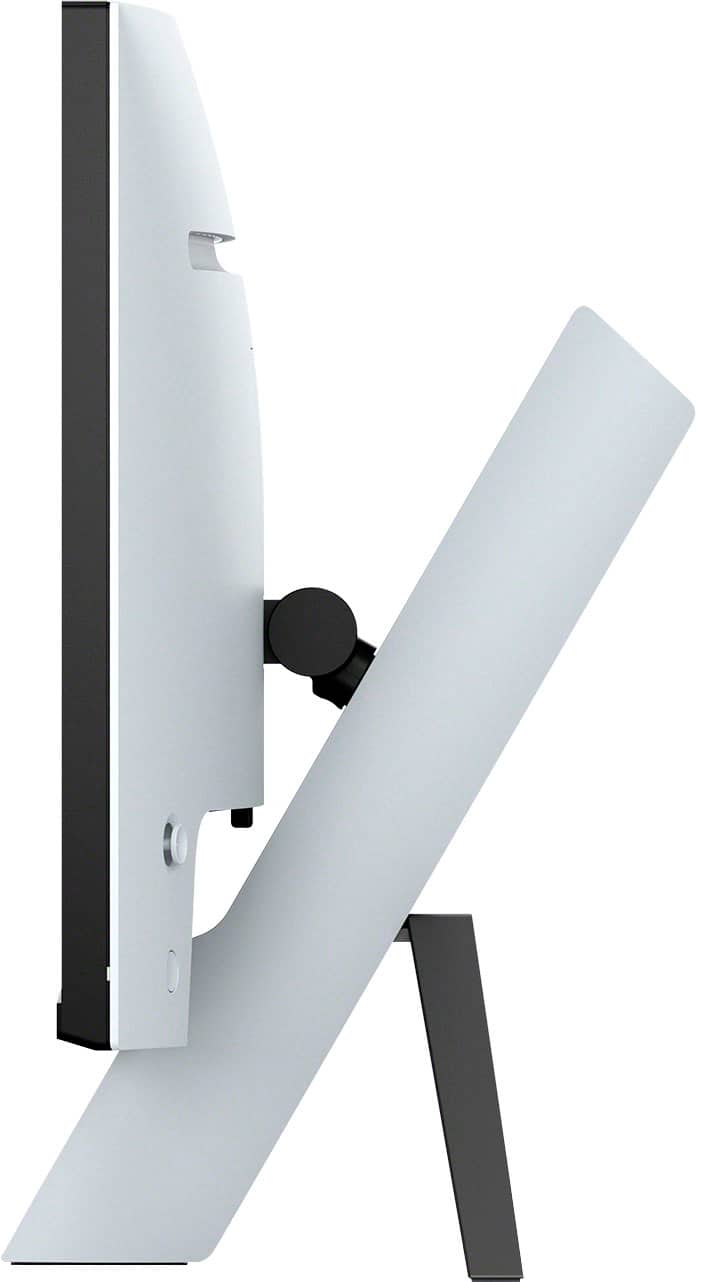
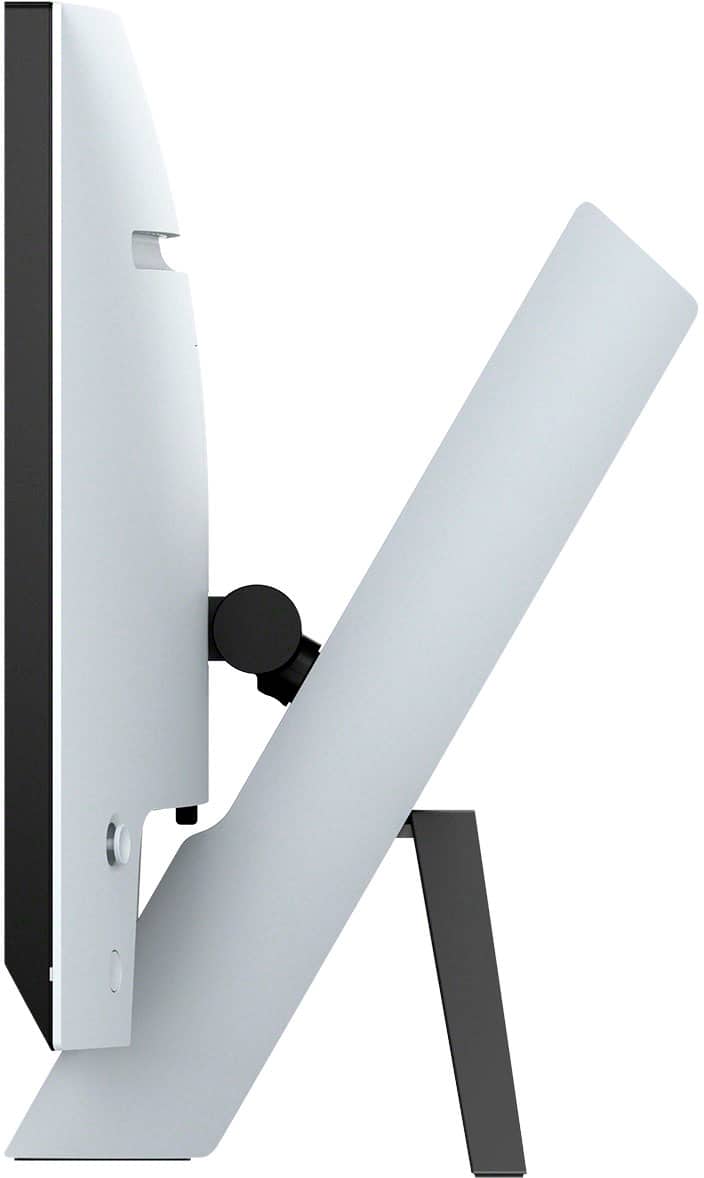
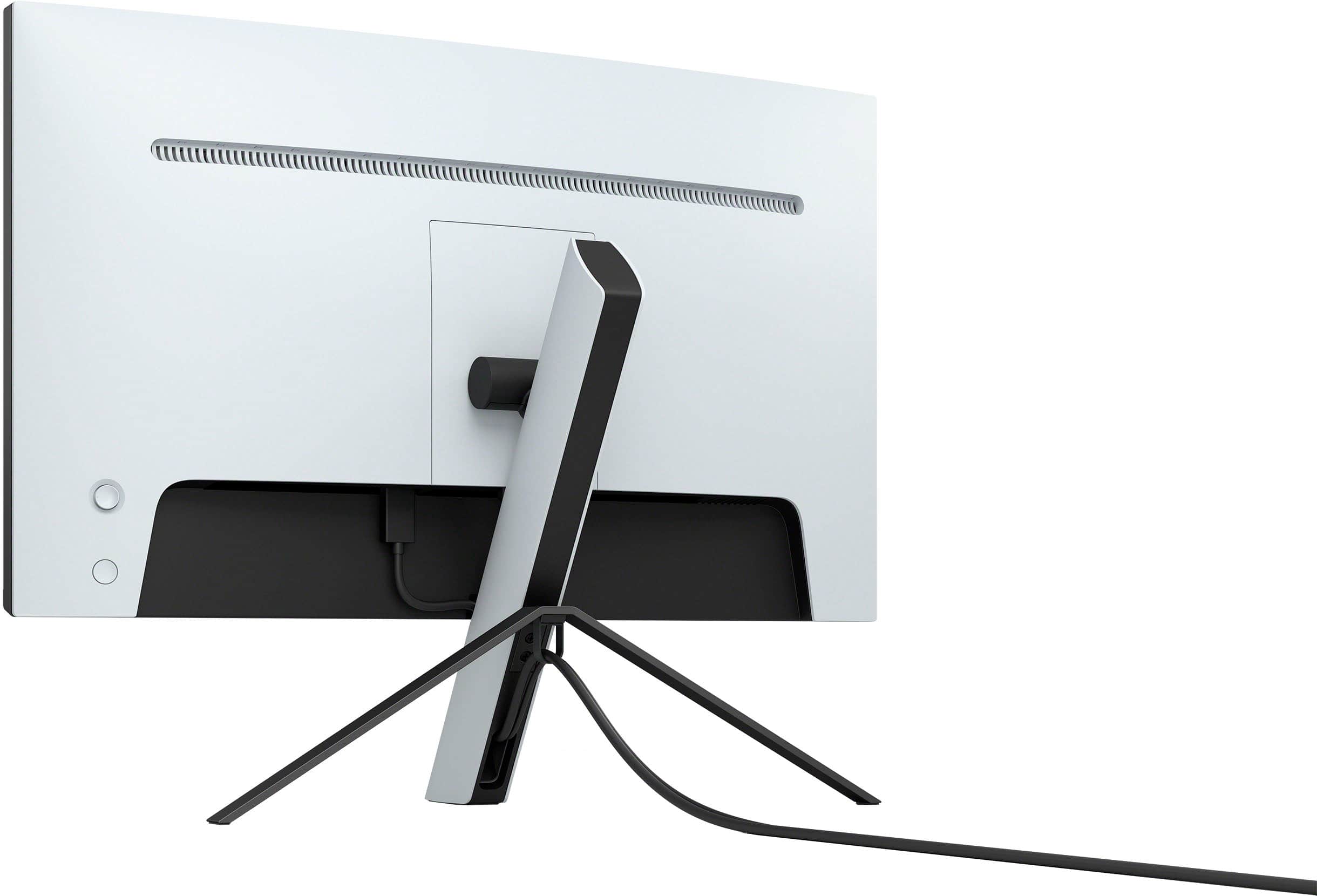
|Posted .This reviewer received promo considerations or sweepstakes entry for writing a review.Sony, a long time leader in display and audio technology has finally made a gaming display. How does their first venture into this space hold up in a very competitive market? Let’s find out. Fist of all, the specs of this panel look great on paper. 144hz, 4K, integrated KVM, local dimming, HDR with an actual VESA HDR 600 certification, and each one comes with a color calibration result showing that your panel met specs before leaving the factory. Specs may look great, but real life performance will tell the real story. The box and its contents are all pretty spartan, you get the monitor, stand, and massive power brick. No cables of any kind are included, and the two prong leader cable that goes to the brick is comically short. Also included are simple assembly instructions, two screws, and a loop to help with cable management. Be careful that you don’t lose the small plastic bags with these parts. The stand needs those two screws to be installed, and it’s ready to snap in the display. Once attached to the very unique stand design (which is clearly inspired by the PS5’s style), one design shortcoming becomes evident. It’s not easy at all to install cables into the display as they all face down and the stand gets in the way. I found by moving it to the edge of the desk and tiling it all the way back you can see what you are doing. The stand’s design did free up space on my desk. After connecting it up, it’s ready to go. It came up flawlessly in Windows 11, with refresh and resolution going right to 144hz and 4K. The Sony Inzone hub software allows you to customize and configure many of the options for the display, and is easier to use than the OSD menus. For Sony being an audio company, the speakers in this display are barely passable. They really are bad. It’s nice that they are there if you need them, but they sound faint and tinny. I also found that it’s possible to have both the speakers and headphones working at the same time, which lead to some weirdness when I was using the headphone out on the display for my much better speakers. Working with the display and settings, I found that local dimming on high causes a lot of bloom. Even on a fairly neutral background, the mouse pointer would cause bloom just moving across the screen. Leaving it at low seems to help with bloom, but at the loss of some contrast. HDR is one of the big features of this display, and it works well, but there are caveats to HDR with PCs that this display doesn’t really address by itself. Since HDR tells the monitor explicitly what color and brightness to use, when SDR content is displayed, it looks dim and dull. This display locks out most settings when HDR is active, so there is no way to change the color space or correct this in the display. What I was able to do was set the “digital vibrance” on the Nvidia control panel to somewhere between 60-65, which makes colors pop again without looking really unnatural. Maybe a future update to the monitor or changes to how windows works (such as automatic switching based on content) will allow for more options here. For gaming, the monitor is really good. It’s fast and clear, with local dimming and HDR really making your games pop. It’s also great for console gamers, supporting 120hz, VRR, etc over HDMI, allowing the Xbox Series X and of course the PS5 to really shine. It also has some extra features for PS5s. I really like having both high refresh rates and 4K, it makes this a great display for just about any use case. Overall, this is a very capable display that is great for PC and console gamers. It has a few quirks that can be largely overcome and maybe future software updates will help handle SDR content on HDR better. For the price, it stands in a unique place in terms of features and performance, and should be considered by PC gamers and Console gamers alike.
I would recommend this to a friendBrand response from SonyListens
Posted .Hi Keyan, Thank you so much for the detailed and fantastic review! We're really delighted you're happy and satisfied with the exceptional picture quality with Full Array Local Dimming and superb features of your new INZONE M9 monitor. Glad to know you feel that the INZONE M9 is worth its price, and it works perfectly with your gaming consoles and PC. Explore gaming worlds full of brilliant depth and detail. Our 27 in INZONE M9 gaming monitor with 4K HDR, Full Array Local Dimming, IPS and over 95% DCI-P3 coverage fills scenes with supreme contrast and color. You’ll react faster too with a 144 Hz refresh rate and IPS 1 ms GtG. Thank you for your purchase and for choosing Sony! -Jess

Great features for price. Good HDR for gaming.
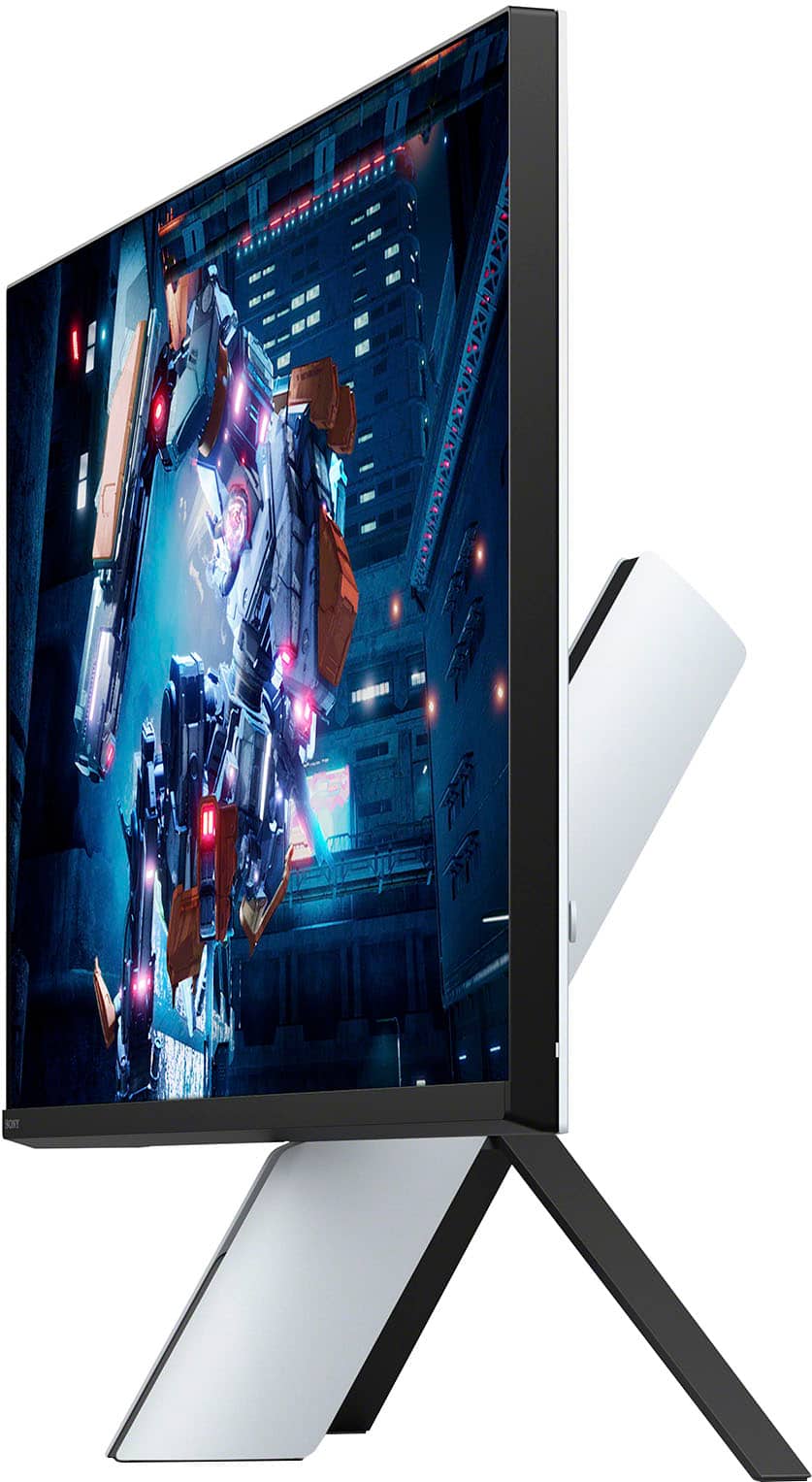
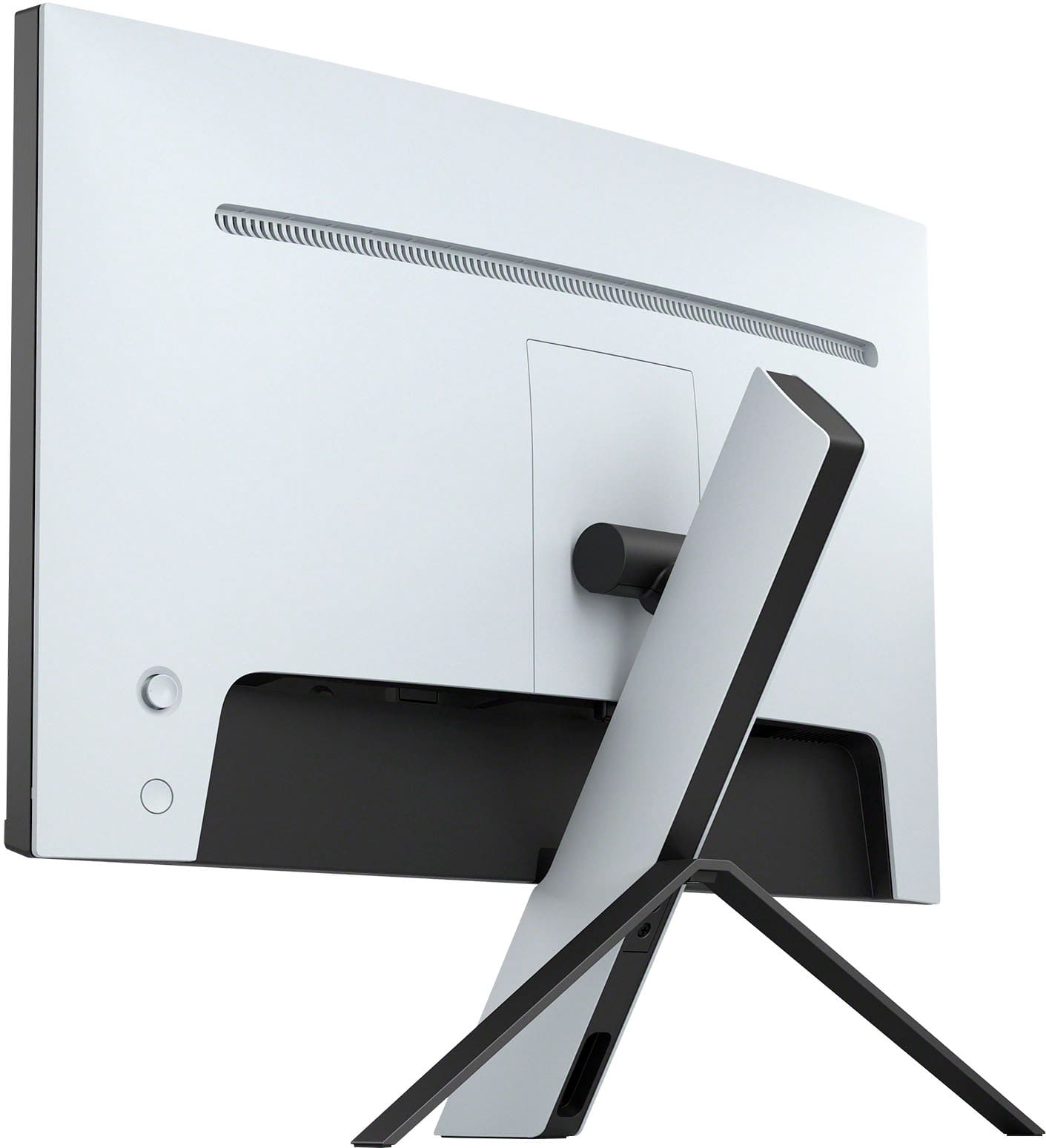
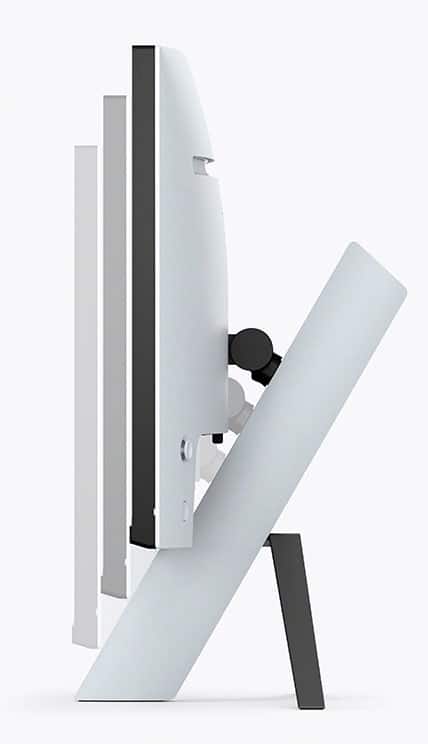
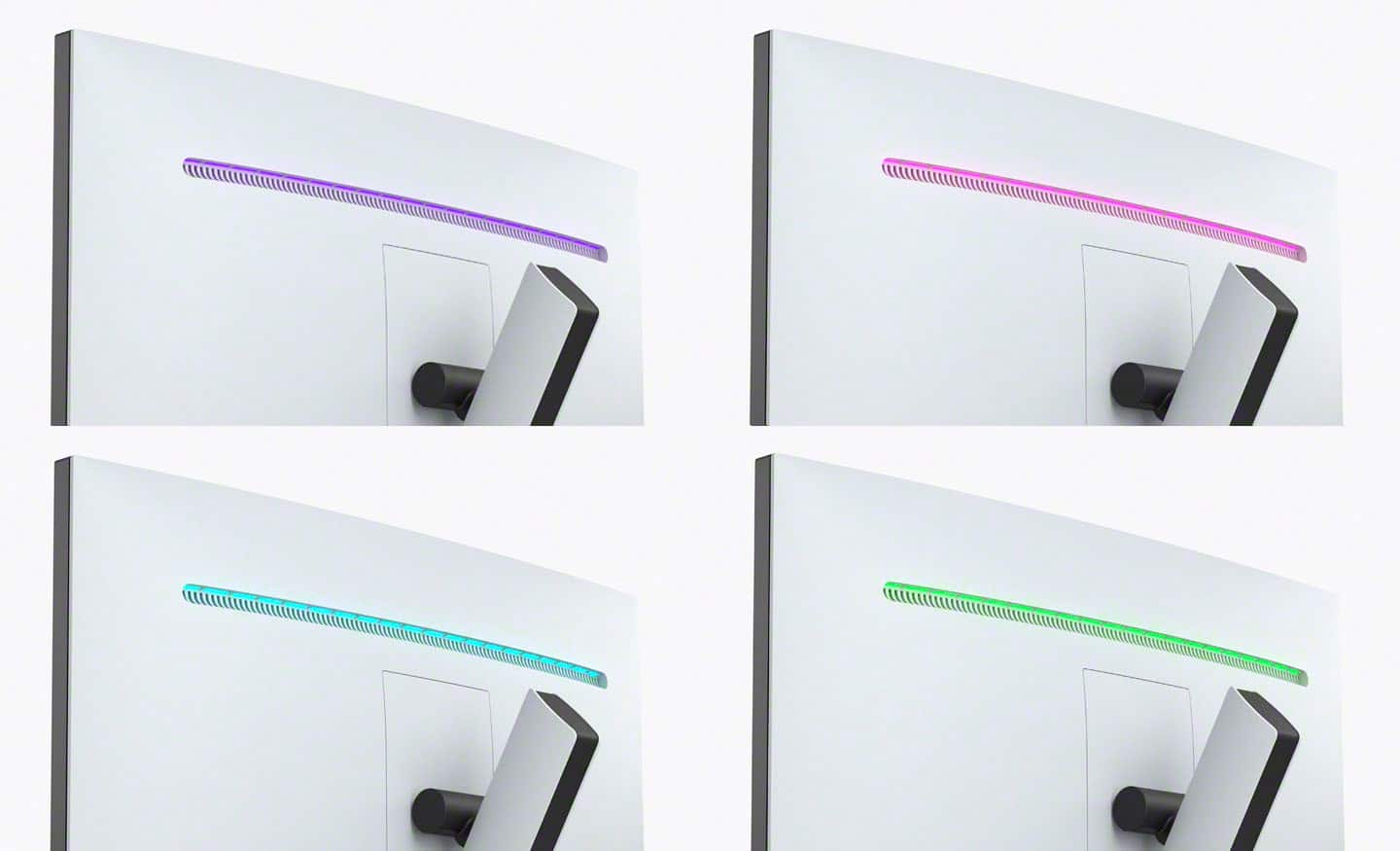
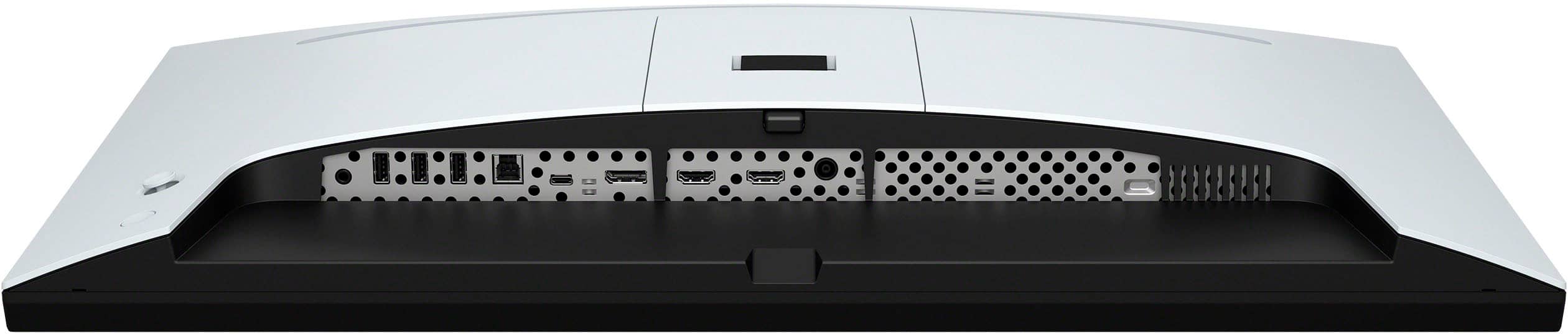
|Posted .This reviewer received promo considerations or sweepstakes entry for writing a review.Pro: -HDR 600 nits -KVM switch -InZone Hub app -Great for both console and PC gaming -Display settings Con: -The stand can’t rotate or turn the display -Speakers are terrible -No cables included -Need to look up online manual for feature settings This is a great display, especially at this price range, with features usually found on much more expensive monitors. The colors are bright with accurate colors, maybe too bright and saturated for some. The HDR has a peak brightness of 600 nits, which is higher than most monitors under $1000 range, and actually gives a noticeable visual upgrade to games. You can pretty much adjust every aspect of the display with the menu or in the InZone Hub app. It also has a built-in KVM switch, which is handy. Not everything is great however. The speakers are terrible, worse than ones on cheaper displays. There’s also no cables included. The stand doesn’t allow the monitor to be rotated or turned sideways, and the cable management is not good. Still this is a great monitor to use for both PC and consoles. The Hardware Aesthetically this is a unique design, looking very much like the Playstation 5. The back has a subtle RGB strip, enough to add a bit of color but not enough to shine a wall. There’s a power button and joystick for the on screen menu. The joystick is a bit loose and sensitive but works well enough. There’s plenty of inputs, including a DP, 2 HDMI (2.1 VRR ready), a USB-C (doubles as another DP), 3 USB inputs, a USB-B downstream (KVM), and a headphone jack. The built-in KVM is really nice to have. I had to check the online manual to find out which connection is assigned to a specific switch, but after that I haven't had any problems. From what I can tell, there wasn’t any lag using the passthrough, but my wireless mouse did sometimes stutter. For non competitive gaming, it should be okay. The tripod style stand is very limited in articulation. It only allows for height adjustments of only a few inches and slight pivoting. It doesn’t turn or rotate at all. The cable management also isn’t very good with only a small channel to tread the while through. It can only manage a few cables and if the monitor is at the lowest height, it will put pressure on the connectors. Luckily the stand is easy to remove and a VESA mount can be used. The speakers are just terrible. They sound small, tinny, and cheap. It’s better than nothing, but I expected better. The Display The display is amazing. Monitors with specs like these are going to be in the above $1000 range. Refresh rate and response time are both good. Colors are a little too saturated and runs on the blue side, but it’s easy to adjust. Local dimming in near black scenes will have some halo effects. The HDR has a brightness of 600, (vs 400 for a typical PC monitor). For console gamers coming from a nice TV, it won’t be as bright, but it’s enough to make a difference while gaming. This is a nice monitor for both PC and console gaming. Just about every setting can be adjusted to get it to look however you want. There’s also gaming settings such as crosshair, FPS counter, and timer built-in. While you can adjust the settings with the OSD, you can also use the InZone Hub desktop app to control your monitor. It has the same settings but easier to use. Final Thought This is a great monitor with great features suitable for both PC and console gaming. The display is beautiful and HDR is actually bright enough. Having a KVM with three USB ports is a big plus. The few big negatives would be the stand and the speakers. It’s also cheap of them to not include any cables at all. Still a great value given all the features packed in.
I would recommend this to a friendBrand response from SonyListens
Posted .Hi BeingHonest,
Thanks for sharing your in-depth review and experience with the INZONE M9. We're glad that you like the picture quality, KVM switch (Auto switch function), and dedicated app (INZONE Hub) of the gaming monitor. We do appreciate your review about the stand design, having supplied cables, product information, and sound quality of the monitor.
With the INZONE Hub software, you can personalize experiences by customizing a wide range of operations, including a variety of sound and picture settings. You can also assign specific picture mode and sound profiles of the headset to individual computer applications and games. For more information, please refer to this link:
https://www.sony.com/electronics/support/televisions-projectors-monitors/sdm-u27m90/downloads
In case you need further assistance, please email the below information to [email protected].
Full Name:
Best Buy Username:
Telephone Number:
Sony Monitor Model Number:
Issue:
Additional Information regarding your experience with the INZONE M9 (SDMU27M90).
Explore gaming worlds full of brilliant depth and detail. Our 27" INZONE M9 gaming monitor with 4K HDR, Full Array Local Dimming, IPS and over 95% DCI-P3 coverage fills scenes with supreme contrast and color. You’ll react faster too with a 144 Hz refresh rate and IPS 1 ms GtG. Thanks for choosing Sony!
-Ralph
Hot garbage, don’t buy it
||Posted .This reviewer received promo considerations or sweepstakes entry for writing a review.Decided it was time to get new monitors for my 4090 build, luckily I only bought one first to try out. Plugged in and couldn’t read my PC. Will be returning this and back to my search for the best 4K gaming monitor.
No, I would not recommend this to a friendBrand response from SonyListens
Posted .Hi MikeOxlong, We are sorry to hear that your PC can't read the gaming monitor and had to be returned. This is definitely not the experience we'd like to hear from you. We'd love to help you troubleshoot your problem and turn this into a better experience.
When you say that the PC couldn't read the monitor, do you mean a black screen, no picture, or intermittent picture when using your INZONE Gaming Monitor? If, please try the following steps to troubleshoot the problem:
Use only high-speed cabling when connecting your devices
USB Type C™ - Use Thunderbolt 4 (40 Gbps) cable.
HDMI® - Use Certified Ultra High-Speed (48 Gbps) cable.
If the DisplayPort (DP) setting is version 1.4, change it to 1.2
Use the Joystick on the rear of the monitor to navigate to Settings → DP version number → 1.2.
Make sure the ECO mode is disabled
Use the Joystick on the rear of the monitor to navigate to Settings → ECO mode → OFF.
AC power cycle the monitor
Power off the monitor.
Unplug the AC cord.
Wait one minute and then reconnect the AC cord.
Power on the monitor.
If you have the chance, please also ensure the software is updated. Ref: https://www.sony.com/electronics/support/software/00284042
Should you need further assistance,
please email the below information to [email protected].
Apologies if you disclosed some of this information in your review and to customer service, we just want to ensure that we have your accurate details at the time of communication.
Full Name:
Best Buy Username:
Telephone Number:
Sony TV Model Number:
Additional Information regarding your experience with the INZONE M9
We are sorry for the inconvenience and hope to speak to you to resolve this matter.
We appreciate you and thanks again for shopping Sony!
Sincerely,
Erin
Don't waste your $$$
||Posted . Owned for 1 week when reviewed.This reviewer received promo considerations or sweepstakes entry for writing a review.Maybe I got a bad unit but would get gray washout after about 5 minutes and random loss of HDMI signal while playing games with my PS5 and Series X. There are a lot better options at this price range.
No, I would not recommend this to a friendBrand response from SonyListens
Posted .Hi Daniel,
We regret to hear that you are not satisfied with the INZONE M9. Your feedback is extremely important to us and is very much appreciated. For optimum performance, make sure that the software version of the monitor is up-to-date. Please refer to these links for more information:
https://www.sony.com/electronics/support/monitors-inzone-m9-series/sdm-u27m90/software/00284042
https://helpguide.sony.net/tv/u27m90/v1/en/contents/TP1000670514.html
If you set the Local dimming to Low or Off, this may cause the whole screen to look washed out. You may also try turning off Auto picture mode to resolve the issue.
Make sure to also use a High Speed HDMI cable or the latest version of a display port cable. Sometimes cables are the easiest cause for concern and fix most issues.
If you have multiple devices connected to the monitor, you can disable the auto input search to manually select a specific input. For more information, please refer to this link:
https://helpguide.sony.net/tv/u27m90/v1/en/contents/TP1000668884.html
Additional information about the gaming monitor can be found on this link:
https://www.sony.com/electronics/support/televisions-projectors-monitors/sdm-u27m90/articles/00279504
If still not resolved or you need further assistance, please email us at [email protected] with the following details:
Name:
Username:
Model Number:
Issue:
Telephone Number:
Or contact our product support team via phone call or chat through this link:
https://us.esupport.sony.com/support/s/service?language=en_US.
Sincerely,
-Ralph
The PC and PS5’s 4k HDR Companion
|Posted .This reviewer received promo considerations or sweepstakes entry for writing a review.I spent some time with this Sony 4k monitor with a PS5 and a PC. I will say it looks pretty great and performs pretty well. I wanted to inform everyone that I did have some “issues” when I first started using it but I reached out to tech-support and they informed me of the issues I was having were specific to settings when using HDR. When you’re using HDR the monitor locks into a calibrated HDR mode so you are unable to change the preset. So it may appear to look like you are stuck in a preset mode and won’t let you change it. This is actually normal due to the factory HDR calibration. They also said they want to eventually add a HDR preset to the GUI so it doesn’t look locked. Wanted to inform you so if you run into this you know it’s normal. Now back to the monitor, when you are using it man does this thing show its strengths. I was playing at 120 Hz on Warzone HDR 4K a man I felt like I was playing on my PC it’s absolutely fantastic. I was able to load a 4K Blu-ray on my PS5 and watched the The Dark Knight and man it was beautiful the HDR on this monitor is great the peak brightness is very bright. When I was on my PC, I compared it to my older 2K monitor and at first I was like what kind of difference could there actually be? Then I did a HDR brightness test on a PC app and I looked at my 2k and it looked decent but when I dragged it to the Sony I almost went blind! This thing is bright! With that it does have have good lows due to full array local dimming. With though it causes some halo around a mouse when there is a dark screen like discord or a dark background. When you’re playing video games you don’t notice it or watching any video content. It only happens when it’s a static screen with a mouse. I currently have my monitor mounted to a dual monitor vesa stand so I have not been able to use the included stand. The aesthetics of it look very good it matches very well with the PS5. The perfect complement in more ways than one! The RGB in the back is a nice touch. I have always been a fan of a KVM and this monitor doesn’t disappoint. I am able to use my laptop and swap to my PC with ease. The speakers are well just say monitor speakers nothing too special. But it is nice to have. I definitely recommend this monitor whether you are a PC gamer or a PS5 dorm room gamer. It won’t disappoint!
I would recommend this to a friendBrand response from SonyListens
Posted .Hi Daniel, Thank you for taking the time to review the INZONE M9 | 27'' 4K IPS 1ms 144 Hz HDR Gaming Monitor. We apologize for any inconvenience. INZONE™ gaming monitors help you see more clearly and react faster for invincible gaming. Check out the information below to learn more about the monitor and how to use it: https://www.sony.com/electronics/support/televisions-projectors-monitors/sdm-u27m90/articles/00279504.
If you are unable to resolve your concern, may we contact you to help? If so, please email the below information to [email protected] or chat with us from Sony’s e-support webpage. Apologies if you disclosed some of this information in your review and to customer service, we just want to ensure that we have your accurate details at the time of communication.
Full Name:
Best Buy Username:
Telephone Number:
Sony Model Number:
Additional Information regarding your experience with the SDMU27M90:
We are sorry for the inconvenience and hope to speak to you to resolve this matter. We appreciate you and thanks again for shopping Sony!
Sincerely,
Jay
LG C2 Tv Is Better
||Posted . Owned for 1 year when reviewed.This reviewer received promo considerations or sweepstakes entry for writing a review.Not even as good as the LG C2 43 inch tv after I returned this and got the tv
No, I would not recommend this to a friendBrand response from SonyListens
Posted .Hi Sugar,
Thank you for telling us about your experience with your INZONE M9 and we're sorry to learn it didn't meet your expectations. Your feedback is extremely important to us and is very much appreciated.
It's unfortunate that you're not having the best experience with this gaming monitor and the unit had to be returned. We could've walked you through with some troubleshooting and offer assistance with our product.
We hope you will consider Sony again in a future purchase. Thank you for the feedback.
Sincerely,
Jess
Best ps5 monitor for the price
||Posted . Owned for 1 month when reviewed.This reviewer received promo considerations or sweepstakes entry for writing a review.Best monitor i could find for the price that support everything i want for my ps5
I would recommend this to a friendBrand response from SonyListens
Posted .Awesome! You've made a great choice, Snackdiggity! We are happy that you are enjoying the amazing performance of our INZONE M9, especially when using it with your PlayStation 5. We are also thrilled that you are satisfied with its reasonable price.
Explore gaming worlds full of brilliant depth and detail. Our 27" INZONE M9 gaming monitor with 4K HDR, Full Array Local Dimming, IPS and over 95% DCI-P3 coverage fills scenes with supreme contrast and color. You’ll react faster too with a 144 Hz refresh rate and IPS 1 ms GtG.
Thank you for the perfect star review and for choosing Sony!
- Romeo
Disappointing
||Posted . Owned for less than 1 week when reviewed.This reviewer received promo considerations or sweepstakes entry for writing a review.Colors are washed/faded. HDR is not very good for compatible games. I’d take this money ans just put it towards an OLED tv.
No, I would not recommend this to a friendBrand response from SonyListens
Posted .Hi octanemain,
We regret to hear that you are not having the best experience with the INZONE M9 monitor. If you set the Local dimming to Low or Off, this may cause the whole screen to look washed out. You may also try turning off Auto picture mode to resolve the issue.
The INZONE M9’s Preset picture modes are designed to optimize picture quality for specific use cases. Standard, FPS and Cinema preset modes are tuned for overall balanced performance, optimized for FPS games, and for enjoying cinematic content like streaming movies or videos, respectively. For more customized performance, we recommend using Game 1 or Game 2 and turning off HDR to ensure your customized settings are not overridden. When using the INZONE M9 with a Windows PC, we recommend downloading the INZONE Hub software to seamlessly control the monitor settings.
Additional troubleshooting steps are also available on this link:
https://www.sony.com/electronics/support/televisions-projectors-monitors/sdm-u27m90/articles/00279504
If still not resolved or you need further assistance, please don’t hesitate to email the below information to [email protected].
Full Name:
Best Buy Username:
Telephone Number:
Sony Monitor Model Number:
Issue:
Additional Information regarding your experience with the INZONE M9 (SDMU27M90).
Sincerely,
-Ralph
Sony Social Support
Stay Away
||Posted .This reviewer received promo considerations or sweepstakes entry for writing a review.I have gone through two of these within 24 hours. Do not buy this item.
No, I would not recommend this to a friendBrand response from SonyListens
Posted .Hi Specialcoyote,
We're sorry to hear if you are having issues with your Sony - 27” INZONE M9 4K HDR 144Hz Gaming Monitor with Full Array Local Dimming and NVIDIA G-SYNC. This is not the experience we want to hear from our customers. Kindly allow us to help you and turn this to a better one.
We'd like to make sure you are taken care of. May we contact you to help and get more information? If so, please email the below information to [email protected]. Apologies if you disclosed some of this information in your review and to customer service, we just want to ensure that we have your accurate details at the time of communication.
Full Name:
BBY Username:
Telephone Number:
Model Number:
Additional Information regarding your experience with the INZONE M9:
Again, we apologize for the inconvenience and hope to speak to you to resolve this matter.
Sincerely,
Marco
Clearly not what its advertized
||Posted . Owned for 1 week when reviewed.This reviewer received promo considerations or sweepstakes entry for writing a review.Experienced lag in gameplay from the first moment, even when playing cinematic. Will be returning it soon.
No, I would not recommend this to a friendBrand response from SonyListens
Posted .Hi XakiMo,
We regret to hear that you are not satisfied the INZONE M9. For optimum performance, make sure that the software version of the monitor is up-to-date. Please refer to these links for more information:
https://www.sony.com/electronics/support/monitors-inzone-m9-series/sdm-u27m90/software/00284042
https://helpguide.sony.net/tv/u27m90/v1/en/contents/TP1000670514.html
Make sure to also use a High Speed HDMI cable or the latest version of a display port cable. Sometimes cables are the easiest cause for concern and fix most issues. Also for what type of game you are playing please use either the INZONE hub or the On screen display and choose from the available presets for what type of content you are displaying. Example:Game, FPS etc.
Ghosting or inverse ghosting may appear during fast gameplay when the Response time is set to Faster. This is due to excessive panel overdrive which may cause slight yet noticeable visual artifacts in the image. To avoid ghosting or inverse ghosting, change the Response time to Standard or Fast.
Tearing or frame drops happen when connecting to the computer. This can occur if the computer settings are not optimized. Try the following:
-Change display Resolution on the computer: Select Start → Settings → System → Display, and change to a lower Resolution.
-Change the Refresh Rate on the computer: Select Start → Settings → System → Display → Advanced display settings, and change to a lower Refresh Rate.
-Change and check VRR settings on your graphics board control software.
For more information about the gaming monitor, please refer to this link:
https://www.sony.com/electronics/support/televisions-projectors-monitors/sdm-u27m90/articles/00279504
Hope this helps. If still not resolved or you need further assistance, please don’t hesitate to email the below information to [email protected].
Full Name:
Best Buy Username:
Telephone Number:
Sony Monitor Model Number:
Issue:
Additional Information regarding your experience with the INZONE M9 (SDMU27M90).
Sincerely,
-Ralph
Sony Social Support
Great resolution and response time for PS5 and pc
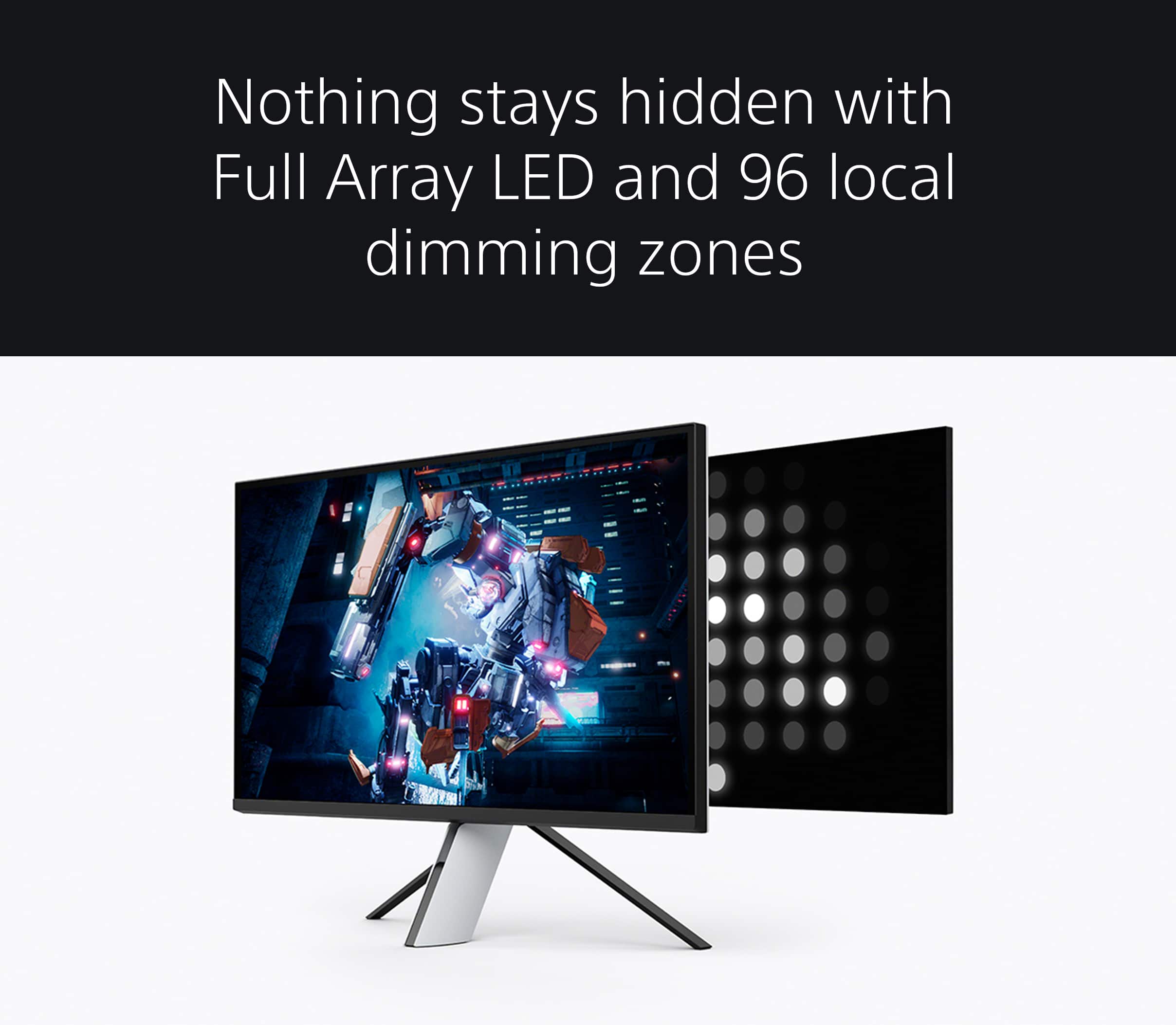
|Posted .This reviewer received promo considerations or sweepstakes entry for writing a review.There is a lot the Sony InZone M9 gaming monitor has to offer gamers. The 4K panel is impressive and it shows in clarity and picture quality. We’ve found the detail in pc gaming and movie watching to be quite enjoyable. An amazing feature of the Sony M9 monitor is full array local dimming that allows for better control of lighting through the use of 96 dimming zones. This particular lighting allows certain things in a game to be highlighted and provided more clarity and depth, lending itself to better game play. Add in the 144Hz refresh rate, 1ms response time and variable refresh rate via NVIDIA G-SYNC to improve precision play further with fluid images. Playstation 5 specific features include auto HDR tone mapping and auto genre picture mode. Upon detecting a PS5 the INZONE monitor will select the best HDR settings automatically. The other nice convenience is the automatic change to cinema mode when the PS5 has gone to Blue-ray player functionality. For customized settings, without using the monitor’s rear joystick and on-screen display, one can utilize the Sony InZone pc app. This really offers simpler navigation for changing settings such as brightness and local dimming intensity, plus customization of picture modes and headphone audio to particular apps and games. The monitor stand is rather unique in looks with a tripod design. It seems to do well with syncing to the PS5 gaming vibe in design and lighting options. Some may consider the design to be rather thick and heavy compared to other monitors with a more sleek, minimal look. It provides adjustment for tilt and height, but an even further height adjustment would be preferred by us. Cable management is provided by routing those through the middle section and utilizing the rear clip. Given the higher price point of this monitor we would have appreciated Sony supplying a HDMI and DP cable as has been our experience with other high-end monitors. Having owned and appreciated Sony tv products for a long time in terms of picture clarity, conformity and contrast we can see the translation to the many great features this monitor offers, especially to gamers. I think Sony would appeal to an even higher portion of the high-end monitor segment should they offer this in a 32" size rather than 27".
I would recommend this to a friendBrand response from SonyListens
Posted .Hi allib,
Thanks for sharing your review and experience with the INZONE M9. We're glad that you like the picture quality, PS5 compatibility, dedicated app (INZONE Hub), and stand design of the gaming monitor. We also appreciate your review about having supplied cables and a bigger size monitor.
Explore gaming worlds full of brilliant depth and detail. Our 27" INZONE M9 gaming monitor with 4K HDR, Full Array Local Dimming, IPS and over 95% DCI-P3 coverage fills scenes with supreme contrast and color. You’ll react faster too with a 144 Hz refresh rate and IPS 1 ms GtG. Thanks for choosing Sony!
-Ralph
Great for PS5
||Posted . Owned for 3 weeks when reviewed.This reviewer received promo considerations or sweepstakes entry for writing a review.This is phenomenal on my PS5z racing games and to rpg.
I would recommend this to a friendBrand response from SonyListens
Posted .Hi Reese,
Amazing! We're thrilled that you are enjoying this gaming monitor with your PS5. Explore gaming worlds full of brilliant depth and detail. Our 27 in INZONE M9 gaming monitor with 4K HDR, Full Array Local Dimming, IPS and over 95% DCI-P3 coverage fills scenes with supreme contrast and color. You’ll react faster too with a 144 Hz refresh rate and IPS 1 ms GtG. Thanks for choosing Sony!
-Ralph
Terrible
||Posted . Owned for 1 month when reviewed.This reviewer received promo considerations or sweepstakes entry for writing a review.Monitor horrible doesn’t even come with a hdmi cord wth,
No, I would not recommend this to a friendBrand response from SonyListens
Posted .Hi Ad1983, We value your opinion and we would like to apologize if our product did not meet your expectations. At Sony, we are always looking to improve our product quality and features. We have noted your input about the HDMI cable not being included in the package and will be sure to forward this feedback to the appropriate department.
If you have questions or concerns on your Sony Inzone M9, feel free to email us at [email protected] with the following details:
Name:
Username:
Model Number:
Issue:
Telephone Number:
Regards,
Sam
Would not buy
||Posted . Owned for 3 weeks when reviewed.This reviewer received promo considerations or sweepstakes entry for writing a review.The Screen had a burn in it the second day I got it. Product needs work.
No, I would not recommend this to a friendBrand response from SonyListens
Posted .Hi CodyS,
We regret to hear that you are not having the best experience with the INZONE M9. Your feedback is extremely important to us and is very much appreciated. If you feel you may have an issue with your M9 monitor, please reach out to your dealer or Best Buy to arrange for an exchange.
Should you need further assistance, please email us at [email protected] with the following details:
Name:
Username:
Model Number:
Issue:
Telephone Number:
Or contact our product support team via phone call or chat through this link:
https://us.esupport.sony.com/support/s/service?language=en_US.
Regards,
-Ralph
Love it!
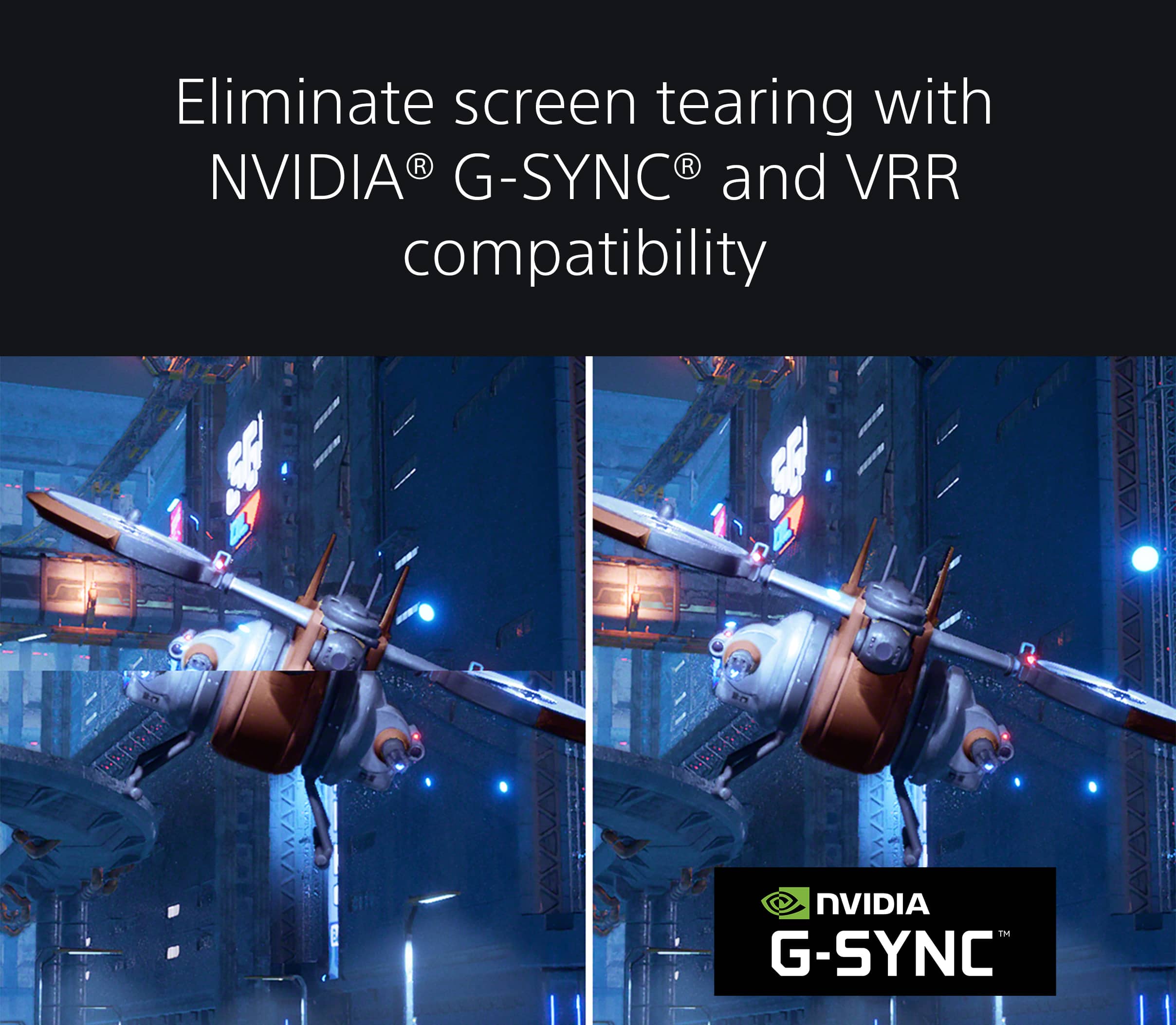
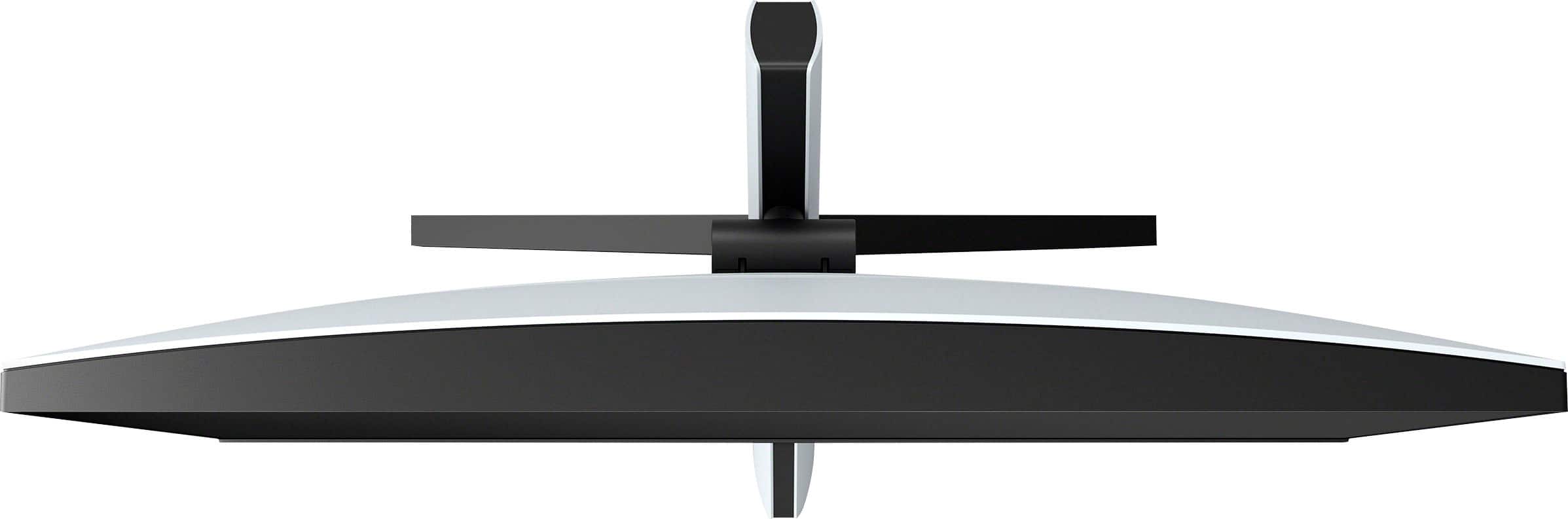
|Posted .This reviewer received promo considerations or sweepstakes entry for writing a review.The Sony INZONE M9 is an amazing monitor. Easily the best I have ever owned. It has everything a gamer could ask for and then some. To begin, the design is really cool. As you probably already know, it was clearly designed to fit along side with the Sony PlayStation 5. And the two sync together to give you a flawless gaming experience by allowing the two to "talk" to each other to select the perfect settings. Personally, I really like the design and I like the stand as well. It's true the the screen can only be raised & lowered and tilted front to back. Not horizontally. Not an issue for me, but something you should know before purchasing. I like the placement of the power button & the control joystick on the back. Easy to get to and responsive. It is a bit thicker than most modern monitors. I can only assume that is to facilitate the Full Array Local Dimming. Also, there is a nice looking accent light on the back that you can change the color of (or turn off) that looks nice. That is if you are into looking at the back of your monitor :-) Honestly, unless you are in a pitch black room you will probably forget the light is even there. Now lets get into what is most important: Performance. I have used it with both a DisplayPort 1.4 cable that allows for 144Hz, and also an HDMI 2.1 cable that allows for up to 120Hz. Honestly, these refresh rate are so close you would really be hard-pressed to notice any difference between the two so run with whatever of the two cables you have. Both look amazing with no tearing. Also, keep in mind that you do get Nvidia G-SYNC capabilities when used with a PC. It wasn't long ago when I thought that getting such a smooth gaming experience with a 4K monitor would be impossible. But do keep in mind that if you use an older HDMI cable (non 2.1) you will only get a 60Hz refresh rate. What I can say is that the picture is razor sharp with vibrant colors. This is true with both gaming and other uses. I've even used it for photo editing and it looks fantastic with accurate colors. Also, you have a ton of customization available either thru the screens built in controls, or the optional download control panel for your computer. I highly suggest downloading this. It makes using the controls much, much easier. So, far I haven't run into a game that doesn't look & perform flawlessly with the M9. So are there any downsides? Well, there are no included cables so that will be an added expense unless you already have some. Switching from one input to another has a little lag but nothing objectionable. These are really more of an annoyance that a drawback. The only real downside is the built in speakers. They are awful! I mean, as in tin can sounding awful. Now admittedly, most gamers are going to be using either a soundbar, external speakers or even more likely headphones. So I'm sure the speakers were an afterthought. However, this is not a cheap monitor and this is Sony, who makes some of the best audio gear in the world. So it's a bit of a surprise that they allowed this to come with such poor speakers. I'm not going to knock any points off for this because good or bad, I was never really going to use the built in speakers when I have good headphones and a great soundbar. But just keep the speakers in mind if you plan to use them. Do I recommend the M9. Absolutely. Provided you are a gamer or have some other reason for the high end specs. But if you are not a gamer and say just a web surfer, it would be overkill for you. But if the specs are what you need I highly recommend it.
I would recommend this to a friendBrand response from SonyListens
Posted .Hi Duluthian,
Awesome! We're glad to hear your enjoyable gaming experience with your new INZONE gaming monitor. Nice to know you like the design, ease of use, response time and overall performance of the monitor. We also appreciate your review regarding the included cables, switching inputs and sound quality of the monitor. With the INZONE Hub software, you can personalize experiences by customizing a wide range of operations, including a variety of sound and picture settings. You can also assign specific picture mode and sound profiles of the headset to individual computer applications and games. For more information, please refer to this link: https://www.sony.com/electronics/support/televisions-projectors-monitors/sdm-u27m90/downloads With the monitor's KVM switch (Auto switch function), you can control two computers or one computer and one gaming console, with a single set of a keyboard, mouse, and headset. The device controlled by USB devices changes automatically, according to the video input source selected. KVM stands for Keyboard, Video, and Mouse. Additional information about the INZONE M9 can be found on this link: https://www.sony.com/electronics/support/televisions-projectors-monitors/sdm-u27m90/articles/00279504
If you need further assistance with the unit, feel free to contact us by sending an email to [email protected] with the following:
Name:
Best Buy Username:
Telephone Number:
Model Number:
Issue:
Explore gaming worlds full of brilliant depth and detail. Our 27" INZONE M9 gaming monitor with 4K HDR, Full Array Local Dimming, IPS and over 95% DCI-P3 coverage fills scenes with supreme contrast and color. You’ll react faster too with a 144 Hz refresh rate and IPS 1 ms GtG. Thanks for your recommendation and for choosing Sony! - Kris
Amazing 4k LCD Monitor with Local Dimming HDR
|Posted .This reviewer received promo considerations or sweepstakes entry for writing a review.This monitor checks a lot of boxes that you would like to see in a gaming monitor. It has 4k resolution, 144Hz refresh rate, HDR 600 certified, as well as some aesthetic notes that should blend in well with any build. It also brings 95% DCI-P3 spectrum coverage. The screen looks fantastic for gaming. At 4k resolution HDR videos are smooth thanks to the 144Hz display, have rich vibrant colors, and amazing fast response time of 1ms. The dimming zones really help the LCD panel do HDR close to what LED panels can do. With LED the individual pixels turn off but because LCD is backlit, the dimming zones help the screen achieve true black reaching HDR 600 certification. The design of the monitor has PlayStation vibes. I like the black and white color scheme of the display and stand. There’s a recessed channel on the back that has a LED light that you can change the color of. The stand is adjustable up and down and you can change the tilt but there’s no side to side without moving the whole stand, or any rotation at all. It is VESA compatible, and this is how I have mounted mine without any issues. There’s two standard HDMI, Display Port, and USB C display port. There are also three USB 3 type A ports for peripherals. There’s a “joystick” on the back for adjusting settings. You can download software from Sony that will allow you to adjust the monitor settings without having to tinker with the joystick on the back. I love this and much prefer this than having to awkwardly reaching behind my monitor. I can sit comfortably at the distance I’ll use the monitor and fine tune it to my liking. Among other things, you can adjust brightness, sharpness, cool/warm feel, response time as well as display settings based on what program is running. This is great if you have a preferred setting for editing photos or playing games. There’s FPS crosshairs and dots you can turn on that stay centered on the screen. Also you can turn on a FPS counter. There’s also adjusting of the response time as well as adjusting the LED light on the back. As far as gaming goes, you’ll need some decent hardware to play 144Hz at 4k. I was getting around 40-50 FPS playing Destiny 2 at max settings. I ultimately tuned the in-game graphics down to 2k resolution which still looked fantastic but consistently ran at a capped 120 FPS. This isn’t a limit to the display but just a call out. Overall there’s a lot to like on this monitor. 4k, 144Hz, 1ms Response, HDR, 95% DCI-P3, and software based menu. The only thing I would like to see is maybe a bit brighter LED light with more RGB options. Perhaps integration into Corsair iCue or similar software.
I would recommend this to a friendBrand response from SonyListens
Posted .Hi TravisJ,
Thanks for sharing your 5-star review of the INZONE M9. We're thrilled that you are enjoying the design, available ports, dedicated app (INZONE Hub), and picture quality of the gaming monitor. We also appreciate your review about the LED light of the monitor.
Explore gaming worlds full of brilliant depth and detail. Our 27" INZONE M9 gaming monitor with 4K HDR, Full Array Local Dimming, IPS and over 95% DCI-P3 coverage fills scenes with supreme contrast and color. You’ll react faster too with a 144 Hz refresh rate and IPS 1 ms GtG. Thanks for choosing Sony!
-Ralph
Overpriced for so much Blooming.
|Posted .This reviewer received promo considerations or sweepstakes entry for writing a review.I got this monitor for my son who is a heavy gamer on both PC and PS5. For the cost of this smaller 27" monitor fald led the picture quality is good but the amount of blooming is just terrible. For 899.99 this monitor should not display blooming like it does. My son's previous LG led 4k monitor has way less blooming than this and is around a third of the cost of the M9. This has enough inputs, 2 HDMI 2.1, 1 display port, a USB printer style port for updates, and 3 USB a ports and a USB c style port with 15w power delivery. My son uses one HDMI for his PS5 and the other HDMI for his gaming PC with a 3080 gpu. For me, I would buy a 48" or a 42" OLED before this, as to me and my money they are a far superior choice for gaming without the blooming, as well as those beautiful inky blacks. I'm not a fan of the metal stand legs, makes the monitor seem odd and cheap, like Ikea furniture. This would look better wall mounted or on a different vesa style stand. This does look good while gaming on a PS5, but when in a dark room you can tell the blacks are more grey and washed out. Also the rear rgb led strip is terribly dim, even in a dark room you can barely tell they're even on unless you physically look behind the monitor tomcheck. I definitely wouldn't recommend this to anyone who is serious about gaming.
No, I would not recommend this to a friendBrand response from SonyListens
Posted .Hi Todd,
Thank you for reaching out to us. While we are glad you like picture quality of the INZONE M9, we're sorry to we were not able to meet your expectations with the stand and issues that you are experiencing with the unit. Allow us to help troubleshoot the problem. To reduce the blooming or halo effect, set the Local dimming to Low or Off. Note: The setting may cause the whole screen to look washed out. For optimum performance, please make sure that the software version of the monitor is updated. You can also use the INZONE Hub software. It allows you to personalize experiences by customizing a wide range of operations, including a variety of sound and picture settings. You can also assign specific picture mode and sound profiles of the headset to individual computer applications and games. Please refer to this link: https://www.sony.com/electronics/support/televisions-projectors-monitors/sdm-u27m90/downloads
Additional troubleshooting steps and information are available on this link: https://www.sony.com/electronics/support/televisions-projectors-monitors/sdm-u27m90/articles/00279504
In case you need further assistance, please don’t hesitate to reach out to us. You may send an email to [email protected] with the following:
Name:
Best Buy Username:
Telephone Number:
Model Number:
Issue:
We are sorry for the inconvenience and hope to speak to you to resolve this matter. - Kris
Not Worth The Money I Spent, But It's Good.
Posted .This reviewer received promo considerations or sweepstakes entry for writing a review.This is a great monitor for PS5 players, but I can't recommend it for much else. The picture quality on the PS5 is awesome. Would not recommend it for Mac users, because you can't take advantage of the built-in PC software, but also does not match Mac colors well. My biggest issues are the stand, the placement of the cable inputs (HDMI, DP, etc), and most importantly and frequent screen blackouts/involuntary input searching while I'm in the middle of playing a game -- it happens almost every time I sit down for a gaming session. I'd recommend this strictly for casual PS5 users that want great picture quality and a step above the average gaming experience. There are many competitors out there in this space that offer equivalent or better performance for less money.
No, I would not recommend this to a friendBrand response from SonyListens
Posted .Hi BryceP, We are sorry to hear about the problems you're facing with the SDMU27M90. This is definitely not the experience we'd like you to have. Sony takes into consideration all feedback to improve the performance and quality of our products and services. We're always looking to make Sony better.
Unfortunately, at this time, the INZONE software is only compatible with windows. With regards to the frequent black outs, please try the following:
Use only high-speed cabling when connecting your devices
USB Type C™ - Use Thunderbolt 4 (40 Gbps) cable.
HDMI® - Use Certified Ultra High-Speed (48 Gbps) cable.
If the DisplayPort (DP) setting is version 1.4, change it to 1.2
Use the Joystick on the rear of the monitor to navigate to Settings → DP version number → 1.2.
Make sure the ECO mode is disabled
Use the Joystick on the rear of the monitor to navigate to Settings → ECO mode → OFF.
AC power cycle the monitor
Power off the monitor.
Unplug the AC cord.
Wait one minute and then reconnect the AC cord.
Power on the monitor.
May we also contact you to help and get more information? If so, please email the below information to [email protected].
Apologies if you disclosed some of this information in your review and to customer service, we just want to ensure that we have your accurate details at the time of communication.
Full Name:
BBY Username:
Telephone Number:
Additional Information regarding your experience with the SDMU27M90
We are sorry for the inconvenience and hope to speak to you to resolve this matter.
Sincerely,
Erin
Best Monitor for PS5
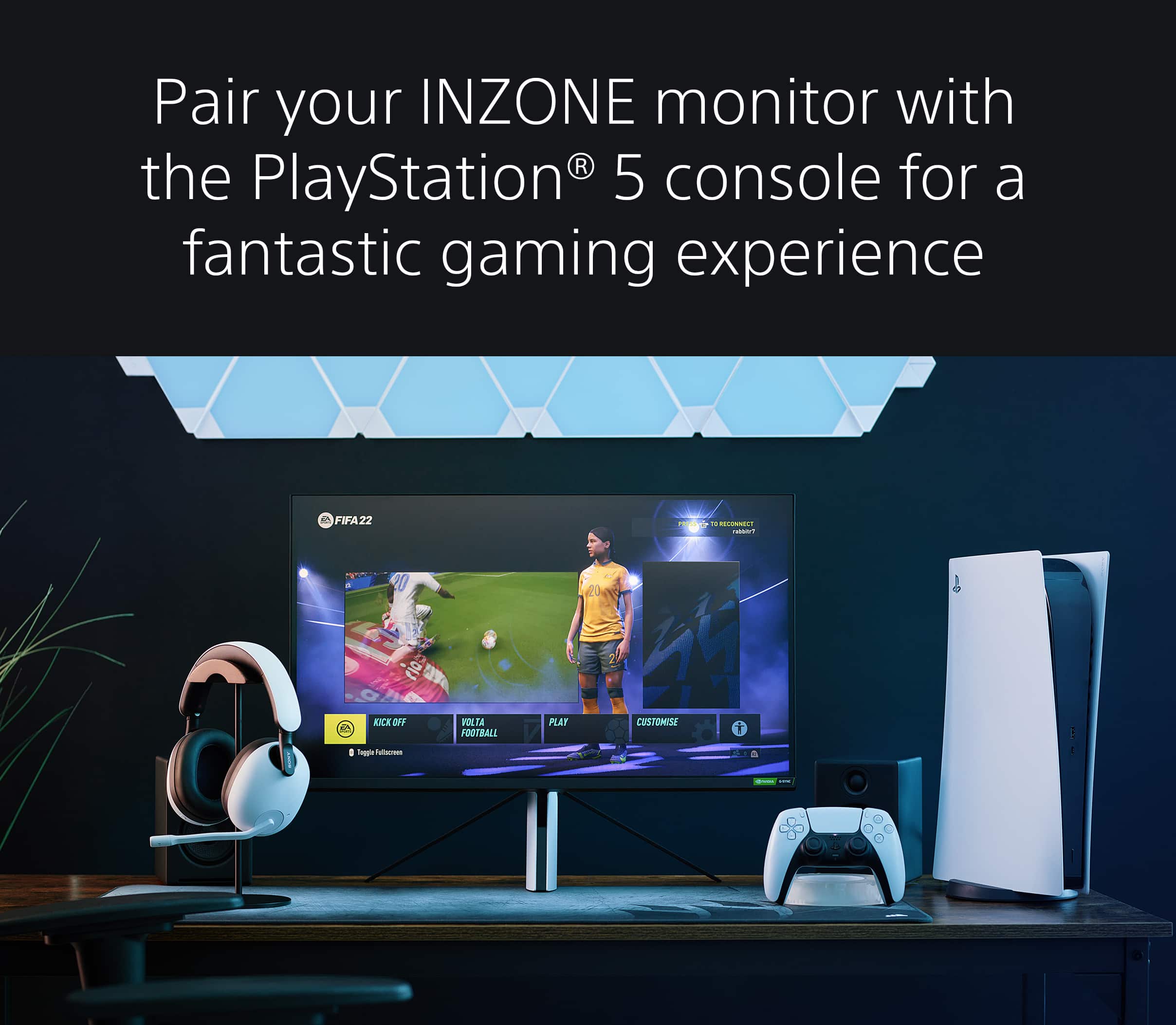
|Posted .This reviewer received promo considerations or sweepstakes entry for writing a review.It didn’t occur to me that Sony, one of the world’s most reputable manufacturers of premium televisions, did not have a monitor on the market until I saw the Sony INZONE M9 announced earlier this summer. I currently have my PS5 paired with a Sony BRAVIA high-end LED TV so I was excited to get some hands-on time with this monitor. When you hookup your PS5 with an Ultra High-Speed HDMI 2.1 cable, it just works, as it should. Just go into the PS5 video settings and make sure everything is enabled such as VRR, ALLM, 120hz, etc. Exclusive to PS5 is Auto HDR Tone Mapping, which means the PS5 sends out HDR signals tailored specifically for this monitor. Playing some of my favorite games like Ghosts of Tsushima, Horizon Zero Dawn, or EA sports titles look amazing! The colors pop off the screen with excellent saturation and accuracy. The monitor can get very bright in HDR mode and the 96 zones will dim the darker areas of a scene to provide better contrast. I also tested my Series X and while it doesn’t have the auto tone mapping for HDR, games such as Halo Infinite, Forza Horizon 5, and FIFA 22 looked just as good. All the same features that are supported on the PS5 such as 120hz, VRR, and ALLM are supported here as well. The only thing the Xbox has that the monitor doesn’t support is Dolby Vision. PC users are not left out as the monitor has a lot of features for these gamers as well. First, while console gamers are limited to 4K/120hz, PC gamers can enjoy 4K/144hz with GSync support. If you’ve used Windows’ HDR mode on lesser monitors you know that it can make SDR content look very washed out. On the Sony, It looks so good I can leave HDR on on all the time with just a little tweaking to the SDR in Display settings. The monitor also has a built-in KVM switch that worked well for me, switching my mouse and keyboard over from laptop to PC as I switched inputs on the monitor. Note you will need both USB-C and a USB-A to USB-B cable for this to work. However, I don’t know why Sony only allows 15w of power to passthrough over USB-C PD, especially with such a massive power adapter that is included with this unit. This is only enough power to keep a phone or maybe a tablet charged but certainly not a laptop. In fact, I have to unplug the display before powering on my laptop otherwise it warns me that it won’t have enough power to turn on and will run in a safe mode, which is a real inconvenience. On-screen configuration is easy to use with the joystick on the right side of the monitor. The power button is located a few inches lower than the joystick. There is also an INZONE app that you can download from Sony’s website that allows PC users to change the same monitor settings without using the onscreen configuration. I have to say this is pretty convenient, especially in that it allows for different profiles so you can use different settings for different games or applications. However, like most FALD LED monitors, the Sony does suffer from blooming. Also known as the “halo effect”, it can be a significant annoyance when there is a bright object such as a mouse pointer against a black or dark colored background. One instance where it happens is game cinematics where there are black bars on the bottom and top of the screen and white captions in those bars. Fortunately, you rarely will see this while gaming unless it’s a dark scene and can mitigate it some by turning the full array display settings from high to low at the expense of some contrast. The blooming effect also gets considerably worse when viewing the monitor from side. Sony does not include any HDMI, USB, or DisplayPort cables with this monitor. While I’m guessing the line of thought here is that they already gave you an HDMI cable with the PS5 the fact of the matter is most people probably aren’t buying both the monitor and a PlayStation on the same day and may have misplaced the cable or not realize they need an ultra high speed cable to take advantage of all the features this monitor provides. Another possible downside is the stand. I totally get that it was designed to provide the same aesthetic as the PS5 but that design choice seems to have limited the monitor’s flexibility. You can tilt the monitor up or down or raise and lower it a few inches but that is it. Anything else you’ll have to move the entire thing. Even moving it up or down is a little odd because as you slide it up it moves further away from you and the vice versa when you slide it downward. Finally, yes, it has speakers, but they aren’t grea. Honestly they aren’t any worse than what is found on high-end gaming laptops. They won’t fill a room and they have no bass, so your best bet is a pair of headphones. Pros: Gorgeous 4K 144hz GSync Panel 96 Full Array Local Dimming Zones Vesa DisplayHDR 600 Certified HDMI 2.1 (2 ports) Variable Refresh Rate Auto Low Latency Mode USB-C KVM Switch Inzone Config App for PC Users Bright and Colorful HDR Auto HDR Tone Mapping on PS5 Cons: Doesn’t include an HDMI 2.1 cable Blooming Issues Love it or hate it stand. Power brick is huge! USB-C PD just 15w passthrough Speakers Overall – The M9 checks all the boxes for a console or PC gamer. The monitor produces beautiful images with excellent contrast and superb HDR characteristics although some gamers may get annoyed with the excessive blooming that can occur. The stand, while cool looking may not have enough flexibility for some users, and the speakers are not great. However, I think the display is an excellent value for this price.
I would recommend this to a friendBrand response from SonyListens
Posted .Hi Titan5178,
Thanks for sharing your in-depth review and experience with the INZONE M9. We're glad that you like the gaming features, HDMI 2.1 ports, KVM switch (Auto switch function), and HDR display of the monitor. We also appreciate your review about the stand design, power brick size, USB-C function, blooming display, sound quality, and having supplied cables.
To reduce the blooming or halo effect, try the following setting:
-For the SDMU27M90: Set the Local dimming to Low or Off.
Note: The setting may cause the whole screen to look washed out.
With the INZONE Hub software, you can personalize experiences by customizing a wide range of operations, including a variety of sound and picture settings. You can also assign specific picture mode and sound profiles of the headset to individual computer applications and games. Please refer to this link:
https://www.sony.com/electronics/support/televisions-projectors-monitors/sdm-u27m90/downloads
Additional information and troubleshooting steps are available on this link:
https://www.sony.com/electronics/support/televisions-projectors-monitors/sdm-u27m90/articles/00279504
Hope this helps. In case you need further assistance, please don’t hesitate to reach out to us at [email protected].
Full Name:
Best Buy Username:
Telephone Number:
Sony Monitor Model Number:
Issue:
Additional Information regarding your experience with the SDMU27M90.
Sincerely,
-Ralph
Sony Social Support
The PS5 monitor
|Posted .This reviewer received promo considerations or sweepstakes entry for writing a review.The last time I used a Sony monitor was a MONSTER 21" flat screen Trinitron CRT. It was the BEST CRT monitor I ever used until advent of the age of the skinny LCDs. Sony has been largely missing from the mainstream monitor game for quite a while. While I'm happy to see them back in the space, I did find a few gripes with the monitor. But overall I am happy with it. Looks are a bit polarizing but clearly following the aesthetic of the PS5 which in it of itself is a odd looking duck. The stand for the M9 is also both interesting to look at, easy to use, but odd looking and missing some range of motion. It was simple to assemble. Luckily the space on my desk allows for this monitor to sit perfectly on the monitor riser. The monitor can be raised and lowered easily and will tilt up or down as needed, but missing is left to right swivel and landscape to portrait tilt. The stand is also not the most sturdy as the monitor will wobble when the desk it disturbed. I have read that a good handful of users received a bad screen with stuck pixels, uneven lighting or other glaring issues, but I am happy to report that I have no immediate major problems. However, I did notice some FALD blooming particulary when the screen is completely black and my mouse is moving across the screen. It is mildly distracting and for the price of this monitor it is slightly disappointing. Besides that text is crisp, colors and lighting are uniform across the 27" screen. Pairing it with a PS5 will automatically adjust the setting for use with the console which I will be using from time to time when the rest of my family want to watch TV and I can switch over to the Living Room Laptop Station I have set up to get some game time in. Control wise, I like that the power light is on the side of the monitor and not a distraction from the screen and the placement of the power button and joystick control is in a easy to reach location and intuitive to use. The LED lighting on the rear of the screen is ok, but I already have back lighting and redundant for me and will not be used. I would have like to see a mDP port and may an extra USB C port, but the port selection is adequate. An inclusion of a display cable or 2 would have been nice, and only not missed since I have some spare cables. I was not thrilled to see yet another sleek monitor with a giant power brick. I guess this is inevitable. As I mentioned for my setup as a Laptop docking/PS5 station this monitor handles those tasks well. The stand is more for looks over stability but better than some other terrible non adjustable stands I have come across. If you find the M9 go on sale it worth taking a look at as it packs a LOT of features!
I would recommend this to a friendBrand response from SonyListens
Posted .Hello WSohn, We are sorry to hear you are having some issues with your Sony INZONE M9 gaming monitor. To make sure your monitor runs smoothly, please update its firmware: https://helpguide.sony.net/tv/u27m90/v1/en/contents/TP1000670514.html. Despite your concerns, we are glad that you are still happy with your monitor. Our INZONE M9 has four times the pixels of Full HD monitors and you will enjoy crystal-clear detailed images with 4K resolution. You will also see enhanced contrast with more detail in shadows and highlights from precisely controlled Full Array Local Dimming backlighting technology. Should you need further assistance, you can email us at [email protected]. Thank you for choosing Sony! Vincent