Customer Ratings & Reviews



- Model:
- M001BRW
- SKU:
- 5859509
Rating by feature
- Value
Rating 4.2 out of 5 stars
- Quality
Rating 4.6 out of 5 stars
- Ease of Use
Rating 4.4 out of 5 stars
Customers are saying
Customers have good things to say about the Mini App Enabled Robotic Ball, particularly its ease of use, size, and programming capabilities. The app is user-friendly, and users find the ball fun and appreciate its battery life and compatibility. Some concerns were raised about the price, control, connectivity, and charging.
This summary was generated by AI based on customer reviews.
- Pros mentioned:App
Interesting toy
||Posted .This reviewer received promo considerations or sweepstakes entry for writing a review.Got this to gift it for my freind's son. Glad they liked it!
I would recommend this to a friend Excellent Product
||Posted .This reviewer received promo considerations or sweepstakes entry for writing a review.My son loves to play with this keeps him occupied with fun.
I would recommend this to a friend- Pros mentioned:Ease of use
Cool
||Posted .This reviewer received promo considerations or sweepstakes entry for writing a review.Cool little ball, my 7 year old plays with it all the time
I would recommend this to a friend - Pros mentioned:Ease of use
Fun
||Posted .This reviewer received promo considerations or sweepstakes entry for writing a review.Love very fun and easy to use. Great toy for the price
I would recommend this to a friend Very cool toy
||Posted .This reviewer received promo considerations or sweepstakes entry for writing a review.My son loves to play with this, and he is developing good skills from interacting with it. It is intuitive so he figured it out pretty quickly. I expected the app to have more features and complexity though. I hope it keeps developing/improving over time. Otherwise, I am very happy with this purchase. Price point seems reasonable too.
I would recommend this to a friendFun simple robot
||Posted .This reviewer received promo considerations or sweepstakes entry for writing a review.I originally purchased the Cosmo robot and he’s a great little toy. I recently purchased this because I wanted to purchase something similar but more portable and easier to setup. I also love the games that utilize the ball as the controller. If you’re in the market for a fun little robot to program or just mess around with, for the price this is a great pick up.
I would recommend this to a friend- Pros mentioned:Ease of use
Lots of fun
||Posted .This reviewer received promo considerations or sweepstakes entry for writing a review.Easy to charge and get connected my son just loves it
I would recommend this to a friend - Pros mentioned:Ease of use
Well built
||Posted .This reviewer received promo considerations or sweepstakes entry for writing a review.Easy to use, worth the money, vey kid friendly. Kids love it
I would recommend this to a friend - Pros mentioned:Size
Fun Device
||Posted .This reviewer received promo considerations or sweepstakes entry for writing a review.Was debating between a mini drone and this. Glad I got this.
I would recommend this to a friend - Pros mentioned:App
Good for young kids
||Posted .This reviewer received promo considerations or sweepstakes entry for writing a review.My 11 year old daughter loved playing with this and the cats.
I would recommend this to a friend - Pros mentioned:Size
Nice smaller version.
||Posted .This reviewer received promo considerations or sweepstakes entry for writing a review.Fun smaller and lighter version of the regular sized Sphero.
I would recommend this to a friend - Pros mentioned:Ease of use
Intuitive smartphone app.
||Posted .This reviewer received promo considerations or sweepstakes entry for writing a review.I love using this for our dog. He chases it around the house!
I would recommend this to a friend - Pros mentioned:Size
Awesome
||Posted .This reviewer received promo considerations or sweepstakes entry for writing a review.Got this item for my friends little kid. He loved it!
I would recommend this to a friend - Pros mentioned:App
Great Little Bot
||Posted .This reviewer received promo considerations or sweepstakes entry for writing a review.We love Spheros in our house and these are awesome
I would recommend this to a friend - Pros mentioned:Ease of use
Fun
||Posted .This reviewer received promo considerations or sweepstakes entry for writing a review.Easy to use and easy to program using the Sphero Edu app.
I would recommend this to a friend - Pros mentioned:Battery life, Programming, SizeCons mentioned:Charging

Charming, wish I had it as a kid
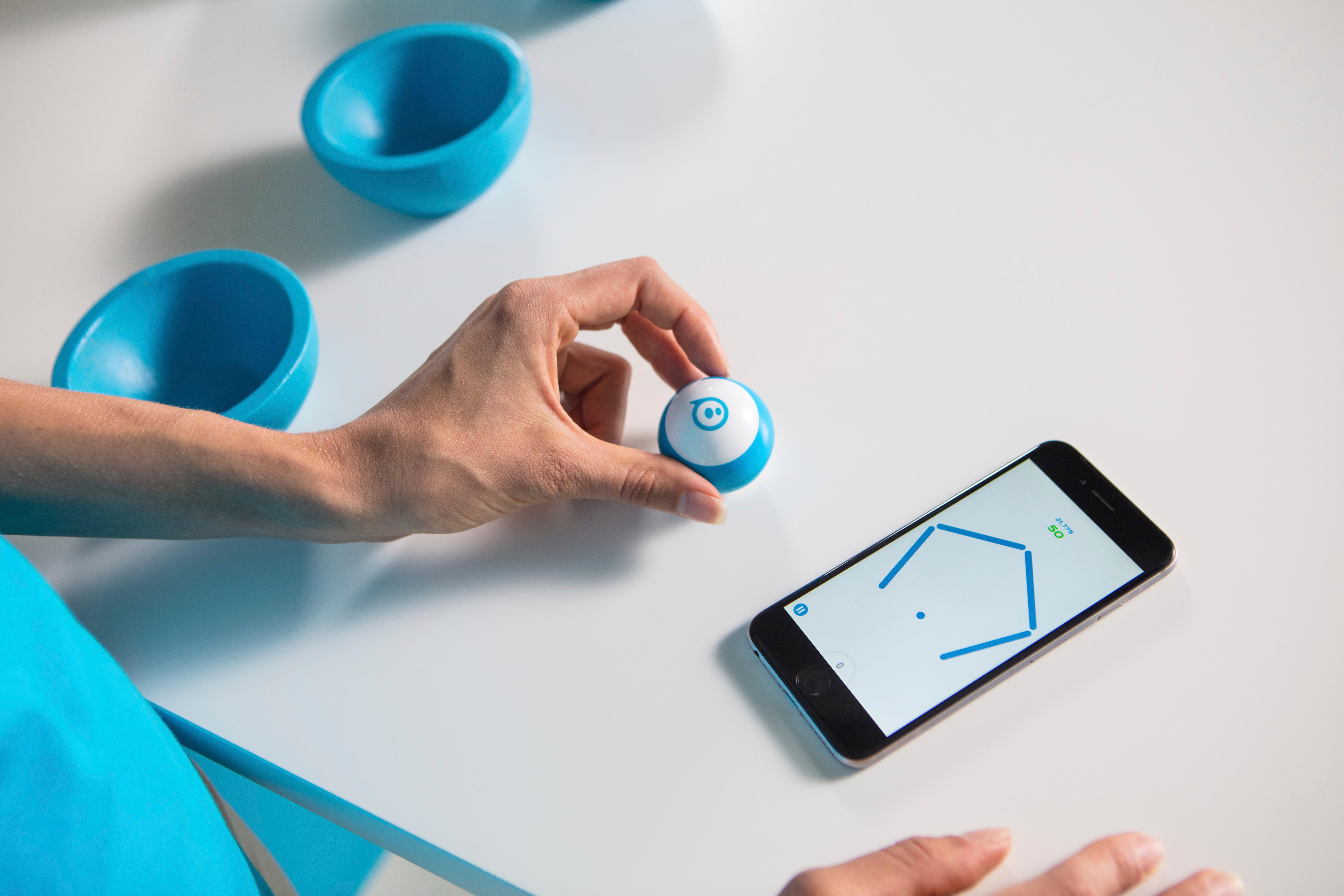
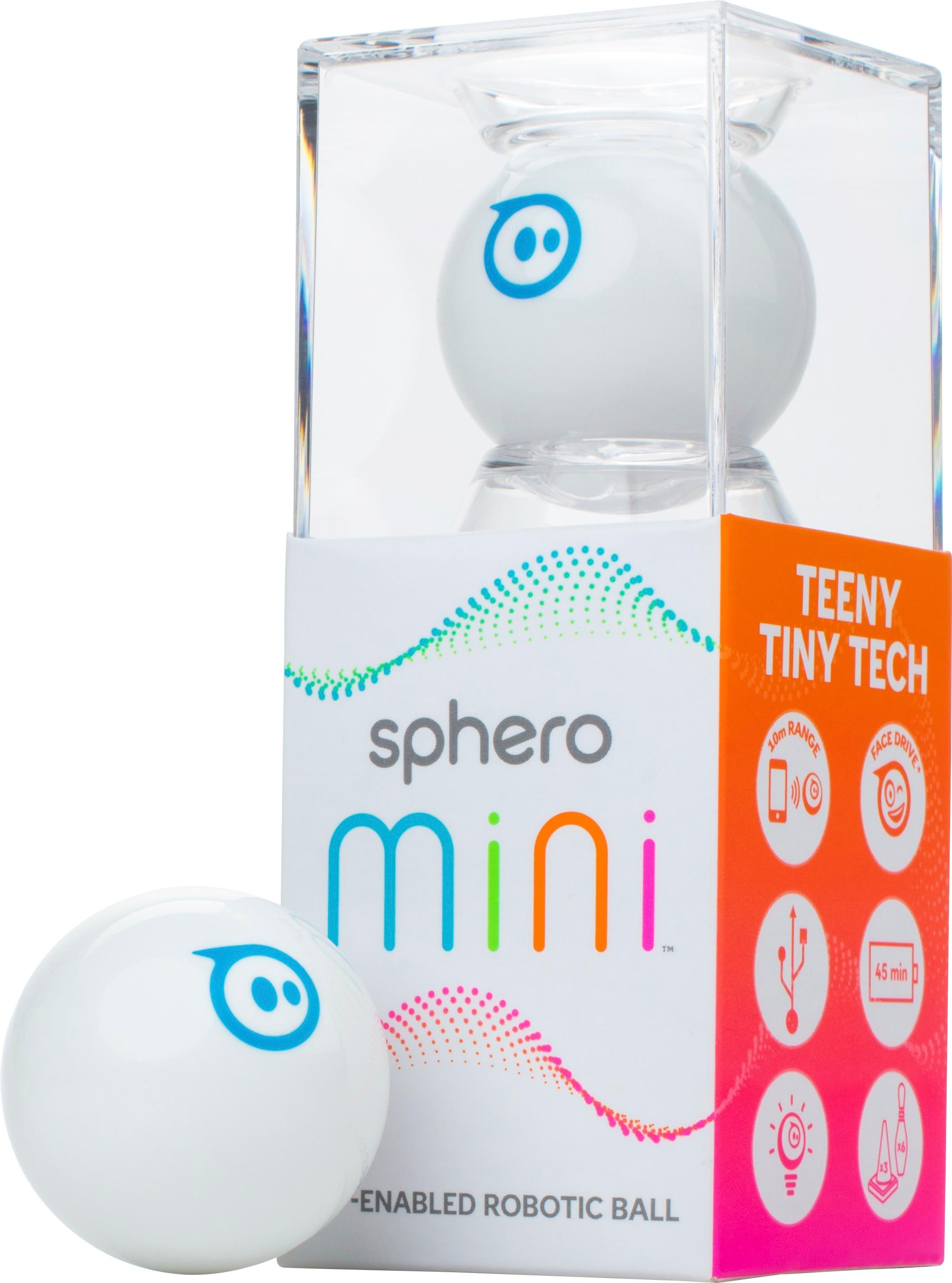
|Posted .This reviewer received promo considerations or sweepstakes entry for writing a review.Consumer electronics is a space near and dear to my heart, and I spend most of my time thinking/fantasizing about the goodies I can add to my life that are practical in at least one facet. Phones, network gear, laptop accessories—they’re all things that are supposed to make our every day just a little better because they are either something we need, or something that makes items we already have a bit better. And then there’s the other side of consumer electronics—the stuff that no one really needs, even wants (specifically)—they’re the things that fill the gaps still left over from our childhood, tapping into something juvenile and wonderful. Radio controlled cars are one of the more popular examples (and for those of us obsessed from childhood with those love the drone market)…but really any souvenir that doesn’t do much to enhance our current electronics experience, perhaps something we walk away with not having expected to buy—there’s a special place in all our hearts for those. Enter the Sphero Mini, a ping-pong-sized ball that interacts with your phone in a way that most bluetooth devices don’t. The $50 bluetooth bot can provide a traditional RC experience (controlled by your phone or tablet), can be used as a wireless controller for games on that device, and at some point in the future will be able to be programmed with Javascript via some app experience. The unpackaging was similar to most novelty consumer electronics—plasticky, moderately annoying, and longer in duration than necessary. Once free from it’s molded prison, consider consulting the quick start instructions printed on the box—that will save you a few minutes that I spent trying to figure out how to turn it on. After splitting open the little guy, I located the micro-USB port and charged it for 10-20 minutes, just enough to get a short test drive. After downloading the Sphero Mini app, it automatically searches for nearby robots and connects to them via bluetooth, making the pairing process a non-event entirely. Once connected, you are free to put the robot brain back in it’s tiny hamster ball and use your phone to control it—that is, once you synchronize the tiny bot’s relative position to you via a small internal blue light. From there, it operates just like any remote controlled device, with a very straight forward directional joystick on your screen. As with most remote-controlled devices, it performs much better on hardwood or tile floors, but holds its own well on carpet. And battery power was great—a full charge (one hour) gets you more than a half hour of play time (the website says 45, but the last 15 minutes of that start to get a little slower). My kids got a kick out of it, I’m sure animals would either love it or hate it, and I’ll admit that the relatively simple product has a certain bit of charm and cuteness to it. The app also has a game mode, which allows you to use the Mini as a game controller—either by spinning for a circular “breakout” style game (man, I miss that game on the iPod Nano with the scroll wheel) or racing game, or with forward/back and sideways rolls with an “asteroids” style game. I wasn’t really blown away by these games, but it definitely makes for an interesting concept—using the device in a way that is reverse what most people would expect. And at some point in the future, you’ll be able to program this thing to, presumably, run through a maze. Of course, the goal here is NOT to get it to run through a maze, rather, to turn kids on to coding, which is pretty cool. Sphero has other products that have greater coding potential, including interaction with IOS’s Swift Playgrounds. Nonetheless, the Mini definitely will get you started down the coding path, once the feature is released by Sphero. So, minor complaints: - There’s no physical on/off switch. To turn it on, you have to plug it in, which requires opening the ball. Not impossible to deal with, but certainly not convenient. The “off” switch is provided via the app. - You have to charge it with a cable. I understand that inductive charging comes with a price tag, but Sphero’s other products use inductive charging which would both make the charging a bit easier, and also give you a way to turn the device on and off without opening it. Other than that, it’s a fun little gadget. Side note—it comes with a small set of rubber bowling pins and construction cones which are frickin’ adorable. Sphero is the same company that released the irresistibly cute BB-8 bot last year, so it makes some sense. There’s not much to this little ping pong ball of childhood happiness, but it’s also not an incredibly important thing to go buy right now. This would make a great stocking stuffer if you spend a lot of money on stocking stuffers, or if you have a bunch of Best Buy reward points that are about to expire. At $50, it’s a bit on the steep side for something that will probably burn out after a year of charging, and for something that you’re not going to get out except for maybe once every couple weeks. Regardless, if you’re looking to spend some money and have nothing worth saving for, the kid in you won’t be disappointed…your wife, however, might be.
I would recommend this to a friend Fun intro into the Spero world
||Posted .This reviewer received promo considerations or sweepstakes entry for writing a review.Purchased over the holidays for my oldest and he is really enjoying it. Thus far we have used it with the Sphero Play and Code app. Which thus far is pretty cool. There are a couple of different play modes other than the basic steering like driving using facial expressions and mini golf.
I would recommend this to a friendFun and educational
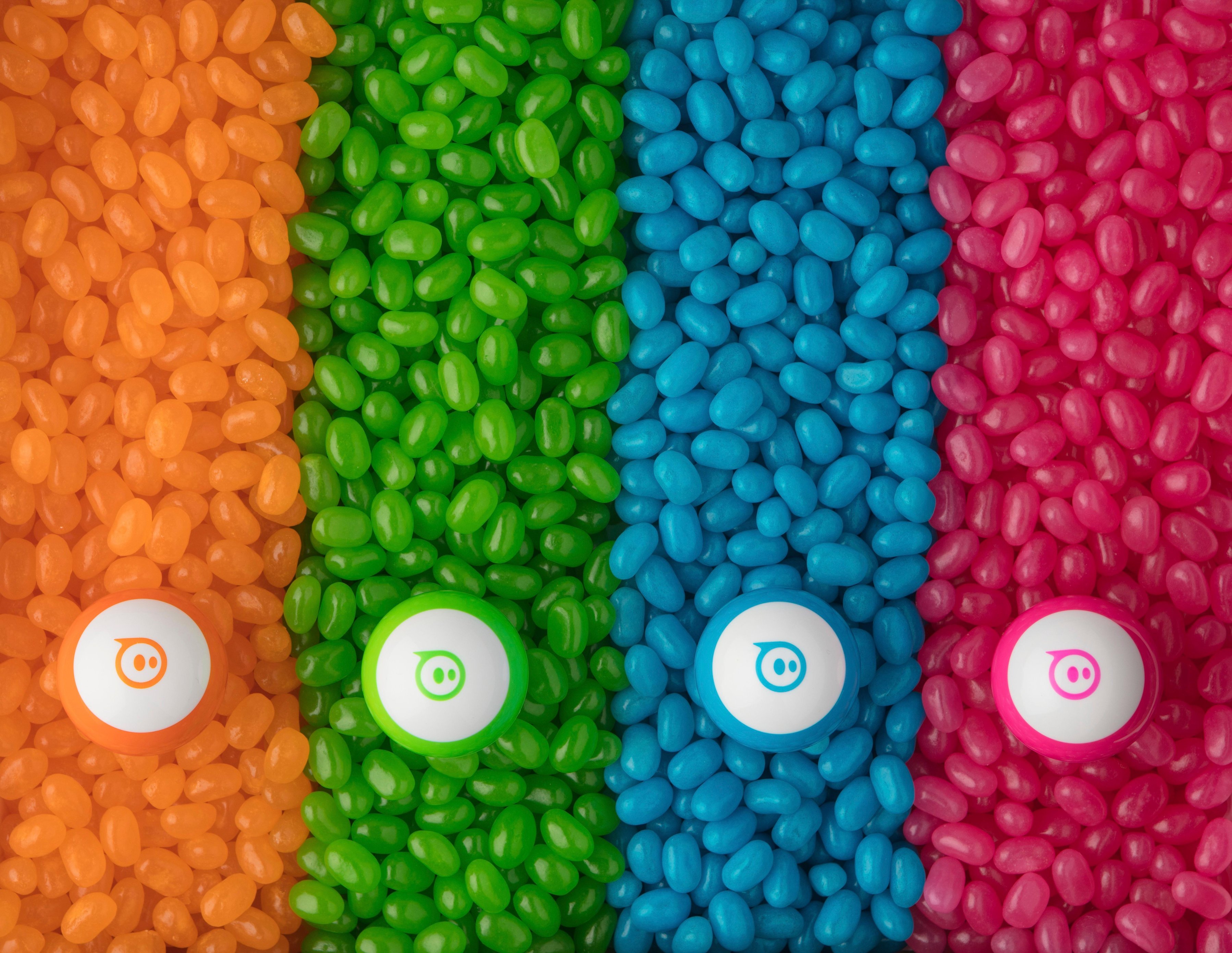
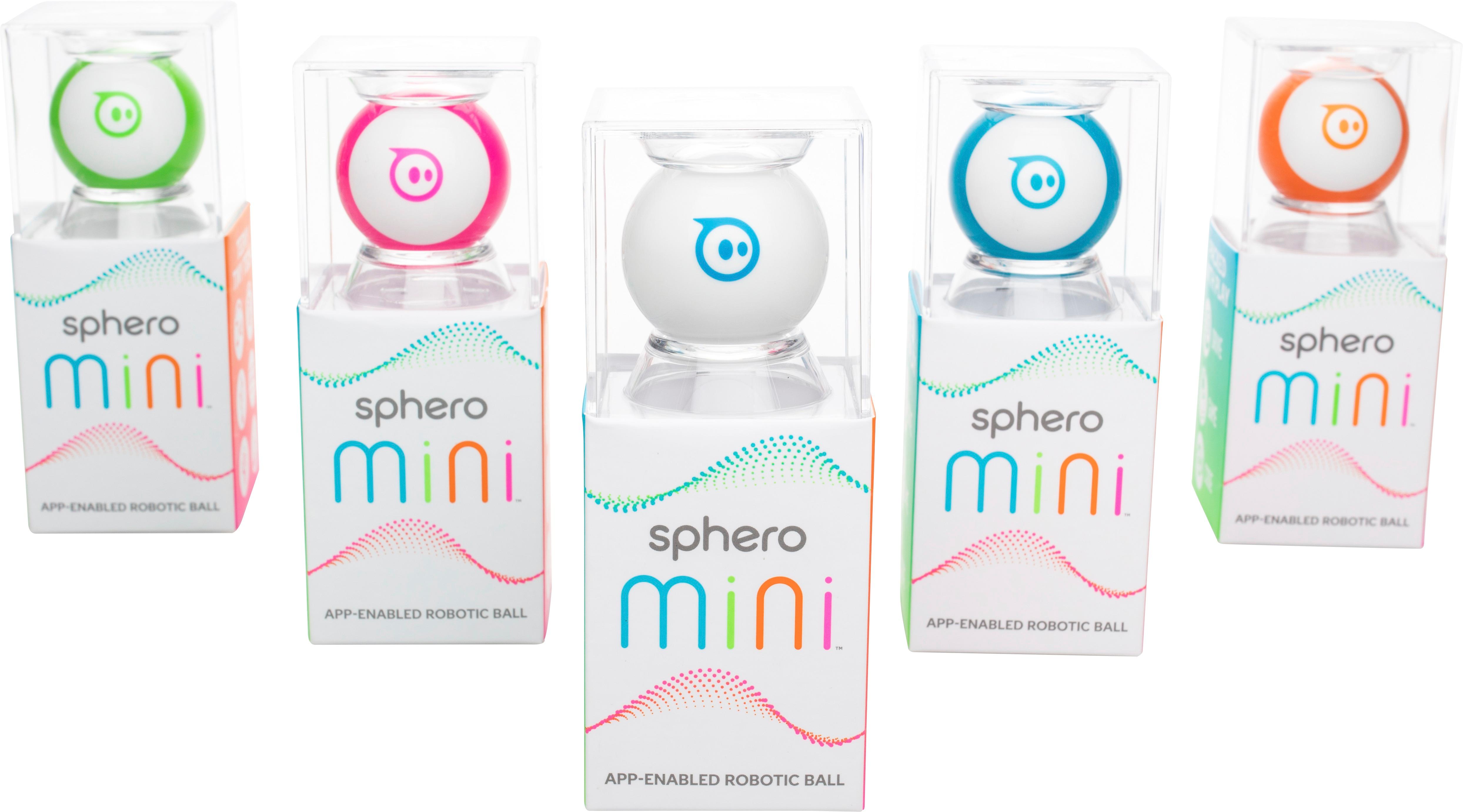
||Posted .This reviewer received promo considerations or sweepstakes entry for writing a review.My 8yr old plays with this, the outer shell is interchangeable but over time from opening it to charge it’s loosing grip. Apps for this needs a lot of work, at times it’s difficult to pair but there multiple apps to choose from. One app has coding and project to try out with steps and videos.
I would recommend this to a friendGreat right up until we lost the outer casing
||Posted . Owned for more than 2 years when reviewed.This reviewer received promo considerations or sweepstakes entry for writing a review.Great right up until we lost the outer shell. This is a pretty cool robot/toy. Learn lots of stuff with it plus just plain fun to play with. Unfortunately, my son lost the out casing rendering it useless until we get a replacement.
I would recommend this to a friendFun for everyone
||Posted .This reviewer received promo considerations or sweepstakes entry for writing a review.This was so cute, I bought it last minute when I saw it in the store. It has some cute games, where you use the Mini Sphero as a controller. I also thought my cats might get a kick out of it. All in all the product works well and you can change the color of the light inside.
I would recommend this to a friend