Customer Ratings & Reviews
- Model:
- DS216
- |
- SKU:
- 5706546
Customer reviews
Rating 4.2 out of 5 stars with 5 reviews
(5 customer reviews)to a friend
Customers are saying
Customers often highlight the easy hardware setup of the Synology - DiskStation 2-bay External Network Storage. They appreciate the user-friendly interface and simple setup process after connecting to the Synology website. The NAS is praised for its ability to deliver data fast enough for real-time streaming of high-resolution videos.
This summary was generated by AI based on customer reviews.
- Pros mentioned:Easy hardware setup, Energy efficient
Rated 5 out of 5 stars
Compact Efficient Network Accessable Storage
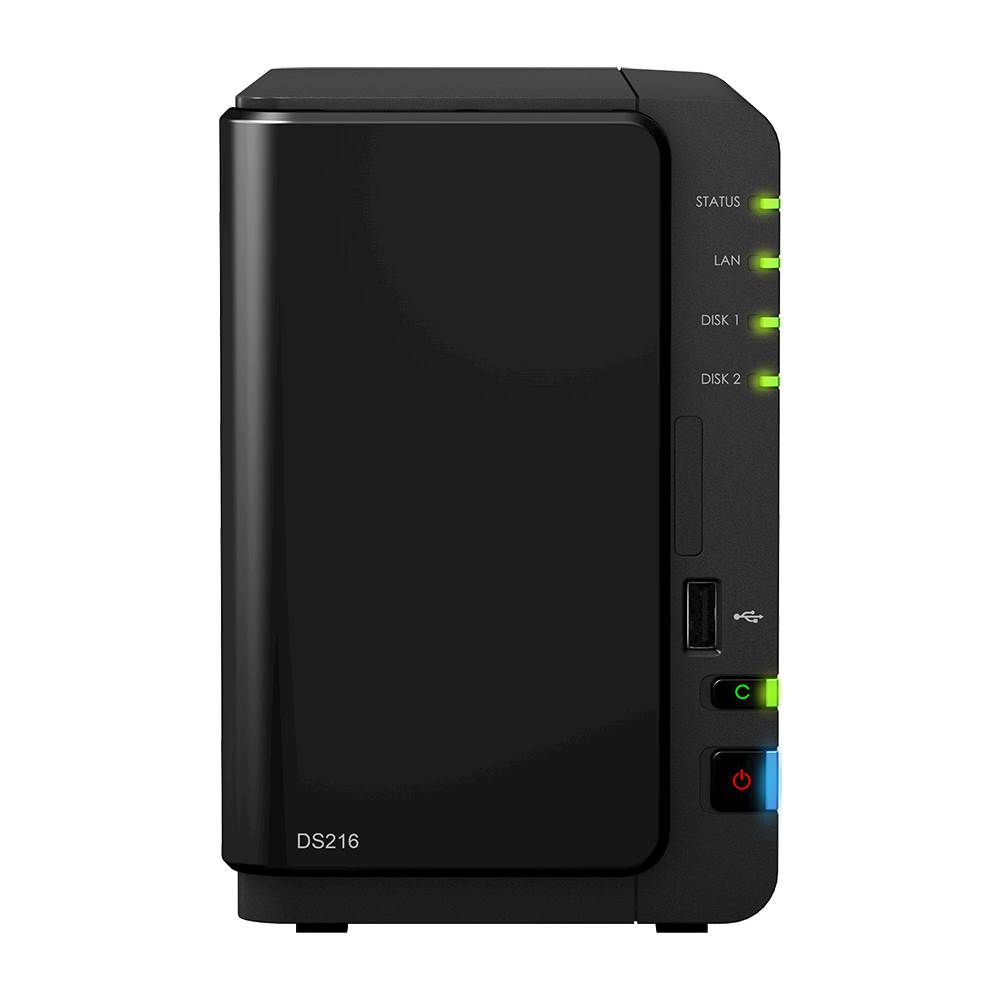
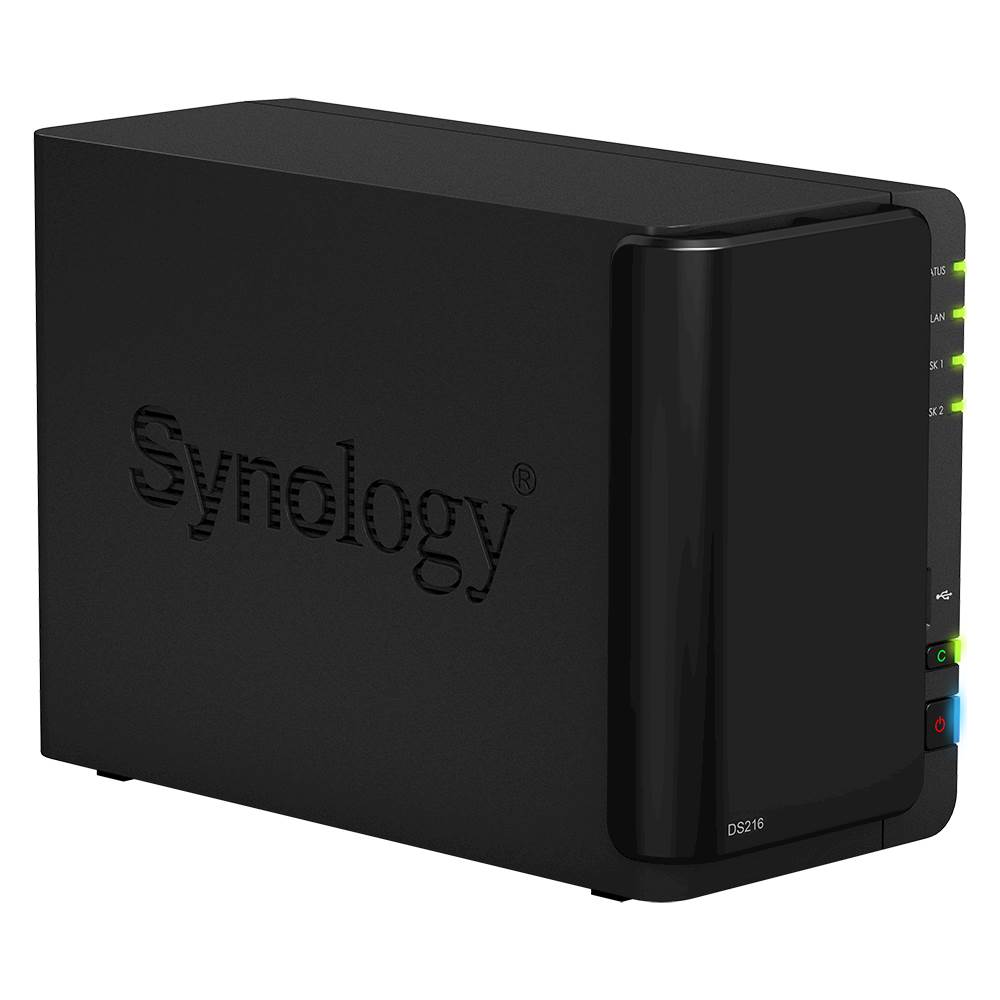
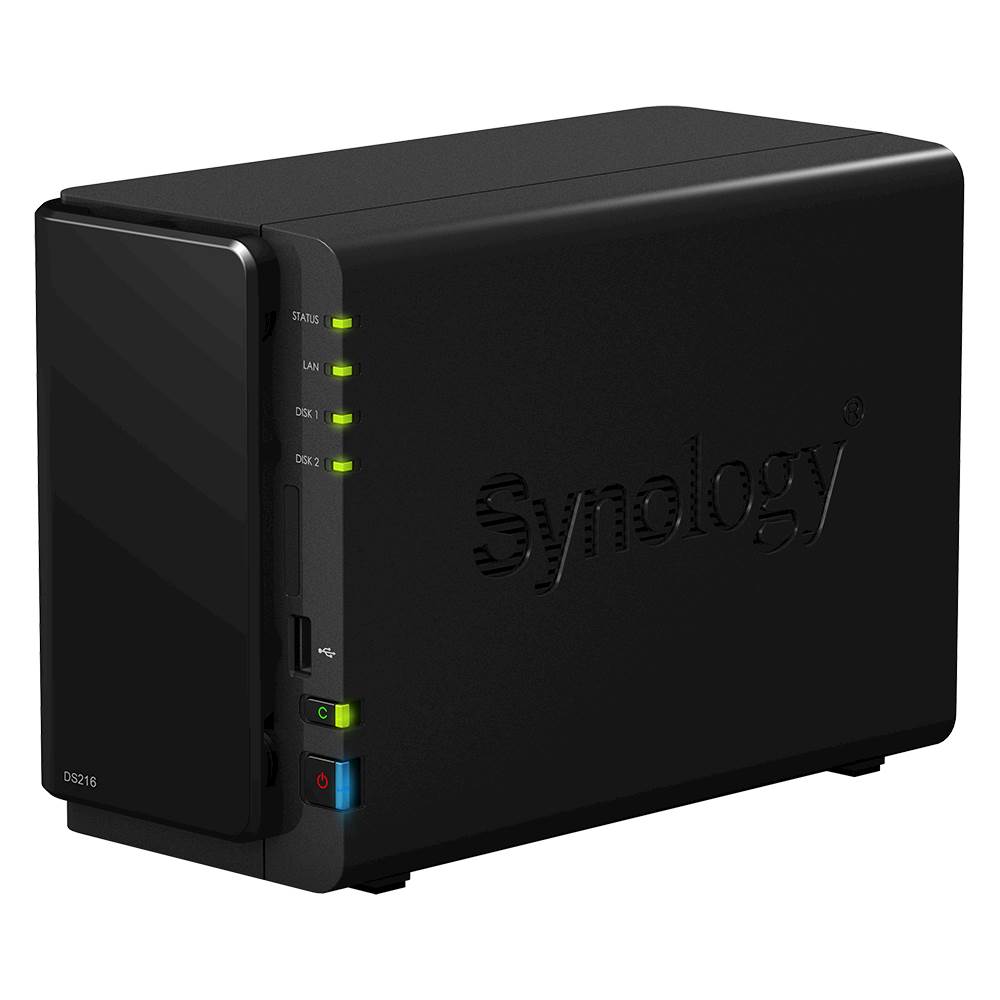
||Posted .This reviewer received promo considerations or sweepstakes entry for writing a review.Home networks are becoming ubiquitous these days as files like pictures and videos pile up over the years in ever higher resolution. You can use a desktop PC as your storage device, but to make it accessible 24 hours a day, you have to leave the PC turned on and it takes up a lot of room. A NAS is a much more energy efficient device than a full blown PC for just file storage and this one is quite small and quiet. The Synology - DiskStation 2-bay External Network Storage is an excellent choice for a home NAS. It has a strong enough CPU to react quickly and delivers data to other PCs on your network fast enough to watch tvideos in real time even at high resolutions. Setup is simple after you connect to the Synology website. The website automatically senses what model NAS you have just hooked up and leads you step-by-step through the process of initializing it and formatting the disk drives to the RAID style you prefer. You can even choose to access your new NAS remotely if that is what you want. Mine has been running for months now without a single problem.
I would recommend this to a friend - Pros mentioned:Easy hardware setup, Quiet operation
Rated 5 out of 5 stars
Easy Setup and Administration
||Posted .This reviewer received promo considerations or sweepstakes entry for writing a review.I purchased my Synology diskstation plus 2 4TB hard drives. Setup took about 20 minutes and I was able to begin using it with my MacBook. The device provides RAID 1 functionality which means if one of the hard drives fail, the other continues operation with no data loss. What was VERY useful is the built-in Cloud services features. I was able to synchronize (or backup - you choose) select folders on the Synology to my DROPBOX account. The user interface is super easy to use and the unit is very quiet when running.
I would recommend this to a friend - Pros mentioned:Easy hardware setup, Quiet operation
Rated 5 out of 5 stars
Pro-Sumer NAS Solution
||Posted .This reviewer received promo considerations or sweepstakes entry for writing a review.The Synology DS216 hardware setup is a breeze. This is a 2 bay system, so you mount a drive in each bay and you are good. Once that is done, you are prompted to load the Synology software. Select how you want the drives configured, i.e., JOBD, Raid1, etc. It does take a bit of time to transfer data from an old Seagate backup drive to the new Synology NAS. But, it is quiet, and a more effective solution if you have a lot of media storage and backup needs.
I would recommend this to a friend Rated 5 out of 5 stars
Great back up system for the money
||Posted .This reviewer received promo considerations or sweepstakes entry for writing a review.For the novice or expert, this NAS backup solution is perfect for a small business or home office. You can pair it up with your surveillance system, or use it to stream media to your home theater. Either way, it’s a great buy and I hope Best Buy continues to carry these units
I would recommend this to a friend- Cons mentioned:File access issues, Linux compatibility, Windows 7 compatibility
Rated 1 out of 5 stars
Wreaked windows computers that were attached to it
Posted .This reviewer received promo considerations or sweepstakes entry for writing a review.Cannot find any way to connect LINUX computers to the NAS. On connecting Windows 7 computers and backing them up, Synology software set all files and folders for each user to read only and somehow changed ownership of almost everything. Cannot save, edit delete files and folders on either computer now. Documentation is useless in dealing with this. Have not been able to talk to their support line.
No, I would not recommend this to a friend