Customer Ratings & Reviews
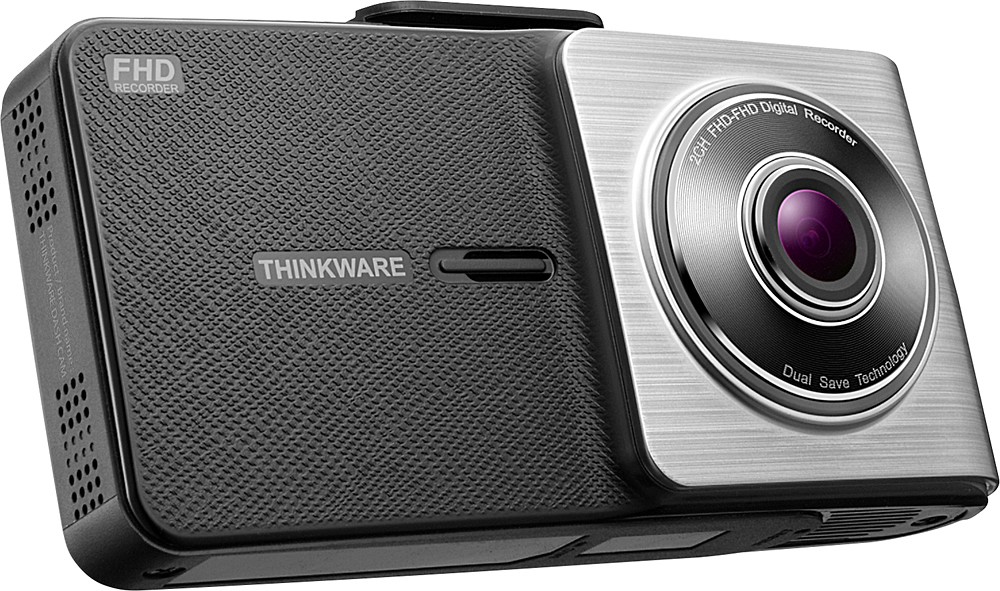
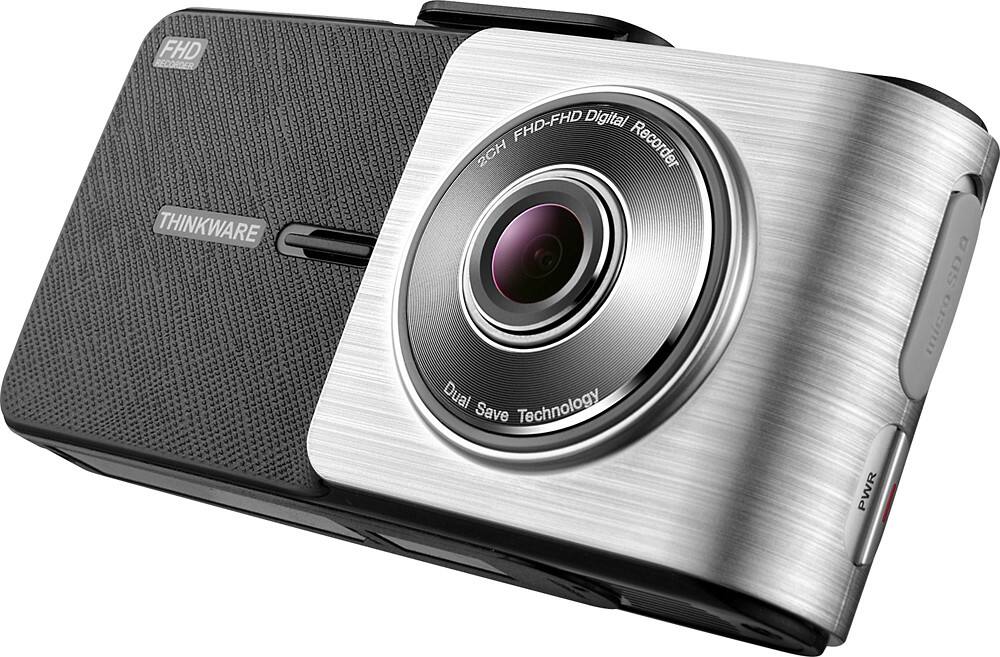
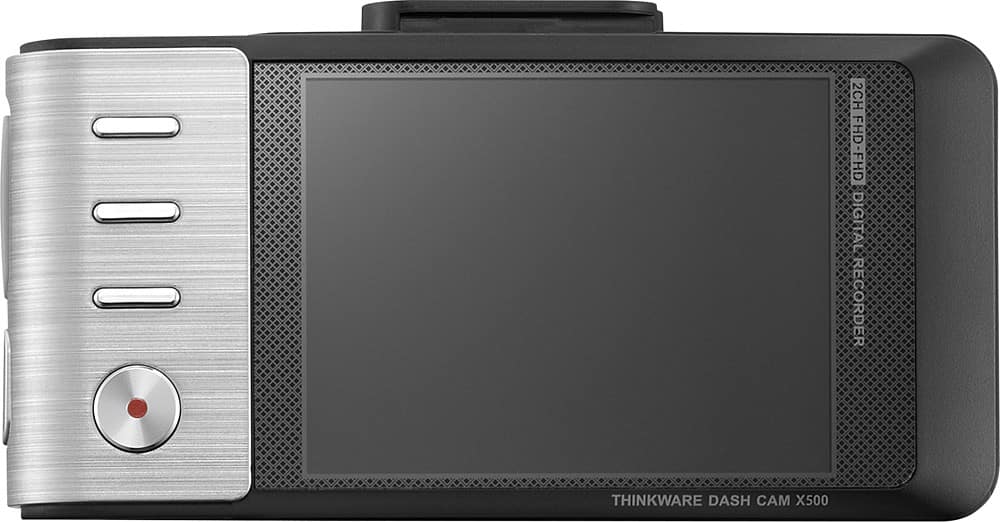
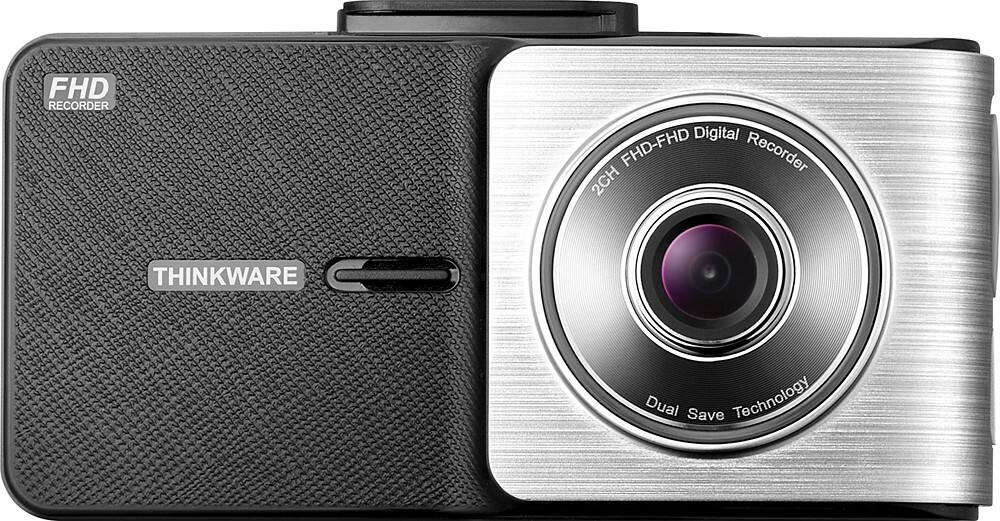

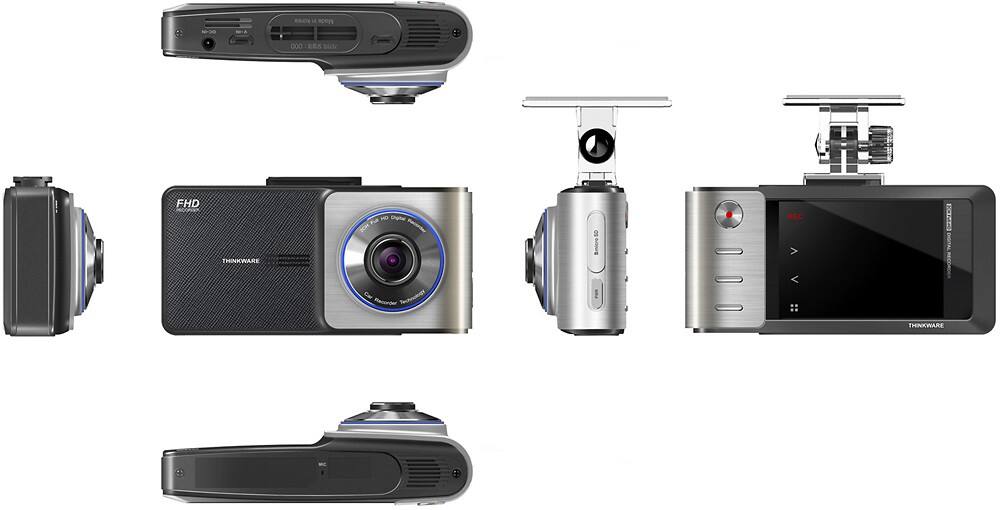
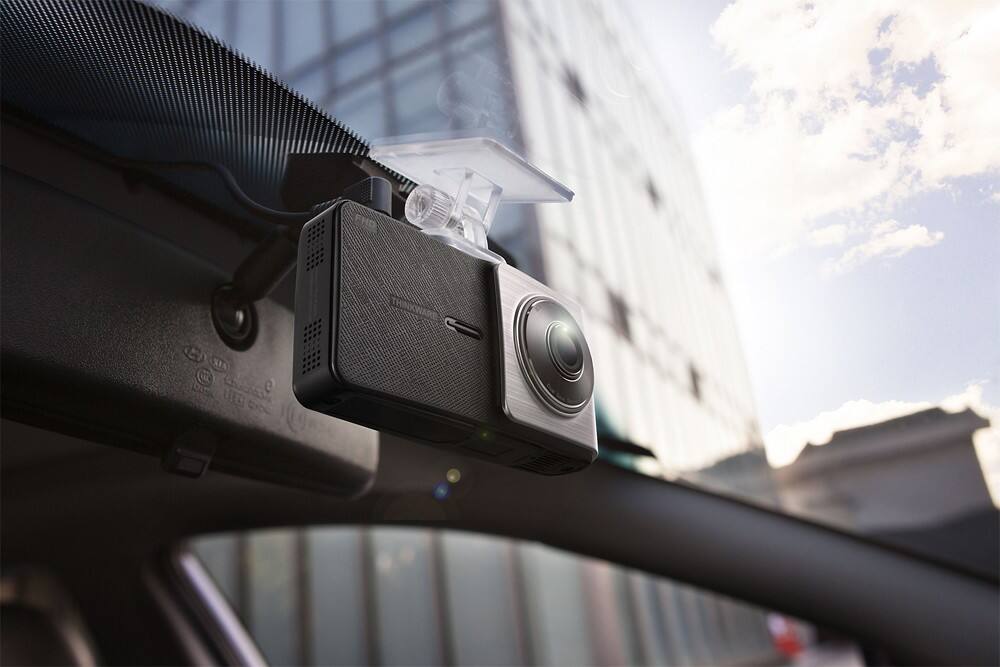
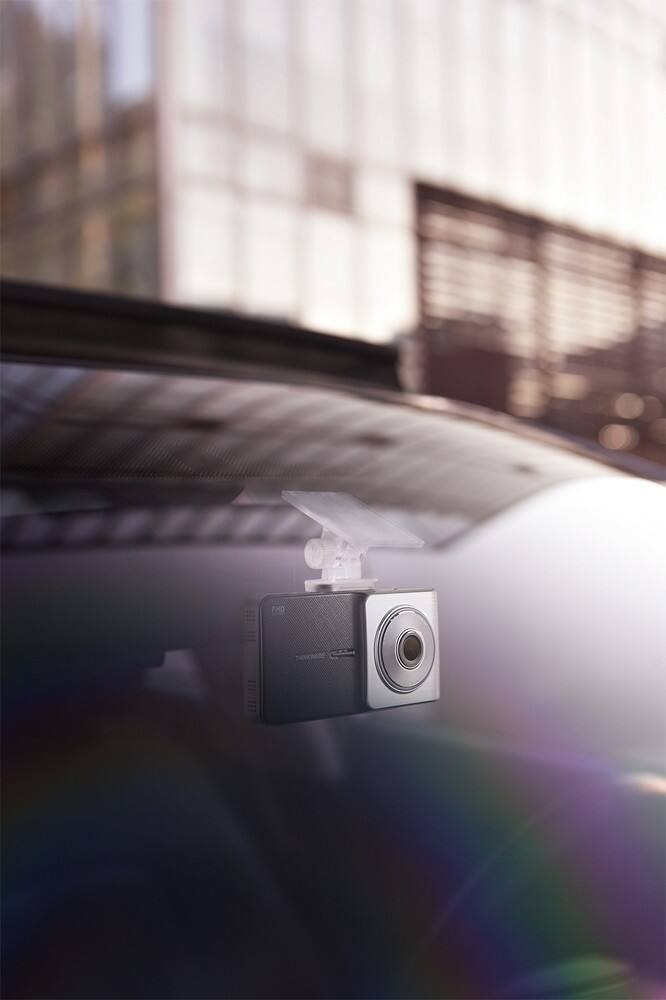
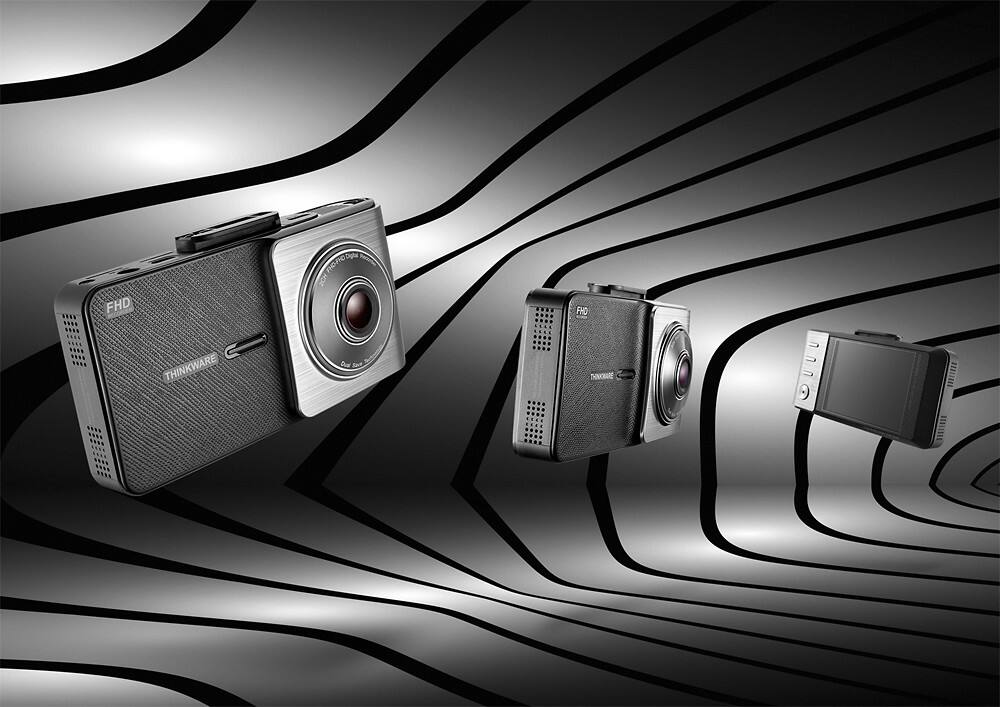

- Model:
- TW-X500
- SKU:
- 8851214
to a friend
Customers are saying
Customers frequently mention the excellent video quality and ease of use of the X500 High-Definition Dash Camera. The GPS functionality is also a plus for many users. However, some customers express concerns about the mounting system and the accuracy and sensitivity of the lane departure warning system.
This summary was generated by AI based on customer reviews.
Just in Case
||Posted .This reviewer received promo considerations or sweepstakes entry for writing a review.I have only had this device for about 5 weeks. Cannot give a better than 3 stars as of yet. Time will tell. This dash cam is one of those just in case things.
I would recommend this to a friendGreat camera
||Posted .This reviewer received promo considerations or sweepstakes entry for writing a review.Beep every time someone pass by my car Evan is in parking mode.
I would recommend this to a friendDash cam
||Posted .This reviewer received promo considerations or sweepstakes entry for writing a review.The dash cam works well the screen is small and has a memory chip.
I would recommend this to a friendWorks great
||Posted .This reviewer received promo considerations or sweepstakes entry for writing a review.Now you can catch idiots on the road who should be in jail.
I would recommend this to a friendGreat cam
||Posted .This reviewer received promo considerations or sweepstakes entry for writing a review.I love the lane departure and driving too close warnings.
I would recommend this to a friendGreat camera
||Posted .This reviewer received promo considerations or sweepstakes entry for writing a review.Nice feature on the system to let u know read light is a ahead
I would recommend this to a friendit,s nice
||Posted .This reviewer received promo considerations or sweepstakes entry for writing a review.it gives me great peace of mind while driving on the roads
I would recommend this to a friendAwesome dash camera
||Posted .This reviewer received promo considerations or sweepstakes entry for writing a review.I give it a 10. Best investment every. Thank you so much
I would recommend this to a friend- Pros mentioned:Ease of use, Video qualityCons mentioned:Battery life
Great Video Quality, A Little Quirky
Posted .This reviewer received promo considerations or sweepstakes entry for writing a review.Pros: - Easy setup - Exceptional video quality - Very good low light recording - Optional rear camera connectivity (front/rear coverage presumably) Cons: - NO BATTERY ... so if your not plugged-in, no camera! - Don't like single use adhesive mount as the "standard" installation method - Speaker could be louder - Standard 16 GB card has limited storage - Looks like optional rear view camera requires direct connection to front camera instead of being wireless/Bluetooth ... pain in the butt! - Records in 60 second segments ... continuously but not seamlessly, in an hour you have 60 videos! Purchased camera, setup in parking lot and hit the road for a four hour trip. Camera in continuos mode, there was only about 90 minutes of video??? Interesting safety features, still learning/adjusting sensitivity. I would only recommend based on a consumers specific needs but not as the best choice based on features and price. This is a $125-150 camera not $200.
I would recommend this to a friendBrand response from Thinkware Product Expert
Posted .Hi there! Thank you for taking the time to write us a review. Please see below for our suggestions and explanations that will hopefully improve your experience with the X500.
1.) Our dash cams use supercapacitors, a safe alternative to batteries in extreme temperatures and high impact incidents. However, you still have the option to hardwire for your dash cam to record with the engine off.
2.) Similarly to our decision to use supercapacitors, we have adapted adhesive mounts for their added security and reliability in extreme temperatures and high impact incidents.
3.) For louder voice notifications, please increase the “Volume” setting. You can adjust this setting directly on the dash cam going to the main menu -> “Settings” -> “System Settings” -> “Volume”.
4.) While a 16GB was included with your dash cam, you can insert a different memory card with a storage capacity ranging from 16GB -64GB.
5.) Files are recorded in one minute intervals as a security feature in the event that file corruption does occur, less footage will be affected. Please review footage with the PC Viewer software for seamless playback, as the program will automatically continue to the next clip. However, there is also a possibility that there were incident footage recorded so please check the evt_rec folder.
6.) The files are organized in folders by recording mode and that each folder has a predetermined amount of space on the memory card that the dash cam will automatically overwrite when it is full. Your footage was overwritten to allow your dash cam to record continuously for 4 hours.
We hope this helps! If you need assistance with adjusting the features or have additional concerns, please contact us by phone (1-844-865-9273) or email (support@thinkware.com). Thinkware Customer Support
Good product, but....
||Posted .This reviewer received promo considerations or sweepstakes entry for writing a review.This is a good product but power cord can get in the way based on where your outlet is located.
No, I would not recommend this to a friendCould be clearer and more professional
||Posted .This reviewer received promo considerations or sweepstakes entry for writing a review.Please review this first- not clear photos, videos jump not steady, can not read license plates during incidents- choose GoPro! NOT HAPPY!
No, I would not recommend this to a friendBrand response from Thinkware Product Expert
Posted .Hi there. We are sorry to hear about your experience with the X500. If you have not already, we recommend using the Thinkware PC Viewer that is available to download from our website here: http://www.thinkware.com/Support/Download. The PC Viewer was specifically designed for Thinkware users to review footage seamlessly and in the same quality that they were recorded in. If the issue still persists, please contact us directly by phone (1-844-865-9273) or email (support@thinkware.com). Thinkware Customer Support
Wish I could return this camera
||Posted .This reviewer received promo considerations or sweepstakes entry for writing a review.It's hard to program, the instructions are not good and it rings all the time indicating an accident occurred when it hadn't. I end up unplugging it and not using it. Wish I could return it. What a waste of $200.
No, I would not recommend this to a friendBrand response from Thinkware Product Expert
Posted .Hi there,
We are sorry to hear about your experience with the X500. If you have not already, we recommend lowering the sensitivity of the impact sensor. This setting can be adjusted on the dash cam itself by going to the main menu -> "Settings" -> "Record Settings" for "cont. sensitivity". Please contact us directly by phone (1-844-865-9273) or email (support@thinkware.com) so we can assist you with the dash cam. Thinkware Customer Support
It sucked
||Posted .This reviewer received promo considerations or sweepstakes entry for writing a review.When you read on the box continuously recording you think that's what it does. It didn't and you had to push the record button for it to record 1 minute interval. It sucked
No, I would not recommend this to a friendBrand response from Thinkware Product Expert
Posted .Hi there! All our dash cams automatically begin recording as soon as they receive power. You do not need to push the REC button to begin recording. Doing so will activate Manual Recording Mode, which is a separate mode from the default Continuous Recording Mode. Please let us know if you are experiencing issues with your dash cam by contacting us directly phone (1-844-865-9273) or email (support@thinkware.com) Thinkware Customer Support
- Pros mentioned:Video quality
x500 Dash Cam
Posted .This reviewer received promo considerations or sweepstakes entry for writing a review.Great product, high definition video. received one for Christmas. crystal clear video. can view loaded files off of memory card on downloaded software from thinkware web site. many safety features.
I would recommend this to a friend The X500 Keeps Me Safe!
Posted .This reviewer received promo considerations or sweepstakes entry for writing a review.I've owned the X500 for just over a year and not a day goes by that I don't thank myself for making this purchase. In a city (Chicago) that is loaded down with red light and speed cameras the 'reminder' this gem gives me to watch the light (red light traps shorten the yellow here) more carefully and to check my speed. I'll guesstimate that the X500 has saved me well over $2,000.00 this past year. Makes a great gift !!!
I would recommend this to a friendLove my Dash Cams
Posted .This reviewer received promo considerations or sweepstakes entry for writing a review.Purchased two for my cars and eventually a 3rd for my wifes car. They are fantastic and work great. I am thinking about getting the rear view camera that goes connected to the x500 in the coming weeks.
I would recommend this to a friendwould not buy
Posted .This reviewer received promo considerations or sweepstakes entry for writing a review.I would not buy this product as it only worked 2 times and then would never power on again. best buy did give me my money back with out any hassle
No, I would not recommend this to a friendBrand response from Thinkware Product Expert
Posted .Hi there,
We are sorry to hear about your experience with the X500. You are always welcome to contact us by phone (1-844-865-9273) and email (support@thinkware.com) if you have any questions or issues with our products.
Thinkware Customer Support