Customer Ratings & Reviews


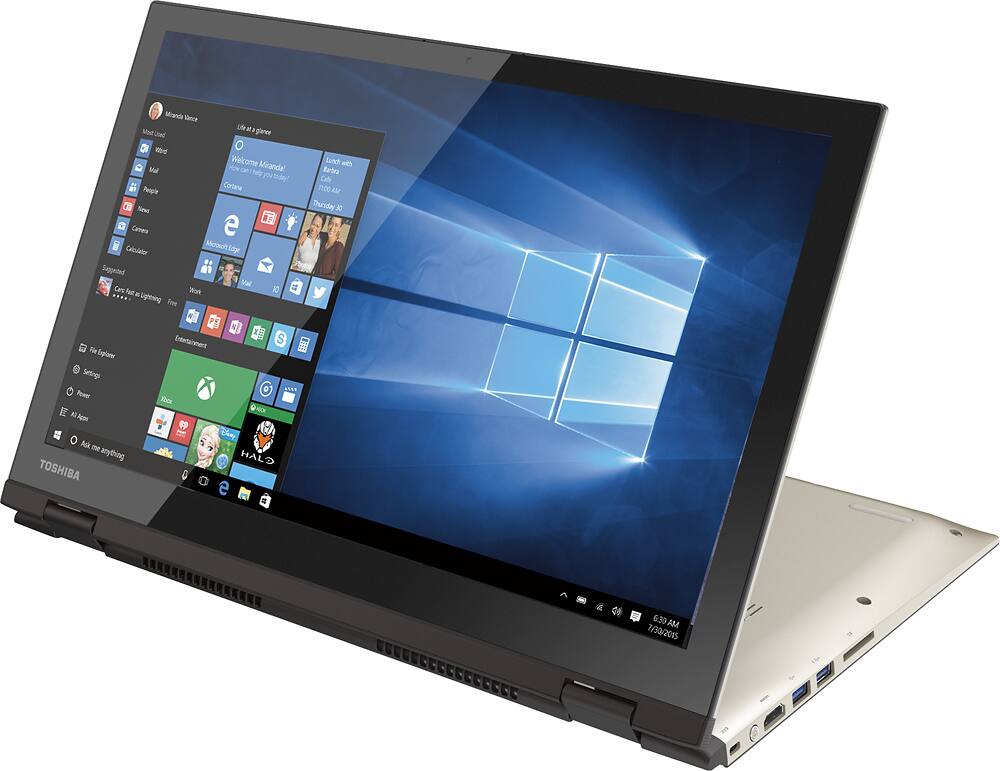
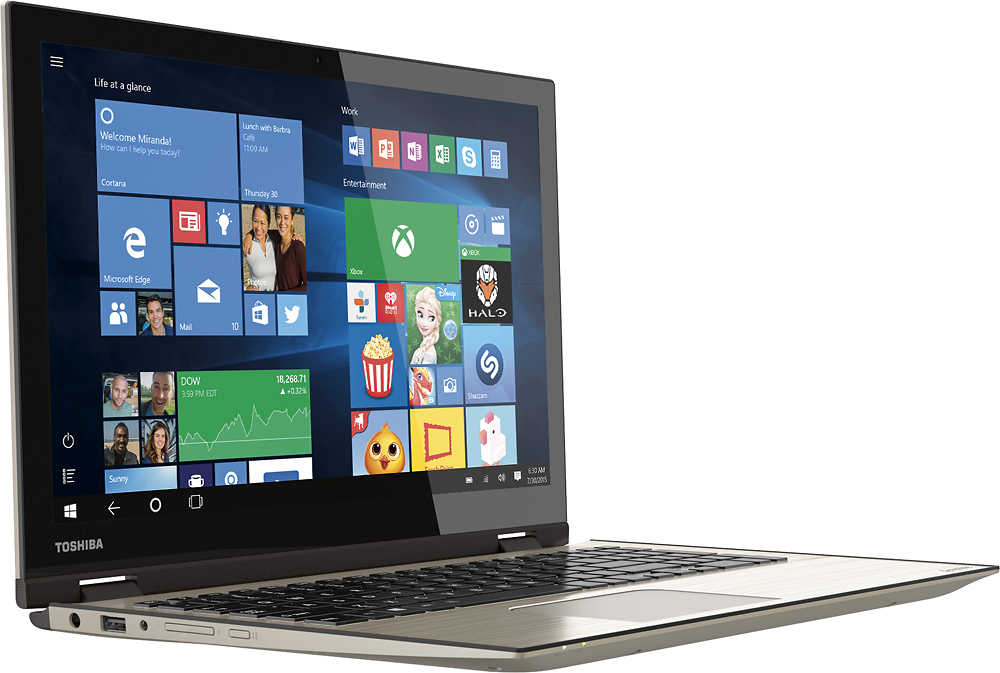
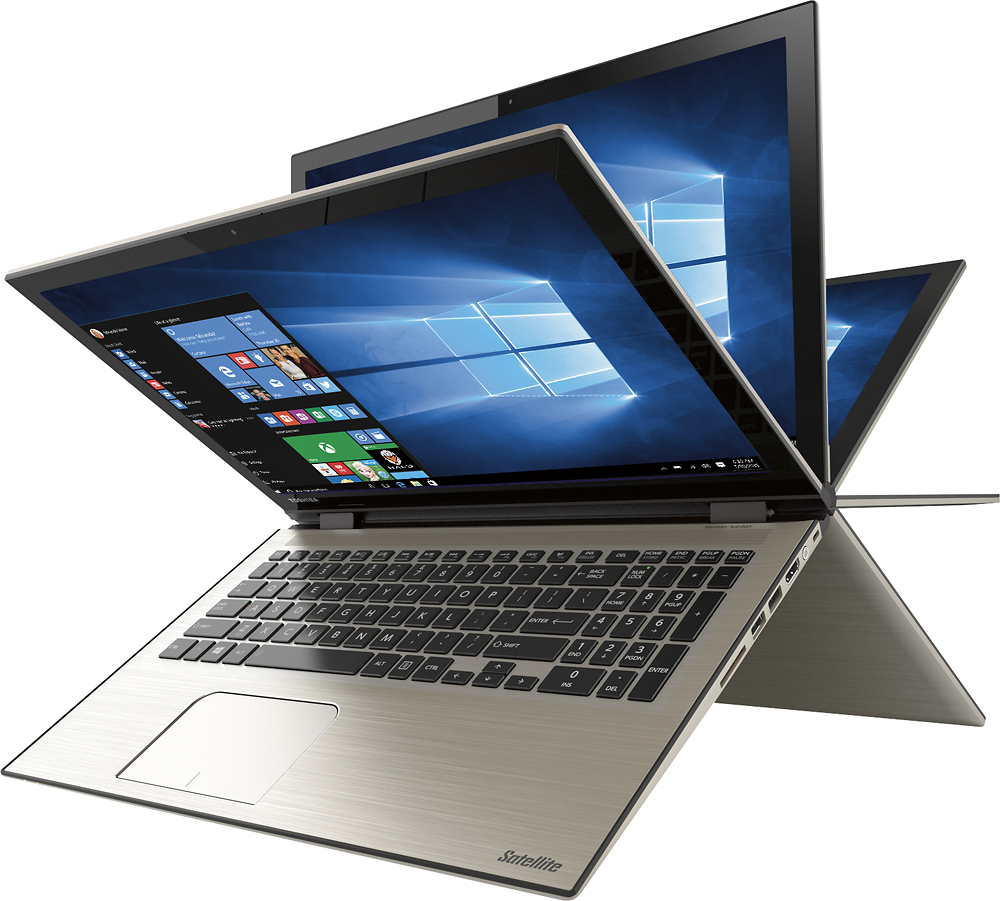

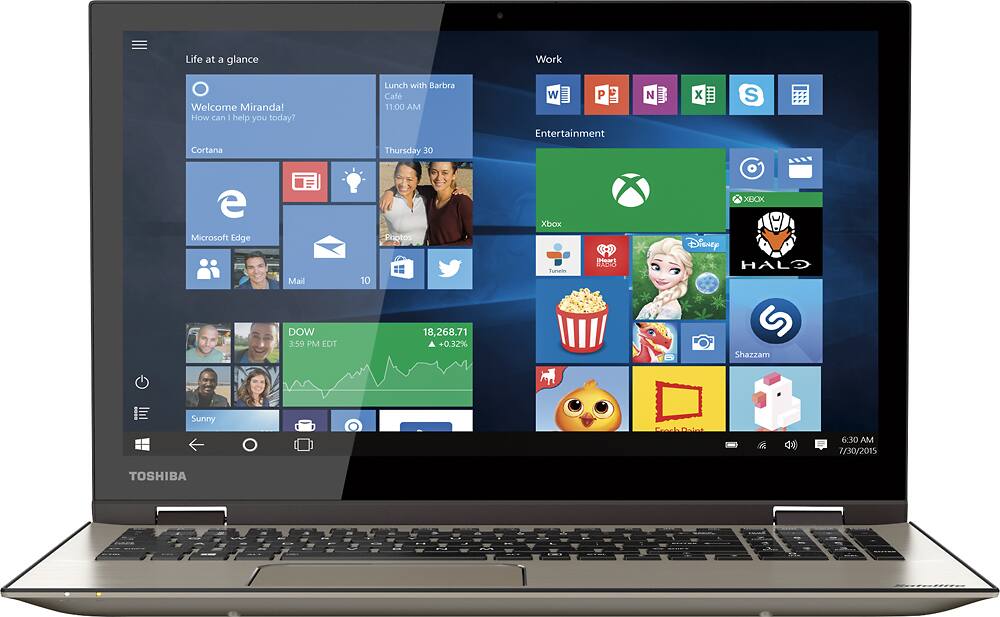
- Model:
- P55W-C5200X
- SKU:
- 4203500
to a friend
Customers are saying
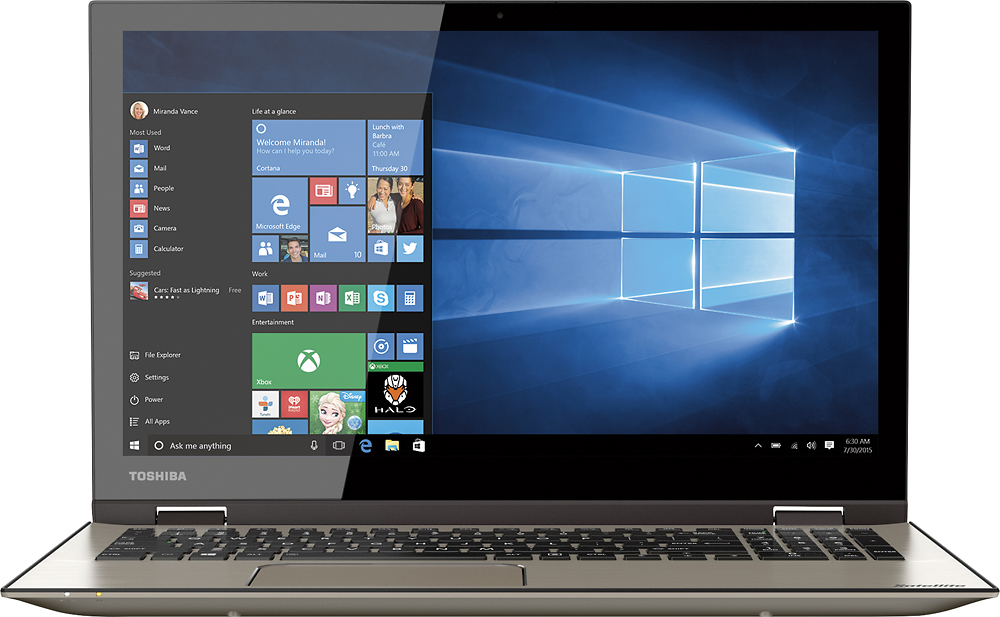
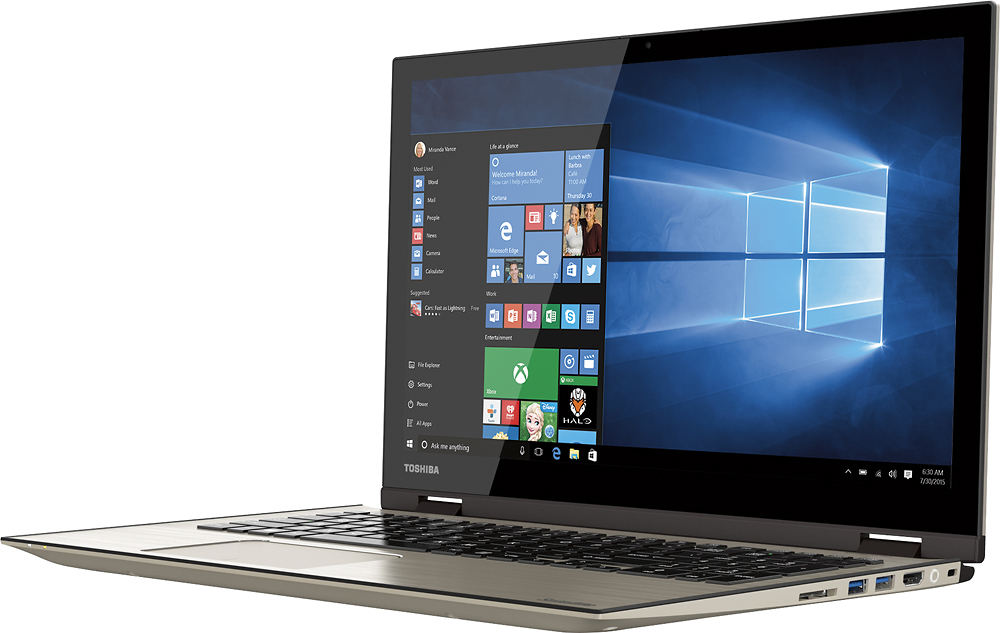
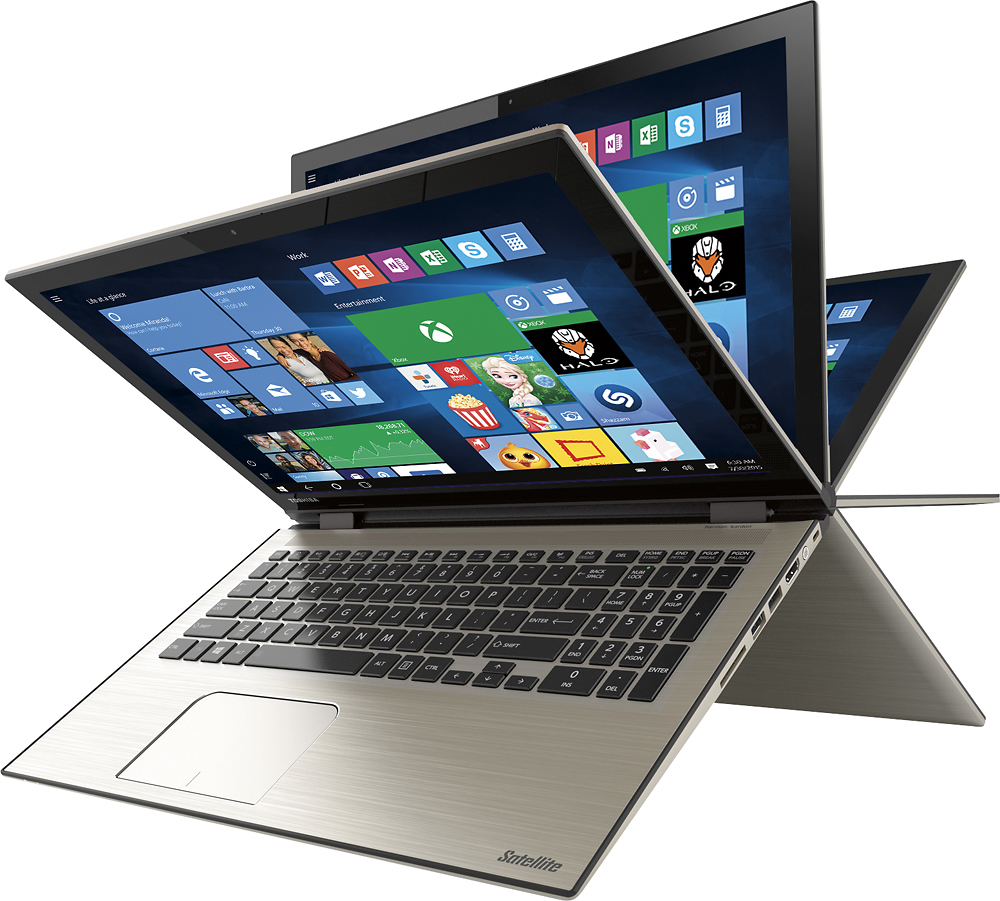
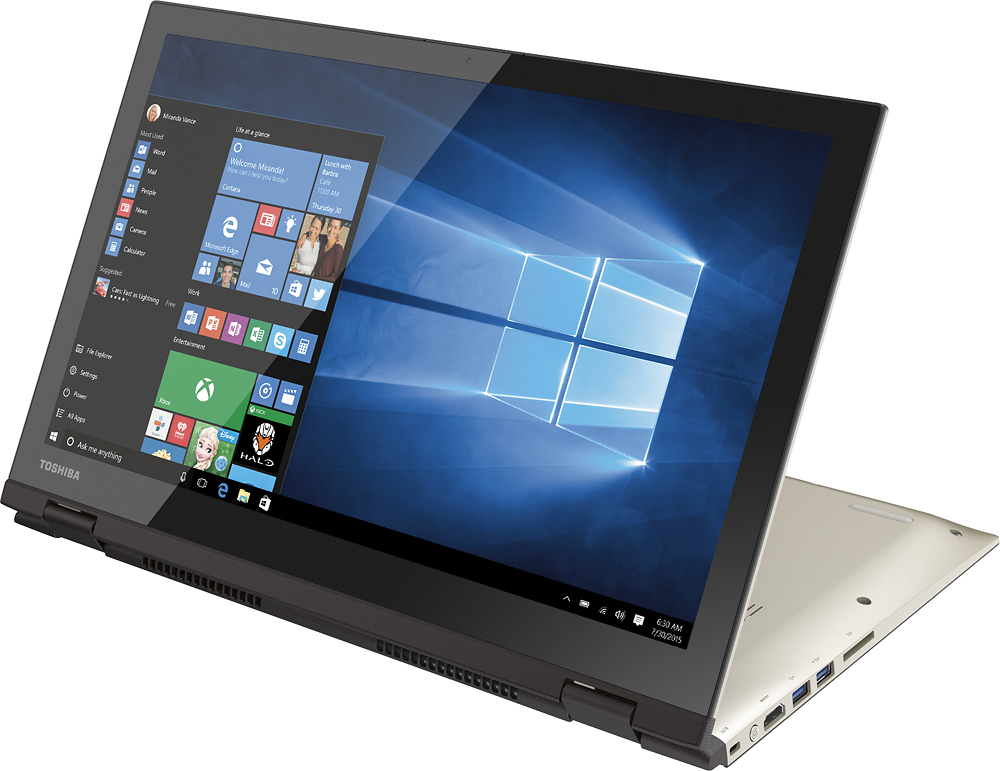
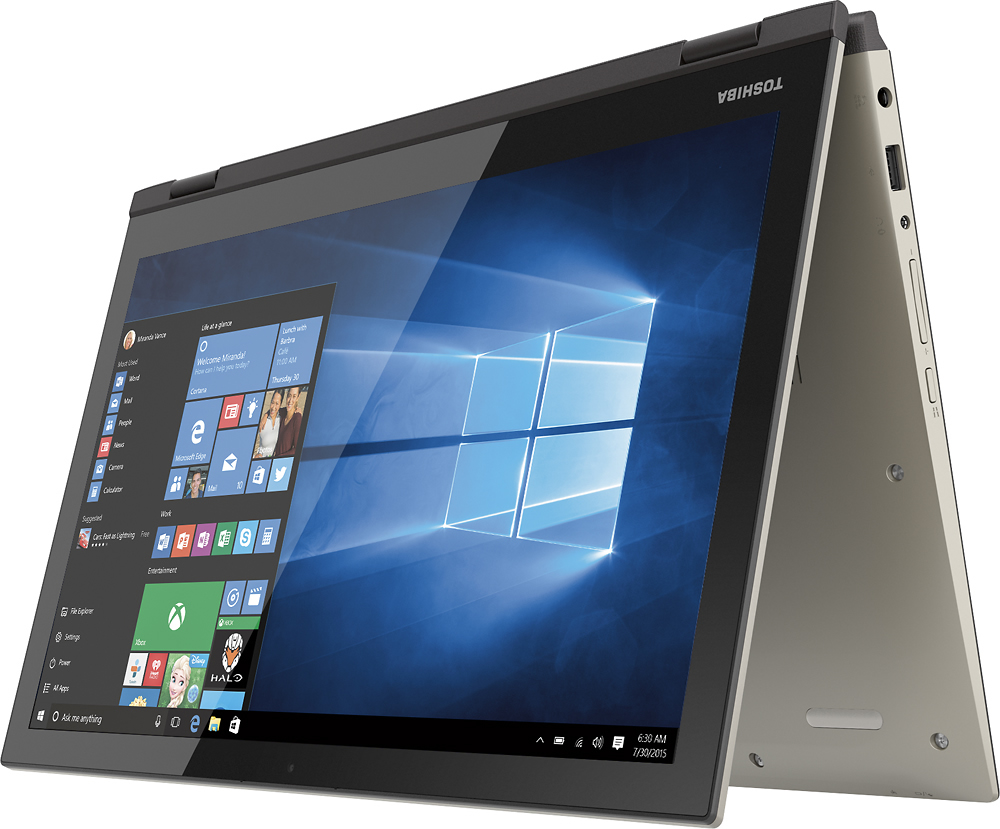
Customers frequently mention the Satellite Radius 2-in-1 laptop's touch screen as a standout feature, praising its functionality and ease of use. Windows 10 is also well-received for its user-friendly interface. While many appreciate the laptop's lightweight design and affordable price, some express concerns about its weight and occasional internet connectivity issues.
This summary was generated by AI based on customer reviews.
Good performance with SSD upgrade
Posted .This reviewer received promo considerations or sweepstakes entry for writing a review.Mine is Windows 8.1 version because I have Pro and Media Center license. Reverse-flap can be handy when watching videos where the space is limited. It has AC Wi-Fi, but wake over Wi-Fi isn't available which lets me to turn it on from outside. The speaker is LOUD. To get the full potential of the laptop, installing SSD is recommended if you're familiar with upgrading laptop. Currently Sandisk 960GB SSD is relatively cheap, and Toshiba has recovery media creator which lets you to make migration easier. ----user alert---- Doing the following may void your warranty. Proceed with caution. Create your recovery drive with your 16GB USB flash drive (existing data will be erased during the process). Backup your data. Remove all screws and carefully open the cover. Be careful the HDMI output where can be broken easily. Make sure your body is properly grounded. Static can destroy your computer! Unplug the original hard drive. Leave the shielding cover in place. You won't need it for SSD. Carefully pry out the hard drive. Move the elastic holder to SSD and put the drive in place. Plug back the SATA connector and close the cover. Plug in USB drive and turn your laptop on, and press F12 few times when Toshiba shows up on the screen. Boot from USB drive. Follow the instructions. Restore your data after the process has been done and tighten up all screws. The process can be risky, but the unit with SSD works much, much better than hard drive.
I would recommend this to a friend- Pros mentioned:Touch screen
Excellent Laptop, but slow out of the box
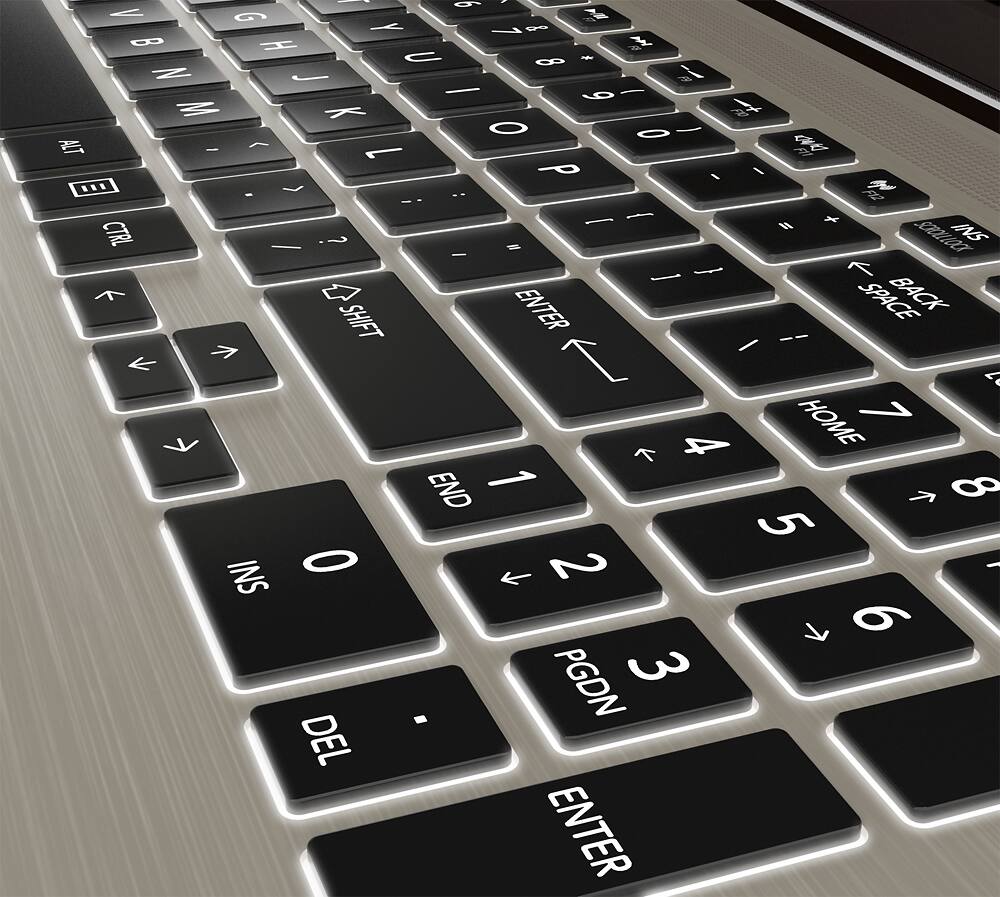
Posted .This reviewer received promo considerations or sweepstakes entry for writing a review.Bought this for my son and started to set it up. A little tedious to set up....and found it somewhat slower than other laptops I've used. Since my son is a gamer, I decided to have it upgraded with a Toshiba 256GB Q Series Pro SSD. Got it back from Geek Squad a week later, turned it on for the first time...and WOW! Under 3 seconds to Win10 home screen! All apps come up super fast now. No more spinning wait icon! Great screen too. The backlit keyboard is a nice feature as well. Games are also moving faster and transitioning faster. If you're going to get this laptop because of the screen or because of other features, but you find it slow to your liking, upgrade to the SSD for about $140 (for 256GB) including Geek install....or you could do it yourself if so inclined. You'll be blown away by the speed. With the great Toshiba screen, and the brushed stainless keyboard (no child fingerprints!) and the other great features, add in the new and improved speed, and you have a great computer for under $1k.
I would recommend this to a friend - Pros mentioned:Touch screenCons mentioned:Customer service
Worst Laptop ever purchased
Posted .This reviewer received promo considerations or sweepstakes entry for writing a review.I bought this laptop for my elderly father because the screen is large and he has the touch features. I then spent months trying to figure out what he was doing wrong to cause the laptop to freeze and not shut down properly. After the 20th issue and when his mouse pad stopped working also I googled and discovered many others had issues. I called Toshiba and as it was still under warranty they had it shipped out (my cost of $29 for shipping) and they ended up replacing the mother board assembly. It was returned and I realized the battery would not hold a charge so it was shipped back out. Again the motherboard assembly AND now the battery needs to also be replaced. The laptop has never worked right from day 1! And has been out for repair for over a month. All Toshiba service says is "this time we will send it to a better place for repair" The "Better place" has no working links to verify the status of the laptop, one disconnected number, and a number that has a non working voice mail and no one answering. I will NEVER buy Toshiba again.
No, I would not recommend this to a friend - Pros mentioned:Touch screen
Wanted to love it, but has issues
Posted .This reviewer received promo considerations or sweepstakes entry for writing a review.Love the form factor of this computer and has great specs for the price. The keyboard looks great especially with the backlighting and is easy to type on if you are used to typing on a laptop. The screen is also very bright and crisp. It's a little on the heavy side but that's what you'll get with 15.6". I really wanted to love this computer but I've had many issues similar to those you find on Toshiba help forums. Horrible issues with the wifi #sometimes can't see my home network, sometimes connects to home network but insists I'm not on the internet, breaks the connection when the computer goes to sleep and won't reconnect#. Lots of trouble trying to sync up to my Verizon email, had to look up and manually change the server name. Also, it's now having Start Up issues. Takes a really long time to boot up, and when I tried it last night it didn't like my password #which I hadn't even told it to set up!# and took literally 10 minutes to tell me the username or password was wrong. When I went to bed last night, it was still "circling" trying to log me in. I couldn't get it to respond after that. Ctrl+alt+delete did nothing; the windows or ESC keys did nothing; even turning the computer off didn't work--when I turned it back on it was still in the same state. Can't figure out how to do a hard reset/reboot. Since the reviews for this laptop have started getting more positive, maybe I'll have luck exchanging it for a different one, but if that doesn't work I'll look into a different computer entirely. Very disappointed as my last Toshiba #which I'm replacing now# has worked well for 5 of the last 6 years.
No, I would not recommend this to a friendBrand response from ToshibaStaff
Posted .Thank you for the review, EviesMom, and sorry to hear about the connectivity and login issues with your Satellite P55W-C5200X.
Intermittent Wi-Fi connections can sometimes be caused by interference from other radio frequency or microwave devices. If you notice different Wi-Fi behavior when operating in different environments, you may want to try relocating your Wi-Fi router. It's also possible that the router needs to be reset or have its software updated. Finally, you may want to update or reinstall your Wi-Fi driver with the software available at support.toshiba.com/support/modelHome?freeText=1200010651 -- click the "Drivers and Updates" tab, then select the "Wi-Fi" and appropriate Windows filters to see the relevant drivers and utilities.
Should you need further assistance, please contact Toshiba support at 800-457-7777.
Thanks for the feedback and sorry for the trouble.
Awesome 2 in 1 laptop.
Posted .This reviewer received promo considerations or sweepstakes entry for writing a review.I purchased this laptop for school and as soon as I got it out of the box, I was immediately pleased. Lightning fast processor. Decent hard drive space. Large screen. Sensitive touch. key response is perfect. Runs all my dynojet programs flawlessly. good craftsmanship on the entire unit. I have had many laptops and this is surely my favorite.
I would recommend this to a friend- Pros mentioned:Price
Great Windows 10
Posted .This reviewer received promo considerations or sweepstakes entry for writing a review.I bought this laptop on sale for 649.99 and I saved 100.00. It has thus been great so far. It has big screen 15.6 performance, stability, and efficiency. I primarily use this laptop for pleasure and college. I would definitely recommend.
I would recommend this to a friend Good PC, but mechanical problems
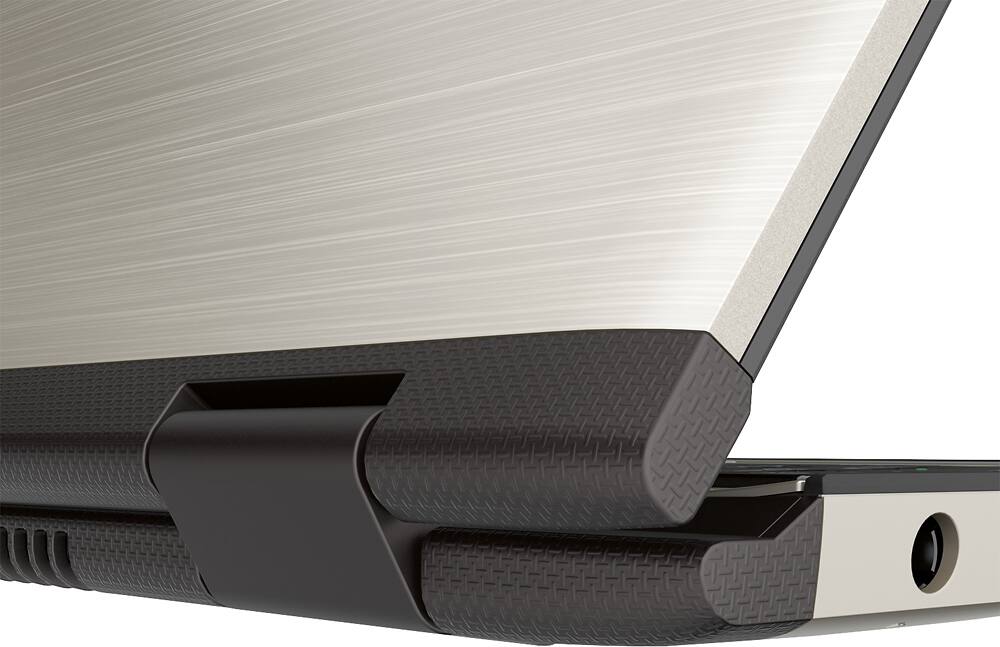
Posted .This reviewer received promo considerations or sweepstakes entry for writing a review.I bought this less than a year ago, and it has been a great PC. Except that twice I've had to send it back to be repaired (under warranty); once for a broken hinge and now for a faulty fan. Hopefully nothing more breaks!
No, I would not recommend this to a friend- Pros mentioned:Touch screen
Great Laptop for everyday use
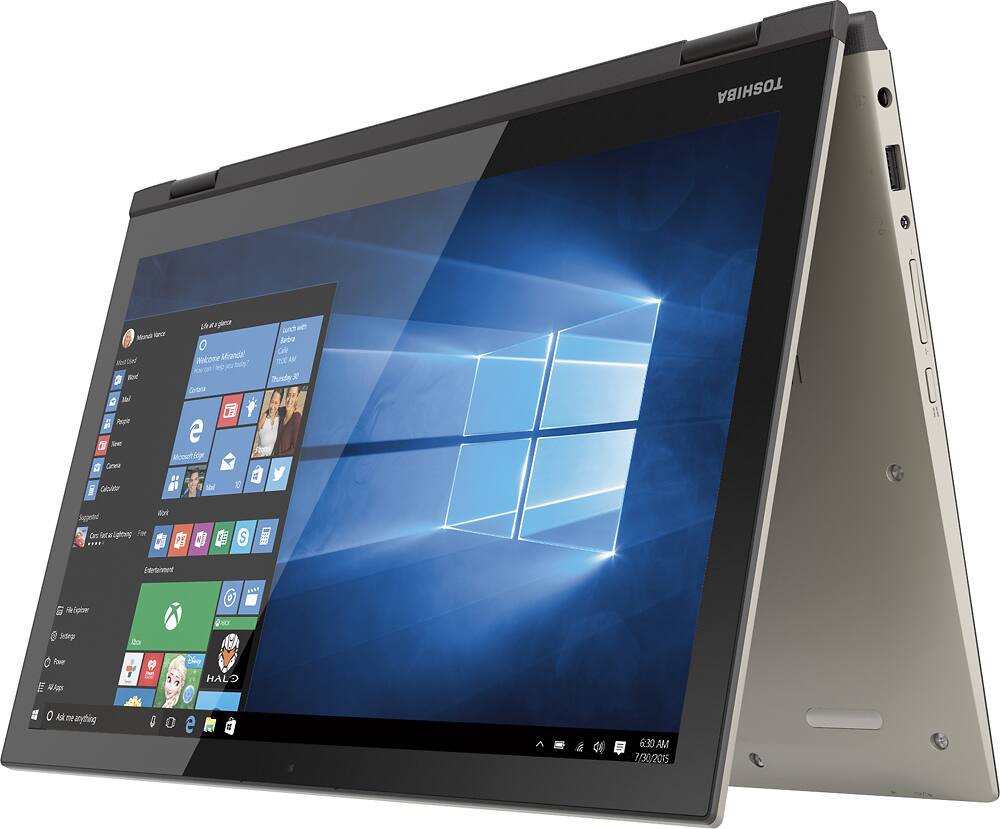
Posted .This reviewer received promo considerations or sweepstakes entry for writing a review.Very happy with my purchase. Fast love the touchscreen and the 360 screen. See my unboxing video https://youtu.be/AZvprARqa9Q
I would recommend this to a friend - Pros mentioned:Touch screen
Hard Drive Problem!
Posted .This reviewer received promo considerations or sweepstakes entry for writing a review.It makes me so sad this computer is having problems! I absolutely love the feel of this computer, the keys on the keyboard, the spacing, it's just a fun computer to look at and work on. However, 3 months after having it, the hard drive had to be replaced. It just shut me out and I lost all my work. So, now I have my computer back for 2 days. It already says driver errors, and it has updated. At the moment, it is still working, but I just can't trust this computer. I am now so scared to do any work on it, for the fear of losing all my research again.
No, I would not recommend this to a friendBrand response from ToshibaStaff
Posted .Thank you for the review, Dawn, and sorry to hear that your Satellite P55W-C5200X needed a warranty repair to replace the hard disk.
Can you provide a bit more detail about the driver error -- if possible quote exactly what the error message says. Or, if you prefer to speak with someone over the phone, please call Toshiba support at 800-457-7777.
Thanks for the feedback and sorry for the trouble.
Good laptop not biggest fan of touchpad
Posted .This reviewer received promo considerations or sweepstakes entry for writing a review.Overall, I think it's pretty good laptop. Probably will switch to a SSD soon but so far so good. Not the biggest fan of the touchpad, very sensitive.
I would recommend this to a friendExcellent Purchase
Posted .This reviewer received promo considerations or sweepstakes entry for writing a review.This toshiba is a great no brainer purchase. Just look at the others on display and you can see the brightness, color, text,screen clarity and overall appearance is superior to the other brands and models on display. Just look at the specs for comparison and this model excels with the before mentioned. Toshiba is known for their laptops. They sure prove it with this model. And the best for me, little to no fingerprints on the unit due to the stunning brushed metal look finish. Solid feel, acceptable weight, just plain works great. 1st class product here Toshiba. Great Job! This one will not disappoint.
I would recommend this to a friendNice, thin laptop
Posted .This reviewer received promo considerations or sweepstakes entry for writing a review.while it is not exactly powerful as most i5 processors, but it does a reasonably good job. But after just a few months the fan started making increasingly louder noises. I see other have the same issue. I tried finding a replacement fan, but none seem to exist, short of sending it in for service. BUT once opening the machine I found everything is just lying inside the plastic case, obviously to save space but looking at it, I can't imagine that it will hold up for the long haul and I wouldn't want to carry it around much. I would also assume a smaller drop will kill it off instantly. It is a nice computer but isn't built to last by any stretch of the imagination.
No, I would not recommend this to a friendToshiba Rocks!
Posted .This reviewer received promo considerations or sweepstakes entry for writing a review.Had the Geek Squad in Beaufort S.C. prep my Laptop before I picked it up. Transferred data from an old hard drive, dumped the Bloatware & ran all the updates for me. Great Job! Loads quickly, multitasks like a champ, great display. I'm not a gamer and this will do anything I want. Far exceeded my expectations! Highly recommend this unit.
I would recommend this to a friendBefore ANYTHING CONNECT TO WIFI & UPDATE!
Posted .This reviewer received promo considerations or sweepstakes entry for writing a review.I've rated this a 1 star for wanting those who read 1 star reviews see that this is a great 2 in 1 computer and those who are scared shouldn't be. I really rate it 4/5! I read and done lots of research about many 2 in 1 laptop computers before I came to the conclusion that this was the one. The only bad in this computer is due to windows 10 & drivers aren't all updated. So since I did my research and updated everything, it has been working perfect with no errors or problems at all for an whole day! For those that are having problems I'm sorry but you should of done research instead of just buying whatever because it will help you in the long run. This is truly a great computer. I got the 750gb i5 and have to say, the boot up time and everything loaded time is much faster than my 2 year old gaming computer with an i7 lol.. Only thing I hate about 2 in 1 laptops are the touchpad they drive me crazy! & being a gamer I can't see me liking one of these, but I got it for my sister and checked it out because I had to update everything for her and I got use to the touchpad but still It can really tee you off... So, again, before you buy ANYTHING do your RESEARCH because each company makes different things the best. Such as a Samsung is good at TVs and LG are good with phones, etc...
I would recommend this to a friendBrand response from ToshibaStaff
Posted .Thank you for the review, William, and appreciate the thought of wanting to give positive feedback about the Satellite P55W-C5200X to those who focus on reading only 1-star reviews. That said, we REALLY like 5-star reviews! :)
I understand that serious gamers generally don't use touchpads, and that there are even highly specialize pointing devices designed specifically for gaming, but this model's touchpad is quite good for general computing use.
Thanks for the feedback and for choosing Toshiba.
- Pros mentioned:Touch screen
Screen Keeps Going Black
Posted .This reviewer received promo considerations or sweepstakes entry for writing a review.The keyboard is nice, it is kind of slow for a new computer, but my main complaint is the screen keeps flickering and goes black. It has to go back to the factory to get fixed. It started almost immediatly, we purchased this 5 weeks ago. I now see that its a problem that they know about - thanks Best Buy for selling it any way - grrrr. The battery life is pretty bad also, maybe 2 hours, and thats just surfing the web. This is our second Toshiba, same battery problem with the first one we had. There won't be a third, can't believe I was stupid enough to try a second one. The keyboard is nice and is backlit. Other than that, there is nothing that would make me buy another Toshiba.
No, I would not recommend this to a friend - Pros mentioned:Touch screen
VERY nice
Posted .This reviewer received promo considerations or sweepstakes entry for writing a review.Love the backlit keyboard, the touchscreen, and the screen resolution(awesome). My second Toshiba and I am very pleased, a lot nicer than my previous Dell with nice extras. The keyboard has a clean and crisp feeling, wonderful to use with very little noise and just the right amount of resistance. The brushed metal finish is very attractive and the speakers are clear and as loud as you would expect on a laptop. No disc drive, but everybody seems to be getting away from the built in drives to loose the weight.
I would recommend this to a friend I upgraded in the tech world and it was affordable
Posted .This reviewer received promo considerations or sweepstakes entry for writing a review.I can't complain. Of course there are probably better laptops out there but this one did not break the bank and it has so many features. I have had a few problems with connection but I wouldn't say it was the laptop but more of Windows 10. I couldn't figure how to get it to change to Private Network. After I did, it worked just fine. I am curious to find out how long the screen will continue to stay up after going back and forth from changing positions from laptop to tablet. So far so good and I have had it less than a week and I have been showing everyone that cool trick so it has gotten a work out. LOL I am still figuring out the mouse pad. Its either too sensitive or I am just used to my old laptop. Video, pictures and sound are also great. There are a few Toshiba apps that I am not sure about. Either I cant get them to work or they arent supposed to... I have read forums on them and everyone seems to be clueless like me. But there are plenty of apps and I dont think I am missing out on anything if the laptop is functioning. All in all.... I would buy again. Unless I had an endless supply of money, then I would buy something top of the line.
I would recommend this to a friendgood computer for most needs
Posted .This reviewer received promo considerations or sweepstakes entry for writing a review.Bought computer for one of my sales staff and he has been very happy with its performance and accessability.
No, I would not recommend this to a friendProcessor Speed
Posted .This reviewer received promo considerations or sweepstakes entry for writing a review.Overall the computer is great our third one in the last 10 years. I am really confused because the description says it is 3.0 Ghz When I check the description on the computer is says 2.4 Ghz Not sure why this is but if I would have know that would not have got it. Would like some answers to that. If I am reading it wrong please let me know
I would recommend this to a friendPoorly made, don't waste your time.
Posted .This reviewer received promo considerations or sweepstakes entry for writing a review.My parents bought this computer for me because I was starting my first year of college and needed a good laptop. At first my only problem was that it overheated.... a lot. But towards the end of my first semester some of the keys on the keyboard hardly worked. I couldnt use a,b,n,o, enter, or shift. Imagine writing a 10 page paper without those letters. After long talks with customer service I had to pay to send it in for repair. It worked again after the repair, but as I neared the end of second semester the same problem started up again. This time my mom argued with Toshiba customer assistance for days because they wanted us to pay to have it sent in when this is the second time it happened. Finally they said they would fix it, being just under the warranty. 2 weeks after I got it back and the warranty ended the keys have started to only work on and off. Now I got a pop up saying there is something wrong with the hard drive, when its done nothing but sit on a table for days. Dont get this laptop, its poorly made and obviously not made well enough to stand up to normal use. Don't buy Toshiba either if you can help it. I did really like the size and 360 degree rotation function. I'll be sad when I have to BUY A NEW LAPTOP AFTER ONLY A YEAR because I am a poor college student and it was a very cool laptop... when it actually worked.
No, I would not recommend this to a friend