Customer reviews
Rating 4.2 out of 5 stars with 10 reviews
(10 customer reviews)to a friend
Customers are saying
Customers find value in the AC750 Wi-Fi Range Extender's easy setup. Many appreciate how simple and straightforward the installation process is, describing it as effortless and a breeze. The product's ease of use is a significant positive aspect for buyers. There were no reported negative comments.
This summary was generated by AI based on customer reviews.
- Pros mentioned:Setup
Rated 5 out of 5 stars
Boost your WiFi Signal
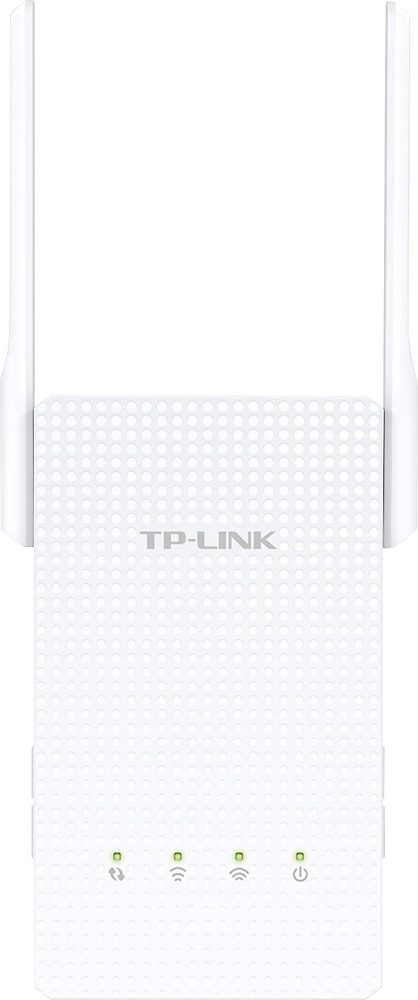
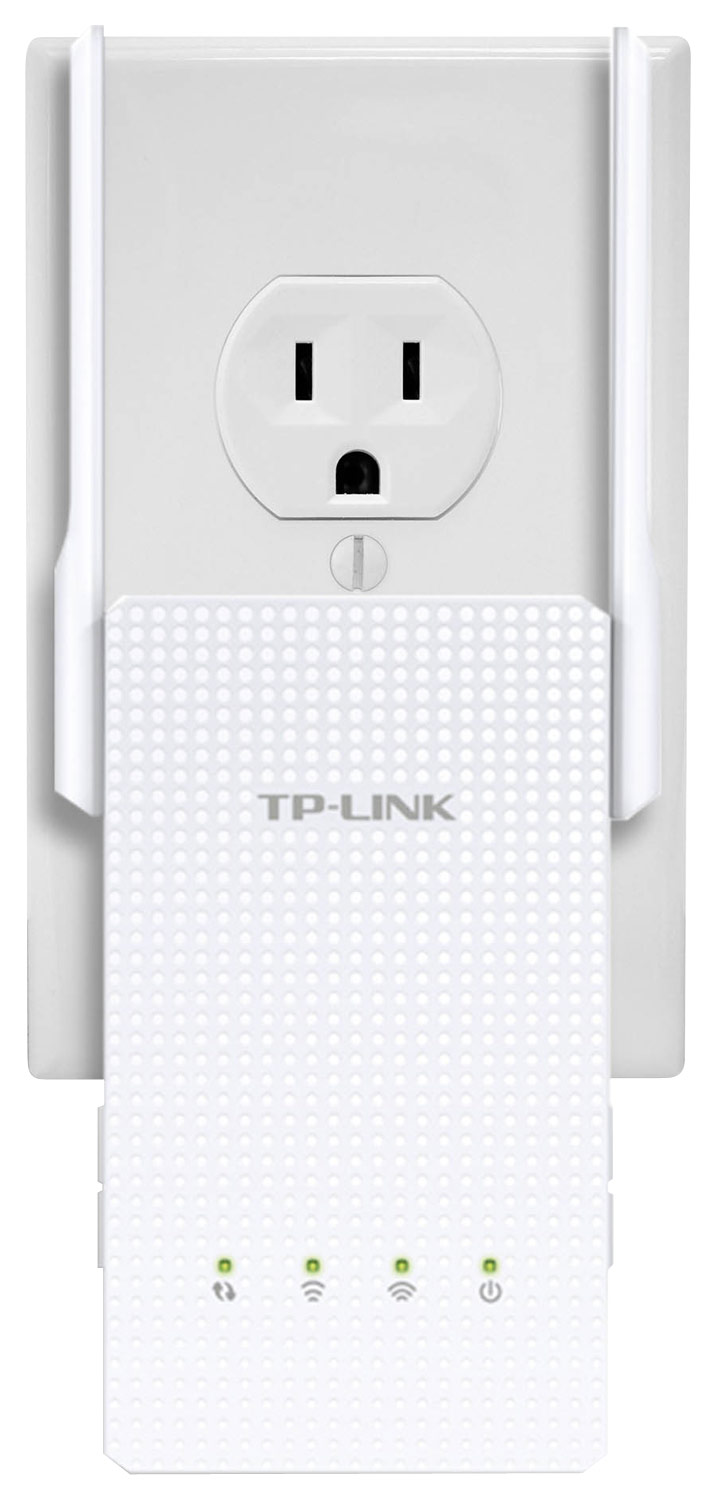
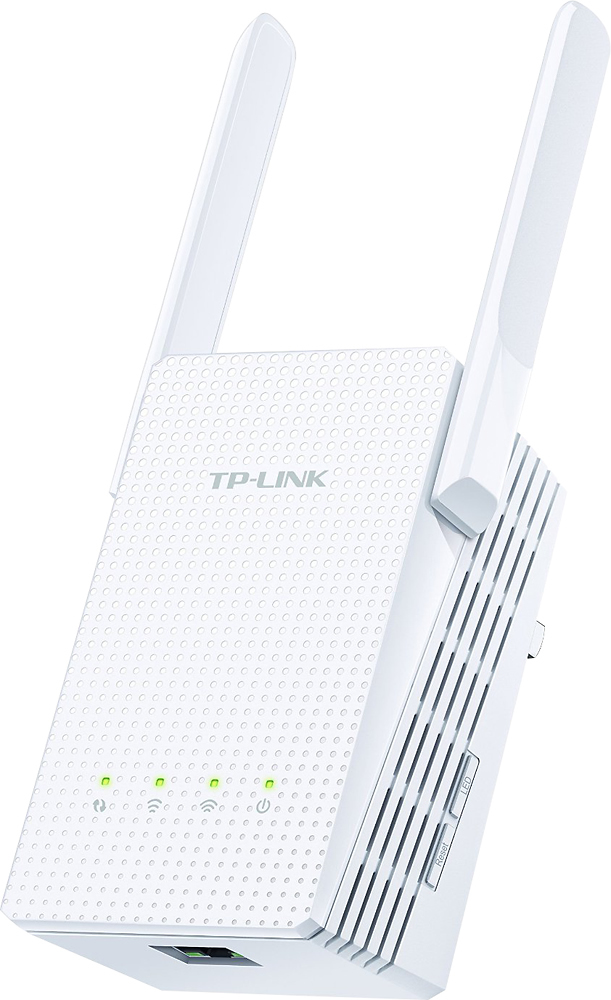
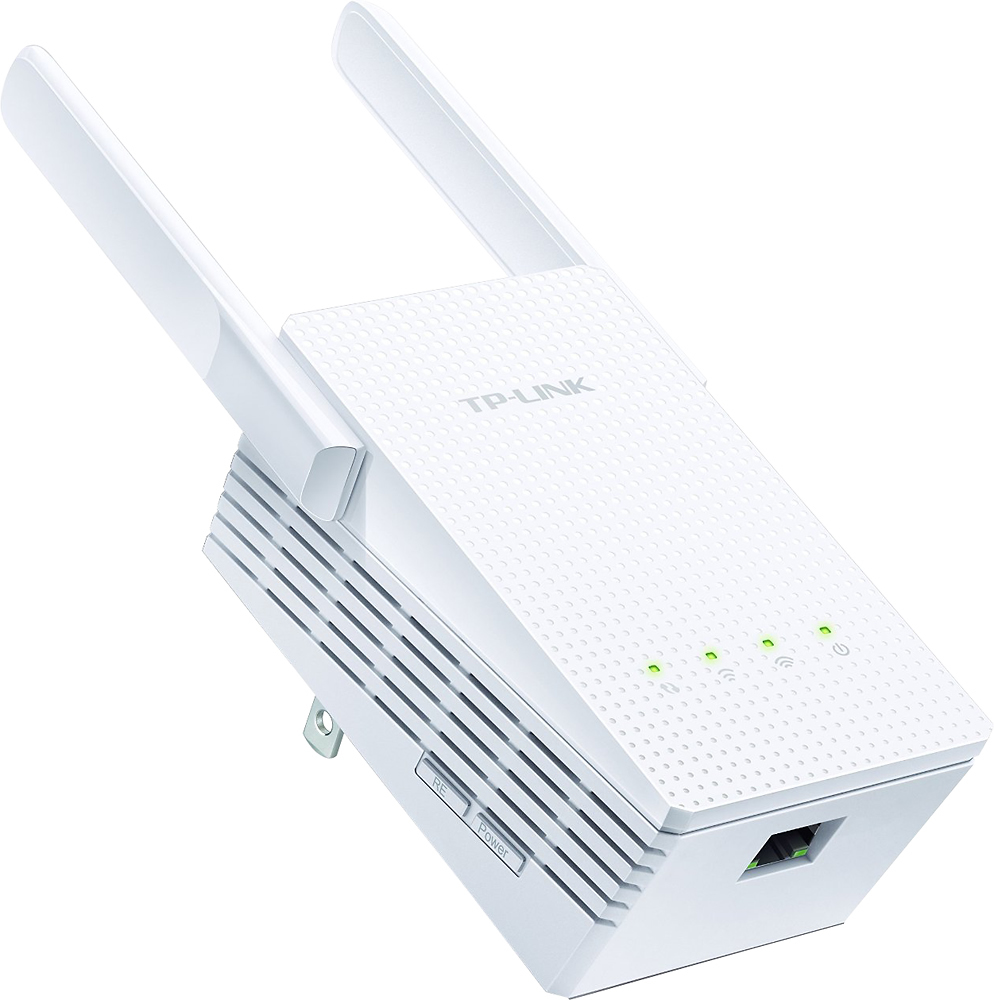
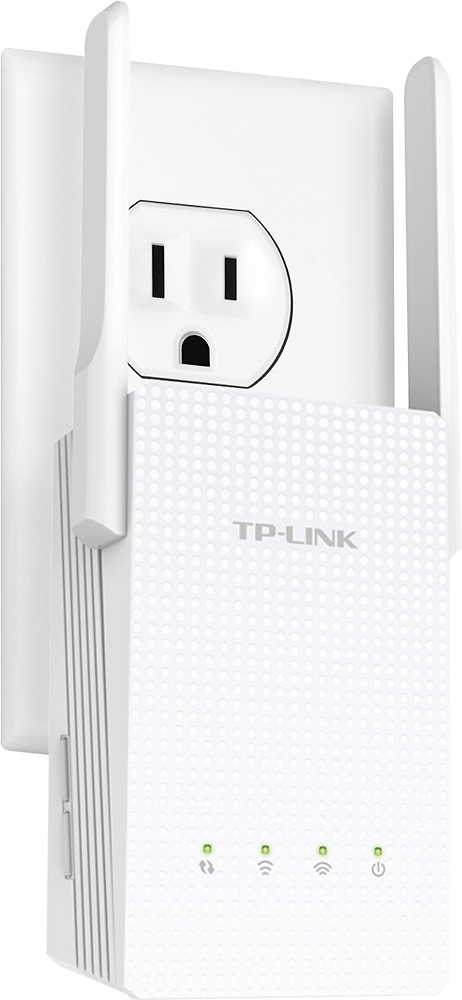
Posted .This reviewer received promo considerations or sweepstakes entry for writing a review.The TP-Link AC750 WiFi Range Extender is perfect for anyone who has problems with weak or dead WiFi signals in their home or office. It allows you to strengthen the WifI signal as well as connect an Ethernet connection directly to the adapter. Setup is extremely easy. Just plug the adapter near your wireless router and press the WPS on your wireless router and then push RE button on the adapter. Wait until the blinking light turns solid green and you are ready to relocate the adapter to your desired location. We have a auto repair and used car lot that has a metal roof and concrete walls. The WiFi signal gets weak between the front and back offices which are about 15 feet apart. After installing the TP-Link range extender in the front office the signal increase from 1 to 5 bars! That is the strongest signal possible. The adapter uses the same login information as your wireless Network. If you don't see your network information and you see the TP-Link name instead, that means the adapter did not configure to your network correctly using the WPS option. You may see the name of your wireless router instead and that is okay. I actually saw four entries, 2g and 5g for our Network, and the name for the brand of the wireless router. They all worked to sign in with the Network password. It probably has something to do with the setup with the router. If you do not have a WPS feature on your wireless router, don't worry you can setup the adapter manually by logging into the TP-Link Network and web browser after plugging in the adapter. The instructions easily explain and show images on how to do this option. You can also sign into the adapter configuration settings page from any device that is directly connected to the adapter wirelessly. Here you are able to make changes to any settings. The adapter also has one Ethernet port which allows you to connect devices via Ethernet instead of wirelessly. So no need to run lines or drill holes. Overall this adapter is a great update from the previous adapter set I had that required two adapters that had to be synced together in order to work. It works flawlessly and keeps the signal strong. I received this item directly from TP-Link for an honest, unbiased review.
I would recommend this to a friend - Pros mentioned:Setup
Rated 5 out of 5 stars
Good range extension
Posted .This reviewer received promo considerations or sweepstakes entry for writing a review.Pros: 1. It is capable of simultaneously linking a 2.4GHZ network and a 5GHZ network. Previously to upgrading to this model, I was only able to extend one network with my extender. 2. It works. It was recommended that I place it half way to the dead zone but I placed mine at the edge of the dead zone and I got full bars by the extender and a good few feet further. 3. Setup was a breeze. 5 minutes from unboxing to all green lights plugged in at its new location, extending my network. Cons: 1. Nothing that I noticed. Additional Comments: 1. It looks a lot cooler than my old extender and it takes up less size than I think all the models that I looked at when I purchased my other model. Company that provided the product as a tester sample for feedback: TPLink Shipping time: Item was shipped out promptly in the agreed upon manner. Was the package secure?: Item arrived safely in secure retail packaging. Knowing what I know now, would I buy this product; yes/no?: Yes, I'd buy this product. It works better than I hoped it would. Thank you for taking time to read my thoughts; I hope I’ve helped in understanding the ability and value of this product.
I would recommend this to a friend Rated 4 out of 5 stars
Good wifi extender, buy on sale if you can
||Posted .This reviewer received promo considerations or sweepstakes entry for writing a review.This wifi extender does a good job, but setup was slightly annoying. It did not recognize the available 5.0 band, but did pick up the 2.4 band immediately. The 5.0 was eventually detected, but it still rejects the login password on that band. The password is identical to the lower band, leaving me confused. All in all, however, it is a very good repeater for the $40 I spent. Has not lost the router signal or needed a restart, and passed through a power outage fine; reconnected to the router immediately. Better than a leading competitor's rival device, which crashed and needed to be reset at least monthly.
I would recommend this to a friendRated 5 out of 5 stars
working perfectly
||Posted .This reviewer received promo considerations or sweepstakes entry for writing a review.Helped me extend my 2.4 & 5.0 MHz wifi. LED lights help make sure its effectiveness. Great for home use.
I would recommend this to a friendRated 5 out of 5 stars
Wow, did this help...
||Posted .This reviewer received promo considerations or sweepstakes entry for writing a review.I don't have that big of a house but it has some kind of plaster on the walls that was limiting wifi to the opposite side of the house from the router. I put this about 2/3 of the way away from the router. For the first time ever I can seamlessly stream videos all over the house. Easy to set up and has impressed me so far.
I would recommend this to a friendRated 5 out of 5 stars
Worked as advertised
||Posted .This reviewer received promo considerations or sweepstakes entry for writing a review.The Tp-link - Ac750 Wi-fi Range Extender worked exactly as advertised. It was a breeze to set up and has great range.
I would recommend this to a friendRated 5 out of 5 stars
Just Get One
||Posted .This reviewer received promo considerations or sweepstakes entry for writing a review.Works great to cover my back yard. Now i can use my tablet with great video connection.
I would recommend this to a friend- Pros mentioned:Setup
Rated 5 out of 5 stars
My WiFi black hole is filled
||Posted .This reviewer received promo considerations or sweepstakes entry for writing a review.The product works like a charm, inexpensive, and easy to set up.
I would recommend this to a friend Rated 2 out of 5 stars
Not the best wifi extender
||Posted .This reviewer received promo considerations or sweepstakes entry for writing a review.This product seemed to slow down our download speeds in certain areas of our house where it used to be great. Have had to turn of the extender until I knew I would be going beyond the range of my original modem.
No, I would not recommend this to a friendBrand response from TPLinkSupport
Posted .Hi there, thanks for the review and feedback!
We'll be more than happy to address the concerns you have about your Range Extender.
If you haven't noticed a significant improvement in Wi-Fi coverage after installing the device, we recommend relocating the unit to a position in your home where the router's 2.4GHz and 5GHz Wi-Fi signal is sufficiently strong; yet far enough from the router to effectively extend its range. Please verify the “RE” status LED is indicating a solid connection for both 2.4GHz and 5GHz bands.
If you'd like assistance with any of these steps, please send an e-mail with your contact information and a copy of this review to [email protected] and we'll gladly have a Support Agent follow up with you directly.
Thank you again for your feedback. We hope you'll keep TP-Link in mind for your future networking needs.
Best Regards,
TP-Link Customer Support
(866) 225-8139
[email protected]
Rated 1 out of 5 stars
Hard to set up
||Posted .This reviewer received promo considerations or sweepstakes entry for writing a review.I was unable to use this. Complicated to set up. Returned it after several attempts.
No, I would not recommend this to a friendBrand response from TPLinkSupport
Posted .Dear Reviewer,
Thank you for sharing your recent experience with our product.
We are sorry to hear that you encountered some difficulty with installing your extender.
Regrettably, our support team did not have the opportunity to work with your regarding the issues you had been experiencing with your product, however, we respect your decision to return this device.
For future reference, you may contact our 24/7 technical support team directly at the email address provided below and an available support agent will be happy to follow up with you for assistance.
We hope this experience will not discourage you from trying more of our great networking products in the future.
Best Regards!
TP-LINK Support Team
866) 225-8139
[email protected]