Customer Ratings & Reviews

Customer reviews
Rating 4.4 out of 5 stars with 5 reviews
(5 customer reviews)to a friend
Rated 5 out of 5 stars
Great for beginner
||Posted .This reviewer received promo considerations or sweepstakes entry for writing a review.The product is so easy to set up and control, it looks great and the range is incredible.
I would recommend this to a friendRated 4 out of 5 stars
OK but not great for the price.
||Posted .This reviewer received promo considerations or sweepstakes entry for writing a review.I'm using this in my Condo and I can't open walls to install cable. There are a lot of signals nearby at 2.4 Ghz. I'd hoped that 5 Ghz would be better and less crowded but its not as strong as 2.4 over the distance. The unit is is only 30-40 feet in a straight line to my home office on the same floor. Only two walls between my computer and the unit. The signal was greatly degraded on 2.4 or 5 returning -70 dmb or higher. after one month of using it I returned it last night 06/15/16 and am trying the ASUS Dual-Band Wireless-AC3100 Gigabit Router (RT-AC88U). So far (1 Day) the signal is about the same but the unit is not dropping like the TP and I am get a consistent 23- 30 MPBS from my 50+ MBPS ISP. I'm going to play with the channels over the weekend and see if I can squeeze out some more.
No, I would not recommend this to a friendRated 5 out of 5 stars
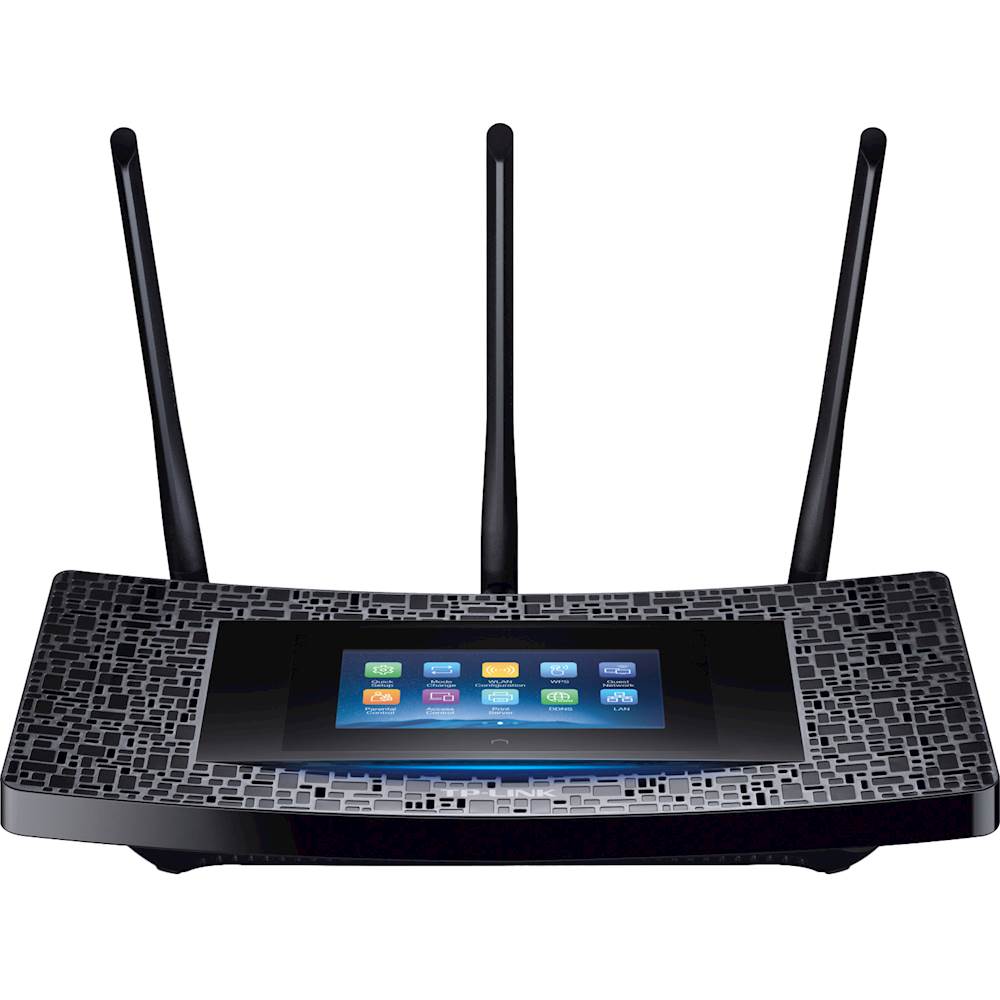
Touchscreen!
Posted .This reviewer received promo considerations or sweepstakes entry for writing a review.I am very happy with AC1900. I will start with the most important feature of any router, speed and range. This router gives me almost 60Mbps on TWC's Extreme Internet which allows speed up to 50Mbps. I am not sure how I am getting more than 50Mbps, but apparently I can with this router. I can also get connections in both first and second floor of my house and in the garage as well. The most notable feature of this router is the touchscreen setup. It took me about 5 minutes to setup everything. This was by far the easiest setup I've ever done for a router. No need for a browser. Only cons I can find are that the router is pretty big and I personally do not like its design (personal taste). I highly recommend this product and This has been a review of a free product received from TP-LINK as part of the review program.
I would recommend this to a friendRated 5 out of 5 stars
Easy setup and super fast results
Posted .This reviewer received promo considerations or sweepstakes entry for writing a review.Best purchase I've made in a while regarding Routers. The setup process was beyond easy and smooth, the touch screen makes the setup and configuring process way easier than logging in to the router and setting everything up. The frequency automatically range from 2.4Ghz to 5Ghz. Also, has a tumbling guest password that changes daily. Super Easy, Super quick, and a lot of options. Great product and super satisfied!
I would recommend this to a friendRated 3 out of 5 stars
tp-link touch p5
Posted .This reviewer received promo considerations or sweepstakes entry for writing a review.had to call china, phone link is no good... woman at other end of course chinese sounded like she was talking thru a tube .. she did get me past some hurdles with the touch screen ... but wasn't able to get on internet so i called my cable provider she told me to switch around some cables ... bam internet working.. fri 1/26/18 ... all was great ... then now sunday 1/28/18 my menu screen isnt working cant get it to come on tried calling hsn no help there hsn gave me phone # same as the # that comes with product no answer when called ... believe me i'm patient guy havent started cussing yet .... touch screen menu seems to be the only problem signal strength seems strong haven't lost connections since
No, I would not recommend this to a friend