Customer Ratings & Reviews
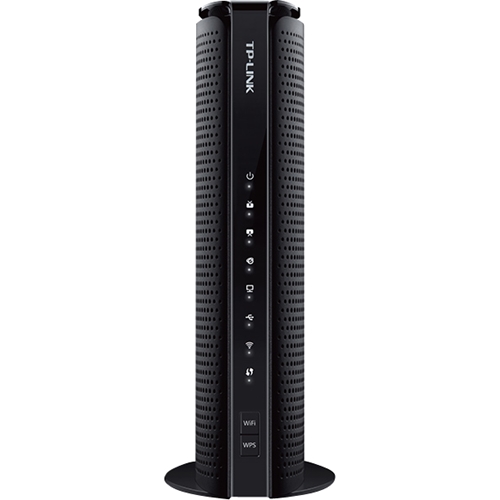
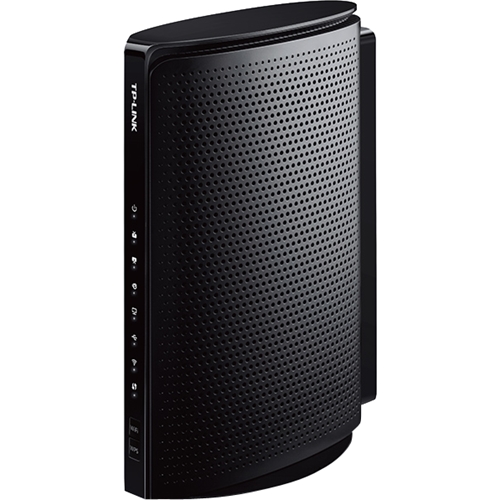
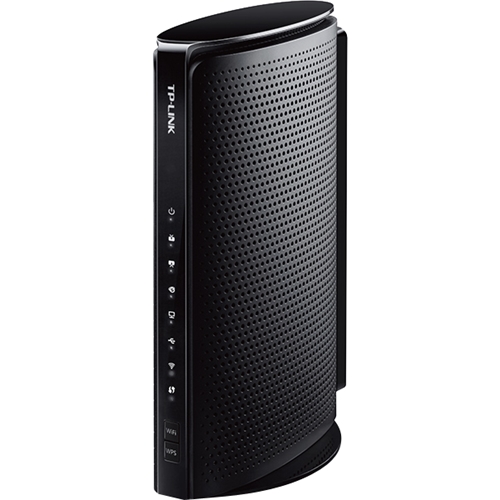
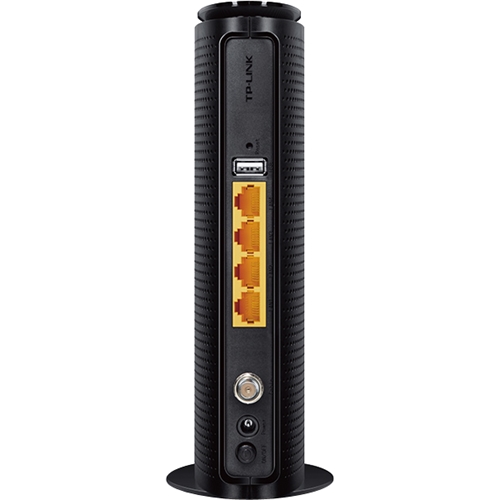
- Model:
- TCW7960
- SKU:
- 5357800
to a friend
Customers are saying
Customers appreciate the Wireless N Router with DOCSIS 3.0 Cable Modem for its ease of use and setup, finding it simple to install and configure. The product's price point is also frequently praised as affordable and competitive. Positive feedback also highlights its performance and compatibility with various internet service providers.
This summary was generated by AI based on customer reviews.
- Pros mentioned:Speed
great, works well
||Posted .This reviewer received promo considerations or sweepstakes entry for writing a review.Bought this to save money on the cable bill. Works well, fast shipping.
I would recommend this to a friend - Pros mentioned:Ease of use
Easy to use
||Posted .This reviewer received promo considerations or sweepstakes entry for writing a review.It is easy to install. Works well with my Comcast wireless network.
I would recommend this to a friend Great modem/router
||Posted .This reviewer received promo considerations or sweepstakes entry for writing a review.I strongly recommend this product as its a very good price for a modem/router. Im very pleased with it and had no problems.
I would recommend this to a friendIt works!
||Posted .This reviewer received promo considerations or sweepstakes entry for writing a review.I rate it average because I don't get what I should be getting with Spectrum. I should get 100 bps and I am not.
I would recommend this to a friendexcellent modem at great price
||Posted .This reviewer received promo considerations or sweepstakes entry for writing a review.made a good choice to get this modem rather than renting it.searched totally for the modems to use on xfinity at reasonable price.glad i found this.setup and installation are pretty easy.
I would recommend this to a friend- Pros mentioned:Compatibility, Ease of use, Performance
Great Modem/Router Combo!
Posted .This reviewer received promo considerations or sweepstakes entry for writing a review.Pros: -This Modem AND Router combo is great! -It performs great on Comcast and is compatible with other ISPs(Internet Service Provider) if you need to move and have a different ISP provider. -It's cheaper than buying a modem and a router separately -It's an easy set up -It allows you to fully utilize the internet speeds you pay for -The wifi is good and can support many devies at a single time with no issues Cons: -No cons!
I would recommend this to a friend So far so good
||Posted .This reviewer received promo considerations or sweepstakes entry for writing a review.easy setup and consistently good connection over the first week
I would recommend this to a friendBest Home Router
||Posted .This reviewer received promo considerations or sweepstakes entry for writing a review.Using in my home for 6yrs now, works charm with xifinity
I would recommend this to a friendNot Too Happy
||Posted .This reviewer received promo considerations or sweepstakes entry for writing a review.I'm unsure if it is my internet connection or the router, but I find myself entering the password each time I turn my tv on to get an internet connection on my television.
No, I would not recommend this to a friendneed a phone connection
||Posted .This reviewer received promo considerations or sweepstakes entry for writing a review.i need a connection for my phone line so this modem is useless for telephone connections
No, I would not recommend this to a friendBrand response from TPLinkSupport
Posted .Hi Bill,
Our TC-W7960 Modem Router is a great way to help eliminate monthly equipment rental fees from your provider. Please bear in mind the TC-W7960 is an Internet Modem Router; not a Telephony Modem Router - it's designed for use with Internet services; not with phone services. In your case we recommend contacting your Internet provider to determine what options might be available to make the TC-W7960 work with your phone service.
Thank You,
TP-Link Customer Support
- Pros mentioned:Speed
Quick Easy Install and Fast downloads
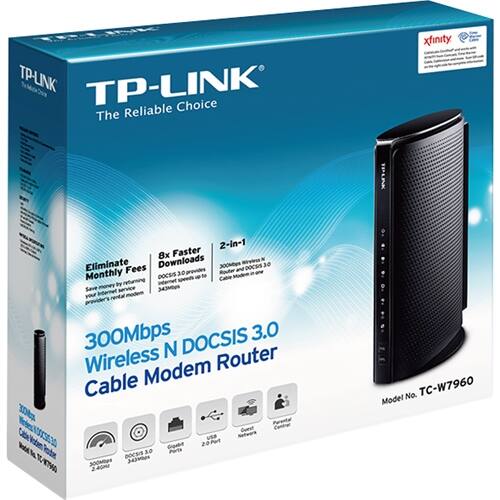
Posted .This reviewer received promo considerations or sweepstakes entry for writing a review.Hi, although i am was given this modem for free to review, I used to be the Director of Product Management for Cable Modems for a company which unfortunately is no longer alive. Yet , my point is that i know cable modems. This new modem by TP-Link is excellent. My old one was several years old and due for a replacement. The TC-W7960 is a great family modem. It literally took me minutes to install. I unhooked the old one, hooked up the new one (following the correct procedure - very important for Xfinity self-activation and BAM! Set up, i then went to the Comcast site, which automatically sent me to the self activation page. You just supply them with your Comcast ID (be sure to have this at the ready) and the the modem serial number and BAM! fully set up, this was so much faster and easier than in my past setting up of cable modems.. So why was this a good family modem. I did several Speed Tests and i was able to confirm that i had more than doubled by download speeds! This modem supports up to 300Mbps downloads! It is also a good family modem because it has Parental controls and a private Guest Network controls. And on top of that, if you need wifi - it is 2-in-1 - it has a built in 300Mbps 2.4GHz modem built right into the modem itself! Thus saving you money overall if you are family cost conscious like myself.
I would recommend this to a friend Too soon to know how good or bad it is.
||Posted .This reviewer received promo considerations or sweepstakes entry for writing a review.I've had problems with internet speed with this one.
No, I would not recommend this to a friendStay away
||Posted .This reviewer received promo considerations or sweepstakes entry for writing a review.Connectivity drops. Authorization failure Multiple reboots Slow speed You get everything you expect on a bad day. Returned the product and got a Netgear
No, I would not recommend this to a friendBrand response from TPLinkSupport
Posted .Hi there, thanks for the review and feedback!
We're always happy to help, and would've been more than happy to assist you with making this right. For future reference, please feel free to contact our toll-free, 24/7 Support Team using the information below, and they'll be more than happy to address any questions or concerns you have about the product.
Thank you again for the feedback; we hope you'll keep TP-Link in mind for your future networking needs.
Best Regards,
TP-Link Customer Support
(866) 225-8139
[email protected]
Great WI-FI router/modem combo. Save on rental $
Posted .This reviewer received promo considerations or sweepstakes entry for writing a review.Historically, there seems to have been a lot of confusion with these types of devices. I decided to answer a few common questions and hope to better explain what this specific TC-W7960 Wireless N Router with Cable Modem is, and what it does: *Will this work with XXXXX ISP? – This will only work with Comcast Xfinity, Cablevision and Time Warner Cable (TWC). At the time of writing, these are the only ISPs that have been certified. However, it seems that TP-LINK is trying to get certification for other providers too. *Will this work out of the box, where I can just replace my existing rented modem with this and expect it to work? – In short, no. This device is NOT plug-and-play. You must call your ISP in order for them to activate this Cable Modem part of the device. This is not a limitation from the manufacturer; instead your ISP only allows authorized modems to connect to their network. As such, you call your ISP and give them your modem’s serial number and MAC address, so they can add it to their “allow/authorized” list. Only then, will this modem work. I love the fact that TP-Link included an “information card” in the package. It has all the information you need handy, for when you call the ISP to activate the modem. *Is this device a cable modem as well as a Wi-Fi router? – Yes. Since this is the newer model of the TP-Link TC-7620, it now also includes a Wireless N Router. As such, this is includes everything you need to get you going. Another great bonus is that it has 4 built in ports Gigabit Ethernet ports! This is a great way to connect up to 4 devices physically, for the fastest possible speed (when compared to WI-FI connections). *Will this work with my phone line? – No. This is purely a CABLE modem. This is for internet access, not for telephone access. Also, this will not work with fiber connections/ISPs (e.g. FIOS) *Can I upgrade the firmware myself – The great thing about owning this device is you can upgrade it yourself! *Does it come with a coaxial cable? – No, it does not. It does come with an Ethernet cable though. * Is this compatible with Windows 10? – This will work regardless of what Operating System you have on your computer! While I really like this WI-FI Router/Cable Modem combo, I took one star away for two reasons - This device has 8 downstream channels for channel bonding, where I have seen other comparable devices with 16 downstream channels. The difference is, devices with 16 downstream channels get download speeds of up to 680Mbps, whereas this device will get download speeds of up to 343Mbps. This device is also limited by "Wireless N" technologies (speeds/coverage/reach/etc) when compared to newer "Wireless AC" technologies. However, at this price point, this is great performing WI-FI Router/Cable Modem combo. I have had zero issues with it, and have not needed to do a single reboot. I am also getting slightly faster speeds than what I am actually paying for! Now that ISPs have finally allowed customers to use their own modems, I highly recommend you swap them out. Not only are you getting a newer and better performing device, you are also saving on the rental fees! It will pay for itself in no time. This is a review of a free product received from TP-LINK as part of the review program.
I would recommend this to a friend