Customer Ratings & Reviews
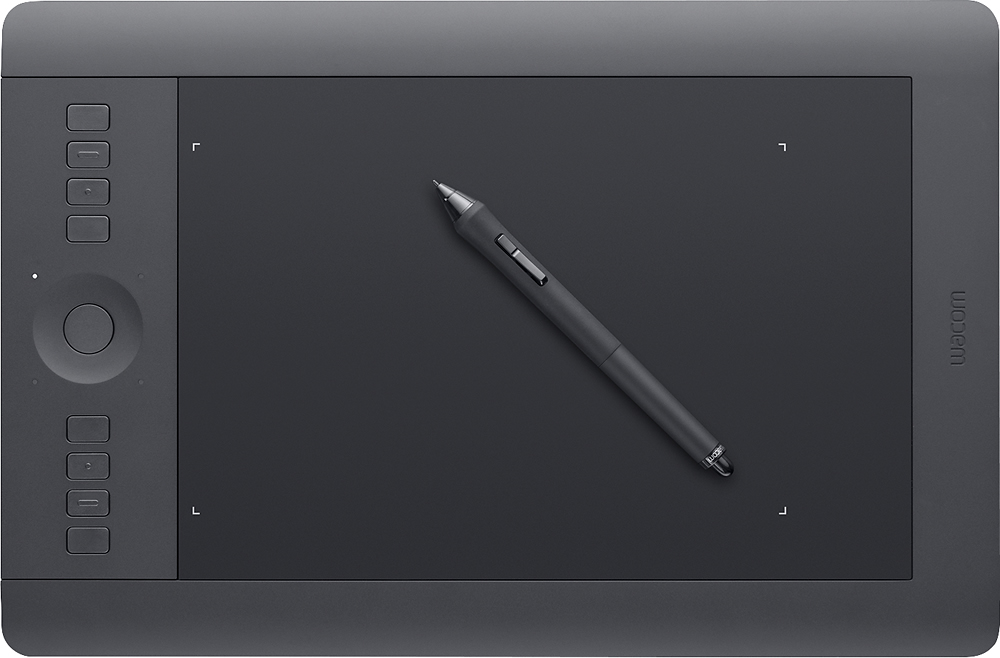
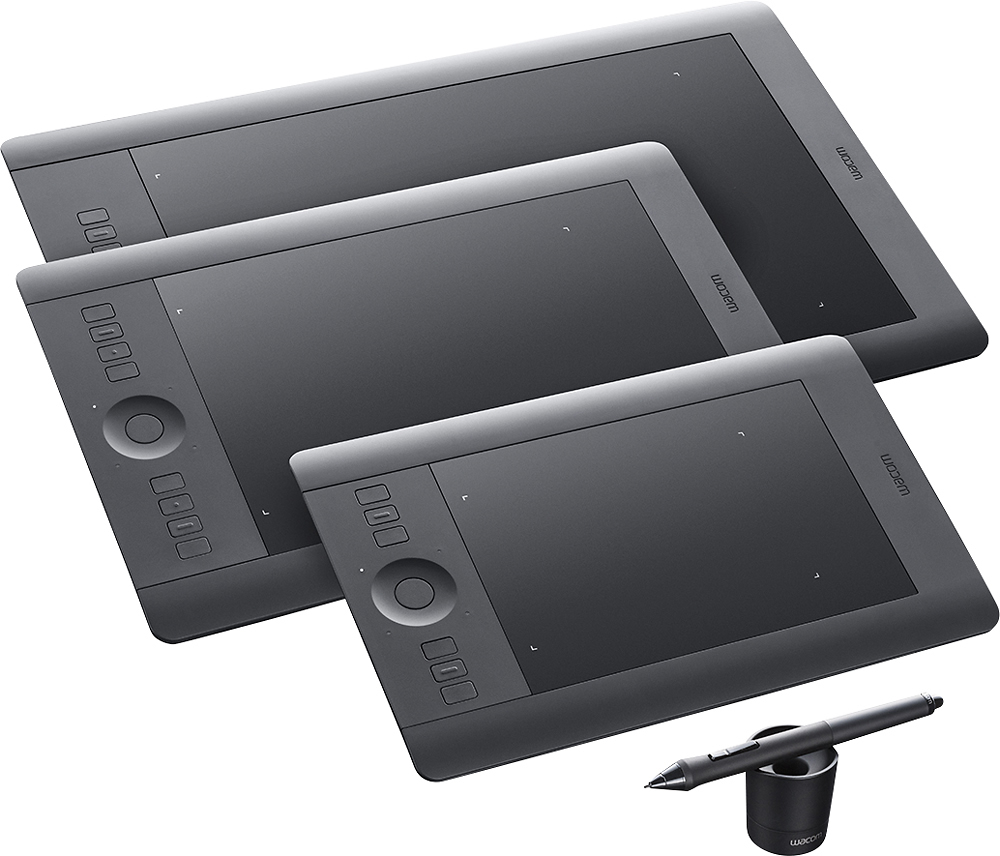
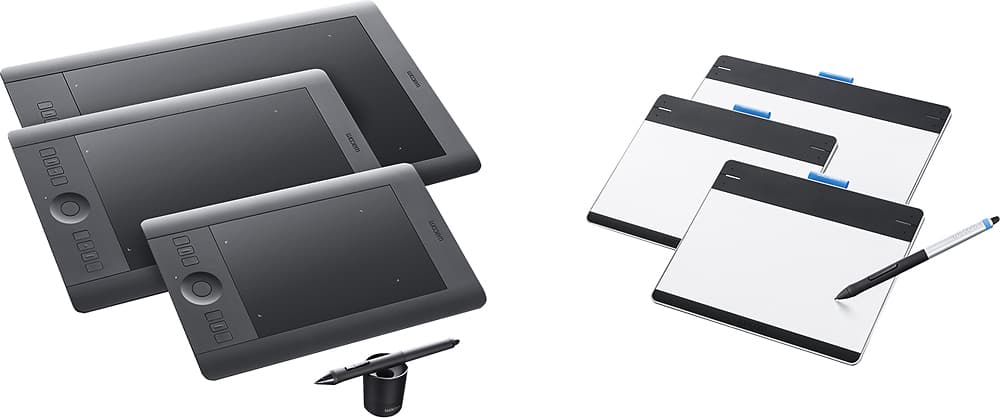
- Model:
- PTH651
- |
- SKU:
- 1680758
Customer reviews
Rating 4.6 out of 5 stars with 307 reviews
(307 customer reviews)to a friend
Customers are saying
Customers are delighted by the Intuos Professional Pen and Medium Touch Tablet for its ease of use, wireless capability, and responsive performance. They find the tablet to be a great tool for photo editing, drawing, and upgrading from older Wacom models. While some users mention a learning curve, most agree that the tablet provides a natural feel and programmable buttons that enhance its functionality.
This summary was generated by AI based on customer reviews.
Rated 5 out of 5 stars
Better than expected professional tablet.
||Posted .This reviewer received promo considerations or sweepstakes entry for writing a review.This tablet is boss. Seriously though so happy I spent a little extra money for this gem. It is awesome.
I would recommend this to a friendRated 5 out of 5 stars
Amazing tablet
||Posted .This reviewer received promo considerations or sweepstakes entry for writing a review.Since I got this tablet my worfkflow is way faster than working on,y with my mouse, highly recommend it
I would recommend this to a friendRated 5 out of 5 stars
Great tablet!
||Posted .This reviewer received promo considerations or sweepstakes entry for writing a review.I have really been enjoying using this tablet. It really has opened up a lot of possibilities for both my art and my Photography. Highly recommended!
I would recommend this to a friendRated 5 out of 5 stars
The Intuos is Definitely Intuitive
||Posted .This reviewer received promo considerations or sweepstakes entry for writing a review.First of all, I absolutely love this thing. I was able to within a half an hour have it completely installed and configured to my liking. The relationship between the pen and the tablet is absolutely incredible. The feel of the surface beneath the tip and the rotational position of the pen make it feel like I am using a real pen or pencil. The multi-touch functionality is good in a pinch, but being used to the responsiveness of an iPad its hard to put up with any short comings. It sometimes doesn't register when I am doing a pinch or twist gesture, which can be a significant interruption to your workflow. Honestly though, I rarely have the need for it, so its not that big of a deal. The buttons on the side are touch sensitive, bringing up a on screen map of the current button configuration. I'm still loving this thing and would definitely recommend this.
I would recommend this to a friendRated 5 out of 5 stars
Great tablet
||Posted .This reviewer received promo considerations or sweepstakes entry for writing a review.The tablet works great with lots of features. It connects easy to a Mac or PC but requires some experimentation to learn all the features.
I would recommend this to a friendRated 5 out of 5 stars
Awesome upgrade
||Posted .This reviewer received promo considerations or sweepstakes entry for writing a review.I upgraded from an Intuos 4. The feel of the surface is much better and the wireless function is much more useful than I'd have thought.
I would recommend this to a friend- Pros mentioned:Ease of use
Rated 5 out of 5 stars
As perfect as expected!
||Posted .This reviewer received promo considerations or sweepstakes entry for writing a review.I read many many reviews before purchasing. Most websites recommended this tablet so I decided to give it a shot. I'm so happy I listened. It's easy to learn if you've never used one, and there is plenty of customizable options to make using the pen feel natural. Definitely worth the money and I'd recommend this to anyone.
I would recommend this to a friend Rated 5 out of 5 stars
my favorite
||Posted .This reviewer received promo considerations or sweepstakes entry for writing a review.I have been using an old pen tablet for many years. It is time to update to a new one. This one is great with additional touch function.
I would recommend this to a friendRated 5 out of 5 stars
Great Tablet.
||Posted .This reviewer received promo considerations or sweepstakes entry for writing a review.This is a great graphics tablet. A must have for any serious designer and/or digital artist.
I would recommend this to a friendRated 4 out of 5 stars
Great digital drawing tablet
||Posted .This reviewer received promo considerations or sweepstakes entry for writing a review.I recently bought this as a birthday present for my boyfriend and he absolutely loves it! The only downside is I wish it would have come with a free art pack like some of the others. With this one you get a choice between 2 programs, one being a free 30 day trial, and the other he didn't care for. Also, if you have Windows 10 make sure you go to the website and install th updated driver otherwise it won't work properly
I would recommend this to a friend- Pros mentioned:Pressure sensitivity
Rated 5 out of 5 stars
Why didn't I do this sooner?
||Posted .This reviewer received promo considerations or sweepstakes entry for writing a review.I have wanted a Wacom tablet for a few years for my graphic design work, and this was worth the wait! With cordless or corded options, great response rate, awesome pressure sensitivity, and super customization, this is a stellar product. I have not completely gotten rid of the mouse yet, but it will probably not be far off.
I would recommend this to a friend Rated 5 out of 5 stars
Excellent performance
||Posted .This reviewer received promo considerations or sweepstakes entry for writing a review.Previously owned a smaller version of this drawing tablet, decided to upgrade and expected performance was met. Highly recommended.
I would recommend this to a friendRated 5 out of 5 stars
Great tablet
||Posted .This reviewer received promo considerations or sweepstakes entry for writing a review.I would highly recommend this tablet to anyone that works with photos, videos and design software. Great piece of technology.
I would recommend this to a friendRated 4 out of 5 stars
Good product
||Posted .This reviewer received promo considerations or sweepstakes entry for writing a review.I husband bought this because he designs shirts, when he first got it there was a problem with it not wanting to work. However he figured it out... Now it works great and he loves it.
I would recommend this to a friendRated 4 out of 5 stars
A necessity if you're serious about your art.
||Posted .This reviewer received promo considerations or sweepstakes entry for writing a review.Programable buttons make this head shoulders above an ordinary pen and tablet. Can't program some buttons the way I would prefer to work is the reason for 4 and not 5 stars.
I would recommend this to a friendRated 5 out of 5 stars
Great item! Superior to others on market!
||Posted .This reviewer received promo considerations or sweepstakes entry for writing a review.This item was purchased for my nephew who has a degree in design and it is used daily, the levels of shading are impeccable and it is a very high powered design tool that is put to great use. Just the right size to take out in the field as well!
I would recommend this to a friendRated 4 out of 5 stars
Great Tablet!!!
||Posted .This reviewer received promo considerations or sweepstakes entry for writing a review.We are having a great time using the tablet. It works great. It's sensitive and picks up all of your movements very well. The one thing I would say is that all of the package software works well with the exception of the AutoDesk Sketchbook. The pen and the software don't work very well together. You will have a delay between the time you place your pen down and make a mark to the time it shows up on the screen. This is a software issue. We have read online that this seems to be a common problem. The other software that comes in the package works great. It will make the marks instantly once you put the pen to the pad. FIY: you can get the "GIMP" software free and it will take place of the Sketchbook software that's in the package.
I would recommend this to a friend- Pros mentioned:Ease of use, Size
Rated 4 out of 5 stars
nice
||Posted .This reviewer received promo considerations or sweepstakes entry for writing a review.great tablet for drawing easy to use fast and big enough
I would recommend this to a friend Rated 5 out of 5 stars
great help for editing in Photoshop
||Posted .This reviewer received promo considerations or sweepstakes entry for writing a review.Large accurate tablet with lots of options makes compositing in Photoshop fun.
I would recommend this to a friendRated 5 out of 5 stars
excellent
||Posted .This reviewer received promo considerations or sweepstakes entry for writing a review.it took me a little time to get use to it ,but now that i have I love it and would not trade it for any other !
I would recommend this to a friend