Customer Ratings & Reviews
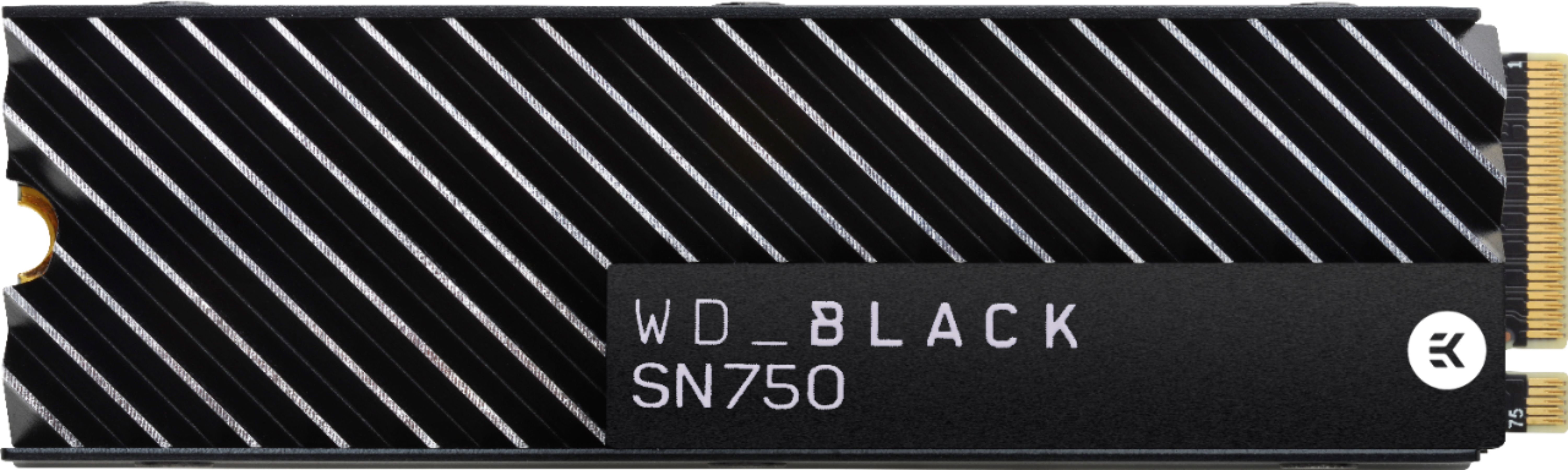

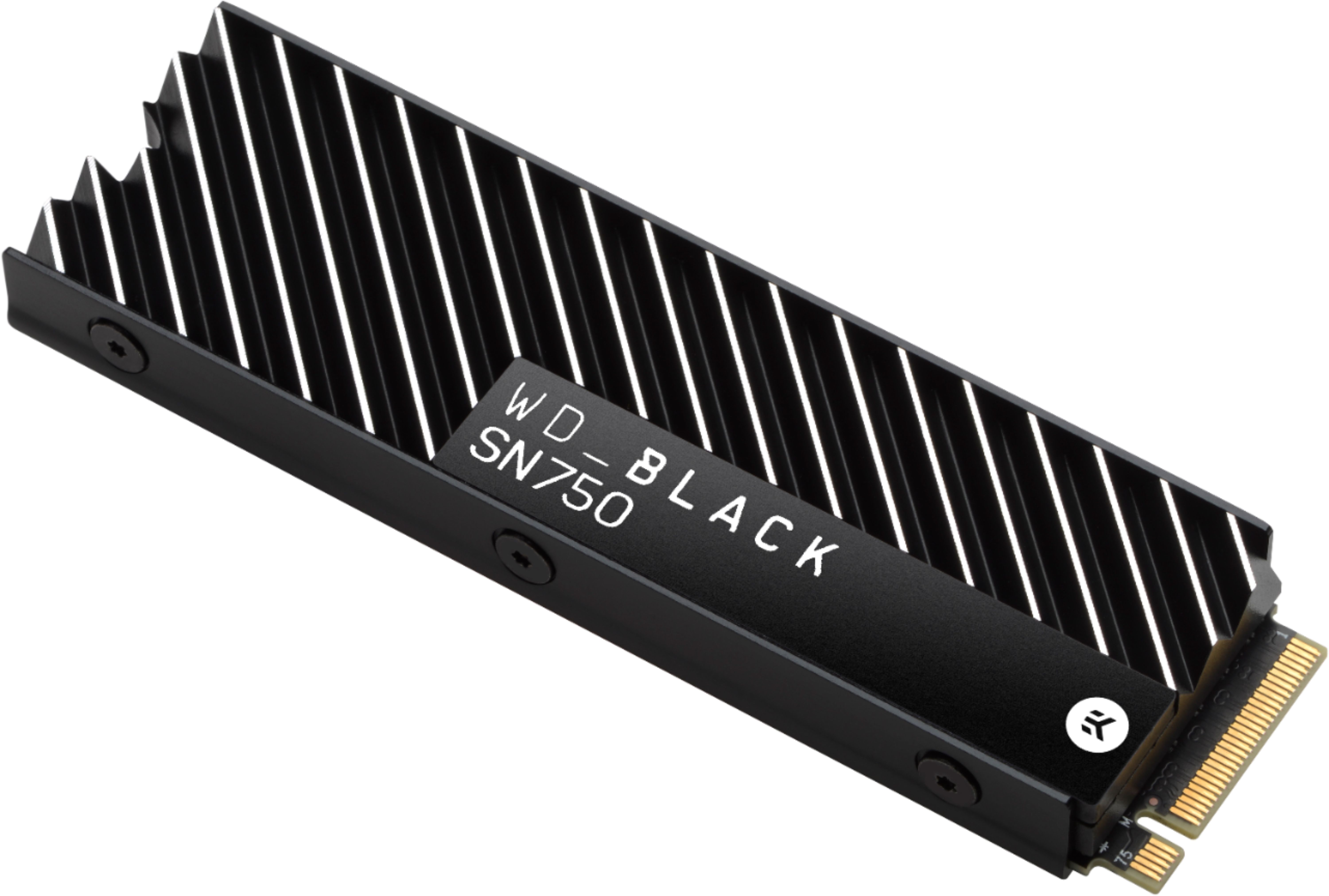
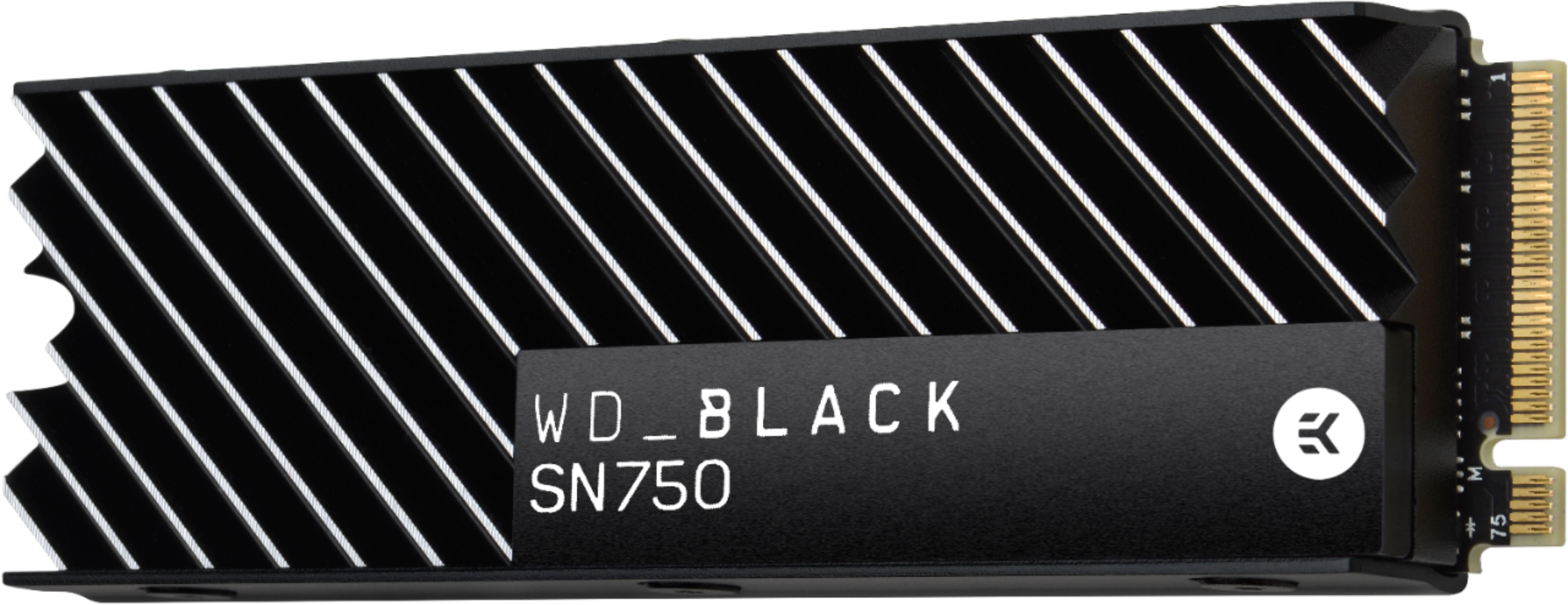
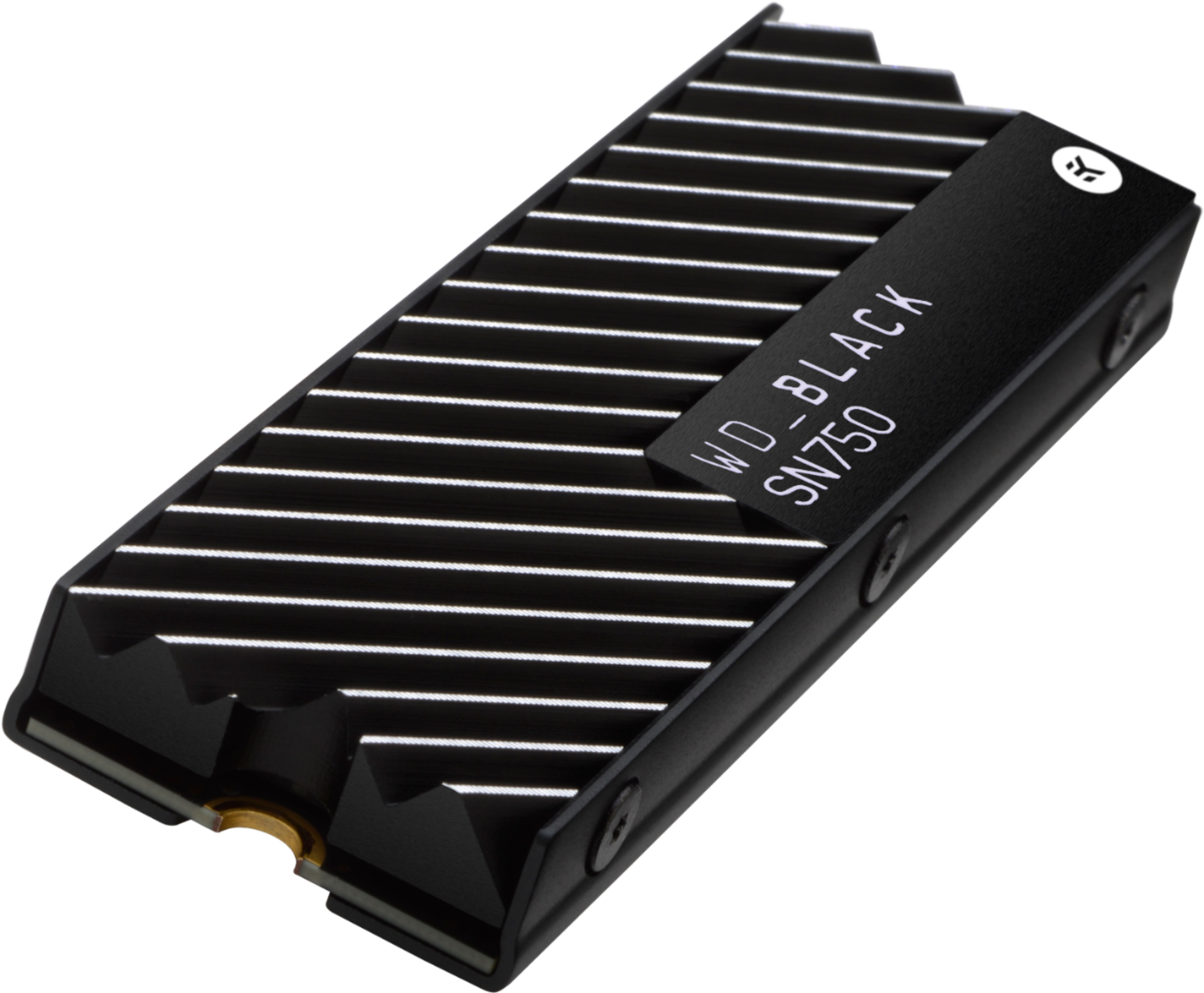




- Model:
- WDBGMP5000ANC-WRSN
- SKU:
- 6338992
Rating by feature
- Value
Rating 4.8 out of 5 stars
- Quality
Rating 4.9 out of 5 stars
- Ease of Use
Rating 4.8 out of 5 stars
Customers are saying
Customers highly value the BLACK SN750 NVMe SSD's ease of installation and its significant performance improvements, leading to faster load times in games and applications. The included heatsink is frequently praised for keeping the drive cool, although some users note that it can still get warm under heavy use. Many appreciate the solid build quality and the comprehensive warranty offered by Western Digital. The drive's speed is a major selling point, making it a popular upgrade for users seeking enhanced system responsiveness.
This summary was generated by AI based on customer reviews.
- Pros mentioned:Performance
Love this drive! So fast!
||Posted . Owned for 1 month when reviewed.This reviewer received promo considerations or sweepstakes entry for writing a review.Love this drive! So fast! Upgraded from a basic SSD and won't look back.
I would recommend this to a friend - Pros mentioned:Speed
Excellent buy
||Posted . Owned for 1 week when reviewed.This reviewer received promo considerations or sweepstakes entry for writing a review.Love this drive. Extremely fast and looks pretty cool, too!
I would recommend this to a friend - Pros mentioned:Heatsink, Speed

Check your clearances...

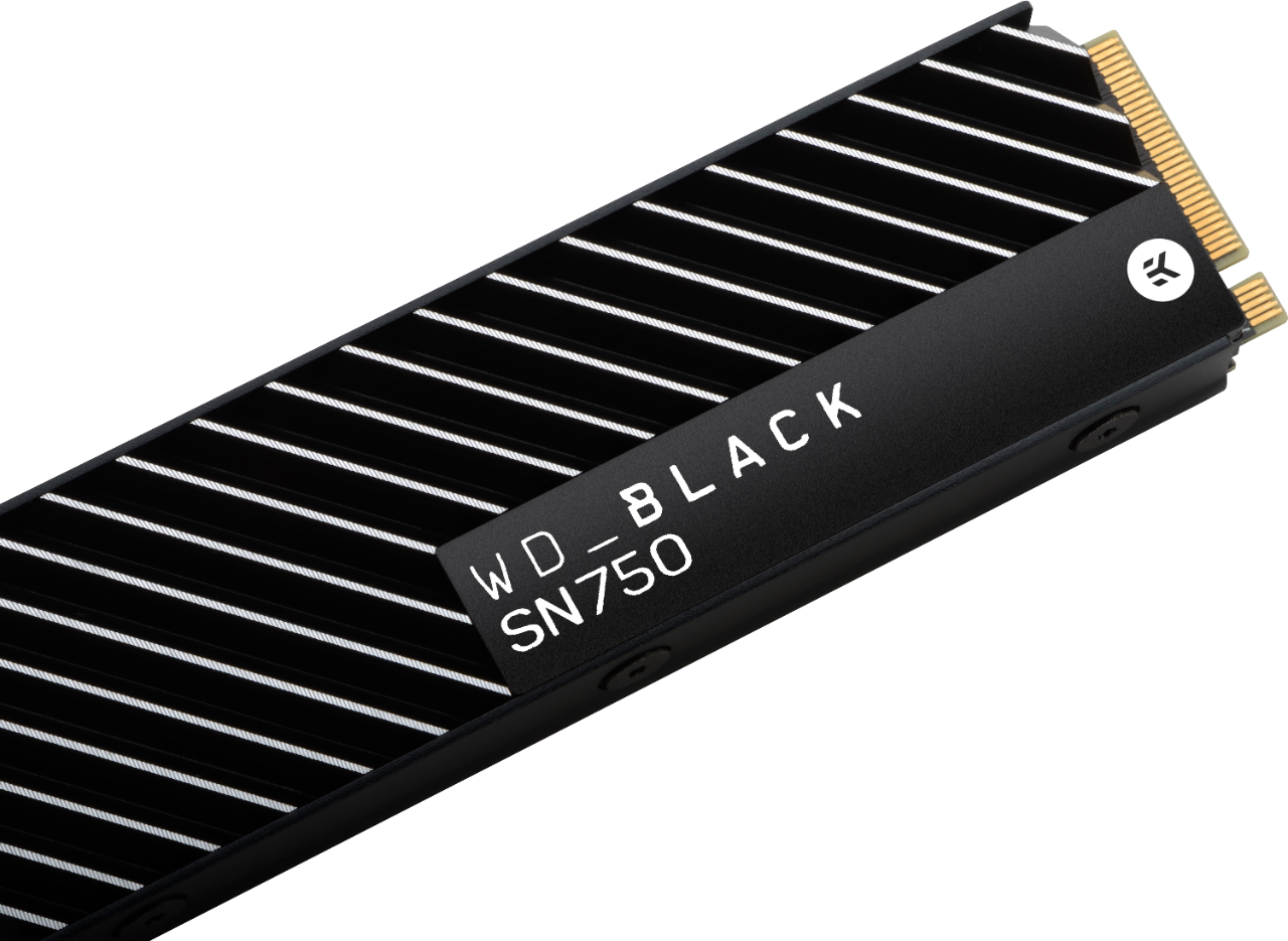
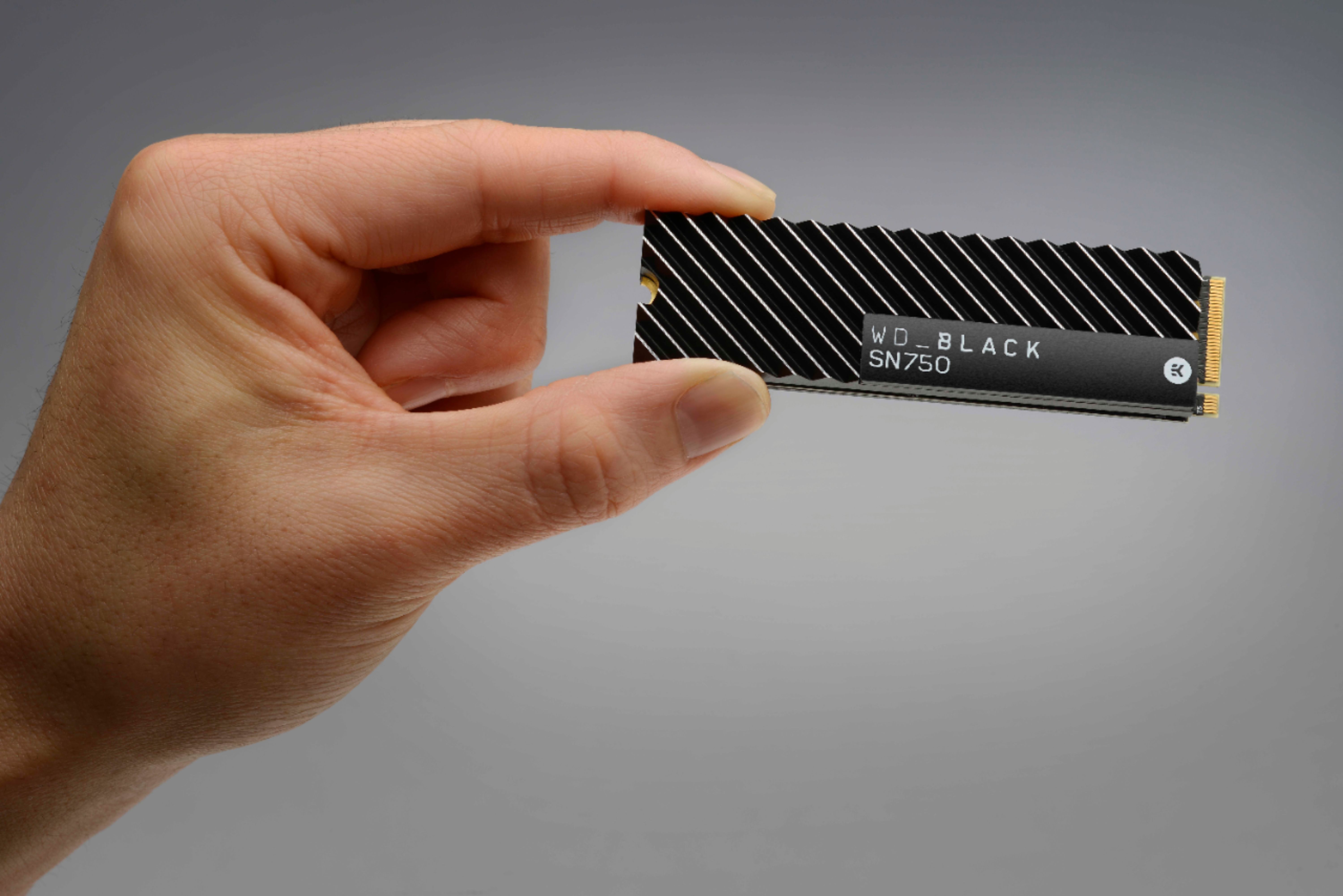
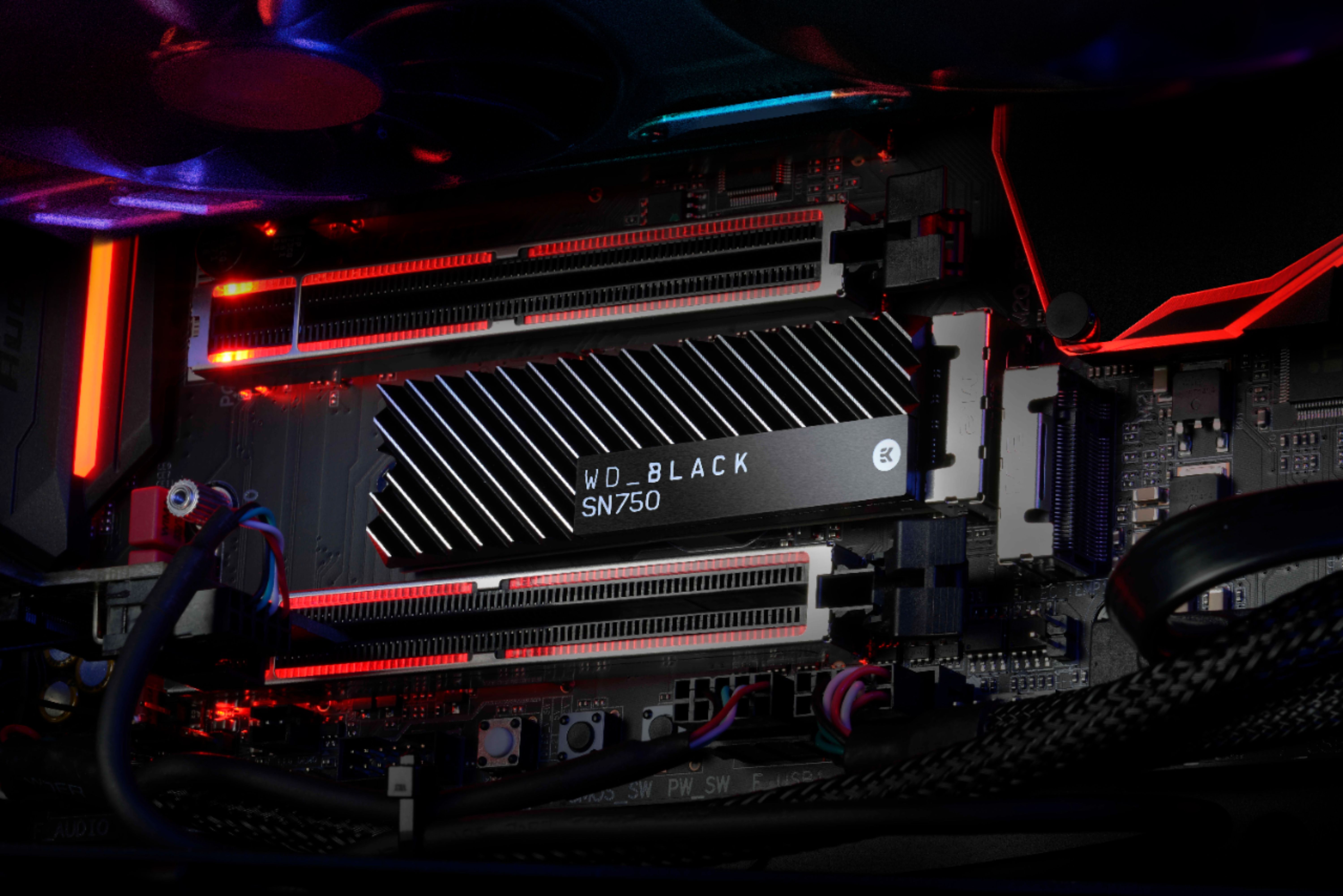
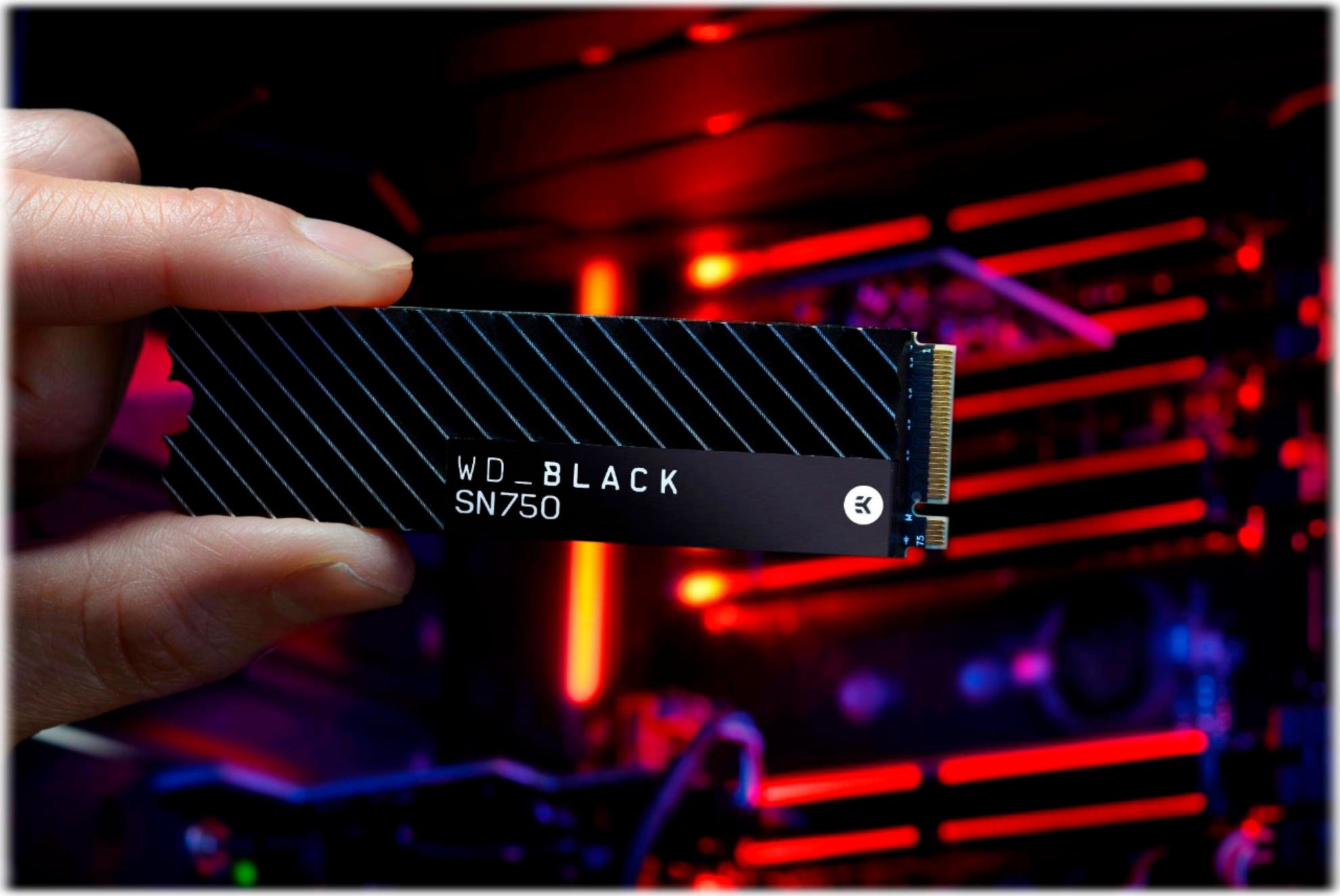
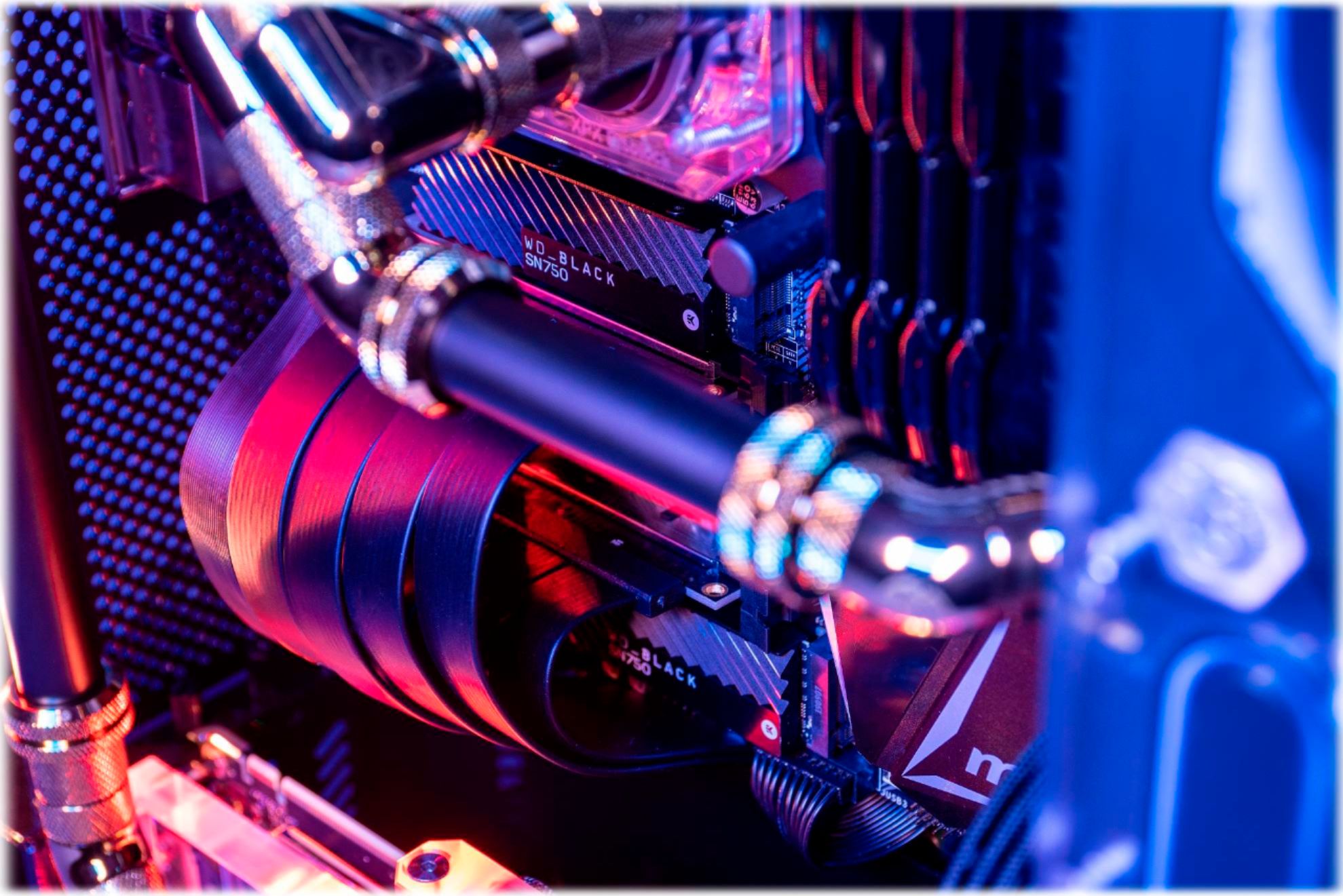
|Posted .This reviewer received promo considerations or sweepstakes entry for writing a review.The SN750 is a solid and affordable option for anyone looking to upgrade a computer that isn’t equipped to make full use of the new PCI-E 4.0 standard or simply doesn't need the highest possible speeds for their application. Owners of older motherboards should also consider that it is a tremendously tight fit for anything that doesn’t use the now mostly standard layout for m.2 drives, and plan accordingly to make sure that they can accommodate it in their case. And if you have designs on putting this in a laptop, you should stop now and find another SSD, because this thing is CHUNKY. I had originally planned to install this as a replacement for a boot drive in an Z270 based system from ASUS. The board in question features an extensive dust protection/reinforcement system, and dates back to the days where engineers were still experimenting with things like enclosed cooling chambers for m.2 drives or mounting them in sockets that stick straight out from the motherboard at a 90 degree angle. This board features both, and it became apparent within a few minutes of beginning the upgrade process that these represented a major problem. Unlike many SSDs that come with heatsinks, the SN750's comes preinstalled. Generally I'd say not having to mess with thermal pads, tiny non-magnetic screws, or figuring out the correct orientation to install it in is a major plus, particularly given the relatively high quality of the EK branded part they went with here. But it turns out that the heatsink, which bulges out at the bottom, was far too large to fit neatly in the mounting bracket meant to make sure the drive didn’t just pop out at the first bump. I spent a few minutes attempting to bend the troublesome spots out to give some more clearance, then broke out an angle grinder to make it fit, only to discover that it was too tall to fit in the socket anyway without hitting another component. At this point I gave up on the perpendicular mount and decided to just put it in the enclosed duct, possibly with the dust cover off to give it some extra breathing room, only to find that the duct had the same clearance issues and enough important components to either side that trying to enlarge it could easily end in me grinding through a capacitor. Now, usually, I’d probably respond to this by ditching the heatsink as there’s some debate about how essential they really are for these drives in the first place. In this case, however, I was not eager to chance it. One of the first things I found upon opening the box was a little pamphlet with a warning that removing the heatsink would damage to the device, which to me implies there might not be the usual copper heat spreader/sticker installed on the PCB, a somewhat important part to make sure the drive lasts throughout its warranty. As such ended up popping it into a much newer build with a completely uncovered m.2 slot between the first PCI-E x16 slot and the IO shield. Fortunately, that’s where the frustration ended. After loading it with a few hundred gigabytes of files and games and running benchmarks over a few days, I have come to the conclusion that I’m glad the heatsink is there. This drive is capable of delivering all the performance it promises on the box, which brings it within spitting distance of the maximum limit that can be achieved with the older PCI-E 3.0 standard. And it seems to do so right at what I’d consider to be an acceptable temperature, around 35C. To be fair I don’t know how much of that can be put down to the heatsink helping cool it and how much is the drive controller being told that it should do whatever it can to keep the chips at that temperature, as SSDs are one of the only parts in your machine that can actually be hurt by running at lower temps, but either way the cooling system is clearly working. The WD app for monitoring and configuring the drive is straightforward and will have no surprises for anyone who’s seen one of these programs before. You have the usual specs on the drive’s current speed, temperature, and expected lifespan, a few tools intended to perform basic maintenance or optimization, and a toggle switch to activate “game mode” which in theory should offer a boost in speed, but may wear the drive out faster. As far as I can tell this is mostly a gimmick. Turning Game Mode on did result in a slight increase in average speeds during benchmarks, but peak speeds barely budged and I couldn't notice any perceivable difference in real world testing. I suspect it's just doing what a lot of basic overclocking utilities do and forcing the drive to operate at full power constantly. That kind of thing is good for bragging rights as it'll give you better benchmark scores, but light on actual utility. I doubt you'll miss it if you just decide to leave it turned off. I’d recommend this to anyone who’s looking to upgrade a system from a couple generations ago or maybe isn’t quite ready to jump into PCI-E 4.0 drives – provided they have a ruler handy. And if you do find yourself eyeing an angle grinder, please learn from my example and put the power tools away.
I would recommend this to a friend better buy a samsung.
||Posted . Owned for 5 months when reviewed.This reviewer received promo considerations or sweepstakes entry for writing a review.Better buy a samsung, this one is not as fast as you may guess because it has a heatsink but doesn't do any improvements anywhere else, in nvme i believe samsung is king.
No, I would not recommend this to a friend- Pros mentioned:Speed
Wow I'm really impressed
|Posted .This reviewer received promo considerations or sweepstakes entry for writing a review.I put this on my older gaming desktop .what a difference in boot speed and applications loading. Moved a ssd to this for my boot drive and wow super easy to do software was a breeze. My m.2 drive bay had not been used before but gets used now. I came from a 2.5 sad to the m.2 name. What an upgrade I have known the upgrade that this provided but I'm glad I finally did it. Since my system is an older Intel extreme processor I didn't do the usual benchmarks. But boot speed and hlgame loading is half the time. From the old 2.5 side Because I was cloning the drive to be a boot drive it took a but of time to disable the old drive from being the boot drive. Also highly recommend don't do any other system upgrades while doing this. To many upgrades may force windows to think it's going into a new system and give you that need a license. But I highly recommend the black drive. If I had space for another I would.
I would recommend this to a friend - Pros mentioned:PerformanceCons mentioned:Heat
A really nice desktop NVMe drive...
|Posted .This reviewer received promo considerations or sweepstakes entry for writing a review.I really wanted one of these and was excited to get the chance to use it. This thing looks sharp and run pretty fast. The drive does get quite hot. I'm not sure what that means for these drives without the heatsink. My main complaints is that I think all NVMe drives should come with the needed screw to mount the drive. Also the drive with the heatsink makes this a tricky drive to use. It may not work in some laptops or motherboards if there is not enough clearance for the heatsink. It does warn you to not remove the heatsink so it is worthwhile to checkout your situation before buying it just because it looks great. Performance is great. It is not the fastest drive of this type but it is fairly fast. I also think the base price for these WD drives is a little high for this situation.
I would recommend this to a friend - Pros mentioned:Heatsink
A sleek looking NVME
|Posted .This reviewer received promo considerations or sweepstakes entry for writing a review.If your gaming rig includes see-through panes, the heatsink makes an attractive option to show off the drive. Do keep in mind this exceeds the standard M.2 size specs so make sure you have ample space for installation. Max dimensions of this drive are 80.15mm (L) x 24.5mm (W x 8.10 (H). This thing just barely fit height wise in my Alienware Aurora. The included doc suggests motherboards using an H3.2 connector. If you're already running a good SSD, with the exception of initial game loading screens you probably won't notice an impact while gaming with this drive, but if you're going to use the same device for editing your recorded games the load times for video editing should feel smoother and faster than most SSDs. Overall this is a great card at a great price point.
I would recommend this to a friend - Pros mentioned:Heatsink, Speed
Awesome m.2 SSD
|Posted .This reviewer received promo considerations or sweepstakes entry for writing a review.The WD_Black SN750 is a phenomenal M.2 gen 3 drive with a beefy heatsink to help keep the drive cool while performing at lightning speeds. If you're looking for an upgrade from a standard HDD or SSD then the WD_Black SN750 is a great option for you. Being a gamer, having fast drives these days is a necessity, and with read speeds near 3500 MB/s (about 30x faster than a 7200rpm HDD), load times in video games are cut down dramatically. Everything boots instantly. You can't go wrong with a drive like the SN750. The only question would be how much of the storage you need, as WD has 500GB, 1000GB and 2000GB. I received the 500GB version but I would recommend swooping the 1000GB if you want to store more than 5 or 6 modern video games on it.
I would recommend this to a friend - Pros mentioned:Installation, Speed
BIG Upgrade!
|Posted .This reviewer received promo considerations or sweepstakes entry for writing a review.I got this SDD to expand the memory on my Dell Computer. I have recently entered into the world of PC gaming. And while my SDAT SSD was good, it was filling up. The WD SDD is a great addition to my setup up. It is SUPER fast and runs relatively cool. I'm having no problems with overheating even when running a game and multiple videos off the drive at the same time. Installation was simple click and play. However, make sure your machine is compatible and has a PCIe port available. Needless to say, I am very happy with this drive and would recommend it to friends and family.
I would recommend this to a friend Great for Breathing new life or Beginner Setups
|Posted .This reviewer received promo considerations or sweepstakes entry for writing a review.Received WD_BLACK SN750 NVMe 500GB Internal PCIe Gen 3 x4 Solid State Drive with Heatsink for Desktops Only through BestBuy's Tech Insider Network. Upgraded from a Samsung 860 EVO 500GB 2.5 inch SATA III Internal SSD and the improvement in load times in games such as DOOM and ARK are instantly noticeable. Super easy to install and freed up space in my case and cleaned up the wiring due to its form factor. Overall, it's been a joy to use and would definitely recommend for starter builds. Will definitely upgrade at some point to a larger 1TB capacity in the future.
I would recommend this to a friend- Pros mentioned:Installation, Performance
No brainer
|Posted .This reviewer received promo considerations or sweepstakes entry for writing a review.My brother is the computer guy in the family, so he took care of installing this for me. We agree that purchasing this SSD is truly a no brainer. Install was ridiculously fast and easy. It’s a good size and works well with my existing hardware. I was actually a little shocked at just how much of an improvement I saw in boot time and when running programs. I work from home and it’s almost comical to see my work computer next to my personal computer with this SSD. I stream video most of the day on it and it’s just effortless now.
I would recommend this to a friend - Cons mentioned:Heat
Wicked Speed
|Posted .This reviewer received promo considerations or sweepstakes entry for writing a review.This Western Digital NVMe SSD is the cats meow! Installation went fairly smooth and upon first boot I could see some serious speed from this drive. To test it out I installed PUGB and GTA V to it on my gaming rig. Installation time was on par if not a little faster than to the internal SSD the rig came with. I'm not a big believer in benchmarks but rather tend to concentrate on the user experience. That being said I was able to transfer some large 4k video files averaging between 4 and 10GB to this drive in just a matter of a couple of minutes. LIkewise rendering said files was rather speedy and I did not notice any appreciable heat build up inside the system which tells me the heatsink built in does an excellent job when pushing the drive hard. Again, the WD Black series is a win in my book.
I would recommend this to a friend - Pros mentioned:Speed
Solid NVMe Drive
|Posted .This reviewer received promo considerations or sweepstakes entry for writing a review.Most modern motherboards have 1 or 2 NVMe drive slots. If you have them and are not using them, this drive is a great opportunity to start. Western Digital is a leader in storage and their NVMe drives are no exception. These drives are very easy to install and set up. You may want to partition this one for 100-150GB for your Windows OS and the rest to install what you would like. The speed of this drive is excellent. Highly recommended.
I would recommend this to a friend - Pros mentioned:Speed
Top Quality SSD
|Posted .This reviewer received promo considerations or sweepstakes entry for writing a review.As I've come to expect from Western Digital's Black line, this NVMe is top notch. Speeds are above 3000MB/s as advertised. The included heat sink is nicely machined and technically removable but is adhered to the chip so it's best left alone. Be sure you have the needed clearance for the heat sink wherever you plan to install the SSD.
I would recommend this to a friend Complete package
|Posted .This reviewer received promo considerations or sweepstakes entry for writing a review.I needed to add a drive to my PC but had never used an M.2 before as I have always used 2.5 / 3.5 drives in my PC's and never really considered M.2. I decided to give it a try in my PC as I was going to be adding one to my laptop soon. Sort of a test run. Installation was a snap especially since this drive had the heat sink built in... No issues when installing. Plug in and secure to the stop with screw My MB (MSI Gaming Laptop) had these included and I just had to did out of my MB box that was stored away. Dis Management seen it right away and after I formatted and made the partition all was good to go. It has been installed now for just over a week. This Drive is mainly going to be a drive for vacation videos/pics. I have transferred roughly 2 GB so far and have played / viewed with family many times since back from vacation. So far it's been flawless and no read errors etc.. Having never been a user of M.2 before I'm not really sure what if any errors you can get with these types of drives. Really happy with the ease of installation and "performance" so far.
I would recommend this to a friendFast and Cool
|Posted .This reviewer received promo considerations or sweepstakes entry for writing a review.The WD_Black SN750 NVMe SSD is a fast and cool 500GB SSD with an integrated heat sink. It is designed for gaming desktops or anywhere a fast SSD can improve overall performance. Because it includes an integrated heat sink, it is not suitable for laptops or external enclosures where height can be an issue. I installed the SSD in a high end MSI desktop with an i7 CPU, a Z490A motherboard, and a Nvidia 3080 GPU. The MSI desktop comes with a SATA SSD installed and an open NVMe slot. I installed the WD_Black in the NVMe slot. The WD_Black was easy to install and immediately recognized by the MSI computer. Crystaldiskmark scores were well over 3000 compared to about 500 for the original SATA SSD. Temperatures were also cool because of the integrated heat sink. When used as a boot drive, boot times were noticeably faster than the SATA. If you are looking for a fast SSD that runs fast and also improves performance, I would recommend the WD_Black.
I would recommend this to a friendWorks well, very fast
|Posted .This reviewer received promo considerations or sweepstakes entry for writing a review.Nice SSD upgrade for the gaming rig. Super speedy, I never knew my old 2.5" v-nand ssd was slow until I got this and realized that this writes about 7x faster than my other one reads. Very impressed with the performance. This drive stays cool with the included heatsink which is great but makes it unable to fit into a laptop if that's what you're looking for. Very simple install as well with the standard single screw m.2 slot.
I would recommend this to a friend