Customer Ratings & Reviews
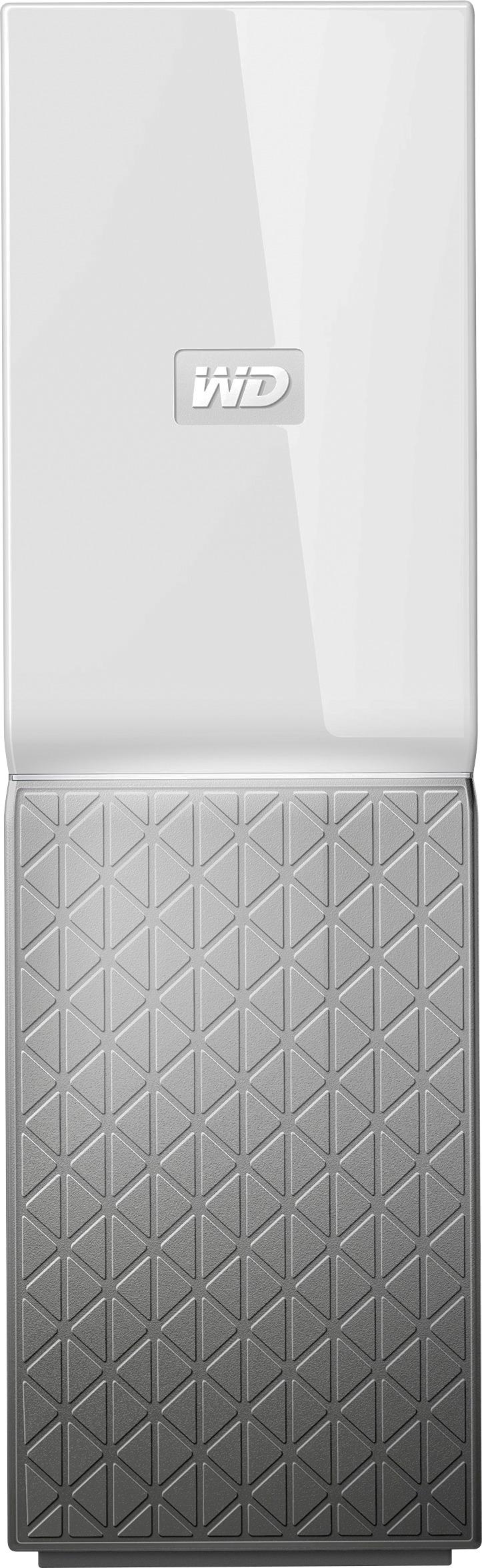

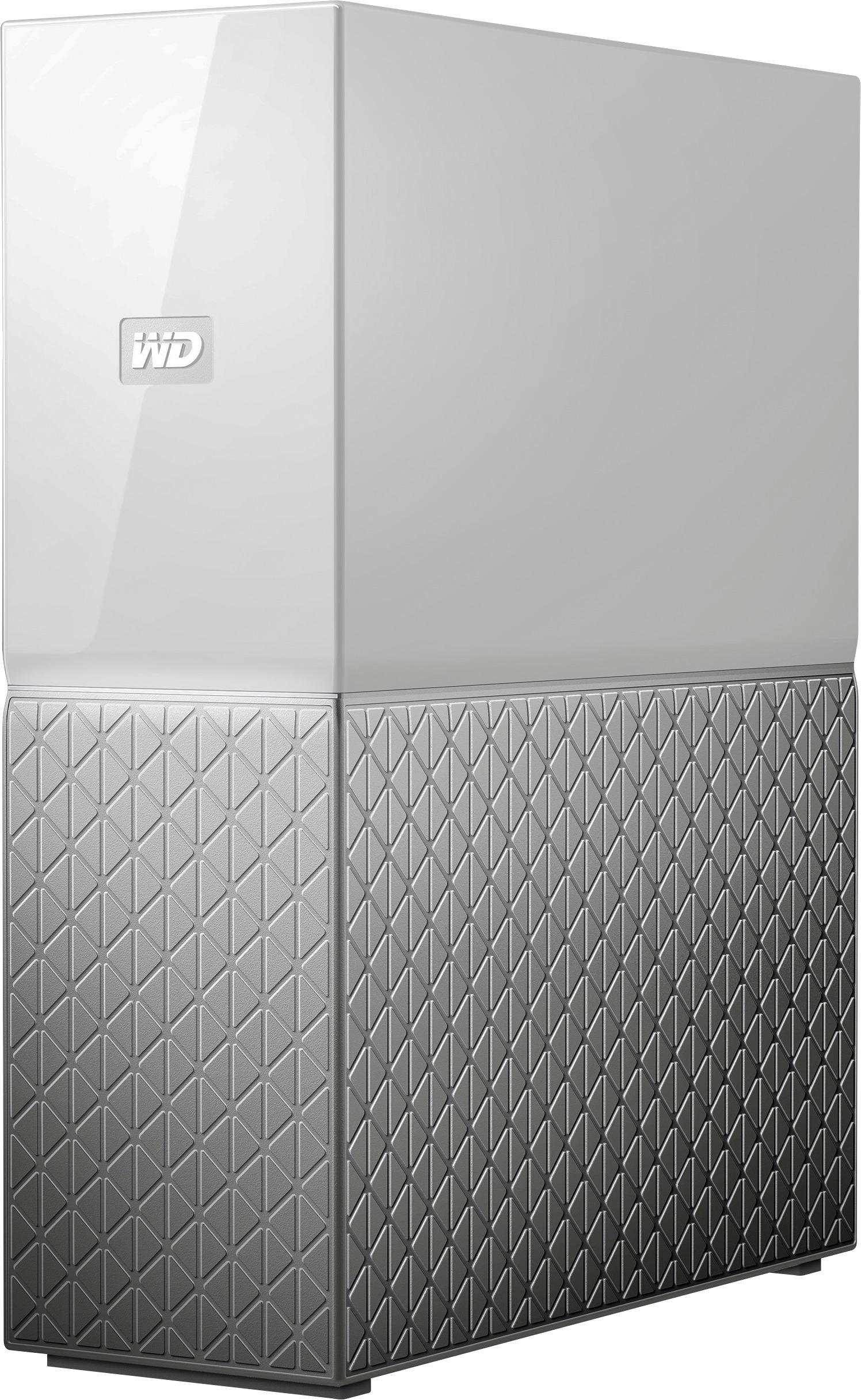
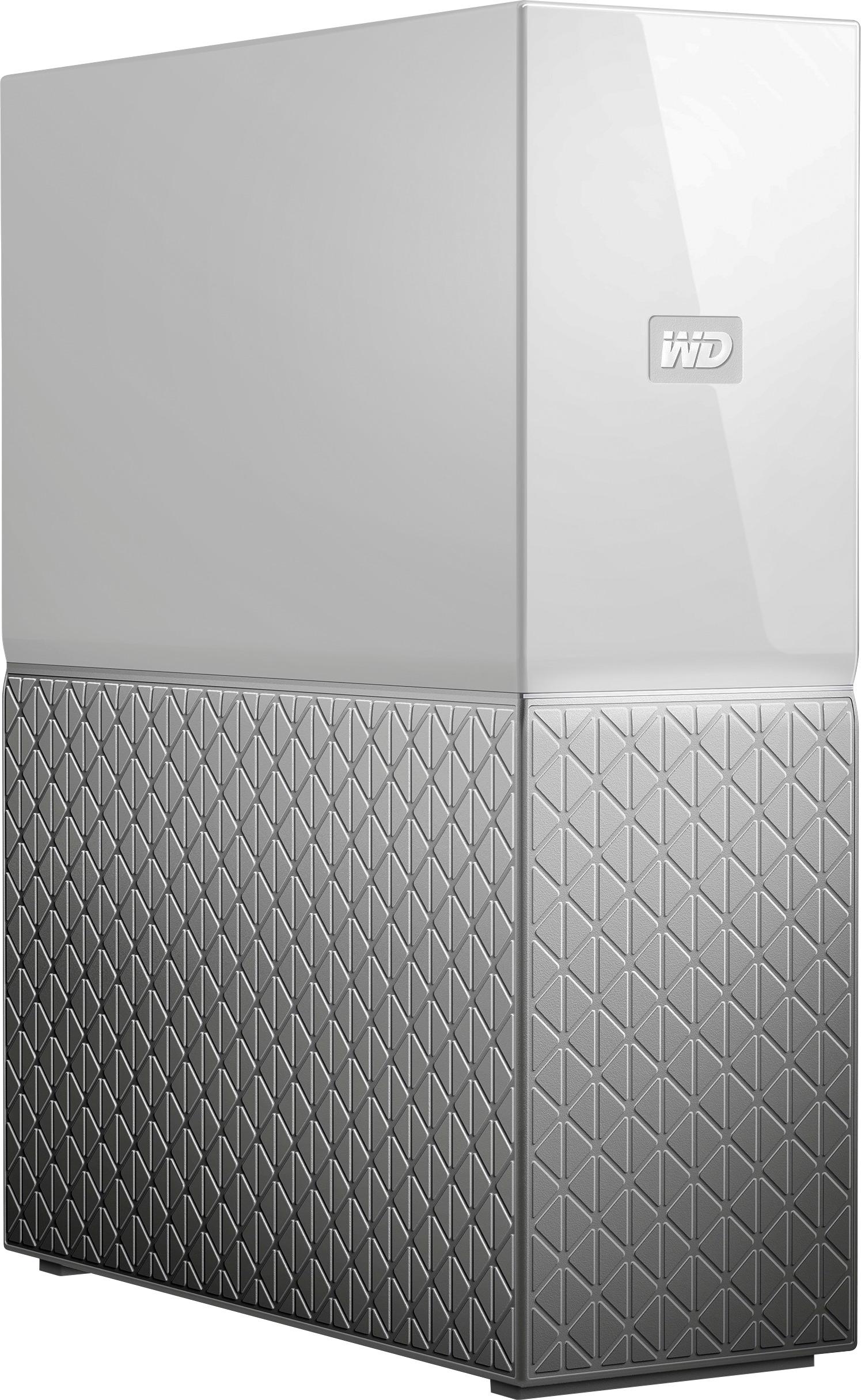
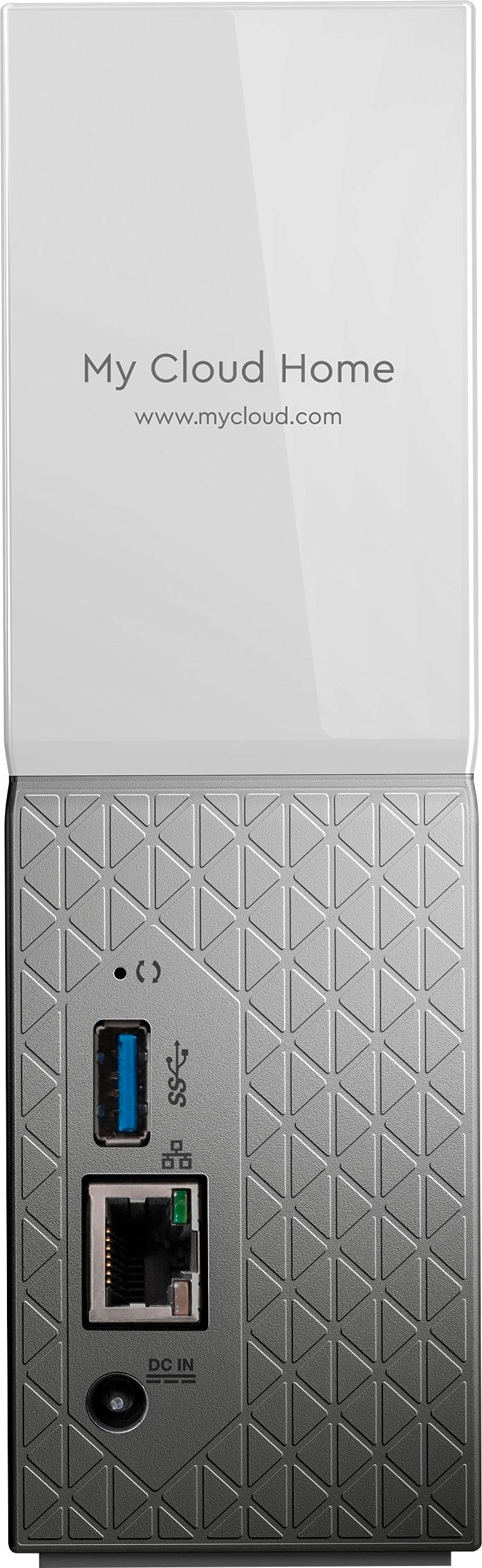
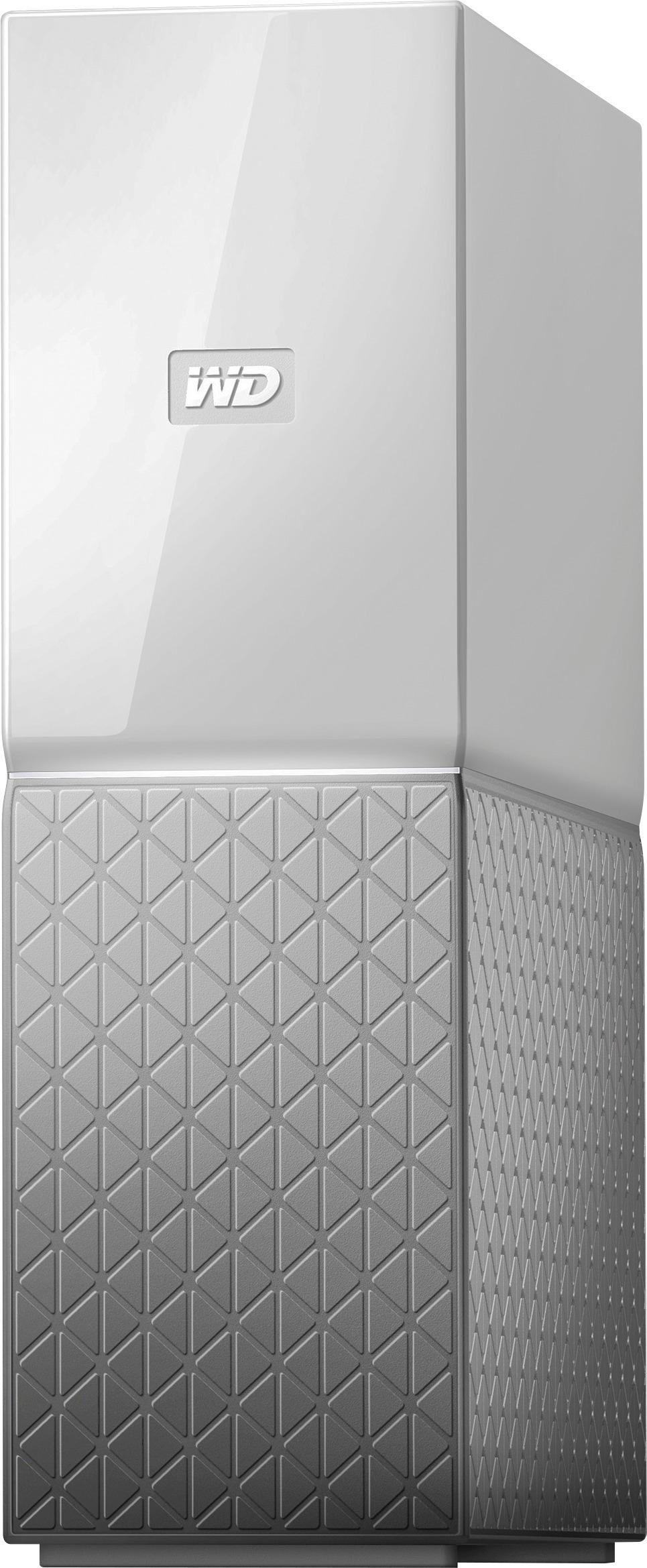
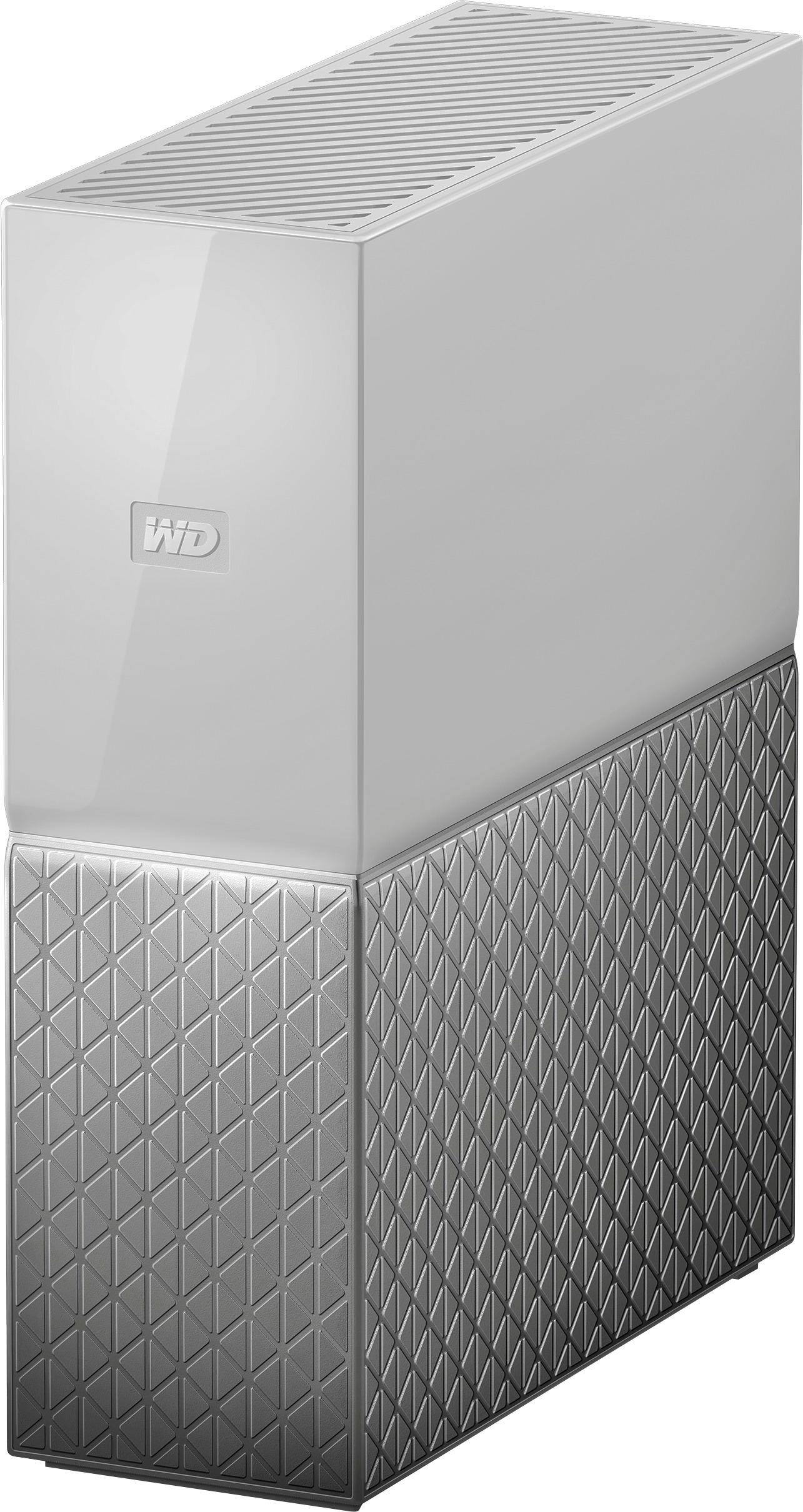
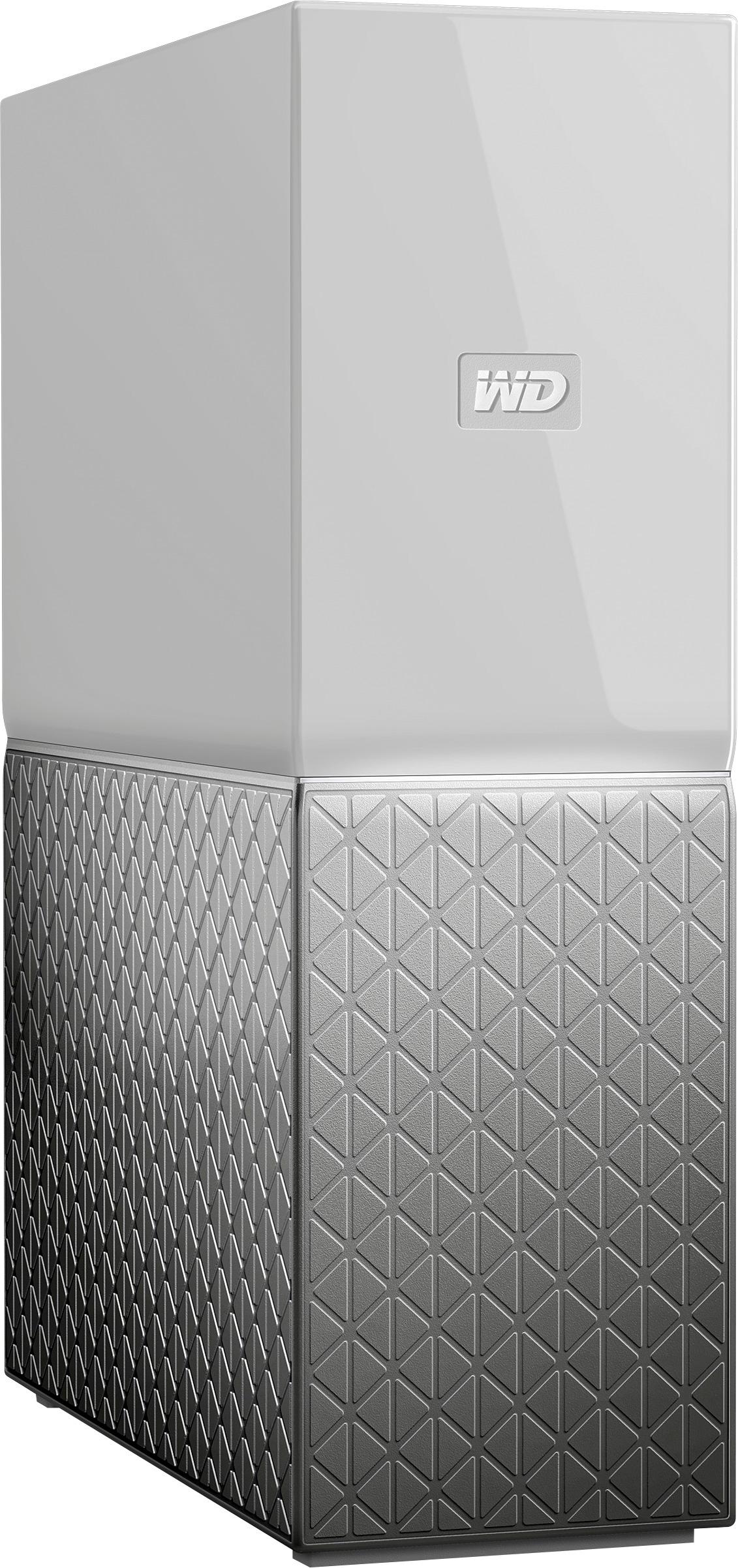
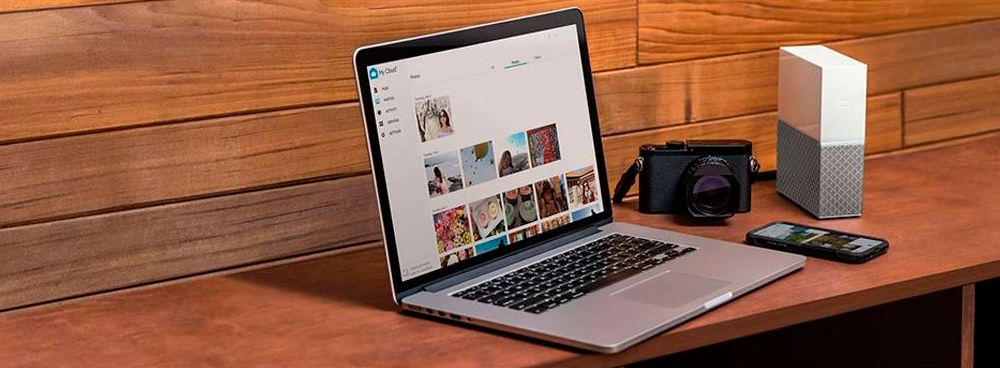



- Model:
- WDBVXC0040HWT-NESN
- |
- SKU:
- 5990204
Customer reviews
Rating 4 out of 5 stars with 1468 reviews
(1,468 customer reviews)Rating by feature
- Value4.0
Rating 4.0 out of 5 stars
- Quality4.2
Rating 4.2 out of 5 stars
- Ease of Use4.0
Rating 4.0 out of 5 stars
Customers are saying
Customers love the My Cloud Home 4TB Personal Cloud for its easy setup, ample storage, and reasonable price. They appreciate the convenience of being able to access and share their files from anywhere. However, some users have experienced compatibility issues with previous generation drives, software crashes, and data loss.
This summary was generated by AI based on customer reviews.
- Pros mentioned:Price, Setup, Storage
Rated 4 out of 5 stars
Movie Drive
||Posted .This reviewer received promo considerations or sweepstakes entry for writing a review.I purchased this drive solely for my movie collection. This drive was easy to setup on my network and was detected immediately through the included WD software. I am also using PLEX as my movie catalog and access through ROKU on my 4k Samsung TV. PLEX automatically downloads cover art and organizes your movies in a nice presentable format. You have control to modify and edit if needed. PLEX is free or upgrade to premium. Very happy with the space, speed, and operation of this drive. Excellent price for needed space. Ranked 4 stars, as I use it locally only and cannot comment on accessibility from anywhere.
I would recommend this to a friend - Pros mentioned:Ease of use
Rated 4 out of 5 stars
Not what I expected, but not all bad either.
||Posted .This reviewer received promo considerations or sweepstakes entry for writing a review.After recently noticing my TimeMachine Backups were not completing on my Seagate GoFlex Home drive (bought long ago from BestBuy), I searched BestBuy's web site looking for another solution. I found the WD MyCloud drive was at my nearby BestBuy and headed over there. When I arrived I also saw they had the WD MyCloud Home drive (in more size options on the shelf than the MyCloud drive). The larger size drive immediately available appealed to me. When I asked the BestBuy "expert" about the differences, I was told the only difference was "marketing/packaging." This is NOT the case. The short story: the WD MyCloud Home product was designed and intended as a very different product/solution from the WD MyClould product. The long story: of course, initially I was disappointed in finding out I had not purchased what I reviewed earlier. However, I then spent some signficant time reading and learning as much as I could about both of these products. In the best light, the WD MyCloud Home is a very new direction from the true NAS type WD MyCloud product. It is intended to be a "simpler" product to setup, and never was intended to provide (at least out of the box) the functionailty of the MyCloud product. In that regard, I believe it achieves its intended goal. And I think the WD MyCloud team would admittingly view this current version of the product to be more of a "minimum marketable featured/minimum viable prodcut" (MMF/MVP) type release. They are looking at a new direction to go after a potentially bigger market of users who need to be backing up, but have no understanding or immediate need for a more feature rich NAS drive. That is, everything I've read indicates the new MyHome Cloud product is intended to have its functionality/features extended via add-on applications. From a lean product development perspective I understand this approach. If you don't need a "full-featured NAS" drive immediately, and the MyCloud Home drive meets your immediate simple needs (ex. backup drive, simple cloud-like folder-based file download-only sharing), you might be rewarded down the road as more applications are developed for what appears to be a potentially more extendable technology than the currently more complex, more fully NAS featured, but what also appears to be not as adaptable MyCloud technology. For the record, I kept the MyCloud Home drive. It was very easy to setup, works great with all the MacOS based laptops on my home network. The simple folder-based download only file sharing meets my simple needs, as I'm able to use MacOS network sharing for R/W type file sharing locally (LAN). That said, I'd love to see additional MyCloud Home apps (soon) beyond the small number that currently exists today (which I don't find worth much).
I would recommend this to a friend - Pros mentioned:Ease of use, Storage
Rated 2 out of 5 stars
Categories and Photo Filenames Not Useful
Posted .This reviewer received promo considerations or sweepstakes entry for writing a review.We bought My Cloud to store photos of our daylilies so we could access them while in the garden. But as you scroll through photos, it doesn’t display the filename which is where we ID each cultivar name (see image, no way to ID). It only ID’s the date and time, which is useless for our purpose. It’s like it’s trying to be a social media server instead of a useful hard drive. It also categorizes by geography, image subject, etc which it sometimes gets wrong and there is no way to correct. Support is very difficult to contact and not at all helpful. Overall, only a partially useful external hard drive for us.
No, I would not recommend this to a friend - Pros mentioned:Price, Storage
Rated 4 out of 5 stars
Nice cloud storage drive
||Posted . Owned for 3 weeks when reviewed.This reviewer received promo considerations or sweepstakes entry for writing a review.Was looking for cloud storage for our family videos so can share between family members that are living far apart. Getting online cloud storage has monthly fees that add up. This hard drive works great. Basically a cloud storage in your own home. Can choose to store files directly using usb, or then store things via online website too from anywhere.. It's great that you can access the files from any device and from anywhere you have access to internet. Very reasonable priced too. I bought it on sale at bestbuy.
I would recommend this to a friend - Pros mentioned:Remote access
Rated 4 out of 5 stars
Useful
||Posted . Owned for 1 month when reviewed.This reviewer received promo considerations or sweepstakes entry for writing a review.Potentially very useful product. I bought this to replace a hard drive I had connected to my router through a usb cable, and then I accessed wirelessly through the router and wifi. Apparently that's not the kind of thing people do any more as when I replaced my router I couldn't find one that would connect to the hard drive through a usb cable and was unable to kludge together a connection using various transition fittings. I found this personal cloud drive as an alternative for my hard drive and eventually was able to use it for my purpose. WD made it very easy to transfer the data from my hard drive-albeit WD's instructions on its web page weren't always clear and some of their internal links to further instructions were expired links, so it required some help through WD customer support. The support tech was helpful, but the only method of communication allowed was online chat and not telephone, so there were some communication problems. Also, (and it's possible I simply haven't yet discovered the correct and easier way to do this) saving data to the cloud drive requires me to access my cloud account dashboard (my term, not their's) on my computer or other device, and then from within my account dashboard find the data file wherever it is (e.g., saved on my computer or other device) and then save it to my cloud drive-this requires me to save the data file someplace (on my computer or other device, usb drive, etc) and copy that data to my cloud drive. Using my old hard drive, on the other hand, I could save a pdf or other data file directly from its original source to my remote hard drive without saving it first-this was particularly useful when saving pdfs of books from Gutenberg or archive for example, or other files downloaded from the internet. So, with some workarounds the cloud drive can do what I want, it just isn't as easy to use as my previous system for most of what I want to use it for; there are some features, such as remote access from anywhere through the internet rather than only when in range of my prior router, that for some will be better than my old system-it's just that the advantages I am presently aware of don't totally offset the disadvantages I am currently dealing with. Anyway, with some workarounds, the cloud drive is usable for what I want even if it doesn't do so as conveniently as my prior system. But inasmuch as the hardware for my prior system is no longer available, the Personal Cloud fills my needs adequately and so is useful.
I would recommend this to a friend - Pros mentioned:Ease of use, Storage
Rated 4 out of 5 stars
Worth the buy
||Posted . Owned for 4 months when reviewed.This reviewer received promo considerations or sweepstakes entry for writing a review.Works very well, lots of storage and features for the money. Easy to set up. Its a little slow and you csnt view full detailed images without downloading but still serves its purpose.
I would recommend this to a friend - Pros mentioned:Ease of use, Storage
Rated 4 out of 5 stars
Wonderful Backup Drive
||Posted . Owned for 1 month when reviewed.This reviewer received promo considerations or sweepstakes entry for writing a review.This is a wonderful backup device for storing pics, videos, and other files. It is easy to setup and the interface is pretty good. The only area the device can improve upon is to be able to have a better experience with viewing the pics and videos such as slide shows, shuffle music while watching the pics/vids and inviting others to view slides together.
I would recommend this to a friend - Cons mentioned:Reliability, Software
Rated 4 out of 5 stars
should stick to simple backups not multitasking
||Posted . Owned for 2 weeks when reviewed.This reviewer received promo considerations or sweepstakes entry for writing a review.This was a little awkward to set up - lots of extraneous software. I simply wanted a replacement for my aging time capsule. This wants to be more than just a back up system it wants your photos and other documents and wants you to install 3 different software packages, im still not clear why. It is very loud and constantly running. at this point in purchase Im concerned about how long It will last.
No, I would not recommend this to a friend - Pros mentioned:Ease of use, Remote access, Storage
Rated 5 out of 5 stars
Great Product!!
||Posted . Owned for 2 weeks when reviewed.This reviewer received promo considerations or sweepstakes entry for writing a review.Very good way to store, extra PC files and photos. It easily creates photo albums that you can share with whoever you want by giving them access. Connects easily through your modem and/or router.
I would recommend this to a friend - Pros mentioned:Ease of use, Storage
Rated 5 out of 5 stars
Great alternative for backing up files wirelessly.
||Posted . Owned for less than 1 week when reviewed.This reviewer received promo considerations or sweepstakes entry for writing a review.Excellent and cost effective way to store files wirelessly. I have a lot of photos and videos that I usually connect my phone to my PC and back up it up on the backup hard drive in my PC. It's a bit of a hassle but it works and it's what I've been doing for years. However, with more people in my household wanting to also back their stuff up, it was a pain to have to do this process physically. There's Dropbox and Google Drive, but they have a limited amount of space, anything after that will cost money. Not to mention that the files would be in the cloud, which I'm still not completely comfortable with for security reasons. This 4TB personal cloud from Wester Digital is great. Simply connect it to the internet modem and go to the website and that's mostly it. Now, everyone in my house can automatically back up their phones, laptops, PCs. It's also a lot quicker than backing up on Google Drive, since it's a local network. You can pretty much treat this product like Google Drive in that you do not have to be at home or on your WiFi to access the files stored on the Cloud Home.
I would recommend this to a friend - Pros mentioned:Ease of use, Price, Storage
Rated 5 out of 5 stars
Home and Small business use
||Posted . Owned for 3 months when reviewed.This reviewer received promo considerations or sweepstakes entry for writing a review.Excellent product for the price point. The drives used are perfect for NAS storage. Access for basic storage and access is easy. Overall the software needs some improvements so looking forward to the new OS 5
I would recommend this to a friend - Pros mentioned:Setup
Rated 4 out of 5 stars
Does the basics well.
||Posted . Owned for 1 month when reviewed.This reviewer received promo considerations or sweepstakes entry for writing a review.So far so good. No real issues. I'm not sure if it is the only way but they ask you to download the app for set up. However, set up was easy. Backing everything up was easy as well. In regards to this product specifically, i wish they included a usb for a direct connect to your pc. There is a usb but I believe it is used just for uploading data. Thus, if your wi-fi is out or if you wanted to take this drive somewhere to download files directly, you cant. Seems like including a usb connection would be easy to do. My only challenge, and to be fair I haven't spent a lot of time on this yet, but it doesn't seem easy, is this... I put 1000s of mp3s (all sorted) on this drive & I'd like to find a way to listen to all of them over the cloud with my phone. I haven't figured that out yet, if it is possible. Again, overall a good purchase.
I would recommend this to a friend - Pros mentioned:Ease of use, Storage
Rated 5 out of 5 stars
Home cloud solution done right
||Posted . Owned for 3 months when reviewed.This reviewer received promo considerations or sweepstakes entry for writing a review.This WD Cloud device takes care of my data needs. I needed the extra storage and wanted to be able to access essential files when away from home. This was a breeze to setup and is fairly quiet. You can hear the hard drive creak every now and then as any HDD would. Uploading files to the WD My Cloud is a lot faster as the transfer of data is over my own network rather than over the internet. I'm able to save 4K videos and large folders of photos in a few minutes at most to this device. I'd definitely recommend one of these to anyone thinking of storing several terabytes of data in the cloud and who doesn't want to pay monthly with DropBox or Google Drive. Both of which charge $9.99/month (as of March 2021) for 2TB of storage.
I would recommend this to a friend - Pros mentioned:Remote access, Setup
Rated 4 out of 5 stars
Inexpensive Effective NAS
||Posted .This reviewer received promo considerations or sweepstakes entry for writing a review.I caught this network drive on sale over Christmas at Best Buy. Once I downloaded the My Home software to my iPhone, laptop, iPad and Mac-Mini, the setup was fairly simple and I can access all my saved files from any of my devices from my home network or remotely. I would buy it again and recommend it.
I would recommend this to a friend - Pros mentioned:Ease of use, Remote accessCons mentioned:Reliability
Rated 1 out of 5 stars
STAY AWAY FROM THIS CLOUD DRIVE
||Posted . Owned for 3 weeks when reviewed.This reviewer received promo considerations or sweepstakes entry for writing a review.My story starts Christmas last year. I bought this drive. (the first one) Setup = Easy Data transfer from the old drive = Easy Remote access via Internet = Easy It doesn't matter what Device, you connect from everywhere. Then - my nightmare starts........ This drive has NO BACKUP option, and in August this year the drive failed. Bad Mainboard. I contacted WD Support, NO problem at all, I should return the failed drive and get a new one..... And my data? Gone..... I bought a second 4TB personal cloud drive, broke the case, removed the HD and put the HD from the old drive in. Got my data back - and two broken WD cases -> no Warranty anymore. But two absolutely perfect NAS HD. Now I am using a Synology NAS with two 4TB WD HD's for 18o$ each...... It is up to you to by this "Cloud Drive", but keep in mind = NO BACKUP !! of your data and you are lost if the drive failes......
No, I would not recommend this to a friend - Pros mentioned:Ease of use
Rated 4 out of 5 stars
Pretty easy to set up
||Posted . Owned for 3 weeks when reviewed.This reviewer received promo considerations or sweepstakes entry for writing a review.Bottom line is that it was pretty easy to set up and it works. One problem is that we had an older version of MyBook that we were replacing because of age---it was no longer supported by the company. So we bought a new version. There seemed to be no way to easily transfer from the old to the new, so I had to download the old to my computer and in turn upload to the new Cloud. I'e also been unable to figure out how to set up a shared space that is accessible as home by any assigned user. Each user can "share/collaborate" a folder to others, but there doesn't seem anyway to make a folder equally accessible to anyone. As is usual the improvement by the company has lost some old features that were very handy.
I would recommend this to a friend - Pros mentioned:Storage
Rated 4 out of 5 stars
Kinda your own cloud if you’re a Mac user
||Posted . Owned for 3 weeks when reviewed.This reviewer received promo considerations or sweepstakes entry for writing a review.Mac Users: For the most part, My Cloud Home does store your data externally and works well with time machine. However, doesn’t technically “backup” your iphone. You can autosync pictures and videos. Although, to back up your phone you would need to sync your phone to your computer, then back up your computer. Another bummer is the integration with OSX. A bit buggy if you use the desktop application. I find that logging in by web browser is a lot more efficient. There are pretty cool features you can control by downloading the mobile app but no wow factor. The reality is it basically an external hard drive with the ability to save photos and videos to your own cloud.
I would recommend this to a friend - Pros mentioned:Ease of use, Storage
Rated 5 out of 5 stars
WD My Cloud 4TB reliability!
||Posted . Owned for 3 weeks when reviewed.This reviewer received promo considerations or sweepstakes entry for writing a review.I recently replaced my original WD My Cloud, because of apartment damage 6 months ago. I updated to the current version WD My Cloud 4TB. I have relied on my WD My Cloud 4TB for swapping files between my two PCs working with media, which makes it effortless, and having an additional backup of my media files and apps for 5 years. I would recommend WD My Cloud to my friends and family.
I would recommend this to a friend - Pros mentioned:Remote access, Setup
Rated 4 out of 5 stars
Easily Accessible
||Posted .This reviewer received promo considerations or sweepstakes entry for writing a review.Very easy set up. Only had to call support to figure out why the desktop application wasn't working properly. That was quickly resolved. Very easy to access remotely via desktop and mobile device. quick access. Can set up different accounts for different people on the device.
I would recommend this to a friend - Pros mentioned:Storage
Rated 4 out of 5 stars
A well performing NAS
||Posted . Owned for 3 weeks when reviewed.This reviewer received promo considerations or sweepstakes entry for writing a review.I purchased this device to use as a backup drive, however found that the WD Backup software that is availble, is not supported to this device. This device is well suited if you have a few mobile devices and want to share pictures backed up on the device, then shared. You could consider apple icloud, but you need to consider how much storage you get. This device is 4TB of storage, which might be best for you depending on how many photo or video files you want to backup and share.
I would recommend this to a friend