Customer Ratings & Reviews
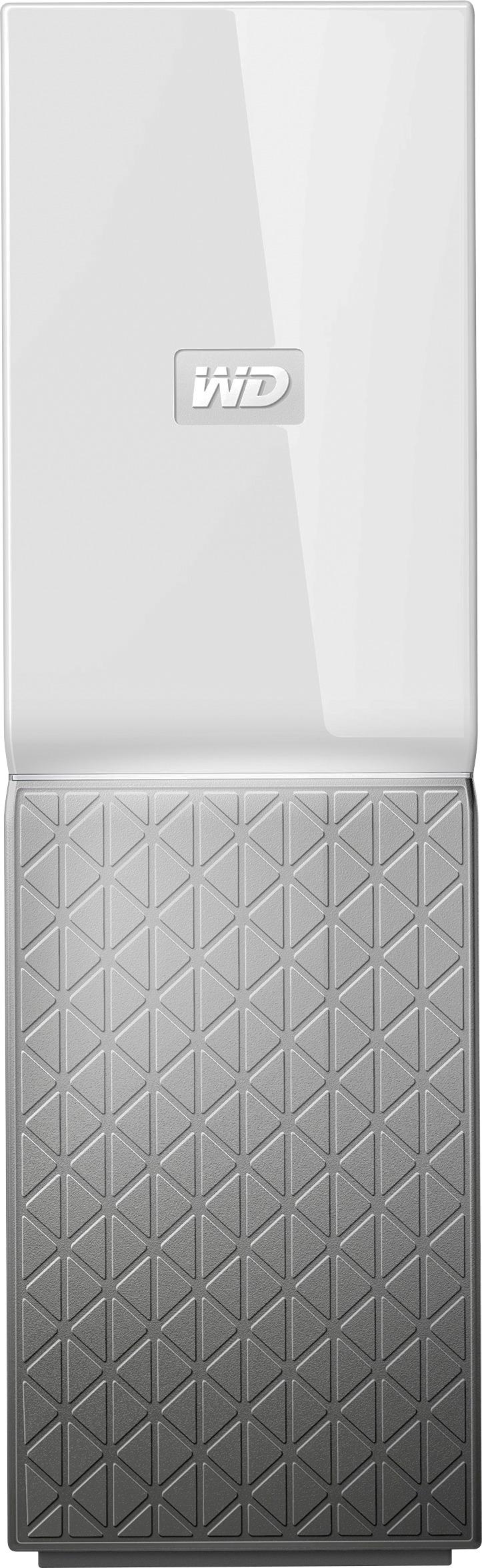

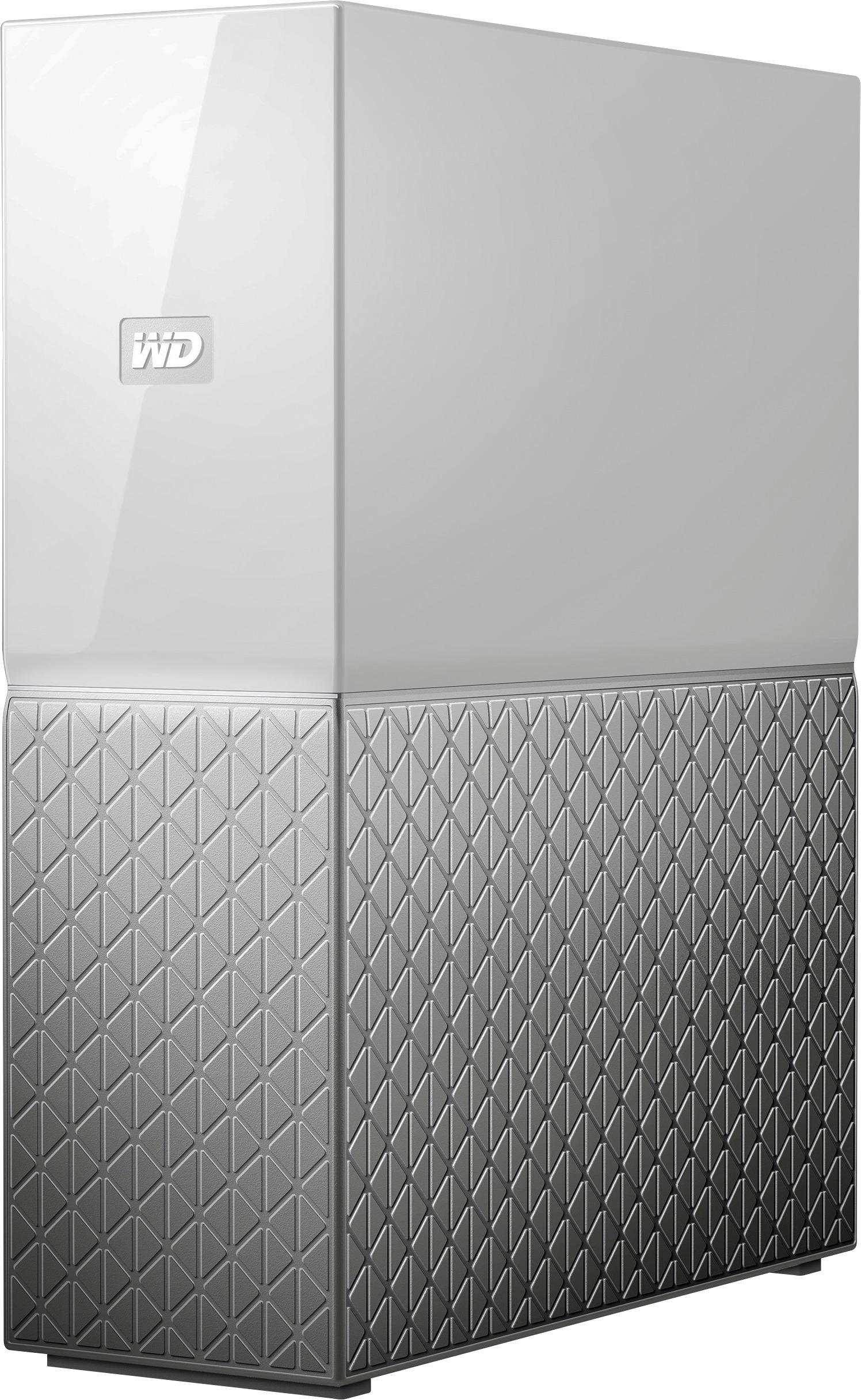
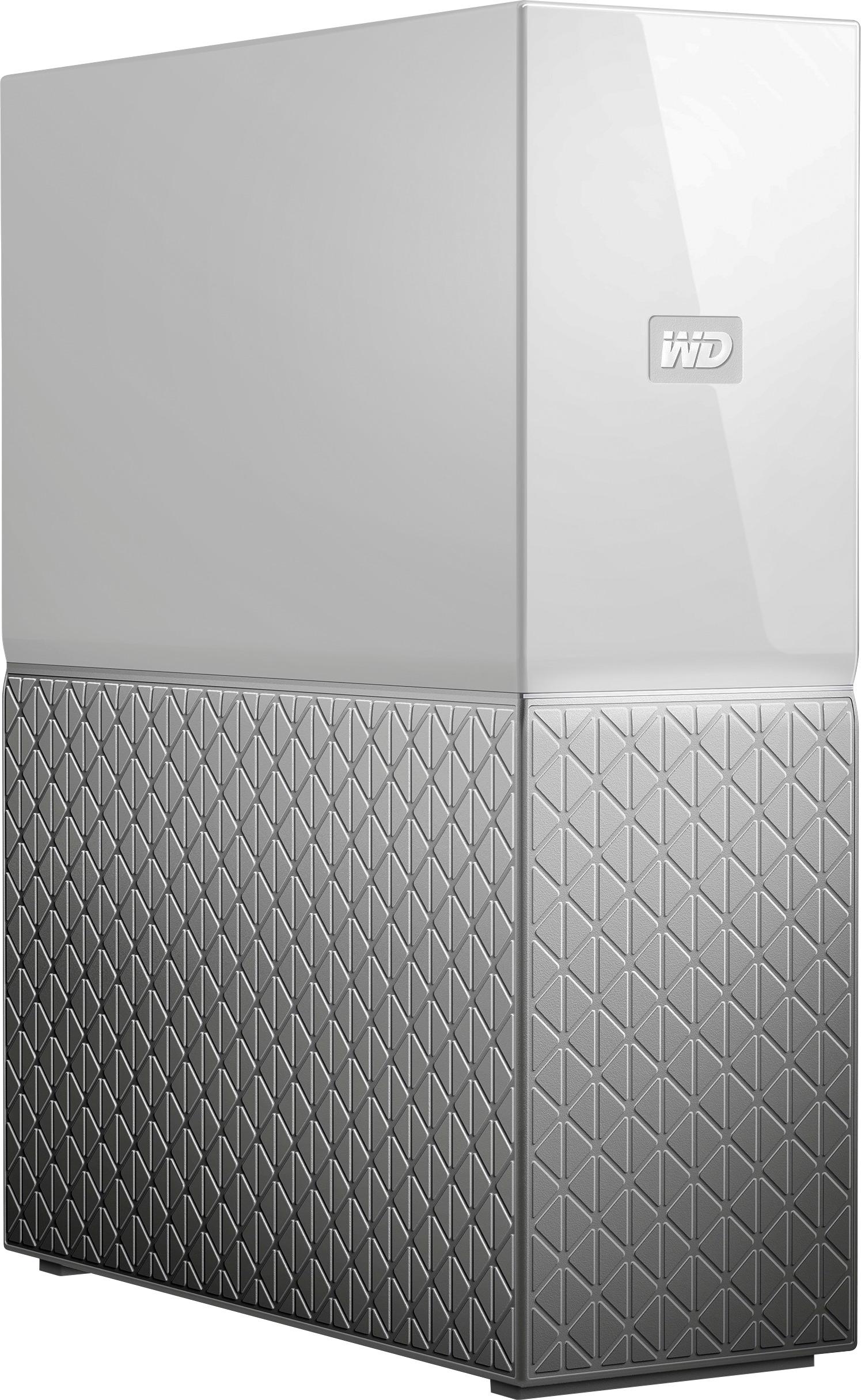
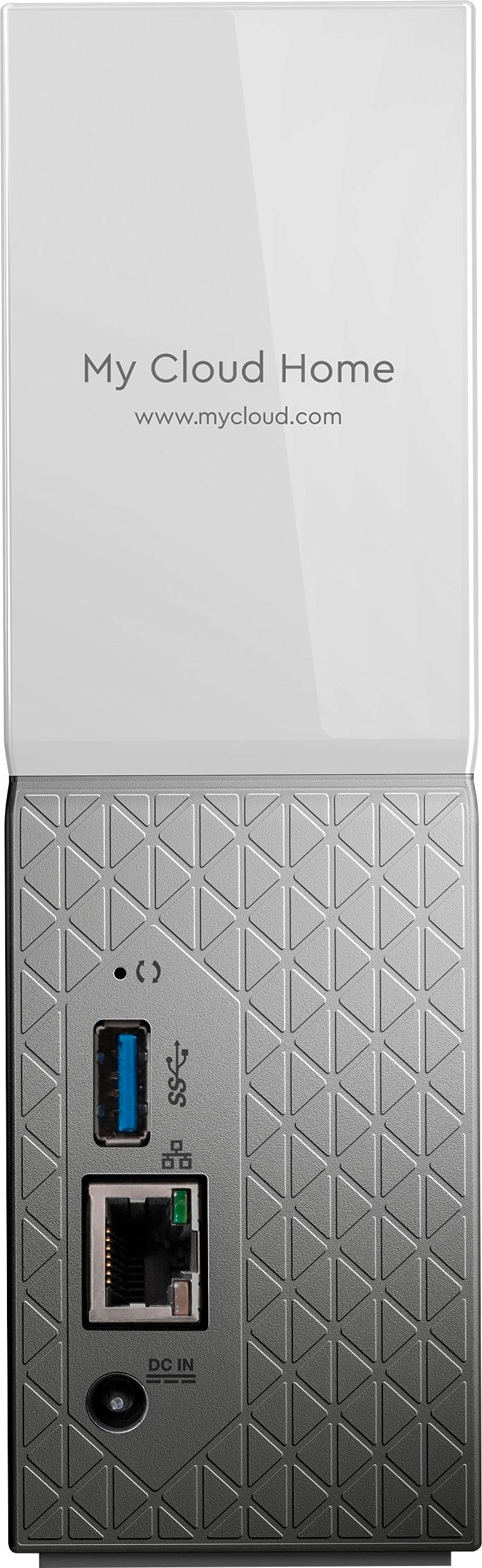



- Model:
- WDBVXC0040HWT-NESN
- |
- SKU:
- 5990204
Customer reviews
Rating 4 out of 5 stars with 1468 reviews
(1,468 customer reviews)Rating by feature
- Value4.0
Rating 4.0 out of 5 stars
- Quality4.2
Rating 4.2 out of 5 stars
- Ease of Use4.0
Rating 4.0 out of 5 stars
Customers are saying
Customers love the My Cloud Home 4TB Personal Cloud for its easy setup, ample storage, and reasonable price. They appreciate the convenience of being able to access and share their files from anywhere. However, some users have experienced compatibility issues with previous generation drives, software crashes, and data loss.
This summary was generated by AI based on customer reviews.
Rated 4 out of 5 stars
Not like a NAS.
||Posted . Owned for 1 month when reviewed.This reviewer received promo considerations or sweepstakes entry for writing a review.First one that connects by LAN to network. Thought it was going to be like a NAS, but was a little different. Haven't used it too much yet. Don't like that it is based mainly on photos and videos and files. Can't just mass copy from folders on PC to this.
No, I would not recommend this to a friend- Pros mentioned:Remote accessCons mentioned:Reliability
Rated 5 out of 5 stars
Cheap & Easy for the quality
||Posted .This reviewer received promo considerations or sweepstakes entry for writing a review.We have utilized this to allow for remote access to work files in our small business! The only down side the magic box, It takes a few minutes and back rub to allow you load files when you’re working remotely
I would recommend this to a friend - Pros mentioned:Storage
Rated 4 out of 5 stars
Good for what it does
||Posted . Owned for 3 weeks when reviewed.This reviewer received promo considerations or sweepstakes entry for writing a review.Purchased this to replace an old unit. Works the same but with twice the storage area. 2 areas I would like to see added. 1, network access so you can just see it on your network and work with the drive. 2, totally dependent on WD for access, if their down, your down.
I would recommend this to a friend - Pros mentioned:Storage
Rated 4 out of 5 stars
Good static storage solution
||Posted . Owned for 3 weeks when reviewed.This reviewer received promo considerations or sweepstakes entry for writing a review.Good unit but slow on my network, could be my older cable provided modem. Uploading takes quite a while, of no use for Outlook pst files for access by multiple computers, access and download takes a long time to send and receive email. Good static storage solution, not so good for dynamic content.
No, I would not recommend this to a friend - Pros mentioned:Setup, Storage
Rated 5 out of 5 stars
Great backup
||Posted . Owned for 3 weeks when reviewed.This reviewer received promo considerations or sweepstakes entry for writing a review.The wd mccloud is just what I needed for backup-ups and storage. I have my laptop and wife's laptop backing up weekly. Plus I store all of our photos and misc documents. Runn8off a switch connected to a mesh router with no issues. Easy to setup and maintain.
I would recommend this to a friend - Pros mentioned:Ease of use, Remote access
Rated 5 out of 5 stars
Easy home cloud solution.
||Posted . Owned for 1 month when reviewed.This reviewer received promo considerations or sweepstakes entry for writing a review.Very straightforward installation. Connects directly to my ethernet router. Accessible to the PC's, macs and mobile devices that access my wifi network. Be sure to download the WD Discovery app for your computers or the My Cloud app for your mobile devices.
I would recommend this to a friend - Pros mentioned:Setup, Storage
Rated 5 out of 5 stars
Great Purchase
||Posted . Owned for 1 week when reviewed.This reviewer received promo considerations or sweepstakes entry for writing a review.My Cloud Home 4TB Personal Cloud is excellent. Easy to set up and start using right away. Just took a few minutes and it was up and running. Plenty of space for videos and pics, freeing up much space on computer hard drive.
I would recommend this to a friend - Pros mentioned:Ease of use
Rated 4 out of 5 stars
WD MY CLOUD HIME
||Posted .This reviewer received promo considerations or sweepstakes entry for writing a review.This drive creates a home network that is user friendly for everyone. We were looking for a solution to save pictures an a easy way to organize. Mac computer photo software is not simplistic. This is very intuitive and making organizing fun. Only complication has been with some videos we uploaded they lost sound which is kind of big.
I would recommend this to a friend - Cons mentioned:Reliability, Software
Rated 3 out of 5 stars
It works but there are issues
||Posted . Owned for 3 weeks when reviewed.This reviewer received promo considerations or sweepstakes entry for writing a review.The software that comes with it does not work but after figuring out how to connect I was able to get my backups sent to it. Also it does not always log in & you have to do it manually. I expected more from WD.
I would recommend this to a friend - Pros mentioned:Storage
Rated 4 out of 5 stars
my cloud 4tb storage
||Posted . Owned for 1 month when reviewed.This reviewer received promo considerations or sweepstakes entry for writing a review.Works well, great place to save large files that are too big to email. Phone app only lets you save videos or photos. You need to use a desktop or laptop to copy other file types (pdf, doc, xls, etc.) to it. Once copied, they are visible on the mobile app and can be shared via the cloud.
I would recommend this to a friend - Pros mentioned:Remote access, Setup
Rated 5 out of 5 stars
Nice home storage upgrade
||Posted . Owned for 1 month when reviewed.This reviewer received promo considerations or sweepstakes entry for writing a review.Having had the original WD My Cloud this product includes nice upgrades including easy setup, fast uploads and downloads along with good connectivity.
I would recommend this to a friend - Cons mentioned:Software
Rated 4 out of 5 stars
Good product within the price range
||Posted .This reviewer received promo considerations or sweepstakes entry for writing a review.With this price tag it's a good product to have. Setup is quite simple and the transfer speed is also good when you have good internet connectivity. Only problem that I see with the drive so far is with the software, the iOS app is not good even for simple operations like setting up the file permissions etc. But overall a nice product to own.
I would recommend this to a friend - Pros mentioned:Remote access, Storage
Rated 5 out of 5 stars
Great Office/Home Storage Device
||Posted . Owned for 10 months when reviewed.This reviewer received promo considerations or sweepstakes entry for writing a review.Great storage device. Easy network hookup. I'm using this for backups and other storage across two computers and my phone. Connectivity is very easy and stable. I would highly recommend it as a home or small office storage device.
I would recommend this to a friend - Pros mentioned:Ease of use, Storage
Rated 3 out of 5 stars
Pretty Good
||Posted . Owned for 1 month when reviewed.This reviewer received promo considerations or sweepstakes entry for writing a review.Didn't really do what I wanted it to do, but always nice to have extra cloud storage for my designs. It's easy to use, and the plug and go feature is really handle. All in all, decent product and will use it.
I would recommend this to a friend - Pros mentioned:Storage
Rated 5 out of 5 stars
Off-phone storage solution (NO MONTHLY PAY)
||Posted . Owned for 1 month when reviewed.This reviewer received promo considerations or sweepstakes entry for writing a review.So happy that I purchased this Cloud Drive! My wife and I's phones were running out of storage space, so we wanted a solution that didn't involve monthly payments. I found out about this drive on BestBuy's website and couldn't be happier! I can access my files anywhere in home, or out (as long as there is an internet connection). 4TBs is PLENTY of space for the photos and videos taken from our phones and will be for years to come!
I would recommend this to a friend - Pros mentioned:Ease of use
Rated 5 out of 5 stars
Easy to use and easily concealable.
||Posted . Owned for 3 weeks when reviewed.This reviewer received promo considerations or sweepstakes entry for writing a review.Easy to set up. Easy to use. Easy to upload files to the drive. I first copied all my photos from my phone. This was the hardest part to accomplish as I could just select all photos, I had to individually select each one and choose them. This took a lot of time to set up and coordinate, but once the process started it was smooth sailing. The next, I backed up an external hard drive which was easy, as I plugged in the drive, opened the app on my phone, and just said "copy" and it tool care of it self. Finally, I copied my computer hard drive over to this personal cloud. It was easy and it was great to have something that I can quickly and easily backup photos and files.
I would recommend this to a friend - Cons mentioned:Software
Rated 1 out of 5 stars
Extremely Disappointing!!!!!!!!
||Posted .This reviewer received promo considerations or sweepstakes entry for writing a review.I have used WD storage products for over 20 years now and this is the first one I am completely disappointed in. Let me start by saying that it seems to function exactly as it is designed--but that is part of the problem--poor design. The majority of the problem lies in the front end user software. The apps for the iPhone/iPad are acceptable, but the software for accessing the device from an MacOS or Windows environment leave a lot to be desired. It is insanely difficult, and in most cases impossible, to do any kind of trouble shooting on this device. There isn't even a way to access what was formerly called the "dashboard" on older WD NAS devices. Additionally, if you are in a situation where you have information stored on the device and you have physical access to the device but have no network and/or internet you cannot access your data. This is a terrible design flaw. Also, when you are first setting up the device and you have a large amount of data to front load onto the device from your computer or a former large storage device, the majority of the time you have to do the entire transaction through the network/internet because the USB port does not readily recognize many mass storage devices from other manufacturers. I can go on about further problems once you need to access the data on the device later--this too is a very slow and tedious process but I'll digress. In short I would NEVER purchase this device unless the only things you are looking for is a way to back up photos/files from a mobile device while on the go but don't need to manipulate or access the data frequently for work. This is truly a NAS for a person with no technical ability and who has very low end data storage needs.
No, I would not recommend this to a friend - Pros mentioned:Ease of use, Storage
Rated 5 out of 5 stars
Savor!
||Posted . Owned for 3 weeks when reviewed.This reviewer received promo considerations or sweepstakes entry for writing a review.This has been a family savor to have all family pictures and videos in one place. No need to worry about storage capacity. I am not very computer savvy and it was very easy to set up and transfer my photos from my computer or smart phone.
I would recommend this to a friend - Pros mentioned:Ease of use, Storage
Rated 5 out of 5 stars
Greatest storage for families
||Posted .This reviewer received promo considerations or sweepstakes entry for writing a review.My Cloud home is a great product. I bought it for my family. I wanted all of us to have plenty storage and not bog our phones down so much. Not only is it easy to use it gives me more storage I can pay a one time fee for instead of reoccurring monthly fees.
I would recommend this to a friend - Pros mentioned:Storage
Rated 5 out of 5 stars
Easy, Efficient, Accessable Data Storage
||Posted . Owned for 2 weeks when reviewed.This reviewer received promo considerations or sweepstakes entry for writing a review.I'm writing this pretty soon after purchase, but this isn't the first one I've used... I actually used a bigger version of one of these to help manage a few TBs of data for a print and digital publishing company I helped to manage. Basically, this is like having a 4 TB Google Drive acount, but the drive is at your house. If you decide to purchase one of these, install all of the WD software... the utilities are incredibly helpful, you just have to be proactive and install them. It maps onto your network easily, and will push data as fast as your router allows (6-ish gigs a second for most homer users).
I would recommend this to a friend