8TB SSD Internal Drive
-
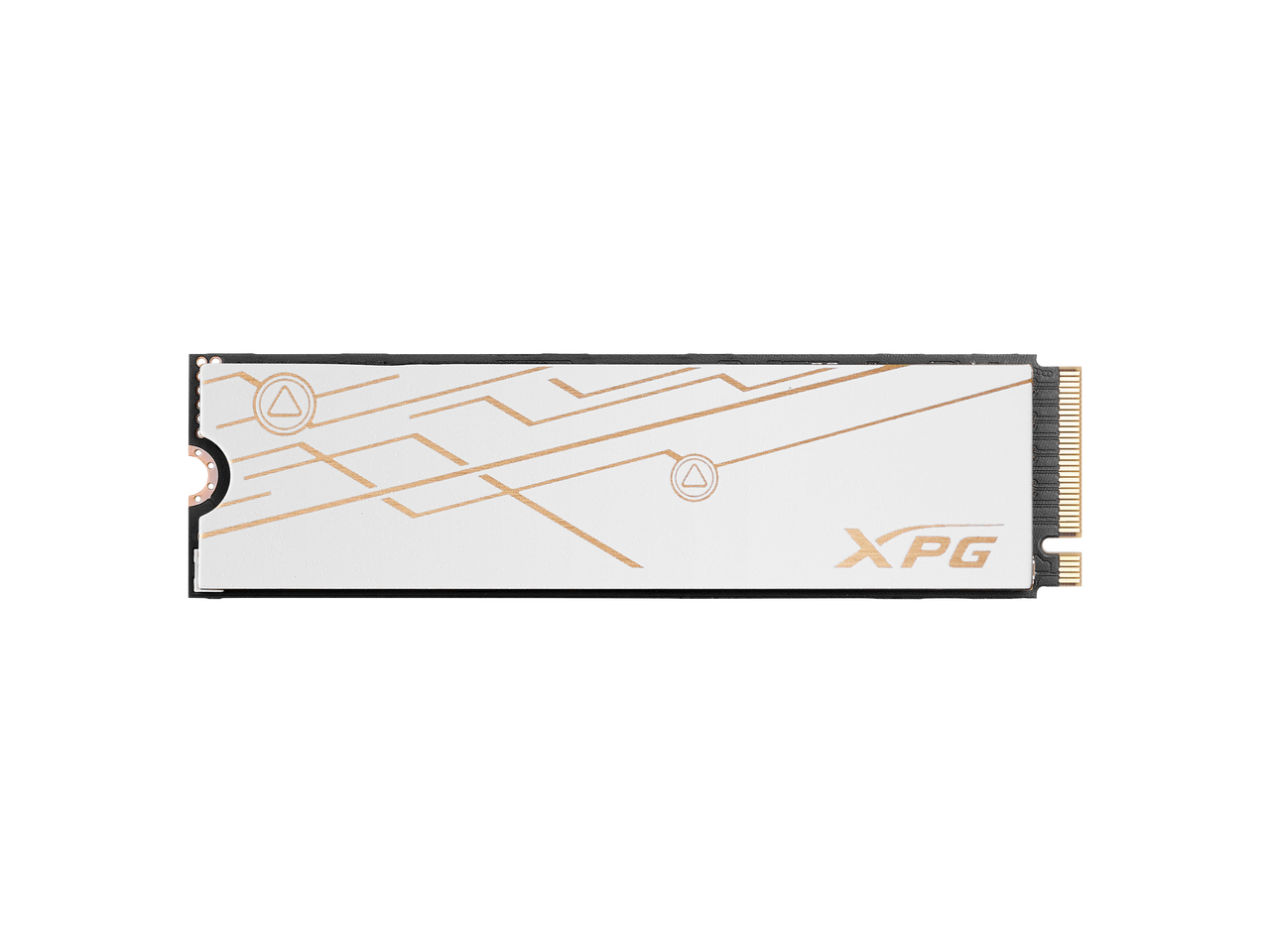
ADATA - XPG BLADE M.2 2280 8TB PCIe 5.0 x4 3D NAND SSD with DRAM Cache, 14000MB/s SMAR-980B-8TCS
SKU: J39VZTXSXFSee all Internal SSDsProduct Description
An 8TB internal M.2 2280 SSD with PCIe 5.0 x4, 3D NAND, DRAM cache, and 14,000MB/s speeds.Your price for this item is $1,599.99 -
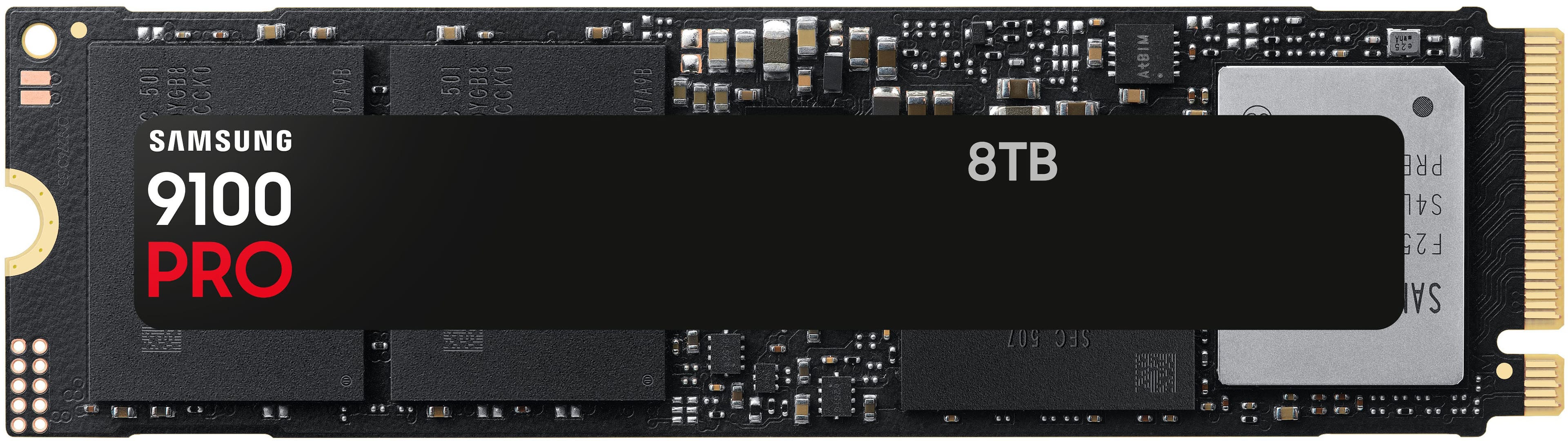
Samsung - SSD 9100 PRO 8TB Internal SSD, PCIe 5.0x4 M.2
SKU: J3ZYG245Z9It was best ssd i ever used very fast at writing and reading in my pc i really love it...Still one of the best NVMe out there, its endurance and reliability is great....Best ssd nvme m2
See all Samsung Internal SSDsProduct Description
An ultra-fast PCIe 5.0 M.2 internal SSD with 8TB capacity and advanced data encryption.Your price for this item is $2,719.99
Best Sellers






Related Pages


FAQ
An 8TB SSD internal drive offers significantly faster read and write speeds, lower power consumption, quieter operation, and enhanced durability compared to traditional hard disk drives (HDDs). This makes SSDs ideal for tasks such as gaming, video editing, and handling large files.
Most modern desktops and laptops support 8TB SSD internal drives, especially those with standard SATA or NVMe M.2 slots. It's important to check your device's specifications and available drive bays or slots before installation.
8TB SSDs are ideal for high-performance tasks such as 4K video editing, large-scale data analysis, gaming libraries, virtual machine hosting, and storing extensive media collections due to their speed and large capacity.
To install an 8TB SSD, power off your computer, open the case, and locate an available SATA or M.2 slot. Secure the SSD in place, connect the necessary cables, and close the case. After powering on, format the drive in your operating system to begin using it.
Yes, you can use an 8TB SSD as your primary boot drive. This will allow your operating system and applications to load much faster compared to using a traditional hard drive.