Apple Pen iPad
-
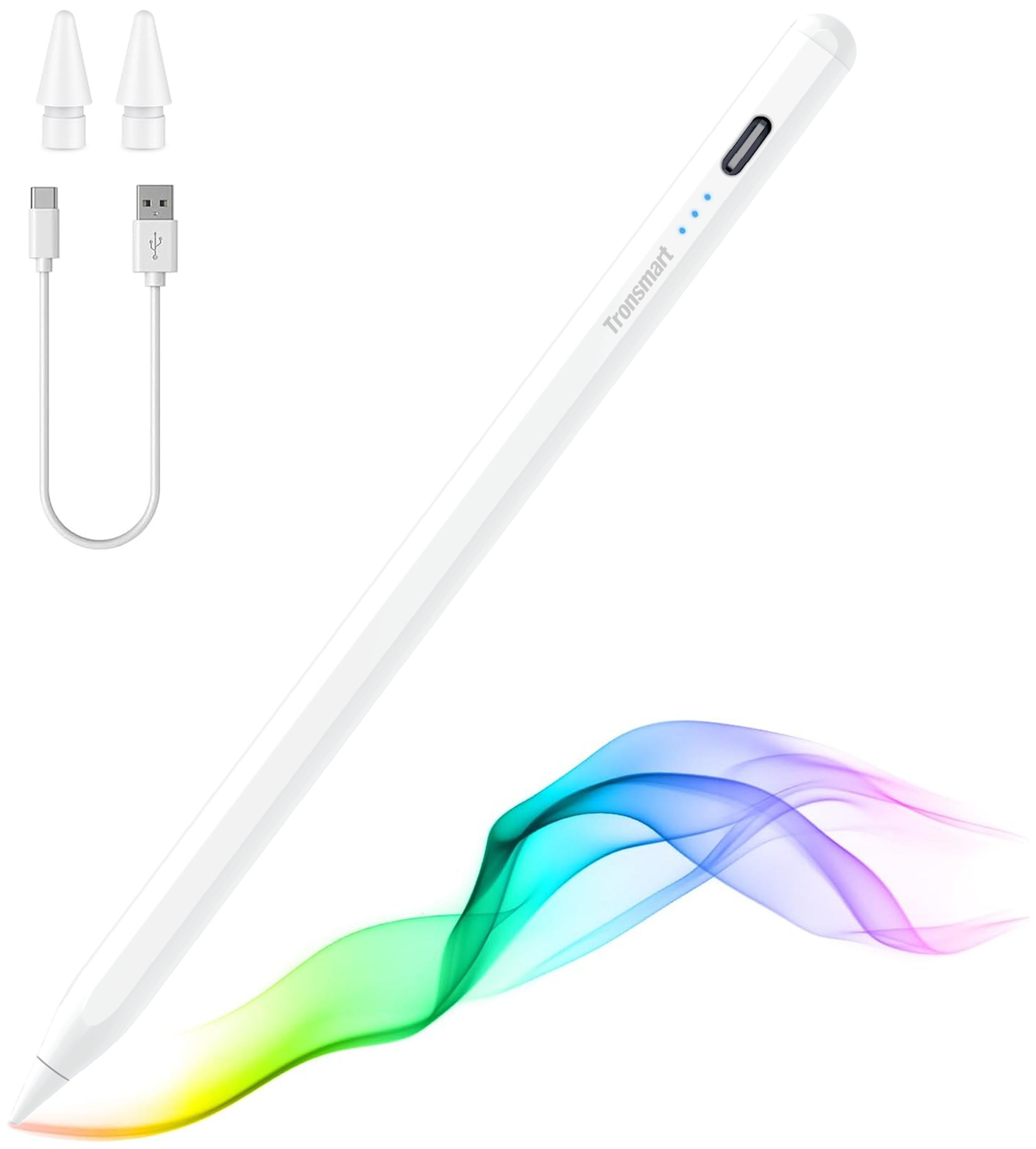
Tronsmart - Kreda 10 Active Stylus Pen, Digital Pencil for Apple iPad 2018-2025, iPad Pro, iPad Air & iPad mini, Tilt Sensitivity - White
SKU: CZT5C2RVZ6It’s lite and it holds great into my hand. So sheik when I use it. Just love it...It works great. My daughter love to use it in her tablet...Love it
See all Tablet Stylus PensProduct Description
A white aluminum alloy stylus with tilt sensitivity, palm rejection, and magnetic support for compatible iPads.Your price for this item is $19.99Save $5The previous price was $24.99 -
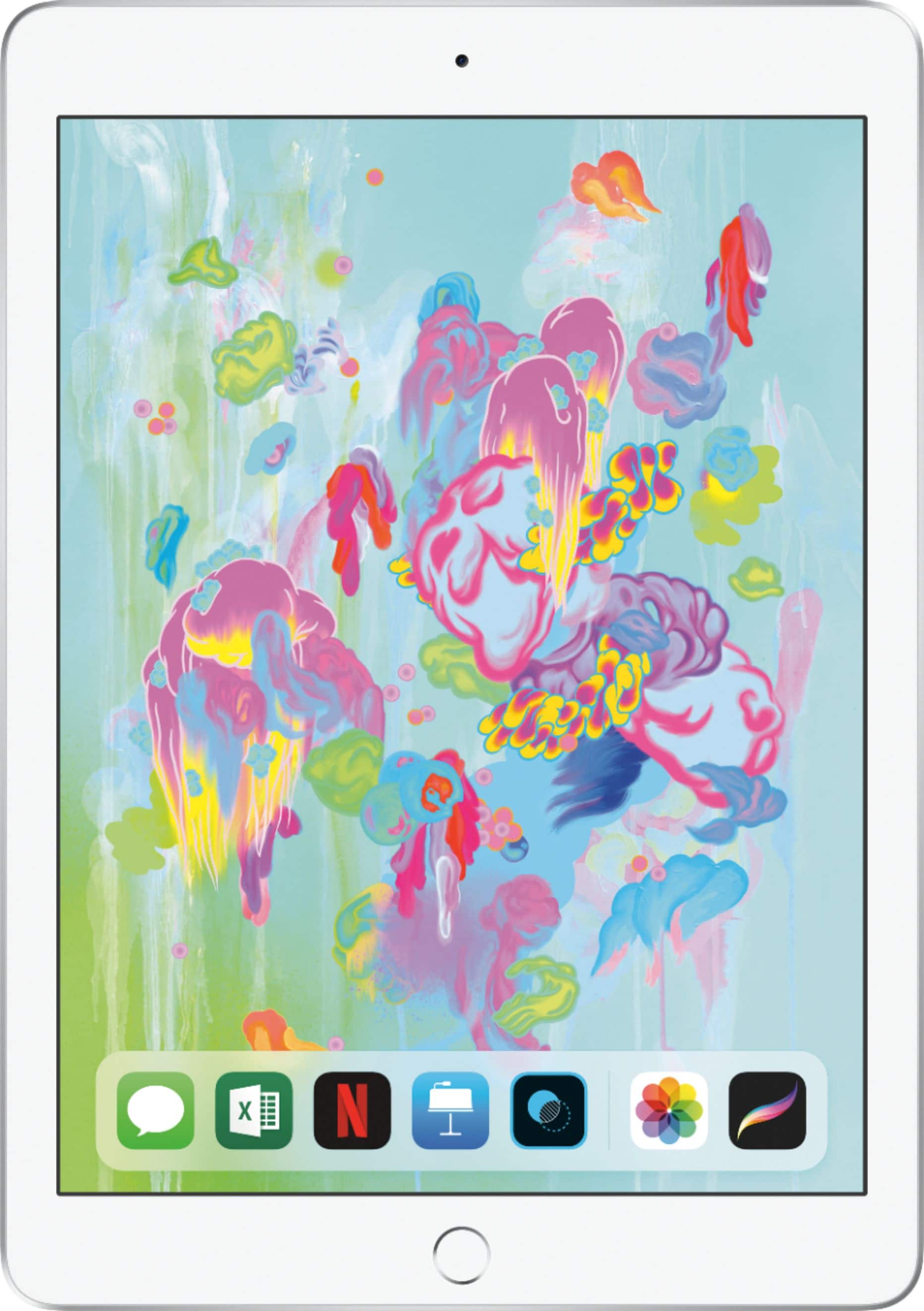
Apple - iPad 6th gen with Wi-Fi - 32GB - Silver
SKU: JJ8XJL66KVSee all iPadProduct Description
A silver tablet featuring a Retina display, A10 Fusion chip, 32GB storage, cameras, and headphone jack.Your price for this item is $349.00 -
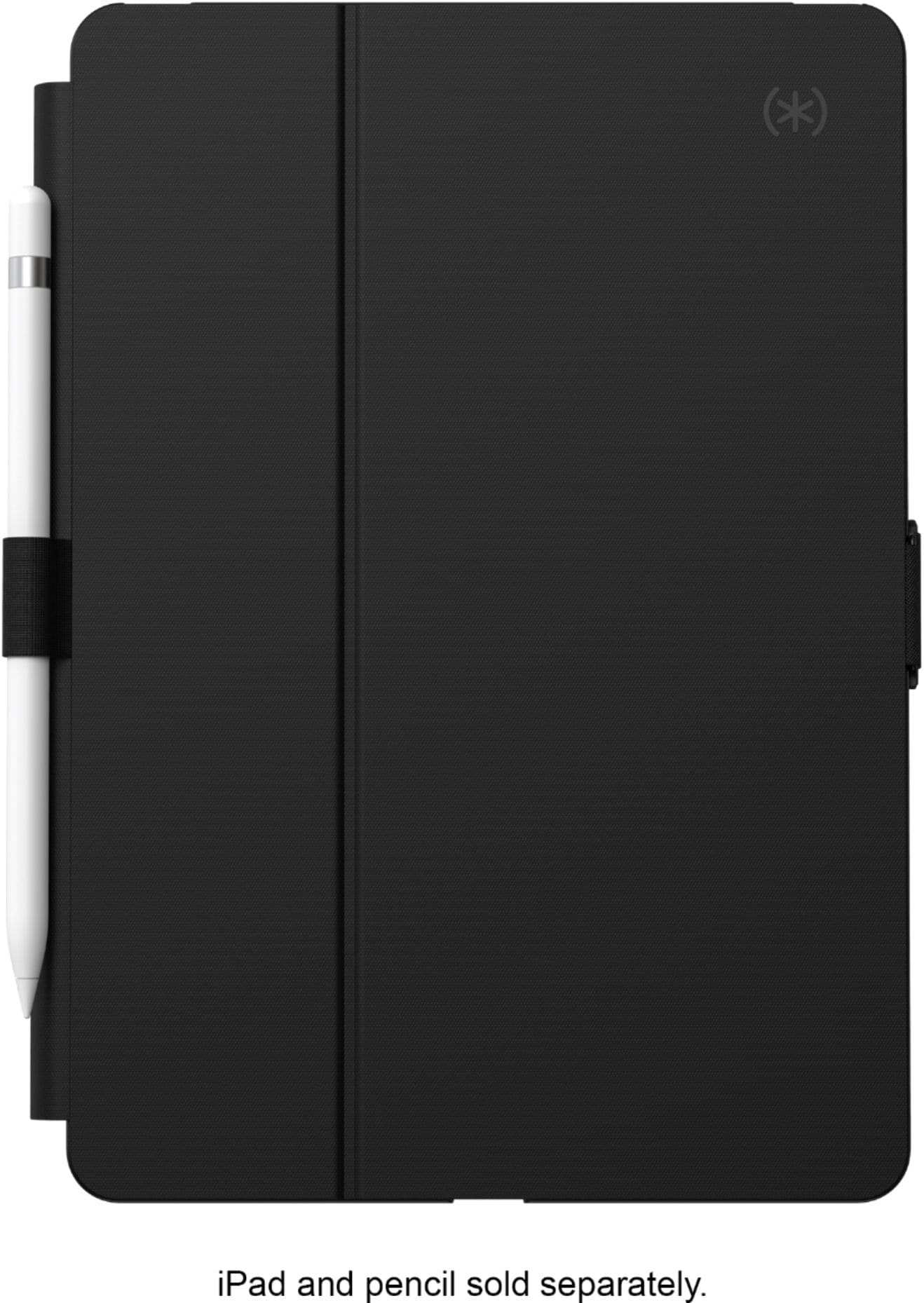
Speck - Balance Folio Case for Apple iPad 10.2" (7th, 8th, & 9th Gen 2021) - Black
SKU: J3RJGZGXJ4Great iPad protection. I love the stand to view on table...Great purchase!...Great color, love the locking clasp, and does a great job protecting the iPad.
See all Tablet Cases, Covers & Keyboard FoliosProduct Description
A slim black folio case with antimicrobial protection, stand functionality, and Apple Pencil compatibility for iPad.Your price for this item is $49.99Save $30The previous price was $79.99 -
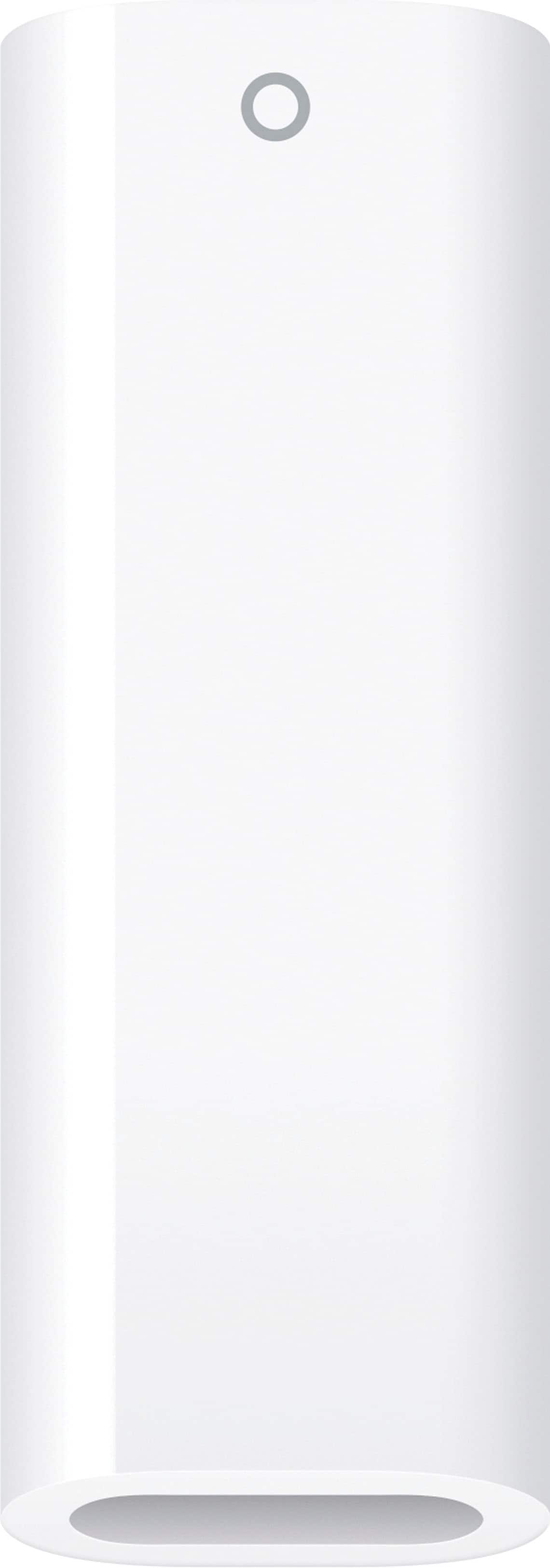
USB-C to Apple Pencil Adapter - White
SKU: JJGCQ3RGY7The best...Fast and friendly service, great adapter very convenient...Love!
See all Laptop Chargers & AdaptersProduct Description
A white USB-C adapter enabling easy pairing and charging of first-generation Apple Pencil with compatible iPads.Your price for this item is $9.00 -
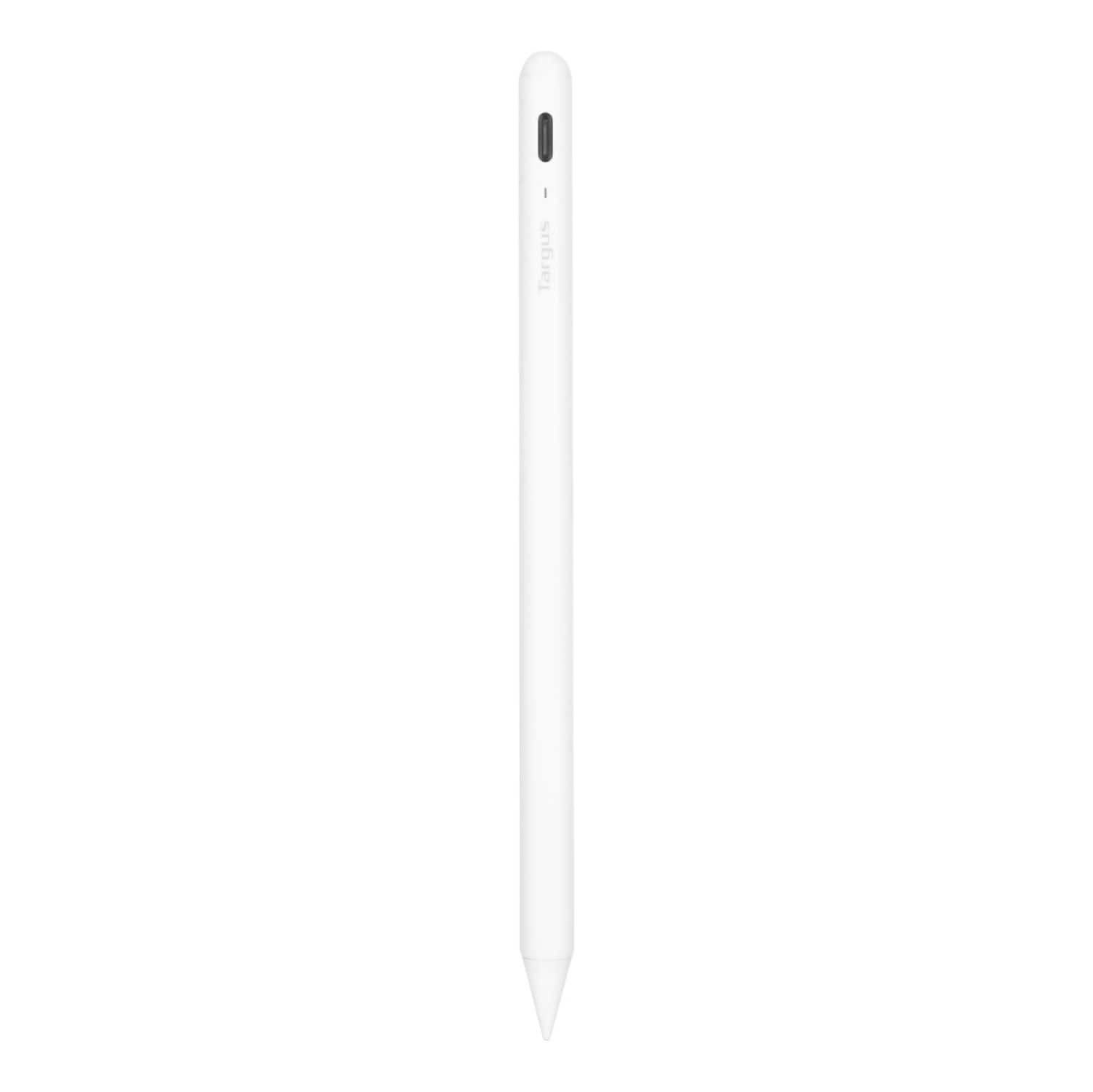
Targus - Antimicrobial Active Stylus for iPad - White
SKU: J7QXPVJWPLAlways Buy Best Buy!!...Great pen! Works great!! Go in the store ask the employees and Bam!!...Great option...Love this pen! Half the cost of Apple Pencil and works great!
See all Tablet Stylus PensProduct Description
A white antimicrobial stylus with palm rejection and a durable POM tip for smooth, accurate iPad use.Your price for this item is $28.99Save $41The previous price was $69.99
Best Sellers







Related Pages



FAQ
The Apple Pencil is compatible with select iPad models. Compatibility depends on the generation of both the iPad and the Apple Pencil. Please check your iPad model to ensure it works with either the 1st or 2nd generation Apple Pencil.
The Apple Pencil offers features such as precise drawing, pressure sensitivity, tilt functionality for shading, low latency, and palm rejection, making it ideal for note-taking, sketching, and professional design work on your iPad.
To pair your Apple Pencil, simply attach it magnetically to the side of your compatible iPad (for Apple Pencil 2nd generation), or plug it into the Lightning connector (for 1st generation). Follow the on-screen instructions to complete the pairing process.
Yes, the Apple Pencil is perfect for handwriting and note-taking. It works seamlessly with popular note-taking apps, allowing you to write, annotate, and organize your notes directly on your iPad.
The Apple Pencil (2nd generation) supports wireless charging when attached magnetically to the side of compatible iPad models. The 1st generation Apple Pencil charges via the iPad's Lightning connector.