Applying Screen Protectors
-
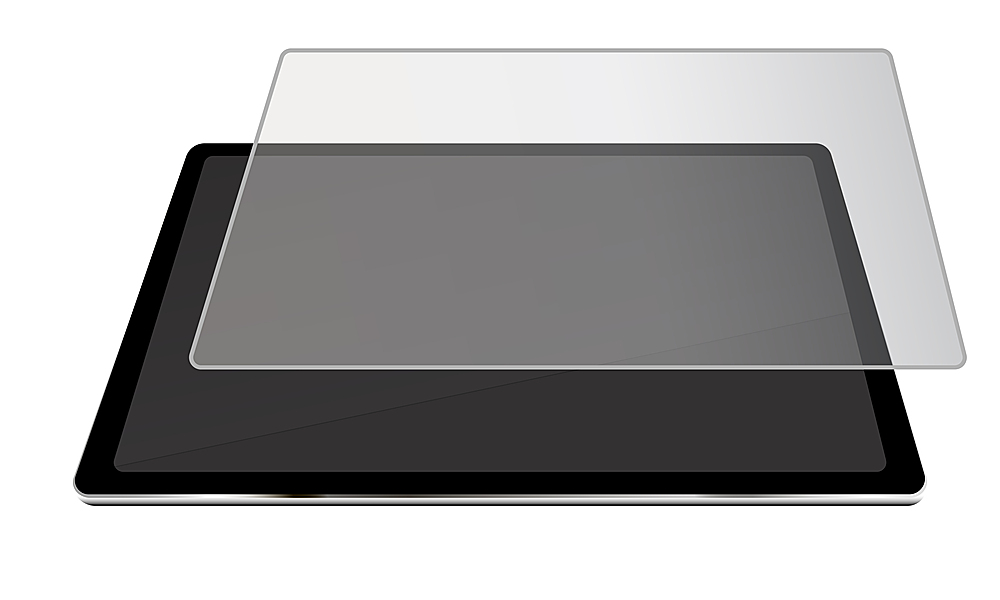
STM - Tempered Glass Screen Protector for Microsoft Surface Pro 4, Pro 5, Pro 6, and Pro 7 - Clear
SKU: J379LS9VY5The best way to protect the screen. we will use the surface pro 7 out on a gator....love it for my surface. keeps it clean and safe from scratches.
See all Tablet Screen ProtectorsProduct Description
A clear tempered glass protector with chamfered edges offers scratch-resistant screen protection and easy installation.Your price for this item is $49.95 -
SaharaCase - ZeroDamage Ultra Strong+ Tempered Glass Screen Protector for Microsoft Surface Pro 9 and Pro 10 - Clear
SKU: J3GW2YS8YRSee all Tablet Screen ProtectorsProduct Description
A clear tempered glass protector that resists scratches and fingerprints while preserving touchscreen sensitivity.Your price for this item is $34.99Save $15The previous price was $49.99 -
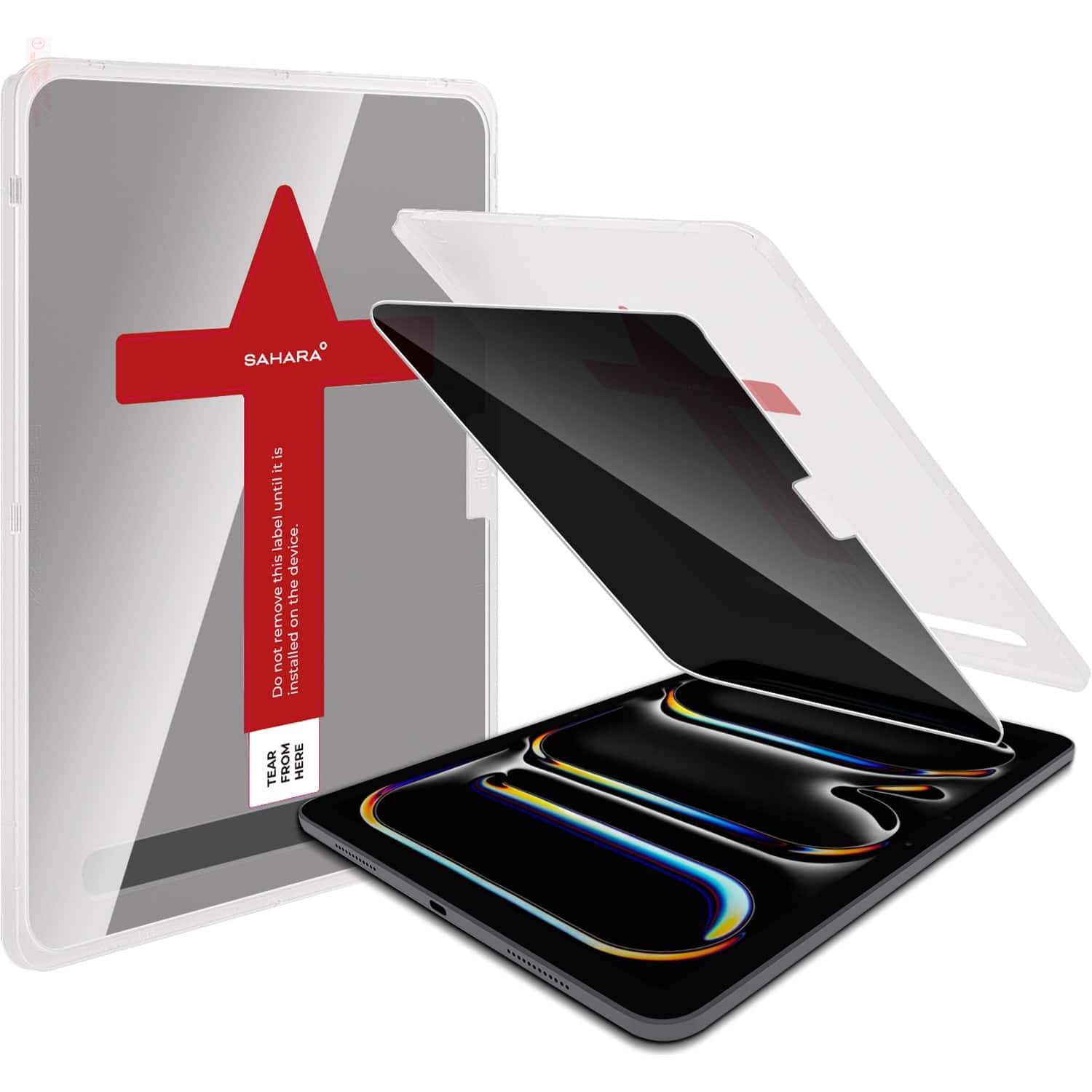
SaharaCase - Easy Apply Tempered Glass Screen Protector for Apple iPad Pro (M4) 11" 2024 - Privacy
SKU: J3GWC5PZZFSee all Tablet Screen ProtectorsProduct Description
A privacy tempered glass screen protector with anti-scratch surface for secure, durable iPad Pro display protection.Your price for this item is $59.95 -
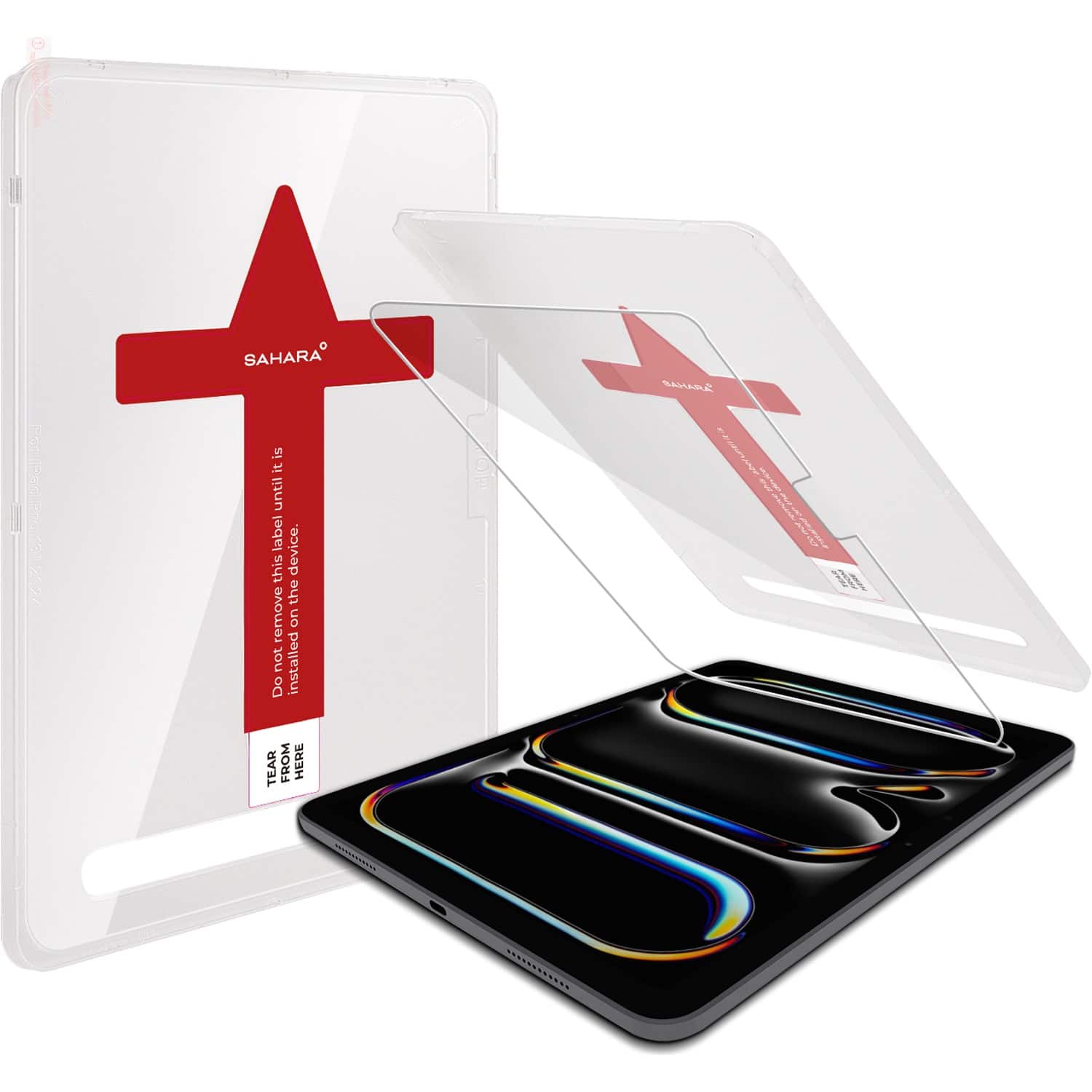
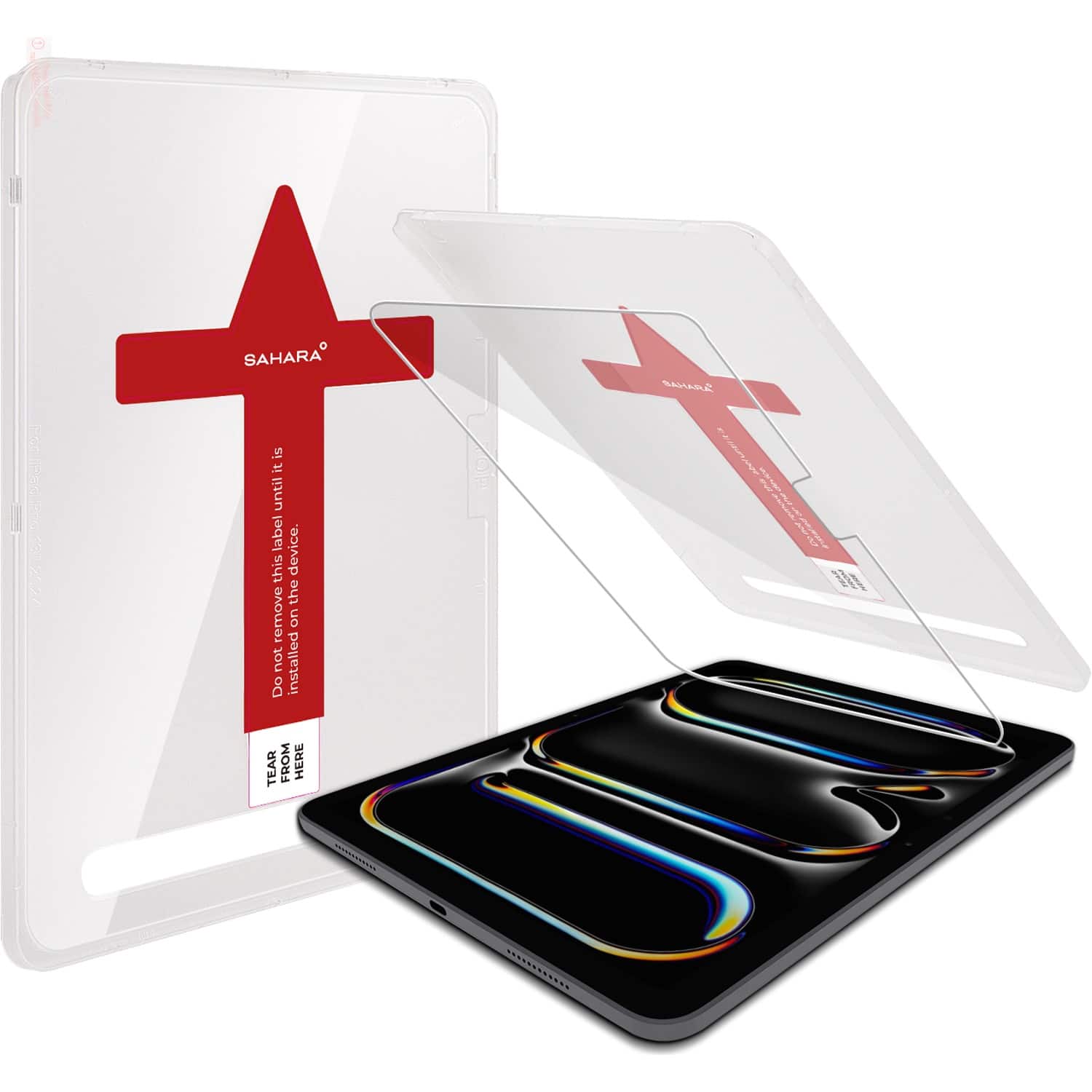
SaharaCase - Easy Apply Tempered Glass Screen Protector for Apple iPad Pro (M4) 13" 2024 - Clear
SKU: J3GWC5PZK4See all Tablet Screen ProtectorsProduct Description
A clear tempered glass protector with 9H hardness that shields your iPad Pro screen from scratches and cracks.Your price for this item is $59.95 -
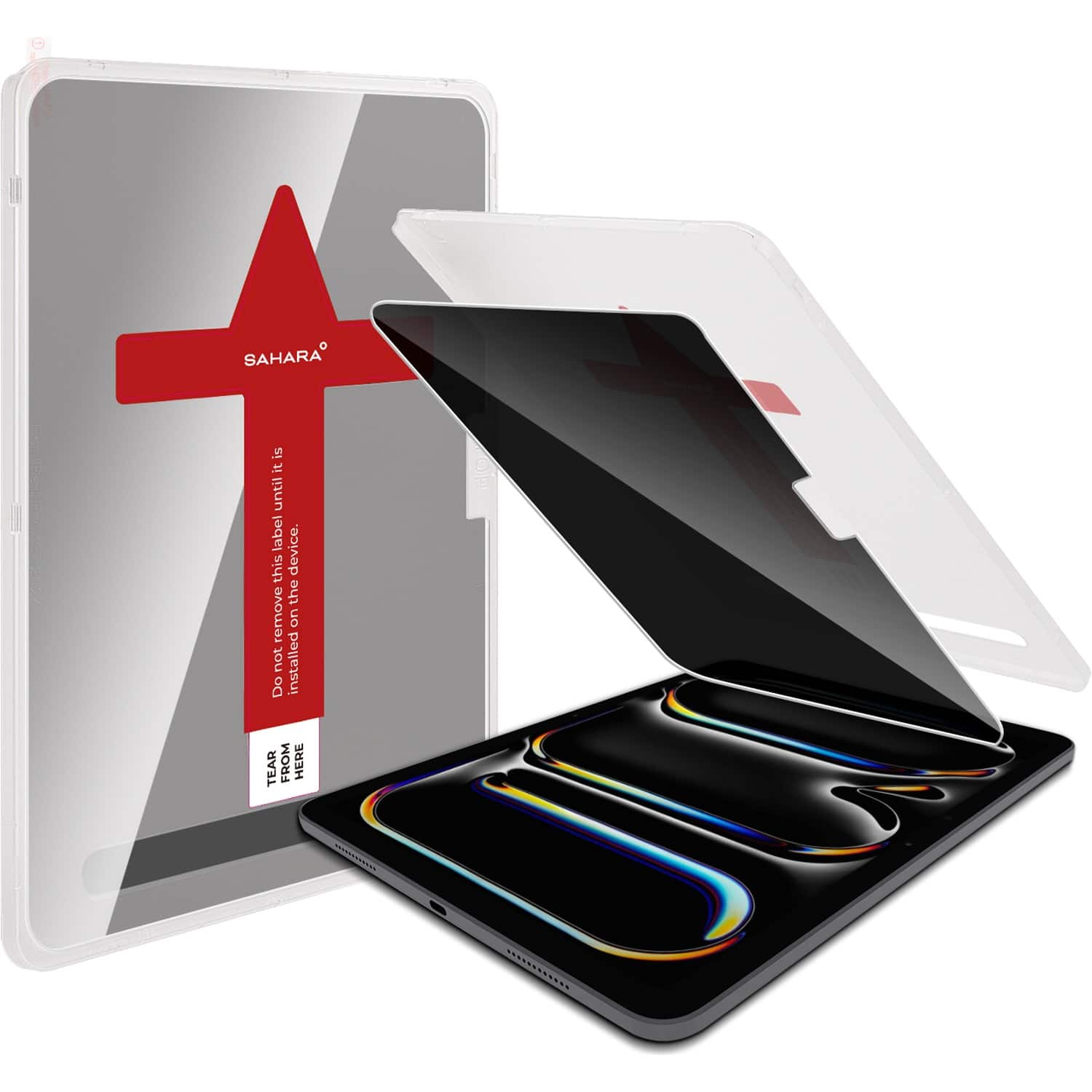
SaharaCase - Easy Apply Tempered Glass Screen Protector for Apple iPad Pro (M4) 13" 2024 - Privacy
SKU: J3GWC5PZZYSee all Tablet Screen ProtectorsProduct Description
A privacy tempered glass screen protector with anti-scratch surface for secure, durable iPad Pro display protection.Your price for this item is $69.95 -
STM - Screen protector for iPad Pro 11" - Clear
SKU: J3GTFWJ2KCSee all Tablet Screen ProtectorsProduct Description
A clear, scratch-resistant tempered glass protector that shields and enhances your iPad Pro or Air touchscreen.Your price for this item is $49.95 -
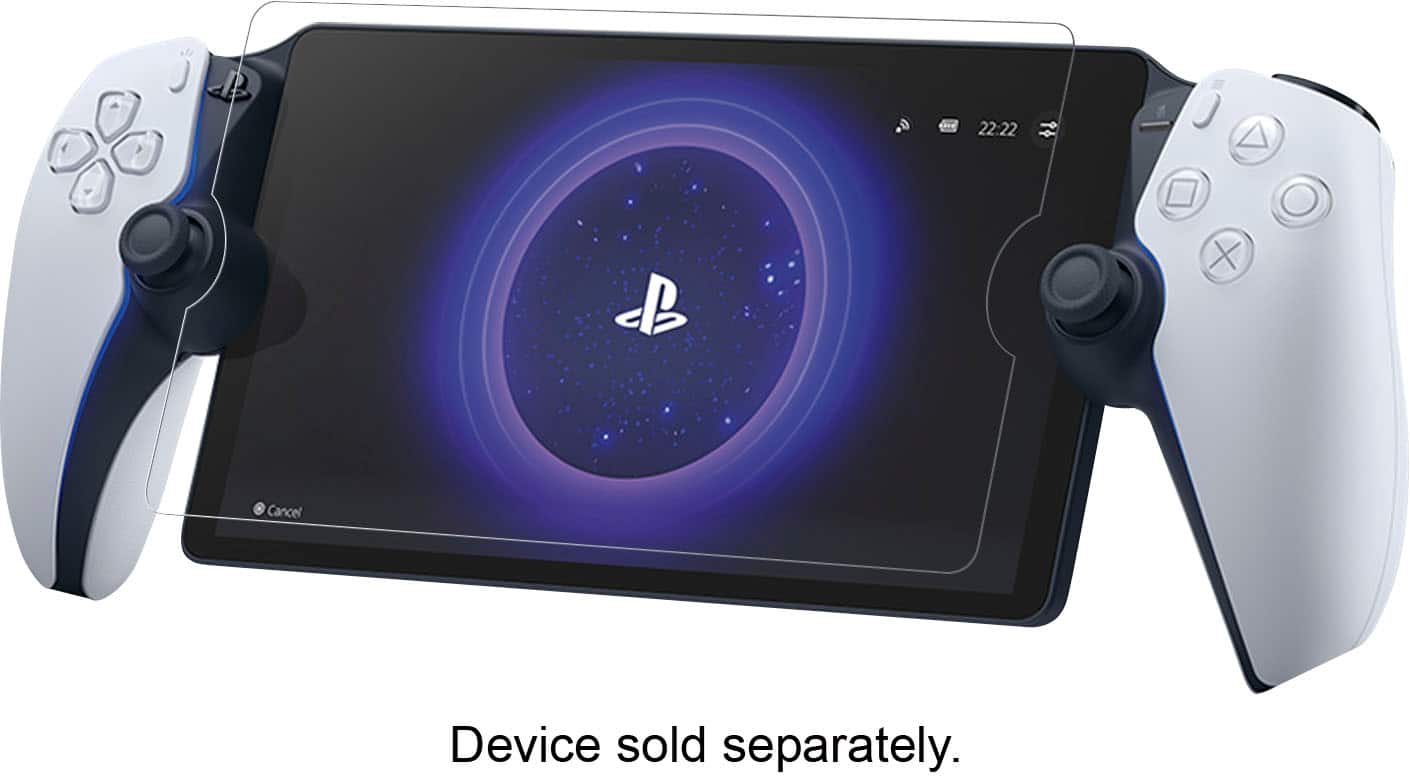
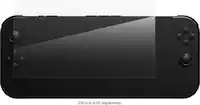
Hori - ViviDeep Screen Filter for PlayStation Portal Remote Player
SKU: J3GTV3LPVKSee all Video Game AccessoriesProduct Description
A glare-reducing, anti-smudge screen filter that enhances visibility and protects your PlayStation Portal display.Your price for this item is $22.99 -
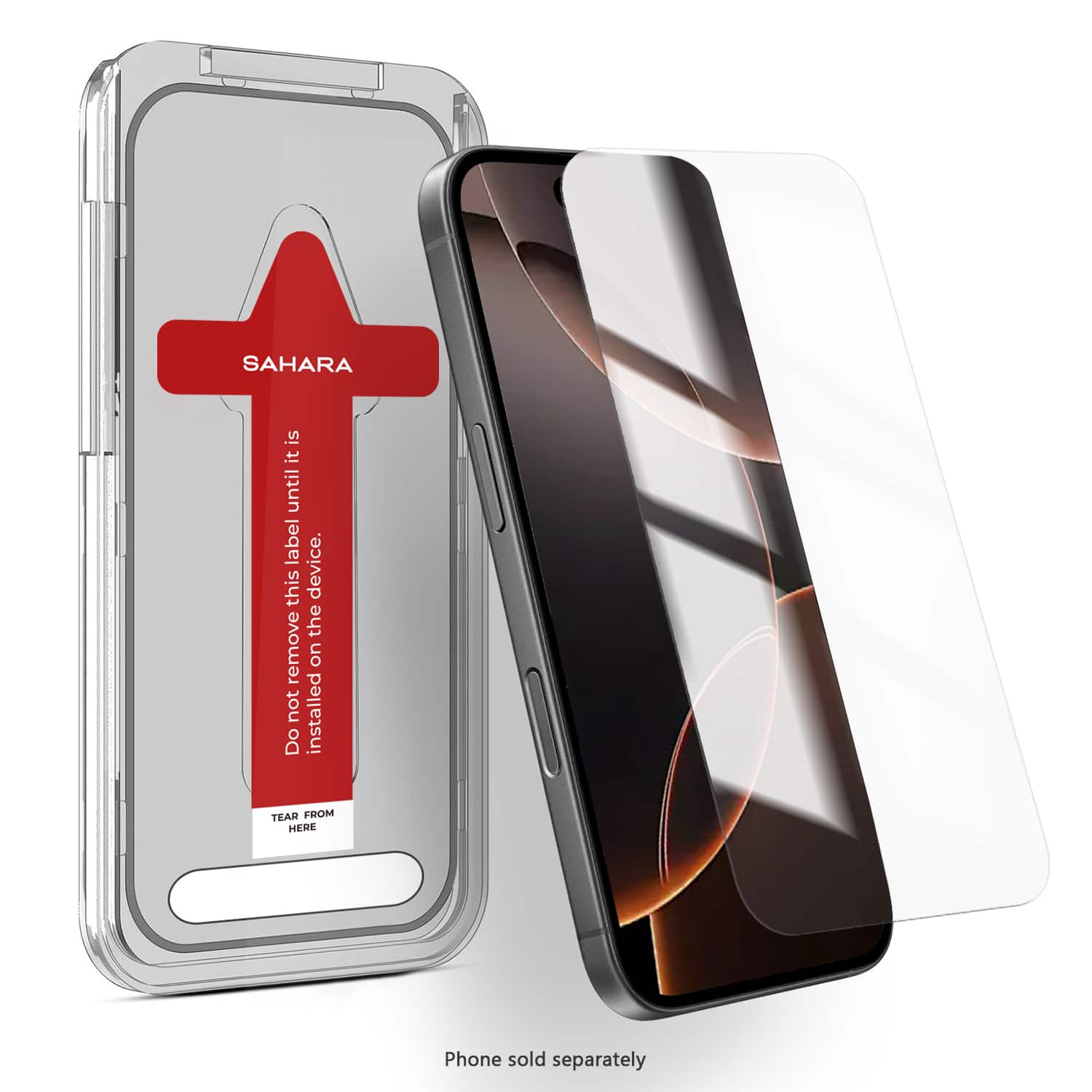
SaharaCase - Easy Apply Tempered Glass Screen Protector for iPhone 16 Pro - Clear - Cleary
SKU: J3GWC5PFPFSee all iPhone Screen ProtectorsProduct Description
A clear tempered glass protector with easy-apply tray offers scratch resistance and flawless touch for iPhone 16 Pro.Your price for this item is $31.52 -
SaharaCase - Easy Apply Tempered Glass Screen Protector for Apple iPad Pro (M4) 11" 2024 - Clear
SKU: J3GWC5PZZHSee all Tablet Screen ProtectorsProduct Description
A clear tempered glass protector with 9H hardness that shields your iPad Pro screen from scratches and cracks.Your price for this item is $49.95 -
SaharaCase - Easy Apply Tempered Glass Screen Protector for Apple iPad Air 11-inch (M2 2024 and M3 2025) - Privacy
SKU: J3GWC5PZ5SSee all Tablet Screen ProtectorsProduct Description
A privacy tempered glass screen protector with anti-scratch surface for secure, durable iPad Air display protection.Your price for this item is $59.95


Best Sellers



Related Pages



FAQ
Most screen protectors come with an application kit that includes a cleaning wipe, microfiber cloth, dust removal sticker, and a squeegee or card to smooth out bubbles. For best results, have these tools ready before starting the application process.
Start by washing your hands, then use the provided alcohol wipe or a lint-free cloth with a small amount of screen-safe cleaner to gently remove fingerprints, dust, and oils. Make sure the screen is completely dry and free from debris before proceeding.
Align the protector carefully and apply it slowly from one edge to the other, using a squeegee or credit card to push out air as you go. If bubbles appear, gently lift the protector to the point of the bubble and reapply, smoothing out the air.
Yes, you can usually lift the screen protector gently and reposition it if you notice misalignment or trapped dust. Be cautious not to touch the adhesive side or introduce more dust during the process.
If you spot dust under the protector, carefully peel it back to the affected area and use a dust removal sticker or a piece of tape to lift the particles away. Reapply the protector, pressing it down smoothly to ensure a clear, bubble-free finish.