Audio Tools For Mac
-
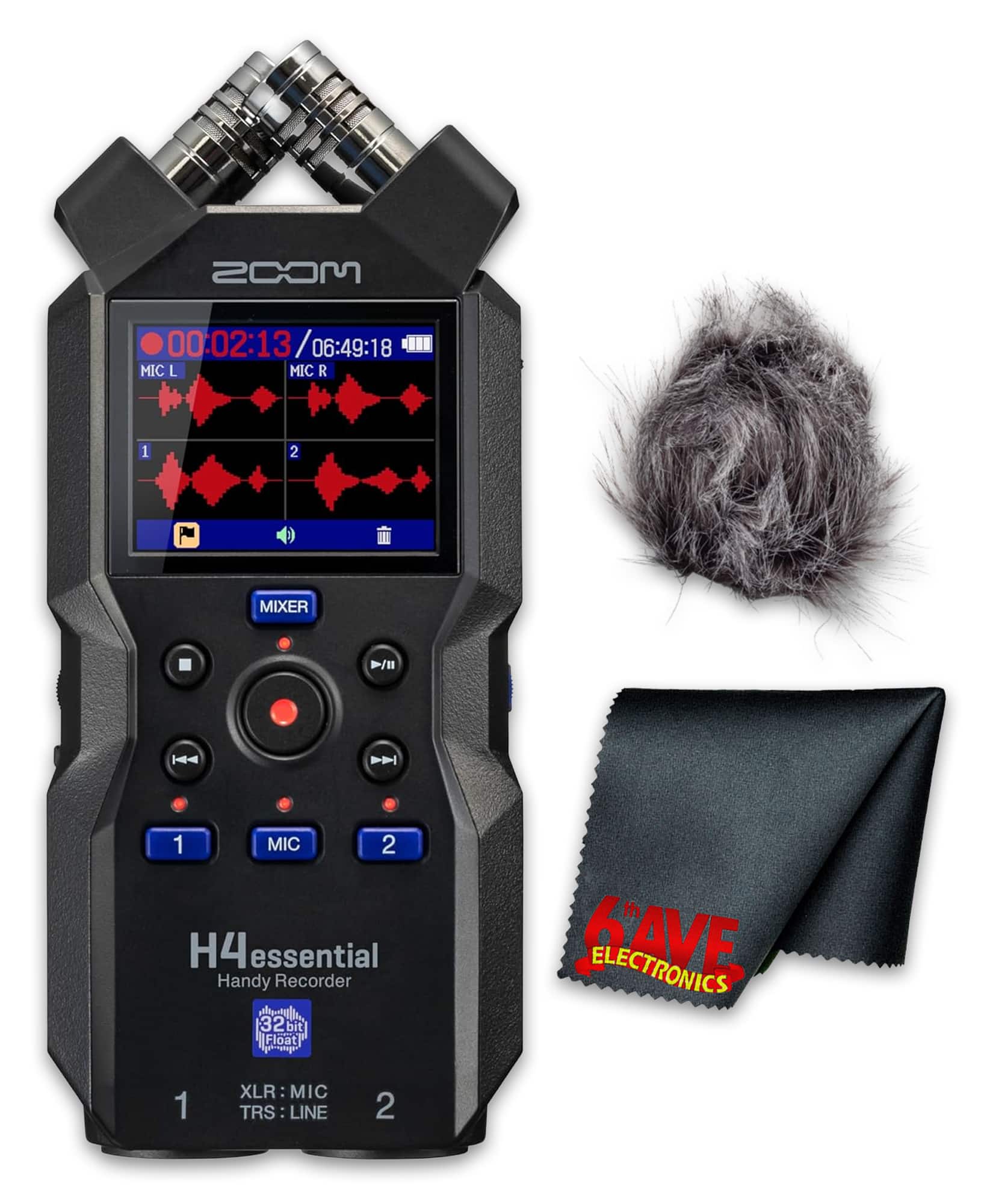
Zoom - H4essential 4-Track 32-Bit Float Audio Recorder + Windscreen Kit
SKU: JJGYT426KTSee all Voice RecordersProduct Description
A versatile 4-track audio recorder with 32-bit float recording, X/Y microphones, and USB-C interface.Your price for this item is $254.95 -
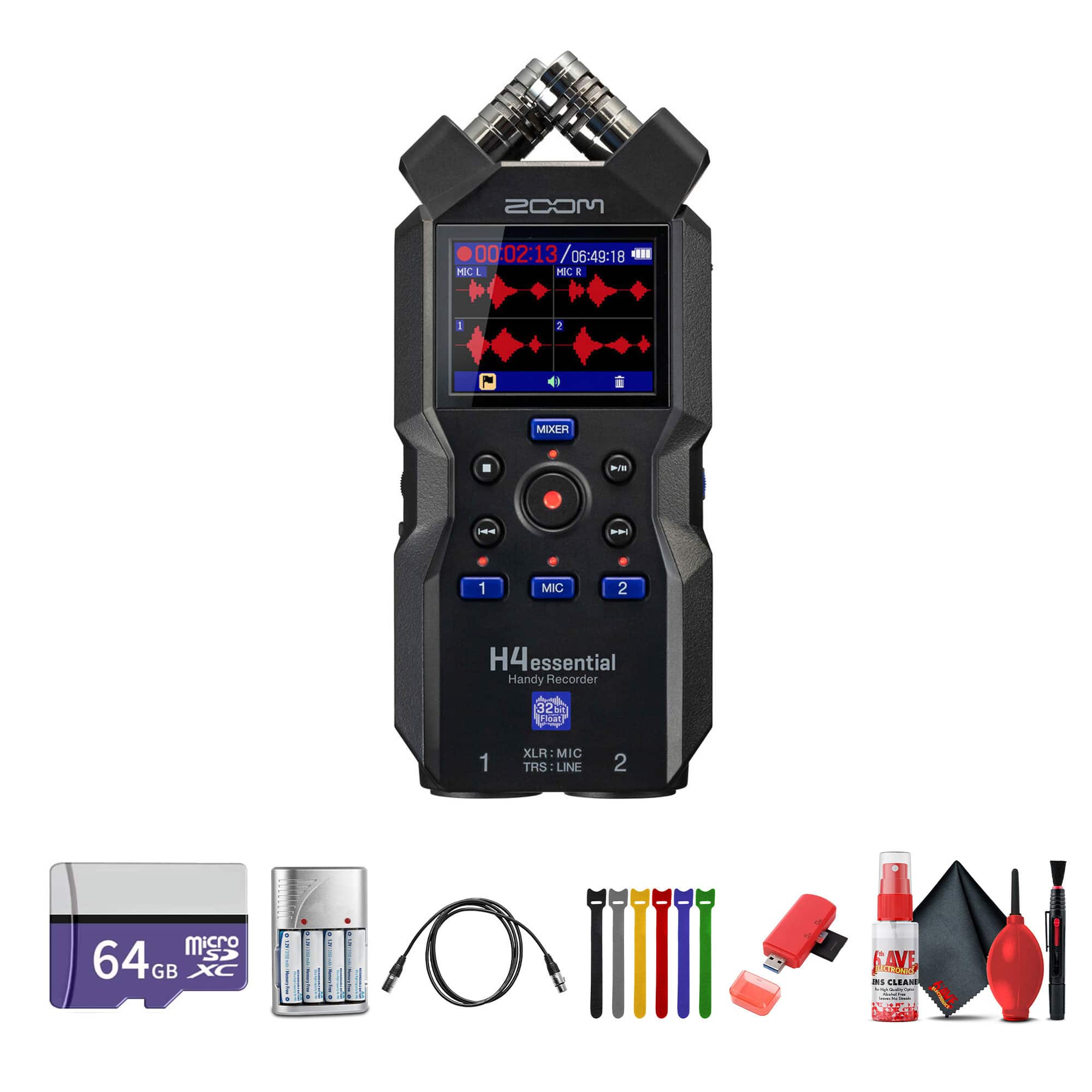
Zoom - H4essential 4-Track 32-Bit Float Audio Recorder, Memory Card 64GB, Bundle
SKU: JJGYT4J9Q5See all Voice RecordersProduct Description
A versatile 4-track audio recorder with 32-bit float recording, X/Y microphones, and included 64GB memory card.Your price for this item is $269.95 -
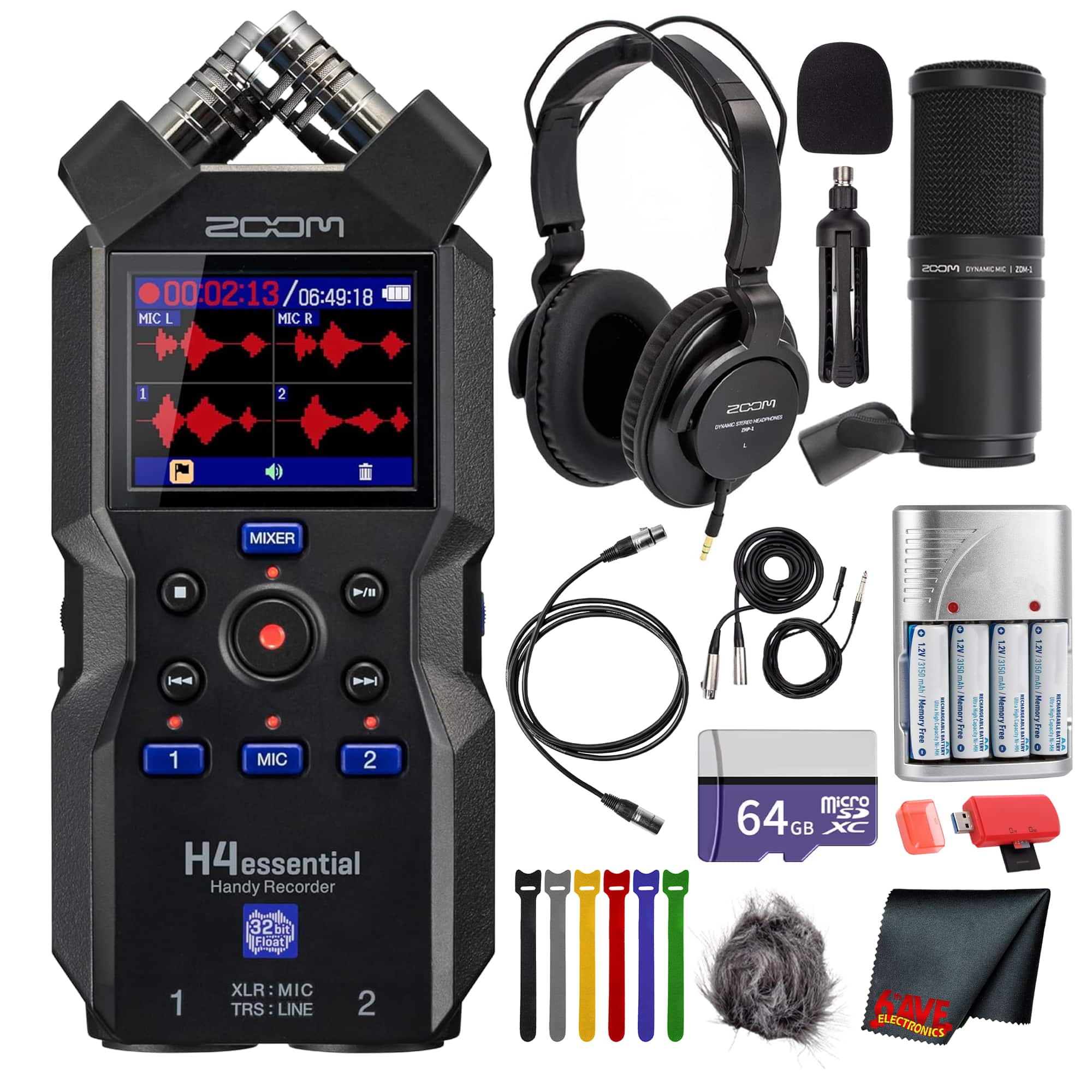
Zoom - H4essential 4-Track Float Audio Recorder + Podcast Mic + Headphones
SKU: JJGYT426KVSee all Voice RecordersProduct Description
A versatile audio bundle offering 32-bit float recording, podcast mic, headphones, and accessories for professional-quality sound.Your price for this item is $351.98 -
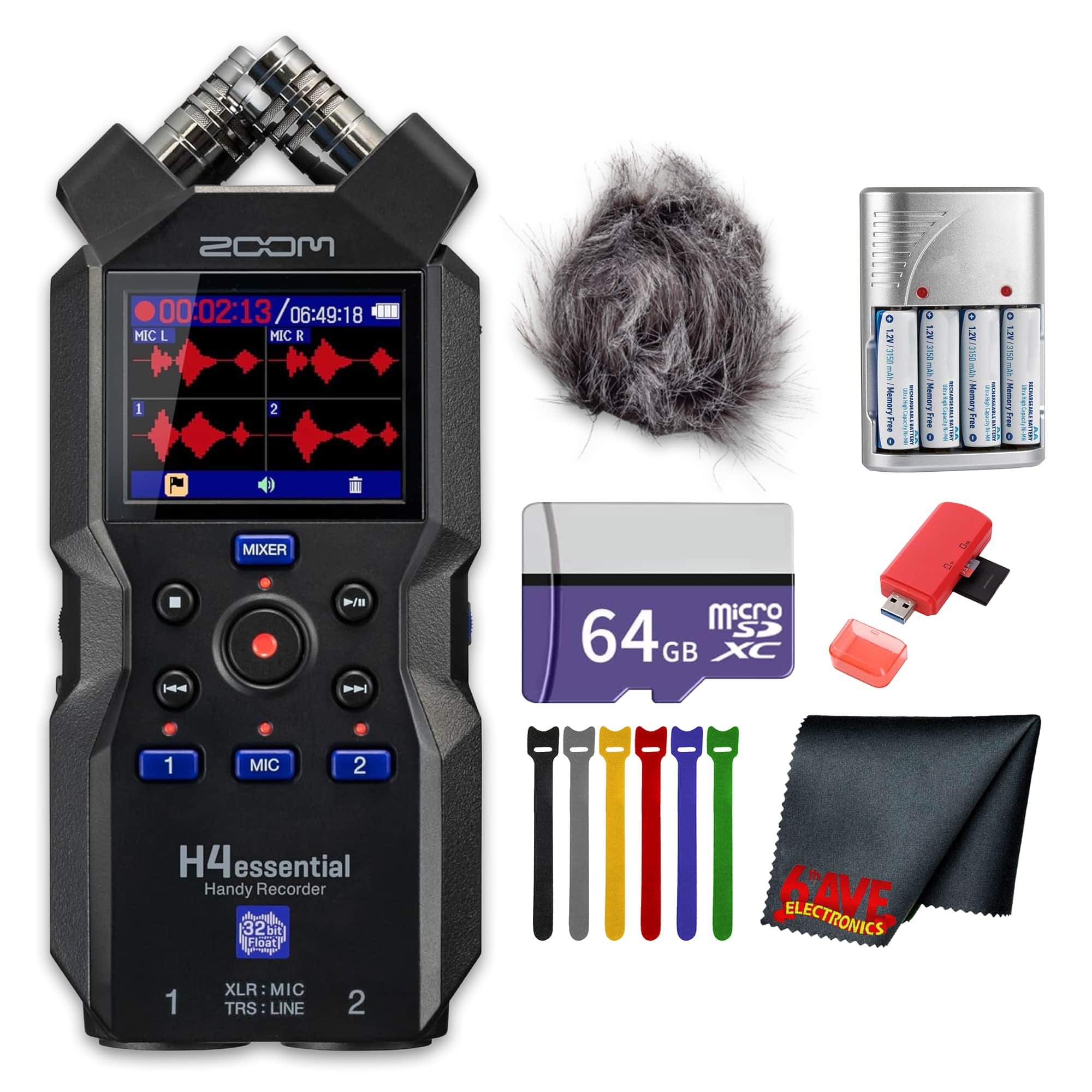
Zoom - H4essential 4-Track 32Bit Float Portable Audio Recorder + Windscreen Bundle
SKU: JJGYT426K7See all Voice RecordersProduct Description
A portable 4-track audio recorder with 32-bit float recording, X/Y microphones, and USB-C interface.Your price for this item is $241.99
Best Sellers

Related Pages


FAQ
Many audio tools are designed specifically for Mac compatibility, including digital audio workstations (DAWs), audio interfaces, microphones, MIDI controllers, and studio monitors. Look for products that list macOS support in their specifications to ensure seamless integration with your Mac.
Yes, Macs are well-known for their compatibility with professional audio editing software such as Logic Pro, GarageBand, Ableton Live, and Pro Tools. These programs offer a wide range of features for recording, mixing, and producing high-quality audio.
Most USB audio interfaces are plug-and-play with Mac computers, requiring minimal setup. Simply connect the interface to your Mac via USB, and macOS will typically recognize the device automatically. You may also want to download any recommended drivers or software from the manufacturer's website for optimal performance.
Accessories like studio headphones, external microphones, MIDI keyboards, and monitor speakers can greatly enhance your audio production workflow on a Mac. Additionally, using high-quality cables and audio interfaces ensures clear and reliable sound.
Yes, Mac computers support Bluetooth connectivity, allowing you to pair wireless headphones, speakers, and other Bluetooth-enabled audio tools. Make sure your audio device is in pairing mode and select it from your Mac's Bluetooth settings for a wireless audio experience.