Top Rated Audio Software
Find top-rated audio software for recording, editing, and mixing music or other audio. Compare options by their recording and editing tools, system requirements, supported file formats, and licensing terms to choose software that fits your computer and workflow.
What to look for in top-rated audio software
Choose audio software that fits your creative goals, works with your equipment, and offers the tools you need to record, edit, or produce sound.
1. Audio Tools and Features
2. System and Equipment Compatibility
3. Ease of Use and Learning Resources
4. Licensing and Long-Term Value
-
1
Acoustica - Mixcraft 10.5 Pro Studio - Windows [Digital]
About this product
An advanced Windows digital audio workstation featuring AI stem separation, MIDI support, video editing, and intuitive workflow tools.
(2)$85.00Your price for this item is $85.00SAVE $64.00 -
2
Acoustica - Mixcraft 10.5 Recording Studio - Windows [Digital]
About this product
An intuitive digital audio workstation for Windows featuring enhanced plugin support, video editing, and customizable workflow.
(2)$34.00Your price for this item is $34.00SAVE $45.00 -
3

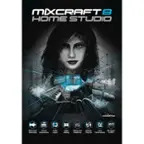
Acoustica - Mixcraft 8 Home Studio - Windows [Digital]
About this product
An easy-to-use Windows digital studio for recording, mixing, arranging loops, and editing audio or video.
(6)$17.00Your price for this item is $17.00SAVE $22.00 -
4
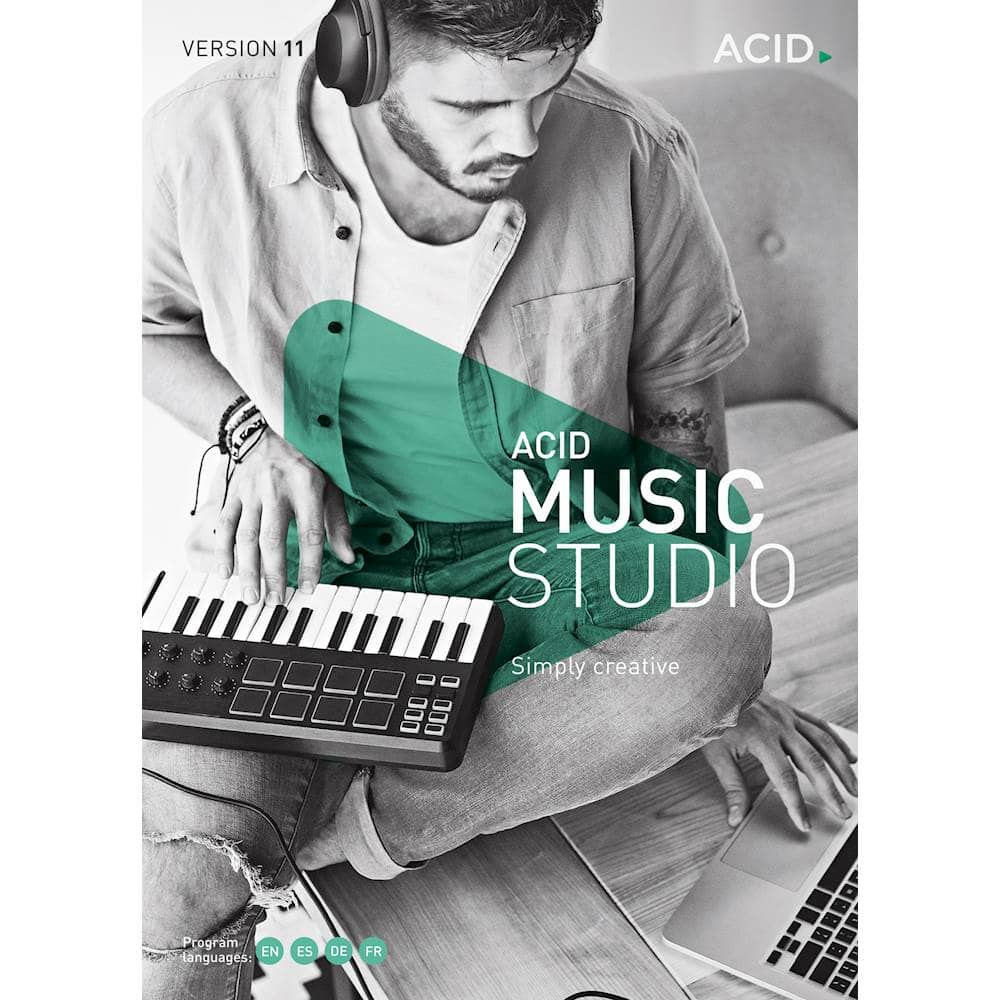
MAGIX - ACID Music Studio 11 - Windows [Digital]
About this product
An intuitive Windows digital software for composing, editing, and mixing music with integrated tutorials and no subscription.
(6)$59.99 Your price for this item is $59.99 -
5
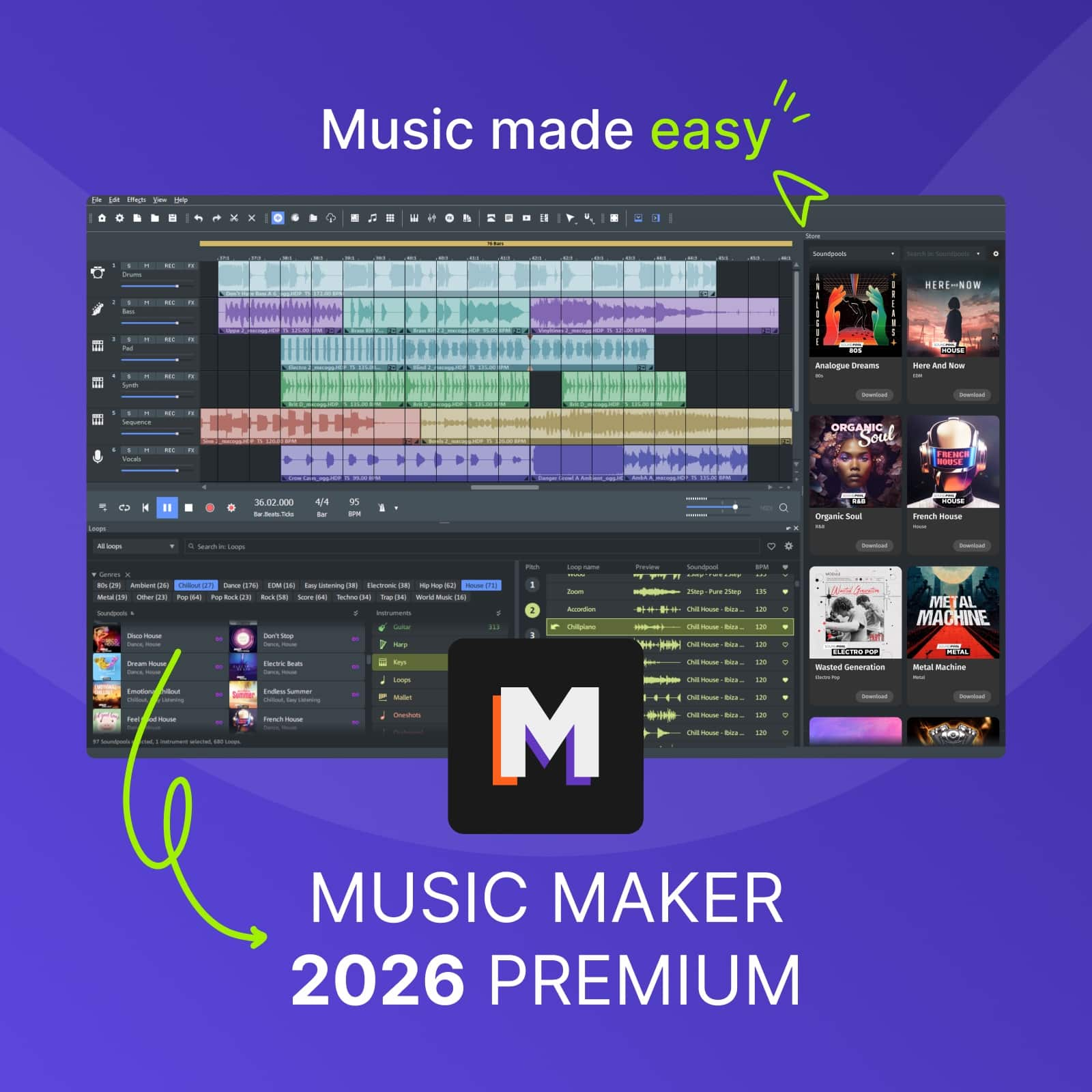
MAGIX - Music Maker 2026 Premium - Windows [Digital]
About this product
An intuitive Windows music software offering drag-and-drop song creation, virtual instruments, and advanced mixing tools.
(1)$29.99Your price for this item is $29.99SAVE $30.00 -
6
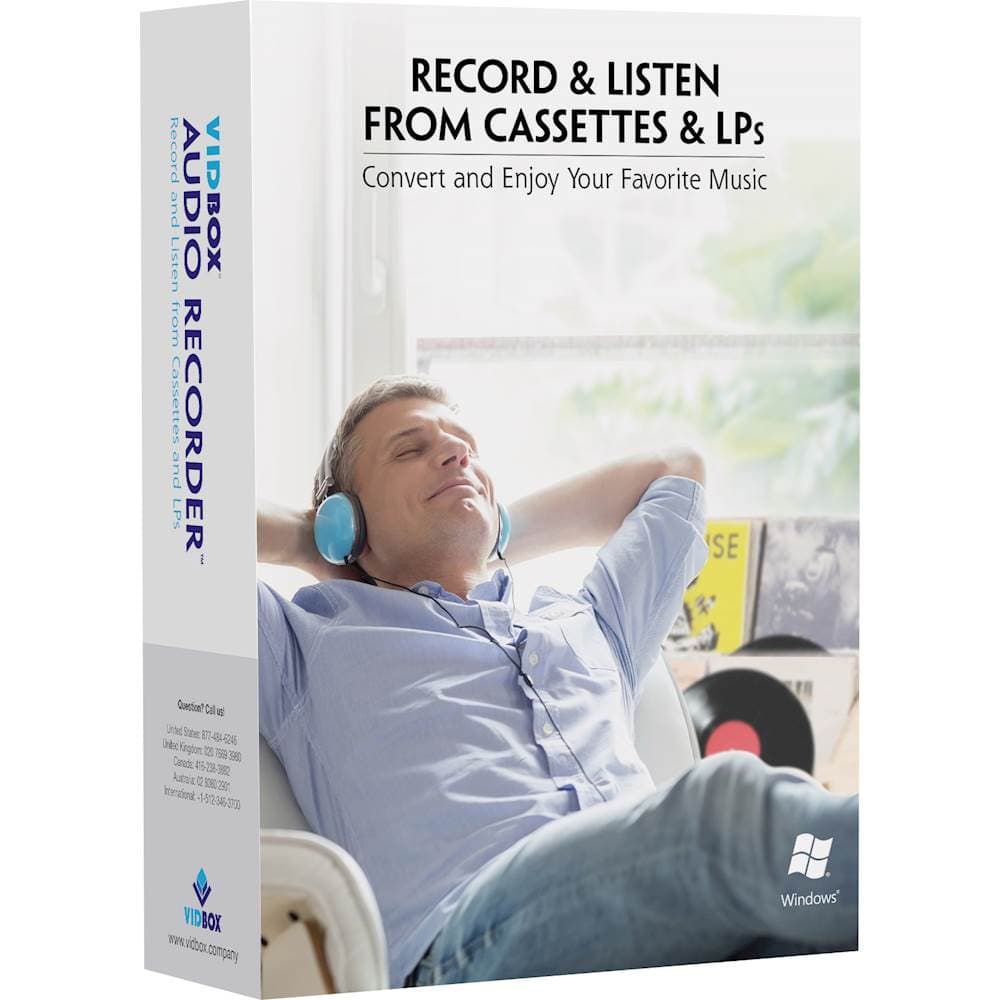
VIDBOX - Audio Recorder - Windows
About this product
An easy-to-use USB device for converting cassette or vinyl audio to MP3 files on Windows.
(15)$59.99Your price for this item is $59.99SAVE $20.00
Top Rated Audio Software
FAQs
Common types include digital audio workstations (DAWs), audio editors, DJ software, music notation programs, and audio plug-ins. DAWs typically combine recording, editing, and mixing tools, while other categories focus on tasks such as arranging DJ sets, writing sheet music, or adding instruments and effects.
Compare features such as multitrack recording, MIDI editing, virtual instruments, audio effects, automation, and plug-in support. Your preferred workflow also matters: recording a podcast, composing electronic music, and mixing live recordings can call for different tools.
Check the supported operating systems and versions, along with compatibility with your audio interface, MIDI controller, and existing software. If you use plug-ins, confirm that your audio application supports their formats, such as VST, AU, or AAX.
Common formats include WAV, AIFF, MP3, AAC, and FLAC, though support varies by application. Check both import and export options, since a program may open a format without offering it as an export choice. MIDI support is separate: MIDI files contain musical instructions rather than recorded sound.
Look for reviews from people who use the software for projects similar to yours, such as podcast editing, music recording, or DJ mixing. Pay attention to comments about workflow, interface organization, documentation, and compatibility. Also check which software version a review covers, since features can change between releases.