Audio Editing Software
-
Adobe - Creative Cloud Pro Student and Teacher Edition (1-Year Subscription) - Mac OS, Windows [Digital]
SKU: J3KZ6LYJ3Li love it :) best deal gor qll the great programs al in one !...Best Buy has been the best deal on it that I’ve found so far!...Adobe is great especially when you need a place to be creative!...Great...
See all Graphic Design SoftwareProduct Description
An all-in-one digital toolkit offering full versions of top creative apps, AI tools, and 100GB cloud storage.Your price for this item is $244.88 -
Acoustica - Mixcraft 8 Home Studio - Windows [Digital]
SKU: JXKG7CVCKTLove this recording studio easy setup great value for the price...Great DAW...Love the daw. Lets me do everything the pros do online. Have used it for years now.
See all Music & Audio Editing SoftwareProduct Description
An easy-to-use Windows digital studio for recording, mixing, arranging loops, and editing audio or video.Your price for this item is $19.00Save $20The previous price was $39.00 -
MAGIX - ACID Music Studio 11 - Windows [Digital]
SKU: JXXW28GFT8Great and easy to use software. I highly recommend it....Acis pro 11 is great!...Acis pro 11 is great! I purchased it for a customer and they loved it.
See all Music & Audio Editing SoftwareProduct Description
An intuitive Windows digital software for composing, editing, and mixing music with integrated tutorials and no subscription.Your price for this item is $59.99 -
Acoustica - Mixcraft 10.5 Pro Studio - Windows [Digital]
SKU: J32S26Y4JYCan create great sounding midis and music mashups.
See all Music & Audio Editing SoftwareProduct Description
An advanced Windows digital audio workstation featuring AI stem separation, MIDI support, video editing, and intuitive workflow tools.Your price for this item is $89.00Save $60The previous price was $149.00 -
Acoustica - Mixcraft 10.5 Recording Studio - Windows [Digital]
SKU: J32S26Y4JHA Well Thought Out DAW for a Great Price
See all Music & Audio Editing SoftwareProduct Description
An intuitive digital audio workstation for Windows featuring enhanced plugin support, video editing, and customizable workflow.Your price for this item is $39.00Save $40The previous price was $79.00 -
MAGIX - Music Maker 2026 Premium - Windows [Digital]
SKU: JXXW23YG9TI had an older program of it before fell in love with it got this one fell in love all over again.
See all Music & Audio Editing SoftwareProduct Description
An intuitive Windows music software offering drag-and-drop song creation, virtual instruments, and advanced mixing tools.Your price for this item is $59.99 -
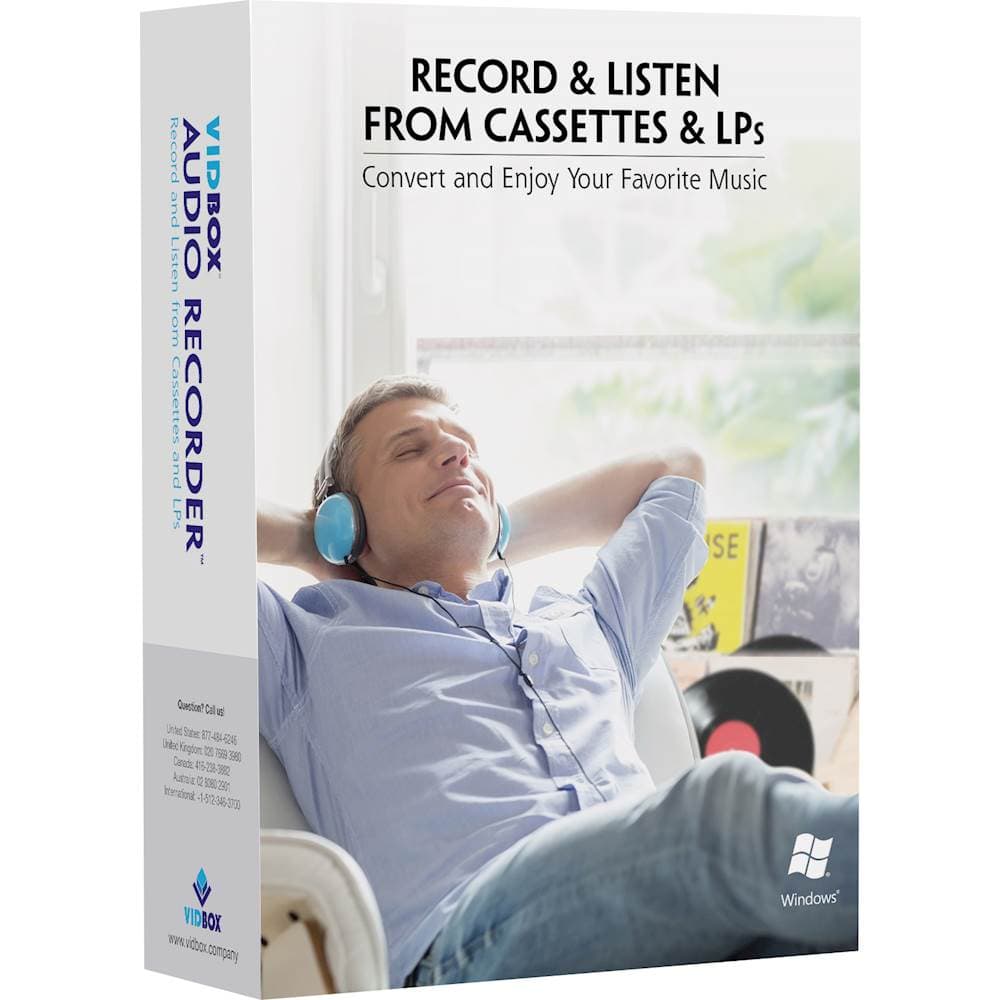
VIDBOX - Audio Recorder - Windows
SKU: J3KHQ2Y86KOn the suggestion of a Best Buy associate, I purchased this software to copy a large number of LP records...Great Program....
See all Music & Audio Editing SoftwareProduct Description
An easy-to-use USB device for converting cassette or vinyl audio to MP3 files on Windows.Your price for this item is $59.99Save $20The previous price was $79.99 -
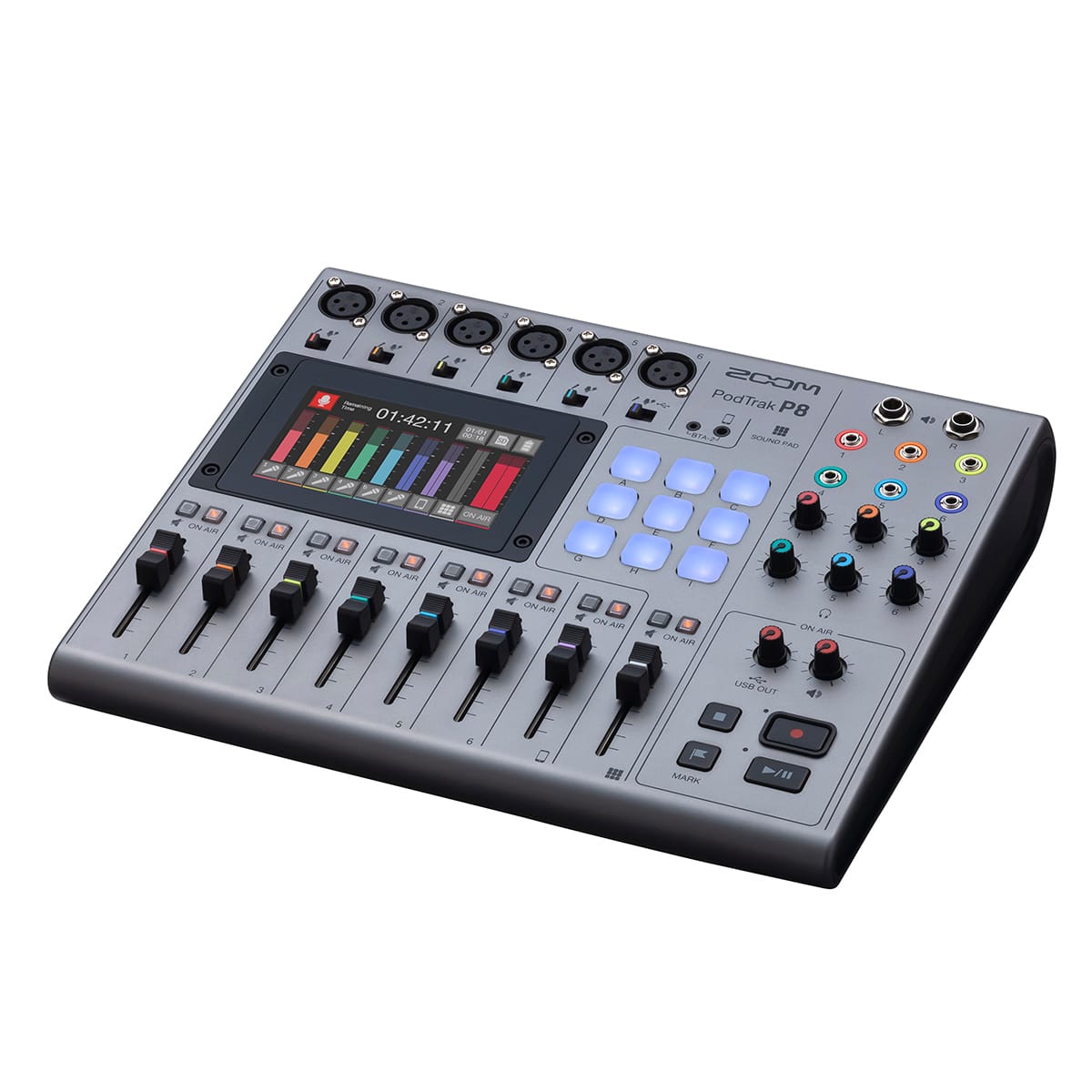
Zoom - PodTrak P8 Podcast Recorder - Black
SKU: J3K5G4G96XSee all Voice RecordersProduct Description
A portable black podcast recorder with six mic inputs, sound pads, onboard editing, and touchscreen control.Your price for this item is $349.99Save $50The previous price was $399.99
![Adobe - Creative Cloud Pro Student and Teacher Edition (1-Year Subscription) - Mac OS, Windows [Digital]](https://pisces.bbystatic.com/image2/BestBuy_US/images/products/2bf09474-c0c3-4825-98be-e3b292fa44b8.jpg)
![Acoustica - Mixcraft 8 Home Studio - Windows [Digital]](https://pisces.bbystatic.com/image2/BestBuy_US/images/products/6427/6427997_sd.jpg)
![MAGIX - ACID Music Studio 11 - Windows [Digital]](https://pisces.bbystatic.com/image2/BestBuy_US/images/products/6331/6331576_sd.jpg)
![Acoustica - Mixcraft 10.5 Pro Studio - Windows [Digital]](https://pisces.bbystatic.com/image2/BestBuy_US/images/products/6556/6556922_sd.jpg)
![Acoustica - Mixcraft 10.5 Recording Studio - Windows [Digital]](https://pisces.bbystatic.com/image2/BestBuy_US/images/products/6556/6556920_sd.jpg)
![MAGIX - Music Maker 2026 Premium - Windows [Digital]](https://pisces.bbystatic.com/image2/BestBuy_US/images/products/effbda12-219a-4ee3-b010-62d59bb763bb.jpg)
Best Sellers

![Acoustica - Mixcraft 8 Home Studio - Windows [Digital]](https://pisces.bbystatic.com/image2/BestBuy_US/images/products/6427/6427997_sd.jpg;maxHeight=144;maxWidth=200?format=webp)
![MAGIX - ACID Music Studio 11 - Windows [Digital]](https://pisces.bbystatic.com/image2/BestBuy_US/images/products/6331/6331576_sd.jpg;maxHeight=144;maxWidth=200?format=webp)
![Acoustica - Mixcraft 10.5 Pro Studio - Windows [Digital]](https://pisces.bbystatic.com/image2/BestBuy_US/images/products/6556/6556922_sd.jpg;maxHeight=144;maxWidth=200?format=webp)
![Acoustica - Mixcraft 10.5 Recording Studio - Windows [Digital]](https://pisces.bbystatic.com/image2/BestBuy_US/images/products/6556/6556920_sd.jpg;maxHeight=144;maxWidth=200?format=webp)
![MAGIX - Music Maker 2026 Premium - Windows [Digital]](https://pisces.bbystatic.com/image2/BestBuy_US/images/products/effbda12-219a-4ee3-b010-62d59bb763bb.jpg;maxHeight=144;maxWidth=200?format=webp)
Related Pages




FAQ
When choosing audio editing software, consider features such as multi-track editing, support for various file formats, built-in effects and plugins, noise reduction tools, MIDI compatibility, and intuitive user interfaces. Some software also offers advanced features like automation, pitch correction, and integration with digital audio workstations (DAWs).
Many popular audio editing software programs are available for both Windows and Mac operating systems. However, it's important to check the system requirements for each software to ensure compatibility with your specific computer.
Yes, most audio editing software is well-suited for podcast production. They allow you to record, edit, mix, and enhance your audio files, making it easy to produce professional-sounding podcasts. Some software even includes podcast-specific features like voice leveling and export options for popular podcast platforms.
While basic audio editing can be done with just your computer and built-in microphone, using an external audio interface, studio headphones, and a quality microphone can significantly improve your editing experience and audio quality.
Absolutely! Many audio editing programs offer user-friendly interfaces, guided tutorials, and templates designed for beginners. Look for software with straightforward controls and helpful resources to make your audio editing journey easier.