Laptop Battery Cells
-
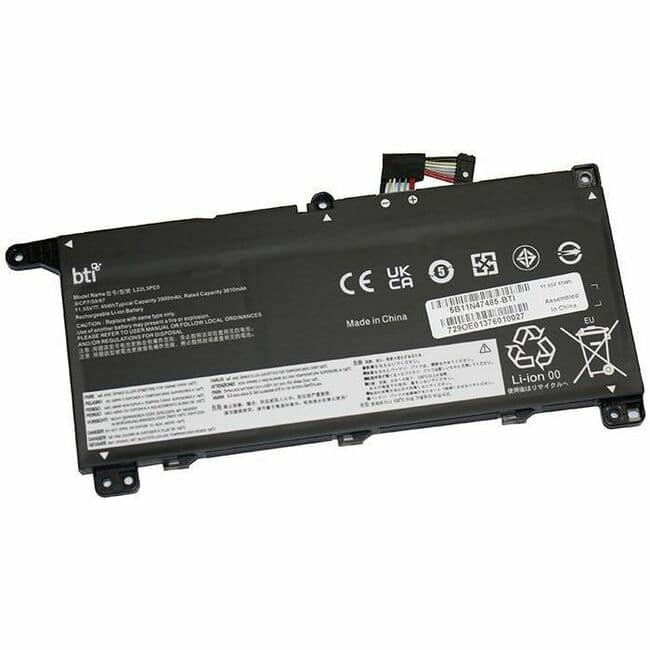
BTI Battery Tech - BTI 5B11N47485-BTI 11.55V 45WHR LI-ION BATTERY 5B11N47485, L22L3PE0, 5B11N47495, 5B11N47497, 5B11L67317, 5B11L67323
SKU: J3ZGJHLY9FSee all Lithium BatteriesProduct Description
A rechargeable 3-cell lithium-ion battery delivering 11.55V and 45Wh for select Lenovo ThinkBook models.Your price for this item is $96.62Save $5The previous price was $101.99 -
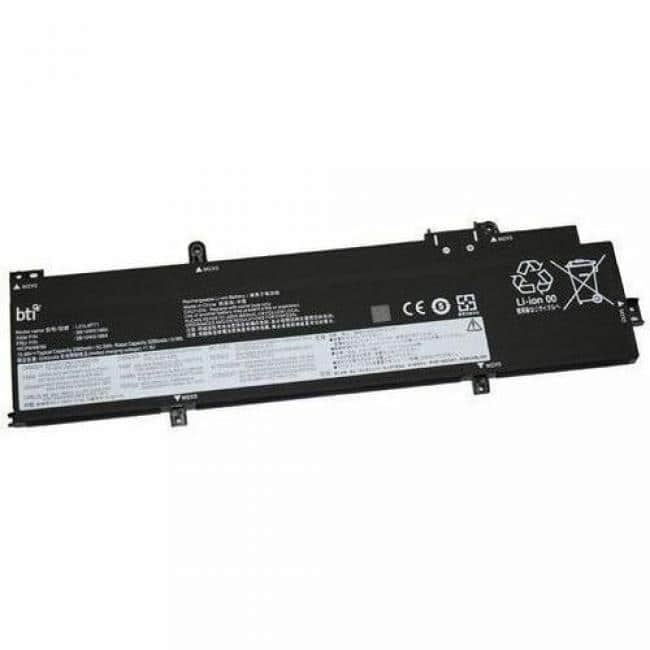
BTI Battery Tech - BTI L21L4P71-BTI 15.44V 52.5WHR LI-ION BATTERY - For Notebook - Battery Rechargeable - Proprietary Battery Size - 3390
SKU: J3ZGJHL8JJSee all Lithium BatteriesProduct Description
A rechargeable 4-cell lithium-ion battery designed for select Lenovo ThinkPad T14 Gen 3 and P14s Gen 3 notebooks.Your price for this item is $125.24 -
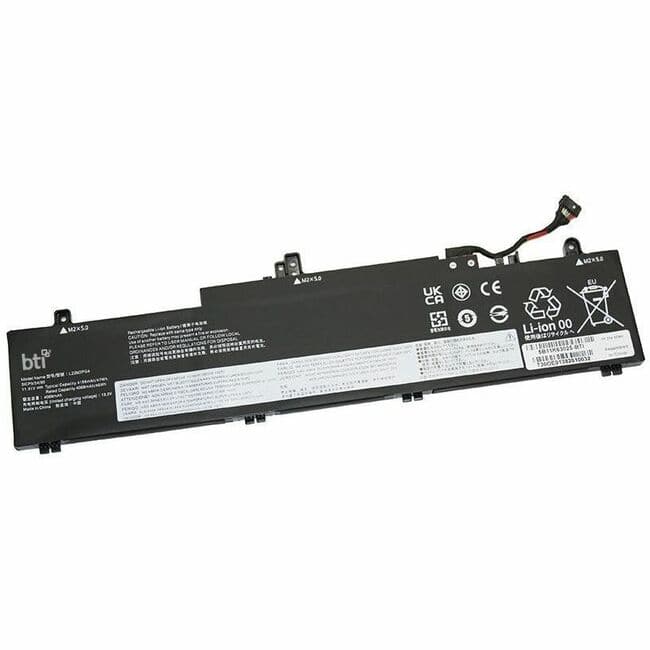
BTI Battery Tech - BTI 5B11K63025-BTI 11.31V 47WHR LI-ION BATTERY 5B11K63025, L22M3PG4, 5B11N45961, 5B11N45978, 5B11N46005, 5B11K63020
SKU: J3ZGJHLY65See all Lithium BatteriesProduct Description
A rechargeable 3-cell lithium-ion battery delivering 11.31V and 47Wh for select ThinkPad E14 and E16 models.Your price for this item is $119.95Save $4The previous price was $123.99 -
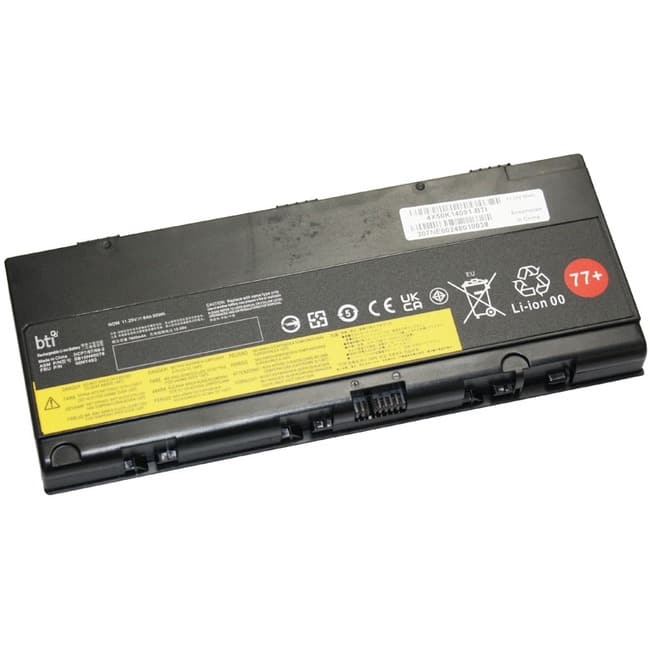
BTI Battery Tech - BTI 4X50K14091-BTI 6-CELL 11.25V LI-ION BATTERY 00NY492, 01AV496, 77+, SB10H45078, 00NY493, 4X50K14091, L17L6P51
SKU: J3ZGJHL2CJSee all Lithium BatteriesProduct Description
A rechargeable 6-cell 11.25V lithium-ion battery compatible with select ThinkPad P50, P51, and P52 models.Your price for this item is $141.52 -
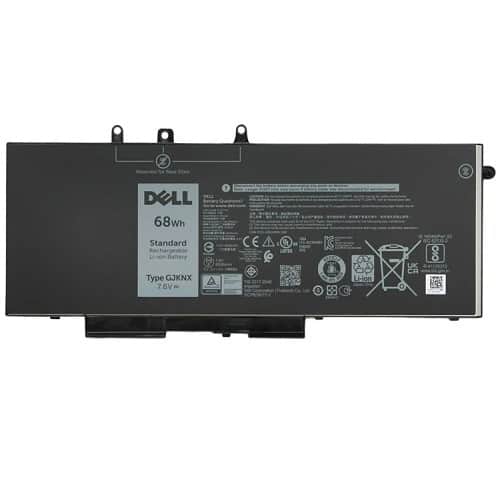
Dell - 451-BBZG (Dell 5YHR4) 68 Wh Primary Laptop Battery - 8800 mAh - 4-Cell - 7.6 Volts DC - Lithium-Ion - Rechargeable
SKU: J3K4L9T9WPSee all All Batteries & PowerProduct Description
A rechargeable 4-cell lithium-ion battery delivering 8800 mAh and 7.6 V DC power for notebooks.Your price for this item is $69.99Save $51The previous price was $121.34 -
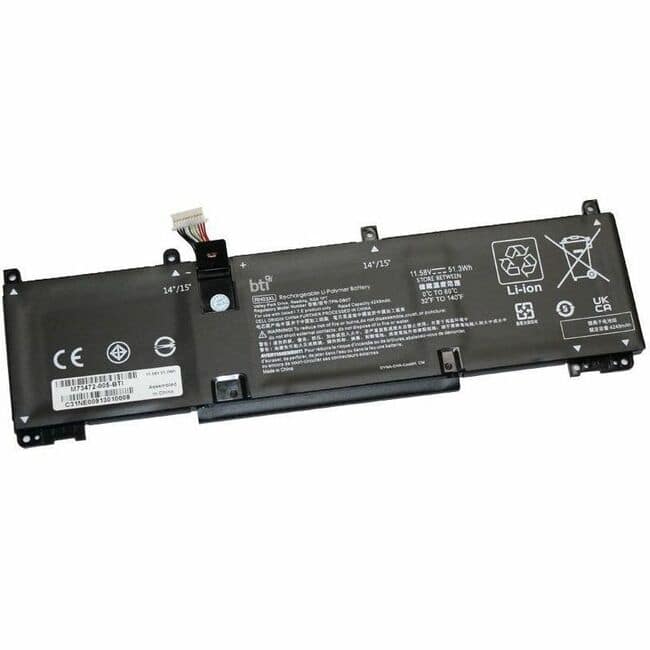
BTI Battery Tech - BTI M73472-005-BTI 11.58V 51.3WHR LI-ION BATTERY 4D3W5AV, 4U6T2AV, 6K8S5AV, 727N7AV, 75G96AV, RH03051XL, 4D826AV
SKU: J3ZGJHL8CVSee all Lithium BatteriesProduct Description
A rechargeable 3-cell 11.58V lithium-ion battery compatible with select HP EliteBook and ProBook laptops.Your price for this item is $95.24Save $6The previous price was $101.99 -
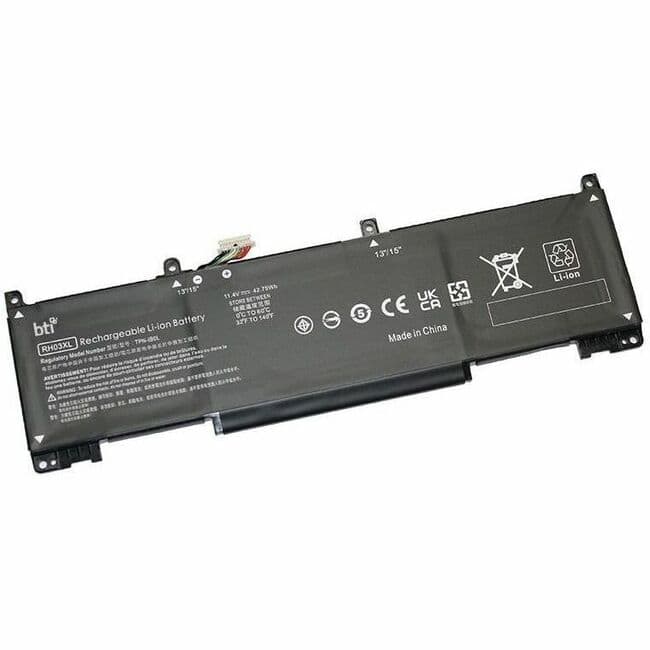
BTI Battery Tech - BTI M75599-005-BTI 3-CELL 11.4V LI-ION BATTERY M75599-005, RH03XL, RH03042XL-PL, TPN-IB0L, M75017-AC1, HSTNN-OB2X
SKU: J3ZGJHLPPSSee all Lithium BatteriesProduct Description
A rechargeable 3-cell 11.4V lithium-ion battery compatible with select HP ProBook G8 and G9 models.Your price for this item is $106.23 -
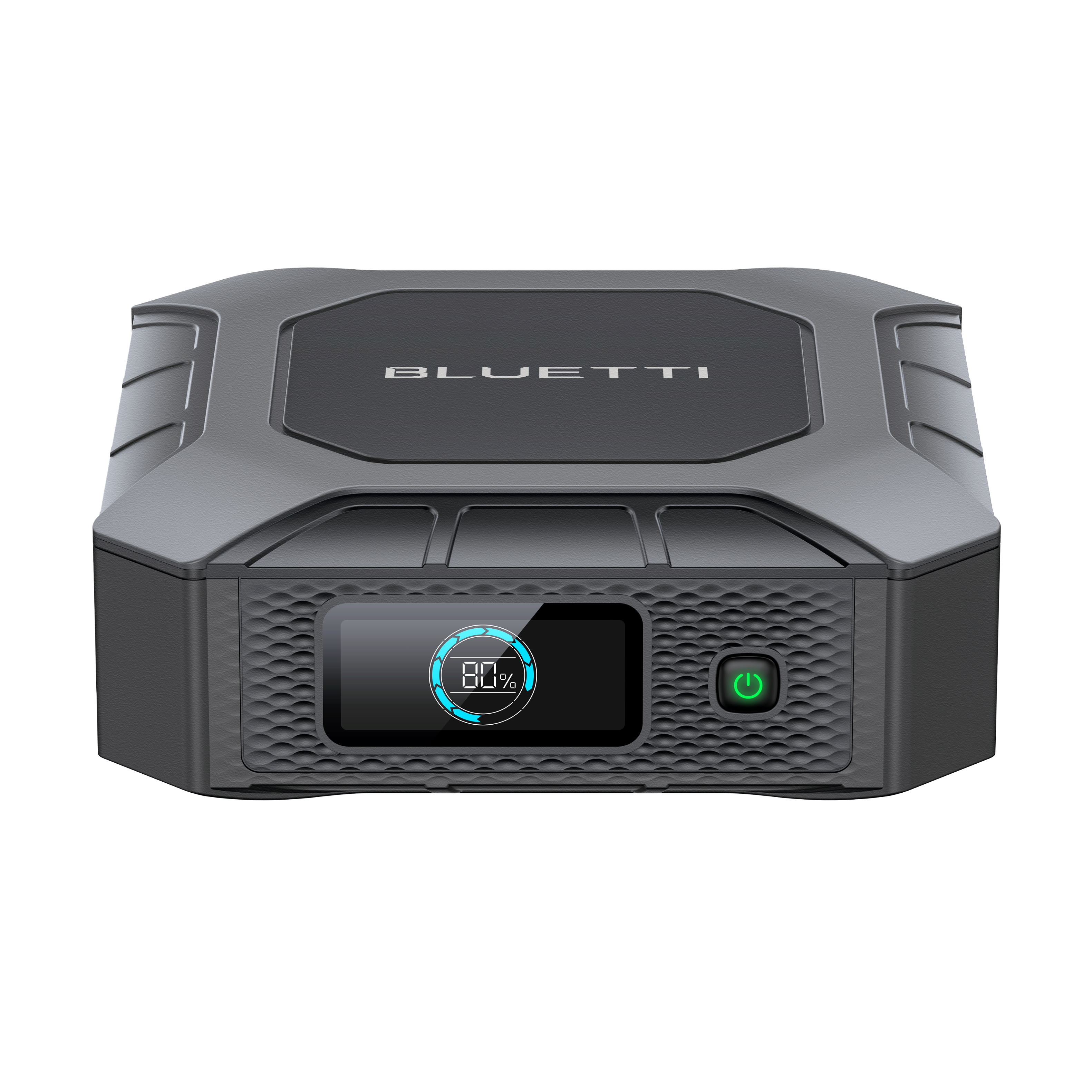
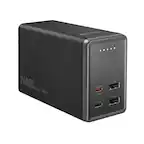
BLUETTI - X20 Laptop Battery 288W (154 Wh Capacity) - Black
SKU: JJ8QQSLXXYSee all Battery Powered GeneratorsProduct Description
A black portable battery with 154Wh capacity, 12 adapters, smart cooling, and bidirectional 100W USB-C charging.Your price for this item is $99.00
Best Sellers
Related Pages




FAQ
The main difference between 4-cell and 6-cell laptop batteries is their capacity to store energy. A 6-cell battery typically provides longer usage time compared to a 4-cell battery, meaning your laptop can run for a longer period before needing to be recharged. However, the actual battery life will also depend on your laptop’s hardware and usage patterns.
Replacing individual cells inside a laptop battery is a complex process that usually requires technical expertise and special equipment. Most users opt to replace the entire battery pack instead of individual cells for convenience and reliability.
Common signs that your laptop battery cells may need replacement include rapid battery drain, the laptop not holding a charge, or the battery not charging at all. Some laptops also display warning messages when the battery health is low.
Yes, all rechargeable battery cells gradually lose their ability to hold a charge as they go through charge and discharge cycles. Over time, this results in shorter battery life and may eventually require you to replace the battery.
Yes, old laptop battery cells should be recycled rather than thrown in the trash. Many electronics retailers, including Best Buy, offer recycling programs to safely dispose of used batteries and help protect the environment.