Best Photoshop Software
-
Adobe - Photoshop (1-Year Subscription) - Mac OS, Windows [Digital]
SKU: J3KZ6LY7HTThis is a great product. Easy to use and works great.
See all Graphic Design SoftwareProduct Description
A versatile digital software for photo editing, compositing, digital painting, animation, and graphic design projects.Your price for this item is $263.88 -
Corel - Paintshop Pro Ultimate - Windows [Digital]
SKU: JXZS3TT6SRIf either of the two serial numbers (keys) are flagged as invalid, you have to go to the nearest Best
See all Graphic Design SoftwareProduct Description
An advanced Windows photo editor offering pro-level tools, AI features, and a bonus pack of creative software.Your price for this item is $59.99Save $40The previous price was $99.99 -
Corel - PaintShop Pro 2023 - Windows, Windows [Digital]
SKU: JXZS3TT6PQLove the versatility. The transaction smooth and seamless. Definitely recommend....Great
See all Graphic Design SoftwareProduct Description
An advanced digital photo editing software for Windows featuring AI tools, RAW editing, and focus stacking.Your price for this item is $47.99Save $32The previous price was $79.99 -
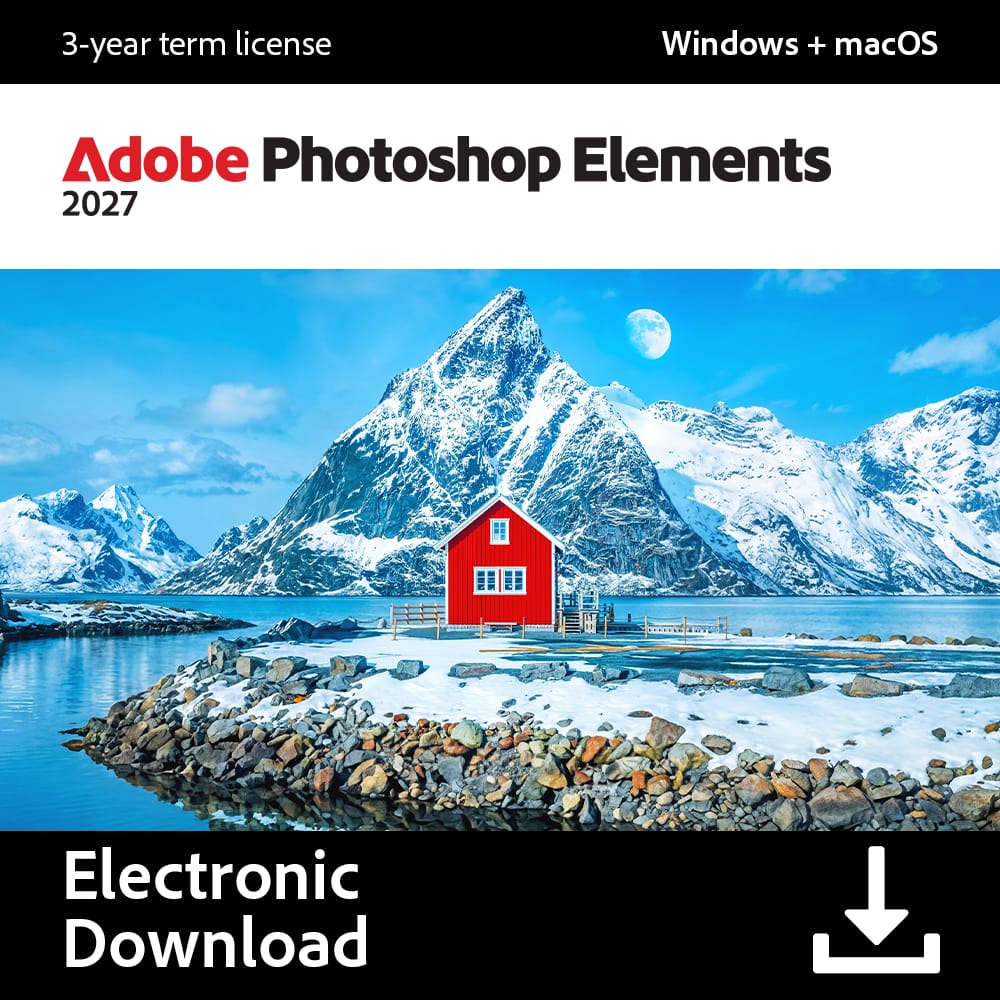
Adobe - Photoshop Elements 2027 (1-User) (3-Year License) [Digital] - Mac OS, Windows [Digital]
SKU: J3KZ6L9RTKGreat program, but you need to learn it....It is a great program for editing.
See all Photo Editing SoftwareProduct Description
A photo editor for Mac and Windows with AI tools, distraction removal, restoration, and creative effects.Your price for this item is $99.99 -
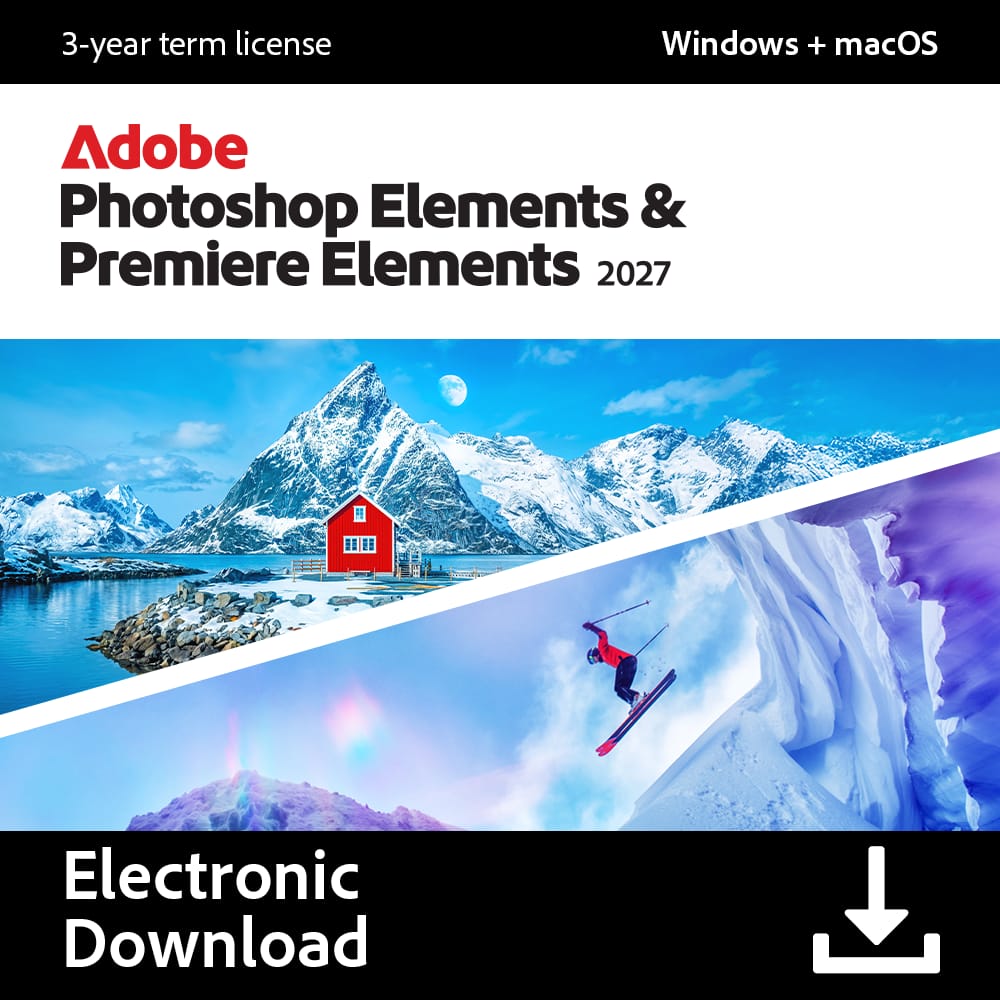
Adobe - Photoshop Elements & Premiere Elements 2027 (1-User) (3-Year License) [Digital] - Mac OS, Windows [Digital]
SKU: J3KZ6L9WJ3This is beyond great … takes a while but good
See all Photo Editing SoftwareProduct Description
A photo and video editing bundle with AI tools, creative guidance, and Mac and Windows compatibility.Your price for this item is $149.99 -
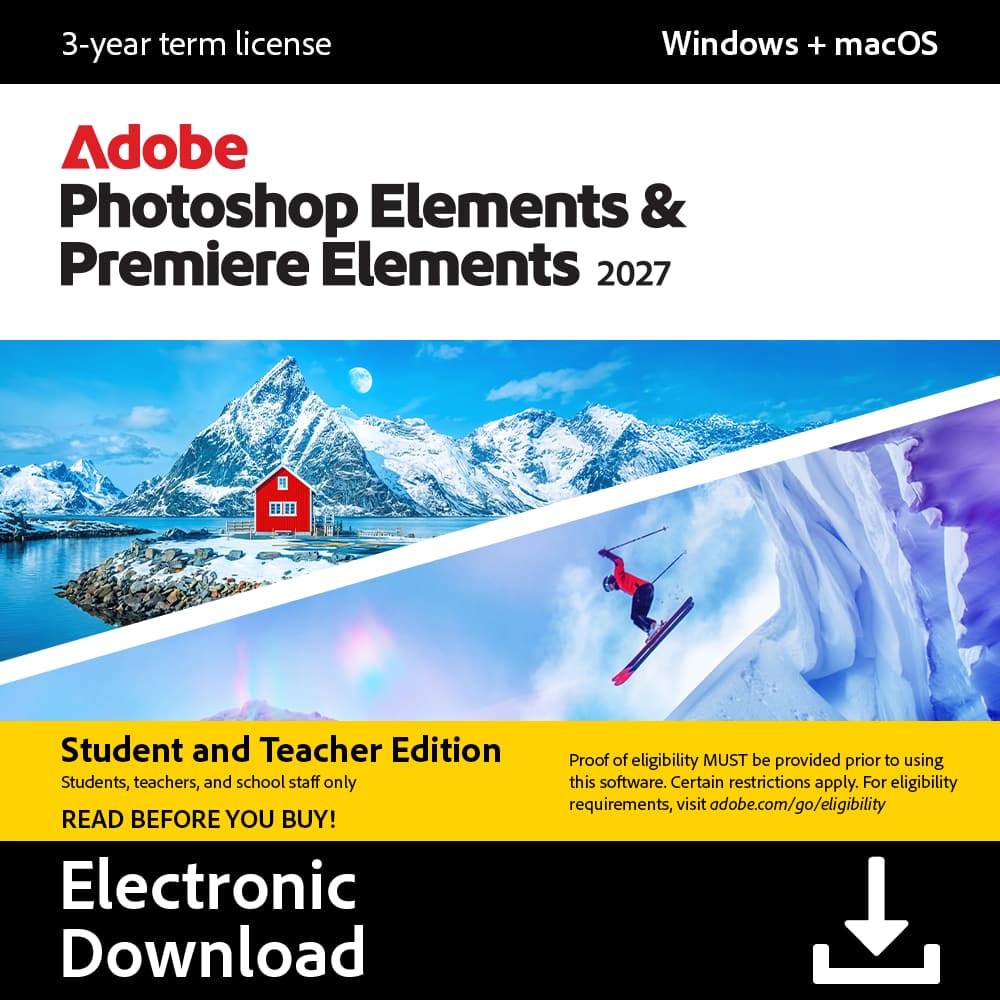
Adobe - Photoshop Elements & Premiere Elements 2027 Student & Teacher Edition (1-User) (3-Year License) [Digital] - Mac OS, Windows [Digital]
SKU: J3KZ6L9R5GSee all Photo Editing SoftwareProduct Description
An AI-powered photo and video editor for Mac and Windows with a three-year license.Your price for this item is $79.99


Best Sellers




Related Pages

FAQ
When choosing Photoshop software, look for features such as advanced photo editing tools, layer support, customizable brushes, non-destructive editing, and compatibility with various file formats. Some software also offers AI-powered enhancements, cloud storage, and integration with other creative apps.
Many leading Photoshop software options are compatible with both Windows and Mac operating systems. Always check the system requirements on the product page to ensure compatibility with your device.
Yes, most Photoshop software is versatile and can be used for both photo editing and graphic design. They often include tools for creating digital art, designing layouts, and working with text and vector graphics.
Absolutely. Many Photoshop software programs offer user-friendly interfaces, guided tutorials, and simplified tools that are perfect for beginners. Look for options with learning resources and intuitive controls to help you get started.
Most professional Photoshop software supports RAW image editing, allowing you to make detailed adjustments to your photos. Check the product specifications to confirm RAW file compatibility for your camera model.