Best Rgb Mouse Pad
-
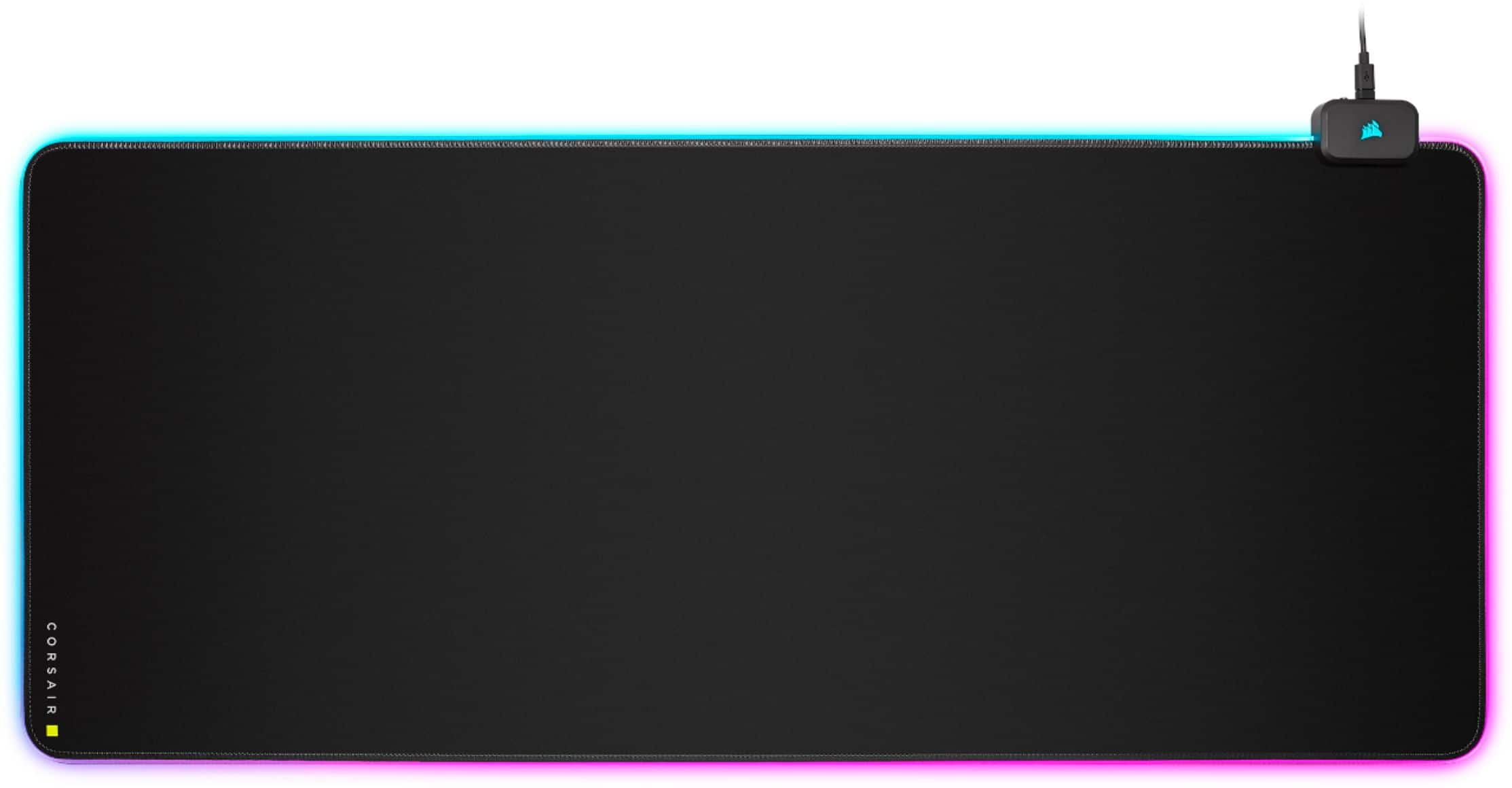
CORSAIR - MM700 RGB Extended Cloth Gaming Mouse Pad - Black
SKU: J39QHHVGGFBest Mouse Pad That I’ve Owned...I love this pad! It’s smooth. It looks great in the dark....Best mouse pad I’ve ever owned....Great purchase...Great mat! Best I have had to date. 100% recommend.
See all Gaming Mouse PadsProduct Description
An extended black cloth mouse pad featuring RGB lighting, dual USB ports, and a glide-enhanced surface.Your price for this item is $49.99Save $10The previous price was $59.99 -
Razer - Goliathus Micro-Textured Surface Gaming Mouse Pad with Chroma RGB Lighting - Fortnite Edition
SKU: J39HWFHSXRSee all Gaming Mouse PadsProduct Description
A black Fortnite Edition mouse pad featuring micro-textured surface, Chroma RGB lighting, and machine washable design.Your price for this item is $101.17Save $100The previous price was $201.17 -
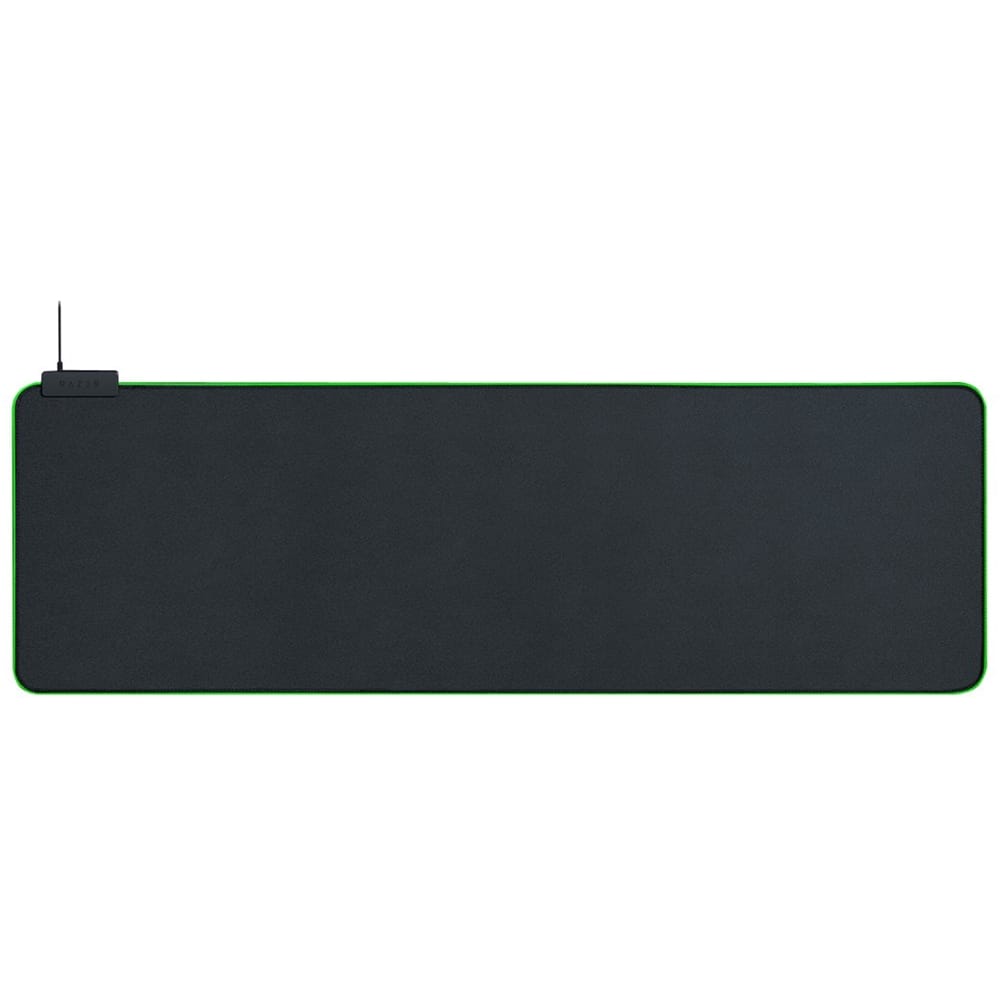
Razer - Goliathus Extended Chroma Gaming Mouse Pad with RGB Lighting - Black
SKU: J3GV65CFPCGreat mouse pad…large enough to cover the keyboard. The soft touch material is great....Great mouse pad! Smooth surface, good quality, and stays in place on the desk....Great
See all Gaming Mouse PadsProduct Description
A black micro-textured cloth mouse pad featuring customizable RGB lighting and responsive tracking for precise gaming.Your price for this item is $69.02 -
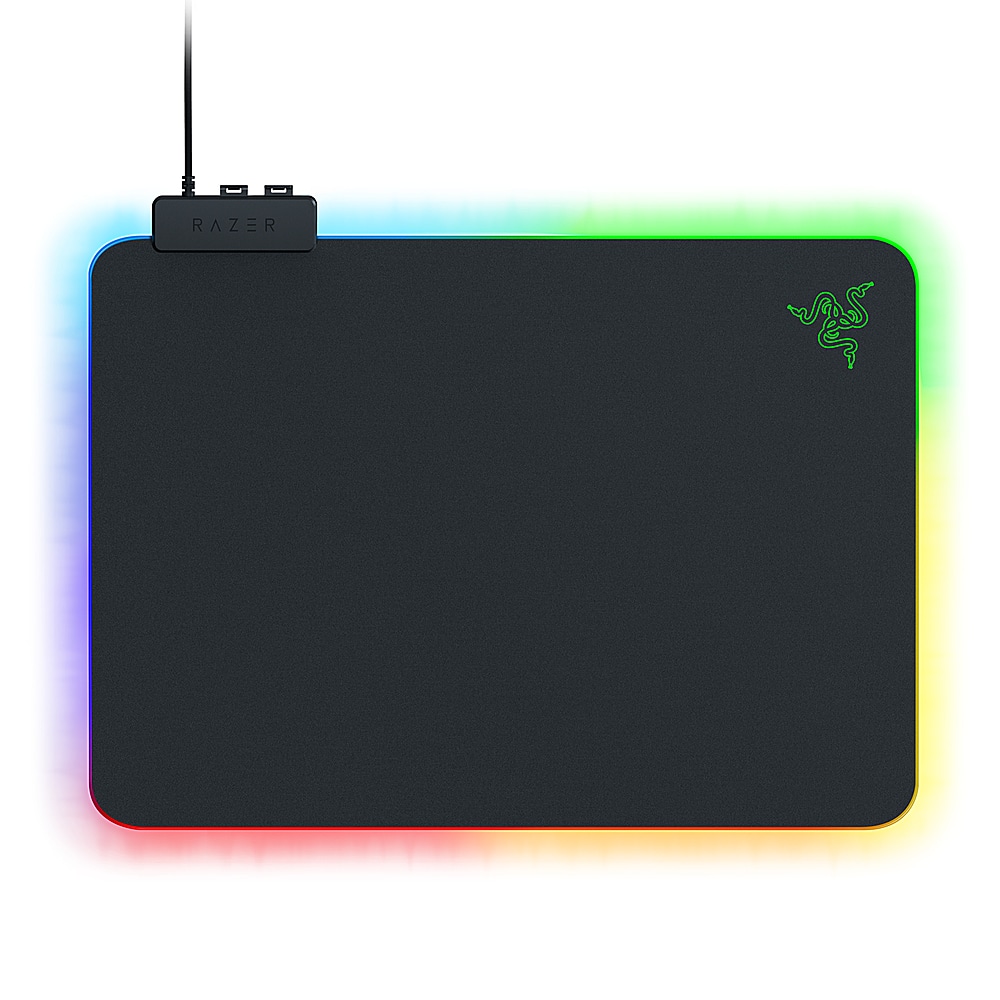
Razer - Firefly V2 Gaming Mouse Pad with Chroma RGB Lighting - Black
SKU: J3GV65288LLove this mouse pad. Looks great no complaints!!!!...Great mousepad!!!...Really great item! The RGB mousepad looks fantastic! I love it!!!
See all Gaming Mouse PadsProduct Description
A black ultra-thin mouse pad featuring customizable Chroma RGB lighting and smooth surface for enhanced gaming.Your price for this item is $49.99 -
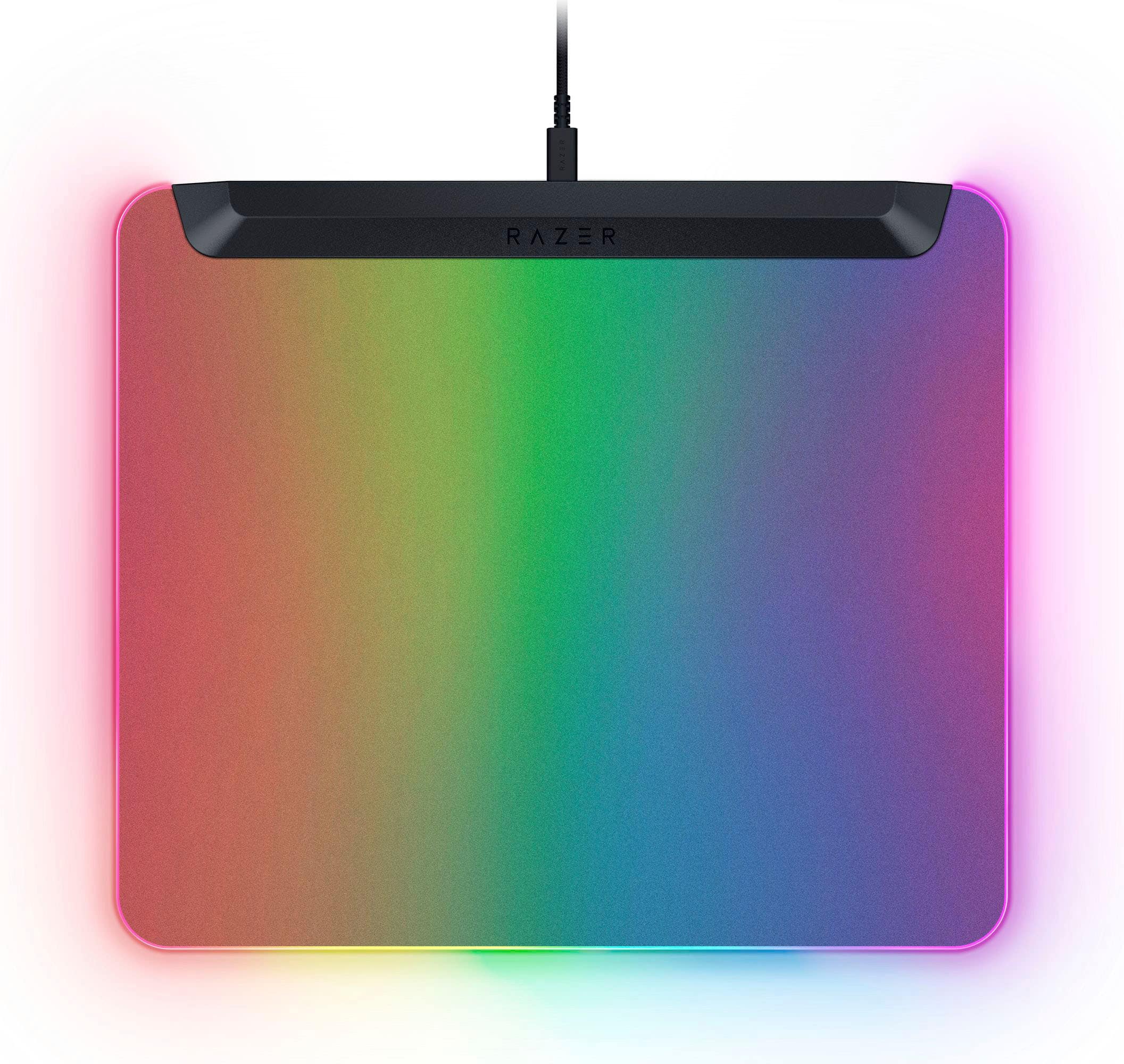
Razer - Firefly V2 Pro Gaming Mouse Pad with Chroma RGB Lighting - Black
SKU: J39HWFH9R6best choice! My husband liked it very much.Size is great...Great purchase. Upgrades entire experience...love the texture and lights. smooth mouse movements. love using it.
See all Gaming Mouse PadsProduct Description
A black gaming mouse pad featuring 15 customizable RGB lighting zones and a machine-washable surface.Your price for this item is $96.99Save $3The previous price was $99.99 -
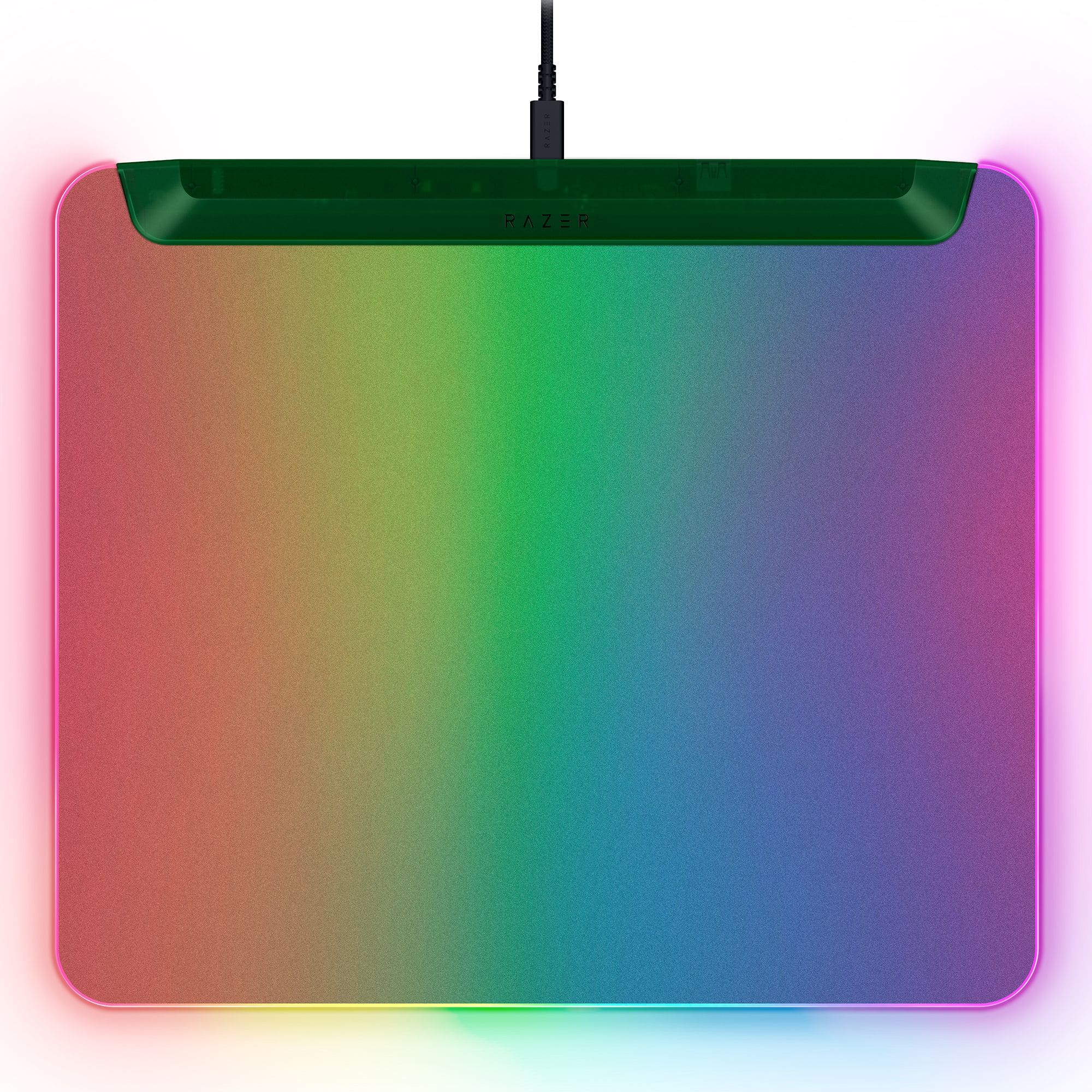
Razer - Firefly V2 Pro Gaming Mouse Pad with Chroma RGB Lighting - Phantom Green
SKU: J39HWFH58CAwesome product lights up great colors plug in bright u can customize the color blend
See all Gaming Mouse PadsProduct Description
A machine-washable, Phantom Green gaming mouse pad featuring 15 customizable Chroma RGB lighting zones and USB connectivity.Your price for this item is $109.99

Best Sellers





Related Pages




FAQ
When choosing an RGB mouse pad, consider features such as customizable lighting zones, brightness controls, surface material for optimal mouse tracking, anti-slip bases, and compatibility with popular RGB software for synchronization with other devices.
Yes, many RGB mouse pads are compatible with popular lighting software like Razer Chroma, Corsair iCUE, and Logitech G HUB, allowing you to synchronize lighting effects with your keyboard, mouse, and other RGB-enabled devices.
Absolutely! RGB mouse pads offer enhanced aesthetics and smooth tracking surfaces, making them ideal for gaming as well as everyday office tasks. You can often customize the lighting to suit a professional or gaming environment.
Some RGB mouse pads come with dedicated software for advanced customization, while others use built-in controls for basic lighting effects. Check the product details to see if software installation is required for full functionality.
To clean an RGB mouse pad, unplug it and gently wipe the surface with a damp cloth. Avoid using harsh chemicals or submerging the pad in water, especially around the lighting components. Regular maintenance helps preserve both appearance and performance.