CF Cards For Canon 5D
-
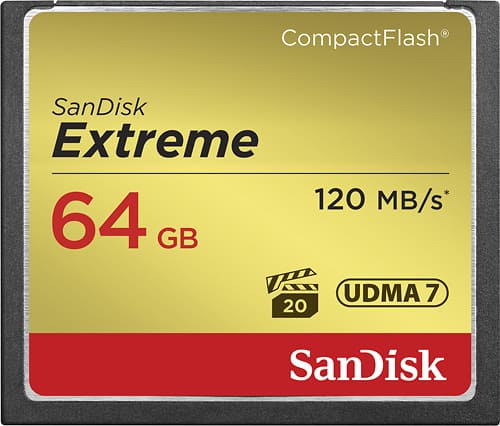
SANDISK - Extreme 64GB CompactFlash (CF) Memory Card
SKU: JXJ62CGH7TSee all Memory CardsProduct Description
A gold, shock-resistant CompactFlash card offering 64GB storage and fast 120MB/s read and 85MB/s write speeds.Your price for this item is $84.09Save $46The previous price was $130.76 -
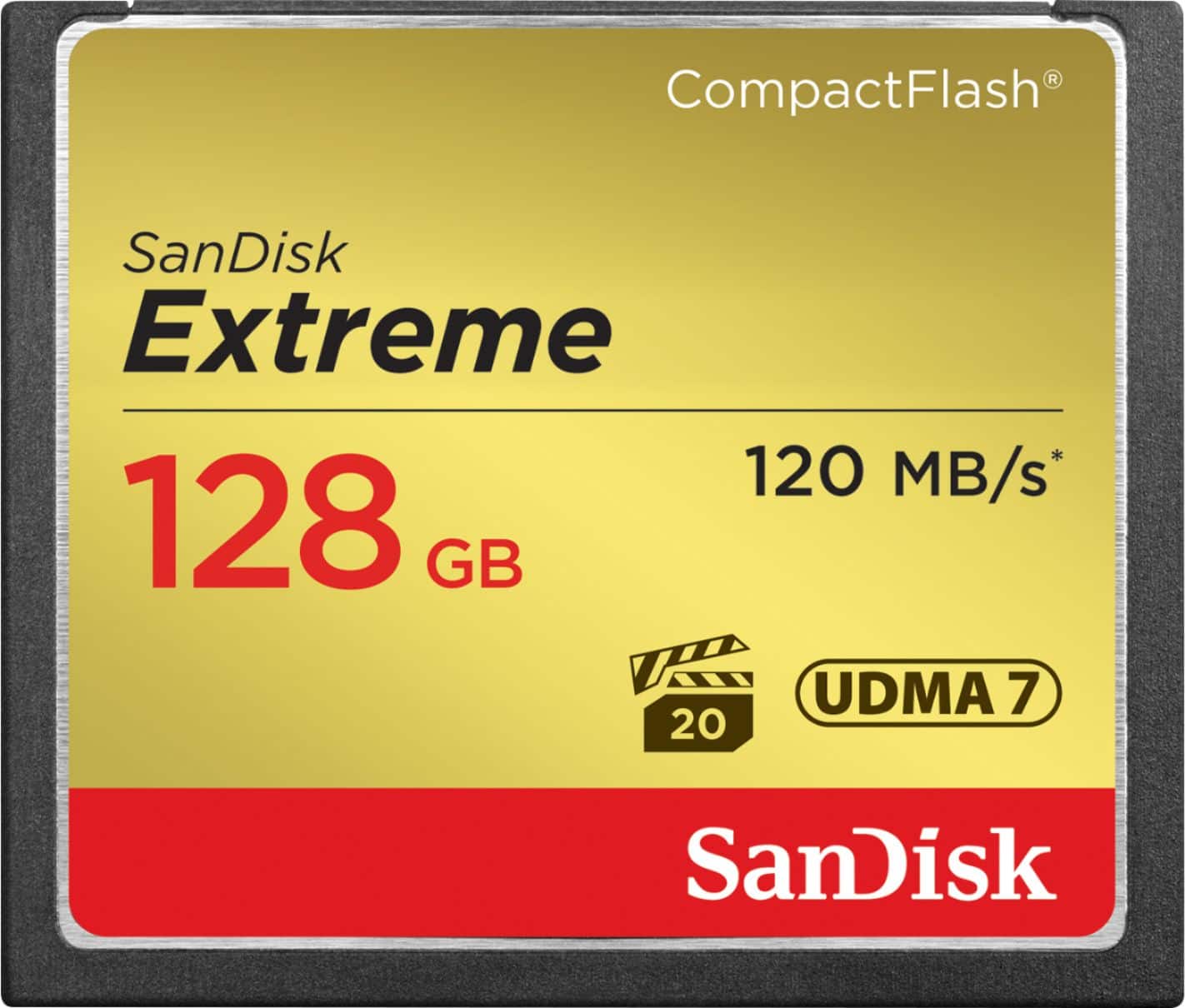
SANDISK - Extreme 128GB CompactFlash (CF) Memory Card
SKU: JXJ62CGHXHSee all Memory CardsProduct Description
A gold CompactFlash memory card offering 128GB storage, fast read/write speeds, and rugged durability.Your price for this item is $119.28Save $88The previous price was $207.57
Best Sellers


Related Pages




FAQ
The Canon 5D uses CompactFlash (CF) Type I and Type II cards. Make sure to choose CF cards that are specifically marked as compatible with your Canon 5D to ensure optimal performance.
High-speed CF cards allow for faster data transfer, which helps reduce buffer clearing times during continuous shooting and speeds up file transfers to your computer.
Yes, the Canon 5D supports UDMA-enabled CF cards, which can provide faster read and write speeds for improved performance, especially during burst shooting.
To insert a CF card, gently slide it into the slot with the label facing you until it clicks into place. To remove, push the eject button next to the slot and carefully pull the card out straight to avoid damaging the pins.
Yes, it is recommended to format a new CF card in your Canon 5D before first use. This ensures compatibility and helps prevent file corruption.