College Desktops
-
Apple - iMac 24-inch All-in-One - M4 chip - Built for Apple Intelligence - 10 Core CPU - 10 Core GPU - 16GB Memory - 256GB SSD - Blue
SKU: JJGCQ3V3H7Best purchase, I love the ease of starting. Love all my Apple products....Great purchase, great value, best buy customer service is excellent
See all All DesktopsProduct Description
A sleek blue all-in-one desktop featuring an M4 chip, 16GB memory, 256GB SSD, and 4.5K Retina display.Your price for this item is $1,699.00 -
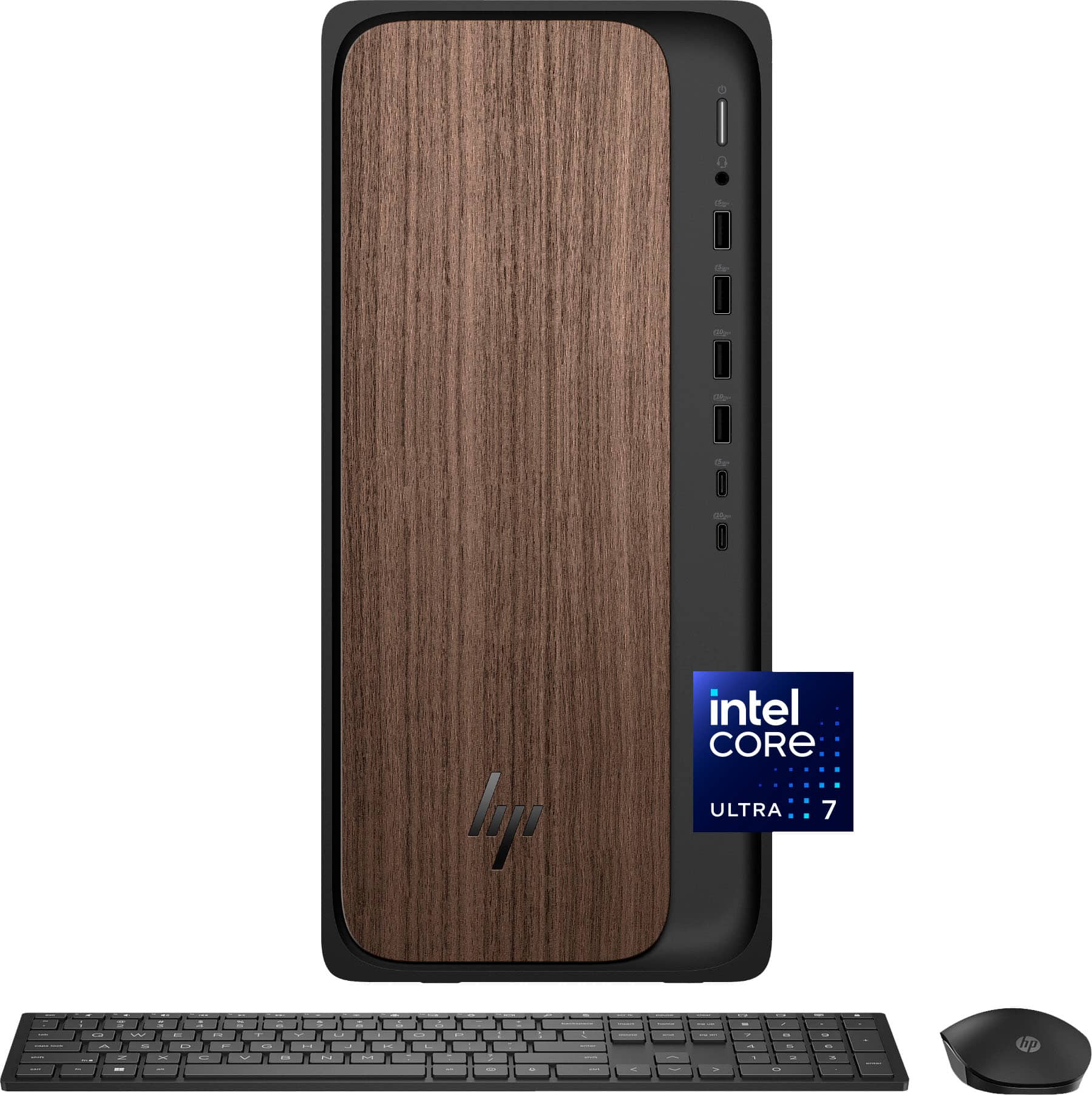
HP - OmniDesk Desktop - Intel Core Ultra 7 265 2025 - 32GB DDR5 Memory - NVIDIA GeForce RTX 4060 - 1TB SSD - Dark Wood
SKU: JJGQJRKG58Great computer for work and for gaming, absolutely love it!!...Great Experience with Best Buy...The Best Buy team was awesome
See all Computer TowersProduct Description
A dark wood desktop featuring Intel Core Ultra 7, 32GB DDR5 RAM, RTX 4060, and 1TB SSD.Your price for this item is $1,749.00Save $50The previous price was $1,799.00 -
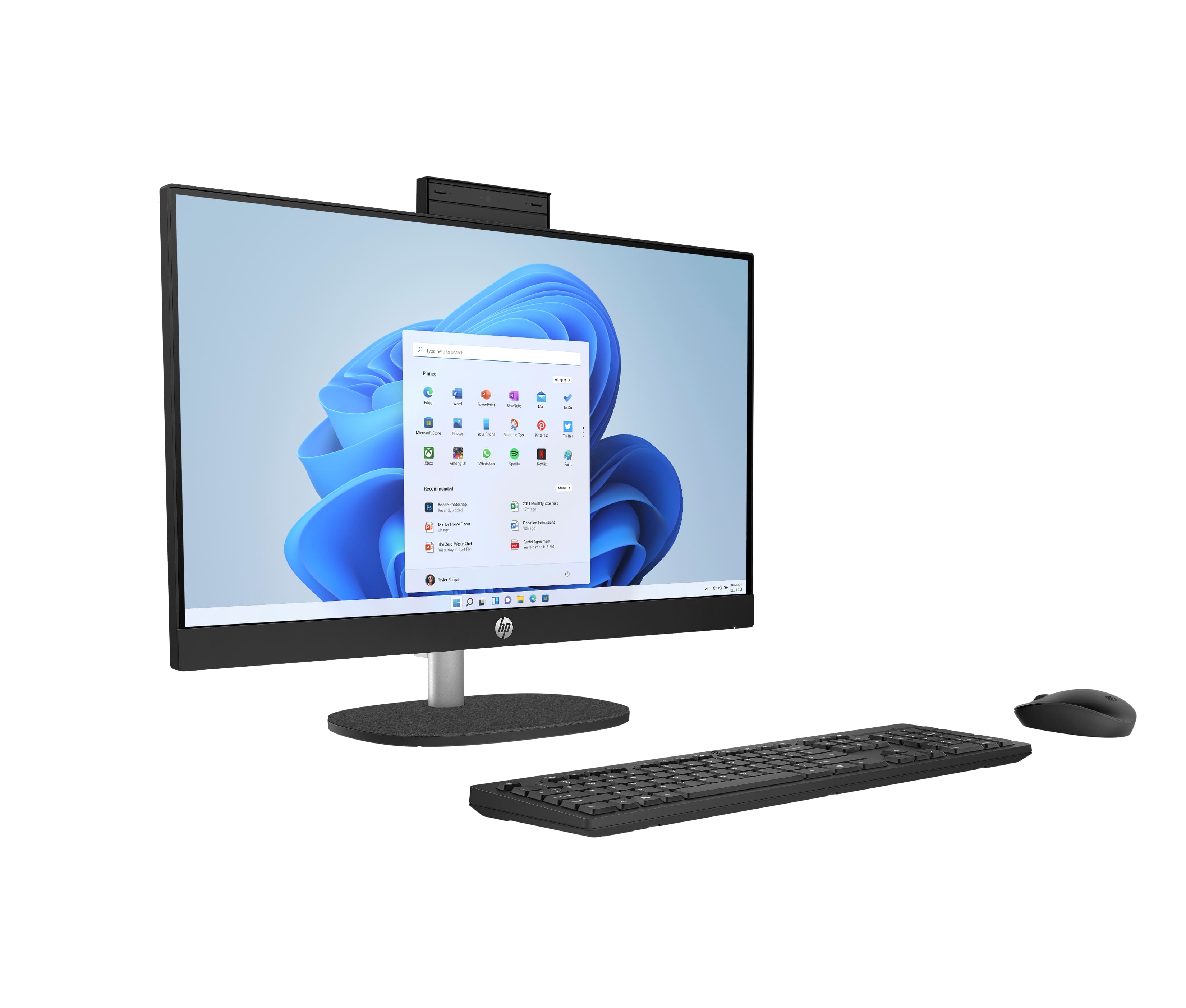
HP - 23.8 inch Touch All-in-One Desktop PC 24-cr0140 AMD Ryzen 5 7520U 16GB RAM 1TB SSD Win 11 Home - Jet black
SKU: JJGQJQRH2FSee all Touchscreen All-in-One ComputersProduct Description
A sleek jet black all-in-one PC featuring a 23.8" touchscreen, AMD Ryzen 5, and 1TB SSD.Your price for this item is $1,289.99 -
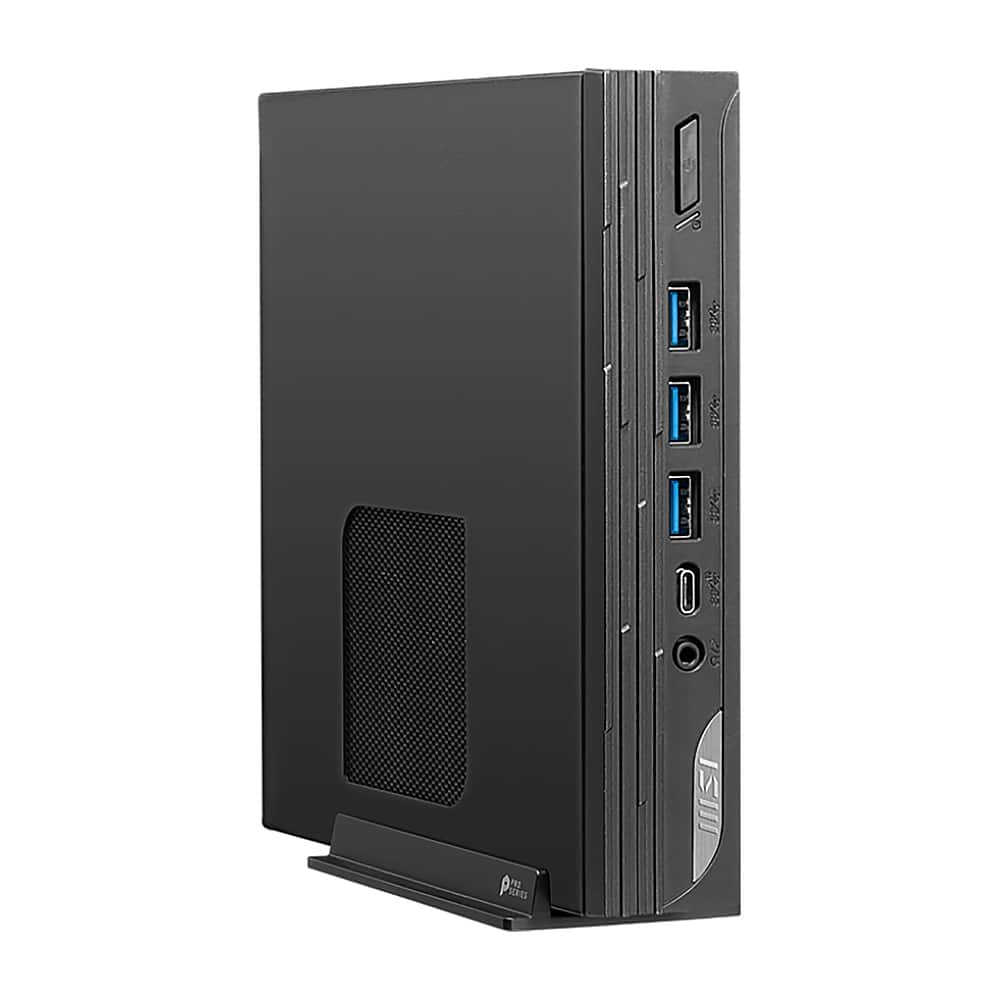
MSI - PRO DP10 Desktop - Intel Core i7 - 16GB Memory - 1TB SSD - Black
SKU: J3P7TXLHZGSee all Computer TowersProduct Description
A compact black desktop featuring Intel Core i7, 16GB memory, 1TB SSD, and Windows 11 Pro.Your price for this item is $1,474.69 -
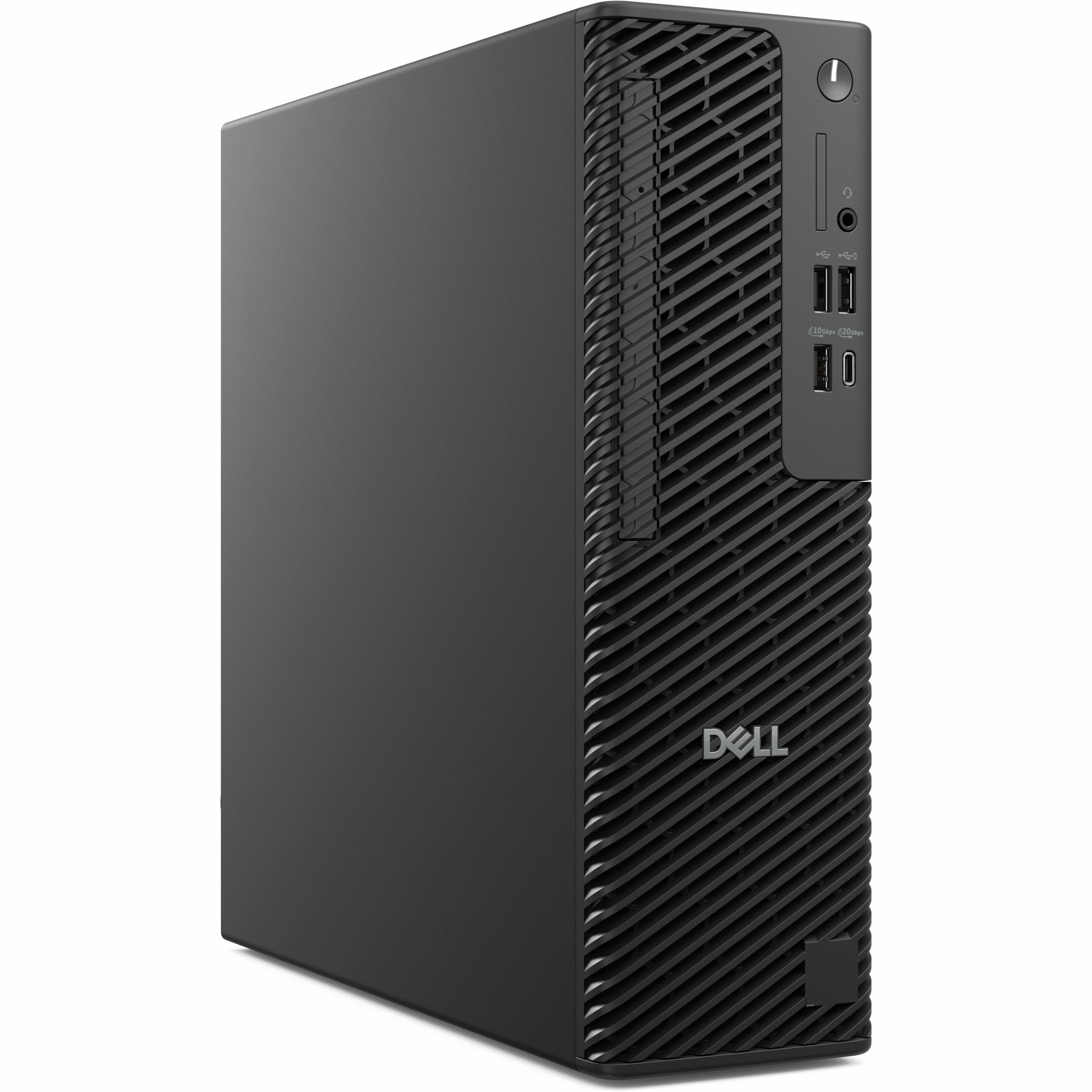
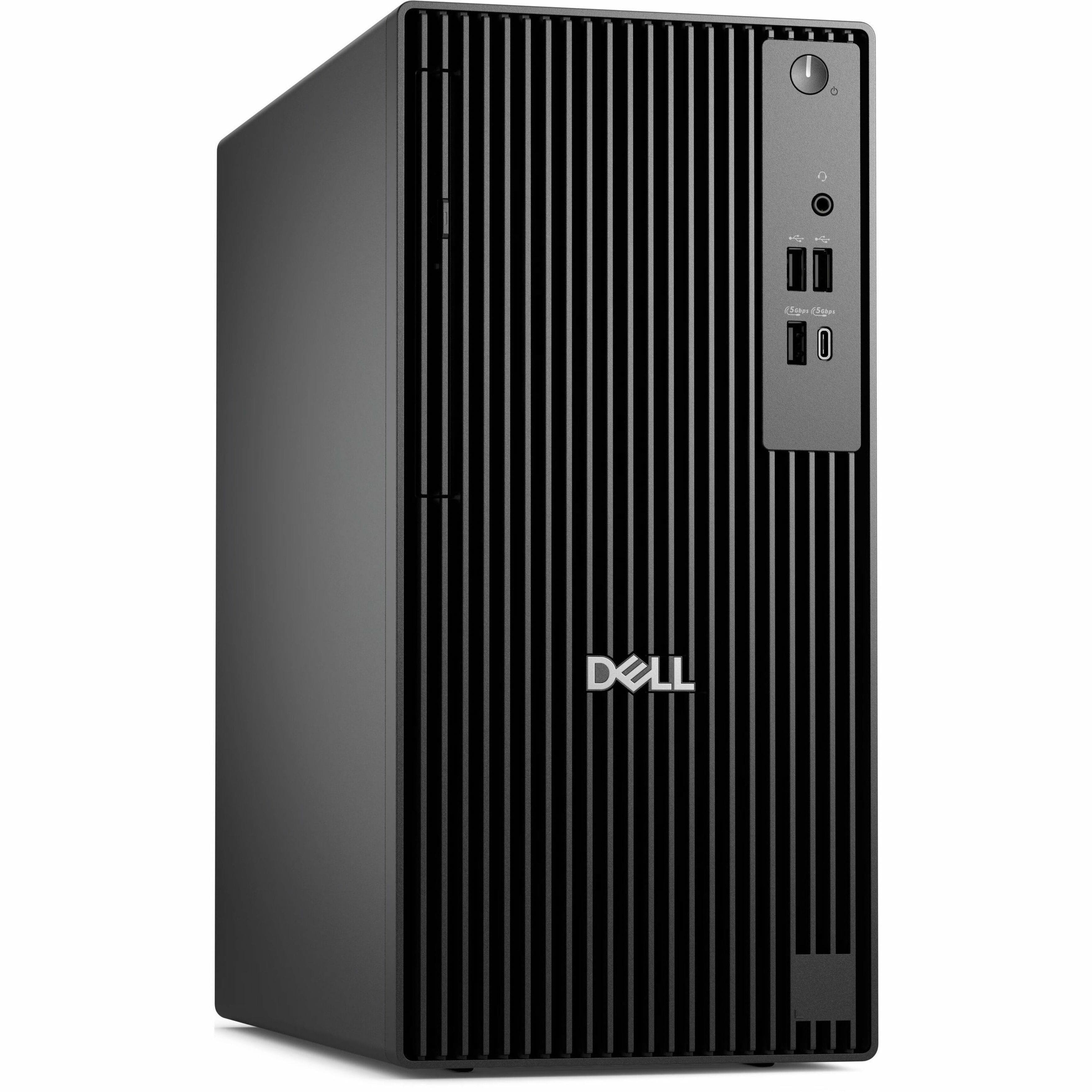
Dell - Pro Max Desktop - Intel Core Ultra 5 - 16GB Memory - 512GB SSD - Black
SKU: J3K4L63PCPSee all Computer TowersProduct Description
A sleek black desktop featuring Intel Core Ultra 5, 16GB memory, 512GB SSD, and Windows 11 Pro.Your price for this item is $2,103.69Save $212The previous price was $2,316.43 -
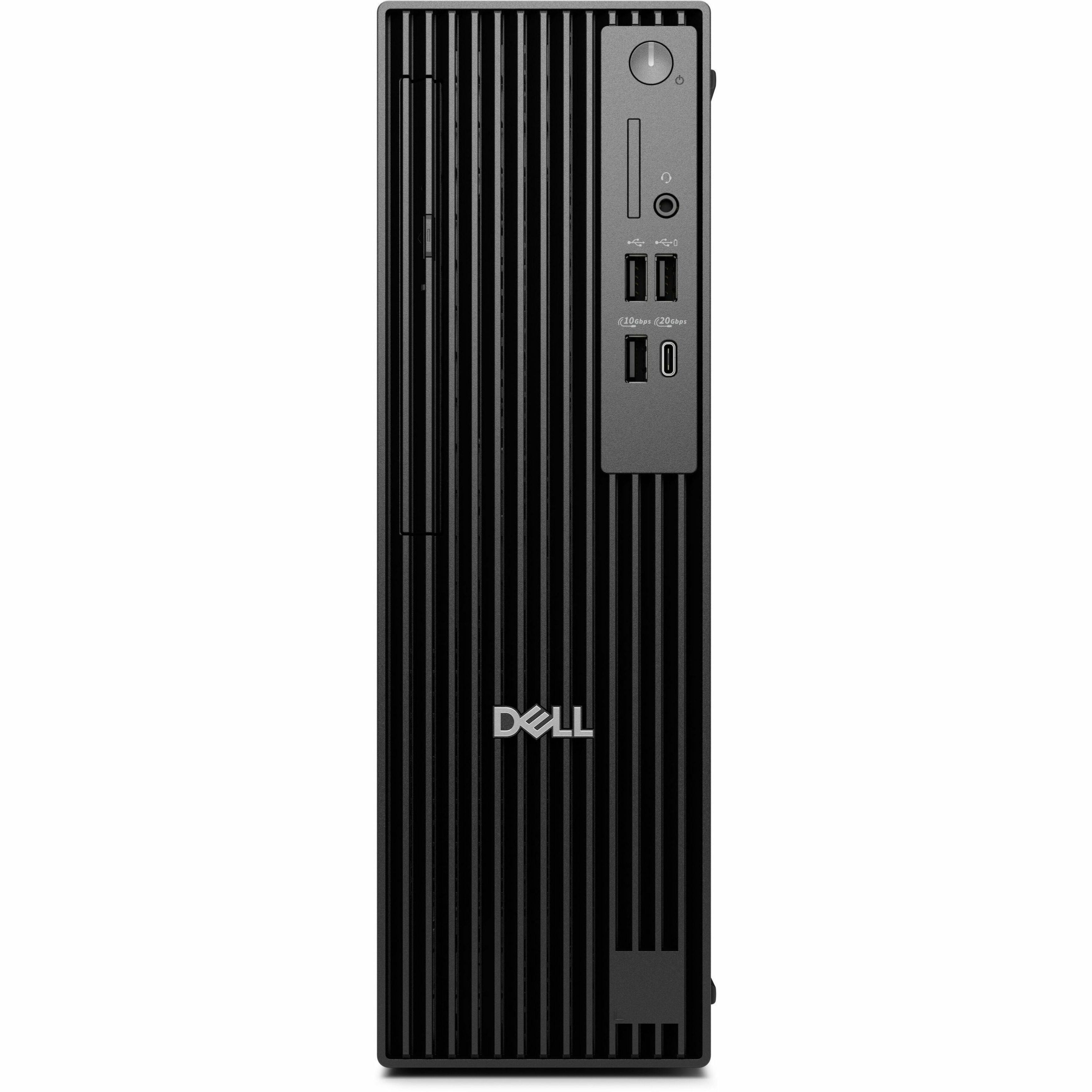
Dell - Pro Desktop - Intel Core i5 - 8GB Memory - 256GB SSD - Black
SKU: J3K4L633LLSee all Computer TowersProduct Description
A black desktop tower featuring an Intel Core i5 processor, 8GB memory, and 256GB SSD storage.Your price for this item is $1,139.99 -
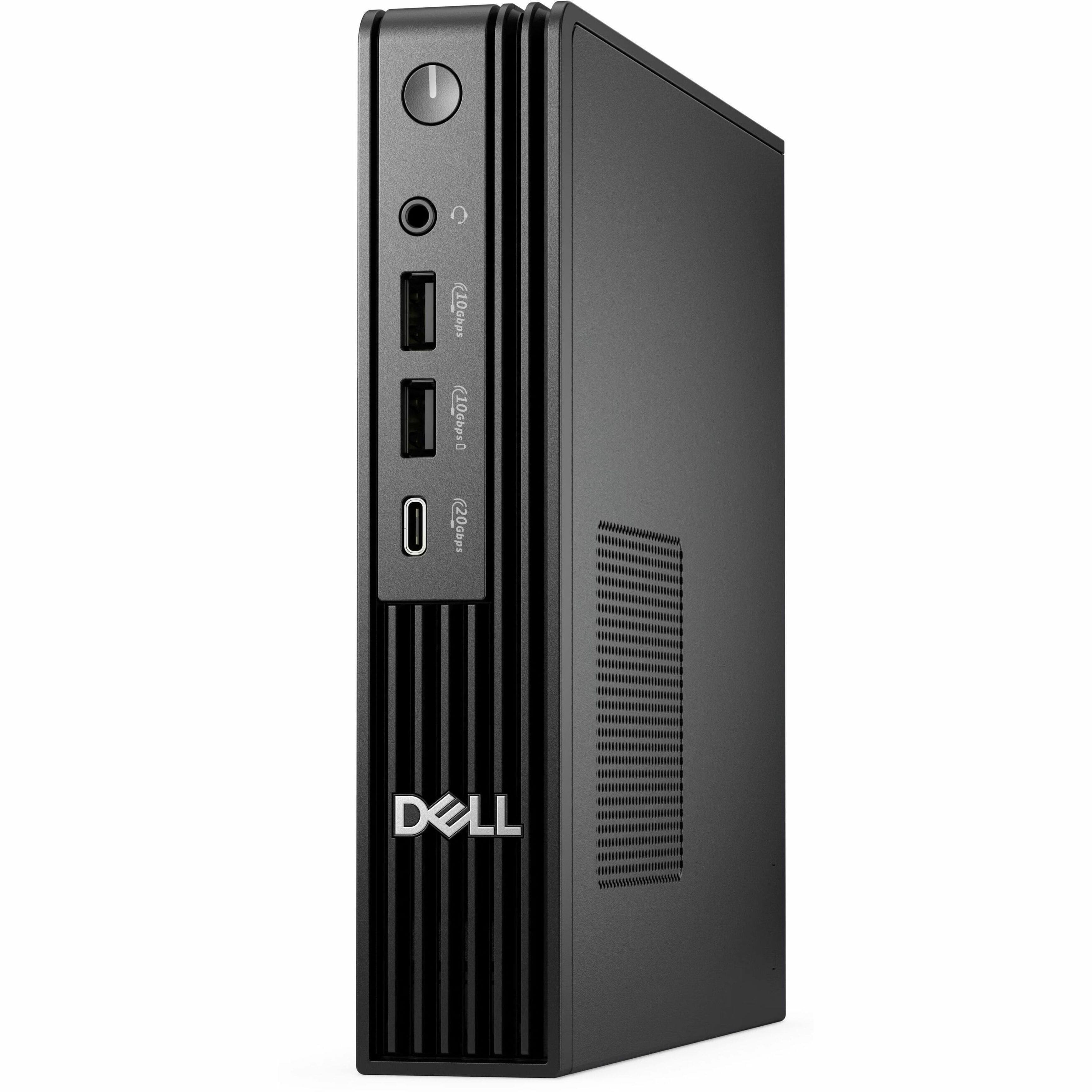
Dell - Pro Desktop - Intel Core Ultra 5 - 16GB Memory - 256GB SSD - Black
SKU: J3K4L6339RSee all Computer TowersProduct Description
A compact black desktop featuring Intel Core Ultra 5, 16GB memory, 256GB SSD, and Windows 11 Pro.Your price for this item is $1,099.99 -
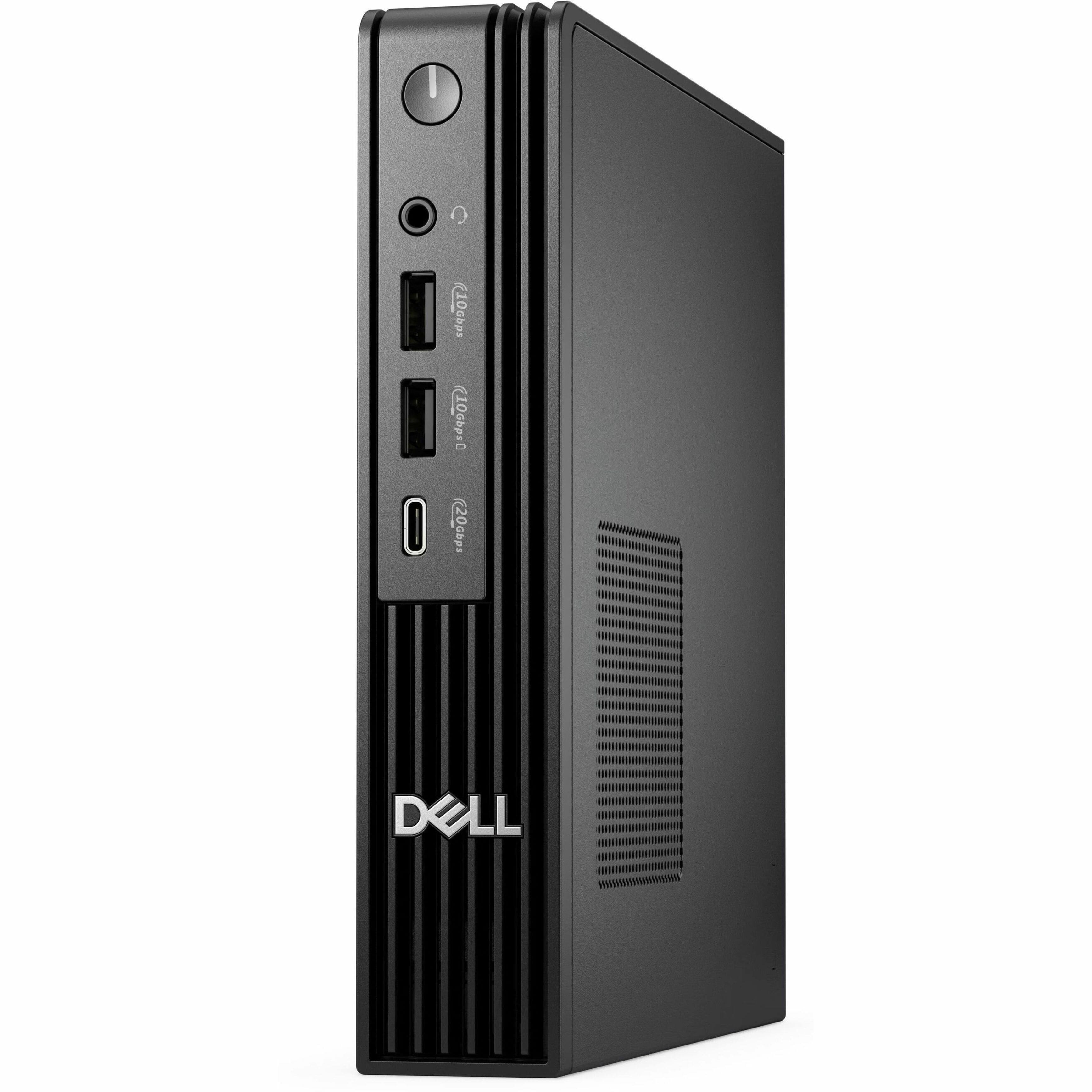
Dell - Pro Desktop - Intel Core Ultra 5 - 16GB Memory - 512GB SSD - Black
SKU: J3K4L63366See all Computer TowersProduct Description
A compact black desktop featuring Intel Core Ultra 5, 16GB memory, 512GB SSD, and Windows 11 Pro.Your price for this item is $1,049.99Save $149The previous price was $1,199.00 -
Dell - Pro Slim Plus Desktop - Intel Core Ultra 5 - 16GB Memory - 512GB SSD - Standard Black
SKU: J3K4L6XQZZSee all Computer TowersProduct Description
A compact black desktop featuring Intel Core Ultra 5, 16GB memory, 512GB SSD, and Windows 11 Pro.Your price for this item is $1,299.00Save $410The previous price was $1,709.99 -
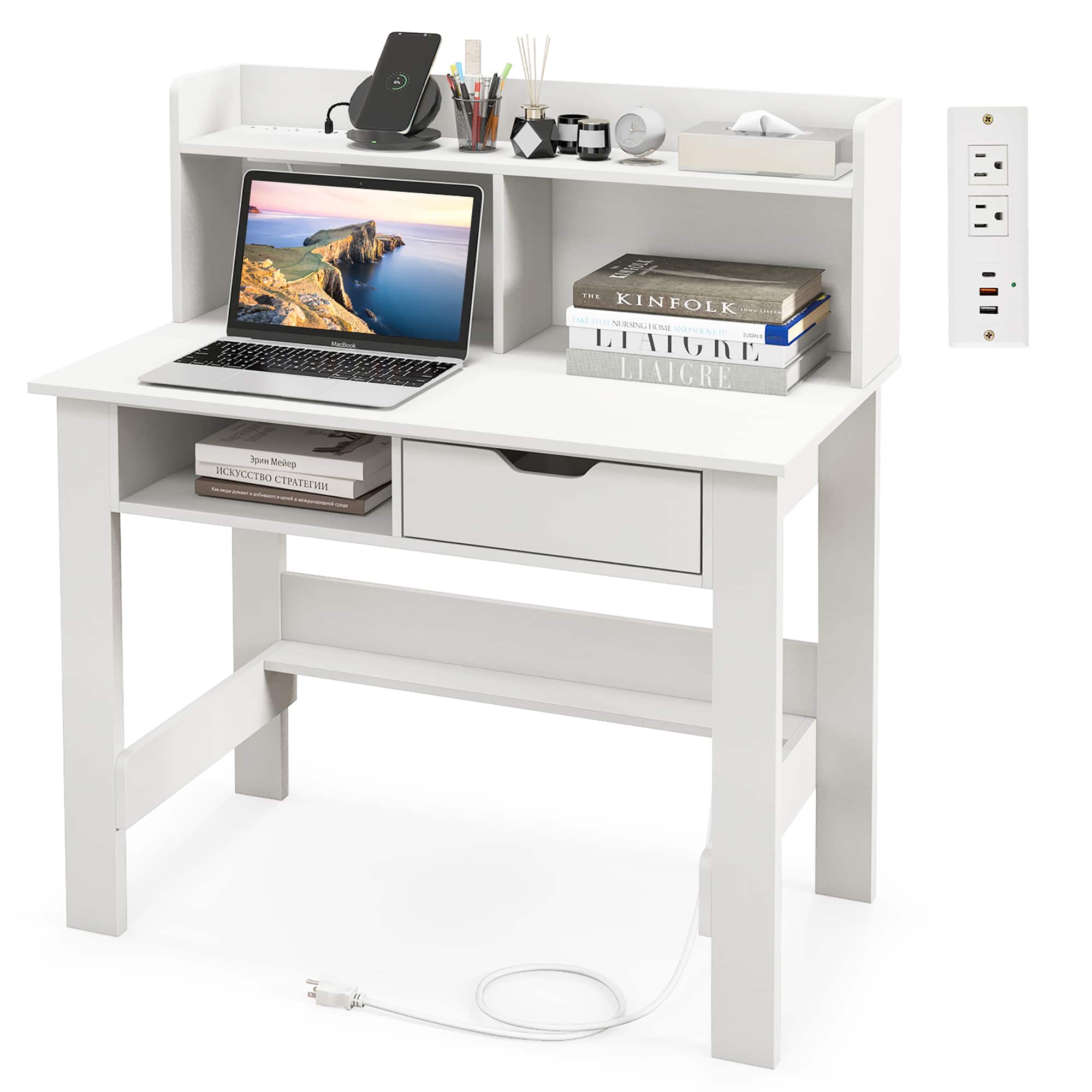
Gymax - Computer Desk w/ Power Outlets & USB Ports & Type-C Study Writing Desk w/ Hutch - White
SKU: CKXWLKC246See all Computer DesksProduct Description
A white wooden desk with built-in power outlets, USB ports, Type-C, hutch, drawer, and open storage.Your price for this item is $114.99

Best Sellers






Related Pages








FAQ
When choosing a desktop for college, consider features such as a fast processor, ample RAM, sufficient storage space, and reliable connectivity options like Wi-Fi and Bluetooth. Also, look for desktops that support the software you’ll need for your coursework.
Yes, many desktops are versatile enough for both academic tasks and gaming. Look for models with dedicated graphics cards, high-performance processors, and plenty of RAM to handle both schoolwork and modern games.
Most modern desktops support multiple monitors. Check the desktop’s graphics card or integrated graphics specifications to see how many displays you can connect and what types of ports are available, such as HDMI, DisplayPort, or VGA.
Many desktops come with essential software pre-installed, such as operating systems (like Windows or macOS) and basic productivity tools. However, specialized programs for your major may need to be installed separately.
All-in-one desktops combine the monitor and computer into a single unit, saving space and reducing cable clutter. They are a great option for dorm rooms or shared spaces where space is limited.