Ddr3 RAM
-
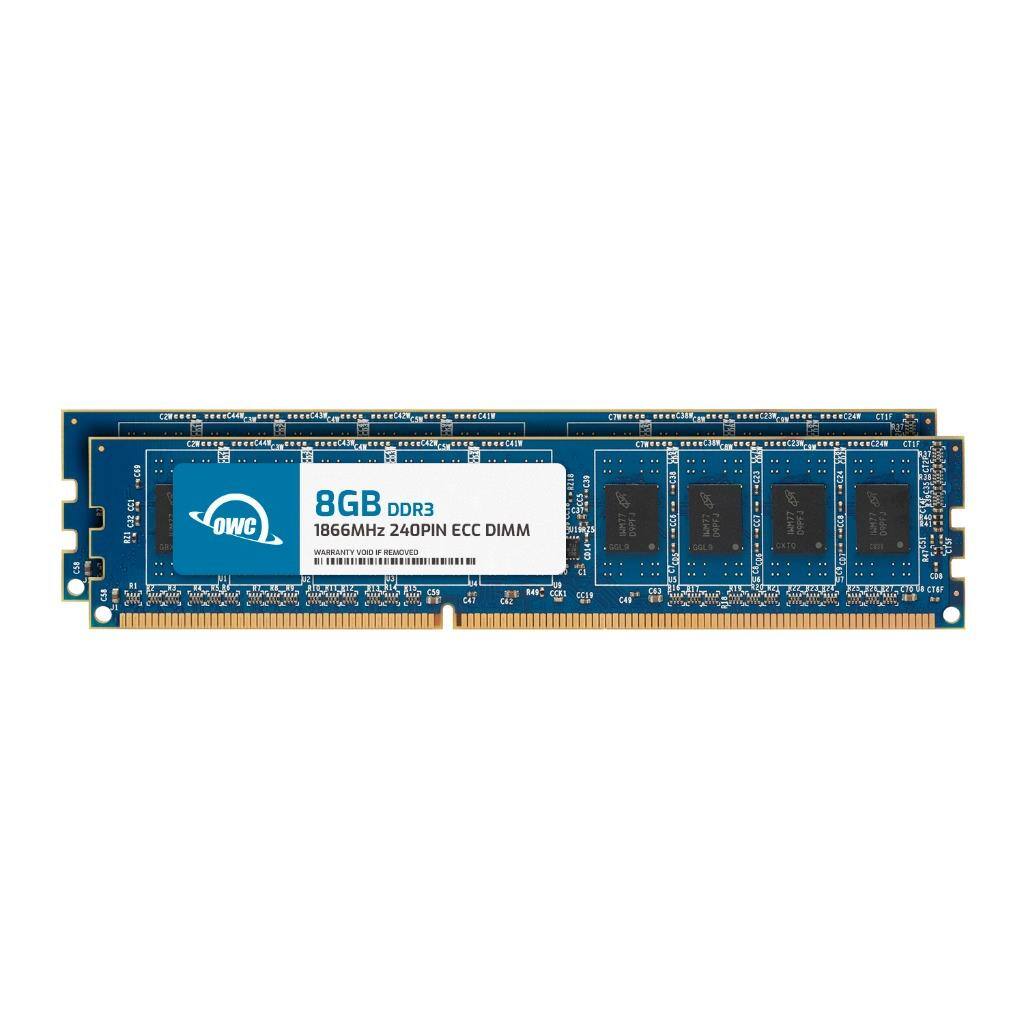
OWC - 16GB (2x8GB) DDR3 1866MHz 2Rx8 CL13 ECC Unbuffered 240-pin DIMM Memory RAM for Workstations, Servers, NAS Systems - Black Chips
SKU: J3GWLFY2P7See all Computer Memory (RAM)Product Description
A dual-channel 16GB DDR3 1866MHz ECC unbuffered RAM kit with black chips for workstations and servers.Your price for this item is $75.98 -
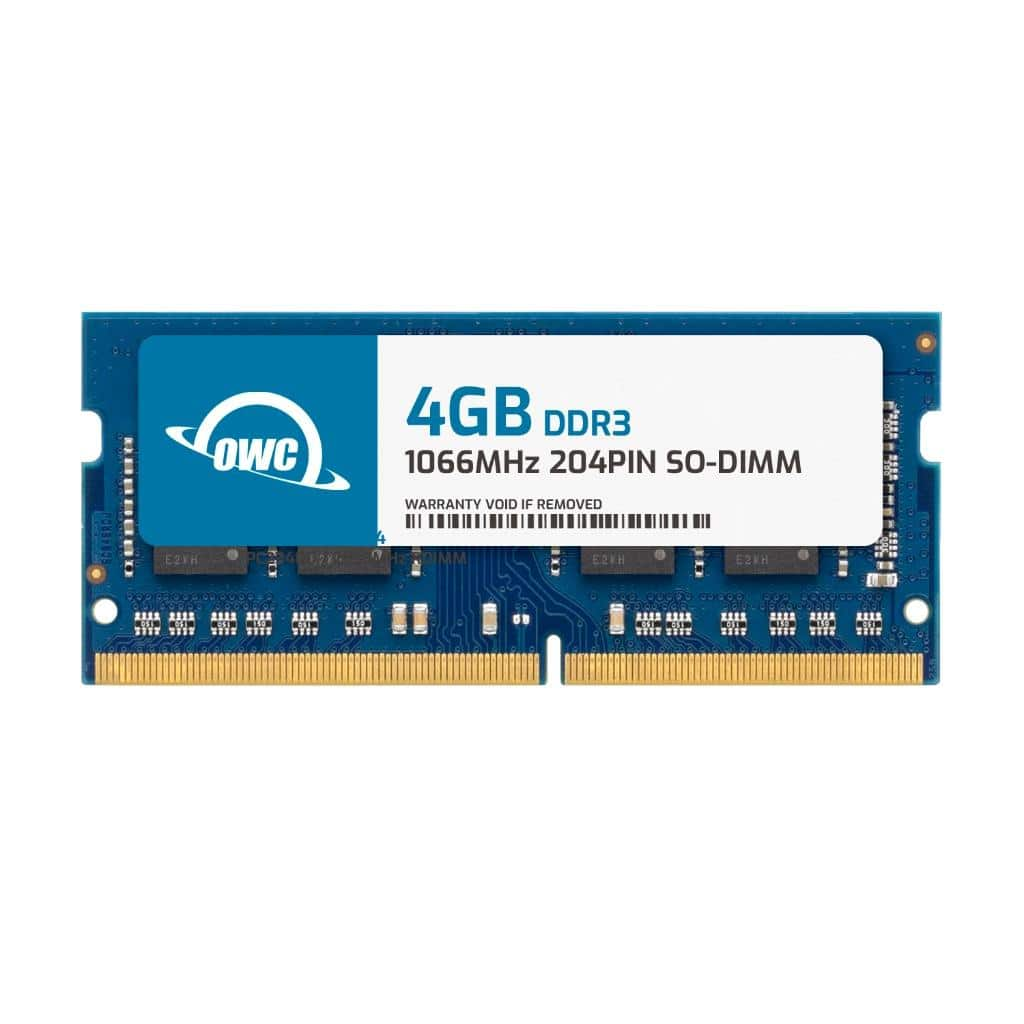
OWC - 4GB Memory RAM For HP 2000 Series using DDR3 Memory 620 625 630 635 - Black Chips
SKU: J3GWLFYYRXSee all Computer Memory (RAM)Product Description
A 4GB DDR3 1066MHz laptop memory module with black chips, designed for HP 2000 Series.Your price for this item is $24.99 -
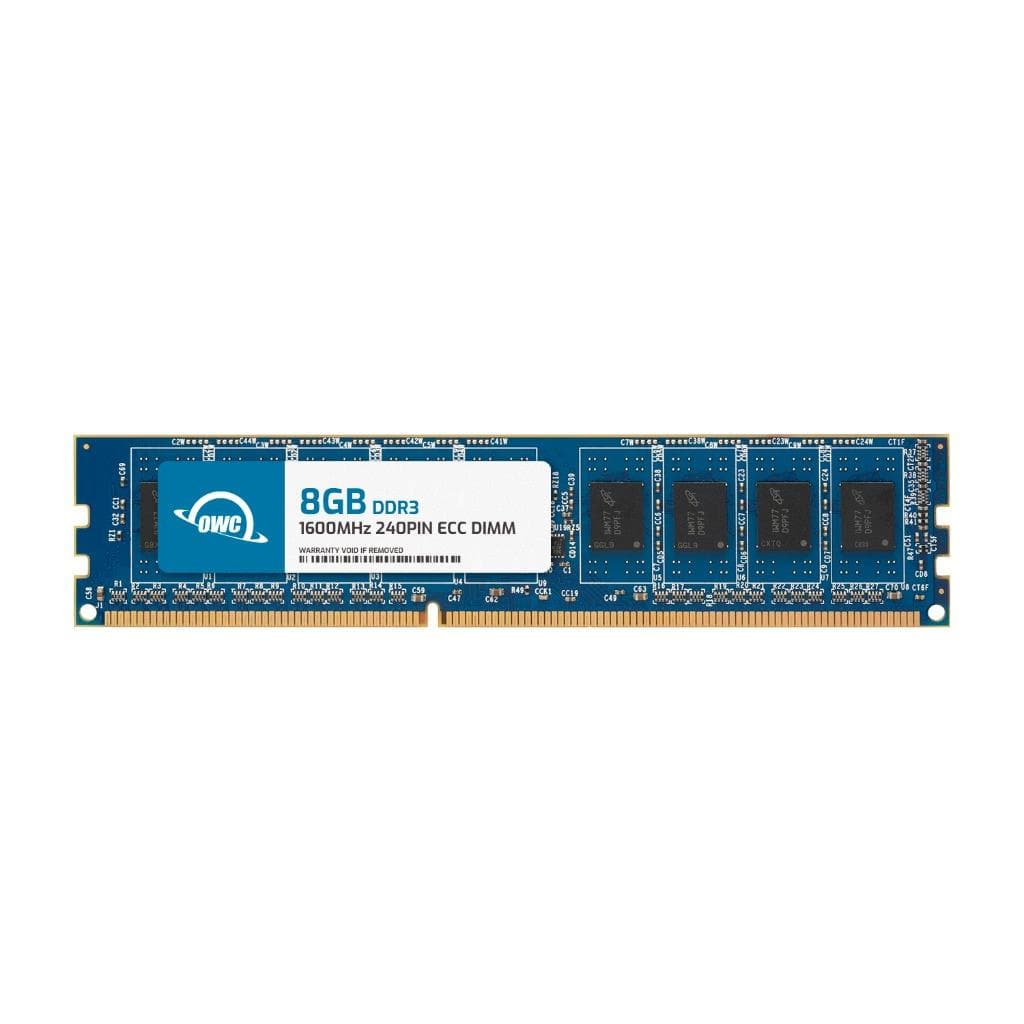
OWC - 8GB DDR3 1600MHz 2Rx8 CL11 ECC Unbuffered 240-pin DIMM Memory RAM for Workstations, Servers, and NAS Systems - Black Chips
SKU: J3GWLFYC45See all Computer Memory (RAM)Product Description
An 8GB DDR3 1600MHz ECC unbuffered DIMM with black chips, ideal for workstations and servers.Your price for this item is $39.99 -
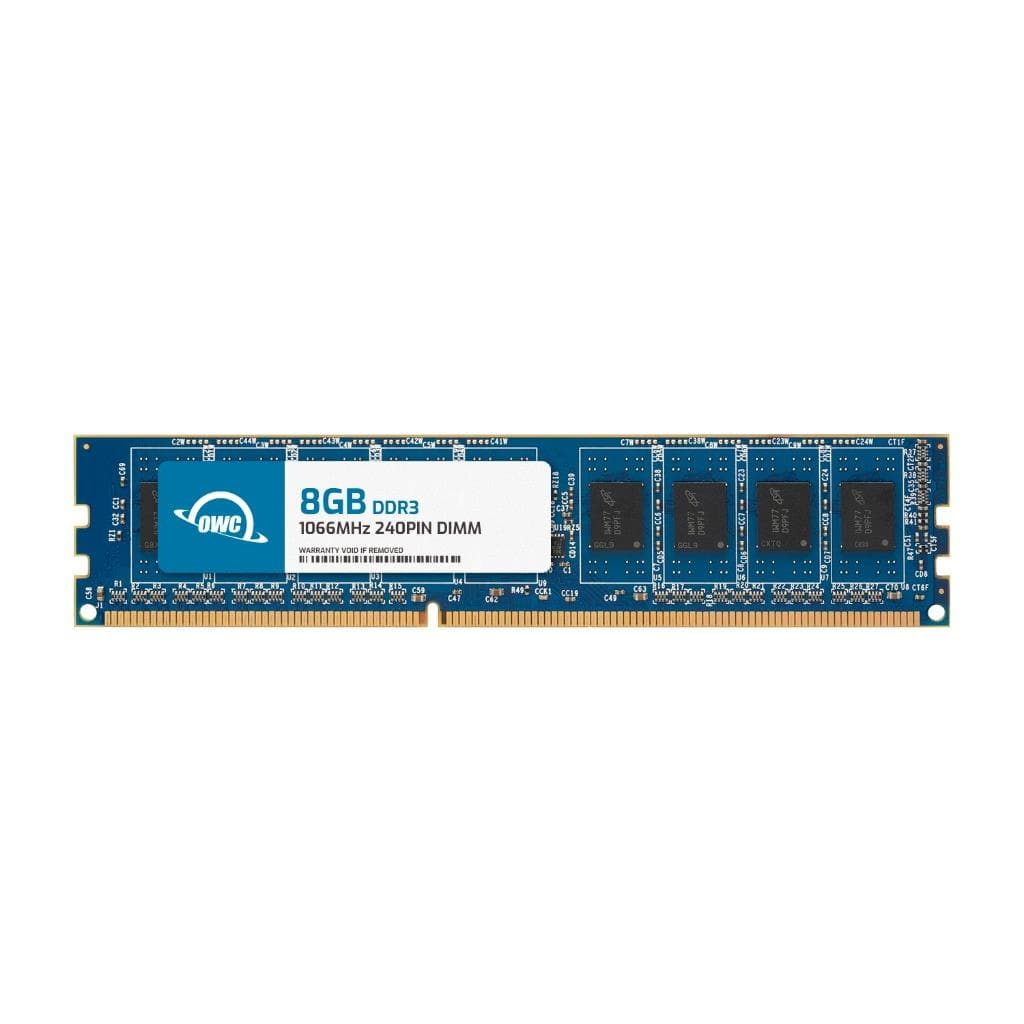
OWC - 8GB DDR3 1066 PC3-8500 CL7 2Rx8 240-pin 1.5V Non-ECC UDIMM Memory RAM Module - Black Chips
SKU: J3GWLFYJ9KSee all Computer Memory (RAM)Product Description
An 8GB DDR3 1066MHz non-ECC UDIMM RAM module with black chips for enhanced desktop performance.Your price for this item is $33.99 -
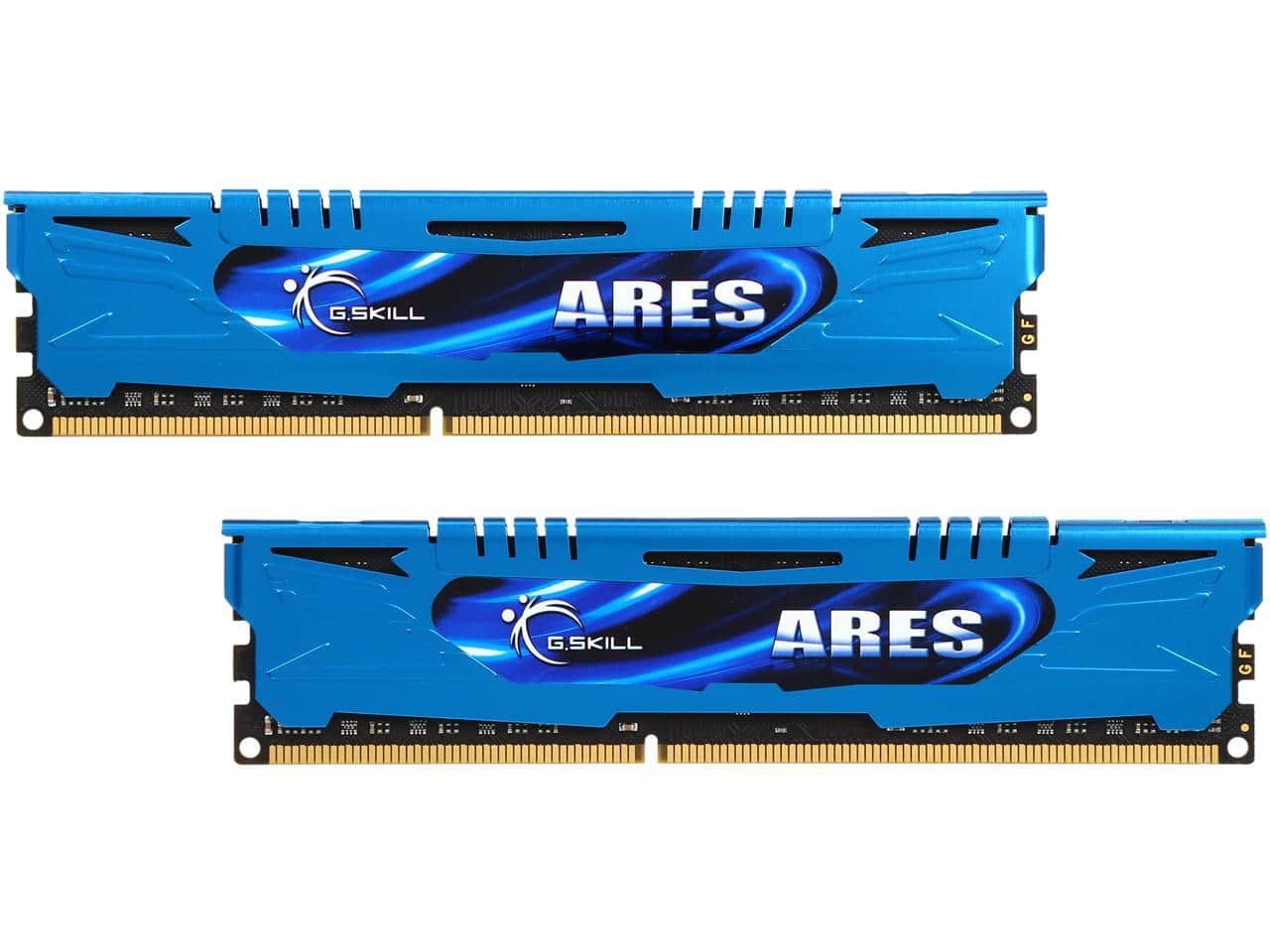
G.SKILL - Ares Series 16GB (2 x 8GB) 240-Pin PC RAM DDR3 1600 (PC3 12800) Memory Model F3-1600C10D-16GAB
SKU: J36V4S8K6RSee all Computer Memory (RAM)Product Description
A dual-channel DDR3 desktop memory kit offering 16GB total capacity and 1600MHz speed with CL10 latency.Your price for this item is $109.99 -
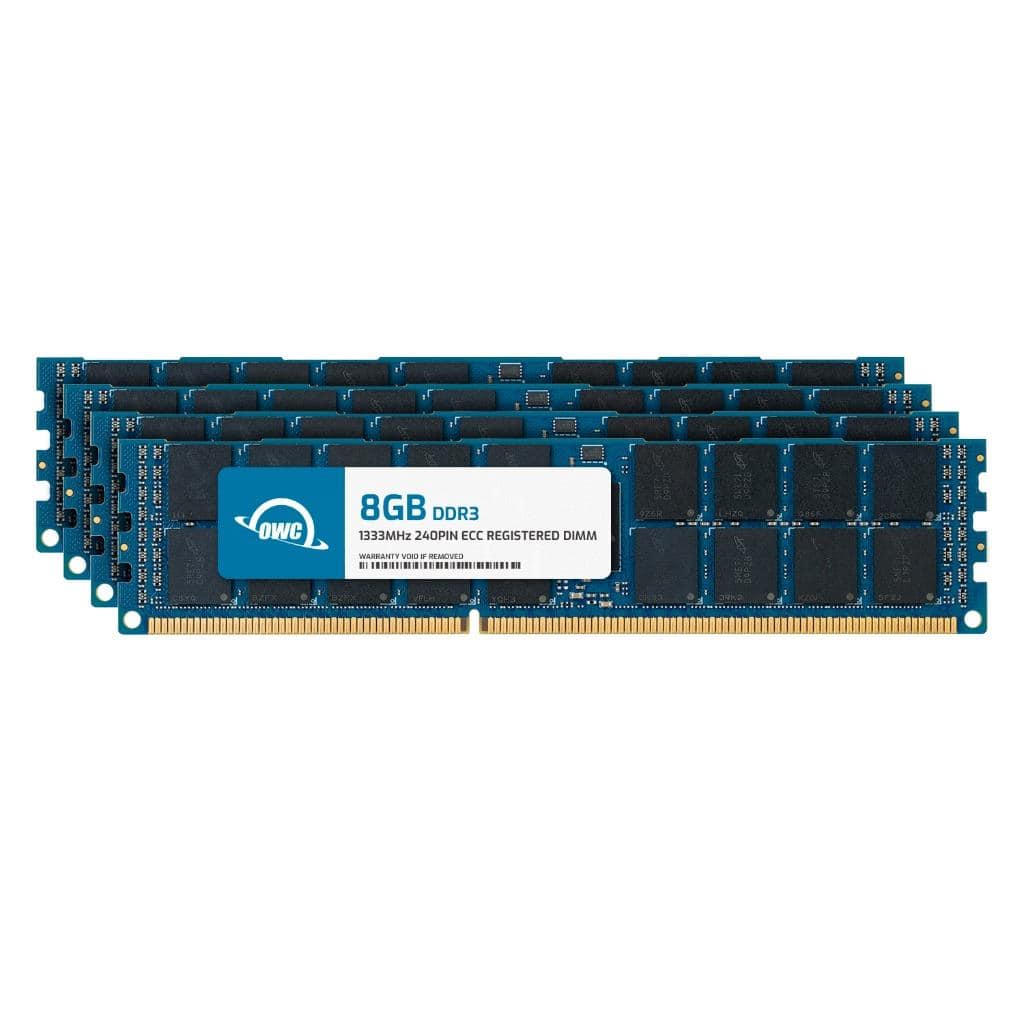
OWC - 32GB (4x8GB) RDIMM Memory RAM For HP ProLiant SL165s G7 ProLiant SL170s G6 ProLiant SL335s G7 ProLiant SL390s G7 - Black Chips
SKU: J3GWY8FF77See all Computer Memory (RAM)Product Description
A 32GB DDR3 ECC Registered memory kit with black chips, 1333MHz speed, and 1.5V voltage.Your price for this item is $112.76 -
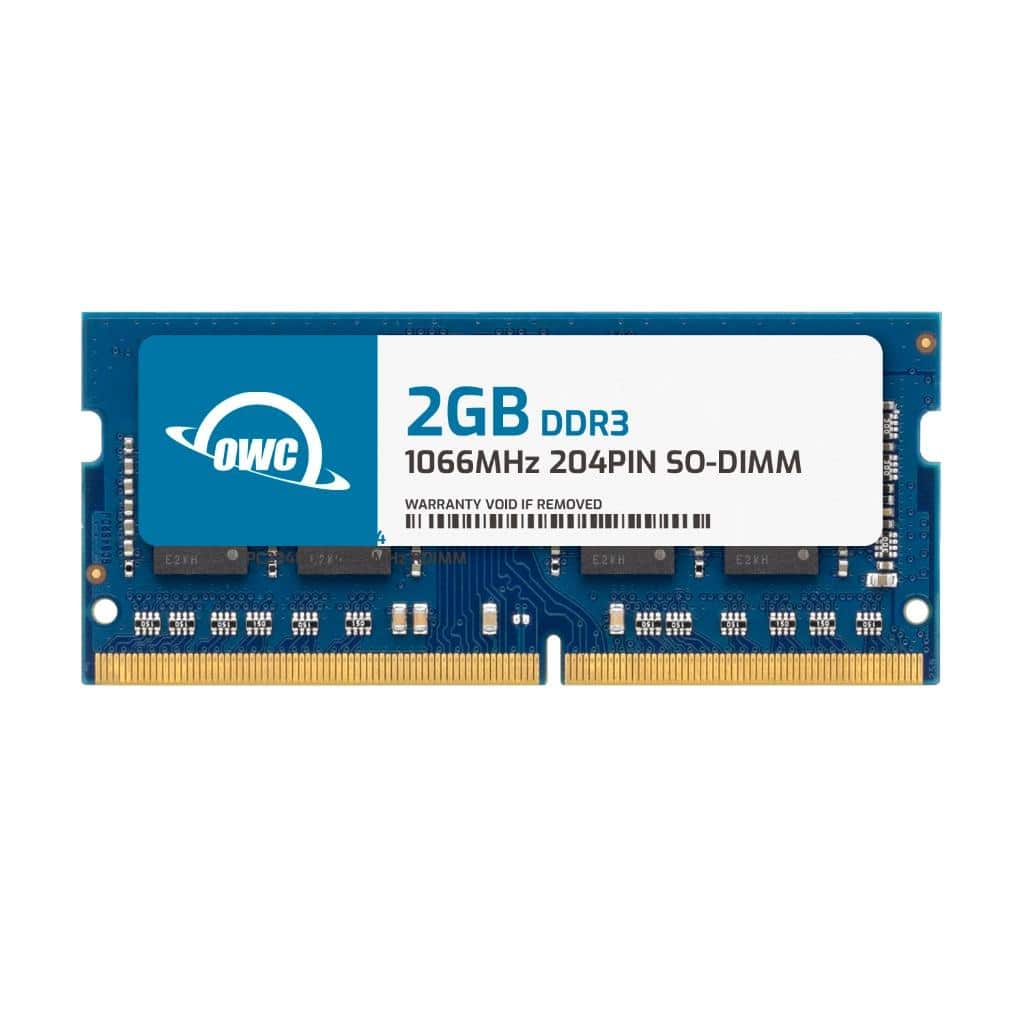
OWC - 2GB Memory RAM For HP HDX X18 Series using DDR3 Memory - Black Chips
SKU: J3GWLFYY97See all Computer Memory (RAM)Product Description
A 2GB DDR3 1066MHz laptop memory module with black chips, designed for HP HDX X18 Series.Your price for this item is $23.50 -
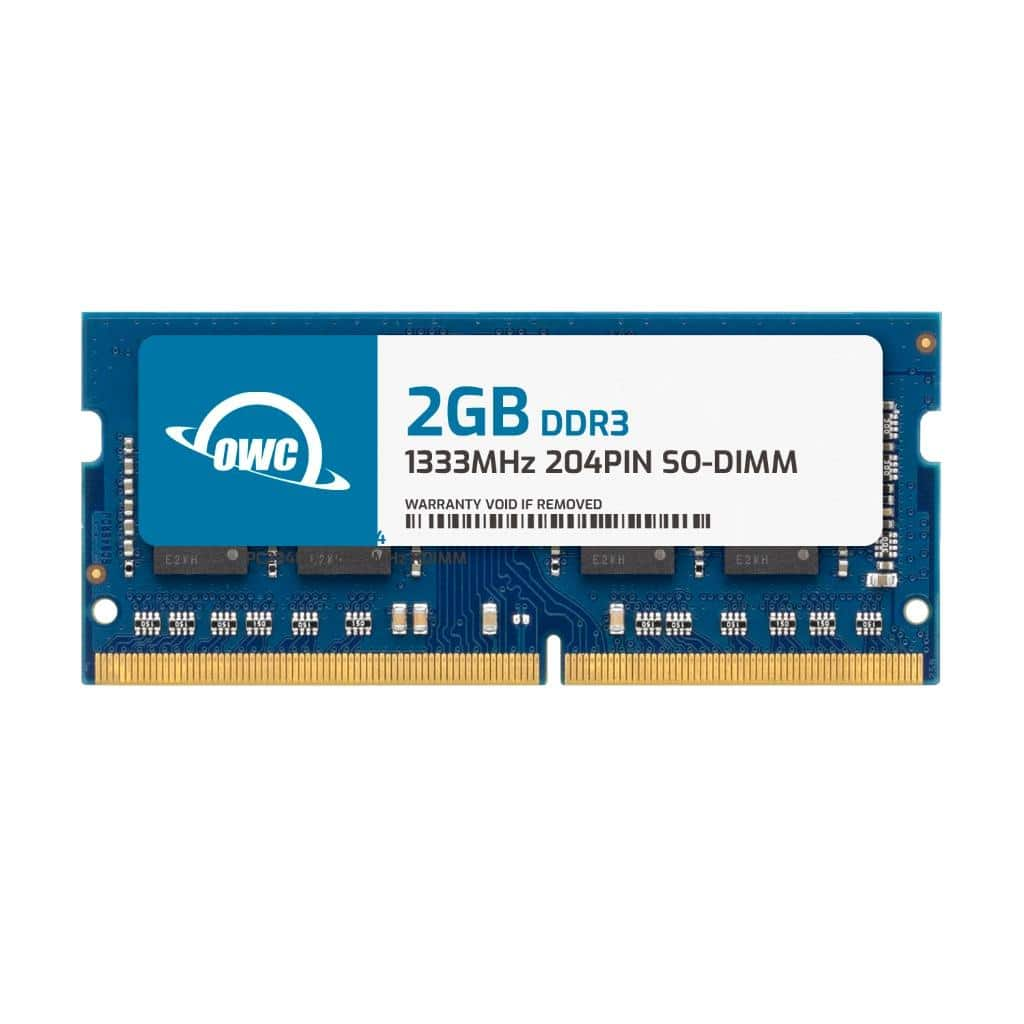
OWC - 2GB Memory RAM For HP Presario CQ43 Series using DDR3 Memory - Black Chips
SKU: J3GWY2J67FSee all Computer Memory (RAM)Product Description
A 2GB DDR3 laptop memory module with black chips, 1333MHz speed, and 1.5V voltage for HP Presario CQ43.Your price for this item is $23.50 -
OWC - 4GB Memory RAM For HP HDX X18 Series using DDR3 Memory - Black Chips
SKU: J3GWLFYY9GSee all Computer Memory (RAM)Product Description
A 4GB DDR3 1066MHz laptop memory module with black chips, designed for HP HDX X18 Series.Your price for this item is $24.99 -
OWC - 2GB Memory RAM For HP 2000 Series using DDR3 Memory 620 625 630 635 - Black Chips
SKU: J3GWLFYY69See all Computer Memory (RAM)Product Description
A 2GB DDR3 1066MHz laptop memory module with black chips, ideal for HP 2000 Series upgrades.Your price for this item is $23.50
Best Sellers
Related Pages





FAQ
DDR3 RAM is a type of computer memory known as Double Data Rate Type 3 Synchronous Dynamic Random-Access Memory. It offers faster data transfer rates and improved performance compared to its predecessor, DDR2, while using less power. DDR3 is commonly used in desktops, laptops, and servers released between 2007 and the mid-2010s.
No, DDR3 RAM is only compatible with motherboards that have DDR3 memory slots. It is not interchangeable with DDR2 or DDR4 slots, as the physical configuration and voltage requirements differ. Always check your motherboard’s specifications before purchasing DDR3 RAM.
Yes, you can mix different brands of DDR3 RAM as long as they have the same specifications, such as voltage and speed. However, for optimal performance and stability, it is generally recommended to use identical modules.
DDR3 RAM is widely used in older desktop computers, laptops, and servers. It's suitable for everyday computing tasks, gaming on older systems, and upgrading legacy hardware to improve multitasking and overall system responsiveness.
To install DDR3 RAM, power off your computer and unplug it. Open the case, locate the DDR3 RAM slots on the motherboard, and gently insert the RAM module into an available slot, ensuring it clicks into place. Close the case, reconnect power, and turn on your computer to confirm the RAM is recognized.