Ethernet Switch With USB
-
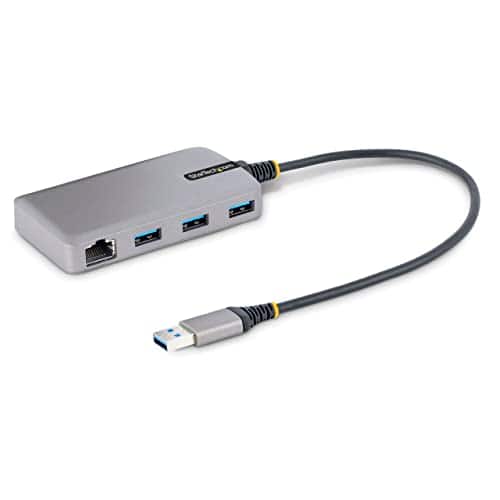
Startech - 3-Port USB Hub with Ethernet
SKU: J7PHYXCXXKSee all USB HubsProduct Description
A compact hub that adds three USB 3.2 Gen 1 ports and a Gigabit Ethernet connection.Your price for this item is $52.99 -
PoE Gateway - Wired eero Router and 10-port PoE+ Smart Network Switch - Black
SKU: J39HW6RWQVGreat way to boost your speed with your home internet....Works great with the eero 6E router....This is great center to my mesh WiFi system the poe is strong enough to run all of my access points with...
See all Network SwitchesProduct Description
A black wired router and 10-port PoE+ smart switch delivering up to 9.4 Gbps network speeds.Your price for this item is $499.99 -
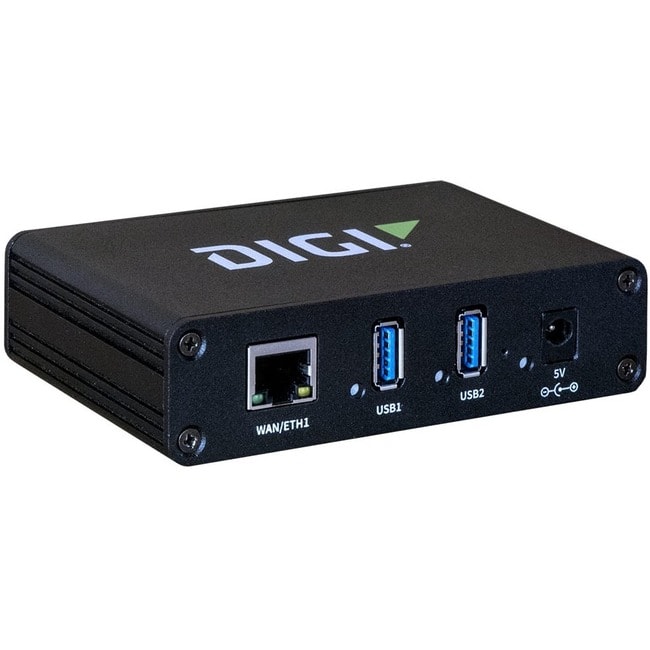
Digi International - Digi USB/Ethernet Combo Hub - 2 USB Port(s) - 1 Network (RJ-45) Port(s) - 2 USB 3.1 Port(s) - PC - Unknown
SKU: JXLQFHKWQGSee all USB HubsProduct Description
A versatile combo hub offering two USB 3.1 ports and one RJ-45 Ethernet port for PCs.Your price for this item is $401.34Save $0The previous price was $401.89 -
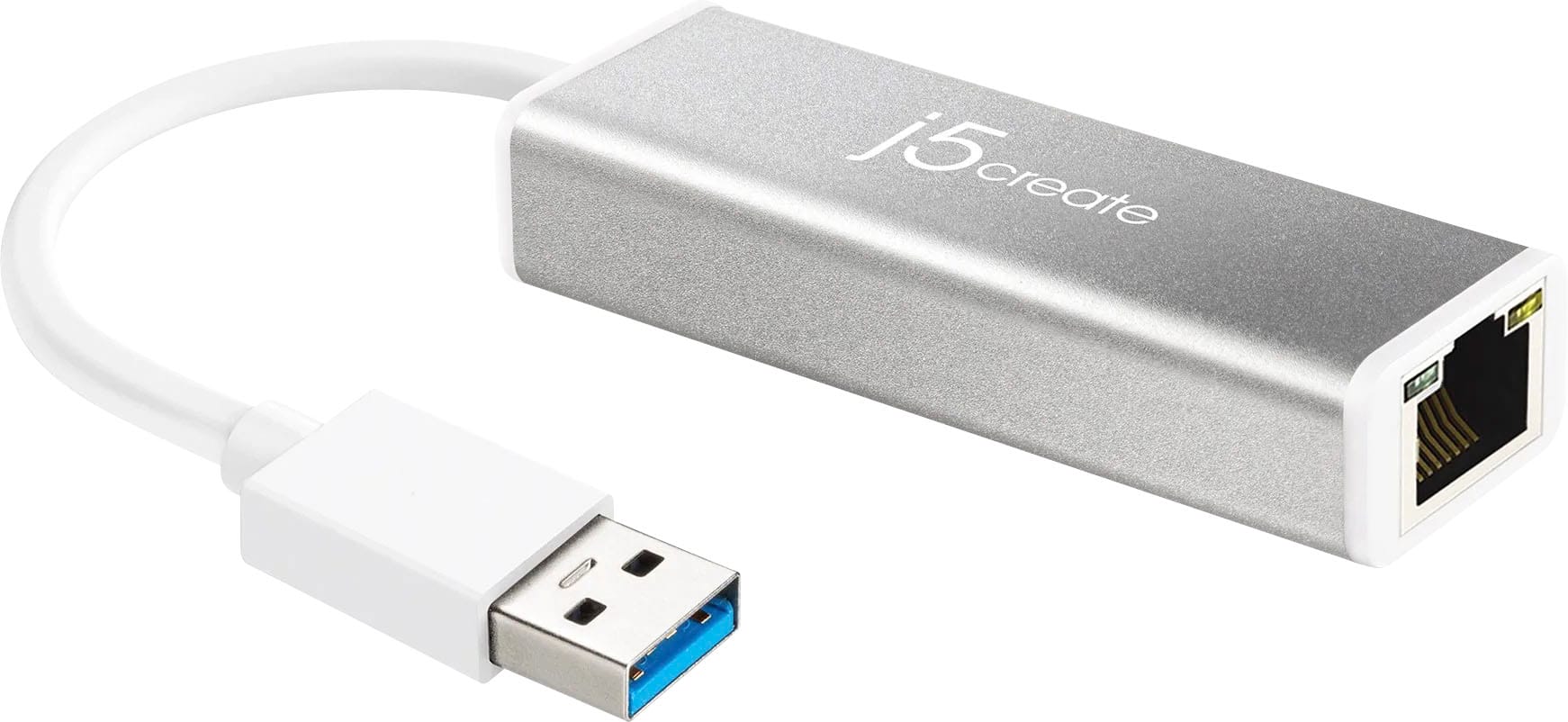
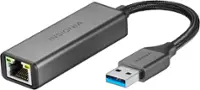
j5create - USB 3.0 Gigabit Ethernet Adapter - Silver
SKU: J36445R78RLove it...Love it. Couldn’t really find it but Best Buy came through....Love it !...I am happy with it and will give others best referral about it !
See all Monitor & Video CablesProduct Description
A silver USB 3.0 adapter that adds a Gigabit Ethernet port with full-duplex and VLAN support.Your price for this item is $24.99 -
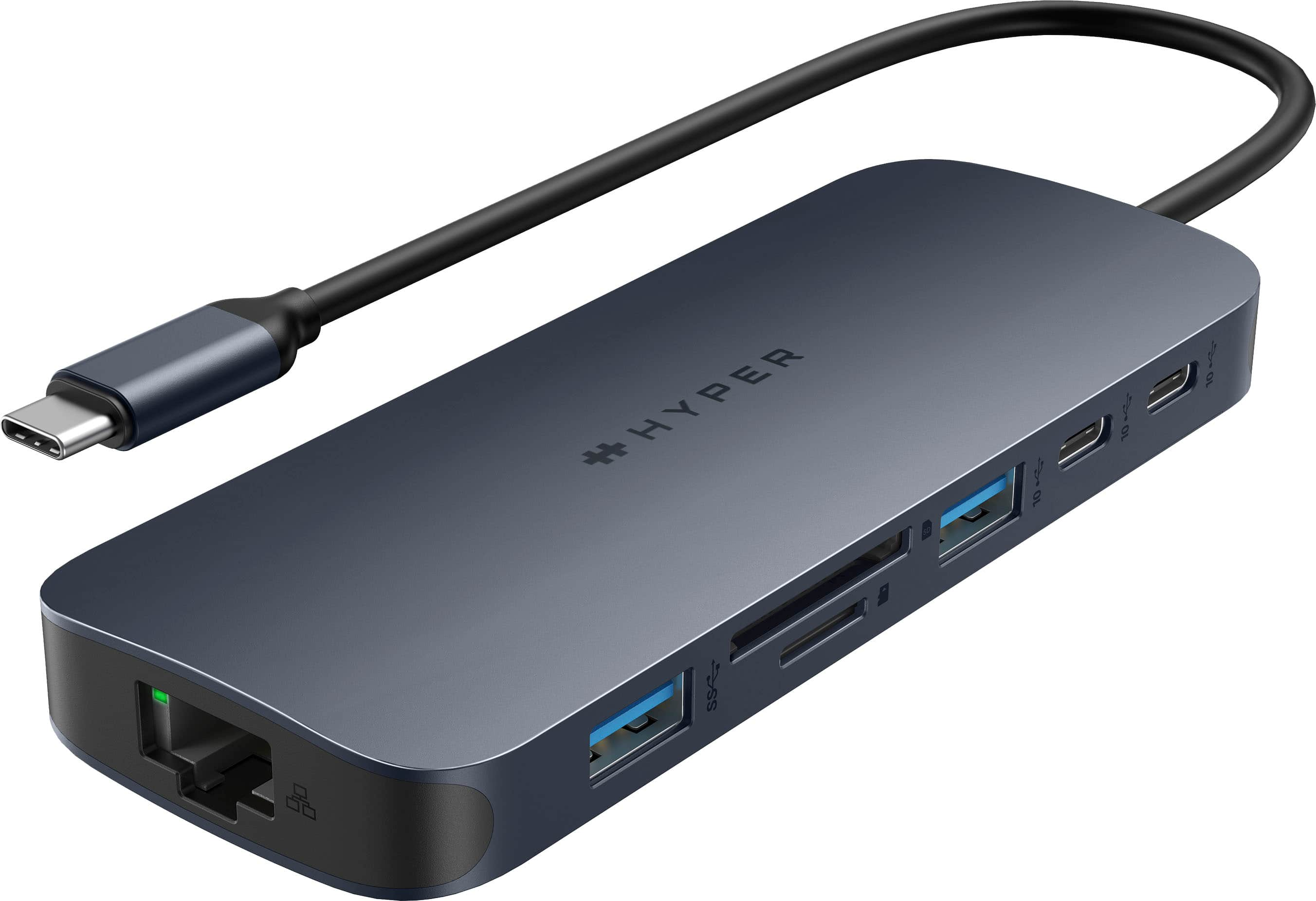
Hyper - HyperDrive Next 10 Port USB-C Hub, 4K HDMI, Ethernet, 2 USB-C, 2 USB-A, microSD/SD, travel dock for MacBook/PC - Midnight Blue
SKU: J3L45JHCYGLove this product, works great, and super easy to use....Great little piece of tech that handles all our needs....Best dongle for the money....Great product!
See all USB HubsProduct Description
A versatile midnight blue USB-C hub offering 10 ports, 4K HDMI, Ethernet, and ultra-fast data transfers.Your price for this item is $99.99

Best Sellers


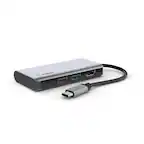
Related Pages

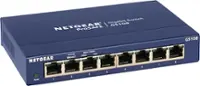
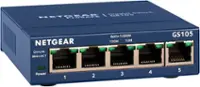
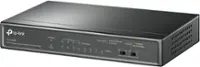

FAQ
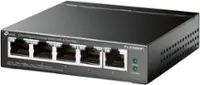
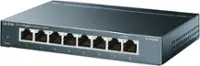
An Ethernet switch with USB is designed to expand your wired network by adding multiple Ethernet ports, while the USB port can be used for connecting devices such as printers, storage drives, or for switch management, depending on the model.
Yes, many Ethernet switches with USB ports allow you to connect external storage devices, such as USB flash drives or hard drives, enabling file sharing across all devices connected to the network.
Most Ethernet switches with USB are compatible with a variety of operating systems, including Windows, MacOS, and Linux, making them versatile for different home and office environments.
Generally, Ethernet switches with USB are plug-and-play and do not require special software for basic switching functions. However, advanced features like USB device sharing or switch management may require specific software or drivers.
Some Ethernet switches feature USB ports that can provide power to small devices, such as USB-powered fans or LED lights, but power output varies by model. Always check the manufacturer's specifications for supported power output.