Remote Access External Hard Drive
-
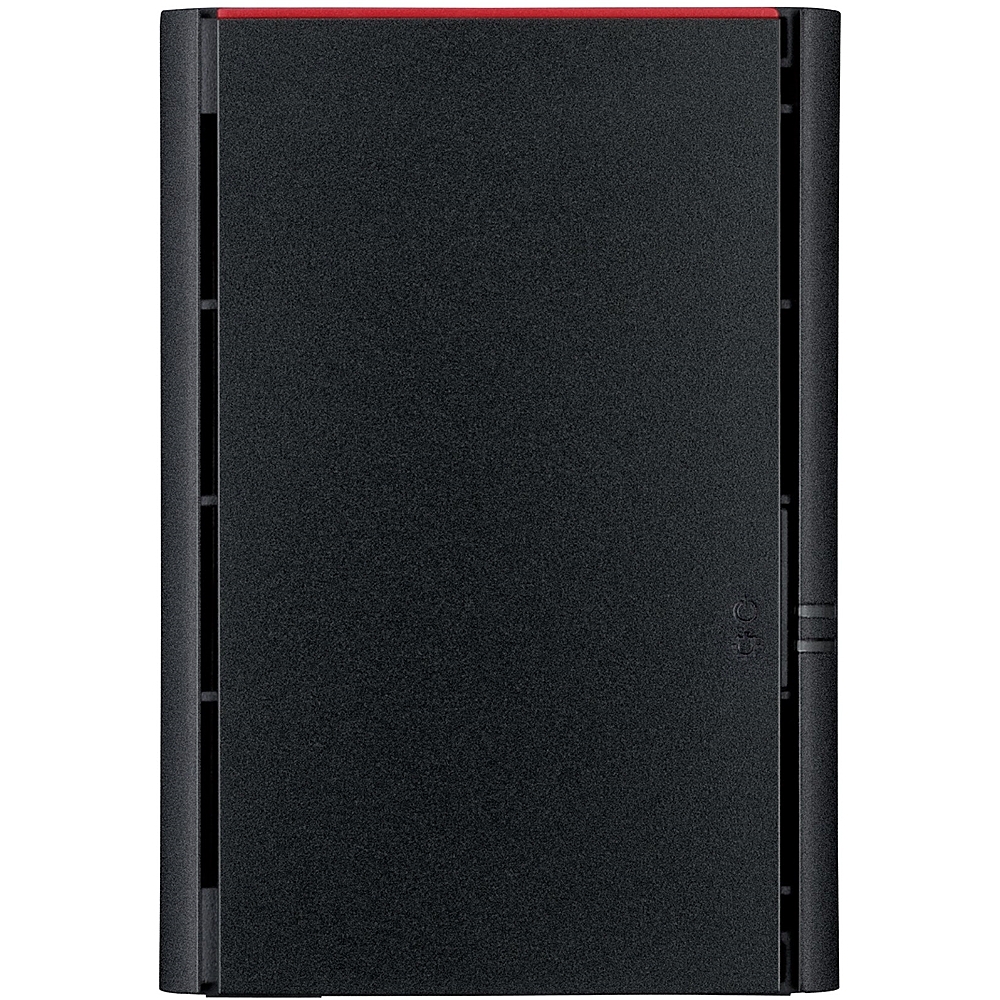
Buffalo - LinkStation 220 4TB 2-Bay External Network Attached Storage (NAS) - Black
SKU: JX5SQLX3ZYSee all External Hard DrivesProduct Description
A black dual-bay NAS with 4TB storage, RAID support, private cloud access, and mobile setup.Your price for this item is $308.99 -
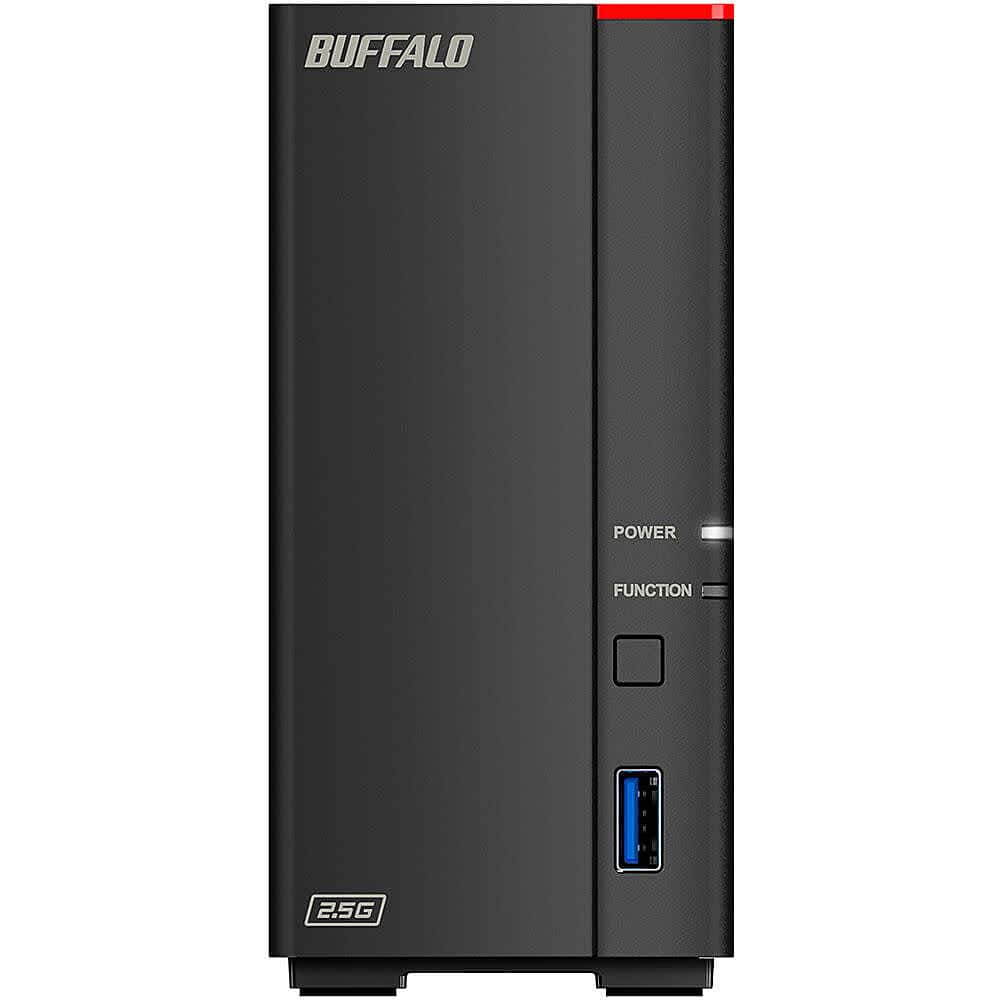
Buffalo Technology - LinkStation 710 2TB External Network Attached Storage (NAS) - Black
SKU: JX5SQLXQGVSee all Network Attached Storage (NAS)Product Description
A black external NAS offering 2TB of secure, centralized storage with personal cloud and remote access features.Your price for this item is $275.54 -
Buffalo Technology - LinkStation 720 16TB External Network Attached Storage (NAS) - Black
SKU: JX5SQLXQP2See all Network Attached Storage (NAS)Product Description
A black external NAS offering 16TB of centralized storage, personal cloud access, and seamless device backup.Your price for this item is $669.73 -
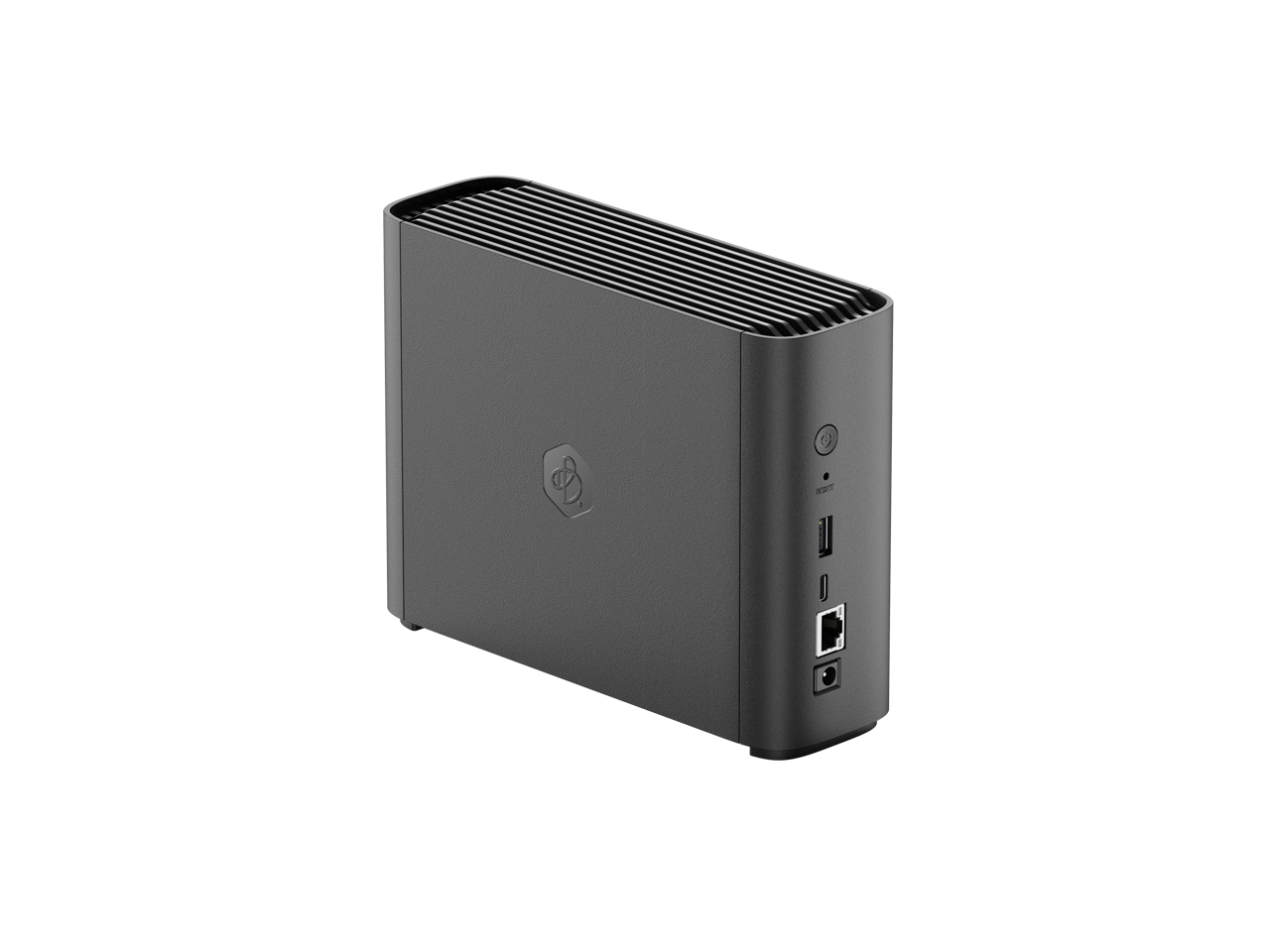
Synology - BeeStation 4TB Personal Cloud Storage Device - Black
SKU: J36TG78L9RSee all Network Attached Storage (NAS)Product Description
A black personal cloud storage device offering 4TB capacity and USB connectivity for secure data management.Your price for this item is $397.49Save $43The previous price was $441.23 -
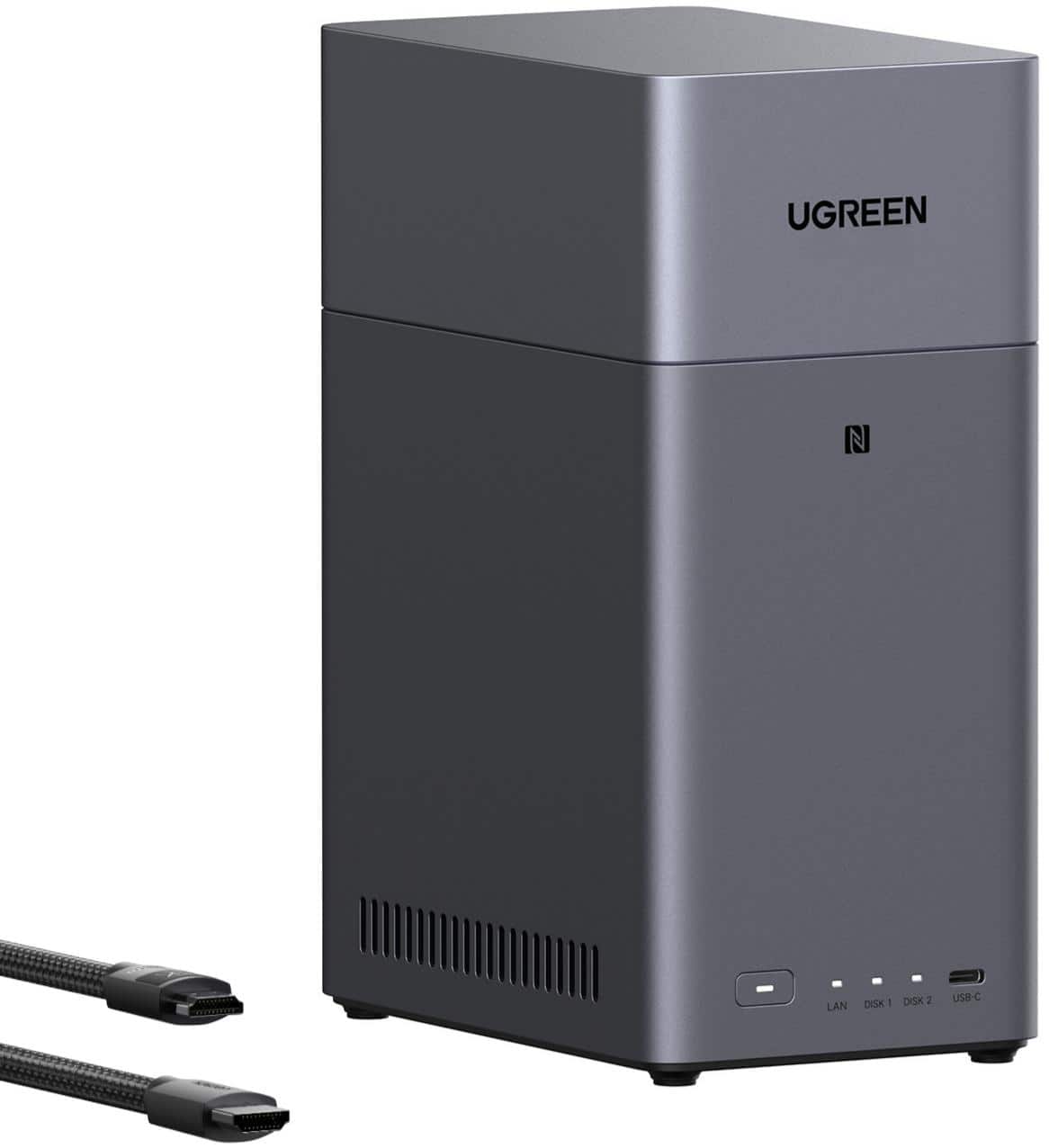
UGREEN - NASync DH2300, 64TB 2-Bay NAS with AI Photo Album, Remote Access, 4GB RAM, 1GbE (Hard Drive Not Included) - Gray
SKU: J3R8Z9XVRGIf you're looking for a back up solution for all your data, this is a great beginner device....Great first NAS
See all Network Attached Storage (NAS)Product Description
A gray 2-bay NAS with 4GB RAM, AI photo album, remote access, and HDMI cable included.Your price for this item is $227.99Save $2The previous price was $229.99 -
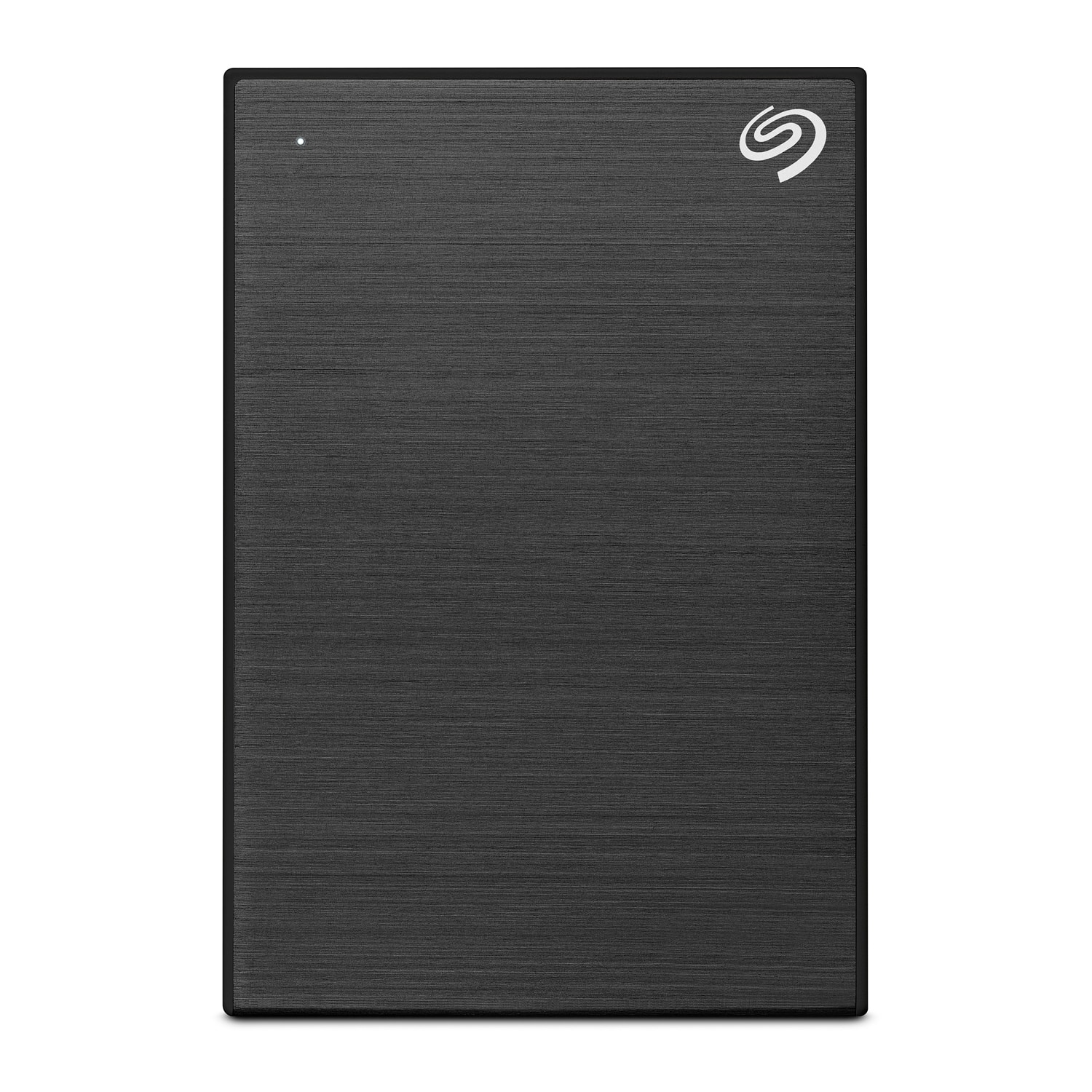
Seagate - One Touch with Password 4TB External USB 3.0 Portable Hard Drive with Rescue Data Recovery Services - Black
SKU: J37C5H4WRSSee all External Hard DrivesProduct Description
A portable black hard drive offering 4TB storage, USB 3.0 connectivity, password protection, and data recovery.Your price for this item is $201.79

Best Sellers


Related Pages



FAQ
A remote access external hard drive is an external storage device or setup that lets you access files over an internet connection when paired with compatible network hardware, software or cloud-enabled features. Unlike a standard USB-only external hard drive, remote access usually requires a NAS device, a router with supported file-sharing features or an always-on computer configured for secure access.
To set up remote access, connect the drive to a compatible router, NAS device or computer, then follow the hardware or software provider's instructions. You may need to create an account, enable sharing and set permissions to securely connect to your drive from outside your home.
Yes, if your storage setup supports sharing, you can share files or folders with others by generating secure links or setting up user accounts with specific permissions.
Some remote access setups use a manufacturer app or web portal, while others use operating system sharing, router software, NAS software or third-party backup and cloud tools. Check compatibility before buying or configuring a drive.
Yes, many external hard drives include backup software or work with third-party backup solutions, and network-capable setups may allow scheduled backups of your important files and folders.