External Hard Drive For Multiple Computers
-
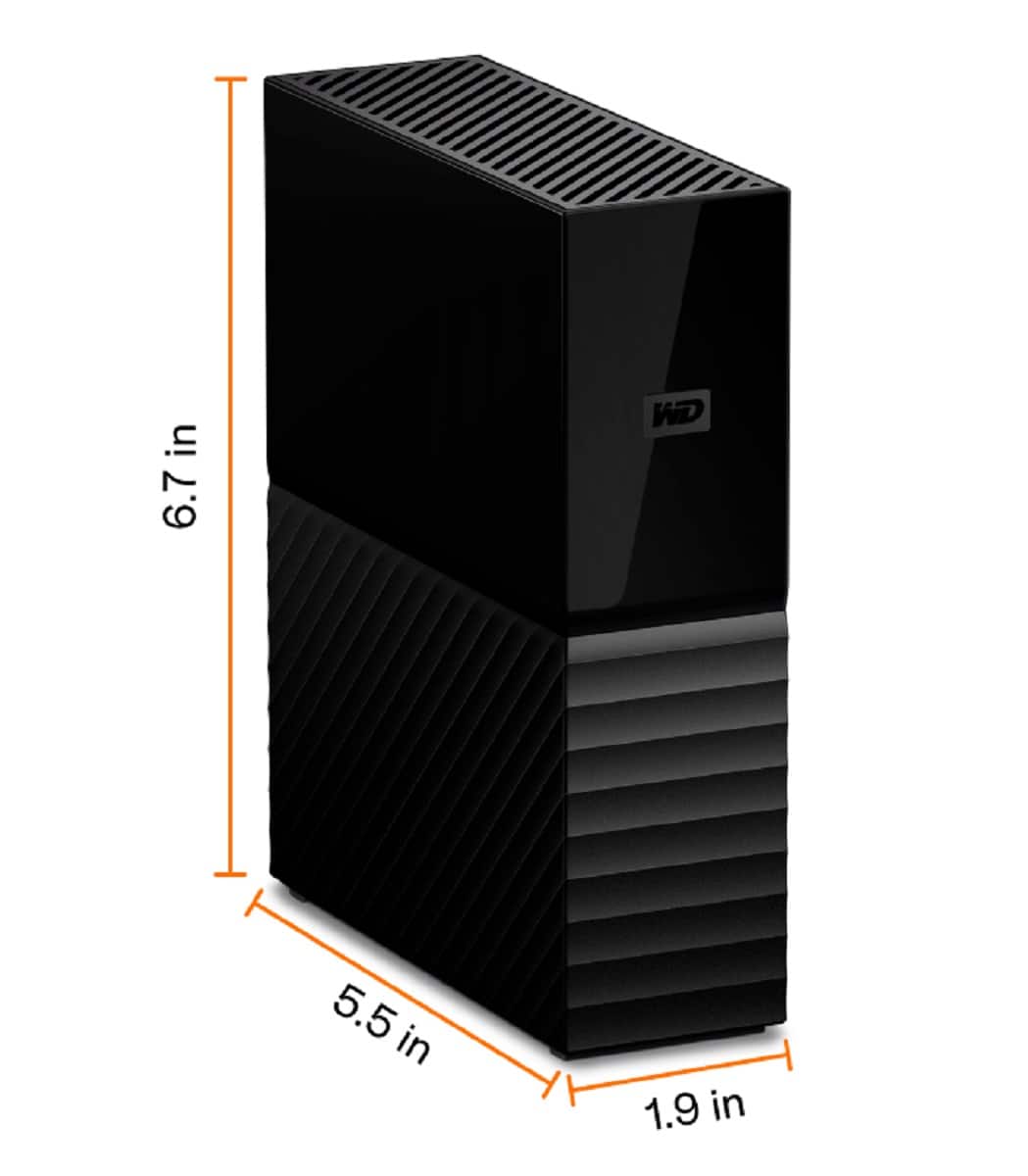
WD - My Book 4TB External USB 3.0 Hard Drive - Black
SKU: JXTHCJ5S86Great Quality, Value and Performance.★5 star out of 5.
See all External Hard DrivesProduct Description
A black external USB 3.0 hard drive offering fast transfers, 4TB storage, and built-in hardware encryption.Your price for this item is $313.05 -
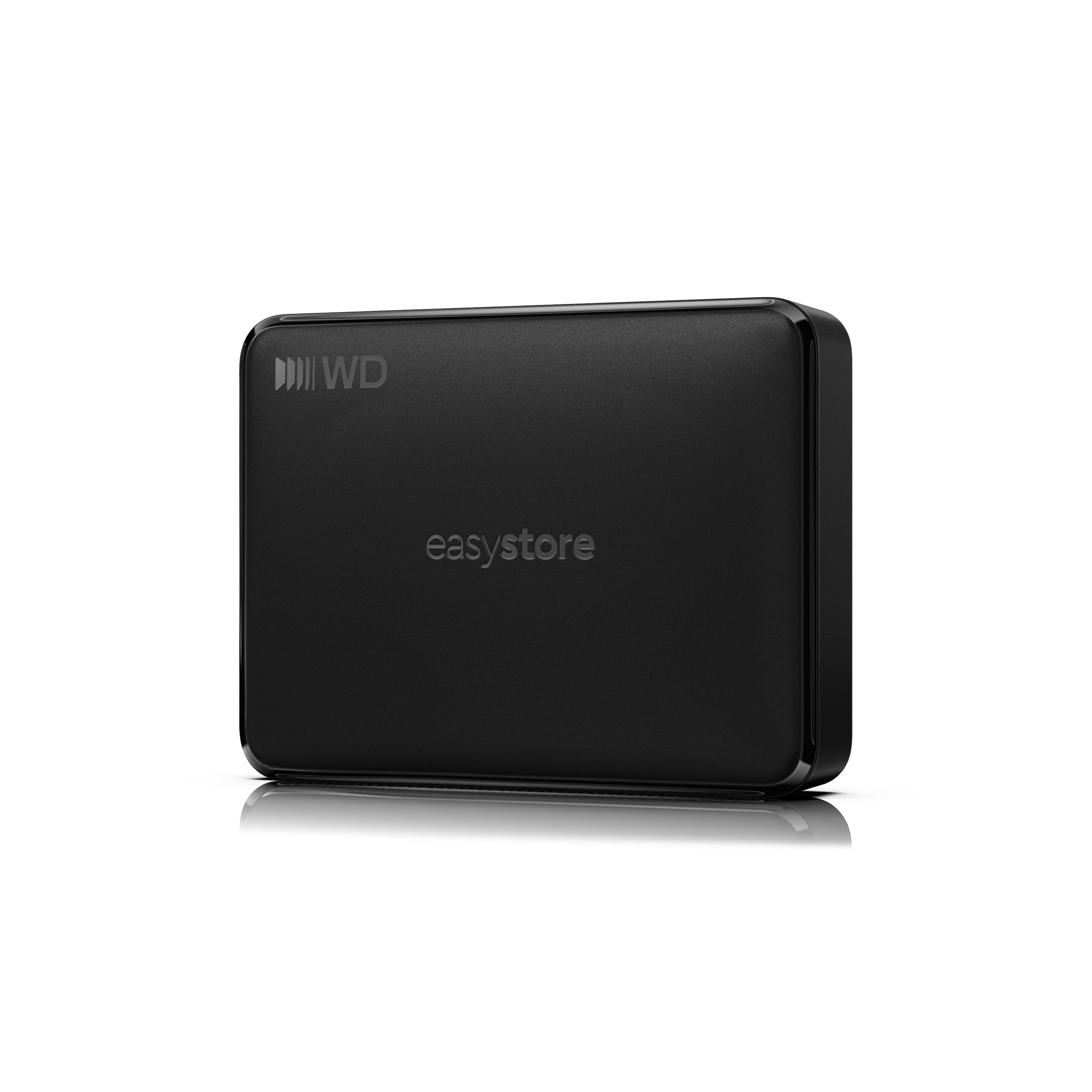
WD - 5TB easystore Portable HDD for Windows, Mac and compatible devices - Black
SKU: JXTHCCJSFXSee all Internal Hard DrivesProduct Description
A black portable external HDD with USB-C connectivity, plug-and-play compatibility, and file backup across multiple devices.Your price for this item is $284.99 -
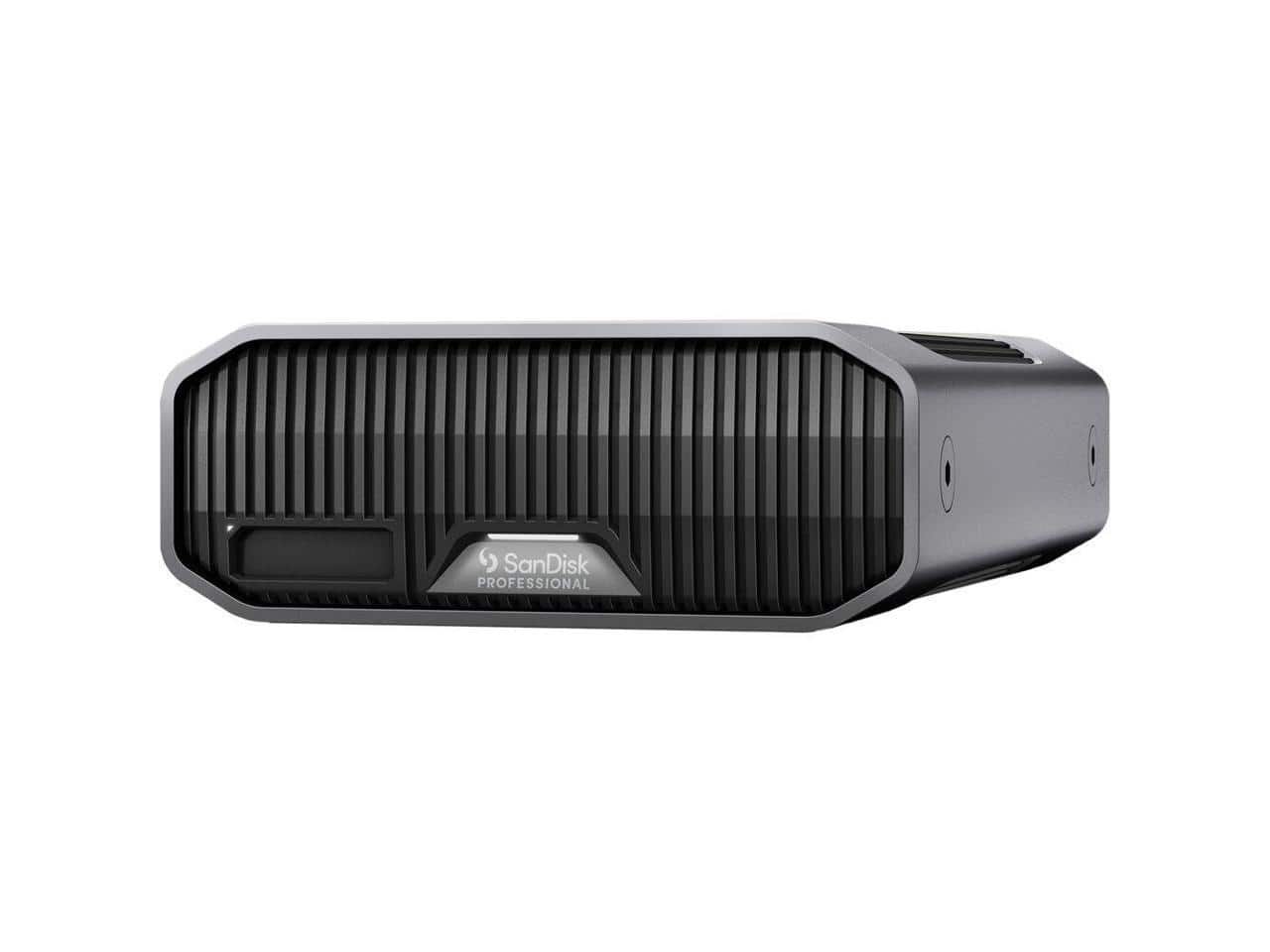
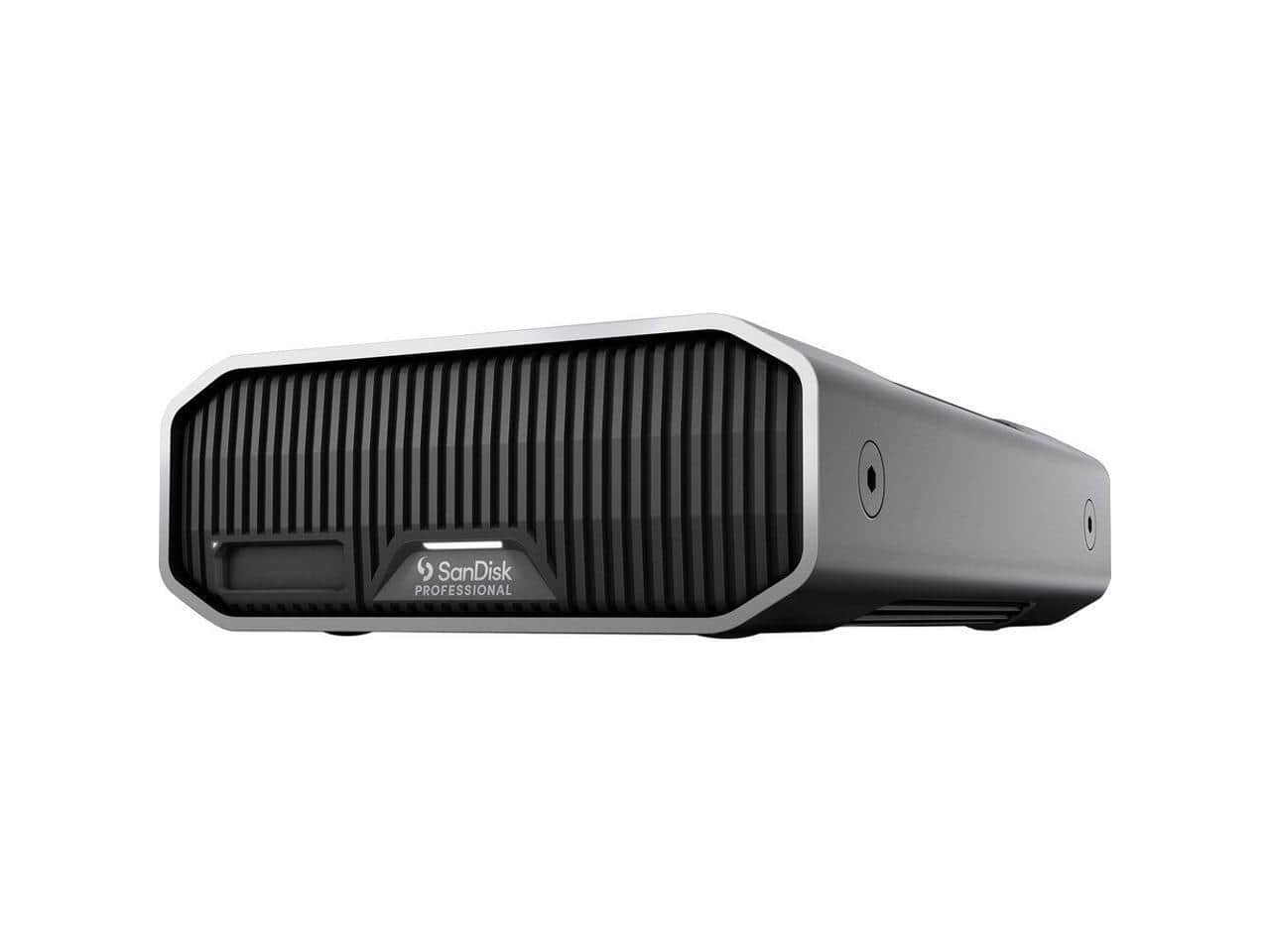
SanDisk Professional - 18TB G-DRIVE PROJECT Thunderbolt 3 External Hard Drive - aluminum
SKU: JXTHCC7RJSSee all External Hard DrivesProduct Description
An aluminum external hard drive offering 18TB storage and Thunderbolt 3 connectivity in sleek black.Your price for this item is $1,249.99 -
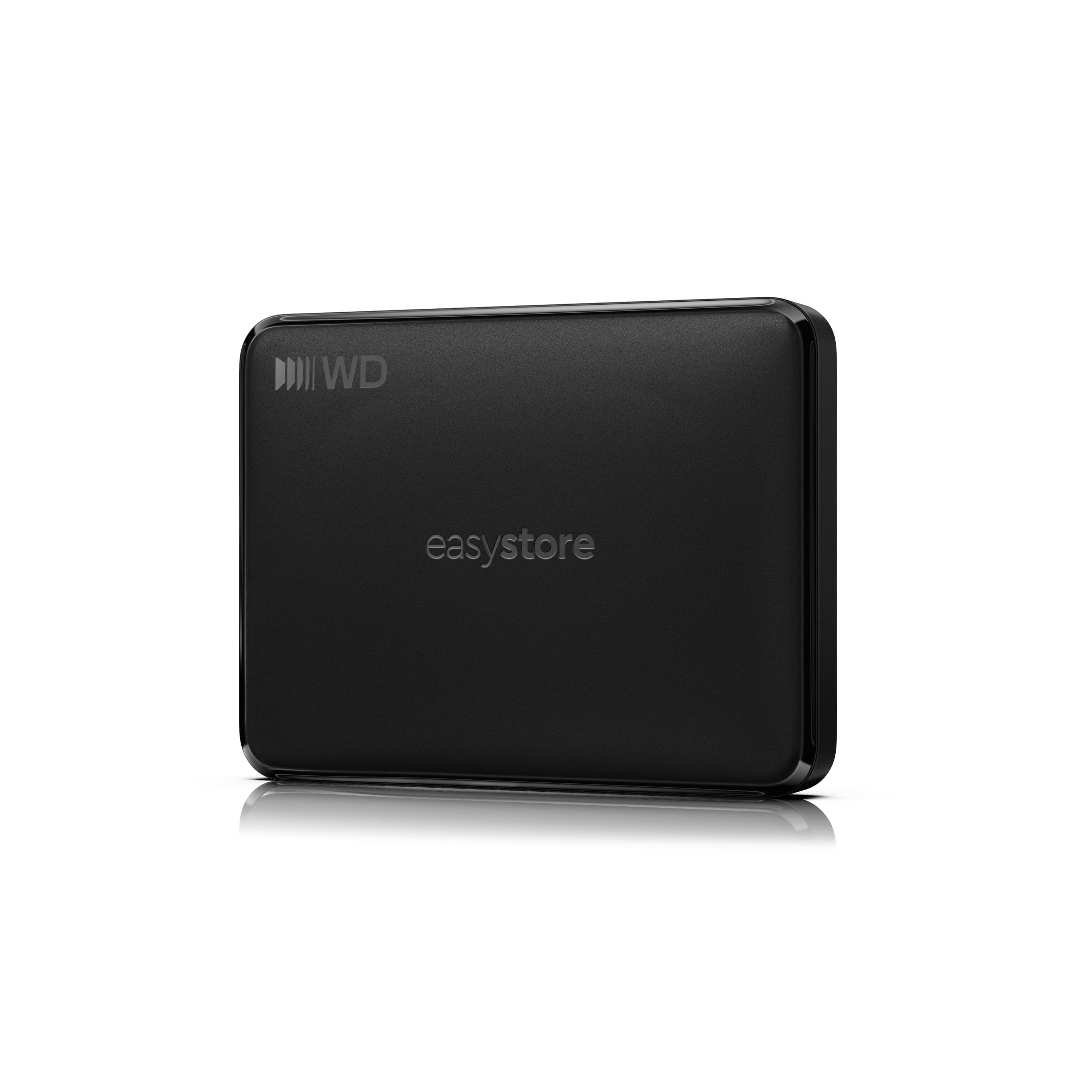
WD - 2TB easystore Portable HDD for Windows, Mac and compatible devices - Black
SKU: JXTHCCJSK9Great value, plenty of extra storage!
See all Internal Hard DrivesProduct Description
A black 2TB external hard drive with USB-C connectivity and plug-and-play Windows and Mac compatibility.Your price for this item is $169.99 -
WD - 6TB easystore Portable HDD for Windows, Mac and compatible devices - Black
SKU: JXTHCCJSVPSee all Internal Hard DrivesProduct Description
A black external hard drive offering USB-C plug-and-play storage across Windows, Mac, Android, and iOS.Your price for this item is $329.99 -
SanDisk Professional - 22TB G-DRIVE PROJECT Thunderbolt 3 External Hard Drive - aluminum
SKU: JXTHCC7RX5See all External Hard DrivesProduct Description
An aluminum external hard drive with 22TB capacity and Thunderbolt 3 connectivity for fast, reliable storage.Your price for this item is $1,709.99 -
WD - 1TB easystore Portable HDD for Windows, Mac and compatible devices - Black
SKU: JXTHCCJSWGSee all Internal Hard DrivesProduct Description
A black 1TB portable external hard drive with USB-C, plug-and-play Windows, Mac, Android and iOS compatibility.Your price for this item is $149.99 -
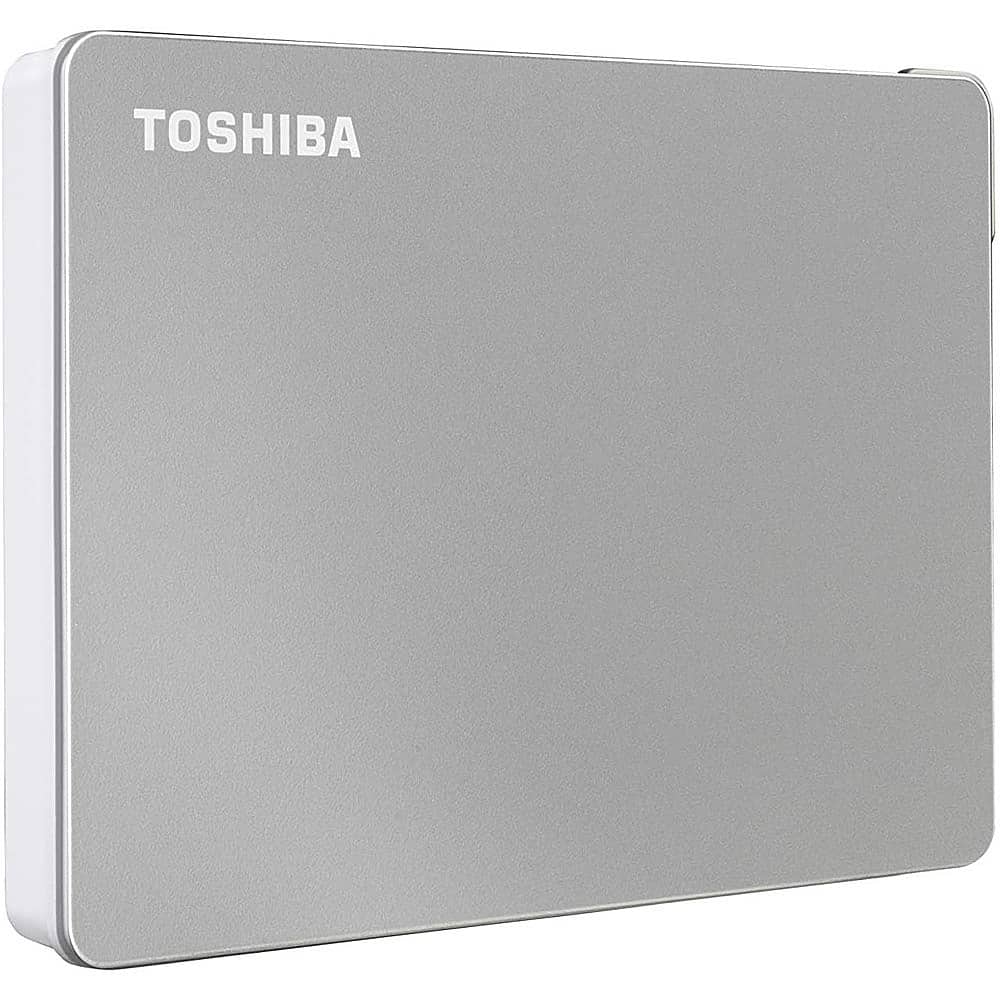
Toshiba - Canvio Flex 2TB External USB 3.0 Portable Hard Drive - Silver
SKU: JXWR4QHJG8See all External Hard DrivesProduct Description
A versatile silver external hard drive offering 2TB storage and USB 3.0 compatibility for multiple devices.Your price for this item is $157.64Save $34The previous price was $192.24 -
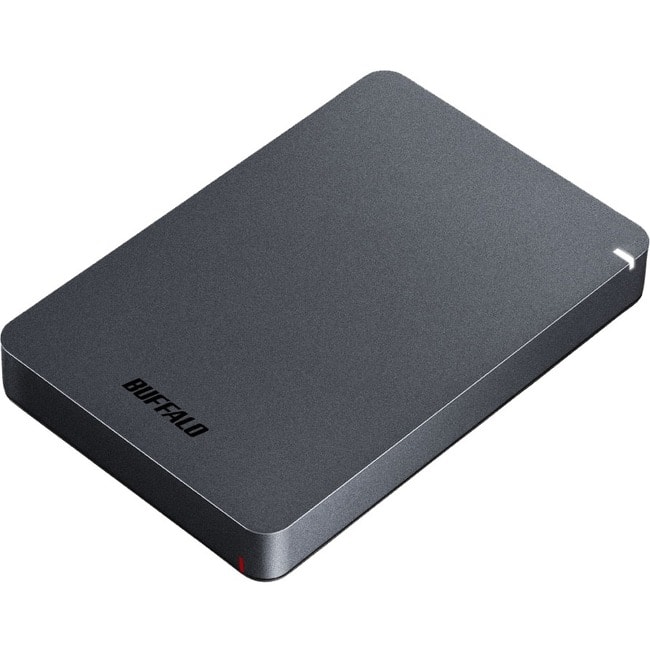
Buffalo - MiniStation HD-PGFU3 2 TB Portable Hard Drive - External - TAA Compliant - Desktop PC, MAC Device Supported - Black
SKU: JX5SQLXH5GSee all External Hard DrivesProduct Description
A portable external hard drive in black offering 2TB storage and fast USB 3.2 Gen 1 connectivity.Your price for this item is $175.08 -
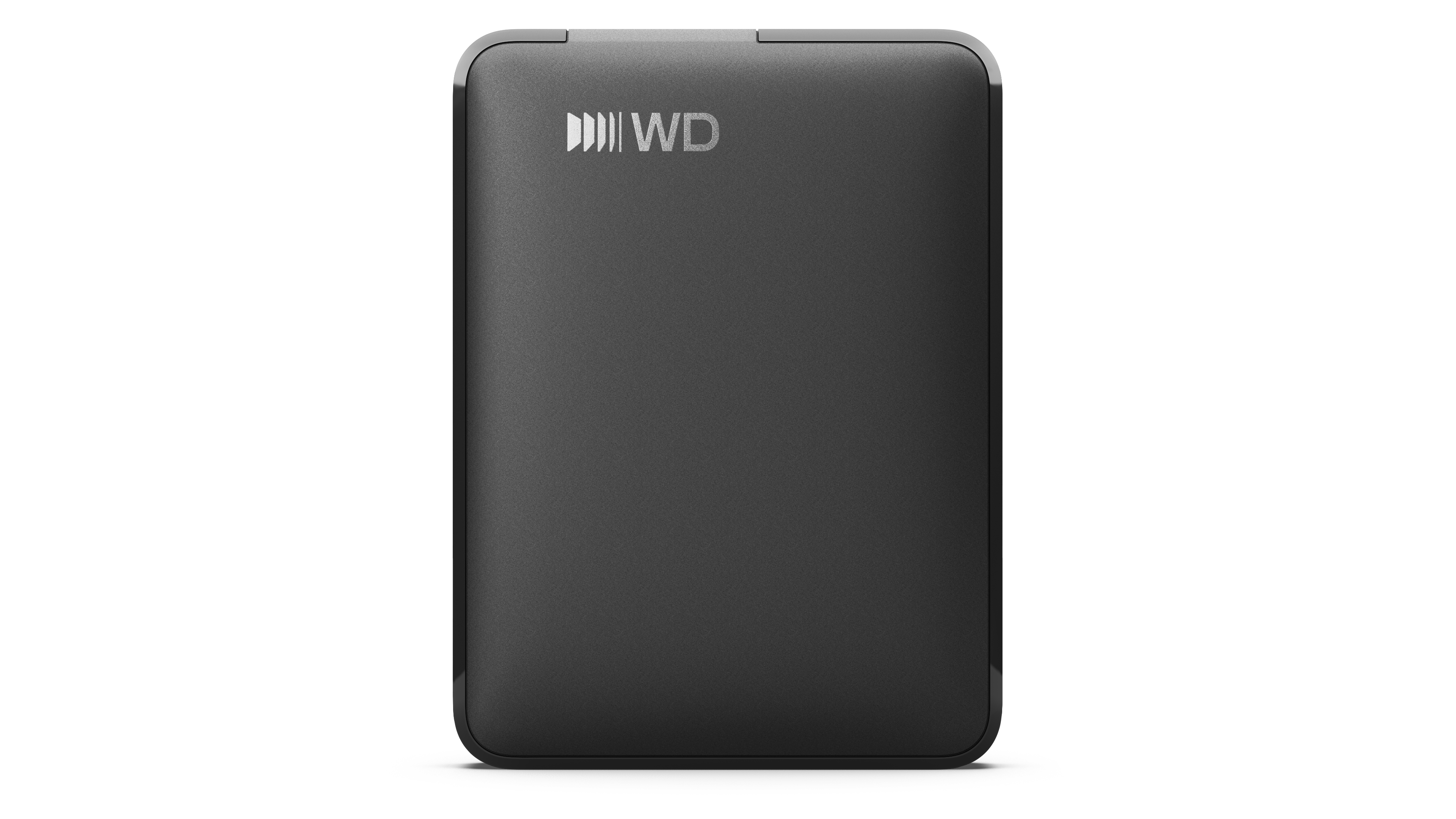
6TB WD Elements® Portable Hard Drive for Windows, Mac and compatible devices - Black
SKU: JXTHCCJPRJSee all Internal Hard DrivesProduct Description
A portable black external hard drive offering 6TB storage and USB-C connectivity for multiple devices.Your price for this item is $344.66
Best Sellers
Related Pages
FAQ
Yes, many external hard drives are compatible with both Windows and Mac computers. For seamless use between different operating systems, consider formatting the drive to a file system like exFAT, which is supported by both platforms.
To share an external hard drive between multiple computers, simply connect it via USB or another supported connection. For network sharing, you can connect the drive to a compatible router or a network-attached storage (NAS) device, allowing multiple users to access files wirelessly.
Yes, you can use an external hard drive to set up automatic backups on multiple computers. Most backup software allows you to select the drive as the backup destination, but make sure each computer uses a separate backup folder to avoid overwriting files.
No special software is needed for basic file transfers; most external hard drives work with plug-and-play functionality. However, if you want advanced features like automatic backups or encryption, you may want to install the manufacturer's software or third-party applications.
Yes, many external hard drives come with built-in encryption tools or bundled software that allows you to password-protect your data. You can also use third-party encryption programs to secure your files, ensuring only authorized users can access them across different computers.