Game Making Software
-
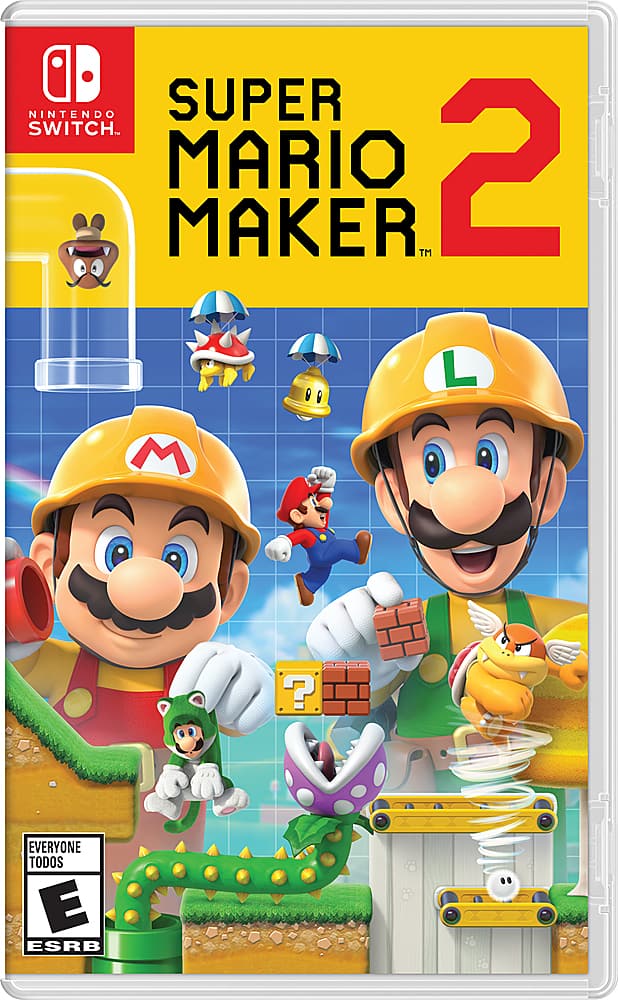
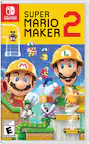
Super Mario Maker 2 - Nintendo Switch
SKU: J7GSL4GXYYGrandkids love it! Great buy. Always can count on best buy...Great buy, my son loves this game ! Love buying from best buy, so reliable
See all Physical Video GamesProduct Description
A creative platformer that lets you build, play, and share custom Mario courses on Nintendo Switch.Your price for this item is $41.99Save $18The previous price was $59.99 -
Super Mario Maker 2 - Nintendo Switch [Digital]
SKU: JCQ6H9H8JTAwesome Great item Best Buy is fire great service...Best game with unlimited fun, unlimited levels and much more
See all Game DownloadsProduct Description
A creative platformer letting you build, play, and share custom Mario courses on Nintendo Switch.Your price for this item is $41.99Save $18The previous price was $59.99 -
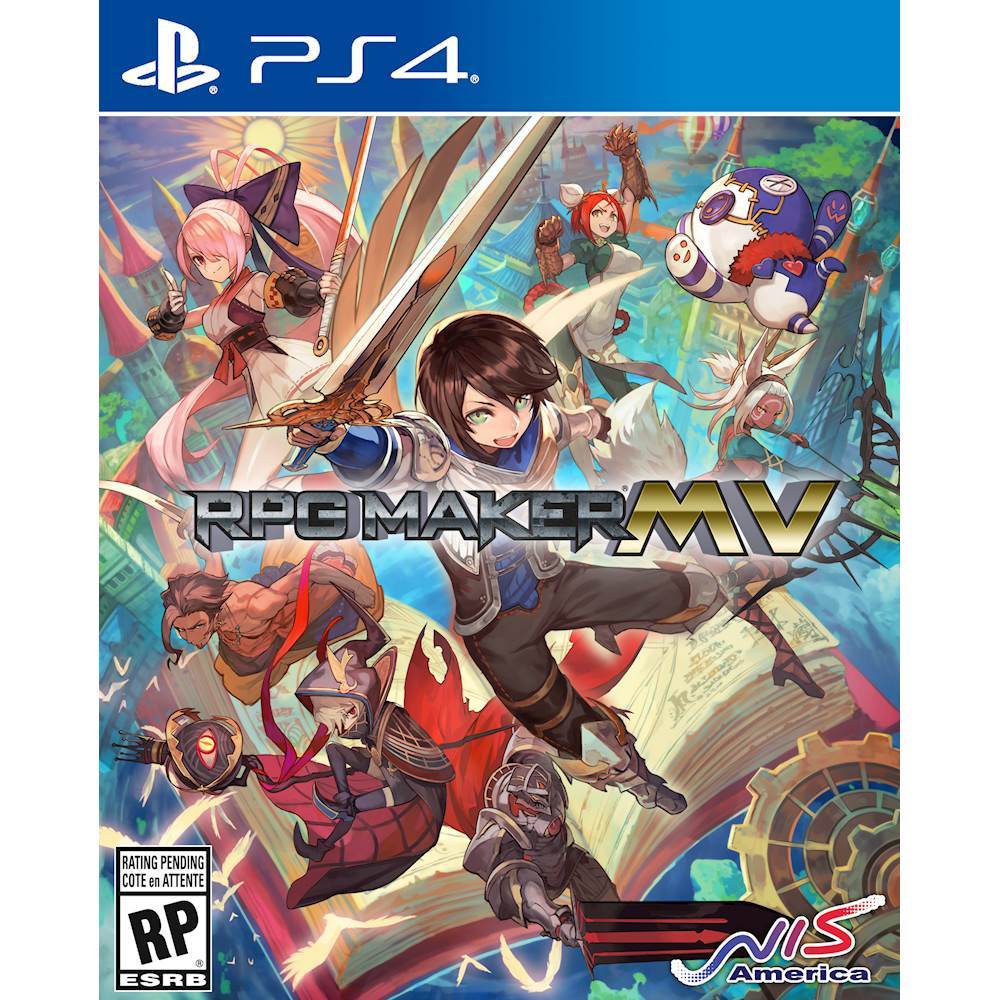
RPG Maker MV - PlayStation 5, PlayStation 4
SKU: J3GT4LV7KHSee all Physical Video GamesProduct Description
An intuitive tool for creating and customizing classic 2D RPGs on PlayStation 4 and PlayStation 5.Your price for this item is $58.49 -
Game Builder Garage - Nintendo Switch, Nintendo Switch Lite [Digital]
SKU: JCQ6HQS649Great !...I jumped in and played the tutorial and love it even more! Can’t wait to build my own game.
See all Game DownloadsProduct Description
An interactive digital experience that teaches kids visual game programming through fun, guided lessons and creative challenges.Your price for this item is $20.99Save $9The previous price was $29.99 -
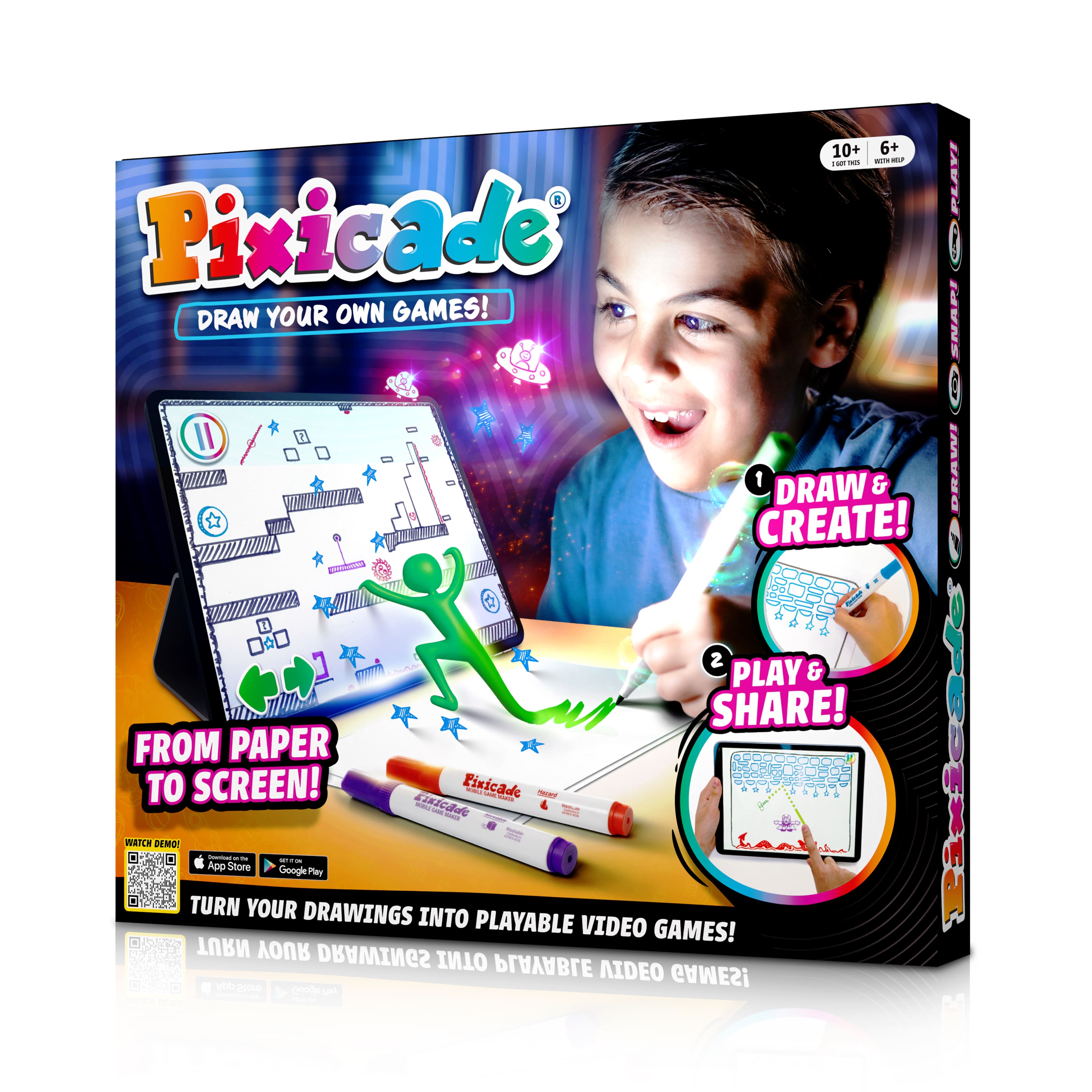
Abacus Brands - Pixicade - Draw Your Own Video Games - Multi
SKU: J3R8Z64RX7It is great for her artistic side.
See all Science Kits & ToysProduct Description
A multi-colored STEAM kit that transforms your drawings into playable video games with no assembly required.Your price for this item is $24.99
![Super Mario Maker 2 - Nintendo Switch [Digital]](https://pisces.bbystatic.com/image2/BestBuy_US/images/products/6353/6353504_sd.jpg)
![Game Builder Garage - Nintendo Switch, Nintendo Switch Lite [Digital]](https://pisces.bbystatic.com/image2/BestBuy_US/images/products/6463/6463366_sd.jpg)
Best Sellers
![Mario Kart 8 Deluxe - Nintendo Switch – OLED Model, Nintendo Switch, Nintendo Switch Lite [Digital]](https://pisces.bbystatic.com/image2/BestBuy_US/images/products/5856/5856809_sd.jpg;maxHeight=144;maxWidth=200?format=webp)
![Super Mario Odyssey - Nintendo Switch [Digital]](https://pisces.bbystatic.com/image2/BestBuy_US/images/products/5933/5933200_sd.jpg;maxHeight=144;maxWidth=200?format=webp)
![The Legend of Zelda: Breath of the Wild - Nintendo Switch [Digital]](https://pisces.bbystatic.com/image2/BestBuy_US/images/products/5772/5772919_sd.jpg;maxHeight=144;maxWidth=200?format=webp)
![Super Smash Bros. Ultimate - Nintendo Switch [Digital]](https://pisces.bbystatic.com/image2/BestBuy_US/images/products/6306/6306292_sd.jpg;maxHeight=144;maxWidth=200?format=webp)
![Animal Crossing: New Horizons - Nintendo Switch [Digital]](https://pisces.bbystatic.com/image2/BestBuy_US/images/products/6394/6394530_sd.jpg;maxHeight=144;maxWidth=200?format=webp)
![Mario + Rabbids Kingdom Battle Standard Edition - Nintendo Switch [Digital]](https://pisces.bbystatic.com/image2/BestBuy_US/images/products/6208/6208411_sd.jpg;maxHeight=144;maxWidth=200?format=webp)
![New Super Mario Bros. U Deluxe - Nintendo Switch [Digital]](https://pisces.bbystatic.com/image2/BestBuy_US/images/products/6321/6321838_sd.jpg;maxHeight=144;maxWidth=200?format=webp)
Related Pages





FAQ
When choosing game making software, consider features like a user-friendly interface, support for 2D or 3D development, built-in asset libraries, cross-platform exporting, scripting capabilities, and community support. These features can help streamline your development process and expand your creative possibilities.
Yes, many game making software options are designed with beginners in mind, offering drag-and-drop functionality, tutorials, and extensive documentation. Some platforms also have active communities where you can find resources and ask questions as you learn.
Many game making software solutions allow you to export your games to multiple platforms, such as Windows, Mac, iOS, Android, and popular gaming consoles. Always check the software's export options to ensure it supports the platforms you are targeting.
Not necessarily. Some game making software offers visual scripting or drag-and-drop tools that require no coding experience. However, having some programming knowledge can unlock more advanced features and customization options.
Absolutely. Most game making software comes with built-in tutorials, comprehensive documentation, and access to online forums or communities. Additionally, there are many free and paid courses, video tutorials, and books available to help you get started and improve your skills.