Installing HDMI
-
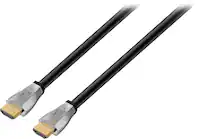
Cable Leader - 4K High-Speed CL2-Rated HDMI Cable with Ethernet, 26 AWG In-Wall Rated for Home Theater, Conference Room - Black
SKU: J39TZ8R9Y7See all 4K HDMI (2.0) CablesProduct Description
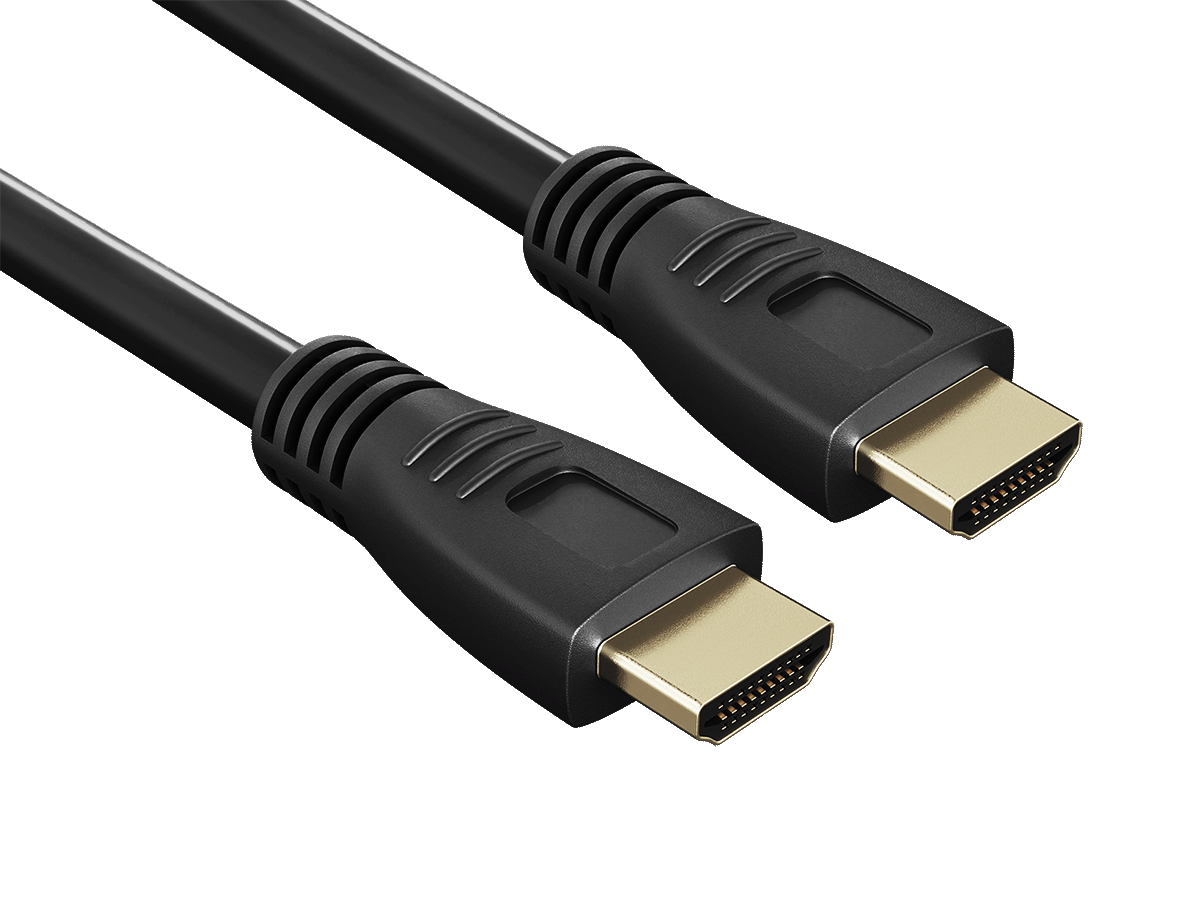
A black CL2-rated HDMI cable with gold-plated connectors, supporting 4K, HDR10, ARC, and Ethernet.Your price for this item is $31.49 -
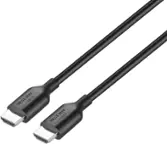
Cable Leader - 4K High-Speed CL2-Rated HDMI Cable with Ethernet, 26 AWG In-Wall Rated for Home Theater, Conference Room - Black
SKU: J39TZ8RQVTSee all 4K HDMI (2.0) CablesProduct Description
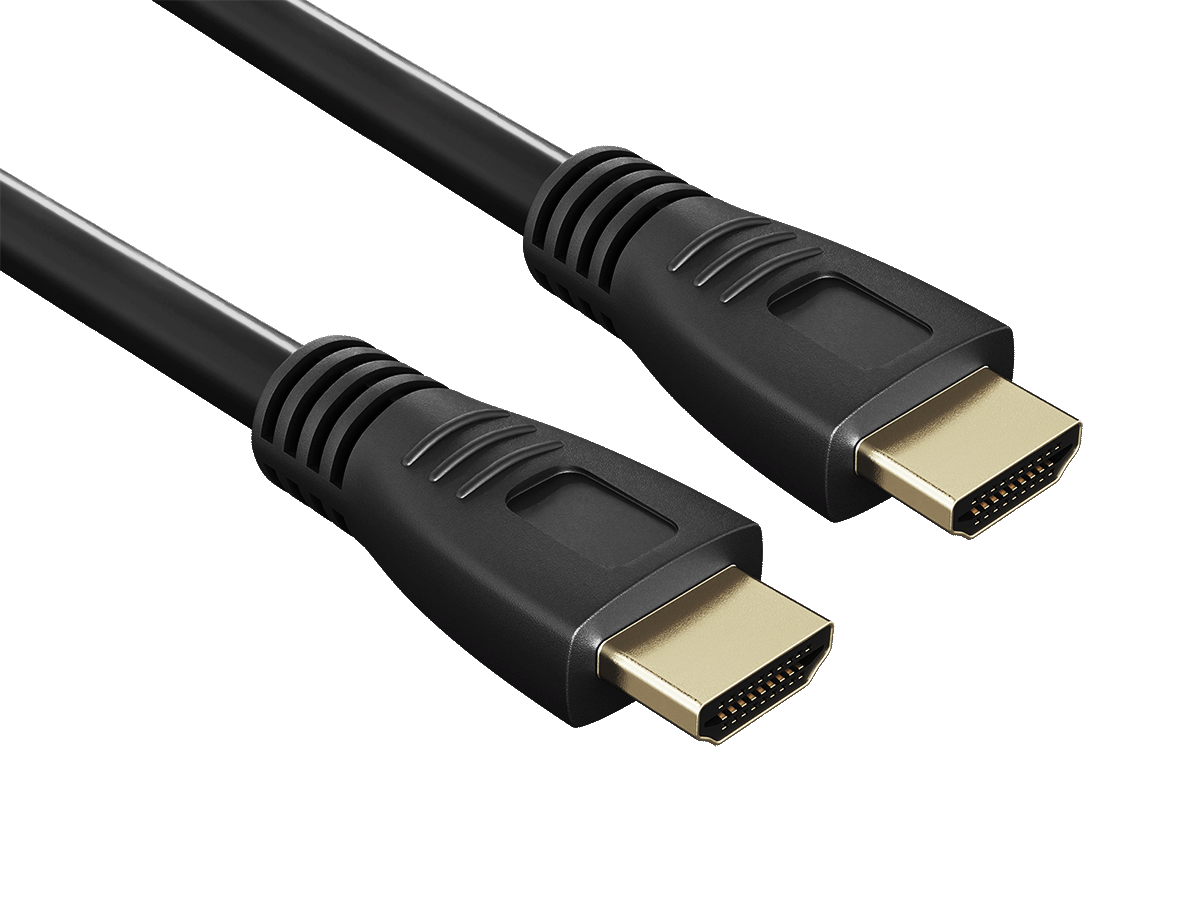
A black CL2-rated HDMI cable with gold-plated connectors, supporting 4K, HDR10, ARC, and Ethernet.Your price for this item is $29.99 -
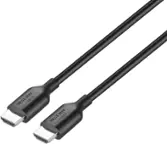
Cable Leader - 4K High-Speed CL2-Rated HDMI Cable with Ethernet, 26 AWG In-Wall Rated for Home Theater, Conference Room - Black
SKU: J39TZ8QPCYSee all 4K HDMI (2.0) CablesProduct Description
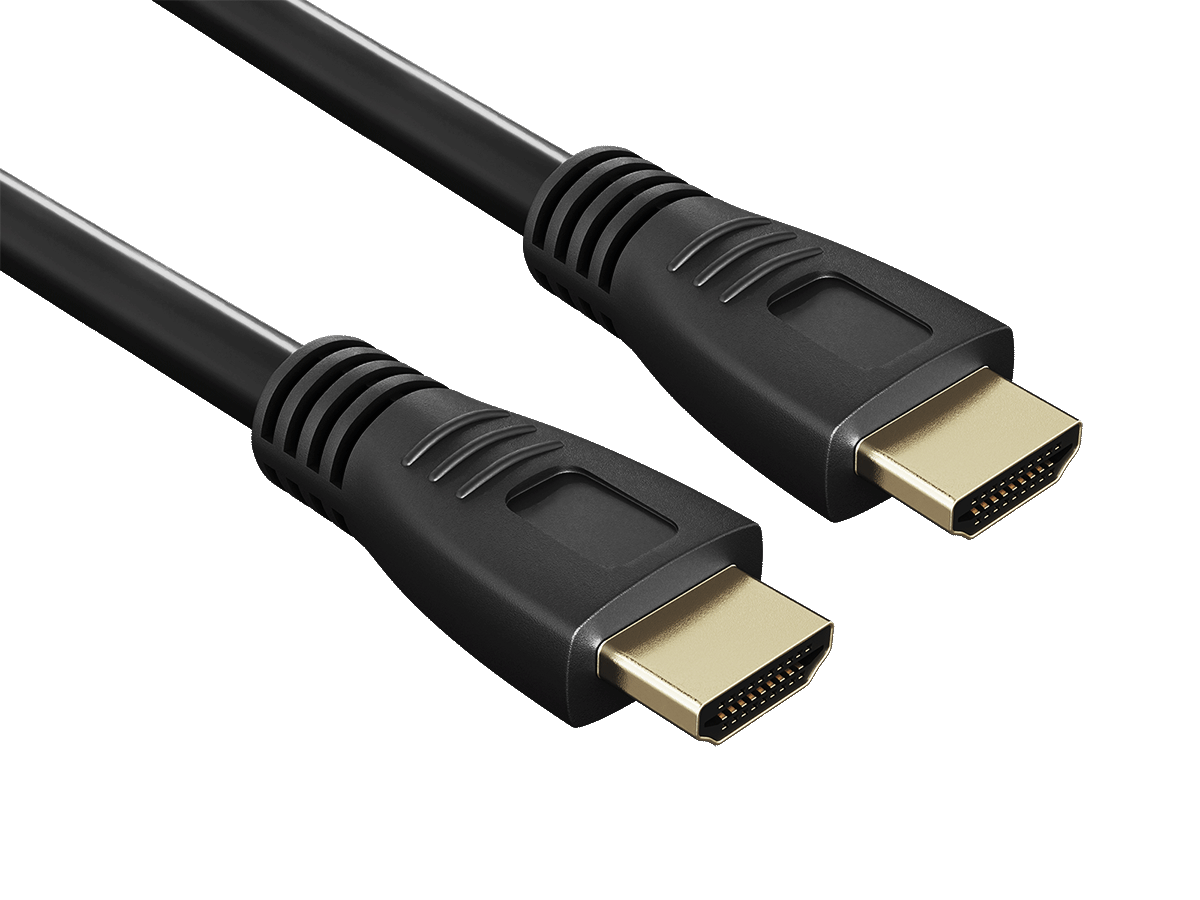
A black, CL2-rated HDMI cable with gold-plated connectors supports 4K, HDR10, ARC, and in-wall installation.Your price for this item is $36.99 -
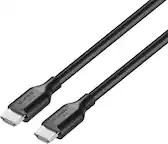
Cable Leader - 4K High-Speed CL2-Rated HDMI Cable with Ethernet, 26 AWG In-Wall Rated for Home Theater, Conference Room - Black
SKU: J39TZ8RQVPSee all 4K HDMI (2.0) CablesProduct Description
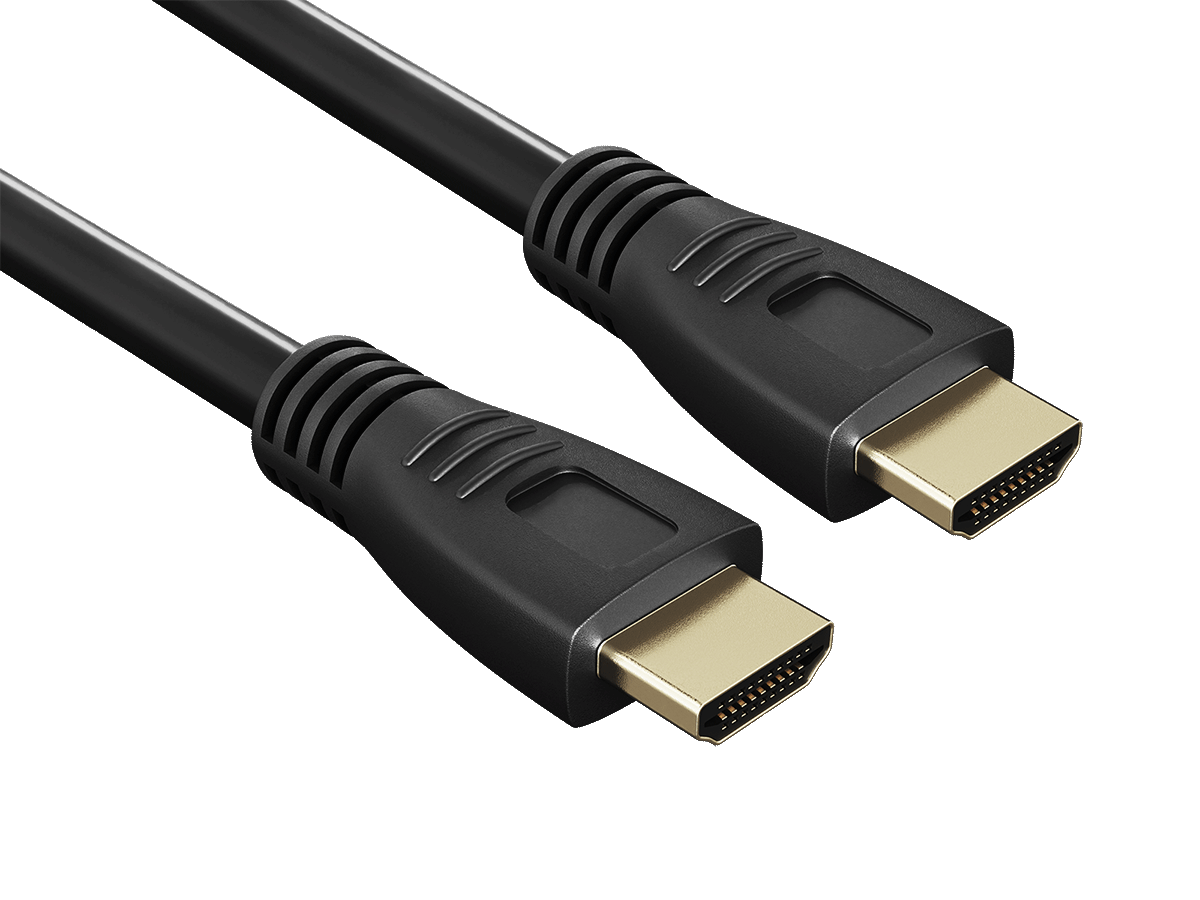
A black CL2-rated HDMI cable with gold-plated connectors, supporting 4K, HDR10, ARC, and Ethernet.Your price for this item is $29.99 -
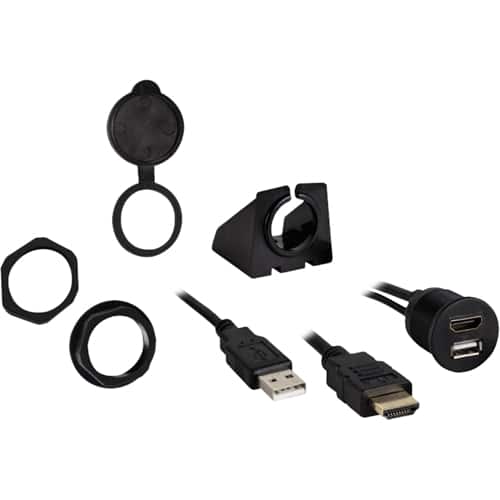
Metra - Install Bay HDMI/USB Pass Through Extension - Black
SKU: J7RX7YJGH6Other than that it works great and integrates seamlessly into the dash of my vehicle....Great product for my vehicle...Blends in great
See all Car Installation Parts & AccessoriesProduct Description
A black HDMI/USB pass-through extension with water-resistant cover for safe, versatile in-vehicle connectivity.Your price for this item is $19.99 -
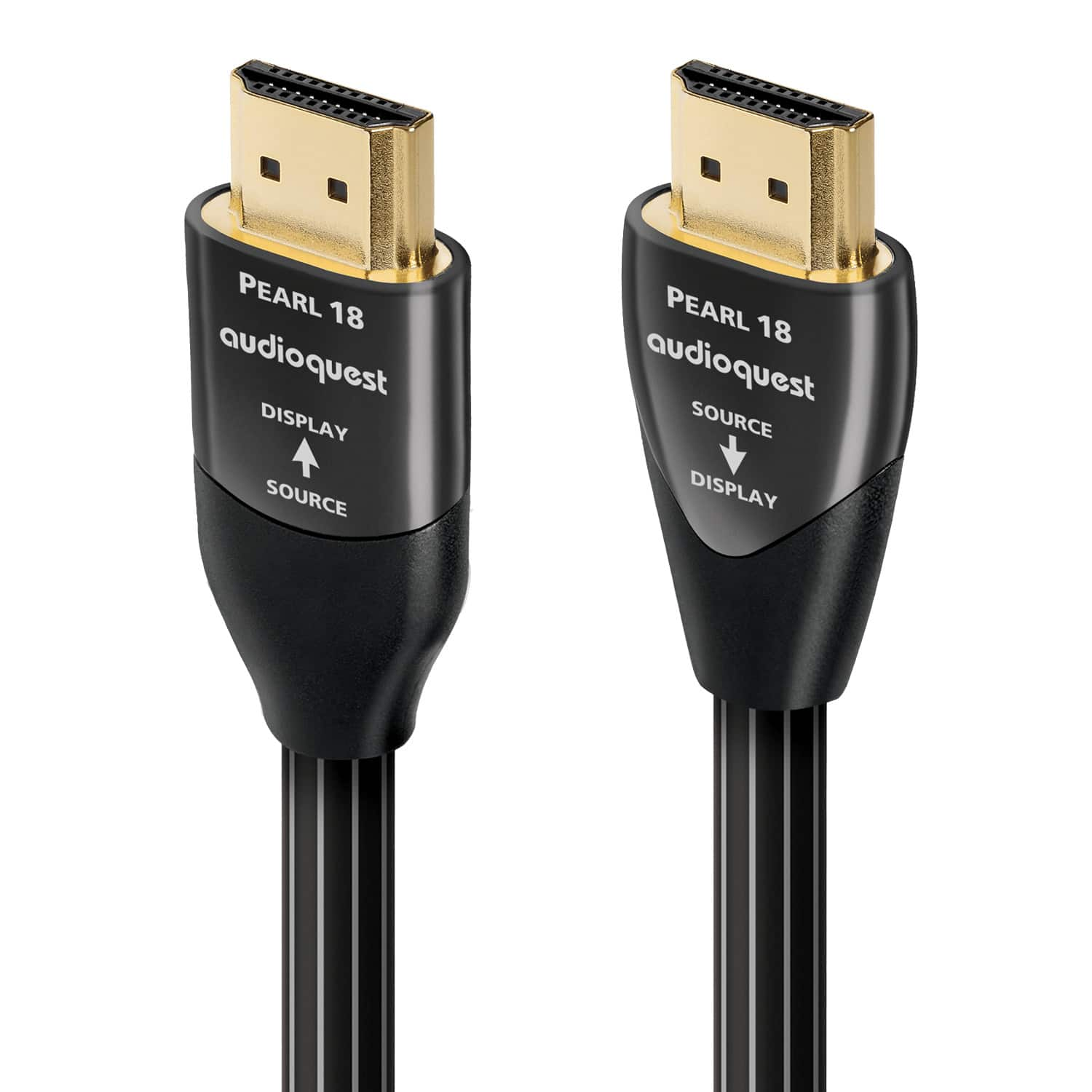
AudioQuest - Pearl 18 49.2' 4K-8K 18Gbps In-Wall Rated HDMI Cable - Black with White Stripes
SKU: J7QX8P6VLPLove it...Product works great. I was please at the dataset shipping and how easy it was to install....Great buy
See all 4K HDMI (2.0) CablesProduct Description
A high-speed black HDMI cable with white stripes, supporting 4K-8K video and in-wall installation.Your price for this item is $549.95 -
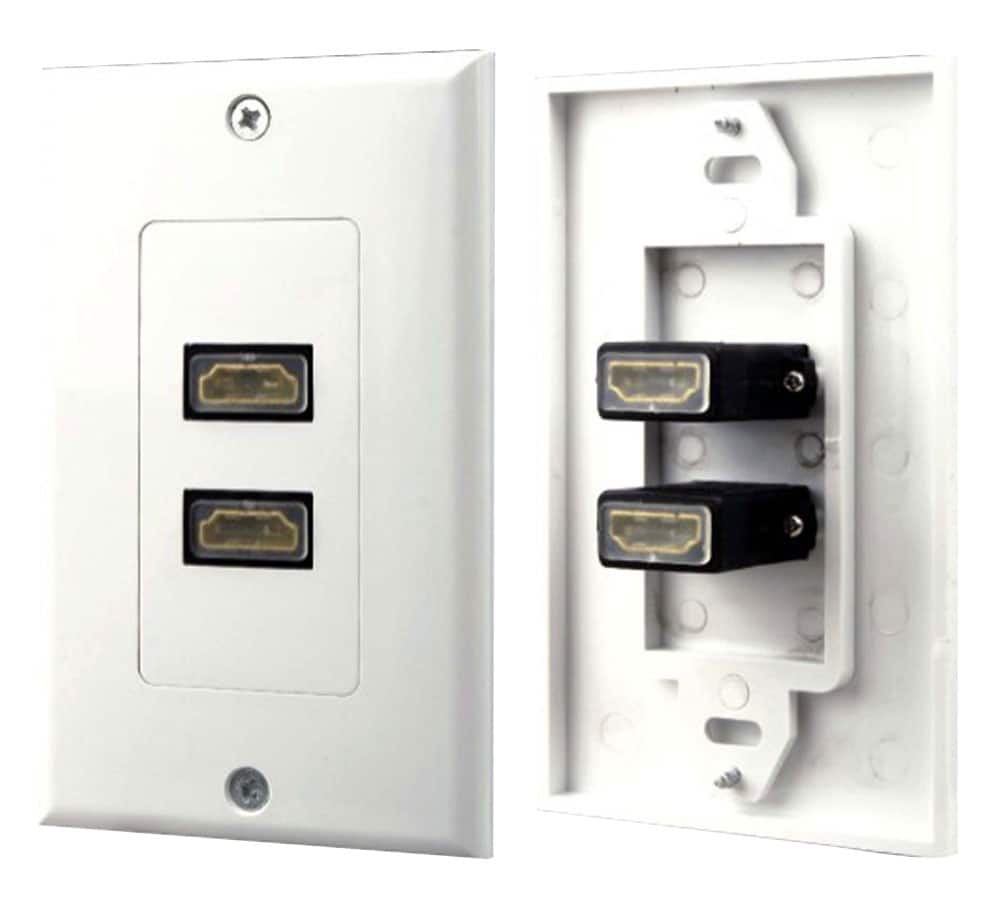
Pyle - Home PHDMF2 Dual HDMI Wall Plate - White
SKU: J7SGX3RC9XSee all Electrical Outlets & ReceptaclesProduct Description
A white wall plate offering dual HDMI and RCA audio connections for a clean, professional home theater setup.Your price for this item is $24.99 -
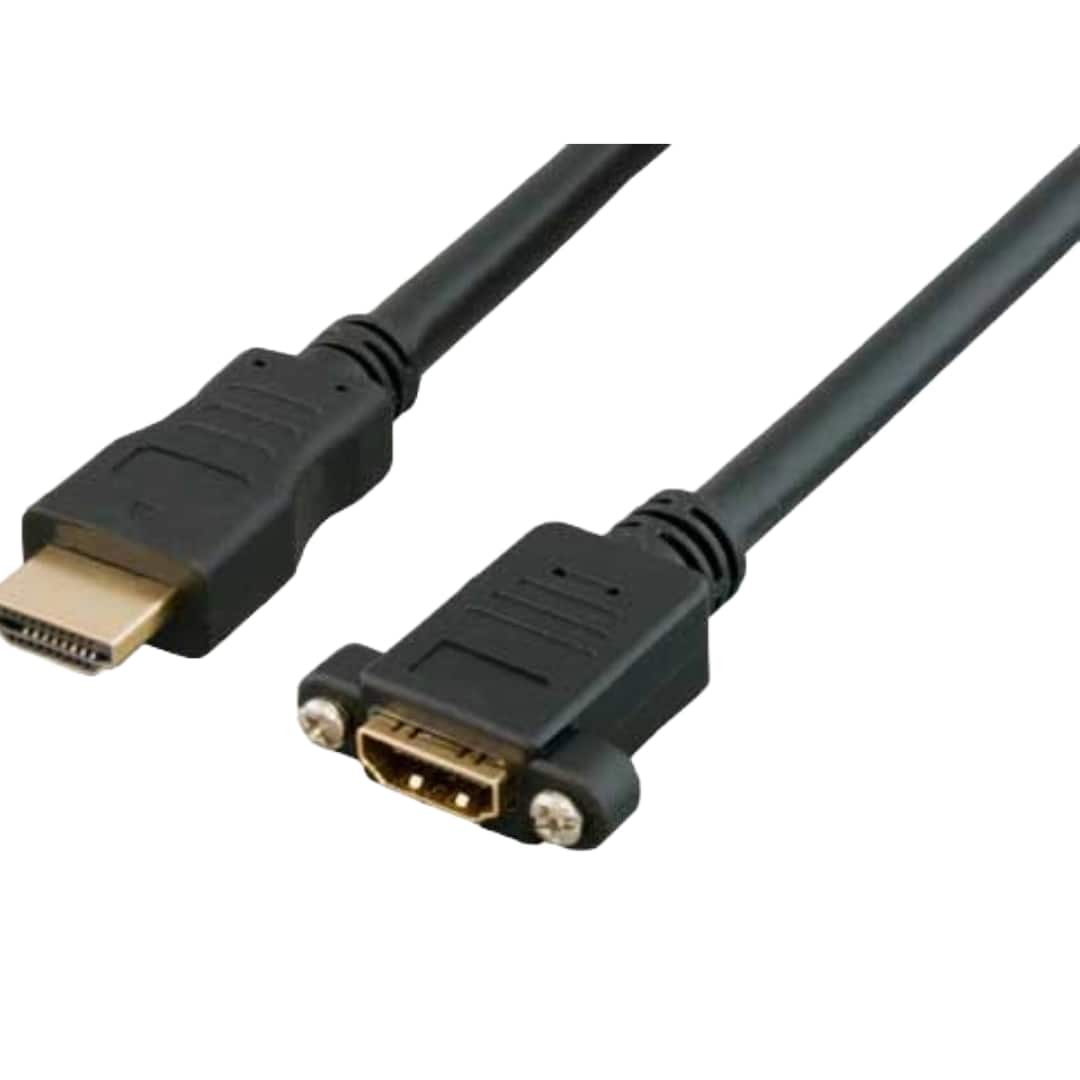
Sanoxy - 1ft HDMI Panel-Mount Male to Female Extension Cable with Ethernet - Black
SKU: B8SKTHFQYHSee all Ethernet CablesProduct Description
A black HDMI extension cable with panel-mount design for easy, embedded installation and Ethernet support.Your price for this item is $15.99 -
Cable Leader - High-Speed HDMI Panel Mount Extension Cable Male to Female, 28 AWG 4K Support for Server Rack, AV Cabinet - Black
SKU: J39TZ8RHJ5See all 4K HDMI (2.0) CablesProduct Description
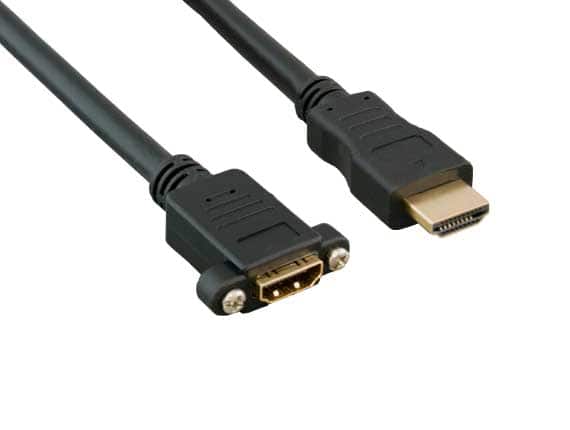
A black HDMI extension cable with panel-mount flange, gold-plated connectors, and 4K Ultra HD support.Your price for this item is $13.49 -
Cable Leader - High-Speed HDMI Panel Mount Extension Cable Male to Female, 28 AWG 4K Support for Server Rack, AV Cabinet - Black
SKU: J39TZ8RHCPSee all 4K HDMI (2.0) CablesProduct Description
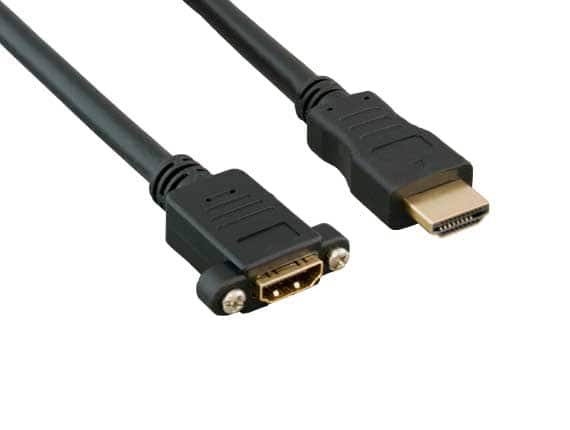
A black, panel-mount HDMI extension cable with gold-plated connectors supports 4K, HDR10, and Ethernet.Your price for this item is $13.99
Best Sellers
Related Pages


FAQ
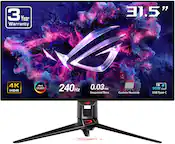
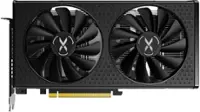
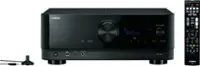
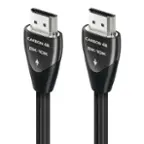
To install an HDMI cable, you typically need the cable itself and access to the HDMI ports on your devices. In some cases, a screwdriver may be helpful if you need to move or adjust equipment, but no specialized tools are required for the cable connection.
Yes, HDMI cables are compatible with a wide range of devices, including TVs, monitors, gaming consoles, Blu-ray players, soundbars, and computers. Simply connect the HDMI cable from your source device to the display or audio device.
After connecting your HDMI cable, you may need to select the correct HDMI input on your TV or monitor. On some devices, you might also need to adjust the audio or video output settings to ensure the best performance.
Most modern devices have multiple HDMI ports labeled as HDMI 1, HDMI 2, etc. You can use any available port, but make sure to select the corresponding input source on your display device to view content from the connected device.
Yes, HDMI cables are designed to transmit both high-definition video and digital audio signals through a single cable, making setup simpler and reducing cable clutter.