iPad Remotes
-
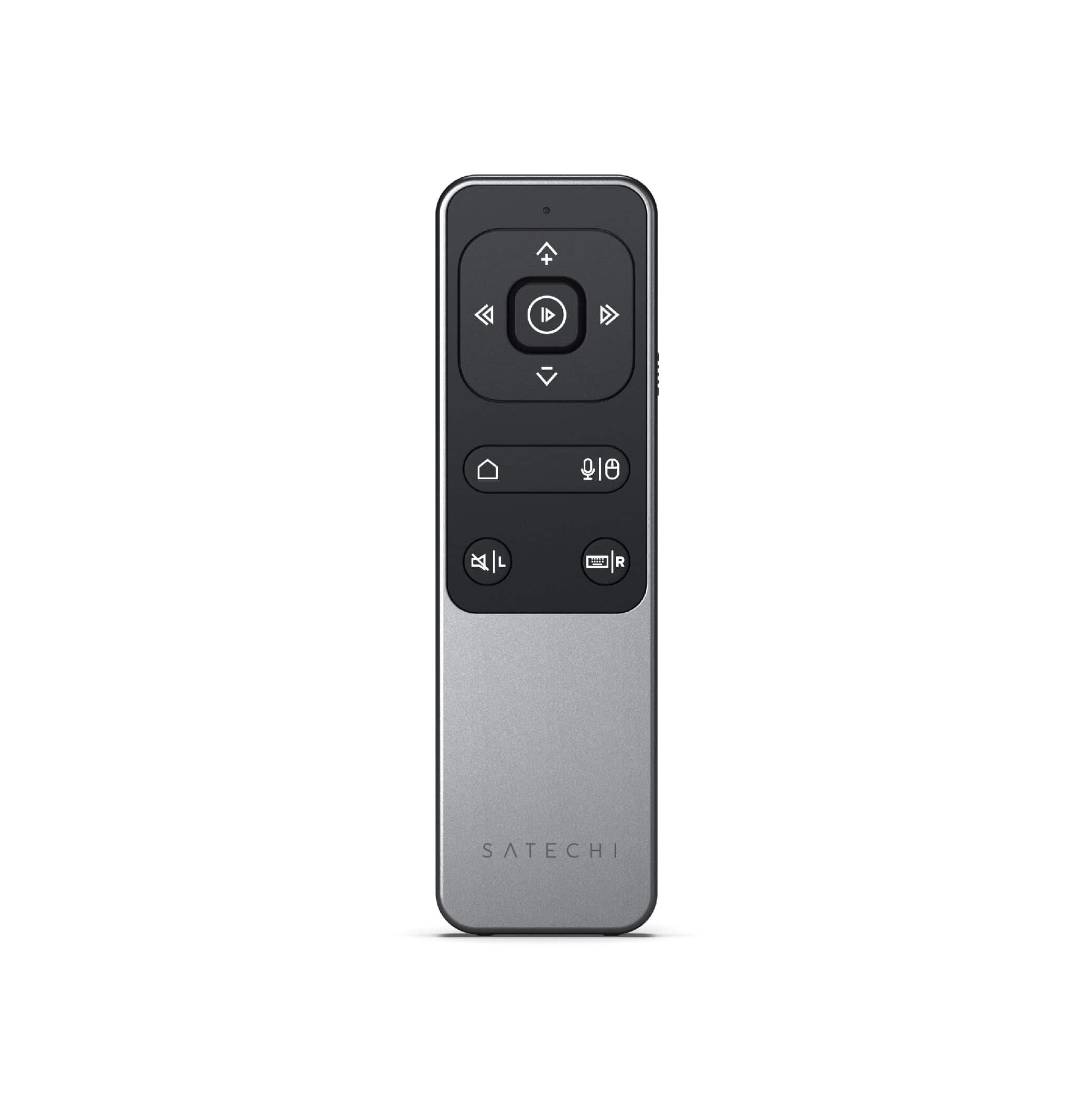
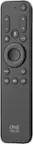
Satechi - R2 Bluetooth Multimedia Remote Control - Space Gray
SKU: J3KXL7XRFPGreat for controlling YouTube pause and play wirelessly....No annoying USB dongle to lose, works great with macOS.
See all TV Remote ControlsProduct Description
A sleek space gray Bluetooth remote offering nine buttons, Siri voice support, and convenient media control.Your price for this item is $44.99 -
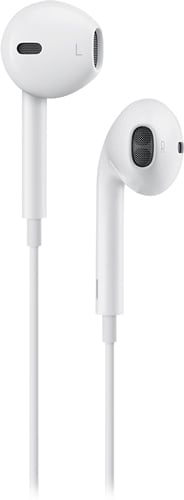
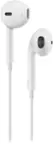
Apple - EarPods with 3.5mm Plug - White
SKU: JJGCQ3WR83Best sound!!! Great earphone quality love how great it sounds...Great product. Great service at best buy. Love it....Great product...Great !!
See all Earbud & In-Ear HeadphonesProduct Description
A pair of white in-ear wired headphones with in-line remote, built-in microphone, and water resistance.Your price for this item is $14.88Save $5The previous price was $19.99 -
Apple - EarPods with 3.5mm Plug - White
SKU: JJ8XJG2435Best review
See all Earbud & In-Ear HeadphonesProduct Description
A pair of white wired in-ear headphones with built-in microphone, in-line remote, and water resistance.Your price for this item is $24.97
Best Sellers



Related Pages




FAQ
When choosing an iPad remote, consider features like Bluetooth connectivity, compatibility with your iPad model, customizable buttons, ergonomic design, and battery life. Some remotes also offer multimedia controls, presentation functions, or smart home integration for added convenience.
Yes, many iPad remotes are designed with presentation controls, allowing you to navigate slides, adjust volume, and even use a laser pointer feature. Make sure the remote supports the presentation app you use, such as Keynote or PowerPoint.
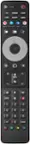
Yes, there are universal remotes compatible with iPads that can control multiple devices, including smart TVs, streaming devices, and home automation systems. These remotes typically connect via Bluetooth or Wi-Fi and may require a companion app for setup.
Some iPad remotes work right out of the box, while others may require you to download a companion app for full functionality or customization. Always check the product details to see if a specific app is recommended or required.
Certain iPad remotes are designed for gaming and offer features like responsive buttons and joystick support. Look for remotes that specifically mention compatibility with iOS games or have MFi (Made for iPhone/iPad) certification for the best gaming experience.