Mac Remotes
-
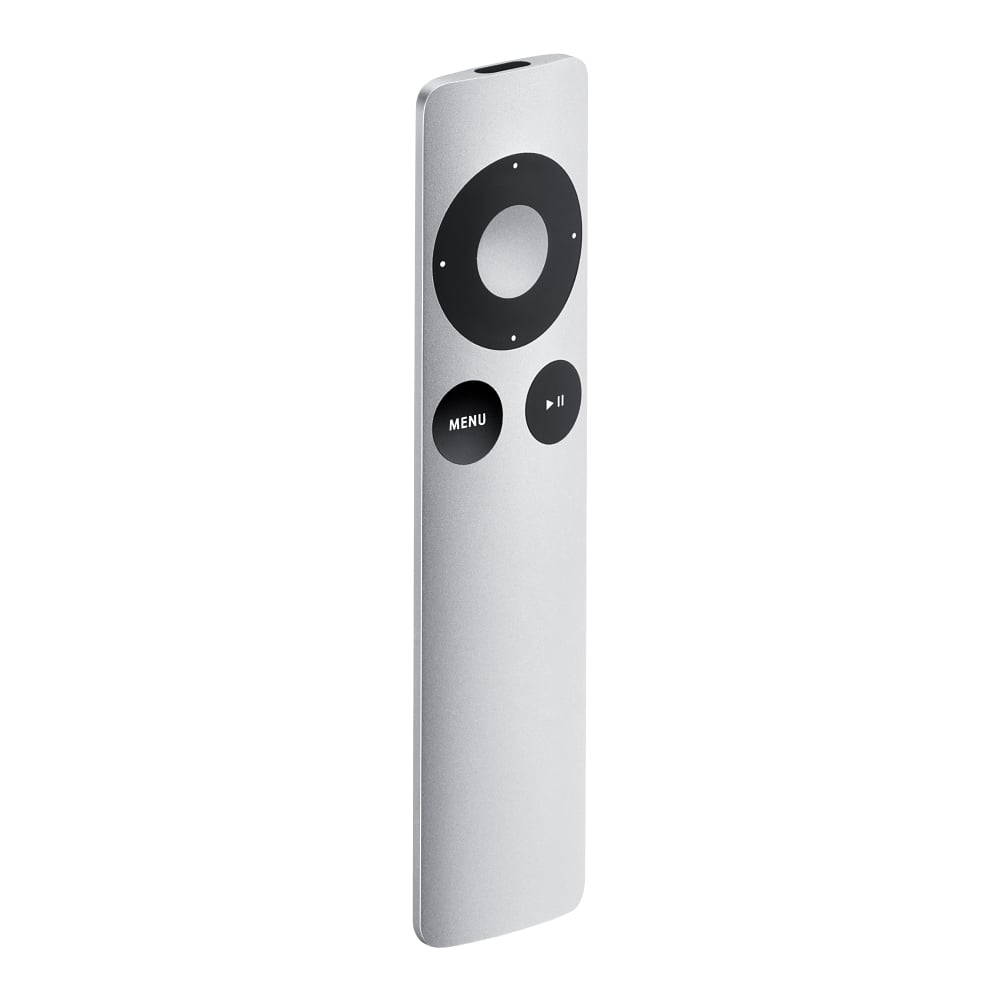
Apple - Remote - Silver
SKU: J3ZR2RZHHHSee all Universal TV Remote ControlsProduct Description
A sleek silver infrared remote that lets you control your Apple devices and media playback with ease.Your price for this item is $29.99 -
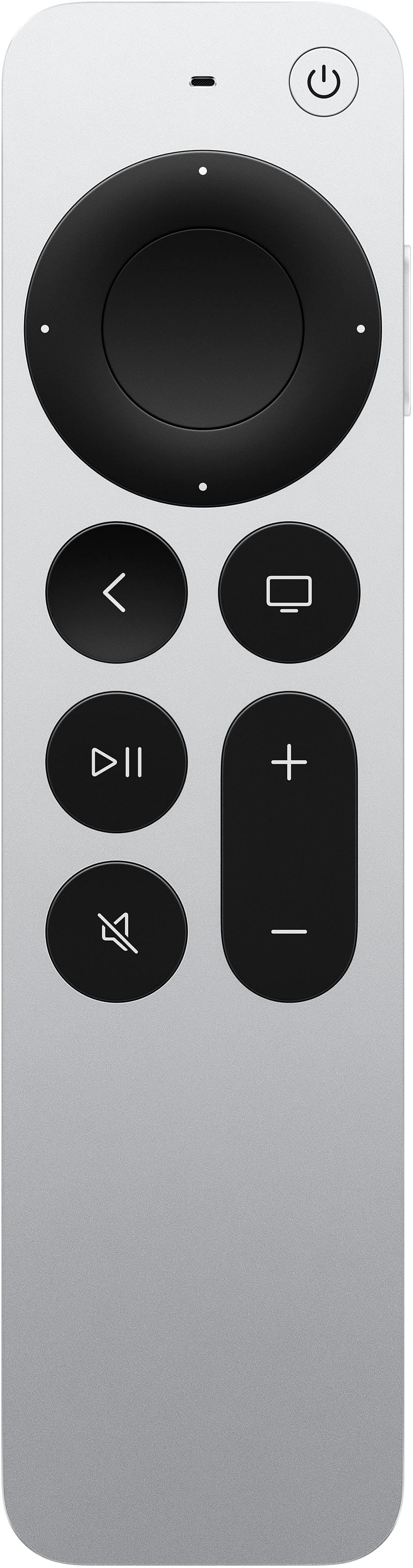
Apple - Siri Remote (3rd Generation) - Silver
SKU: JJGCQ3S88RBest Buy has great products. I love this remote and it works really well....Love my Best Buy recommended Siri Apple TV remote...Great recommendation!
See all TV Remote ControlsProduct Description
A sleek silver remote offering precise touch control, voice search with Siri, and convenient USB-C charging.Your price for this item is $59.99 -
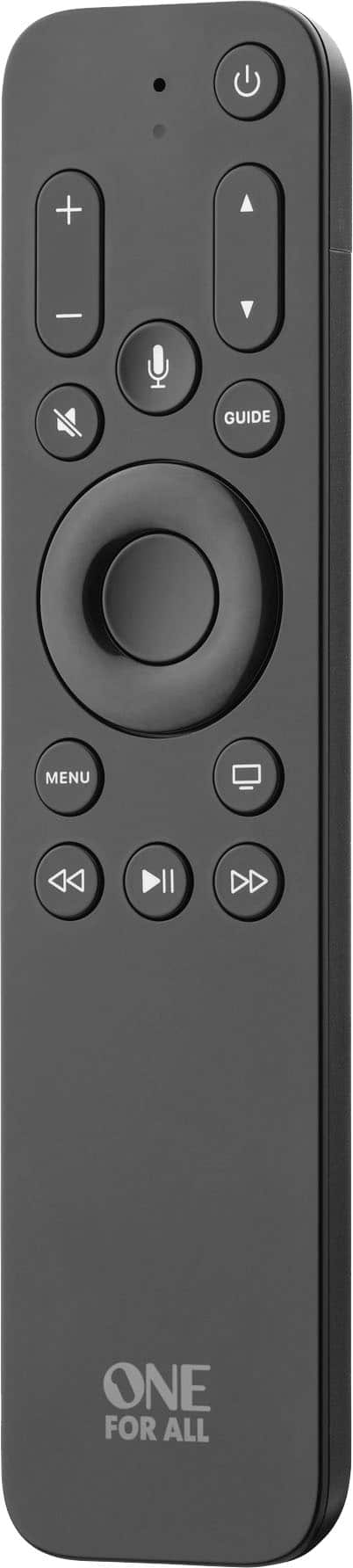
One for All - Apple TV Remote - Black
SKU: J3GWQP27QJLove it! Better than my original. Highly recommend...Great product...The Best
See all Universal TV Remote ControlsProduct Description
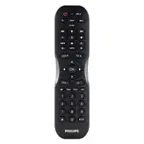
A black universal remote with Siri voice search, backlit keys, and intuitive control for multiple devices.Your price for this item is $39.99 -
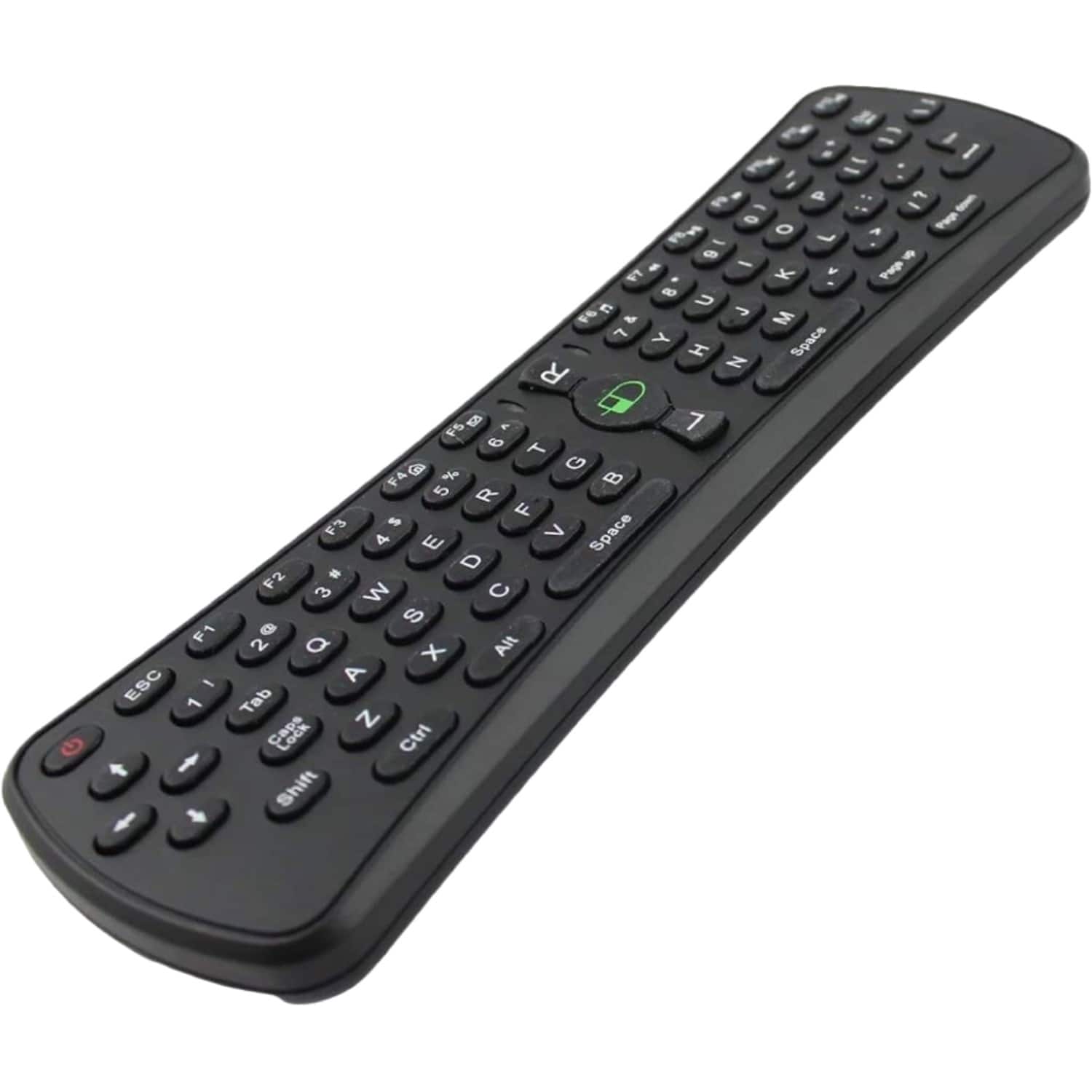
Sanoxy - 2.4GHz Wireless Air Mouse Keyboard with Gaming Support - Black
SKU: B8SKTH3RZLSee all Universal TV Remote ControlsProduct Description
A compact black wireless air mouse and keyboard combo with gaming support, compatible with multiple operating systems.Your price for this item is $19.99
Best Sellers


Related Pages





FAQ
There are several types of Mac remotes available, including infrared (IR) remotes, Bluetooth remotes, and universal remotes that are compatible with Mac computers. Some remotes are designed specifically for media control, while others offer additional features like presentation controls or programmable buttons.
Compatibility depends on your Mac model and the type of remote. Most Bluetooth remotes work with Macs that have built-in Bluetooth, while IR remotes require an IR receiver. Always check the product’s compatibility information to ensure it will work with your specific Mac.
Mac remotes typically allow you to control media playback, adjust volume, navigate slideshows, and launch specific applications. Some advanced models may also offer customizable buttons, mouse control, and support for multiple devices.
Yes, many Mac remotes are designed with presentation features such as slide navigation, laser pointers, and app shortcuts, making them ideal for Keynote or PowerPoint presentations on your Mac.
Setting up a Mac remote typically involves pairing it via Bluetooth or plugging in a USB receiver for wireless remotes. For IR remotes, your Mac must have an IR receiver. Follow the manufacturer’s instructions for pairing or connecting the remote, and you may need to adjust your Mac’s settings to enable remote control.